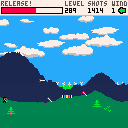
Procedurally generated archery game, inspired by "Desert Golfing". My first effort at a Pico-8 game - came out pretty well I think!
Also on itch, with some basic mobile support - https://epbarger.itch.io/endless-archery
EDIT - I ended up turning this into a full-fledged iPhone game! https://itunes.apple.com/us/app/endless-archery/id1390437916


 10 comments



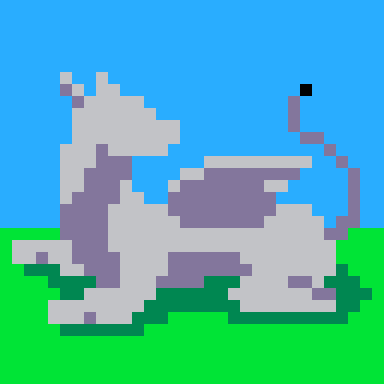



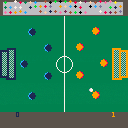
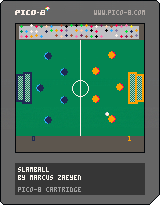
Prototype for Bennett Foddy's Pixel Prototype Studio, NYU Game Center
2 player, SLAMMIN foosball
Player 1: ESDF
Player 2: Arrow keys
make that lil crowd proud :')
Music by Elizabeth Castaño
9 comments


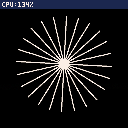
This cart is just to provoke @zep (or any other true Pico-8 genius) into releasing a fast anti-aliasing demo cart!
The code is a LUA port of that paper:
http://jamesarich.weebly.com/uploads/1/4/0/3/14035069/480xprojectreport.pdf
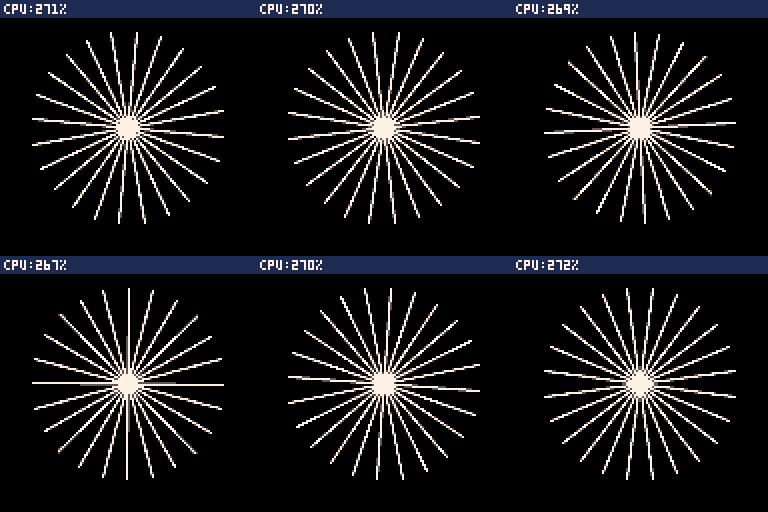
Note: I don't get how an incremental line drawing routine (a la Bresenham) can be that slow (compared to the native version). 270% cpu usage for 16 lines sigh...
12 comments



I am looking to hopefully animate the title of my title screen. Are there any good tutorials that you recommend? I really love the sparkles in TRASEVOL_DOG's Mushroom Délicieux, as well as how the title moves up and down. I attempted to isolate the code for it, but I can't seem to figure all of it out. I tried referencing the 'hello' demo to animate the motion of my title too. :-/ Any help is appreciated.
2 comments


Hi everyone!
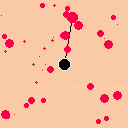
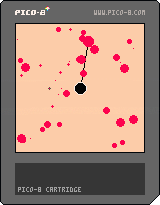
this is the first game i made for the PICO-8, and it's totally not finished :)
In this game, you play e poor little cancer cell, who wants to make friends. So you create links between you and the other cell, and when you have made enough connection with a cell, she become you friend forever ! beautiful no ?
in this actual version you can :
-Select a heatly cell with dpad
-Change selection mode with button 4
-Create a link between a heathly cell and a cancer cell using button 5
-Convert cell when they have enough links
Coming soon (idk when):
-GUI
-text introduction
-cute cell animation
-dialogue
-end cinematic
-gameplay enchaiment
-tutorial
hope you enjoyed it !
0 comments

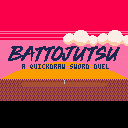
When two samurais meet under the sunset, all that matters is who draws his katana first, in the right moment.
A short game inspired by Samurai Kirby.
How to Play:
Wait for the "!" signal to attack. When the signal appears, push X
Do it on time and you'll score a hit. Do it before the signal or slower than your foe and you'll suffer a hit.
Controls:
1P: X or Z to attack, UP/DOWN to select mode
2P: Q or W to attack, E/D to select mode
Changelog:
v1.1:
- Local 2 Players mode added
- Fault State added: player loses a hit point if he presses the attack button before the signal
- Tie State: is now possible that both players attack at the same frame. When this occur, no one loses life.
- Initial life and HP recovery: Player's life been reduced from 5HP to 3HP on single player mode. However, player will gain 1HP for each two battles won, for a maximum of 6HP
- Now running of 60FPS for getting faster inputs
- General bugfixing and code optimization (or at least tried)
10 comments


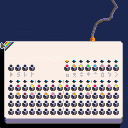
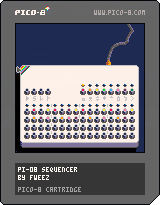
Here's a little sequencer groovebox thingy. It reads (and writes!) 16 notes from four sfx slots (10-13), which loop in pattern 0. It uses sfx 0-7 as instruments. Tempo can be changed, and the sequence can save into a p8 ("drummachine.p8" right now) if you want to use the sequences somewhere else.
Click on a waveform (one of the colored, labeled buttons in the upper right), then click on a button in the sequencer area (the lower 4 rows) to set that waveform to play at that note. Each vertical row plays simultaneously.
The waveforms are intended to be: kick, snare, open hi hat, closed hi hat, crash, cowbell, bloop, bleep. They need some work.
Click the upper left button to begin playback. The next button (labeled "s") saves the sequence. The last two buttons in that section control tempo; the first loop after setting the tempo can have a glitchy ending, for reasons I can't figure out.
It's controllable with the controller buttons, but was intended to be used with the mouse (or, better, a touchscreen like on the pocket chip).
Todos: Add the ability to create more patterns, and play through them. Improve the waveforms.
[i]update:
6 comments



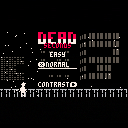
Noir style shooter for Fantasy Console Jam. Only the 1st level at the moment... More to come.
0 comments




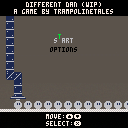
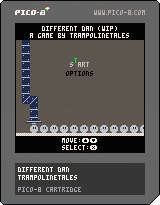
Different Dan is a game about existing in a world that isn't designed for you.
Still in development. Follow me on Twitter for updates!
@TrampolineTales
TODO:
- Options menu
- Music
- SFX
- Additional levels
0 comments
Coding is in an entirely different realm than what I am used to. That being said, attempting to create a pickup item has been a bit of a nuisance. I am trying to avoid collisions and utilize tiles/sprites instead. With what I currently have, how can I impliment mget/mset to make an item disappear or even be replaced with another sprite when the player interacts with it? I have tried to mimic the 'solid_tile' format used with each btn and tried to figure out @morningtoast's method...

 0 comments
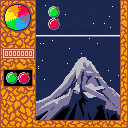
My very first finished game, ever! It's a demake of an old game from my childhood, which is sadly no longer online (at least the version I fondly remember), so here comes the fix. It's a mix between match-3 and 2048. Three of each kind give one of the next. Will you reach gold? (Please don't, the sprite for gold is very dissapointing)
This is also my first project made with Pico 8, as well as the first time I do pixel art. Both of those turned out to be both easier and more interesting than anticipated :D
If anyone has any suggestion to improve it, please do so! Also, it's missing music, and I can't fix that by myself (yet)
8 comments



First thing - Hi! I've just started my journey in Pico8 land and love it so far.
I was wondering if there's some form of read-it-away-from-a-computer reference pico8 document I can use for when I'm trying to learn the language off-line. I'd really love to grok it so that I know all the built in stuff and that it's hammered into my brain using all the various learning methods at my disposal including copying code from examples, adapting them to my own purposes and then trying to recall them to make simple stuff on my own until I get to the point it's all so second nature that I can then concentrate on the bigger picture.
What I'm getting at is that there's loads of type along examples (which is great - thanks everyone!), but what I'd like to take advantage of is some nice explanations of built in functions and methods and practices for doing what we do specifically in pico8 that don't require me to type anything (for the times when I'm on the train, in the bath. etc.)
Thanks in advance!
2 comments


Hello there, I am a total noob when it comes to Lua and Pico 8 but I have been trying to get past my own limitations.
However I kind of need help finding a better direction to code everything. I know there are demos and countless searches on the internet keep telling me to look at them but everything is so short hand that even JELPI is ridiculously complex looking.
Like I want to learn, but a lot of things with the code in JELPI might be too optimized for me to get just be glancing at it.
This is what I have been working on:
link my P8 file
><
Still don't know how to get embed...
Just looking at the code there is some problems as using booleans like that allows the controls to break down due to holding down a button. Was trying to fix that.
Again I am really trying to start from Zero experience so it would be great if you know of good video/material/forms that cover this too. While looking at other people's code is neat and all... if I cannot read it... it does not help.
4 comments

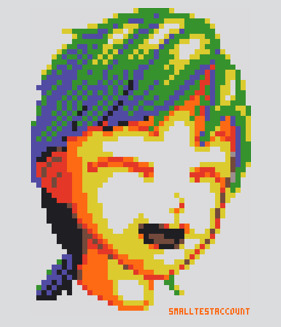




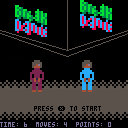
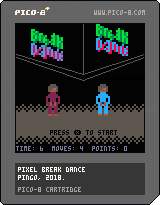
A take on the C64 game Break Dance from 1984 ([youtube]https://youtu.be/9fT-zK_Kvzc[/youtube]).
Tried to do something for this: elneil's "17 games in on", though I think it can be much more optimized than this. :)
My 2nd game so far on the Pico-8, so I'm still learning, hehe...
This should be playable though, token count 421...
Any ideas on how to improve it (make it smaller) would be great. Thanks!
/ Pingo
 1 comment

Hello,
i'm working on a new pico-8 project and with time ... my code was long and difficult to navigate in.
As the p8 file is just a textfile ... i have the idea to extract the code as lua file ... and allow to compile a lot of lua file in my p8 file.
I have just create a simple bash file that to this ... :
if existing project : -> extract code to main.lua
if new project : -> create p8file and a default main.lua file
Now can create a lot of lua file ... and everything will be compile in your gamefile when you launch the command
As you can see ... my new project is now more readable :)

It's fresh new project ( today ) , and only tested on OSX/Linux ...
https://github.com/Nakato53/p8compile
1 comment


Hi this is Tom, so first time poster please be gentle.
I recently purchased PICO-8 and started going through a cool tutorial on how to use it.
Then I got to a video about sound and tried playing sounds in the engine ( PICO-8 ).
I played them with the laptops sounds muted and the headphones not, and the issue
is that the sounds are played to the Laptop, not to my headphones ( like the video I
was just watching ). So more to the point is this a known issue / is there a workaround?
Loving the system an everything so far just have this one issue, and I don't know
how to solve it.
7 comments




Break me off a piece of that Soylent (TM) bar!
Help Old Ryan travel back to the past in this challenging puzzle game!
You will:
- Convert tasteless, bland Soylent (TM) rations into energy
- Void the warranty on your Mr. Disposal (TM) Anti-Matter Reactor
- Displace time and meet your younger self in Super Lunch-Out 2 Turbo!
Instructions:
Make matching color groups of 4 or more Soylent pieces to annihilate them and expose the reactor core, which you can then use to convert a Soylent bar into energy. Create enough energy to travel back in time!
[b]Controls:
16 comments





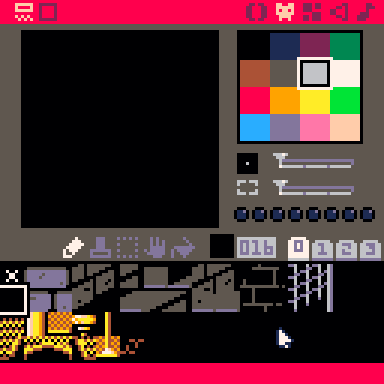
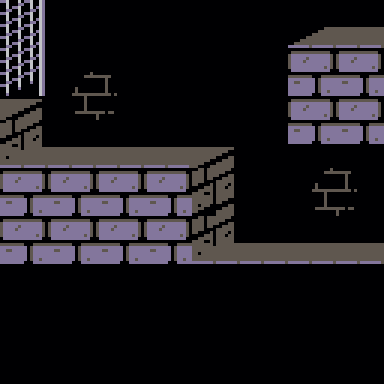
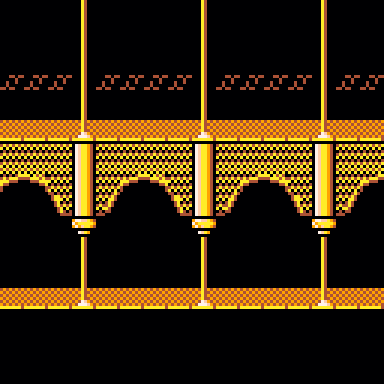
Played around with some pixeling, based on the C64 version (by MrSid ).
Maybe someone wants to actually code this thing... :)
Should be possible to compress this to even fewer sprites - then of course, do all the other levels and stuff and the amazing animations...
/ Pingo
6 comments