


WORM
MERIUS ETIS
CONTROLLS = ALL
INSPIRED BY DIARY OF UNSPOKEN TRUTHS, ARTIST, AND I, ROBOT
BY NIALL, MICHAEL, ANd PERSON
OLD


 7 comments


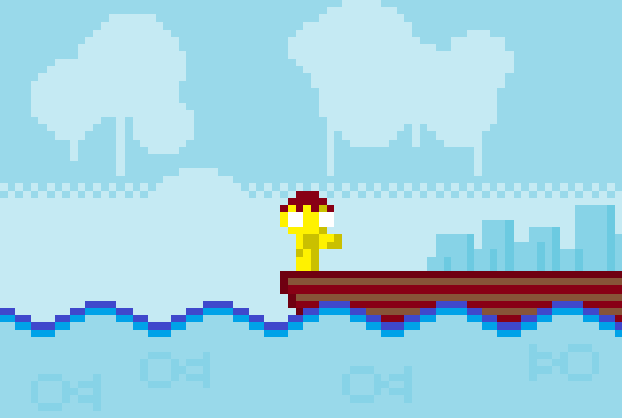




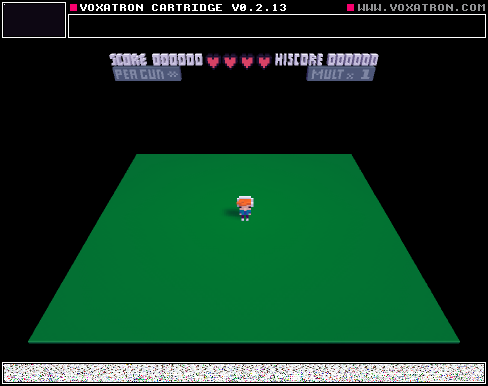
This is my friends level he makes them weekly on Wendsdays and normally he posts it on his other friends account DatoneBuilder but he asked me to post it since DatoneBuilder can't now!
2 comments


One of the things I love about PICO-8 is the flexibility of input devices; I love that a keyboard is just emulating a virtual controller that has only 4 directional buttons and two other buttons, and that I can use any controller I want (thanks largely to SDL2). That combined with the cross-platformness makes the whole thing feel very inclusive and welcoming.
However, this presents a problem for in-game button prompts or manual text: what should the buttons be called? The directional buttons are pretty standard, but it's the other two buttons that present the biggest issue.
Depending on the input device, the two non-directional buttons could be called lots of different things:
| Keyboard | Z/X or N/M |
| Xbox 360 controller | A/B |
| PlayStation controller | cross/circle |
| etc. | etc. |
23 comments



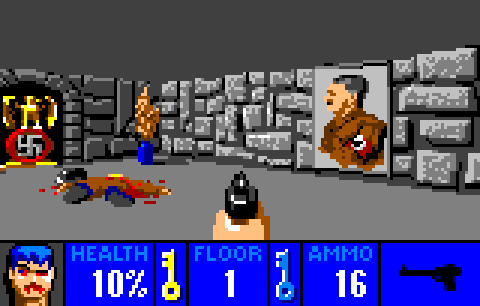


When I was checking my LD Bingo game I noticed that Pico8 started just fine the mobile browser, but unfortunately I had no way to control it. While I imagine they'd be inappropriate for most games, for turn-based games or one-button games having an option to add on-screen controls would be nice.
20 comments


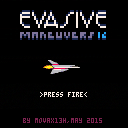
Keys: c,x,arrows
Don't touch anything.
Watch your fuel meter (hit fuel tanks).
Rewards: rocket 1000pts, ufo 500pts
This was my first Pico-8 cartridge.
4 comments



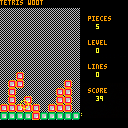
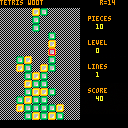
Got the controls sorted out, and redid how I store the block shapes. My original idea about a piece rotating about a point didn't match up with what Tetris did. Started playing around with animations a little bit. More to think about on that one.
Works on my machine - crashes here saying a syntax error on Line 12. Looks like some kind of preprocessing found a -- inside a string and tried to comment out the rest of the line.
 4 comments


Thought I'd start a thread for other azerty users documenting what works and doesn't, and let Zep knows he has at least one guinea pig handy for testing :D
So, what works:
- code input is mostly fine, keyboard is recognized in azerty mode with a few caveats
- "game mode" (when running cartridges) changes the input to qwerty (Z is remapped to W, Q to A...) which is actually cool since we get the same layout as qwerty users for playing.
What doesn't:
- accented vowels ("é","à","è"...). Those glyphs aren't available in pico-8 anyway afaik.
- several potentially useful glyphs: "&", "#","|","`","\","@","$",";". Those can be cut/pasted from a text editor.
- curly braces "{}" and square brackets "[]". Can be cut/pasted as well.
TL;DR: Pico-8 is mostly usable for AZERTY-using devs (as long as you don't mind a bit of copy/pasting), and you can play the games without issues.
4 comments




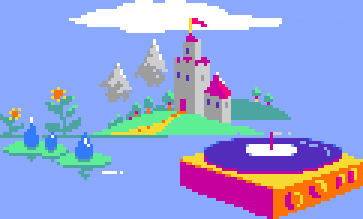

I've been designing some gradient palettes for various materials and wanted to share them here for inspiration.
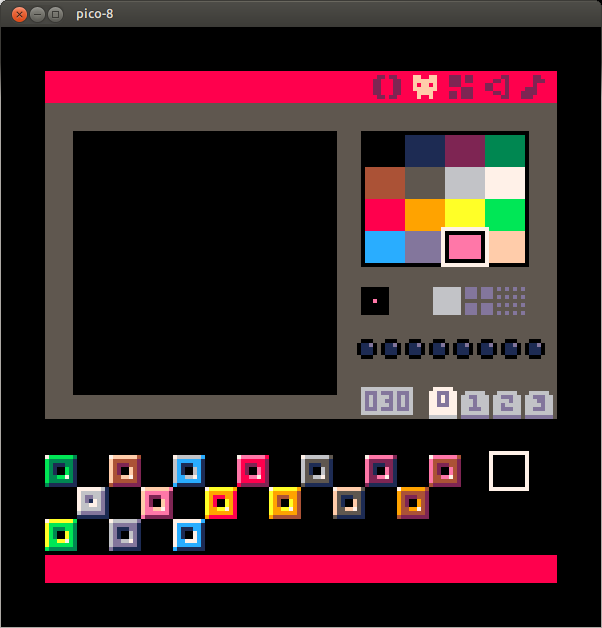
got anymore ideas what to do? It seems especially blue leaves very little options...
1 comment
While experimenting with translating some "Zelda - Link From The Past" tiles into pico, I noticed that a lot of sprites save memory by mirroring the left half to the right one.
While the API allows drawing sprites mirrored along the x-axis, the map editor only permits one tile direction.
Would it be possible to add the ability to mirror sprites to the map editor as well?
1 comment


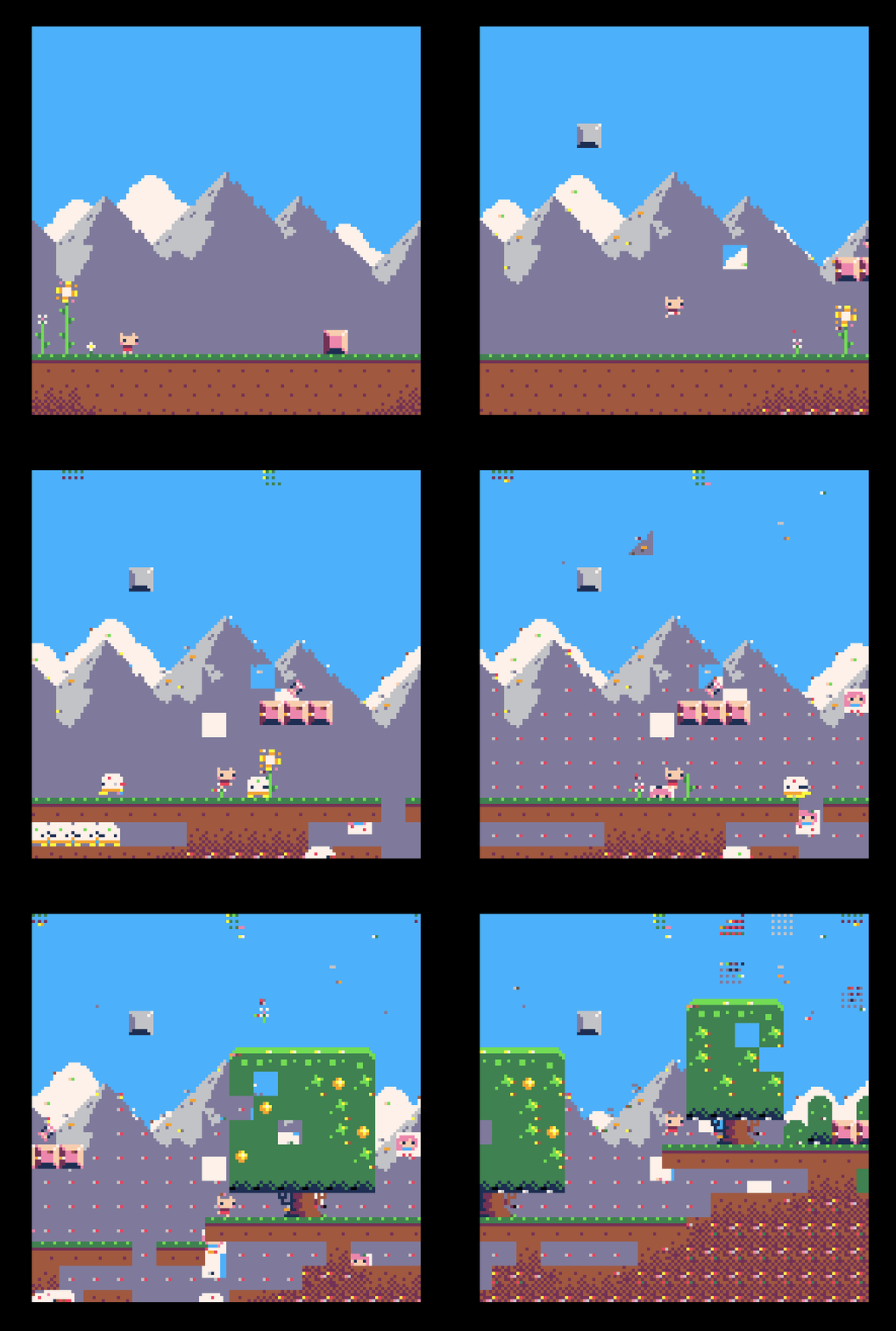


Because PICO-8's Lua has no standard library, there is no way to get the length of a string, which means there is no way to (dynamically) center (an arbitrary string of) text when printing (unless I'm missing something :)
It would be nice to have either a len() function to get a string's length, or a way to ask print() to center text.
12 comments




Right now it is possible for people that don't own pico-8 to play games through the web system. Will it ever be possible to send people standalone pico-8 games that run on windows / mac without them purchasing a copy of pico-8?
4 comments
Hi,
I just discovered the Pico-8 virtual console yesterday. I love the concept of a very constain console, and the presence of a fully integrated development platform.
It will be a fun way to create mini-games and prototype puzzle games.
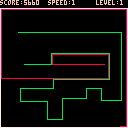
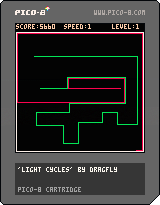
For testing purpose, I just wrote a 'light cycles' game.
You can use the cursor keys to move around.
At each level, either there is an additional competitor or the speed of the game is increased.
Sorry, no sound nor fancy graphics for the time being.
1 comment
I've been thinking about how PICO-8 could provide very primitive 3D software rasterization capabilities that remain within the spirit of the system. These are just goofy ideas, please feel free to bury them if they're too far outside the project scope, but I had to at least write it down once.
In any case, it should be possible to implement nearly all of the features below in a cartridge.
Following things need to be implemented in order for this to work:
- Mesh ROM
- Mesh editor
- API functions
- Z-buffer
Mesh ROM specs:
- 128 meshes (or less? animated meshes are considered here)
- per mesh: 16 vertices, 16 quads (96 bytes)
- index of 8x8 sprite to use as texture / colormap
- Vertex format: 3x(0..7) position
- Quad format: 4x(0..15) vertex index, 2x2x(0..7) uv rect (x1,y1,x2,y2)
0 = no quad
The editor would get a new page with an editing view (64x64) that supports two modes: mesh editing and uv editing.
mesh editing:
- The view supports free (orthogonal) rotation to preview the result and select obstructed vertices/faces.
- An extra label displays the index of the selected vertex or face.
- A toggle switches the view mode: textured / wireframe.
- left-double-click creates a new vertex.
- left-click selects a vertex or a face (depending on proximity of cursor to edge of face).
- right-click on a vertex begins to build a face; 4 vertices of which at least 3 are unique need to be right-clicked in succession to complete the face; right-clicks that don't hit vertices are ignored. a left-click will abort. If the 4 vertices already comprise a face, the operation has no effect.
- left-drag moves the vertex or face (all vertices of the face) along the orthogonal plane that's best facing the camera (dot product of view normal and plane normal closest to -1). That way no explicit orthogonal view is necessary. If a vertex is moved onto the position of another vertex, the vertex will be reset to its original position. That way, overlapping vertices are avoided.
- right-drag orbits the camera around the center, and implicitly selects the plane along which vertices and faces will be moved when editing.
- DELKEY removes the selected vertex or face. face removal does not remove vertices.
- the mesh can be copied/pasted to other slots in order to facilitate the creation of animations.
uv editing (allowed when a face is selected):
- The view shows the default 8x8 texture for this mesh, with a rectangle indicating the region that the active face will be mapped to. If only three vertices of the face are unique, the face will be a triangle (x1,y1 - x1,y2 - x2,y1).
- Per default, the face is mapped to the entire texture.
- x1,y1 are rounded to the upper left edge of the texel, x2,y2 are rounded to the lower right edge. That way, a single texel can color the entire quad.
- An extra panel allows selecting the default texture this mesh will use.
- left-drag draws a new rectangular bounding box for the quad. A simple left-click selects a single pixel as the quads texture.
The API gets 6 new functions:
clsz()
- clears the z-buffer to 0 (see Z-buffer notes further below)
zget(x,y)
zset(x,y,z)
- get or set the z-value of a z-buffer pixel.
camera3d(<x>, <y>, <z>, <m00>, <m01>, <m02>, <m10>, <m11>, <m12>, <m20>, <m21>, <m22>,
7 comments





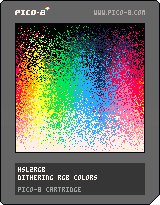
An approach to dither the colors of the HSL colorspace with the 16 built-in colors. I settled for a randomized dither. You can download the source by clicking on the icon & saving the png.
0 comments

While trying to make a "cycle" function that would wrap the value into a range, I have noticed an odd thing about the "%"-operator -- it seems to be trying to do some wrapping on it's own. And that would be okay (so long as it's documented), however:
1%3 == 1
2%3 == 2
3%3 == 0 (this makes sense)
0%3 == 0
-1%3 == 2
-2%3 == 1 (okay, so it goes back, right?)
-3%3 == 3 (fooled you.)
Such inconsistency (-x%x returning x) can be rater bothersome for multiple use cases, as "%" implies that the return value can not be larger or equal to the second argument.
I suppose that this is due to implementation being something like
return x < 0 ? (x % y + y) : (x % y); |
while it should have been around
auto r = x % y; return r < 0 ? (r + y) : r; |
1 comment