

Controls & Rules
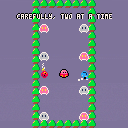
⬅️⬆️⬇️➡️ - Move Puni!
Z - Spin clockwise!
X - Spin counter clockwise!
Use Puni's elements to warm up or cool down the sad sprits of the forest and bring them back into balance!
Credits
Developed by BlueTieCasual
Development Background
Puni! was developed in 10 days in submission to Global Game Jam Hong Kong 2022 (GGJHK2022) following the theme of duality. Quick note: while GGJ is typically a 48-hour period, GGJHK had allowed a 10-day period which I chose so that I could take my time and not over stress myself.


 4 comments


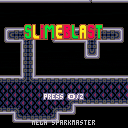
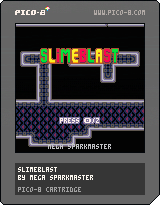
Run, jump and shoot in a space station full of slimes!
Slimeblast is a platformer with a focus on score and experimentation. You can choose if you want to use checkpoints or blast slimes, but all of it is optional. In fact, you can beat the game by just running until you find the exit!
Checkpoints can be unlocked by using 20 crystals. Crystals can be obtained by blasting slimes, and the amount of crystals obtained depends on the type of slime. There are three types:
- Green - 1 crystal
- Yellow - 2 crystals
- Red - 5 crystals
At the end of the game, the screen will display the amount of slimes blasted, crystals obtained and energy lost.
3 comments


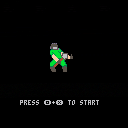
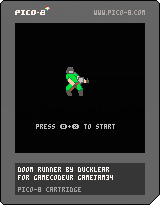
Vous travaillez pour l’Union Aerospace Corporation (UAC), envoyé depuis mars du complexe militaro-industriel pour rejoindre Phobos, une des lunes de mars. Votre objectif, retrouvé les survivants aillant ouvert un portail interdimensionnel avec l'enfer. Seul petite contrainte.. le section logistique ne vous a pas fournis la bonne caisse d'armement.. Mais des outils ! Vous n'aurez donc qu'une pelle comme arme.
1 comment

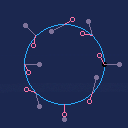
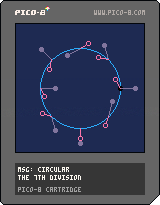
Mystical Symbol Generator: Circular
While browsing I found a cart https://www.lexaloffle.com/bbs/?tid=4076 having a text entry and I though that it should be used to generate some mystical art. Use this cart to enter a text (finish with Jelpi) and get your own mystical symbol. The keys for up, down, left, right can be used to rotate the symbol.
Can you figure out how the symbol is generated and how to read it?
3 comments


I've actually had a great many ideas I suggested 3-years ago (09-12-2019) and several have come to pass since after that time. Thanks for doing these, @zep !
Listed below are suggestions he has done, and for those of you learning Pico-8, you can see some features you may not be aware of.
-
Turn off mouse-cursor in editor when typing. Turn it back on when physical mouse is moved or clicked. Macintosh does this by default.
-
Have ability to change repeat speed for BUTNP(). Currently it's a tad slow. Likely others would want to change the initial delay for the first repeat and the repeat speed after. If it can be changed via source-code so much the better.
- Currently hitting BACKSPACE goes back a webpage even if the focus is on the P8 cart in the BBS. Hitting the TAB key also selects from the browser. This makes a text entry mode difficult. Suggest that all non-vital keys be locked and available in the cart until focus is lost. Also turn OFF all audio when clicked outside CART would be good too - or better yet just FREEZE the whole cart until it's frame is clicked again. Whereupon it continues both with sound and position - exactly where you left it.
0 comments


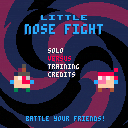
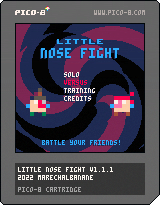
Hello !
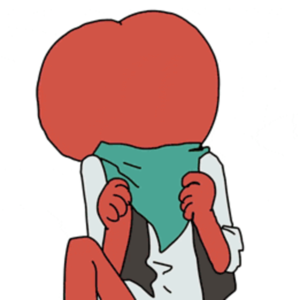
Here's my second entry for pico-8: an intense versus fighting game!
Throw boogers at each other until only one remains.
UPDATE: v1.1.1 released!
Changelog:
1.1.1 (2022/02/20):
fixes:
- changed the eye color of the dog
- arena animation timing changes
- fixed the fact that you could still lose health after game over
- fixed statue? not working in demo mode
- skins are now randomized between each demo round
1.1.0 (2022/02/13):
changes:
- added an animation when transitioning from main menu to skin selection
- added another secret to uncover (now 2!)
- added particles when firing
5 comments


Circular Clipping Masks
I wanted to create a comprehensive post on how to create Circular Clipping Masks. This post goes together with a video tutorial I made which you can watch here:
But if the video doesn't work or you don't want to watch a long video, I want this post to make sense without it.
What is it and why do I need it?
Pico-8 has this function called CLIP(). It restricts all drawing to a rectangular area on the screen. A Circular Clipping Mask is that but instead of a square area it's a circular area. The simplest version of this function is drawing the game inside a screen and making everything around it black.
There are many names for this effect. I call this a "Circular Clipping Mask" in this thread. But possible names could be also "Iris Out", "Circular Stencil", "Circular Matte", "Inverted Circle Fill", etc...
One typical application of such function is a cartoony screen transition at the end of a level like in Super Mario World. Another application is making a "dark level". You only render the environment around the player's character in order to simulate an environment with low visibility.
35 comments








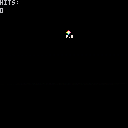
Made a DVD Screensaver style program.
Use the up and down keys to cycle through 8 different sprites. More will be added in the future.
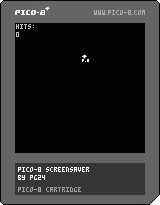 4 comments
◆VIOLET
v1.3 Game by lily.kensa

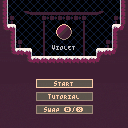
Feedback is welcome.
Thank you.
Notice
I know the controls are a little bit slippery, that's because of the snow.
(What? TOO slippery? Maybe I have to fix it.)
Credits
The base is from 'Surnned' by @Atjowt, the animation also refers to this.
The title screen refers to 'To a Starling' by @Peteksi.
The physics of dash, sprites and the map styling refer to 'Celeste' by @noel.
The particle effect refers to 'Slimey, Jump!' by @CarlosPedroso.
Special thanks to @phil and @dw817 for giving tips and finding bugs.
Cheat
70 comments

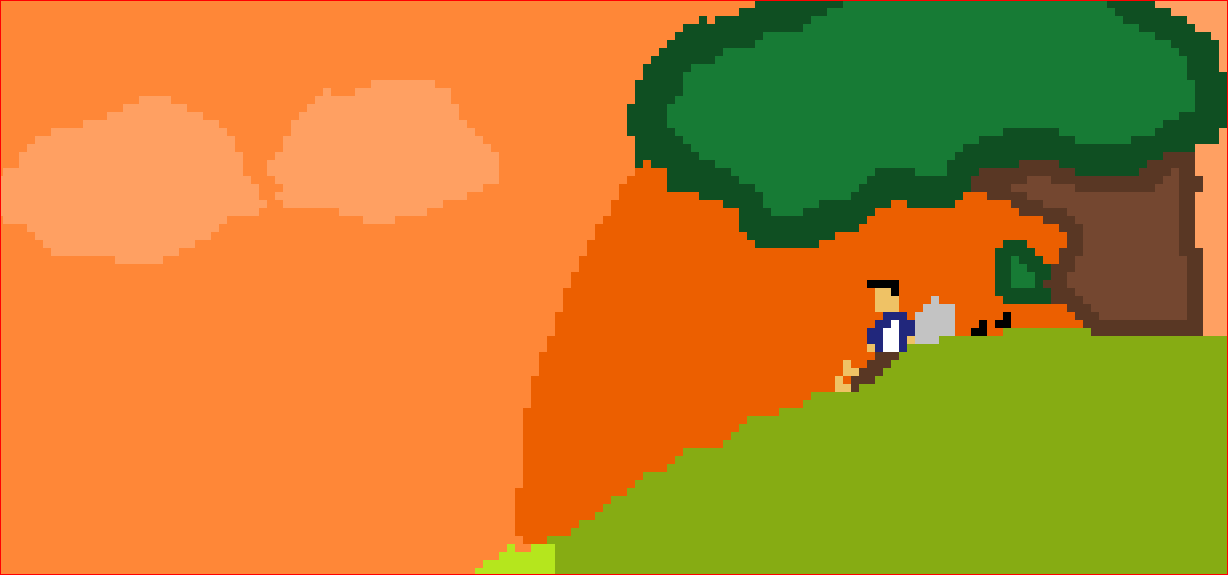




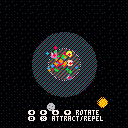
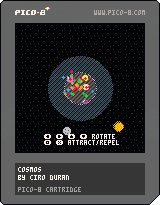
Hi, I'm releasing the delivered version of Cosmos, my first released game in PICO-8, made for the Global Game Jam 2022. It's a 2 player game, I appreciate your feedback.
 0 comments

Hello!
I've started learning how to do some programming with Pico-8 and am following a youtube tutorial (https://www.youtube.com/watch?v=T9z6RPvyypE)
I've been typing the same code more or less and have encountered a problem with wall collision.
It seems that my player character will move through certain tiles I've flagged as walls and there are also invisible walls on tiles that are not flagged at all.
code for collision:
function is_tile(tile_type,x,y)
tile=mget(x,y)
has_flag=fget(tile,tile_type)
return has_flag
end
function can_move(x,y)
return not is_tile(wall,x,y)
end
and the code for player movement/wall detection:
function move_player()
newx=plr.x
newy=plr.y
if (btnp(⬅️)) newx-=1
if (btnp(➡️)) newx+=1
if (btnp(⬆️)) newy-=1
if (btnp(⬇️)) newy+=1
if (can_move(newx,newy)) then
plr.x=mid(0,newx,127)
plr.y=mid(0,newy,63)
else
sfx(0)
end
end
not sure this happens, the youtubers character is able to move and hit the proper tiles and I haven't changed much in my code compared to his.
3 comments


Update 220306
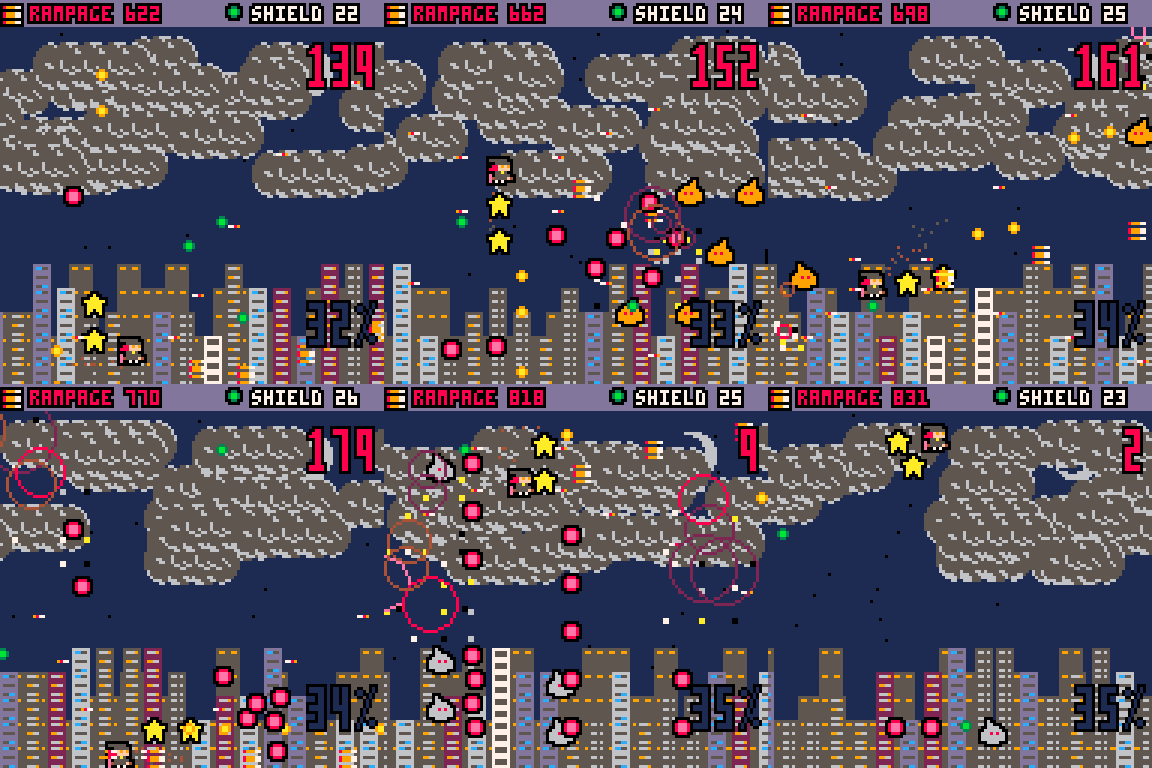
- New: Combos. Successive killing enemies without taking damage ticks the combo count on the top right, and every 50 combo increases the score multiplier by 1. e.g. at 0 combo, the score multiplier is 1, but at 120 combo the multiplier is 3. Since all non-boss enemies have default score of 1, this effectively becomes the score per enemy.
- New: High scores. The previous versions didn't need it because of the limited number of enemies with no multiplier, which set a ceiling for how high the score can get and pretty much every successful run would give score in the ballpark range between 1200-1300. Since that's not the case anymore, a high-score system is added. The score will be red when you're over the current high-score, and you'll see the current high score for each character on the title screen.
5 comments


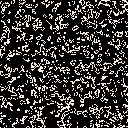
(Warning: If you are sensitive to flashing lights, I recommend you don't run this)
(Note: Original made for PICO-1K Jam)
This is Conway's Game of life (https://en.wikipedia.org/wiki/Conway's_Game_of_Life) in under 400 characters (and here is the proof):
g={}for y=0,128 do g[y]={} for x=0,128 do if((flr(rnd(2))+1)==1)g[y][x]=true else g[y][x]=false end end

::★:: cls() ng={} for y=0,128 do ng[y]={} for x=0,128 do nc=0 for dy=-1,1 do for dx=-1,1 do if not (dy==0and dx==0)and g[y+dy]and g[y+dy][x+dx] then nc+=1  end end end
ng[y][x]=nc==3or(g[y][x]and nc==2) if(g[y][x])pset(x,y,7) end end
g=ng flip() goto ★

[ [size=16][color=#ffaabb] [ Continue Reading.. ] [/color][/size] ](/bbs/?pid=105907#p) |
7 comments


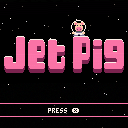
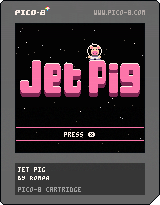
Jet Pig
An ePIG adventure in space about a pig and his rocket.
Bring fuel to Mr. Pig's spaceship. How many planets can you visit?
Like in the real universe, the number of planets/levels is near infinite.
Controls
Move - Cursor Keys
X - Use Jet Pack / Start game
Credits
Code: Mani
Gfx: Mani & Romeo
Testing: Stella & Romeo
6 comments



> Changed: Controller inputs are accepted even when PICO-8 is not the foreground application
PLEASE change this back. This is totally counter to how apps are supposed to work in a windowing environment. If an app doesn't have focus, the whole point is that it's not the one receiving input.
This is causing problems for me already because I can't safely pause a PICO-8 game while I play something else that uses a controller.
16 comments




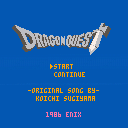
I have really gotten into RPG's and JRPG's as of late, so I decided to make a little tribute to one of my favorites right now. Right now, I've finished Dragon Quest 1 and am working on 2 but I can't wait for 3, heard nothing but good for that one. Take care everyone and I hope you like this as much as I did making it
5 comments

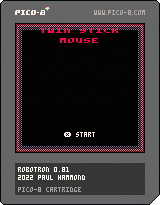
My Pico-8 version of the 1982 Williams arcade classic.
Controls
To play with a twin-stick controller in the browser head to https://pahammond.itch.io/robotron
Supports 4 control methods:
Twin Stick
- If you have an Xbox or similar controller connected, this is THE way to play (will not work unless playing via my itch.io page)
- Keyboard controls are swapped. Arrow keys fire, S F E D move
Twin Stick (Swapped)
- Arrow keys to move, S F E D to fire
Auto-Fire
- Llamatron style controls. Fires in direction of movement but hold X to move without changing the fire direction
Auto-Fire (Lynx)
- Based on the Atari Lynx control system. Z and X rotate direction of fire
Thanks To
- Shane R. Monroe (@ShaneRMonroe) for his invaluable advice, testing and feedback
- Finn for further testing
Version History
0.80 - 26-Jan-2022 - Released
0.81 - 31-Jan-2022 - Fixed endless loop bug that could occur in later levels
28 comments


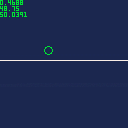
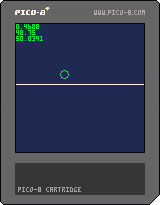
I'm trying to figureout how to create parabola/bezier-curve/quadratic (i.e. grenade lobbing) movement based on the player's velocity dx/dy. I'm familiar how to do this for a player's speed, and the cart shows the setup for speed as a functioning baseline. In the cart I defined a player who can move around with the arrow keys. When they hit x they bunny style hop moving to the right using the quad() function. The system freezes the movement of the player while the hop completes, so its always the same movement pattern.
Speed relies on absolute movement and coordinates...with quad() the player will start somewhere defined p0...move along a curve defined by point p1 and endup at p2. The cart math is based on augmenting the x/y player values directly. Velocity is different though, and I can't figureout how to make the same example work for the dx/dy in the cart.
8 comments
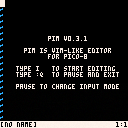
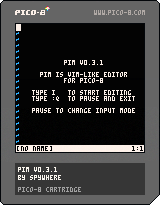
pim
This is my attempt to bring vim into Pico-8. It leveraging Serial IO and debugging logs as a mean of reading / writing files.
Heads up!
- This is a very early releases of the cart, some functionalities might break under certain cases
- Line wrap is not implemented, so text insertion pass the limit would resulted in unexpected behaviour
- As line wrap is not implemented, so is horizontal scrolling
Reading and Writing file
pim supports reading and writing file through Serial IO and debugging logs.
Reading Files
To read a file, simply drag and drop the file onto the Pico-8 with pim running. pim will notify through the message that file is available to read.
5 comments


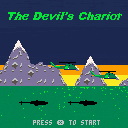
I'm getting back into making games after college, so this is a warm up of sorts. I revised the premise many times and unfortunately I think it shows. Nevertheless, I think some people might enjoy playing it.
Your goal is to survive to wave 10 without dying or letting your helipad get captured. Quickly tap the weapon fire button to change weapons, and hold it to release the selected weapon.
You also have a button to release flares. Use flares to trick missiles fired at you. You can also "pre-flare" by dropping flares before you are fired at. This greatly increases the chances of the enemy missile never tracking you at all.
You can land at any of the three helipads to get more weapons or flares. After each wave you can repair here as well.
1 comment