





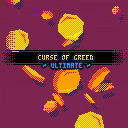
Originally made for Ludum Dare 40, then upgraded a bunch for my patrons, now available for everyone! <3
The vector drawing/animation on the title screen is based on Gabriel Crowe's systems found >here<.
~ Links: ~
Curse of Greed on itch.io
My Patreon - supports things like this ;)
~ Changelog: ~
Curse of Greed - Ludum Dare Release
Ultimate 1.0 - New levels, difficulties, fixes & improvements, title effects


 14 comments








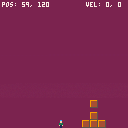
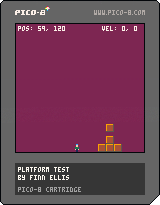
just playing around with some blockdude-inspired platforming.
controls:
left and right to move, x to jump
z to spawn a box
bump into a box + down = push the box
bump into a box + up = pick up the box (the space above it and you must both be clear)
while carrying a box, hold up and tap a direction to drop it
trying to decide if this control scheme is ridiculous or not!
0 comments



 0 comments

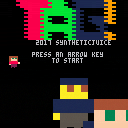
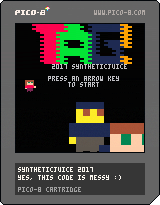
TAG!
The objective of the game is to move the players around the screen without getting tagged or hit by the cannons. The longer you last, the higher the score.
It's best with two players, but it can also be challenging as a single player game controlling both!
Player 1 can move faster than player 2, but player 2 can stop and turn instantly!
0 comments

| How to view in 3D:
Take a pair of sunglasses. Works best at fullscreen in a bright room with dark sunglasses. Control your spaceship with up and down arrows. |
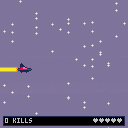
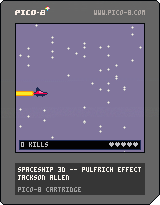
This 3D effect works using a phenomenon known as [the Pulfrich effect], which I learned about from [this video by Tom Scott] that explains it quite well.
0 comments

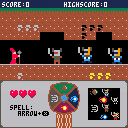
Here is a little game made in less than 24 hours for the CDJVJam https://itch.io/jam/blog-cdjv-jam-1
The theme was "Elements".
Hope you'll enjoy it ! :)
 2 comments


I wanted to achieve this effect with fill patterns for a recent project I started so I figured I'd share it here incase anyone else is interested in using it.
The local fill pattern function is shifting each row/column in the fill pattern by given x and y amount. It's using binary arithmetics and a cache of shift masks.
Here's the original code for version 1.0, takes 126 tokens:
[hidden]
--turns a screen-space fill pattern, into an object-space fill pattern by wrapping the patterns row and column by the given x and y amount.
function get_local_fill_pattern(x,y,fill_pattern)
	local add_bits=band(fill_pattern,0x0000.FFFF)
	fill_pattern=band(fill_pattern,0xFFFF)
	y=flr(y)%4
	if(y~=0)then
		local r_masks={0xFFF0,0xFF00,0xF000}
		local l_masks={0x000F,0x00FF,0x0FFF}
		fill_pattern=bxor(lshr(band(fill_pattern,r_masks[y]),y*4),shl(band(fill_pattern,l_masks[y]),(4-y)*4))
	end

	x=flr(x)%4
	if(x~=0)then
		local r_masks={0xEEEE,0xCCCC,0x8888}
		local l_masks={0x1111,0x3333,0x7777}
		fill_pattern=bxor(lshr(band(fill_pattern,r_masks[x]),x),shl(band(fill_pattern,l_masks[x]),4-x))
	end

	return bxor(fill_pattern,add_bits)
end
|
20 comments







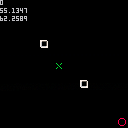
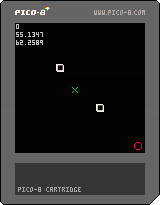
Hello, I'm trying to develop a game in which there will be some enemies chasing the player on a map, and on this map there will be some obstacles.
I know how to code a simple AI in order to have enemies follow the player, by using math trigonometry functions like sine, cosine and arctangent; but I ACTUALLY HAVE NO IDEA about how to code an enemy AI in order to make it avoiding some obstacles on the screen.
Basically I'd like to code a simple AI that could chase the player on the map, but at the right time when it's about to collide with an obstacle could forget for a moment that chase and dodge the obstacle.
Do you have an idea about what I should try to implement ?
At the moment I've tried something very simple that tries to rotate around an obstacles while the trajectory between the enemy and the obstacle and the trajectory between the enemy and the player is equal or greater than 90 degrees. It's a really simple trick but it doesn't work 100% of the time.
This is my code:
function _init()
    -- initialize

    -- enemy
    e = {}
    e.f = 1
    e.x = 0
    e.y = 0
    -- player
    p = {}
    p.found = false
    p.distance_b = 0
    p.f = 2
    p.x = 118
    p.y = 118

    -- columns
    bb = {}
    b1 = {}
    b1.f = 3
    b1.x = 40
    b1.y = 40
    b2 = {}
    b2.f = 3
    b2.x = 80
    b2.y = 80
    add(bb, b1)
    add(bb, b2)
end

function object_collide_with(x1, y1, x2, y2, gx, gy)
	-- checks if an object has collided
	-- with another object, then calculated
	-- the angle between the ball and the other object

    -- gx = gravity horizontal center
    -- gy = gravity vertical center

    if (gx == nil) gx = 4  -- 8x8 --> 8/2
    if (gy == nil) gy = 4

	--local bump = c1 and c2 and c3 and c4
	local distance = sqrt(((x2+gx)-(x1+gx))^2 + ((y2+gy)-(y1+gy))^2)
    local angle = atan2((x1 + gx) - (x2 + gx), (y1 + gy) - (y2 + gy))
	local direction = flr(angle * 8)
	return distance, angle, direction
end

function player_collide_with(x, y, w, h)
	-- checks if the player has collided
	-- with another object, then calculated
	-- the angle between the ball and the other object

	return object_collide_with(p.x, p.y, x, y, w, h)
end

function distance_between(x1, y1, x2, y2)
	-- calculates the distance between two points

	return sqrt((x2-x1)^2 + (y2-y1)^2)
end

function check_player()
    if (btn(0)) p.x -= 1
    if (btn(1)) p.x += 1
    if (btn(2)) p.y -= 1
    if (btn(3)) p.y += 1
end

function _update()
    check_player()
    p.found = false
    local distance, angle, direction
    -- check the distance from the target
    distance, angle, direction = player_collide_with(e.x, e.y)
    for i, b in pairs(bb) do
        local distance_b, angle_b, direction_b = object_collide_with(b.x, b.y, e.x, e.y)
        if distance_b <= 10 and abs(angle-angle_b) < 1/6 then
            angle_b += 3.1415/240
            e.x = b.x - cos(angle_b) * distance_b
            e.y = b.y - sin(angle_b) * distance_b
            p.found = true
            break
        end
    end
    if not p.found then
        e.x += cos(angle)
        e.y += sin(angle)
    end
    if distance_between(e.x, e.y, p.x, p.y) < 8 then
        -- reset if the enemy touches the player
        e.x = 0
        e.y = 0
    end
end

function _draw()
    cls(0)
    for i, b in pairs(bb) do
        spr(b.f, b.x, b.y)
    end
    spr(p.f, p.x, p.y)
    spr(e.f, e.x, e.y)
end
|
6 comments




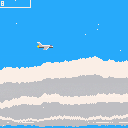
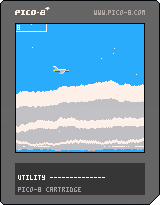
Zoom boom is an aerial avoidance game. Don't get hit by the missiles and pass through the objective rings!
----Controls----
Move:
Up, Down, Left, Right
Speed Boost:
z, x
1 comment

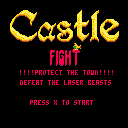
Castle Fight is a side-shooter action game, in which your skill and your commitment are the last hope for the peasents of Lord Lazer.
Use the impressive canon of the wizard Bombastus Babo to defend the castle from the neverending terror of these mysterious beasts.
Through a cataclysm, a merge between different worlds and dimensions, severeal terrifying monsters came into the lands of Lord Lazer and start to destroy everything in their way.
Now it´s time for you to stand brave against these evil forces and save the day.
1 comment

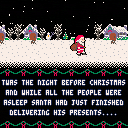




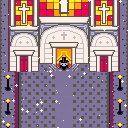
Merry Christmas Everyone!!!
Disclaimer, this game is about the true meaning of Christmas, Jesus! Enjoy :)
3 comments


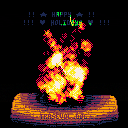
(you can press [o] to remove the flying text)
Wishing everyone health, happiness, less bugs and some super good end-of-the-year holidays!!
And to a much better 2018, full of Pico-8 prototypes and demos! Cheers!!!
TRASEVOL_DOG
4 comments
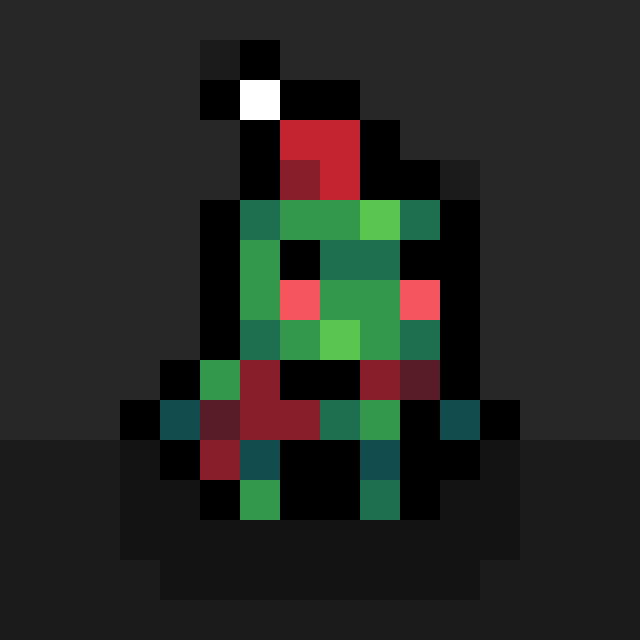




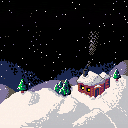
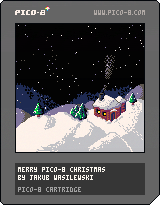
Best wishes to everyone in the community for the coming Christmas, Winter Solstice Festival, Yule, or a random December weekend that has no special meaning to you!
Here's to another fine year for PICO-8! :)
3 comments



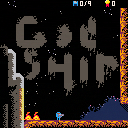
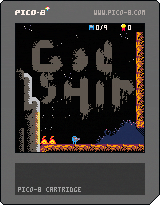
Hey here is the beta version of our metroid-like game, Godhip! Feel free to give us some feedback in order ot improve it!
0 comments

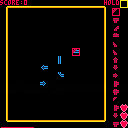
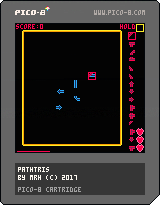
Here's my latest creation. The goal is to score points by making closed paths. You lose a life when you try and place a tile where it won't fit with the existing tiles on the board. There's a timer which forces you to place if you haven't when it runs out. Bonus points if you make a closed loop with none of the end cap pieces.
Controls: Arrow to move the cursor, button 1 to place a tile and button 2 to hold.
Let me know what you think. :)
2 comments