




My first ever PICO-8 creation, spent about 2 days on it.
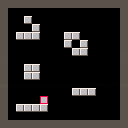
Conway's Game of Life, made in PICO-8.
Place/Destroy with O
Pause/Play with X
While paused you can draw your own patterns and watch how they evolve.
Also on GitHub https://github.com/megabyte112/life-8


 2 comments



About
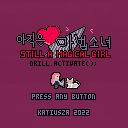
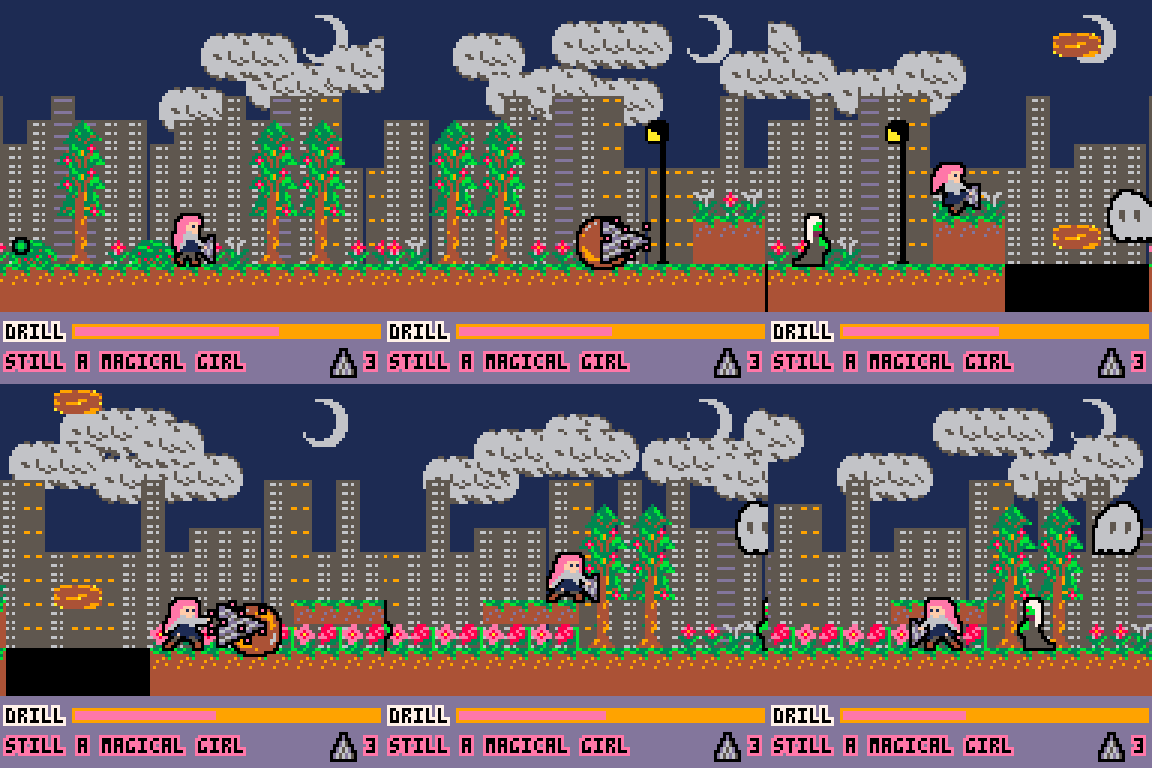
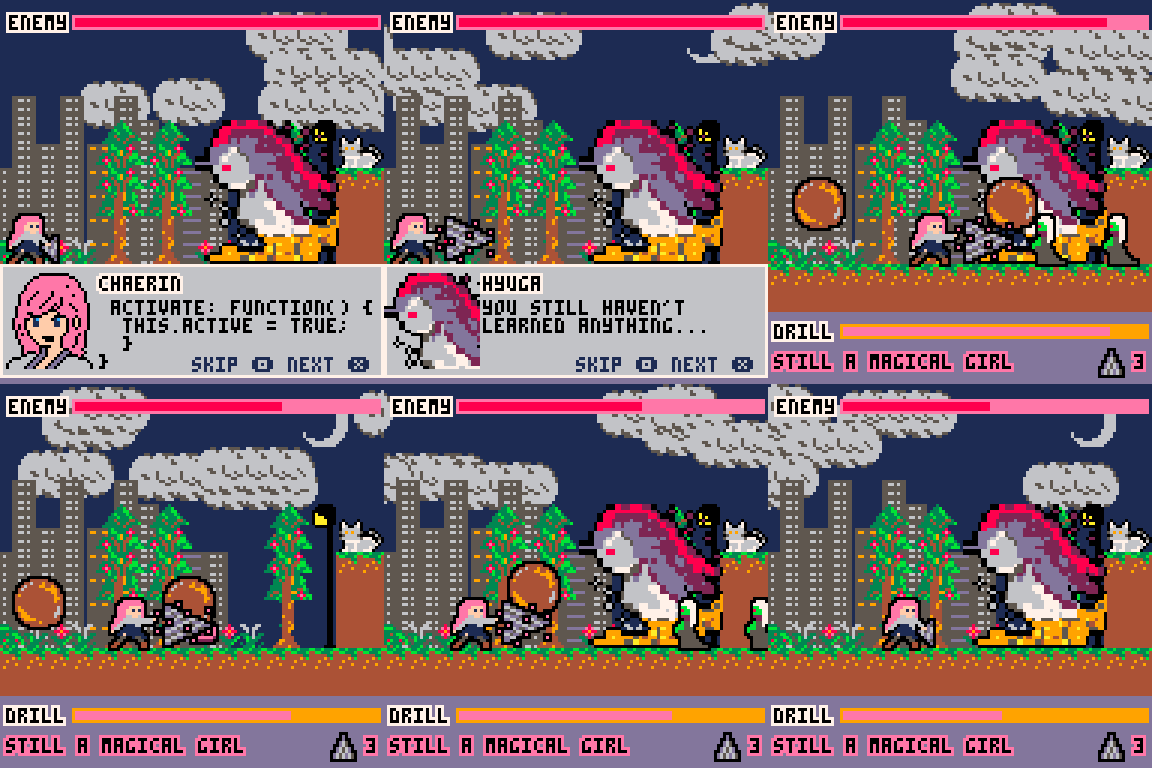
An ex-magical girl's familiar cat leaves home, and she sets off to find her cat.
It's my first attempt to use 16x16 sprites, and I definitely feel that a scrolling game with 16x16 on PICO-8 was probably not the smartest design, I had very little room left for the levels, of which there are only two.
But as a prototype, I had a lot of fun figuring out how to make various mechanics work -- parallax, bouncing boulders, moving platforms, jumping down from a platform and a life bar. ...and as a result I think it's got a bit more spaghetti than even my usual, but the next time I use them I'll be able to handle them better. Maybe. Hopefully.
6 comments




Suppose you were watching a movie and it was not centered where in the middle of the screen but may even be off the edge or too far to the left. Well that's kind of what's happening here in Pico-8 when you run a cart Online.
At least for me in Firefox for Windows 10 I have to carefully move the right-sidebar to center vertically in on a Pico-8 game I want to play online and there is no way to center it perfectly horizontally.
Suggestion: Click anywhere in the field above or on the play button and it automatically centers the frame, not just vertically but horizontally as well introducing artificially increased boundaries from the left to pad it perfectly horizontally centered if need be. Add button option to "dim the lights," not turn them out entirely, for anything that is not the frame for an immersive game playing experience that does NOT require full-screen and you can still see the taskbar below.
0 comments
Hi guys. There is another concern I have.
While it is certainly possible to run your cart at 30fps using _update() or 60fps using _update60() how do you go about arbitrary speeds like 13fps or 129fps and having the ability to change it during the execution of the cart ?
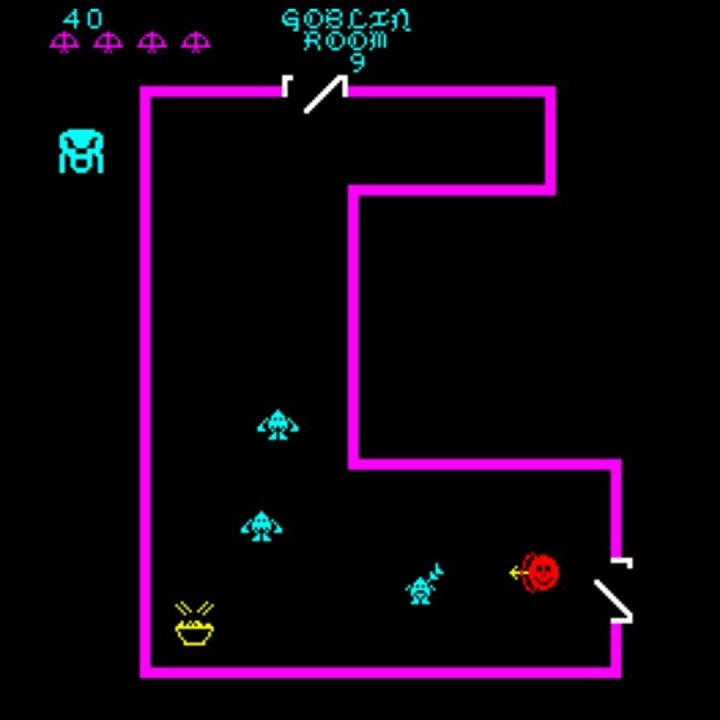
The reason ? Early arcade games such as VENTURE would make the game harder not just by making the enemies more aggressive but more importantly, actually upping the frames-per-second rate of the gameplay making it that much more difficult. I wanted to bring this option to Pico-8 as I have not seen any games yet that do this - where you can increase the framerate by any rate.
You can sort of do this in Pico-8 by NOT using _update() or _draw() and flip() yet ... how do you do write this cart WITH the standard _draw() and _update() ... and in fact is there some way to POKE a forced FPS for _update() and/or _draw() that can be as low as 1fps and exceed 60fps or even go up to something like 240fps ?
0 comments


About this game
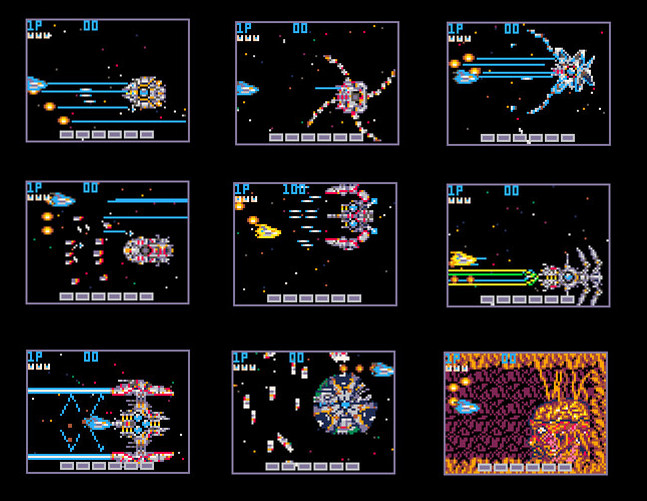
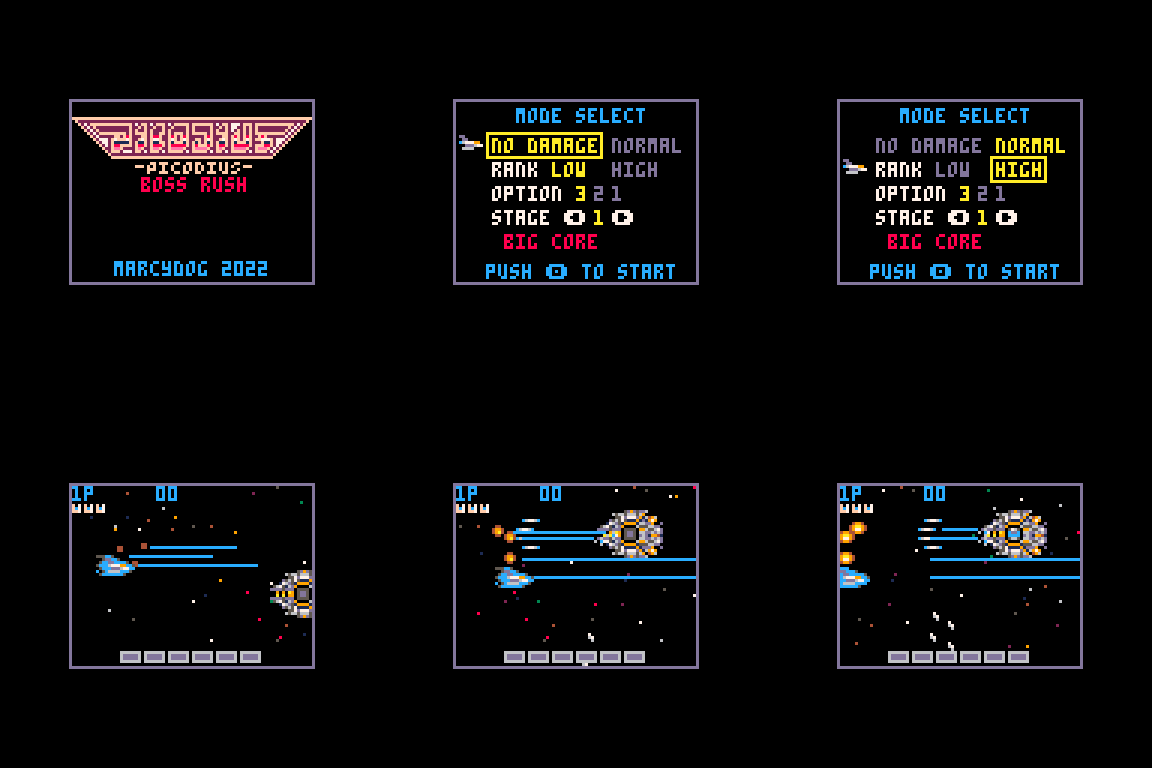
This is a demake of GRADIUS, KONAMI. Boss rush mode is available and you can fight 9 bosses selected from GRADIUS series continuously.
I made this game to feel "Wow, looks like the legendary game GRADIUS when seen from a distance!".
I never made this as a perfect clone. There are many differences from the original game.
How to play
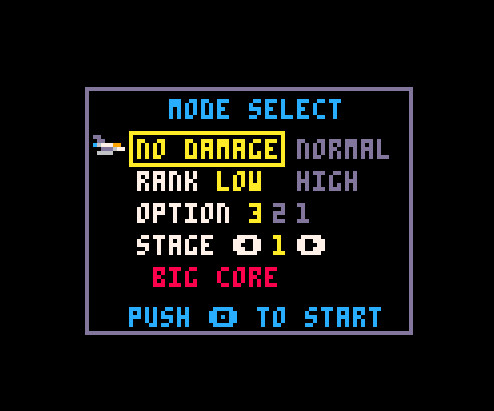
Start the game and enter select panel.
- Select mode: NO DAMAGE or NORMAL
- Select rank: LOW or HIGH
- Select number of options: 1 to 3
- Select stage to start: 1 to 9
 8 comments




.jpeg)






Hi there,
Sorry if this isn't the right place for this, but I work IT at a school and have been curious about working to implement PICO-8 as part of the school's STEAM program. The school has a 1-to-1 laptop program with Chromebooks, but they easily run PICO-8 in the few test cases I've tried it on after installing Linux on them. I would like to work with the STEAM teachers at our school to get this implemented, but I'm worried about misuse of it, especially when it comes to the SPLORE command. Because it's not working through a web browser, it gets around what we have in place for our content filter policies, and while it's not a huge worry, there are some available carts that have stronger language than would probably be appropriate in a middle school setting. I want the option for other games to be available because I believe being able to dig through the code of other games is an amazing learning tool, but I would prefer to have it so these students are only able to access other games through a web browser so our content filtering policy can still be in place. Is there a way to disable SPLORE or some other way I can accomplish this?
7 comments


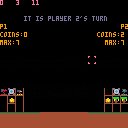
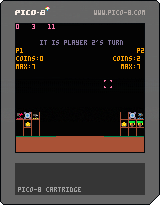
This is an update to a work in progress game I made. The instructions are on the original post (the post is just called "Forts")
CHANGE NOTES:
New Features:
Added the Buzzsaw
Costs 5 gold
Fires the same way that double guns do, but can only destroy wood. With the exception of the core, if it would hit a structure, it just stops.
Balance Changes:
Double Gun now costs 6 gold
Laser now costs 7 gold
Fixes:
I did not fix any bugs, but that does not mean that I won't in the future. If you find any, please tell me!
0 comments

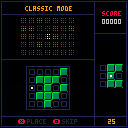
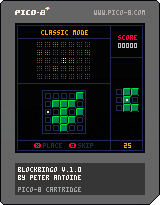
Blockbingo, my Pico-8 version of the Game Boy Advance game Tringo from 2006.
Classic mode:
The goal is to earn a high score by combining as many blocks as possible and clearing them in groups of
3x3 = 30 points
3x2 = 15 points
2x3 = 15 points
2x2 = 5 points
You can choose to skip the current piece causing a 7 point penalty. once a piece is skipped, it will not be called again.
You start each game with 35 pieces to place. you have 10 seconds to place each piece before it is skipped causing a 7 point penalty.
Time Trial mode:
Score as many points as possible in 1,2,3 minutes. You are not limited to 35 pieces and a skipped piece can be shown again.
2 comments



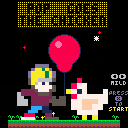
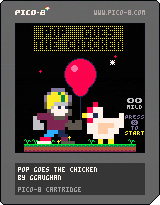
Pop Goes the Chicken
You need to reach the space station, but the launch pad is out of action. And look at all those chickens...
Controls
- X to jump
- Left/Right to direct your jump
Also on itch.io: https://ggaughan.itch.io/pop-goes-the-chicken
2 comments

I was wondering if there was a solution to this:
menuitem(1,c,
function(b)
  if (b==2) then
    function()
      c=c+1
      return true
    end
  end
end )
|
Now I know I can create a new function to return true, however is there a way do it internally within menuitem() itself ?
16 comments




In what situations do you use these conversions?
hexnumber = '3xz'

--A
tonum(hexnumber,1)       : 768 (0x0300.0000)

--B
tonum("0x"..hexnumber,4) : 0 (0x0000.0000)

--C
tonum('0x'..hexnumber) : -- NO VALUE --([nil]) |
Example
I want "nil" to be returned when I use a character as an identifier. Therefore, I use the "C" conversion.
hexstr = '108000789$'
hexval = TONORM(hexstr) -- Normalize the value [number boolian nil], otherwise it remains a string.
hextable = {}

if type(hexval) == 'string' then

 foreach(split(hexstr, 3), function(v)
  add(hextable, tonum('0x' .. v))
 end)

end

-- Handle hexadecimal conversions without being converted to numbers by normalization.
-- Only the value of number is stored in the hextable.
-- "$" is not stored.
|
3 comments



Here's a demo cart showing a few ways of handling input in grid-based games:
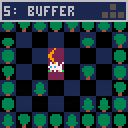
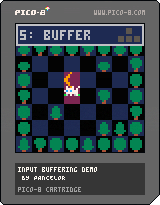
controls:
- move around with the arrow keys
- change "chapters" in the pause menu (enter + arrow keys)
- slow down the game speed (in the later chapters) in the pause menu
I made this cart as a companion to my blog post about input buffering
6 comments





I am playing around with the wander demo so I can experiment with y axis movement to make a beat em up style game but i still want to be able to jump (in cases to dodge and platform in certain sections)
Here is the code if any of you are wondering:
function _init()
x=24 y=24 -- position (in tiles)
dx=0 dy=0 -- velocity
f=0 -- frame number
d=1 -- direction (-1, 1)
acc=0.5
boost=.5
end
function _draw()
cls(1)
-- move camera to current room
room_x = flr(x/16)
room_y = flr(y/16)
camera(room_x128,room_y128)
-- draw the whole map (128⁙32)
map()
-- draw the player
spr(65+f, -- frame index
x8-4,y8-4, -- x,y (pixels)
1,1,d==-1 -- w,h, flip
)
end
function _update()
ac=0.1 -- acceleration
if (btn(⬅️)) dx-= ac d=-1
if (btn(➡️)) dx+= ac d= 1
if (btn(⬆️)) dy-= ac
if (btn(⬇️)) dy+= ac
-- move (add velocity)
x+=dx y+=dy
-- friction (lower for more)
dx =.7
dy =.7
-- advance animation according
-- to speed (or reset when
-- standing almost still)
spd=sqrt(dxdx+dydy)
f= (f+spd*2) % 4 -- 4 frames
if (spd < 0.05) f=0
-- collect apple
if (mget(x,y)==10) then
mset(x,y,14)
sfx(0)
end
end
I wanted to add something along the lines of
--jump
if (btnp(x)) then
player.dy=player.boost
Am I missing something?
3 comments

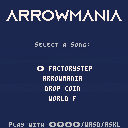
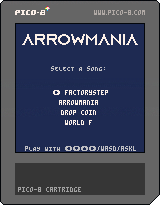
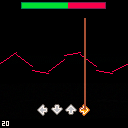
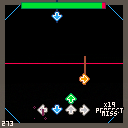
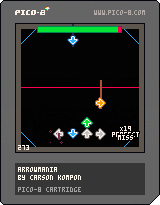
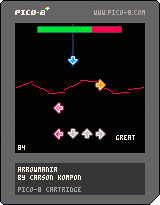
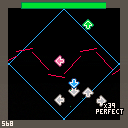



2 Knights
WIP of an arcade game I'm making with my kids.
Find the key in each room and carry it to the door to move on. Defeat all enemies in the room before moving on to find treasure, but don't stay around too long...
Controls
- Arrow keys: move
- Z: jump
- X: attack/throw key
- UP + attack: pick up/drop key
3 comments



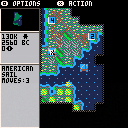
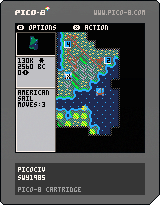
I'm making a serious effort to create a PICO-8 version of Sid Meier's Civilization. This is a challenge because the rules are complicated but I'm having fun and that's the primary reason to do anything.
Changelog
v0.6
- Options menu
- Initial city manager implementation
- Implemented unit production selection
v0.5
- Added units: Cannon, Chariot, Armor, Mech.Inf, Artillery, Sail
- Added black border to cities that contain a unit
- Minimap shows explored map, cities, active unit
- Implemented tribal/goody hut
- Show player gold
- Fixed movement stuck bug
v0.4
- Added units: Musketeers, Riflemen, Knights, Catapult
- Fixed double movement bug
8 comments





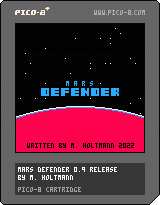
Hello all
New here.
I just started with PICO-8 and learning LUA 2 days ago.
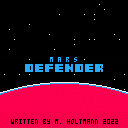
I made a demo of Mars defender... Code needs cleanup and I'm not finished yet but it works pretty well for the time being.
Hope you like it! :)
UPDATE 04.03.2022: Release version 0.9. Changed year (yep we're indeed in 2022 :D) and created an endboss. Fixed various bits and bugs. Game is small with only 5 but I don't see the point in going for 100 waves.
UPDATE 24.02.2022: Changed the name. A few tweaks and bugfixes, faster response, graphics and particle explosions.
Worked on various game mechanics, player energy and collision, AI for the Aliens etc.
4 comments

I made this for use myself, because i couldn't find anything for this specific purpose. Thought I'd post it here in case anyone else gets some use out of it.
It converts a list of variables in the following format to a version optimised for tokens:
-- input t=0 cam_x=0 cam_y=0 shake=0 floor=1 gold=0 current_music=-1 mode="splash" title_s=1 lastdist=0 fadepos=0 -- output t,cam_x,cam_y,shake,floor,gold,current_music,mode,title_s,lastdist,fadepos =0,0,0,0,1,0,-1,"splash",1,0,0 |
To use it, paste the original variables into the cart and it will output the "crunched" version out to the clipboard.
Bit of a warning though, this format gets unreadable fast.
It also seems (in most cases) to work if some of the values are already in this format as it simply pairs what's before the equals with what's after, e.g.:
-- input t=0 cam_x,cam_y=0,0 ey,et=256,0 shake=0 -- output [ [size=16][color=#ffaabb] [ Continue Reading.. ] [/color][/size] ](/bbs/?pid=107532#p) |
0 comments