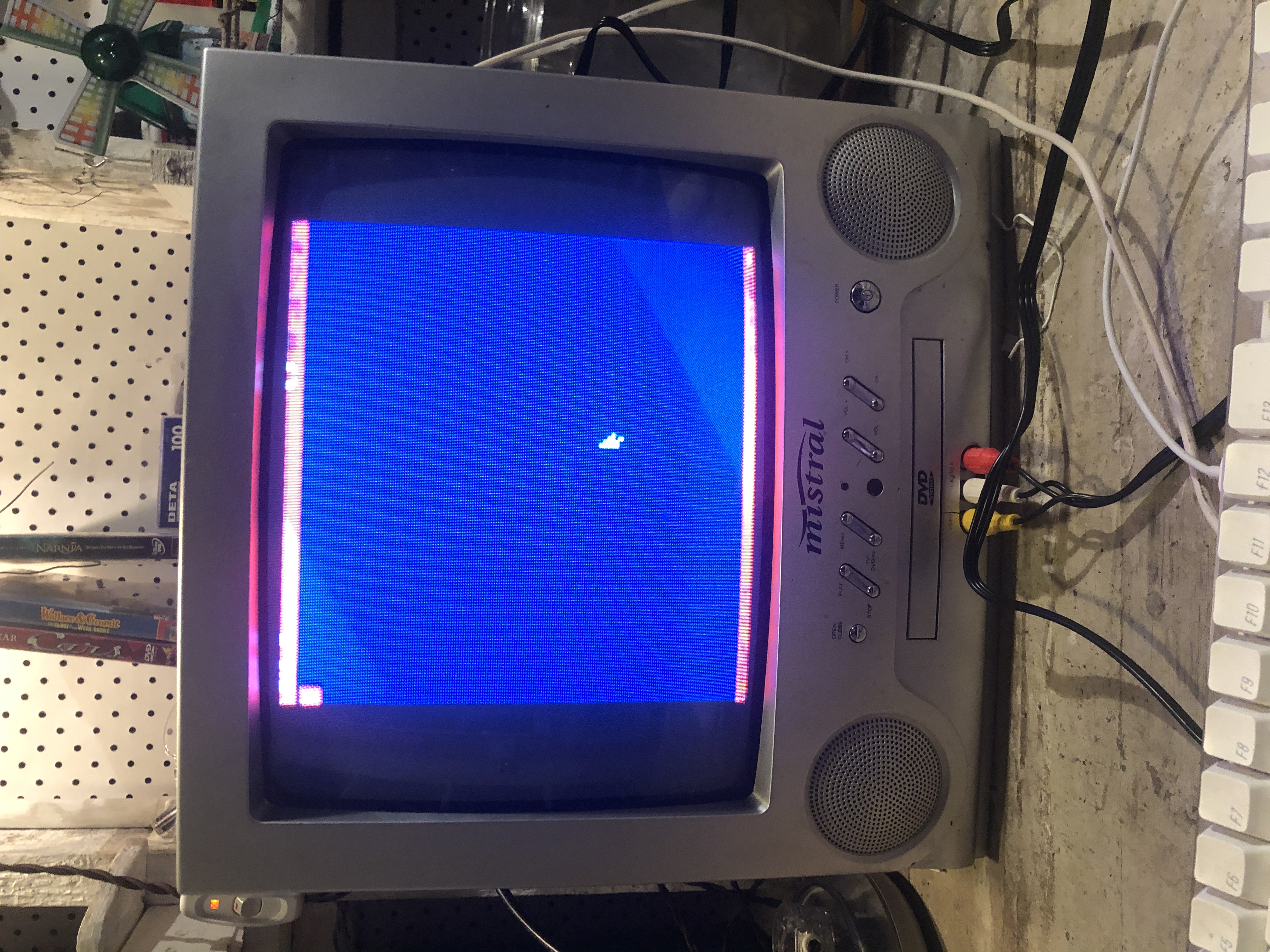
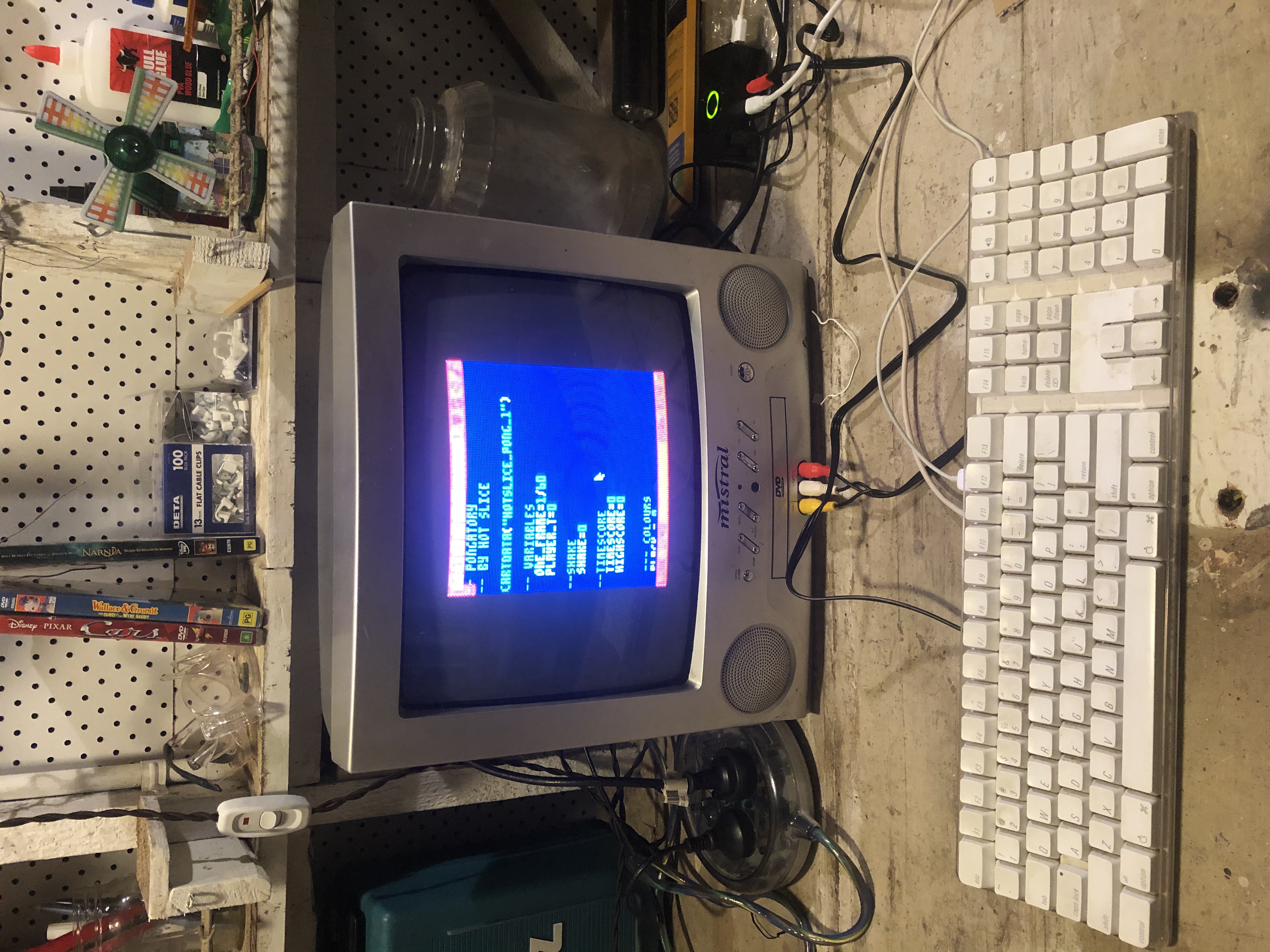
Hello! I am setting up a Pico 8 Console in my shed, but can't get the screen scaling just right. This is running on a raspberry pi, and otherwise seems to work great.
However, Pico 8 runs either much too small, or just a fraction too big.
These are the settings I am using in config.txt.
Is anyone able to help?
// :: Video Settings window_size 768 576 // window width, height screen_size 768 576 // screen width, height (stretched to window) pixel_perfect 0 // :: Window Settings windowed 1 // 1 to start up in windowed mode window_position -1 -1 // x and y position of window (-1, -1 to let the window manager decide) frameless 1 // 1 to use a window with no frame fullscreen_method 0 // 0 maximized window (linux) 1 borderless desktop-sized window 2 fullscreen |


 4 comments



Hello.
I am running Pico-8 using this bat file, so that it stays portable, and all files, settings and carts are kept in one folder (I really don't like how Pico-8 puts stuff in a random folder that Windows people usually never use).
start pico8.exe -music_volume 0 -home . -root_path . -desktop_path . %*
I also changed -music_volume to 0 in the config.txt file.
However, every time I run Pico-8, the setting in the config file gets reverted back to 256 and the music volume always stays on.
Also, every time I run Pico-8, I maximize the window (not full screen), but the next time I run it, it always starts as a small window, not a maximized window.
What am I doing wrong?
0 comments
Hi
I found a Pico-8 cart on Itchio (https://bati.itch.io/super-pico-fighter) and I want to take a look at the code to see how the block matching logic works.
Unfortunately I wasn't able to see a download link and I couldn't find it listed here in the Lexaloffle BBS.
Is there a way I can download it so I can learn from it?
Thank you.
8 comments




The first paragraphs are just some opening thoughts to contextualize where I'm coming from with this idea. If you are not interested in that, skip to [Suggestion].
Context
When the 2nd palette was first discovered, increasing the total number of colors on the screen has been suggested a number of times. That in itself is a pretty weak idea: bumping up pico-8's limitations is against its whole purpose of self-imposed limitations. If you want more colors, just use any other platform. End of story.
But recently, with the 0.2.0x versions, a lot of new features have been added that expand what pico-8 is capable of: better code compression, tline, the upcoming oval(), new chars (kana, puny). Tline in particular changes the whole feel of the carts that use it, with the possibility of mode7, rotation, map lighting, etc. While those effects were previously possible, the games that had them would pay a high cost in CPU and tokens.
Ever since the 2nd palette came, I had some ideas of how the color limit could be increased without going against pico-8's design principles. From these ideas, I selected my favorite and arguably the one that fits pico-8 the best. With pico-8 going beta and possibly its core being set, this might be my last opportunity of sharing it, so here it is:
15 comments





hi!
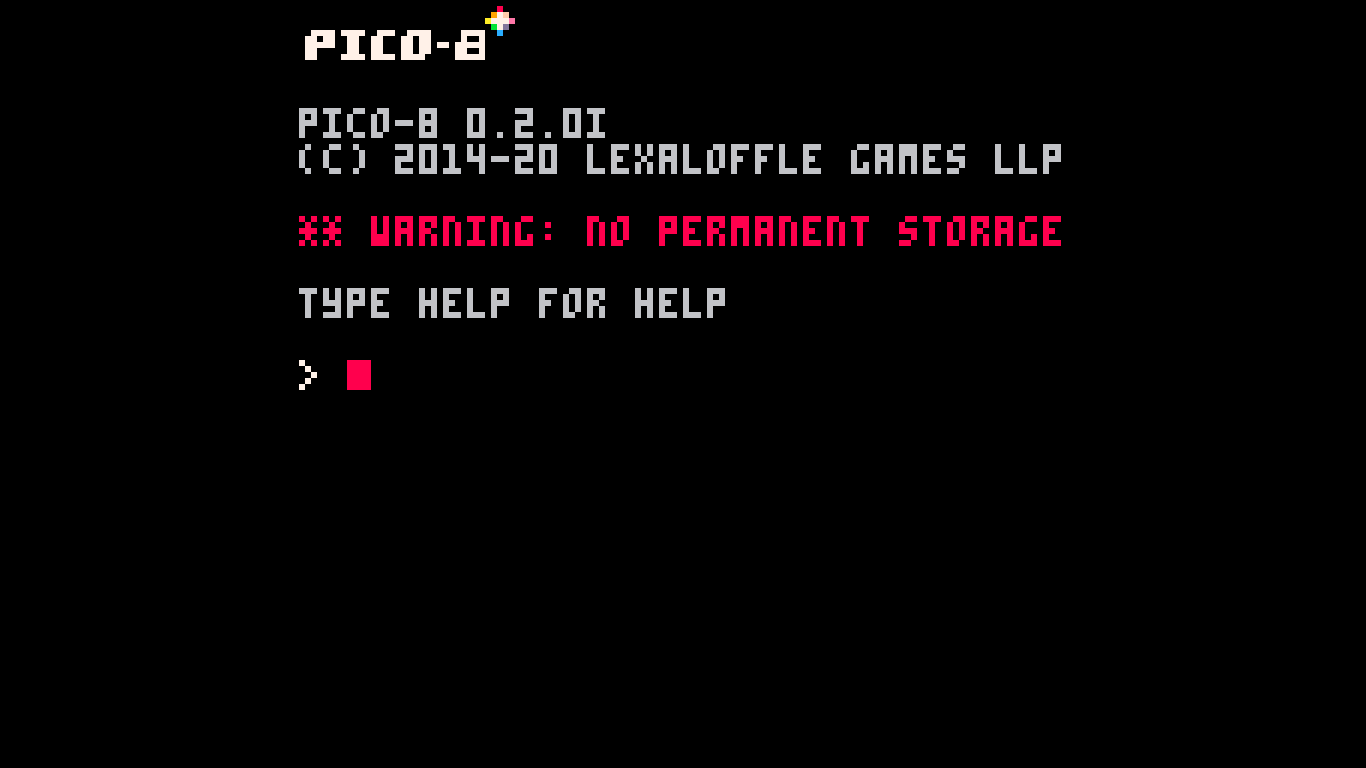
how do i setup a permanent storage?
0.2.0i_windows, fresh install from itch.io, "install_demos" just quits PICO-8 completely. plus there is no pico-8 related stuff in "AppData/Roaming" (could it be because of the cyrillic windows username?)
thanks,
Dima
3 comments

A few days ago someone on my discord server asked me how to configure keys in an exported cart and I didn't figure out how to do it, nor did I find any information about it anywhere...
So I assume there's no way to do it right now...?
Just letting the player access the Keyconfig screen from the controls screen would be great.
And saving the config after each session :)
I think it's something that can easily affect user reviews in external sites, Itch.io, Kongregate, and so on, and also help with accessibility.
0 comments

LAST VERSION as USED in R-type 1.4 after optimizing it a bit further:
--97 tokens with Scaling and arbitrary size
function pd_rotate(x,y,rot,mx,my,w,flip,scale)
  scale=scale or 1
  w*=scale*4

  local cs, ss = cos(rot)*.125/scale,sin(rot)*.125/scale
  local sx, sy = mx+cs*-w, my+ss*-w
  local hx = flip and -w or w

  local halfw = -w
  for py=y-w, y+w do
    tline(x-hx, py, x+hx, py, sx-ss*halfw, sy+cs*halfw, cs, ss)
    halfw+=1
  end
end |
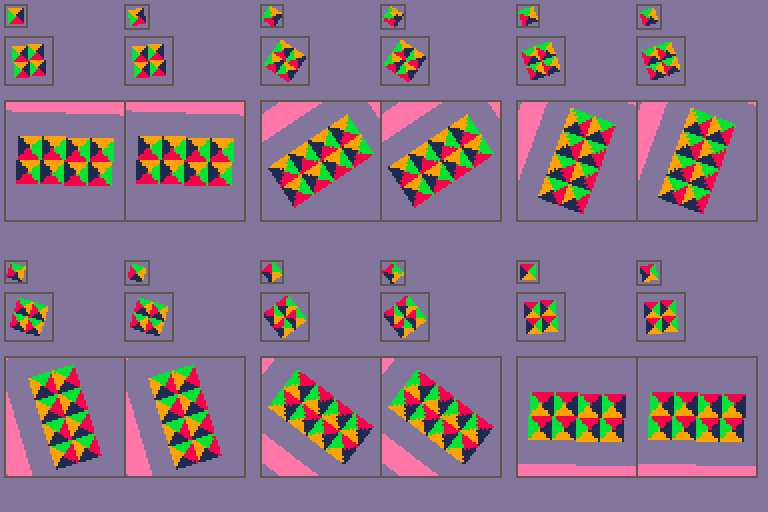
This is a general-purpose sprite rotation function using tline with support for scaling and flipping

It always draw a screen-oriented rectangular area, (centered at x,y) large enough (w) to contain the rotated tiles (centered at mx,my), and calculates the rotated (rot 0 to 1) tline coordinates and deltas.
24 comments





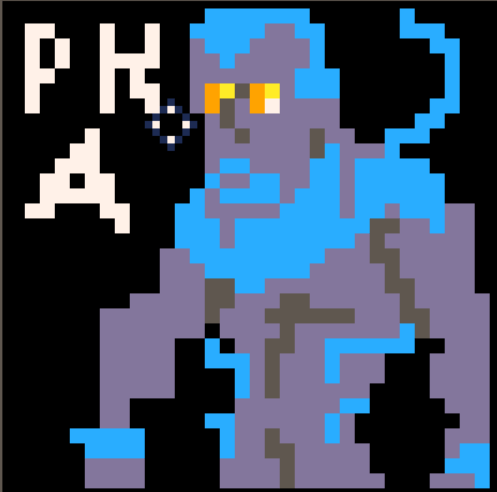



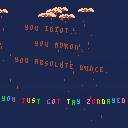
i don't really know why i made this
it was based off some bait and switch site that had chocolate rain as one of the options
mainly wanted to practice making/porting music to this thing
1 comment


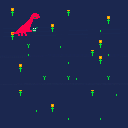
Today was the first day I did a videogame with my son.
He's 3 years old. He helped me pick all the colors and with design decision, like what kind of dinosaur to include and what he would be doing.
The game itself is literally 6 if blocks, and I wrote it pretty quickly, starting from api.pb . It still felt like an eternity to my toddler! He could see progress while I was drawing the dino and the flowers, but the programming part was meaningless to him. He was vociferously demanding progress. A true client. I had to cut many features. Bounds checking, for example, only works partially. It became a feature ("ooooh where did the dinosaur go?")
CONTROLS: Move with arrows, water flowers with Z.
Cleaned up before publishing.
 2 comments



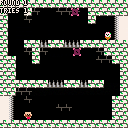
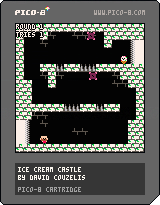
Run and jump your way to the magical ice cream. :)
My very first PICO-8 game, but not my first time trying game development. I made it over a three day weekend, maybe eight hours? I used the "collide.p8" demo as a reference.
Once you make it to the ice cream you've pretty much seen the entire game.
 3 comments


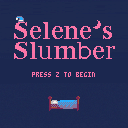
Now finished: the complete dream of Selene, a girl who wants to get a good night's sleep. Avoid the alarm clocks!
My first "full" Pico 8 game. I can't wait to make more games!
There are a couple of things I wanted to do that went undone, but I think it's time to move on.
4 comments











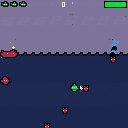
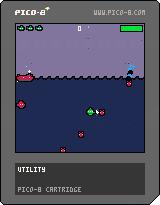
I've been working on this game for a month or so on and off. I still have some janky code in the mix, but I've got my basic three enemy types and am currently working on a system for arranging levels and building a sub-boss and boss to complete the initial goals I laid out. I'm moreso uploading to motivate myself to keep going.
2 comments


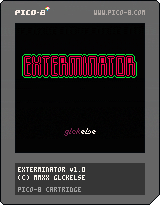
🐛 EXTERMINATOR 🐛
Kill bugs before they kill you.
Controls
- ▲/▼/◄/► - move
- X - shoot
- Z/C - use bomb, skip shop
3 comments




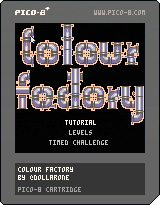
Colour Factory is a puzzle game much like Pipe Dream, only with colours. You connect pipes to certain processors that can mix or distil the colour into secondary or primary colours. You have been given some input colour(s) and the wanted output colours have been decided. Now it's up to you to create them!
There is also a timed challenge specifically made for the ScoreSpace x Alakajam tournament: who can create the right factory fastest? The timer ends when you hit the factory button. Good luck!
I added mouse support in the last hour or so, do let me know if there's any bugs!
1 comment

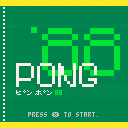
This is the first game I made since I had a TRS-80 long ago!
It's another version of Pong. I was trying to learn PICO-8 and needed a project so I made Pong as if it were made in the 1980s on something like a Nintendo. I'm sure its mechanics are different than real Pong, but I haven't played that since I had a real Atari with paddle controllers. This is from memory and it fixes a few things I remember not liking about Pong.
I tried to make the A.I. work differently that just tracking the ball's location with some constraints to give the player a chance. Instead it predicts the future location at a couple places like a human would. As the player starts to win, the A.I. improves. That way it shouldn't be too hard to get a few points in, but winning gets a little harder. Play ends at 11. The paddles have some physics and bounce off the walls a little.
0 comments

Hi, not posted before but I thought some of you might like to see this setup that I've been playing with;
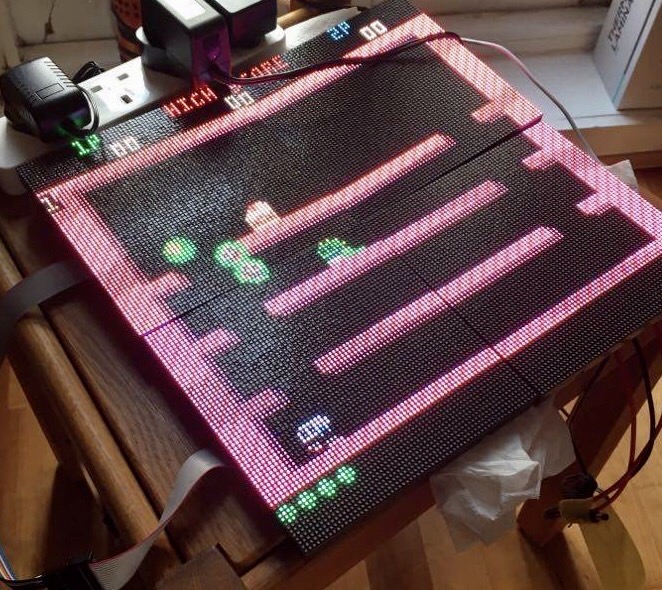
https://www.youtube.com/watch?v=gaacP4N1ew4
It's running on four 64x64 LED matrices, I think it looks pretty nice. The flicker/scan lines in the video aren't visible in person, it's an effect of the camera - but I may try tweaking the refresh to make a better video.
7 comments



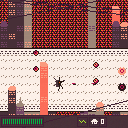
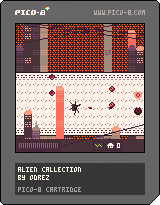
My entry for scorespace x alakajam
You have an important job: While everyone is staying inside due to an alien invasion, you're out there making sure people can make phone calls. Do your best and survive!
 1 comment
EPILEPSY WARNING
Probably? I don't know. This is from when I was like, twelve.

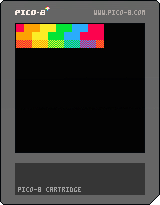
Run the cart and you will see more colors that are not in pico 8 how I got them is I drew a square of one color and then a square of another and used _update60() to change them really fast and it goes too fast for our eyes so it looks like the colors are combined.
the squares on top are the solid ones and the ones on the bottom are checkered. the ones in the middle are normal pico 8 colors.
feel free to use this in any of your games.
0 comments

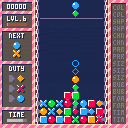
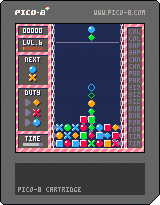
This is my 72h entry for alakajam #9 !!
Rules ( basic )
- A link is created between stones sharing a color or a shape.
- Chain of 12+ stones will explodes increasing score and experience
Rules ( advanced )
- Each time you level up, a random malus is drawn in the list.
- Complete some specific conditions to increase your combo values.
- The first time you complete a condition, you win a trophy accordingly
- Gain 3,5,10,15 trophies for bonus score.
Controls
left/right : move piece
down : drop piece
up/w : turn piece
x : check trophies list
19 comments