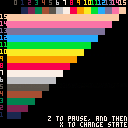
Heavily inspired by Aaron Bell's blog post.
No, the Pico 8 doesn't really have any secret colors, but by changing a pixel between two colors very fast, we can trick the eye into thinking that it is seeing another color.
Here is an approximation of how the effect should look on your screen:
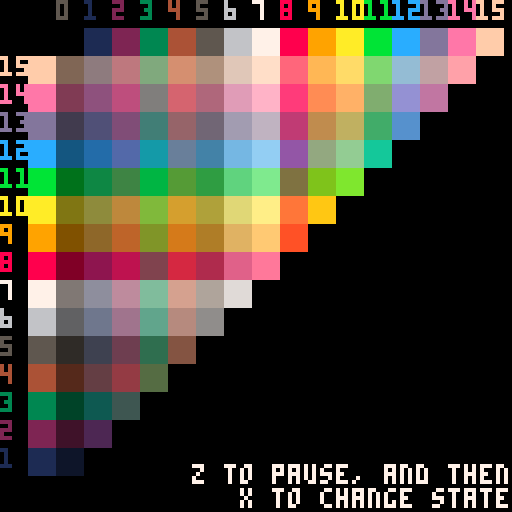
Of course a lot of the colors wouldn't work, because of flicker.
Technical Info:
This requires 60 fps mode and works best when not run in a browser. Additionally, since (i suspect) the frame timing varies a little, the effect may appear to stutter from time to time on 60hz monitors. Additionally additionally, only some color combinations work (the luminance of the two colors have to be close to each other) and even then the color can vary a little between monitors. [b]Not to mention that you would need to label your games with a seizure warning.


 25 comments



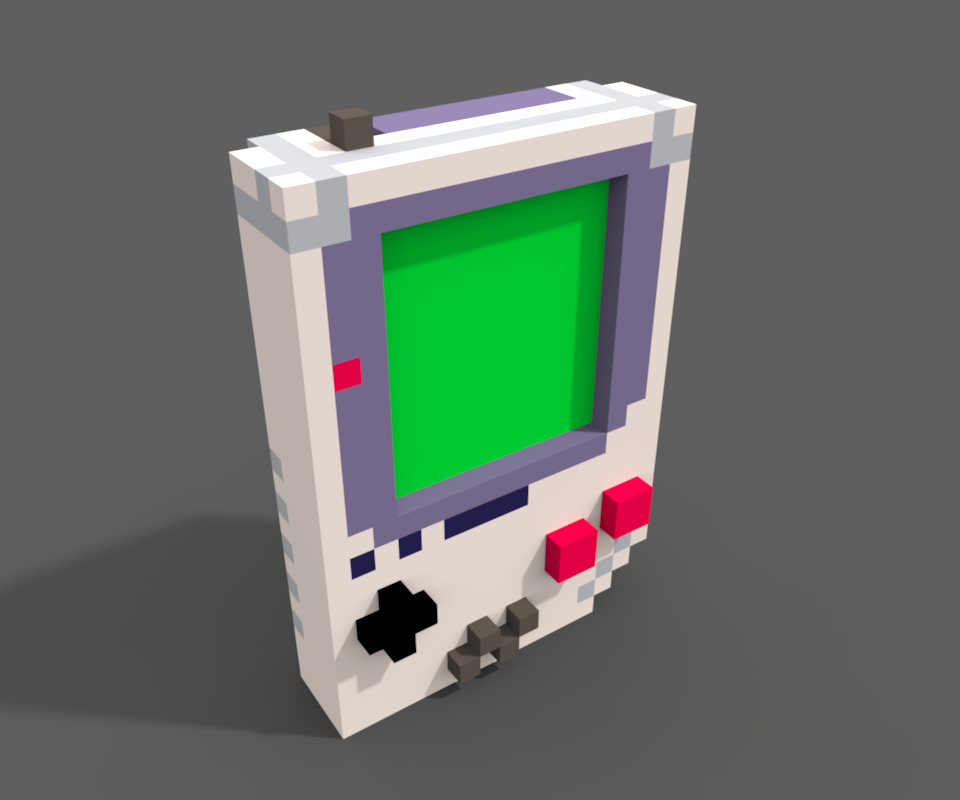


Current build includes brick types, a partially implemented powerup brick... getting close.
0 comments

we made a game and want to try it on our pocketchip but we're not sure where to place the .png.p8
7 comments



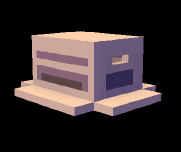

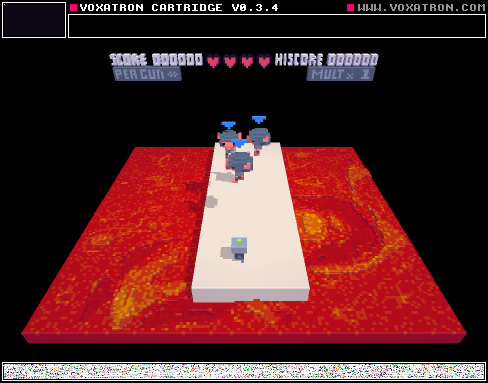
A quick idea for a telekinetic attack. Face the enemy (or enemies) you want to attack, hold left click ('X' on keyboard) to lift the enemies into the air, then right click (or 'Z') to launch the enemies in the direction they're facing. It'll make more sense when you try it out.
The setup is quite simple. At its most basic, I'm emitting an invisible 'Pusher' monster behind every lifted enemy when you right click. The Pusher is offset behind the enemy (-Y) with a positive velocity (+Y). When it launches, it pushes the monster toward whichever direction it's facing . . . In this case, that's conveniently toward some lava.
Feel free to use this in your level. Comment with suggestions or fixes or ideas.
0 comments


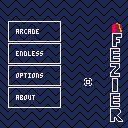
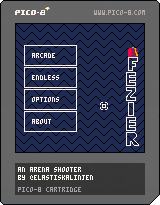
Fezier is an arena shooter were you control a fez wearing magican. Weild the power of magic and slay the damm blobs!
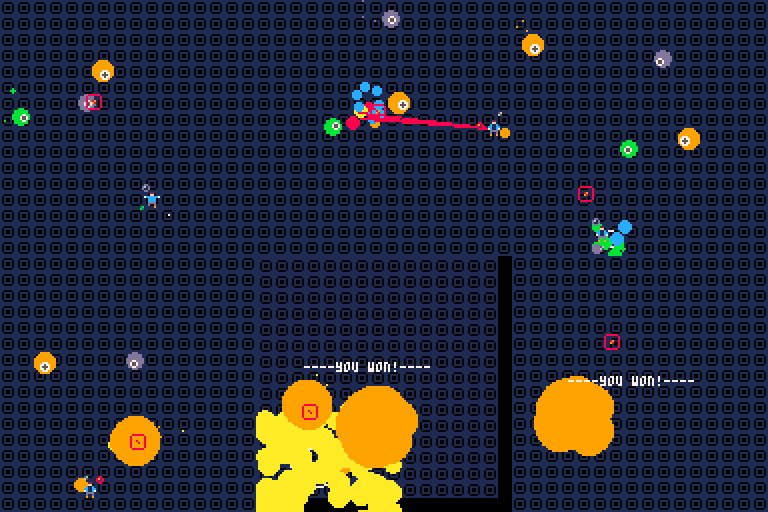
The magican is controlled with the mouse. He always tries to move towards the mouse position.
To shoot, just left click, the rest will be brought up in the game!
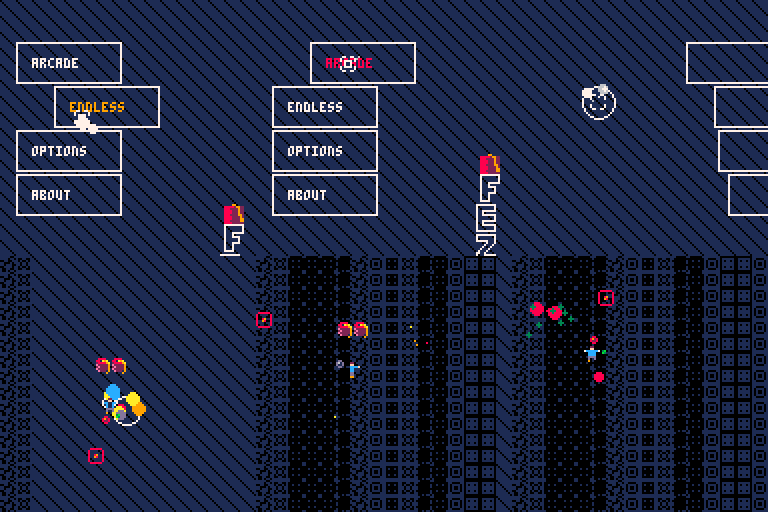
Updates
1.2
- Made shielding esier
- Add a marker when picking map
- Icons on every tab
- clean up endless mode tab
- Cracks on arcade mode
- Limit boost when standing still
- Harder last boss
- Save settings
1.1
- Blobs should not spawn on you
11 comments





Hi all!
I am building a small pong clone for fun and I have an issue when I press the button to enable pause.
Basically the pause is enabling / disabling itself really fast.
This happens if I use btn() and also if I use btnp()...
The source code is available here:
https://github.com/ltpitt/pico-8-pong
Can you please help?
Thanks and happy hacking :)
14 comments


Hi there fellow community!
Just wanted to ask whether there is an official PICO-8 mascot? Could it be Jelpi?
If not I think the community should probably decide on one since most platforms got their mascot.
23 comments








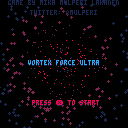
Space shooter idea where you can travel to next level thru a wormhole whenever you want. Still work in progress but I may be too lazy to finish it...
all comments welcome though :)
2 comments
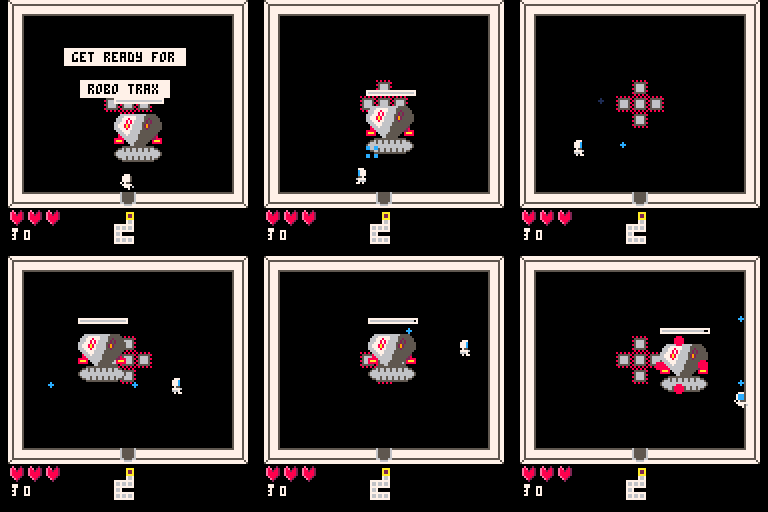
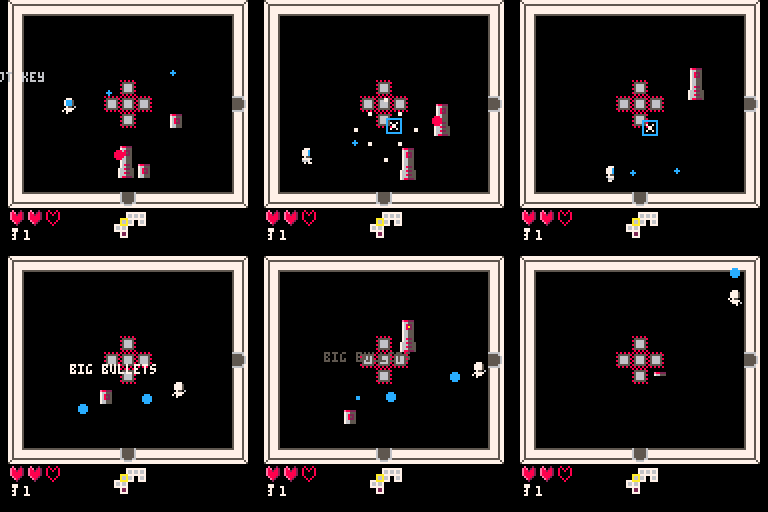
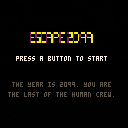
Escape 2099 is a procedurally generated twin stick arena shooter for one or two players.
The year is 2099, and humans have begun settling the stars with the use of generation ships and autonomous robot crews. It seems however your robot crew has other ideas...
Controls:
Standard D-PAD/direction keys to move, and the two buttons to change shooting direction. Hold them both to shoot down, and a single one to shoot left or right. It includes a control screen where you can easily invert the shooting buttons to avoid remapping with SDL on game pads and joysticks.
Survive and escape Deck 5 to win the game.
 4 comments




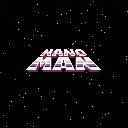
At last, Nanoman!
Basically, a fan game heavily inspired by the early Mega Man series that I started working on a few months ago. A big thanks to Gruber Music for stepping in during the final stages and providing some great tunes for the 6 different levels!
If you're already a fan of Mega Man, you should feel right at home here. For the un-initiated, here's a breakdown of the controls.
- Arrows: Move (of course)
- Z: Jump - Tap for a small jump, hold for maximum height
- X: Fire / Menu select
- L-SHIFT: Open weapon selection menu. You'll have just one until you defeat some bosses
- If you're sick of a level, you can return to the stage selection screen through the PICO-8 pause menu (ENTER)
You'll often come across life (white glowing orbs) and energy pods. The energy pods will re-fill your special weapons, but you'll need to have the weapon you want to re-fill selected before you pick it up.
Warning:
This game is HARD. Like, Mega Man hard. Expect to die a lot until you start to memorize stage layouts and enemy patterns. The game is indeed beatable; I've run the whole thing myself a few times. It takes about 15-16 minutes if you're in a hurry and don't die. I plan on making a full play-through video soon. There's a handy, built-in timer for you speed-runners out there that'll show up at the end of the game.
Developers:
The code in this cart has been squashed with p8tool's luamin command. This was necessary to get this beast of a thing in under the compressed file size limit. Don't expect anything legible by clicking the code link. I'll see about posting the un-compressed code somewhere.
This is my first full-blown PICO-8 title. Some of the code is rather ugly; partly because early on, I was unsure of how best to save space, and partly because I had to utilize every token-saving strategy under the sun. I've done my best to comment the un-compressed code so you can follow what's going on.
The map data was generated and lightly compressed by external map editing carts (one for each level) and jammed into strings; there are 76 "screens" in all. The last level is also a string, but it's copied from map memory into a string at runtime, because the compressed file limit said I had to do it that way. I hope to do a write-up on just how I handled all of that soon.
That's about all my fried brain can think of at the moment. Enjoy!
Edit: I can't seem to upload anything to my profile here other than images, so I've uploaded the un-compressed cartridge data to github: https://github.com/flimflamboyant/NanoMan/tree/master
38 comments



Hey guys,
I am new to programming in general and started coding with the Pico-8 a few days ago. I did read/watch a lot of tutorials and got some small "games" already working. I want to take it slowly so that I understand what I am doing. My main goal is to program a simple jump'n'run game.
Now my questions is: Is it possible to add certain things (modules) to my existing code (basic movement with walking animation) or do have to to re-code everything when things get more complicated? I am asking since I did two tutorials. The first one did movement like this (example for left button)
if(btn(0)) player.x-=player.speed |
Then I read another in the fanzine #2 where movement was done in a way I could not follow. The author used different states for walking, jumping and being idle. The whole thing was called "finite state machine".
Now I am unsure about two things: Does the first approach allow jumping, falling, etc or do I have to work with the states? Secondly, I would like to add things like particle effects or shooting bullets to my game. Can these (and other) modules (do not know if that's the correct expression) be simply added without having to re-code everything?
Tl;dr:
-
Can things like jumping, falling etc. be added to the abovementioned example for movement?
- Can modules like shooting bullets, particles, enemy ai etc. be simply added to the existing code or do they need a whole different "frame" each depending on how they work?
I hope my questions are clear and they are not too nooby. Thanks in advance for your answers.
4 comments
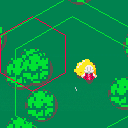
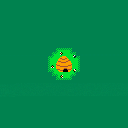
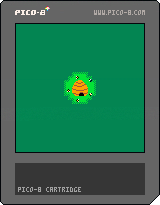
Hi there! Here is my second project. I got a bit burned out on the first one and thought to do something smaller.
No matter the height you're always safe with a haystack somewhere around. So aim for the haystack :) Hope you enjoy.
Also any suggestion how I could make the landscape more interesting? I tried to generate randomly colored circles but it looks kinda weird.
1 comment
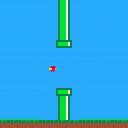
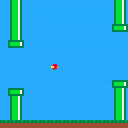
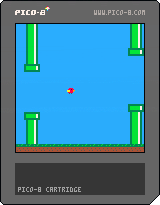




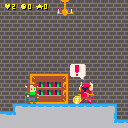
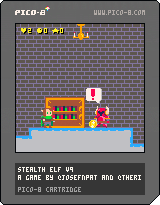
Anissa is an elf girl with a knack for thievery. Upon entering a mysterious castle to claim it's treasures, she finds tough Bison Knight guards galore! Armed with only a grappling hook, Anissa must sneak past the guards by hanging on the castle's many chandeliers to claim her reward.
Use your grappling powers and your pathetic jump to avoid the enemies, and steal the treasure at the end!
Features
- Randomly generated terrain every time you play!
- Collect coins to buy health potions from shops
- Use your grappling hook to grab on to and hang from chandeliers!
Tips:
- Don't let go of your grapple until you're ready to jump down!
- Collect coins for potions!
- Drink potions for extra lives!
- Shops are checkpoints!
- The game gets harder as you get closer to the end!
Dev:
- For the extra bonus point, the code is under MIT, and the art is under CC-BY-3.0!
This game was made in two days for the #linuxgamejam2017.
- Code: Josef Patoprsty https://twitter.com/josefnpat
- Art: Ricky Crespo https://twitter.com/TheRickyWill
This game was made using the Pico-8 fantasy console with version 0.1.10c.
License
- Code is under the MIT
- Art is under CC-BY 3.0 (Ricky Crespo)
2 comments
Granted, I'm a novice to both Lua and PICO-8, but when I was able to get down to the core of what was throwing the out of memory error (after a few hours), I was astounded.
This one line will eventually exhaust all memory:
WHILE TRUE DO END
The question is...why?
Rodney
8 comments




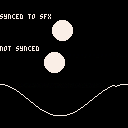
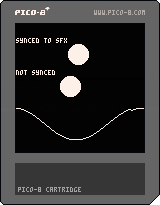
I've been looking for a way to keep graphical effects in sync with music. This cart is my attempt to implement a "phase-locked-loop", which keeps time going smoothly forward while making small corrections to adjust for how the music has progressed.
It seems to work well, though it freaks out for a bit if you click outside the window or the framerate changes for any other reason.
0 comments
First game I've finished ever, first cart submitted for PICO-8 ^_^.
This game was created to be a submission for the #MagazineJam :https://www.lexaloffle.com/bbs/?tid=28950
The final cart has exactly 100 lines of code, 0 sprites, and only uses 5 sound patterns (2 for effects and 3 for music)
Game Details:
-Earn points by surviving longer
-Earn +50 points per second by flying your ship in reverse
-An additional asteroid/rock is added every 600 points
-Max and min speed are capped
Collisions for the asteroids/rocks can get a little buggy because of the way I implemented collision-detection and screen-wrapping. If any asteroids get locked up on each other, just wait for another one to bump into them; that usually shakes 'em loose ;).
Please comment and let me know what you think! Constructive criticism, please ;). I'm open to all feedback and suggestions! I had to adjust my original design of the game, in order to accommodate the constraints of the challenge, so I branched a file off of the main for the MagazineJam submission, and plan to return to the original design and get it fully fleshed out.
Thanks for taking the time to play my game!
3 comments


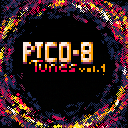
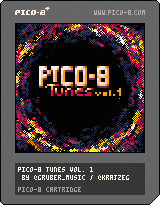
Introducing Pico-8 Tunes Volume 1!
A collaboration between myself (@gruber_music) and @krajzeg, who did all the coding and animations.
The idea was to create a cart with music that others can use in their games, so please feel free to do so!
About the music: I wanted to challenge myself and see how much music I could pack into one cart. There are 12 tunes here. Each use only 2 channels, and take up 4-6 SFX slots.
Hope you enjoy!
41 comments






.jpg)

I run Pico-8 from console, without using X on any of my Raspberry Pis.
Sometimes I have a second framebuffer device at /dev/fb1 that I want Pico-8 to run on.
Right now it looks like there is no way to get Pico-8 to run on any device other than /dev/fb0.
This would be useful for running Pico-8 on a connected LCD, 2nd monitor, or USB DisplayLink device.
3 comments