




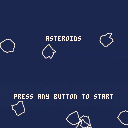
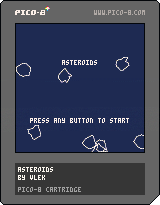
It could be a little flashier, but the game is fully playable by itself at this point. Have fun playing an Atari classic.
Version 1.1:
Made asteroid collision much more exact
Added anti-aliasing (Thank you, Felice)
Made extra lives available after every 5k points instead of 10k
Made the extra lives indicator make more sense (Player has 3 extra lives plus their current one at start)
Version 1.0:
Added an invulnerability period after respawn
Version 0.9:
Added start and play again menu options
Added more sounds (game over and extra life)
Fixed controls working after death
Added scoring system that works to the tens of millions of points
Refactored some code
Version 0.5:
Added level spawning
Fixed randomizing of asteroid velocities
Added player death conditionals
Added respawning
Added a great deal more variation in velocities in general
Version 0.4:
Added randomly generated asteroids (yay!)
Added collision-based asteroid spawning
Added score increases
Added thruster and asteroid explosion sounds
Version 0.3:
Fixed the controls
Retooled how the velocity works (saved x,y velocity offsets)
Added (lame) asteroids
Added collisions
Added explosions!
Made explosions pretty
Version 0.1:
Initial preview posted


 7 comments


I don't know why he hasn't shared things in the forum yet, but williamanderson is working on a nifty looking shmup that he's shown on Twitter a bit. Hope he does't mind me calling him out for what looks like great work and cool game. Same guy that made Wax the Hippo.
I'm a big shmup fan and it seems like the idea behind his shmup, which I think is called "Monster Hull," is not unlike a monster trainer game where you defeat baddies to collect them and then build them up to keep the battle going.
Sprites look pretty solid but the concept of mixing a trainer with a shmup isn't one I've seen before exactly. Following this one pretty closely and hope it gets shared somewhere soon, even as a demo.
I can't easily copy images from tweets, so here's the one with nice GIF
https://twitter.com/TheWAAnderson/status/738904751719485441
You can follow him on Twitter to get more updates:
https://twitter.com/TheWAAnderson
2 comments




The theme for the second PICO-8 Jam was Chain Reaction, and there were 35 entries. Thanks to everyone who contributed and made this jam a another splendid event. I hope you'll join me in congratulating the winning entry, which received a whopping 7.3 PICO-8 star average.. theatrically opens invisible envelope
NuSan! With Combo Pool.

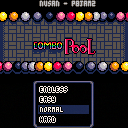
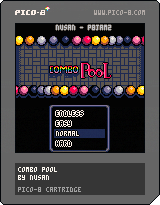
As a token of gratitude for laying down this most excellent cartridge, NuSan will be receiving a commemorative cross-stitch based on the cart.
Also highly rated by participants was another disarming production by JTE: Nora's Mouse Chase, and the beautifully chaotic SPACETANK 9000 by arnodick.
18 comments










I haven't seen anyone doing this yet, so I thought I'd give it a shot:
https://github.com/dppc/p8keyboard.js
It's a total hack, and obviously works only in the context of a browser.
I imagine it as an awkward rubber chiclet keyboard that plugs into the game controller ports.
The demo (arrows to move, spacebar to erase) is for making terminal/typewriter art like this:
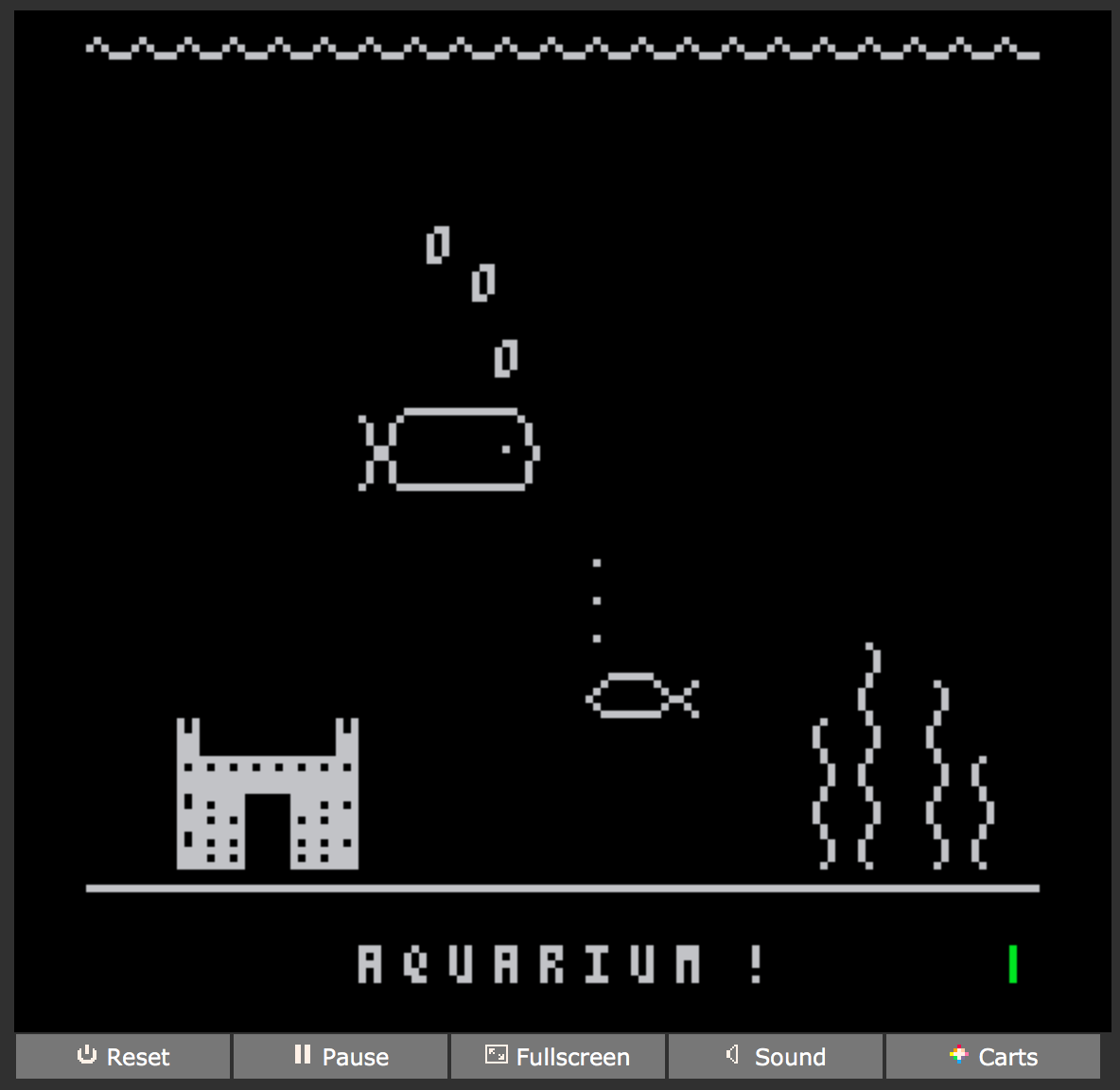
Typing is possible, but would need a buffer to hold incoming characters in order to work reliably enough for something like a typing tutor game.
Enjoy!
3 comments





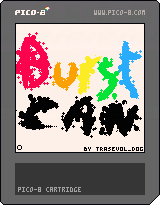
Draw things with explosions!!!
Based off the original concept of Shodo by Oinariman (check it out it's an awesome cart!) and put closer to my own style!
You can save your creation by pressing tab but you can only reload it by resetting the cart.
All the other controls should be shown in-game!

Have fun and do share your creations! :D
6 comments


I've seen several uses of 3D in Pico-8 games and I'm wondering if anyone knows of any good tutorials to better understand the process of setting up a 3D area? I've looked at the code of some of the games that setup 3D, but they're not clearly documented or I'm just not grasping it.
I'm new to Pico-8, but I've watched several good videos about basic 2D development. I have something I want to try, but I just need a better grip on how to set it up.
7 comments



poke(0x5F2D, 1)
stat(32) -> X coord
stat(33) -> Y coord
stat(34) -> button bitmask (1=primary, 2=secondary, 4=middle)
You should probably limit yourself to using the primary button, not everyone has a middle mouse button and dunno how secondary button would work on a touch device. You should also be using the mouse to enhance a program, not for it to be the only control, or else you make it so anyone lacking a mouse on whatever device they're playing PICO-8 on is unable to use your cart.
EDIT: apparently it doesn't work that well on a touch device, atleast PocketCHIP:
"I tested the mouse support on PocketCHIP. It didn't work well. It seems to cannot detect mouse release (touch up)." ~ oinariman
64 comments


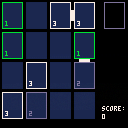
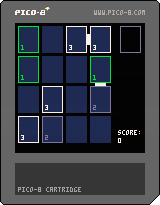
A small PICO-8 remake of the excellent Threes mobile game.
Move the tiles with the arrow keys.
Reset the game with the "c" key.
Due to PICO-8 limitations, the scoring system is different than the original game.
Due to the developer limitations, the music is yet to be done.
1 comment


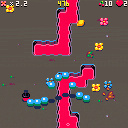
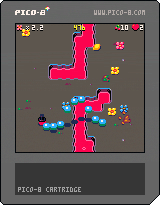
You are a worm. Worms love eating fruit, even though it makes them poop. But this is a good thing: poop becomes flowers and flowers bring much joy to the world.
Eat fruit, avoid poop, flowers increase the score multiplier, eating flowers makes the multiplier smaller. Use arrow keys to steer, use Z or X to jump over hazards.
This is a very quick project we did with iLkKe, as Tic Tac Toad. Going to write about the game in my blog in the near future, had so much fun making the game.
The game is also playable at itch.io
Update 1.2:
You can also use LEFT/DOWN and UP/RIGHT to rotate the worm, it's much more comfortable on a Pocket CHIP. Able to skip the level bonus countdown.
Update 1.1:
Fixed some bugs, added realistic hat physics (can pick up a hat you dropped), added a high score table!
39 comments



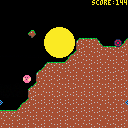
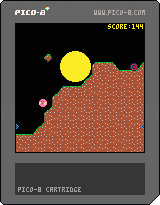
Simple bomb survival game I am working on. Any and all feedback much appreciated. I built the physics using simple verlet integration which does pixel based collision detection. Each entity has a list of white listed colors which it ignores for physics. The terrain is based on marching squares and is a giant table that goes down to y=16000 so you should be able to climb down a good long ways.
Next on the list:
add title and death screens
add powerups
make game get progressively more difficult
optimize collision code (it can get somewhat laggy)
multiplayer?
maybe some sort of grab mechanic so that you can hold on to a cliff for a limited time
better graphics including some form of background
coins and shop?
1 comment
This thread is just to say thank you to zep for making the SPLORE feature :)
I have a dedicated gaming computer that is permanently hooked up to my TV in my living room and I just had the sense to put PICO-8 on it, and let me tell you: using SPLORE on it with a wireless Xbox 360 controller is so fun!!
I am discovering carts I've never played before just because this interface makes it so easy to browse through carts!
Sure it has some flaws that I trust will be addressed (I'm looking at you, search), but man is the overall concept such a great one! I happily discovered it's even possible to type into the search box by selecting characters using the controller!? So coool!
And I made a shortcut to PICO-8 with the -splore command-line argument so it boots straight into SPLORE mode, and then I launch that shortcut from Steam Big Picture Mode with a controller...it's just a dream <3
Thanks, zep, for turning my living room into a PICO-8 arcade! :D
2 comments


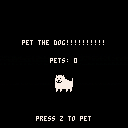
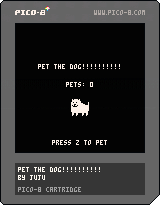
It's me again with a game! The goal here is to pet the dog. Just press Z to pet the dog. That's it.
Remake of this thing by @i_am_agm
Undertale by Toby Fox
Dog Song by Toby Fox, transcribed by DJDelta0 and MekHunter and in PICO-8 by myself, Juju
7 comments




(I really hope this doesn't sound whiny; I don't want to tell anyone what they should or should not do; I'm just trying to make sure people are aware of something they may never have thought of!)
*-*-*-*-*-* BEGIN PUBLIC SERVICE ANNOUNCEMENT *-*-*-*-*-* |
If you use "up" as the jump button for a platformer, it makes it basically impossible to play your game using a controller/gamepad.
Please be kind to those of us who like to use a joystick or d-pad as our directional input!
xoxo,
kittenm4ster
*-*-*-*-*-* THIS HAS BEEN A PUBLIC SERVICE ANNOUNCEMENT *-*-*-*-*-* |
P.S.
(besides, aren't we supposed to pretend that the non-devkit version of PICO-8 only has a d-pad and two buttons, with no keyboard?)
12 comments




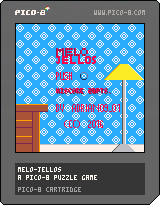
A CREATIVE MIX
Play a creative mix of Famicom Puyo Puyo and another Famicom hit Palamedes.
The game links both games. Pieces drop like Puyo Puyo but you must match the colors and delete the lines like Palamedes.
HOW TO PLAY
Drop jellies onto other jellies with the same color. The 2 jellies will disappear. If you do a combo, you can delete the number of lines shown in the "LINE" field by pressing up. You gain a level every 50 gems.
4 comments


Hi there!
I spent the last three days making a tiny video playback demo for the PICO-8!
It works nicely, but I can't export the final p8.png file because the compressed size is about twice the allowed limit.
So here's the .p8 instead!
And the repo with my animation converter included so you can play with it yourself!
There's about 60 64x64 frames of video in total, along with randomised ambience and lightnings.
1 comment
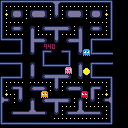
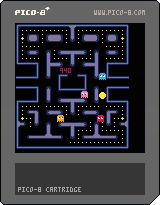
It's very much a work in progress. It isn't 100% true to the original pacman, but the ghost AI should be somewhat accurate. Quite a few bugs still. I wanted to do a Pacman to learn to understand pico8 better.
Not all ghost behaviour is implemented yet, neither are scoring, fruit and lives. The code isn't neat or consistent.
 6 comments

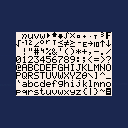
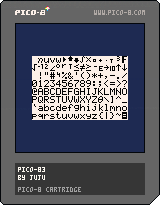
Heh, been a while I played with PICO-8. Anyway, I had this idea, since the TI-83+ graphic calculator screen is smaller than PICO-8, you can probably emulate it inside of PICO-8? Well, the RAM is barely bigger than the TI-83+ and doesn't have 50 keys so that probably won't work, so I just wrote an equivalent of the Output() function, complete with the font (see the weird garbage in the gfx editor? That's the font. I abuse the fact one 16-color pixel takes the same space as 4 monochrome pixels), wrapping around the 96x64 screen and character 0xD6 is a newline. Now you can port your favourite 83+ BASIC games, provided they only used two buttons and the D-pad!
In this cartridge, I show all the characters of the font you can use between 0 and 255 (actually 1 and 247, the rest should be blank), press up and down to scroll. You can look at the code, there's the output function defined as such:
output(x,y,s)
x: row between 0 and 15
y: column between 0 and 7
s: character array to output (like, {0x48,0x65,0x6C,0x6C,0x6F} for "Hello", refer to this link for the codes)
2 comments
I made a map with some sprites that have a flag for walls. The map is at 0,0 and is a 16x16 map. So I use this:
map(0,0, 0,0, 16,16) |
It works as expected. But then I want to use a different 16x16 map.
map(46,0, 0,0, 16,16) |
When I do this, the right map sprites are displayed on the screen but the flags being used are from the first map...so in-game, the player hits a wall that isn't represented by a sprite, and likewise, the player can walk through places where there are sprites.
It's like it retained the flag placement for the first but is using the second's sprite placement.
Anyone experience anything similar?
Or am I doing something wrong or missing a step?
11 comments



I'm serious! Everything is so gorgeous and animated, sounds fantastic, and I'm all... "I have 64 tiles/frames and sfx/sequences to make THAT happen!?" :o
/curls into fetal position with all my jellybeans
...and here I'm butting my head against a wall, trying to figure out how to correctly phrase "make a sceneID, make a doorway.sceneID table, cross-reference sceneIDs in the appropriate doorway tables."
4 comments