


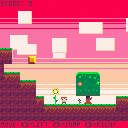
Just a little game made for my software assignment - just a basic functionality of the game, still some parts in the works


 3 comments




Hey everyone,
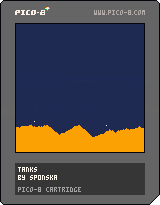
I'm super excited to be sharing my first ever PICO-8 game with you today. It's a two player battle game similar to 'Worms' where two tanks fight to the death on fully destructible terrain.
CONTROLS:
- Movement: Left + Right
- Aim: Up + Down
- Shoot: X
GOAL:
Destroy the terrain under your opponent. The first tank to reach the bottom of the screen loses!
GOOD LUCK AND HAVE FUN! :)

 0 comments



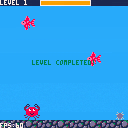
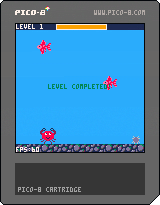
Hey, I'm making a game about a crab in love with a seashell. I'd appreciate some feedback :)
Things left:
- Main screen
- Sound and music
- Probably more polish on the graphics
 0 comments

Ride through the desert jumping over cacti. See how far you can get!
This is my first ever completed game. It was a lot of fun :D
 2 comments

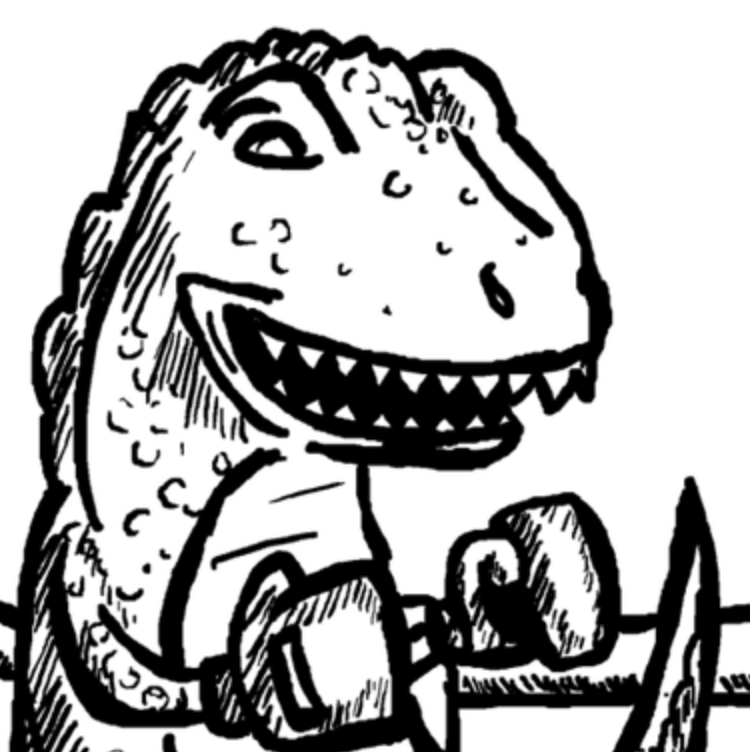

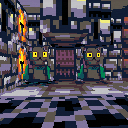
Finally "done" :)
> You awake from your rest in the void with a voice repeating in your head.
> It says: 'meow meow meow meow mexow' and you know what must be done:
> It's time to retrieve the book of Magu F'ahn.
You're a cat, you're magical, it's you and your wand against insurmountable odds, cats, and infinite pigeons.
A retro fps with 8 singleplayer maps and 3 "botmatch" maps. Select maps from main menu, all botmatch maps unlocked from the start, singleplayer maps unlock as you complete them.
You can also play this on the PICO-8 BBS
Controls
- Arrow keys - move (strafe if mouselook enabled)
- Z/C - strafe/sidestep (hold, then press left and right, unused with mouselook enabled)
20 comments






Shelled Shinobi
Alternate between classic platforming and controlling a fast sliding shell.
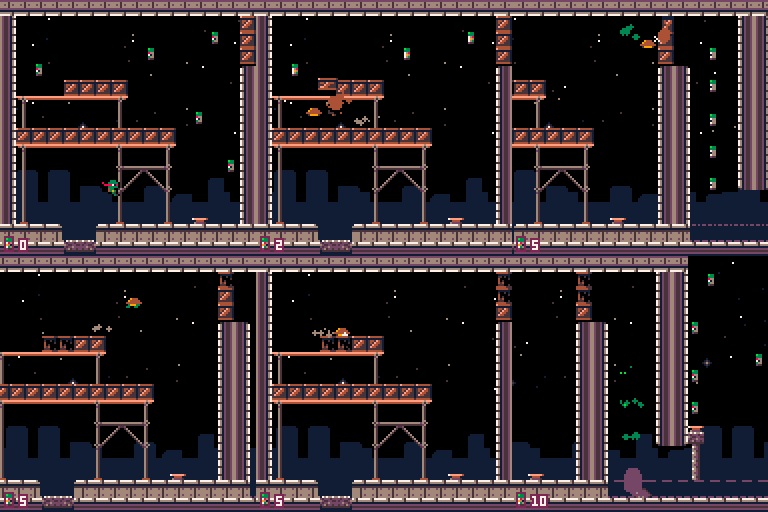
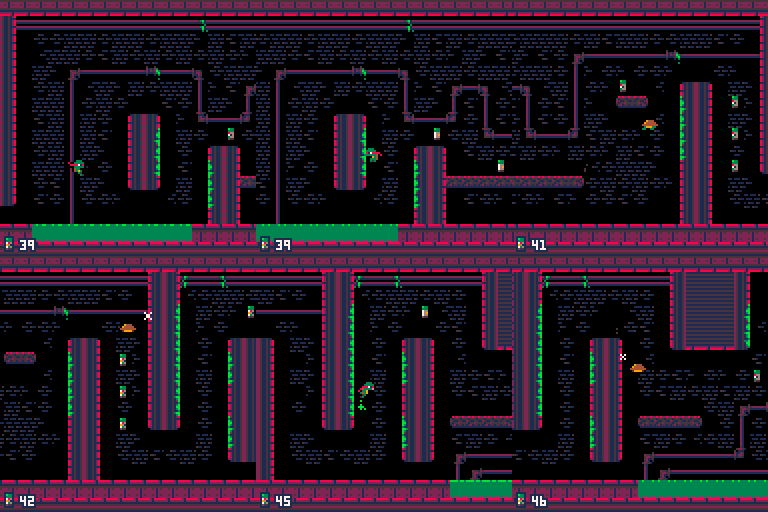
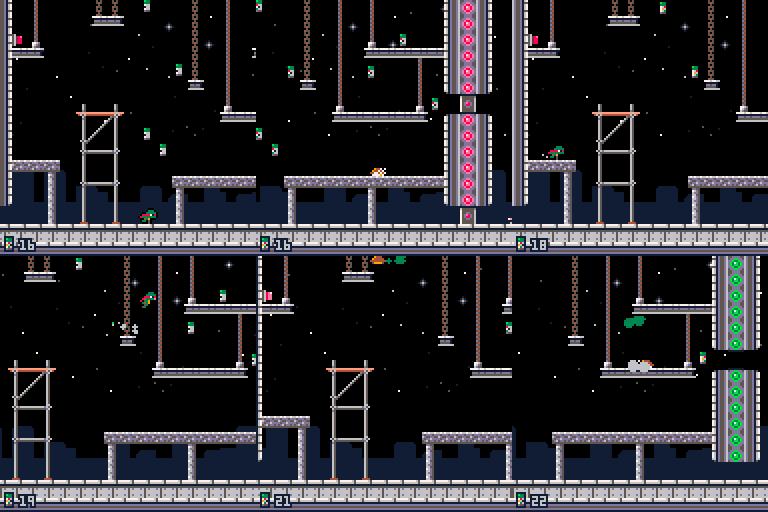
Controls
Keyboard / Gamepad:
Move: Left, Right arrow keys / Left joystick or D-Pad (p8/bin).
Jump*: Z or C / 🅾️.
Shell*: X or V / ❎.
Pause, Options: P or Enter / Start (p8/bin) or Back (web).
65 comments






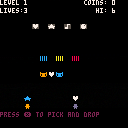
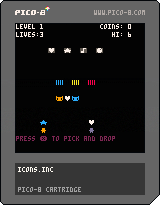
Now with 2 players!
A text only multiplayer pico-8 overcooked inspired painting game.
Pick and icon and put it on the color for a couple seconds to paint it.
Give the correct icon to the customer.
Collect your coins!
TODO:
- Backgrounds
3 comments


V1.1 Changes:
- Level 12 is completely redone
- Current level number is shown in top right
- Auto jumping is prevented
- Wolrd 3(level 9-12) invisible blocks are a bit more visible
- Hitting the top of a block is more forgiving
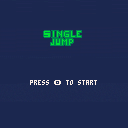
You are a slime that can only jump once, but with the help of jump coins you'll be able to jump once more.
This is my first game made with Pico-8 and my first try at game dev as a whole.
Please enjoy :)
 10 comments




I'm working on my first PICO-8 game which is also the first time I really got into programming. Now I almost hit the token count but I don't really know how to shorten the code. I also admit I got really careless when writing the code and was mostly just happy whenever it worked. In at least three instances I'm 100% certain there needs to be a much more efficient way to code, any experienced programmer will probably cringe so bear with me.
But I'd really appreciate any help!
The first code is a function that adds text to the screen with each sentence delayed.
oprint2() is just a function I copied from Sophie Houldens talkthrough of Curse of Greed which adds an outline to the text.
Right now there are six texts but I want this function to work with an even greater number of texts and to able to make changes without so much hussle!
The text content and the if-statements to trigger them are always different.
The text style/colors are always the same. Right now I have individual timer variables are for each text which I realize is horrible. If it helps, I'd have no problem with all texts having the same speed.
function intro()

camera()
controls()
if ending_init==0 then
 if help==1 then
  if game_start_t <= 320 then
   oprint2("            move\n\n        ⬅️ ⬆️ ⬇️ ➡️",8,24,0,15)
  end
  if game_start_t >= 180 and game_start_t <= 460 then
   oprint2("\n\n  search for hints\n\n         ❎",8,44,0,15)
  end
  if game_start_t >= 370 and game_start_t <= 530 then
   oprint2("\n\nsearch through our belongings\n\n              ❎",8,64,0,15)
  end
  if game_start_t >= 500 and game_start_t <= 700 then
   oprint2("\n\n        surrender\n\n              🅾️",8,84,0,15)
  end
  if game_start_t <= 710 then
   game_start_t += 1
  end
 end

 if p.keys >= 1 and dget(2)!=1 then
  if key_timer <= 240 then
   oprint2("      a key",8,24,0,15)
  end
  if key_timer >= 50 and key_timer <= 270 then
   oprint2("\n\n  opens either a chest\n\n    or a door",8,34,0,15)
  end
  if key_timer >= 120 and key_timer <= 300 then
   oprint2("  and might only fit once.",8,82,0,15)
  end
  if key_timer <= 310 then
   key_timer+=1
  else
   dset(2,1)
  end
 end

 if steponfv >= 1 and dget(3)!=1 then
  if stepon_timer <= 240 then
   oprint2("every small decision",8,24,0,15)
  end
  if stepon_timer >= 50 and stepon_timer <= 270 then
   oprint2("\n\n  will\n\n    influence",8,34,0,15)
  end
  if stepon_timer >= 120 and stepon_timer <= 300 then
   oprint2("  our fate.",8,82,0,15)
  end
  if stepon_timer <= 310 then
   stepon_timer+=1
  else
   dset(3,1)
  end
 end

 if musx == 7 and musy == 3 then
  if restart_timer >= 350 and restart_timer <= 600 then
   oprint2("the heart of the desert",8,24,0,15)
  end
  if restart_timer >= 700 and restart_timer <= 1000 then
   oprint2("\n\nwhere everything ends\n\n  and everything begins ...",8,34,0,15)
  end
  if restart_timer >= 1100 and restart_timer <= 1400 then
   oprint2("we came so far this time",8,54,0,15)
  end
  if restart_timer >= 1500 and restart_timer <= 1800 then
   oprint2("are you ready\n\n to unlearn everything\n\n   again ...?",8,74,0,15)
  end
   restart_timer+=1
  if restart_timer >= 1980 then
  poke(rnd(23800),rnd(0x100))
  end
 end

 if musx == 1 and musy == 0 and hiddendoorv == 0 and greedv == 0 and steponv == 0 and steponfv == 0 and textreadv==0 and ending_i==0 then
  if east_timer >= 50 and east_timer <= 250 then
   oprint2("this is not the empty room ...",8,24,0,15)
  end
  if east_timer >= 200 and east_timer <= 300 then
   oprint2("we shall head east\n\n   and ascend!",8,44,0,15)
  end
  if east_timer <= 310 then
  east_timer+=1
  end
 end

 if musx == 4 and musy == 0 and hiddendoorv != 0 and textreadv !=0 then
  if empty_timer >= 30 and empty_timer <= 120 then
   oprint2("my mind is restless",8,24,0,15)
  end
  if empty_timer >= 140 and empty_timer <= 220 then
   oprint2("the noise is unbearing",8,44,0,15)
  end
  if empty_timer <= 230 then
  empty_timer+=1
  end
 end

end
end |
The second code teleports the player from certain map tiles to others when stepped on.
Sometimes it works two ways but then it changes to one tile in either x or y to prevent a loop.
My problem is again that the if-statements are always different so I don't know how to group them together and sometimes there are multiple if-statements or they require different variables than p.x and p.y.
function desert_teleport()
if ending_init== 0 then
 if greedv >= greed_one then
  if p.x == 1 and p.y == 1 then
   p.x = 49
   p.y = 1
  end
 elseif hiddendoorv >= hiddendoor_one then
  if p.x == 4 and p.y == 6 then
    p.x = 88
    p.y = 54
   end
 elseif textreadv >= textread_one then
  if p.x == 79 and p.y == 60 then
    p.x = 121
    p.y = 25
  end
 end

 if (p.x >= 112 and p.x <= 127 and p.y == 47) or (p.y >= 16 and p.y <= 47 and p.x == 127)  then
  p.x = flr(rnd(14)) + 97
  p.y = flr(rnd(14)) + 34

 elseif (p.y >= 16 and p.y <= 32 and p.x == 112) or (p.x >= 96 and p.x <= 111 and p.y == 32) then
  p.x = flr(rnd(14)) + 113
  p.y = flr(rnd(14)) + 34

 elseif (p.y >= 32 and p.y <= 63 and p.x == 96) or (p.x >= 96 and p.x <= 111 and p.y == 63) then
  p.x = flr(rnd(14)) + 113
  p.y = flr(rnd(14)) + 17

 elseif (p.y >= 2 and p.y <= 13 and p.x == 31) then
  p.x = flr(rnd(12)) + 65
  p.y = flr(rnd(12)) + 1

 elseif p.x == 79 and p.y == 60 then
  p.x = 17
  p.y = 37

 elseif p.x == 16 and p.y == 37 then
  p.x = 78
  p.y = 60

 elseif p.x == 35 and p.y == 15 then
  p.x = 89
  p.y = 49

 elseif p.x == 89 and p.y == 48 then
  p.x = 35
  p.y = 14

 elseif p.x == 40 and p.y == 0 then
  p.x = 99
  p.y = 30

 elseif p.x == 99 and p.y == 31 then
  p.x = 40
  p.y = 1

 elseif p.x == 6 and p.y == 63 then
  p.x = 107
  p.y = 17

 elseif p.x == 107 and p.y == 16 then
  p.x = 6
  p.y = 62

 elseif p.x == 92 and p.y == 31 then
  p.x = 19
  p.y = 30

 elseif p.x == 19 and p.y == 31 then
  p.x = 92
  p.y = 32

 elseif p.x == 0 and p.y == 10 then
  p.x = 110
  p.y = 22

 elseif p.x == 111 and p.y == 22 then
  p.x = 1
  p.y = 10

 elseif p.x == 16 and p.y == 28 then
  p.x = 110
  p.y = 25

 elseif p.x == 111 and p.y == 25 then
  p.x = 17
  p.y = 28

 elseif p.x == 56 and p.y == 0 then
  p.x = 40
  p.y = 42

 elseif p.x == 79 and p.y == 41 then
  p.x = 1
  p.y = 38

 elseif p.x == 0 and p.y == 38 then
  p.x = 78
  p.y = 41

 elseif p.x == 47 and p.y == 17 then
  p.x = 1
  p.y = 56

 elseif p.x == 0 and p.y == 56 then
  p.x = 46
  p.y = 17

 elseif p.x == 41 and p.y == 31 then
  p.x = 39
  p.y = 49

 elseif p.x == 39 and p.y == 31 then
  p.x = 88
  p.y = 1

 elseif p.x == 38 and p.y == 48 then
  p.x = 40
  p.y = 30

 elseif p.x == 40 and p.y == 48 then
  p.x = 69
  p.y = 46

 elseif p.x == 89 and p.y == 63 then
  p.x = 118
  p.y = 57

 elseif (p.x >= 16 and p.x <= 31 and p.y == 0) or (p.x >= 97 and p.x <= 110 and p.y == 0) then
  p.x = 88
  p.y = 10

  end
 end

 if ending_init==1 then
  if p.x == 0 or p.x == 127 or p.y == 0 or p.y >= 63 then
   p.x = flr(rnd(125)) + 2
   p.y = flr(rnd(61)) + 2
  end
 end

end |
The last function switches out certain maptiles with others if some conditions are met. I have a lot of different tables and functions of this kind but for brevity I'll just post two.
Compared to the first two I think they are less awful but I still feel they could be optimized.
trap_table ={109,109,109,79,79,79,79,79,49,50,24,24,25,25,40,40,41,41,96,96,112,112,75,76,91,115,117,117,100,101}

function place_traps()
for a=0,127 do
  for b=0,63 do
    if mget(a, b) == 109 then
      mset(a, b, trap_table

[ [size=16][color=#ffaabb] [ Continue Reading.. ] [/color][/size] ](/bbs/?pid=78580#p) |
10 comments

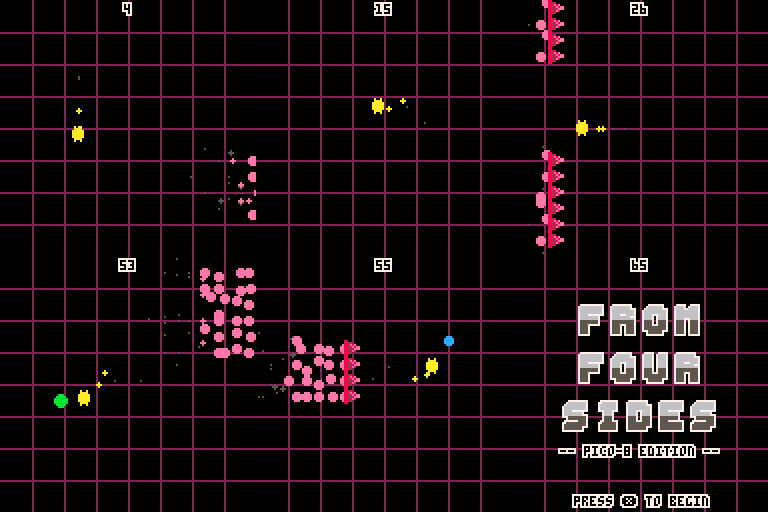
So I spent a few hours over the last few days recreating a flash game I found online a while back (http://abagames.sakura.ne.jp/flash/ffs/).
I challenged myself to try to recreate the game without looking at the code the original developer provided. After that I added powerups to add a new spin on the original game.
It's missing sound effects and music, but otherwise I've added music and sfx and the game is basically done.
 0 comments
Hi! I got pico-8 with the itch bundle a few weeks ago, and this was the first thing I made, it's a little snowboarding game, right now all you can do is try to avoid crashing into things, and there's no consequences when you do, but I think it's pretty cool for a couple of days work.
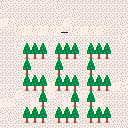
 0 comments

I was wondering what colors were useable for the background and when I went to go look I was sad because darkgreen wasn't useable :| I was wondering if more colors that aren't used for text colors could be background colors! IDK it's not really important but I would love a darkgreen background option.
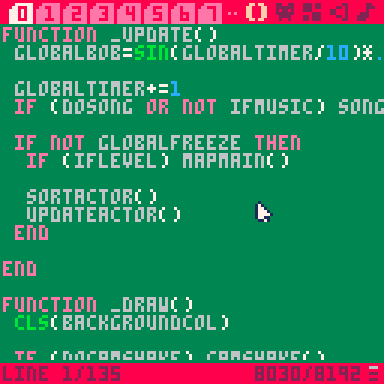
[EDIT: forgot that the mouse has dark blue when pal swapped img. : o]
0 comments

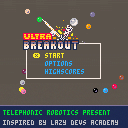
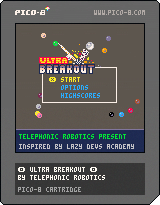
Left and Right arrow keys to move paddle, press Up or mouse key to launch!
Inspired by the 70+ video playlist by Lazy Devs, I'm happy to share with you the results of my first real game project.
Ultra Breakout features 10 levels and multiple control options including mouse and touch. There is a slight point advantage to using the standard controls and a slight point disadvantage to using mouse controls.
I hope you enjoy the quick diversion and checkout the original project here. Good luck breaking your personal highscores!
1 comment
Hi everyone, I'm fairly new to programming and Pico8.
I'm trying to add powerups to one of my games. I've made an empty table and a function to create each powerup within it.
The problem I'm having is that I'd like one single random powerup to be created depending on the score (say when score==5)
I've managed to do this but the problem was that a second powerup gets created before the player has the chance to up the score.
I've tried to use time() and also creating a boolean but I haven't managed to get 1 single powerup on screen at a time, I either get more than one or nothing.
What would be the best way to do this?
here's the code I have at the moment:
function _init()
	score=0
        powerups={}
end

function _update()
        if score==5 then
		powerup=true
	end

	if powerup==true then
		create_powerup()
	end
end

function _draw()
         for capsule in all(powerups) do
		spr(capsule.sp,capsule.x,capsule.y)
	end
end

--powerups

powerups_start=5
total_powerups=4
fall=1

function create_powerup()
	capsule={
	sp=powerups_start+flr(rnd(total_powerups)),
	x=flr(rnd(100)+20),
	y=flr(rnd(10))+20
	}
	add(powerups,capsule)

	powerup=false

	if powerup==false then
		del(powerups,capsule)
	end
end

function update_powerup()
	for capsule in all(powerups) do
		capsule.y+=fall

		if capsule.x>=player.x and
					capsule.x<=player.x+player.w and
					capsule.y==player.y-player.h then
						sfx(2)
					 lives.left+=1
					 del(powerups,capsule)
		end

		if capsule.y>128 then
			del(powerups,capsule)
		end
	end
end
|
Thanks in advance!
5 comments
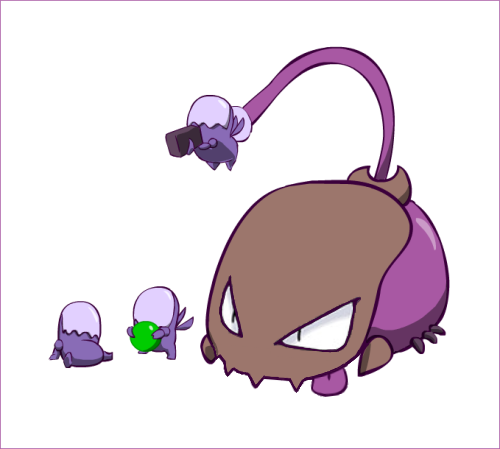
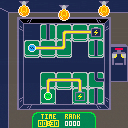
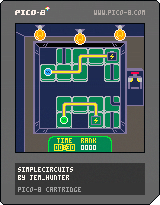
A simple game about fixing very simple circuitry.
Hopefully it should be fairly self explainitory but you might have to do a little thinking for yourself.
Made in two weeks, a twofold task to myself - get it done in time (I originally intended 1 week but that was unrealistic) and actually finish something! :P
This is my first published PICO-8 cart but by no means my first attempt.
I am not really an artist and definitely not a musician so appologies if these are not the best. (You can mute just the music from the pause menu)
I really enjoyed the process of making this and thought I would share it. It is in a finished state but it may need some difficulty tweaking at some point.
I would like to give credit to:
- nerdyteachers.com for showing me how to do screen shake. Found
0 comments


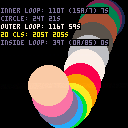
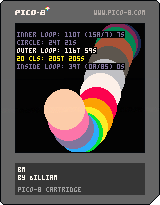
This is a basic, and not very efficient benchmarking/profiling cart.
It can handle simple nesting and repeated calls for a given label, averaging the results.
Usage
Begin and end profiling:
bm("Label")
-- code
bm() |
Call at the beginning of update to clear stored data:
bm:reset() |
Enable or disable benchmarking:
bm:toggle() |
Show benchmarking results when enabled:
bm:draw() |
0 comments


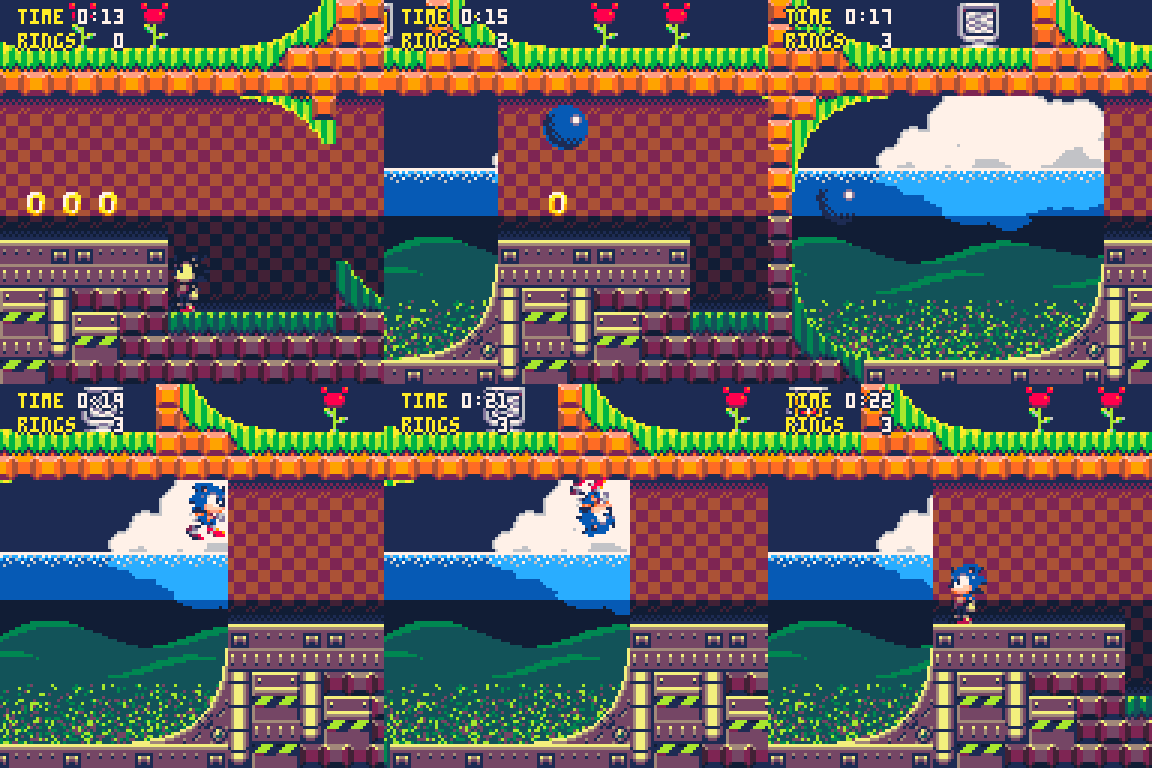
As stated in the title, you can now use up to 32 colors at the same time in pico-8 now.
The feature was revealed by Zep in this thread: https://www.lexaloffle.com/bbs/?tid=38555
This makes all the suggestions I gave in that thread possible and more.
You can't simply use all colors all over the screen though. You have 2 screen palettes and you basically have to select which palette you will use on each drawn line on the screen. In the gif above, the screen is divided into 2 halves, each with its own palette.
Palette Scanlines
Here is the code I used for both screen palettes:
--regular screen palette
pal((
{
[0]=128+9,9,1,128+12,
13,12,6,7,
8+(curr_shield==6 and 128 or 0),2,128+10,128+11,
128+15,10,4,15}),1)

--values 0x10 and 0x30 to 0x3f change the effect
 poke(0x5f5f,0x10)
--new colors on the affected line
 pal({[0]=2,0x8d,1,0x81,0x8d,0x8c,0x86,0x87,0x88,0x81,3,0x83,0x86,0x8a,0x82,0x87},2)

[ [size=16][color=#ffaabb] [ Continue Reading.. ] [/color][/size] ](/bbs/?pid=78518#p) |
9 comments



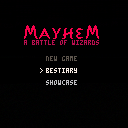
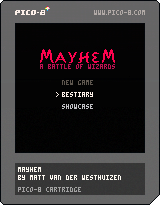
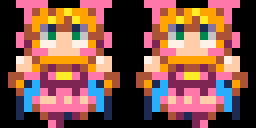
Mayhem is my PICO-8 remake of Julian Gollop's 1985 masterpiece: Chaos Battle of Wizards. It is a game I have tried and failed to make many times, but it looks like maybe this time was the charm! I did not blindly remake the original game. Instead, I have taken heavy inspiration from it while trying to make it my own.
This is the first fully playable beta release (v1.0.0b1). Unfortunately, I ran out of tokens for adding AI players, but you should be able to have some hot-seat fun with a friend or three.
Changes:
- 2020/08/22 (v1.0.0b1):
- First completely playable version of the game.
- Hot seat only (I ran out of tokens to do AI as well).
- 2020/07/27:
- Walking & flying movement.
2 comments


|
[0x0] |
I'm working on a new game and trying some nice advance platform techniques, currently it has support for.
- Coyote jumping or forgiving jump button.
- Halved gravity jump
- Corner Correction on top collisions.
- Swept collision detection
- Getting on top of moving platforms that move vertically
I don't think the codes is good enough to make it work on any game but maybe it helps someone :) would also love some feedback if someone has any.
4 comments

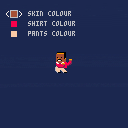
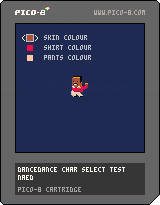
First coding I did using PICO-8 trying to get used to it
and I made a character edit/select screen, lets you change colour of clothes/skin
3 comments

