




Tribute to my friend Esluxx - Love Wojnakowski.
The code is a mess, but is was lots of fun making it.
/Nilski


 2 comments


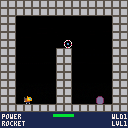
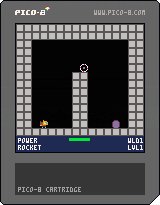
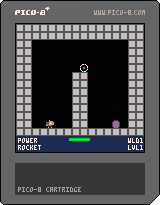



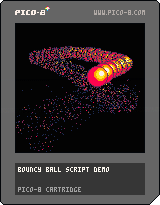
Done in about an evening as a first project using the system, I'm actually quite surprised it turned out decent looking for a first go from scratch thing, for both visual stuff and physics.
Pretty basic functionality, Left, right and up arrow keys nudge the ball, z toggles the trail on and off.
Feel free to pick it apart for your own usage.
0 comments





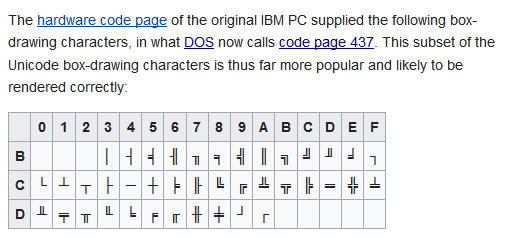
I notice the Pico-8 font has some semi-graphical characters, but not quiite enough to make a real retro text-mode UI out of.
I'd love to see some of the old DOS box-drawing characters added to the pico font if there's space for a few more glyphs.
 5 comments




I'm sorry, but I have to say, I personally don't like these posts lately with obfuscated code driving people to Patreon to pay for the useful-to-learn-from code. Feels very counter to the spirit of Pico-8.
I think I'm going to stop commenting on any post that has obfuscated code with the real code behind a paywall. It's easy enough to click the Code button and see immediately whether or not it's obfuscated. I don't want to encourage the practice by bumping what are basically ads for a person's Patreon to the top.
I don't mind people encouraging Patreon donations, mind you, but when they're dangling the original code as a carrot for their Patreon, that's what feels counter to the spirit.
Yes, it's kind of a weak stand to take, since I'm not everyone's cup of tea anyway and my comments may not have been welcome in the first place, but it's all I've got. :)
Edit: Quoting my post from below:
[i]By the way, I want to be clear about something:
I'm not calling for rules against doing this, or for zep to do something about it. I'm saying I don't
28 comments









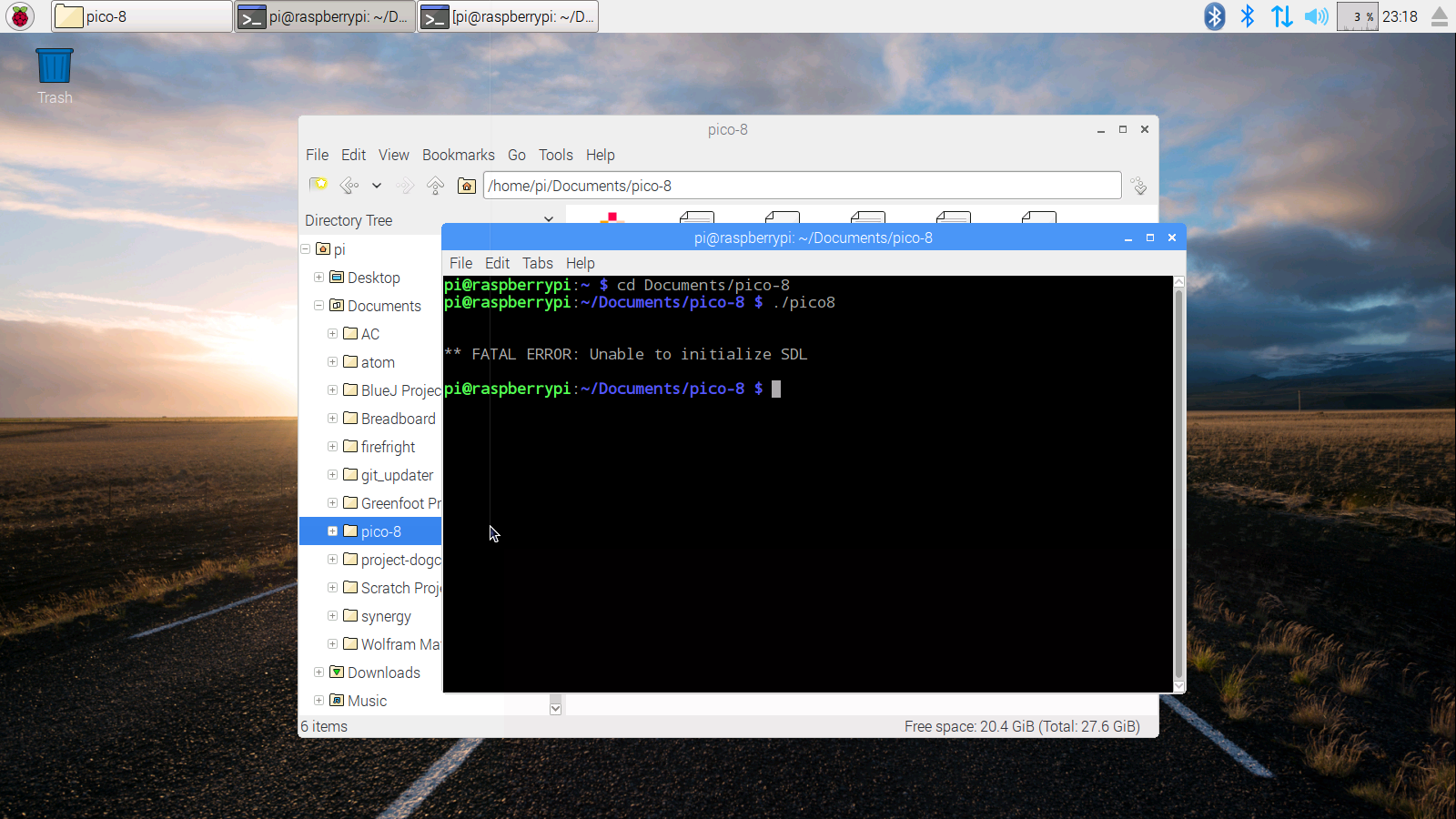
Every time I try to launch Pico-8 on my Raspberry Pi 3 it comes up with this error. Anyone have any ideas?
 1 comment

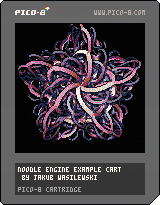
EDIT: Updated version 1.01 for better precision in matrix calculations, so that shapes don't degenerate too quickly. Thanks @adge_francis for pointing this out on Twitter!
Controls: left, right, (O) - change pictures (X) - restart current picture, down - hide/show info bar
This is the first public release of the Noodle Engine, a PICO-8 thingamajig for making generative 3D art!
This example cart includes a few pictures I made, but the true purpose of releasing the engine is to enable everybody who is not me to make even cooler pictures with it!
It's easy to define new shapes with one or two screenfuls of code. Just load the cart up inside PICO-8 and scroll below the "pictures go here" line. You can play with the examples in there, or add completely new pictures. There is [b]documentation
8 comments



I'm making a fishing puzzle game called Hook, Line and Thinker. I started it on PICO-8 in a game jam and have since ported it to Defold so I can release it on Android and iOS. I've just done some variations on the case and I'm curious what people think! What's your favorite? What would you change? Original tweet.
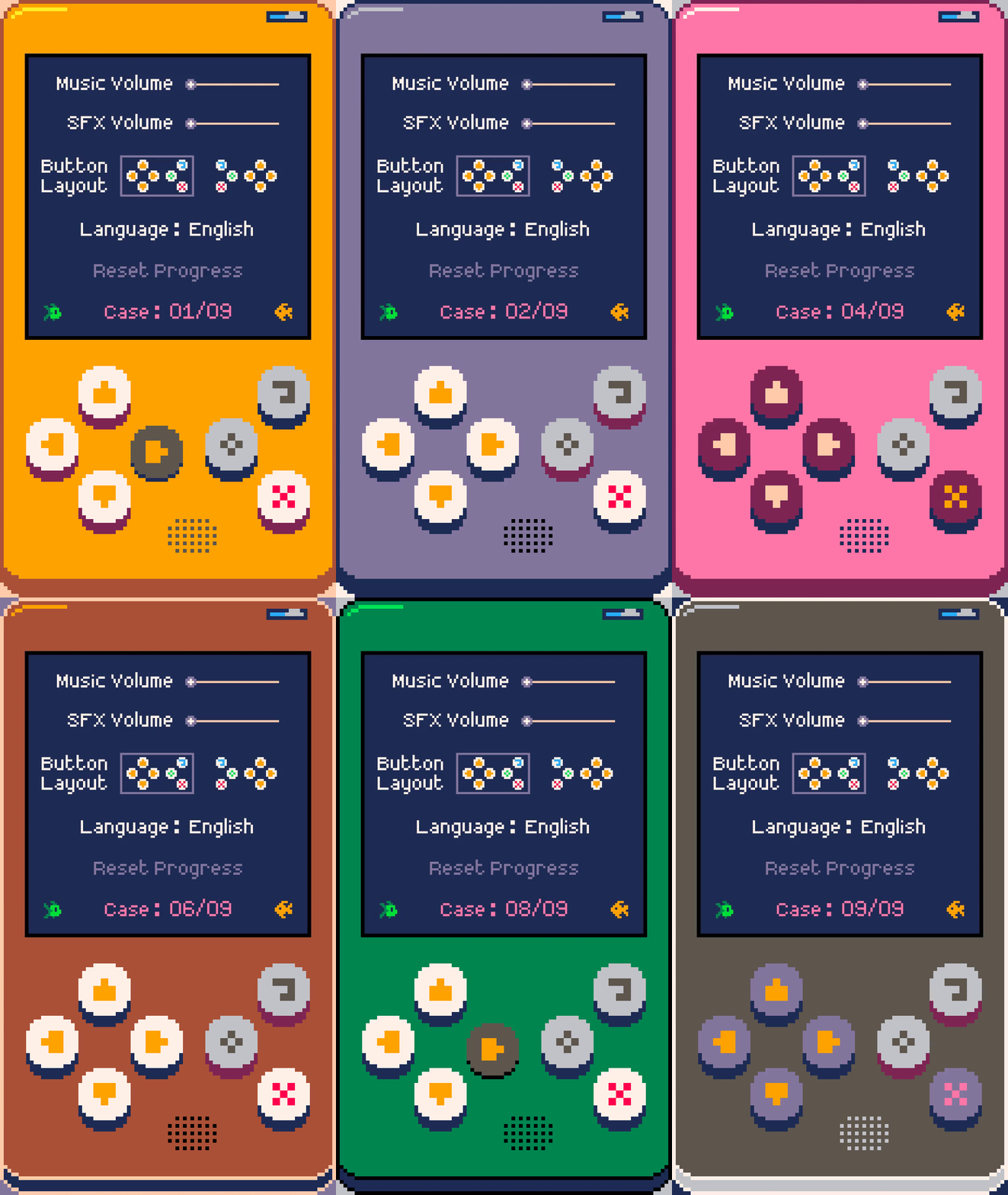
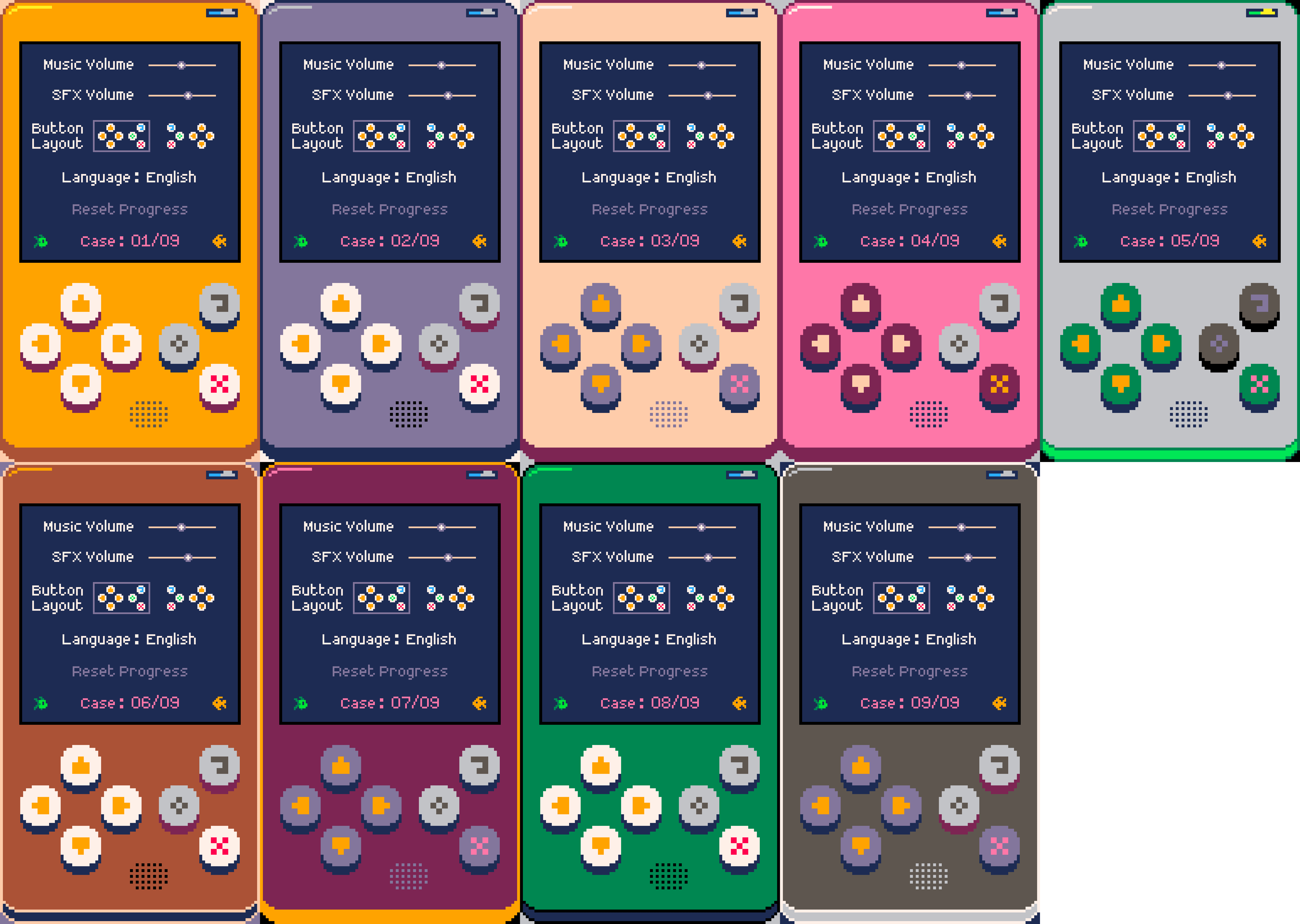
If you're curious here's an overview of my progress on the game so far. Original tweet.
1 comment



I can't tell if it's just on my end or not, but the link to Twitter at the top of the Forum doesn't seem to go where it's supposed to. The URL is https://www.twitter.com/#pico8 and is supposed to bring up the #pico8 tag search. However, the URL https://twitter.com/search?q=%23pico8 does that. If I'm not the only one it's broken for, maybe a change is order? Sounds like maybe Twitter changed their site behavior since the link was added to the Forum.
EDIT: It seems https://twitter.com/hashtag/pico8 also works, and is certainly a cleaner URL than the other I posted above.
5 comments


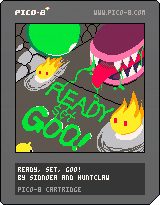
In Ready, Set, Goo!, you control a slime on a journey through a dungeon hallway. Avoid dangerous enemies such as living fire and giant mouth traps by sliding, jumping, shooting, and sticking to ceilings. Collect fruity powerups along the way to help your cause. In this endless runner, the only limit is your skill; set the high score to become the true champion!
4 comments


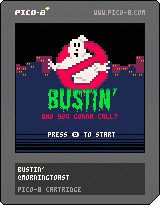
New York City is being overrun by ghosts! Who you gonna call?
Take control of your favorite Ghostbuster and try to stop the onslaught of Slimers through 5 frantic levels of arcade action. Choose from Peter, Ray, Egon, or Winston and try to stop Gozer and her minions from taking over the world. Good luck!
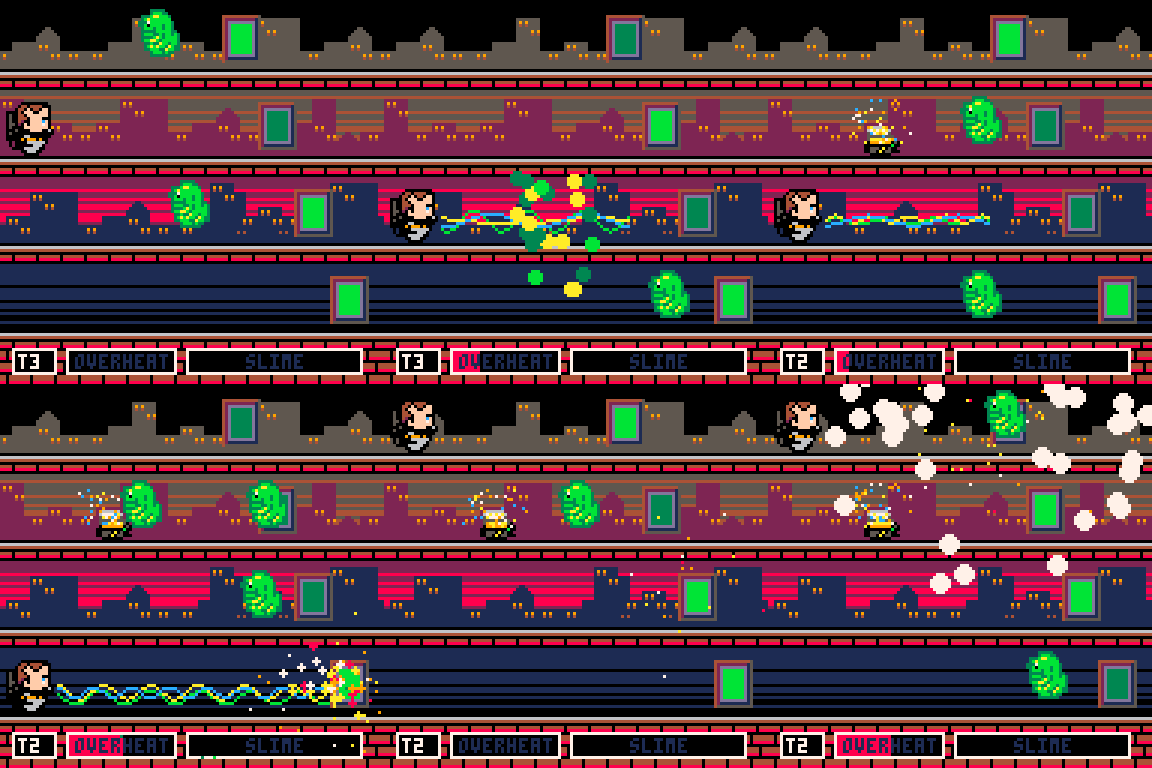
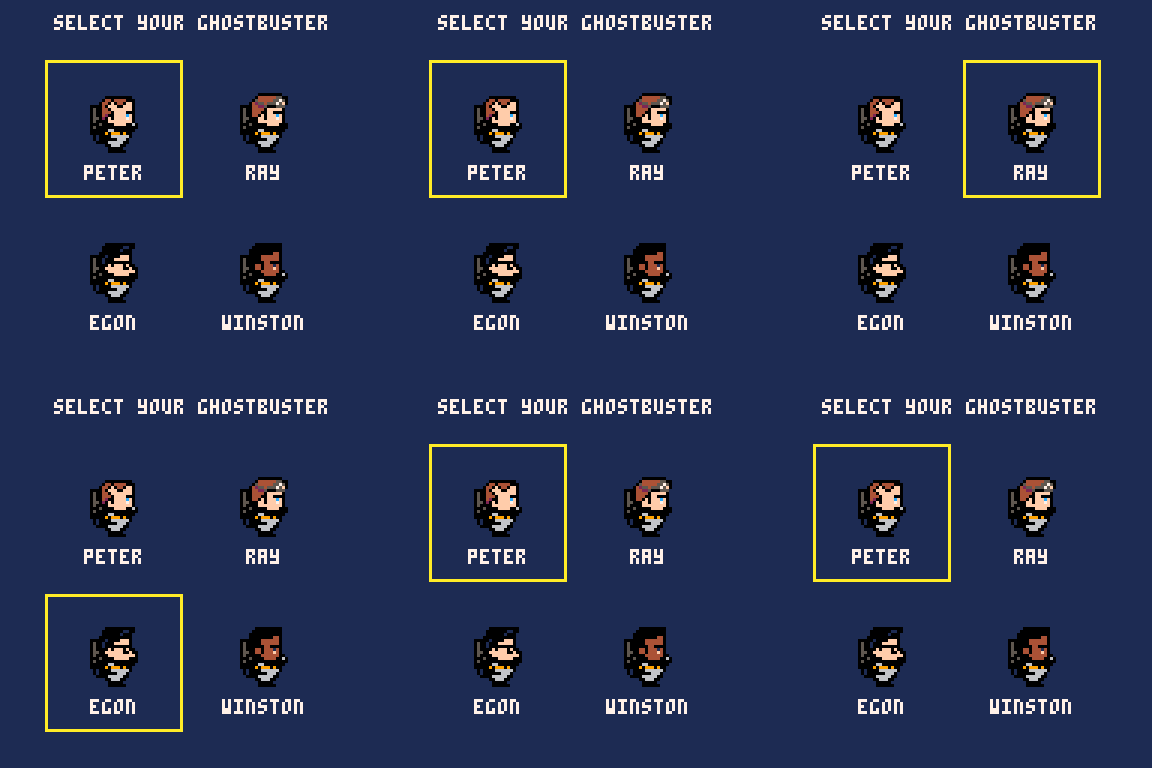
Keyboard controls:
- Use Z to fire your proton beam
- Use X to throw a trap
- Up/Down arrows switch levels
Stop the Slimers from reaching the city. Use your proton beam to bust ghosts and destroy the portals. Your slime meter will fill as ghosts get by you. If your slime meter gets full, it's game over. And watch out...you don't want your proton pack to overheat!
31 comments







I see these things in almost every singe program, but i don't know how to use them
snippet from the collisions demo
function make_actor(x, y)
 a={}
 a.x = x
 a.y = y
 a.dx = 0
 a.dy = 0
 a.spr = 16
 a.frame = 0
 a.t = 0
 a.inertia = 0.6
 a.bounce  = 1
 a.frames=2

 -- half-width and half-height
 -- slightly less than 0.5 so
 -- that will fit through 1-wide
 -- holes.
 a.w = 0.4
 a.h = 0.4

 add(actor,a)

 return a
end
|
also, what does the "return" do?
Sorry for asking such an obvious question
17 comments


This is a web based tool that has been put together to edit vector shapes for use in your pico8 creations. It works best in Chrome. If you find any bugs please let me know in twitter, otherwise, have fun!

-= HELP THING =-
Pico8 Vector Tool
- Features
  - Manage animation frames
    - Plus on the toolbar adds a frame
    - Trash icon on frame deletes
    - Click on frame to switch to frame
    - Keyboard shortcut plus and minus change frames
  - Manage Layers
    - Add a layer with new page icon
    - Delete layer with trash icon
    - Change layer order with up and down arrows
    - Shortcut to change layers is chevron keys
    - Square bracket '[' and ']' keys select layer above and layer below.
  - Manage Vertexes
    - Hovering the mouse makes a vertex selected green
    - Non-selected vertexes are blue.
    - Press escape to deselect all vertexes making sure the mouse is not hovering
    - While a vertex is selected, use the arrow keys to move it single pixels.
    - With no vertex selected, the arrow keys move the entire layer.
    - Hold left shift to move 8 pixels, instead of 1
    - Hold left shift and clicking a vertex deletes it
    - Hold left alt and clicking on a line adds a vertex
  - Choosing Colours
    - Each layer can have 2 colours
    - Click on a colour on the left panel to choose the first colour and
    - Click the second colour to create alternating lines
  - Guide Layer
    - You can press 'G' on the keyboard to toggle drawing guides
    - The area inside the square will fill a pico8 screen because it represents 128 by 128 pixels.
    - The entire canvas is 256 by 256 pixels
    - The demo cart listed allows scaling using the z and x buttons in pico8 to see the parts outside the guide square.
    - You can copy an image from the web or photoshop and paste it into the canvas providing the image is 256 by 256 pixels. your image can then be traced over.
    - Pasting frames of an animation allows something similar to rotoscoping
    - When you re load the page the pasted image is lost so keep a copy of it saved on your local computer
  - Files and data
    - This tool keeps the data for the vectors stored in a javascript array
    - You can download a copy of the array used by pressing the 'download' button.
    - You can import this json array with the import button
    - These buttons are light blue in the interface
    - Pressing the red save button will commit this data to local browser storage.
    - When you close the window and come back later this data will be re-loaded so you can continue where you left off.
    - Think of this like a 'quick save'.
    - Pressing the orange 'NEW' button will clear everything and start again.
    - Pressing the 'EXPORT' button produces data for you to paste into your pico8 cart to view the vectors.
  - Pico8 Test Cart
    - This first experimental release comes with a quick cart to display any vectors you make.
    - Copy the code from the supplied gist and paste it into your pico8.
    - When you run it you should find MC Hammer dancing away.
    - Near the top of the cart you will find a place to paste the vector code you can export from the 'EXPORT' button.
    - Run your cart and you should see any shapes or animations
  - Getting help
    - If you need some help using this tool then find me on twitter: https://twitter.com/gabrielcrowe
  - Examples
    - MC Hammer: https://twitter.com/gabrielcrowe/status/904421706659495936
    - Mario Face: https://twitter.com/gabrielcrowe/status/909476418463125509
      "Data-> https://gist.github.com/anonymous/1dc3f0bce219601c24e37dfac2e0d4c1"
    - Sonic: https://twitter.com/gabrielcrowe/status/901568795243925506
  - Your work
    - Please tweet me any cool stuff you make with this.
    - I would love to see this used in a game.
  - Thankyou
    - Zep for Pico8
    - You rock.
  - This list
    - Was made in https://workflowy.com/
    - All hail Workflowy
|
7 comments





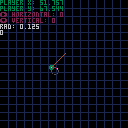
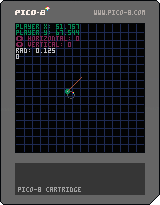
A simple example of top down movement using trigonometry for accurate spacing on the diagonal.
2 comments


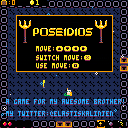
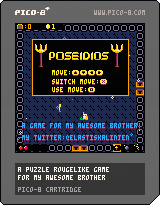
Poseidios
A TURNBASED-PUZZLE-ROUGELIKE-GAME

CONTROLS
MOVE: Arrow keys
SWITCH MOVE: X
USE MOVE: Z
UPDATES
1.3 Birthday update
- Remade level generation, now rooms are hand made(random order) but items are random placed
- Made new animations on player and items
- Room transitions
- Made ui more clear and better looking
- Remade sprites for visibility
- Better shop
- Bugfixes
- And probably more!
Happy birthday brother!
1.2
- Reworked movement system, should be a lot easier
- Made it more clear when towers stop shooting
- Some small ui and gameplay changes
6 comments




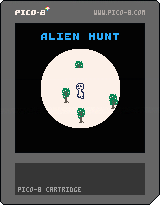
An alien is loose in the woods, keep it in the spotlight to find it.
No sound, no scores, no conclusion.
2 comments


Hello all -
I've been following Pico8 for a little while and finally have enough time on my hands to get into it. My background is in art but I do have some math knowledge from a past life. I have close to zero practical experience in proper programming, although I did use php/mysql a while back (I was using it to upload and organize pictures to my portfolio around the time blogs started to get popular). All that to say that I am very excited to dive into Pico8 because even though this is all new stuff for me, it is not as intimidating as it could be since I understand simple pseudo-code and basic programming concepts.
The example carts are fantastic, and the Pico8 Zine as well as the various other ressources I've found so far are all very well made. Great stuff !
However something bothers me. As far as I can tell there is no way to access the list of commands/API reference directly from the code editor. The boot screen mentions Pico8.txt, but I'd like to find a way to access the list of commands and their descriptions without having to leave the Pico8 environment, or at the very least, without having to reach for my mouse or a browser. Of course I can easily find answers to all my questions on http://pico-8.wikia.com/wiki/APIReference but there's something off about having to actively reach out to an external resource - it somehow breaks the flow of learning.
As a counter-example : I recently had to learn/use Construct2 in order to mockup the behaviour of a game UI to pass to a developer for proper implementation. Construct was fantastic in the sense that it was possible to figure out everything beyond the core initial concepts without having to leave the environment. So in short I am looking for a way to work similarly in Pico8 by always being able to reach the API documentation without having to reach for my mouse and/or use a browser.
Another counter-example is the way some console environments and CAD programs allow the user to merely start typing the name of a command, returning the properly type command name with a brief description of parameters.
TLDR :
I love the minimalist philosophy of Pico8, but as a beginner I am a bit hindered by the lack of discoverability of the commands. Even simply being able to launch a wiki search directly from Pico8 would be great. But I might be missing something - maybe there is a already a way to do that ? Or a way to directly access the help doc in cart form ? In which case I'd love to learn about it.
The best I've found so far is to use UltraEdit and launch google searches from it, which fires up a browser with Google search results for whatever is highlighted in UE - to which I just need to add "Pico8". But I'd love to find a more streamlined way to learn as it kind of defeats the purpose of working directly in the simple Pico8 environment.
I suppose that another path could rely on Autohotkey : highlight a command in Pico8 > copy > start a Autohotkey script performing a Google search on the term with "pico 8" appended. That's probably what I am going to attempt, but maybe there is a better way.
I hope this makes sense ! All suggestions are welcome.
10 comments