


I cant get the -home flag to work. I want to store every thing in the pico8 directory so i can make it dynamic and portable. But pico8.exe - home .\ dose nothing. Neither dose hardcoding the path like pico8.exe - home c:\pico-8\
With quotes or without, does not seem to make a difference.


 2 comments




Hey All -- PICO-8 0.1.8 builds are now live on Lexaloffle and Humble! Note that there was no 0.1.7 release for Desktop; there were in-development versions of 0.1.7 released early for web and Pocket C.H.I.P. to resolve pressing issues, so I'm calling this 0.1.8 to keep version numbers in sync across platforms. New stuff:
60 FPS support
This breaks the 'every cart runs the same on all PICO-8s' rule of PICO-8's design philosophy a little bit, but I think it's worth it! On all of the desktop host platforms, it is now possible to make cartridges that display and update at 60 frames per second instead of 30. You don't get any more CPU though, so that means half the usual CPU allowance per frame. From the manual:
:: Running PICO-8 at 60fps If _update60() is defined instead of _update(), PICO-8 will run in 60fps mode: - both _update60() and _draw() are called at 60fps - half the PICO-8 CPU is available per frame before dropping down to 30fps ** please note that not all PICO-8s support 60fps. On machines that do not support it, _update60() will instead be called twice per frame and _draw() at 30fps. You can check the behaviour of your program running at 30fps by adding the following snippet to the bottom of your code: u60=_update60 _update60=nil function _update() u60() u60() end |
21 comments








It's a very nice and warm day outside so why not use it to sit inside doing something completely pointless? But sort of fun. So, I created a prototype of Pico-8/Kongregate API integration that uses the GPIO ports to translate Pico-8 scores etc. to the API. Of course, you are not limited to Kongregate, you can use whatever JS API you have access to. Quite easy to roll your own, too.
The idea is that the game updates the GPIO ports and the JS backend polls the ports. The Pico-8 HTML5 export sets the pico8_gpio array and it corresponds addresses 0x5F80... in Pico-8 memory space.
In short: my code in Pico-8 poke()'s a value in ports 0x5F80 and ..81 (we need to split the value into two 8-bit values as you can see in the code below), which is always one larger than the previous value in there. The JS code notices the value has changed and knows it has to read whatever is in the ports and act accordingly. I set a value that tells what the rest of the ports mean, e.g. 0 for a new high score in ports 3 and 4 that has to be posted.
In the game I have a delay after setting the values so that the JS code has enough time to read the values before they change (I set a bunch of these stats at game over). This could and should be handled with the JS setting a value in a port that tells Pico-8 it should continue but I didn't bother to do that.
Check the game on Kongregate, you can see there's my score in the leaderboards to prove it works. ;)
8 comments







In case you didn't notice, 0.1.8 was released yesterday and it (well, the unreleased 0.1.7) adds a new MENUITEM function, which allows us to add new options to the pause menu (and also doesn't have the syntax coloring in the code editor, just saying). This is a very nice addition and I think we should have a bit more control over the pause menu. I think there should be special update and draw functions specifically for when the pause menu is open, and maybe even pause and unpause functions. This idea, oddly enough, comes from the Nintendo Wii, which allows games to do things while the HOME Menu is up. For example, some puzzle or quick-action (WarioWare) games might show a black screen behind the HOME Menu, so you can't see the game, and one game I had actually rendered a moving snow effect over the game in the background of the HOME Menu. I liked this small detail on the Wii, and think some PICO-8 games might benefit from this. For example, maybe a timed game might want to keep the timer running while the game's paused, or a game could say "PAUSED" above the menu, along with the player's score and time. Of course, the pause menu should always render over everything, and the menuitem command (and maybe some others, like BTN) probably shouldn't work while the game is paused. Let me know what you think of my idea down below.
15 comments


certain characters are not rendered correctly, such as × (multiplication cross), áéíóú (accented vowels), and quite probably others.
i checked the bbs's html and didn't see it declaring an encoding. this might be solvable with a simple <meta charset="utf-8"> although i'm not sure if anything else is awry.
0 comments
So... Two updates for PICO-8 were released... and neither of them are mentioned on the blog? Am I missing something or did I just log into the website at the weirdest time, while they're still typing the blog?
5 comments

Topic.
I usually run Pico-8 maximized (but not full screen) so I can move between windows and tabs more easily. It's mildly annoying to have to find my mouse again because I moved it onto my main screen, and Pico suppresses it when I'm going for another window.
2 comments




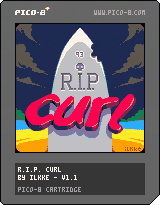
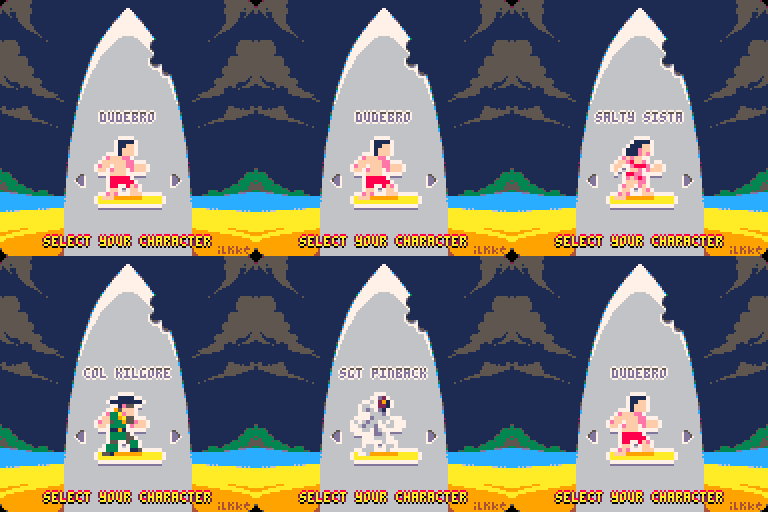
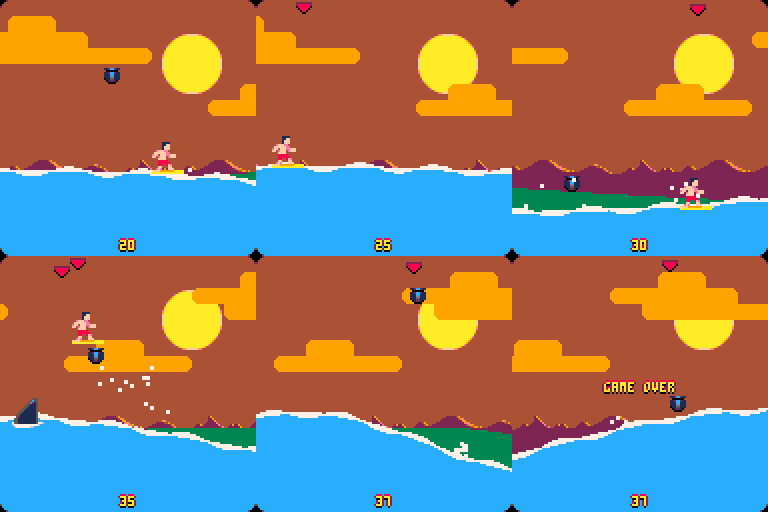
My first solo release, made entirely on the train during this week's commute.
Hope you enjoy.
23 comments


Currently doing an Adafruit PI GRRL build. So far Pico-8 is running great on the RPi 1! My plan is to include it in an emulation station menu - but I haven't found a good way to quit Pico-8 itself without a full keyboard.
My suggestion would be to simply add this to the splore menu.
7 comments




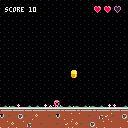
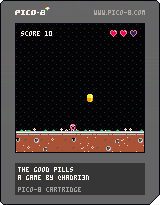
This is my first attempt on creating a game using PICO-8 within 24h.
The goal is simple: your character need to eat the good pills, knowing that the pill should be of the same color as the character.
- Use Left and Right arrow keys to move the character, and Down arrow to Speed up the Pill
- Use X and Z keys to change the character's color
- Put you under a pill to eat it
Have fun!
4 comments






So I was planning on giving abilities to my player character in the form of auras. My question is: Is it possible to code in the aura color changing (i.e. from blue, red, purple, etc
) with a core sprite, or does each one have to be drawn out individually?
2 comments

I like the new printable button glyphs introduced in 0.1.8. This is a small idea, but it'd be cool if they were allowed chars in variable names. Right now any appearance outside of a string is a syntax error.
Bonus: pre-define L R U D O X to equal their btn() values, so I can test btn(L) as well as btn(0).
9 comments


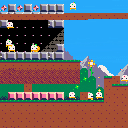
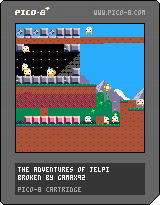
My PICO-8 system seems to be broken, the video is glitchy and it keeps crashing or freezing up on me.
Please help :(
6 comments


I just upgraded to v0.1.8, and now when in SPLORE, attempting to access 'NEW' gives the error 'UNABLE TO CONNECT TO BBS' but every other tab can connect as per usual. Does anyone else get this? Is this a known bug?
28 comments





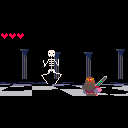
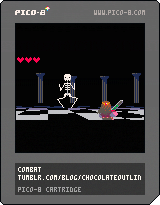
EDIT: fixed bug and added title screen
old version:
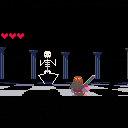
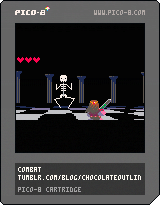
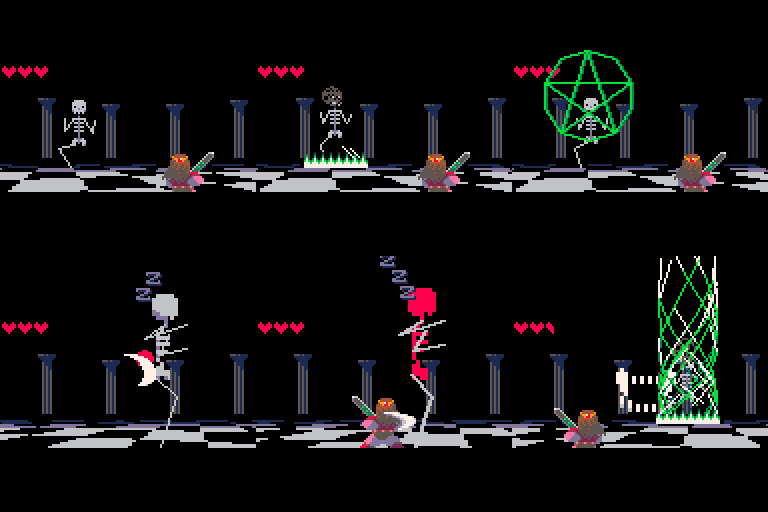
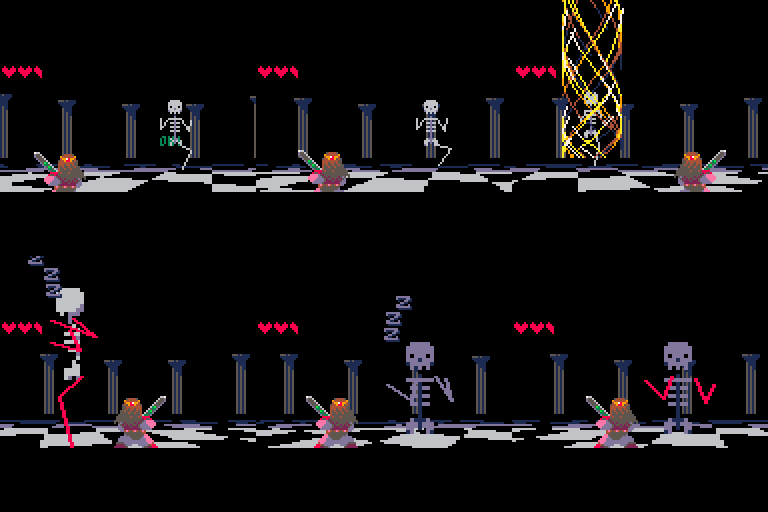
This is a shabby prototype of a combat system.
I suppose the main influences are Ocarina of Time and Golden Sun.
Maybe the over-the-shoulder perspective is heresy on a platform like this, I was thinking it's a bit like pokemon though.
I think the most interesting feature is the way your mobility is limited. your position is locked to north/south/east/west and you can move between a near/far plane, like this:
 12 comments



It would be great if it was possible to draw in the sprite and map editors using only the keyboard (i.e. without requiring the use of a mouse/touchpad). With sprites being only 8x8, I find myself wanting an easy way to precisely move the cursor by one pixel at a time instead of the inherent looseness/analogueness of a mouse/touchpad.
I also think in general it might be thematically fitting for all of PICO-8's editor modes to be completely useable without requiring a mouse, to be similar to older computers for which mice were either optional peripherals or not present at all :)
6 comments





Update 2019-05-13: Use the "Enter Menu" to "load" some code examples.
Update 2017-05-14: The sonification can be switched off :-) (or rather, you need to explicitly turn it on in the X-menu).
Update 2017-05-05: Added crazily sounding sonification.
Update 2017-04-24: Made the UI a bit more clear and fixed some bugs.
TL;DR:
Hold X, pres DOWN once, release X, and watch the nerdy numbers fill your screen.
MORE INFO
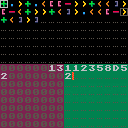
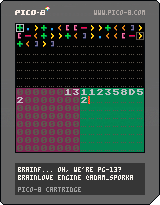
Hey all, I made a very simple visual IDE for writing and running code in Urban Müller's Brainfuck programming language. https://en.wikipedia.org/wiki/Brainfuck
Top part of the screen is your code.
Bottom left is your memory.
5 comments