


Hello,
I have a Pi 2 and I was wondering if there is any way to make it automatically boot pico8 whenever I start it, as I am attempting to make it into a handheld console a la gameboy. Thank you for any help you can give.


 1 comment


I wonder - did anyone successfully decode the storage order within the sfx section of a cartridge? I managed to do this with the music section, but the values under sfx seem to behave very strange there, I can't find a practical pattern how the bits are distributed there.
I need to write binary data from within my python script and now I exceeded 0x3200, so this is a real show stopper for me at the moment, any help is appreciated!
Yet I know:
- each line stores 68 bytes of data
- each byte is distribute with some of its bits to several locations in this line. Filling all bytes with 255 results in a sequence of 3f77f
- there is a special "header" to each line, consisting of five bytes, which are the last ones in memory and which are not distributed otherwise
What is yet missing:
- The distribution pattern of the "regular" bytes
7 comments


So apparently the raspberry pi build of PICO-8 works on the C.H.I.P.!
https://youtu.be/eT3q8U1zQWE?t=2m30s
3 comments



Game based on the Ludum Dare game I made of the same name. It's a very simple 2 player game based on Samurai Kirby and Rock Paper Scisors.
0.2 version: Basic input and flow. No Rock Paper Scisors yet.


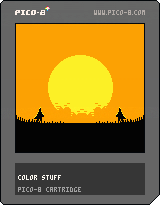
CONTROLS:
Player one: Z, C or N
Player two: Left Shift, Tab or W
link to the original game: http://www.kongregate.com/games/thesaint11/katana-senpou)
0 comments
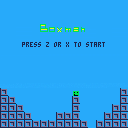
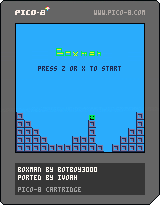
I ported a game originally for the TI-84+ CSE calculator to PICO-8!
Try to stay alive for as long as possible and climb high as crates fall from the sky.
Left - right and z - x move your character.
Original game
Credit goes to Botboy3000
7 comments

.gif)
Hello,
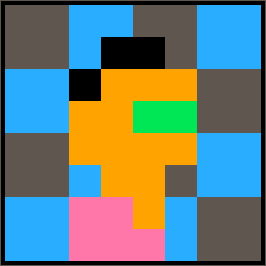
I have been trying to recreate Super Mario Bros 3 in PICO-8, and I have run into a bit of an issue. It would appear that solid-colored tiles don't register in the level editor. I have a fully blue (Color #12) tile in position 000 and whenever I attempt to place it in the level editor, it acts as if it is black. What should I do?
Thanks.
2 comments


(There have been other rants on this topic, but most of the discussion seems to predate the move to token counting.)
So I'm brushing up against the compressed codesize limit with a cart that's barely halfway towards the token limit. It sounds like this is unusual, and from what I can tell it's because I'm commenting the code fairly thoroughly.
And I have to wonder, what is the intent behind the compressed size limit? What is it still meant to accomplish that the token limit doesn't already?
The token count is a rough representation of binary or bytecode size, which was an authentic historical constraint for many systems. It's measurable from within the editor: a coder can see at a glance how many tokens they have left and how they are affecting that number as they type. While it's approximate, it's directly correlated to code complexity, and this makes it fairly intuitive to reason about. The steps for reducing token count are also intuitive: simplify code, improve code sharing, generate data rather than hardcoding it, do more with less.
The token limit defines a scope for pico-8 cartridges; it encourages creative solutions and algorithmic content generation, and it plays off the other cart limits by discouraging tactics like offloading data into code.
Compressed code size, on the other hand, is a representation only of [i]how much entropy your source code exhibits
18 comments








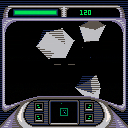
Old version:
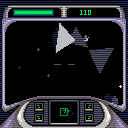
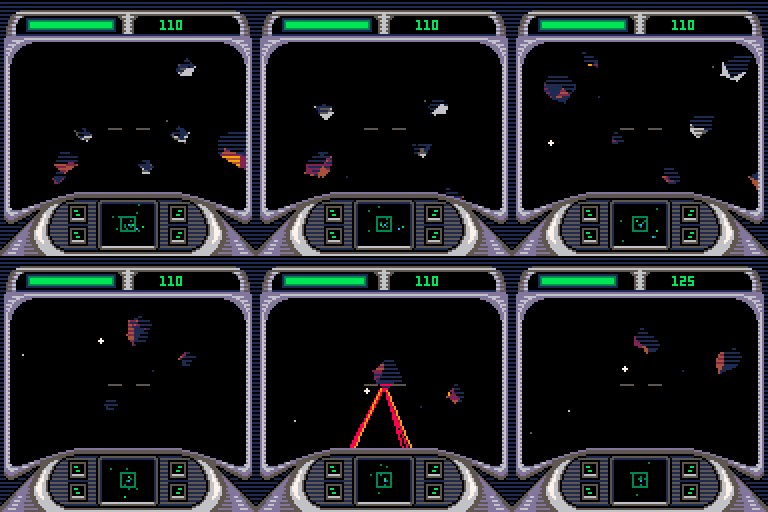
Clean the skies of sector Q97-C with your trusty mining laser.
Keep an eye out for debris, not to mention Turrets and Tormentors.
Controls:
Arrow keys control roll and yaw.
X-key accelerates.
Z-key fires laser.
Tips:
Full 3D navigation can be tricky, so keep an eye on your radar at the bottom.
It can be easier to sweep the laser up over targets than to try to hit them dead on.
Watch out because the laser uses your ship's power, which only refills slowly over time.
Version Notes:
Added music by Robby Duguay
-www.robbyduguay.com
Added sound effects
 22 comments





This was created for LOWREZJAM 2016 in 48 hours, but it's still my first "finished" cartridge I've ever made!
Controls:
Left and Right to move
Z to jump
X to attack
Up to thrust upwards
Down to block
Goal: Bash your opponent off the platform 7 times to win.
2-player only. Enjoy bashing! -Lemmo
2 comments

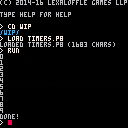
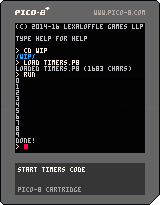
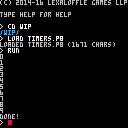
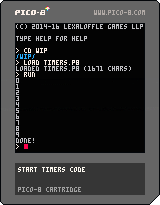
As Scathe noted over here, there's not a proper/easy-to-use Timers API built into PICO-8. Turns out it's not too hard to build one, though, so I took up the task.
The cartridge which you can play above just counts to 10. I've reproduced all the code here:
13 comments


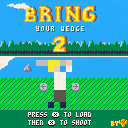
New features:
Simplified controls - just hit x to load then x again to shoot.
Choose your favourite character(including a nude one)
128x128 res and 60 fps.
2 greens with random 2X score boost.
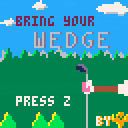
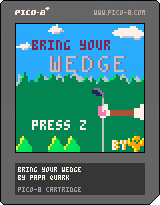
New version with restart at the end.
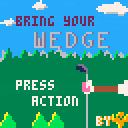
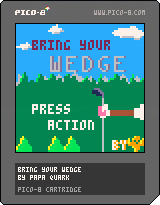
Golf is all about timing right? So bring your wedge and swing it with the arrow keys.
10 comments






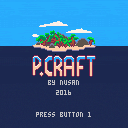
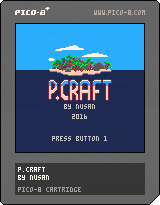
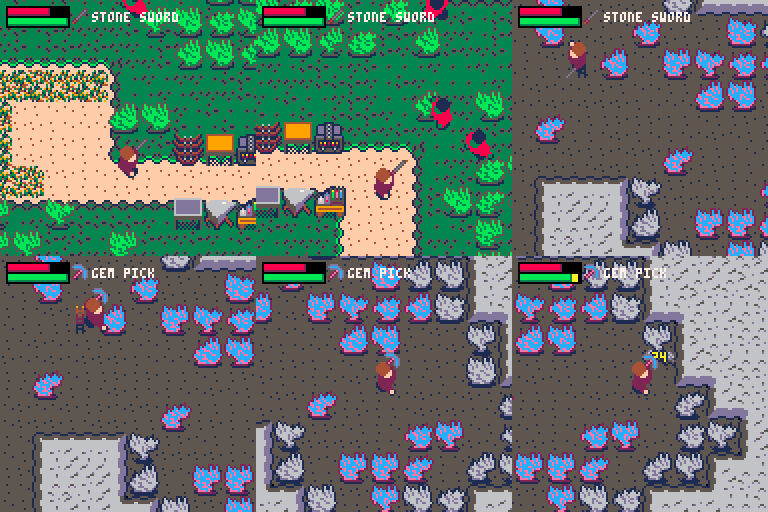
P.Craft is a crafting game. You wake up on a deserted island, and you have to survive. Gather materials and build your tools. Explore the area and find a cave. Will you find a way to escape the island ?
Update : A new version, P.Craft Deluxe Edition has been released on Itch.io :
https://nusan.itch.io/pcraft
With a saving system, a boss and a few new items to discover.
This new version use the multicartridge system in a complex way that is not yet compatible with the BBS, so I can't upload it here. You can however find the source .p8 files on the Itch.io page as well as binaries for windows, linux and mac.
Controls :
Button 1 (C/Z/N) : open inventory / cancel menu
Button 2 (V/X/M) : use equiped item / valid menu
 54 comments




Hello...
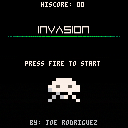
Came up with this little clone/remake/adaptation/mess after about a week of playing around with Pico-8 and seeing what it can do. I'm really diggin' this little platform.
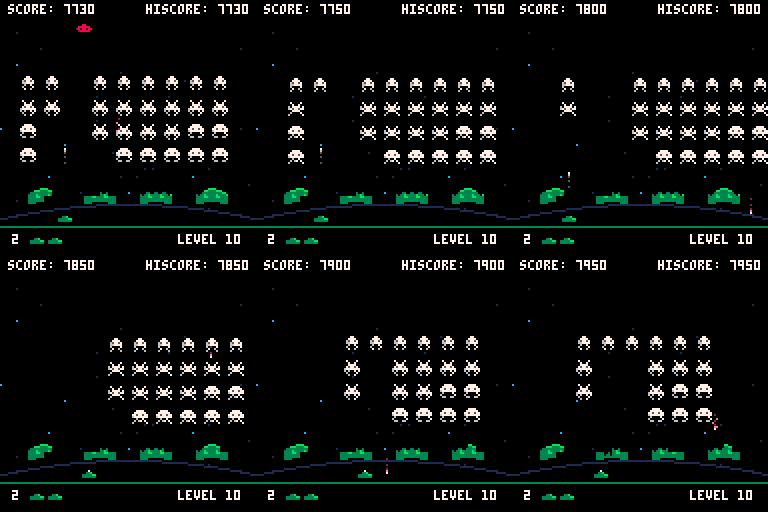
Figured since I had not seen a playable Invaders clone, I'd post up the one I was messing with. Every platform has one! I would've added some Pico-8 relation and called it "Pico Invaders" but I'm not sure how Zep might take that. Hey Zep, how would you take that?
If you're gonna look through the code, beware, it's a mental minefield right now. Have a couple of aspirins first. Was not expecting to release it so there's barely any cleaning up. Might do so in the future and update.
7 comments

Hello,
Here's my first game for Pico-8 and it's a Pole Position/Enduro/OutRun derivative. You might have already played it on my itch.io page.
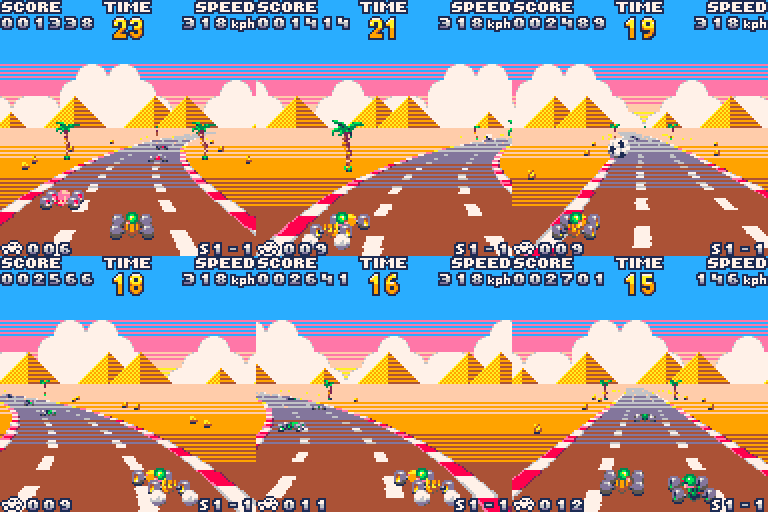
Features:
- Day and night
- Three landscapes
- Obstacles and jumps
- A strict time limit
- See how well you did in the course map overview
- Really messy source code
- Terrible sound
I wrote something about it in my blog and if you have something to ask about it I will gladly answer here.
Edit: I'd like to mention I used the ord() function found here, it was a lifesaver.
24 comments






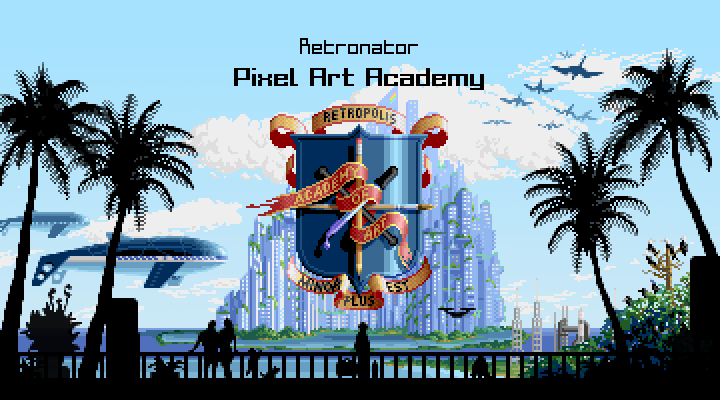
Hi guys, I'm a new, but huge fan of Pico-8!
I'm also making a video game for learning how to draw, called Pixel Art Academy:
https://pixelart.academy
It's set in this futuristic looking skyscraper city and I thought it would be absolutely wonderful to have Pico-8 as a (virtual) console in my (virtual) world.
In the game you play as an art student, so for example, a game development student would come up to you and ask you to draw a spaceship for their game. You would then draw the spaceship and the other student would come back and show you the spaceship in the game. But even better, you can also test and play the game, since this would be an actual Pico-8 cartridge!
So in the background of course the game would need to be pre-made with just the art assets missing. I haven't dug too deep into cartridge memory setup, but I believe it should be easy enough to import graphics into the cartridge from code. Then I can use the html embed to show the game in-game (oh god, game inception).
Also, does anyone have any suggestions of available cartridges that would be a good start for beginners to start customizing the sprites? I only played with Jelpi so far, but I'm looking more for something like space invaders, where there're not so many sprites/tiles and someone can draw it out from start to finish. And it would need to be CC-BY-SA so derivatives are allowed.
I might quickly code some new mini-games to test the concept out, but I'm short on time, so if there's any available ones already for proof-of-concept, it could help speed things up. Or if anyone here would like to make in-game pico-8 games specifically for Pixel Art Academy, let me know.
I leave you with some mockups for the game (the main game, not the in-game game XD):
 10 comments





A fun, relaxing pet forest game made for lowrezjam, in the vein of a tamagotchi. Grow a dynamic little forest, see how long it can survive, experiment with the different algorithms, or burn it all to the ground! Whatever your heart desires.
Default resolution is 64x64, but I bent the lowrezjam rules a bit and included the option to change to 128x128. Change the "SCREENS" option to 2 :)
Button 1/Z - Settings menu/fast menu scrolling
Button 2/X - Probabilities menu/close menu
Arrow keys move the screen around or control the menu if it is open. Press left/right on a setting to decrease/increase its value. Hold Button1/Z while pressing left or right to make a setting increase/decrease faster.
Menu 1 has general settings, including the growth algorithms and the chances for trees to grow/burn next to each other.
Algorithm 1 uses the Von Neumann neighbourhood
Algorithm 2 uses the Moore neighbourhood
Algorithm 3 uses another neighbourhood I don't know the name of? Trees sprout at diagonals to each other
Algorithm 4-6 use the same neighbourhoods as 1-3 respectively, but will only sprout/burn if there is only ONE tree next to a cell.
Menu 2 has the probabilities for a cell to randomly change state, regardless of whether there is a tree in its neighbourhood.
Enjoy! :)
Updated with a bug fix to stop crashes during menu navigation Apr 25
[hidden]


 2 comments

For those who missed the Twitter post by Zep, he's published the official 0.1.6 changelog! He said the new version is coming this week.
11 comments


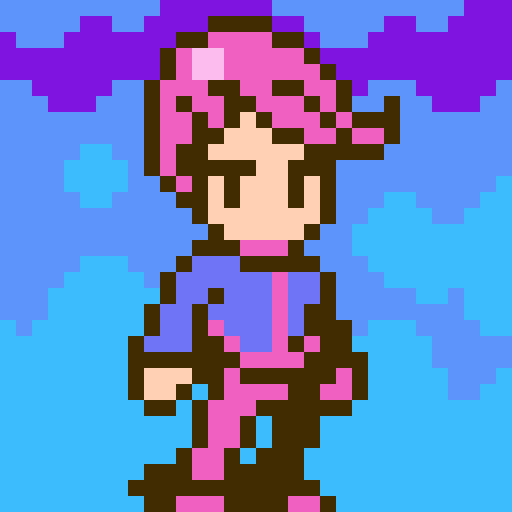




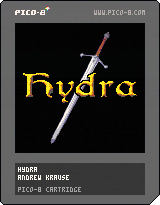
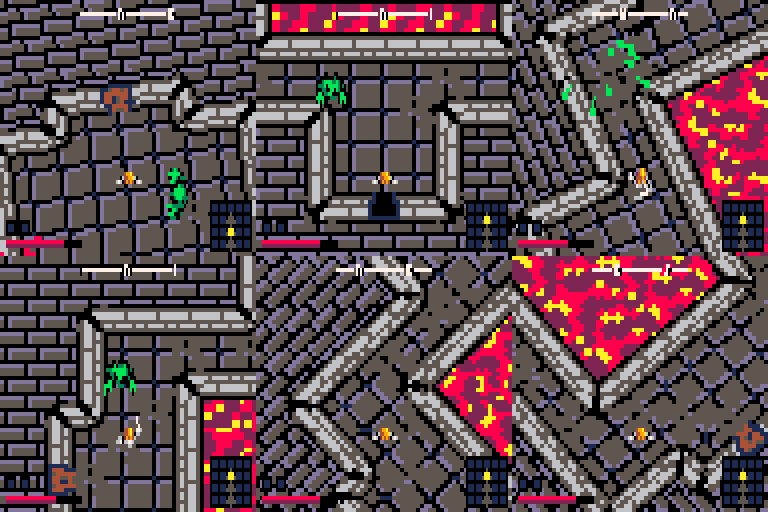
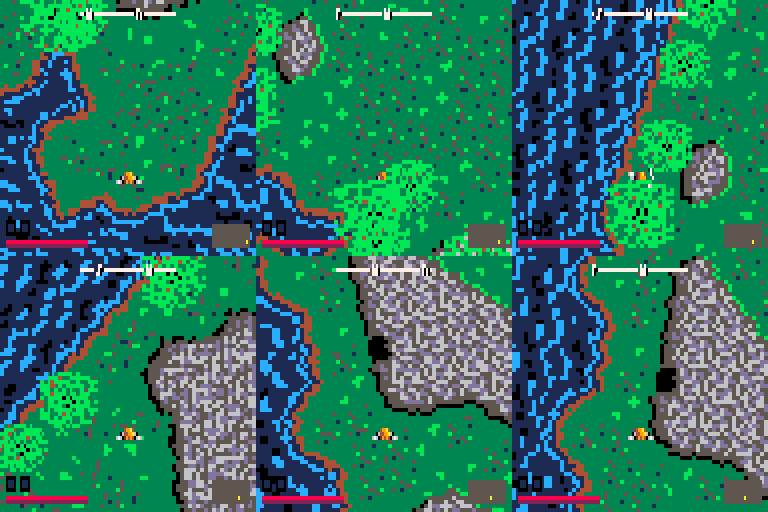
A procedurally generated hack-n-slash action adventure for the Pico-8 fantasy console!
Controls:
Up/Down/Left/Right - Move
X - Attack
Z - Strafe
Hey! Here's my first cart. The code is ugly and cryptic as all heck. Enjoy!
24 comments







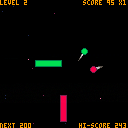
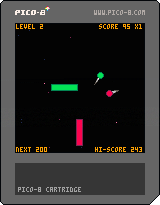
It's my first pico-8 game and I made a really basic version of Pong with double sided rocket. Use the right side for green balls and left for the red ones. Game starts with one ball and each level adds another one.
Controls:
player 1: up/down;
player 2: S/F;
x: select mode/back to menu
Changelog:
11.04.16 - added menu and 2 new modes including 2 player co-op thing!
7 comments

