
Yo, got mesmerized by PICO-8 yesterday. Got into the tracker a bit, made a music cartridge.
If this ain't up to par I'll gladly remove and improve, as I don't wanna crap up this still small library of carts.
On that note: Tell me what you think!
I love this project and I'll gladly slide into the community like a cheesy slice of pizza.


 6 comments





Hello fellow pico-8-ers!
I was tinkering with this wonderful thing, it's magical.
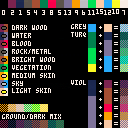
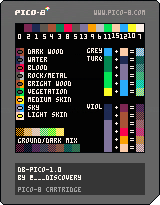
My only minor curiosity so far is the palette color choices - not so much the limitations (I LOVE that part of the entire point so very much) but the specific color values that were chosen.
I'd be curious to hear:
- info and opinions on the existing palette
- your user experience dealing with the provided palette in practice, like the low/mid/high and shades you can make with it for example.
- and for the devs: if it will remain fixed, or if the color values may potentially be modified in future, perhaps hardcoded into the file somehow so it's still fixed, just configurable. I understand if that's beyond the goals.
[b]Palette exploring
18 comments








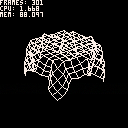
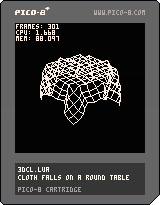
A veeery old thing I did in 2013 when I didn't really know how to program yet.
I was bored in math class so I did this thingy on my calculator.
I pretty much copy-pasted the whole thing and applied a few fixes for pico8, but it's really the same old code (ewww...)
At the time, the thing blurted out a frame every 28 seconds. Needless to say I was REALLY bored.
nostalgia link to the original code
A friend of mine already adapted it for Love2D a while ago, with much better results (video).
For fun times, try doing what I first did when I wrote this code: setting elasticity above 1/2.
EDIT: oh, yeah, you can control the camera with the arrow keys and reset the cloth with x
8 comments


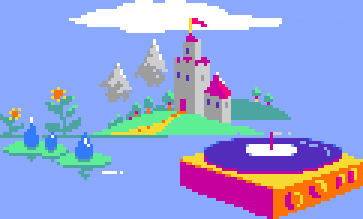




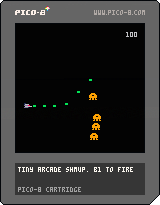
Wanted to see how little I could add to the game beyond a tiny animation to indicate movement up or down. Think it came out playable at least.
Button 1 to fire/start/restart, up/down to move.
Shoot dudes!
3 comments

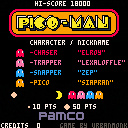
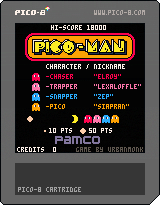
Every console needs a copy of this game!
Use Z or X to start the game.
Update 1.0.1:
Fixed bug where ghosts would get stuck.
Fixed bug where fruit would remain during the gameover sequence.
Added simulated AI bug.
Update 1.0.2:
Fixed death animation speed introduced from a runtime update. It's not perfect though since I have yet to figure out why it's even happening.
18 comments






Just a quick query for everyone, mainly directed at pico-8 and voxatron developers- what project are you currently working on?
4 comments



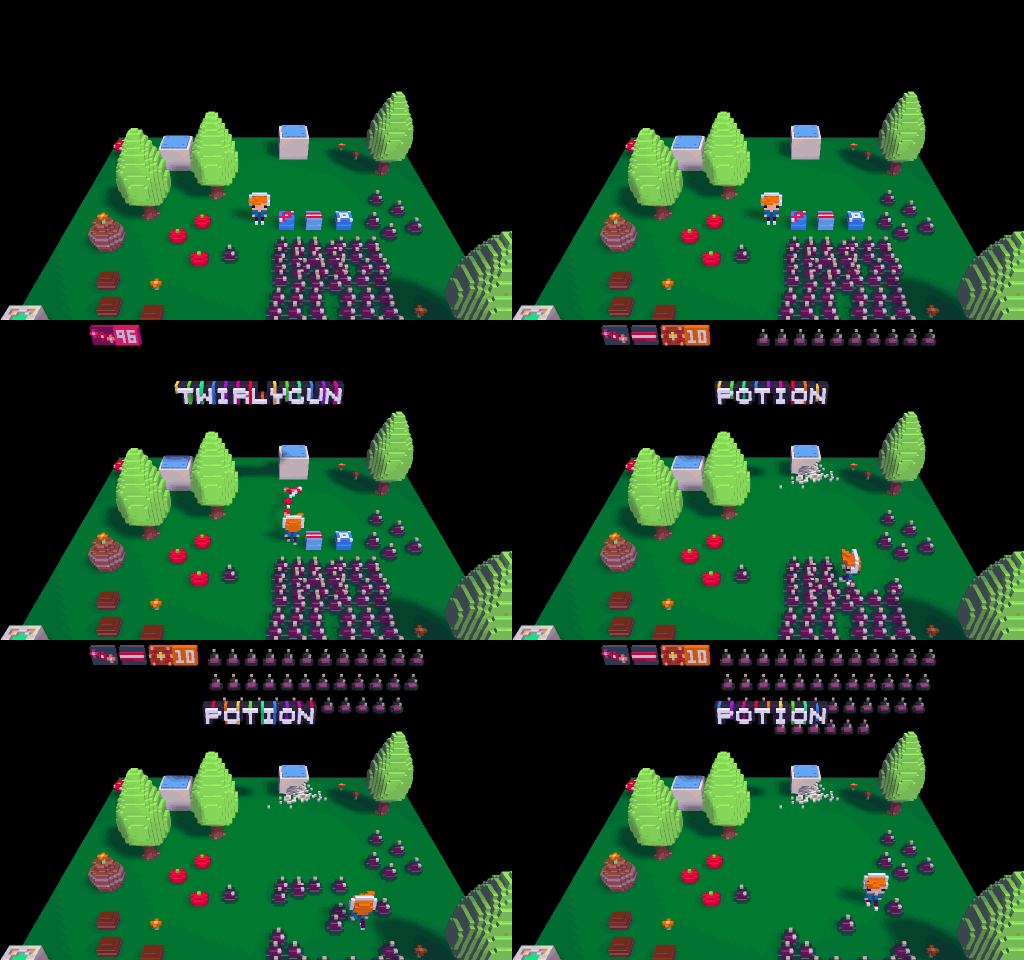
The last inventories thing I needed for 0.3.3: adaptive formatting (an extreme example). Each inventory item is assigned a group (left, middle, right), and it does its best to figure out how to format everything in a sensible way that doesn't jump around too much and doesn't overlap. I had to be careful not to end up with a 1996 html table renderer!
It's possible with the new inventory system to display the capacity of an item (e.g. empty slots for up to 5 potions), to draw different icons for wielded or carried, and to draw different icons depending on how much ammo each one has.
To handle 1p vs multiplayer inventories, you can tag animations with context information -- how many players should exist for them to be displayed and with which attributes. For example, a single player inventory might show a row of potions, but when playing multiplayer it might be displayed as a single icon with a number to save space.
There's not long to go before 0.3.3 -- just a few microscripting details and converting legacy cartridges over to the new system on load. 0.3.4 will be a smaller follow-up, so let me know if there's something you're hanging out for, and I'll see if I can bump it up, or make sure it will be possible with Lua scripting later on. Things that were recently mentioned and are already confirmed:
- pico-8 music tracker and music triggering (and some new music!)
- custom inventories with selection and/or button bindings
- inventory microscripting (check for number of arrows in a quiver etc.)
- items that share the same ammo (e.g. all spells cost MP)
- id duplication and aliasing bugs after copy/paste
- fixed density allowing actors to sink in liquid
- scroll-wheel zoom, mb3 camera movement , alt-click mb2 emulation
- fixed total playtime bug for speedruns, made restarts faster
There are a few things that are wishlisted, but might be better suited to Lua scripting later on:
- player selection menu
- separate inventory menu
- assigning chase targets to monsters (for waypoints or making snakey monsters)
- arcade style lives
7 comments



You want it? Come and get it! ;)
[youtube]https://www.youtube.com/watch?v=4QT2Mh7jryw[/youtube]
0 comments
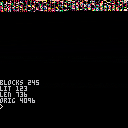
This is a quick demo of cart data compression, in order to fit more gfx / maps / music / whatever on a single cart. It's not set up to be a useful tool yet, but you can adapt it if you're keen!
It comes with two functions: comp and decomp that can be used to compress a section of memory to another location, and then back again. You'd only need to include decomp() in the release version of your cart, which is around 95 tokens.
comp(source_addr, destination_addr, length) decomp(source_addr, destination_addr, length) |
If you'd like to try it on your own data to see what kind of compression ratios you can get, copy and paste the program into your cart and then change this line near the end:
len = comp(0x2000,0x6000,0x1000)
0x2000 is where to compress from (in this case, the map -- see pico8.txt and search for memory layout)
0x6000 where to compress to. In this case, the screen -- as a way to visualize what's going on
0x1000 the length of the data to compress. 0x1000 (4k) is the top half of the map.
So if you want to try compressing the first 16 SFXs (68 bytes each), use:
len = comp(0x3200, 0x6000, 68*16)
10 comments



Hi!
About the hardware specifications...
Display 128x128 16 colours
Cartridge Size 32k
Sound 4 channel chip blerps
Code Lua
Sprites 128 8x8 sprites
Map 128x32 cels
Controls 2 6-button joysticks
BUT....
Are possible to develope "directly on board"... using Registers, direct memory RAM/Video access, etc etc?
I explain clearly? (sorry for my english)
Thanks in advance...
5 comments




Hi Zep,
Zep, we are writing an online class "intro to voxatron". Would you be interested, taking a look at what we have so
far? We just finished outlining 16 session and about to stat recording videos. Please let us know.
/digital monkeys
0 comments
The general strategy for developing Voxatron's toolset is to provide specialized features (modifiers, microscripting, physics properties etc) that capture 90% of a typical designer's requirements, and then leave the rest to Lua scripting. Lua will be kind of like a glue that that holds the engine together and fills in the gaps of functionality.
Working on custom player inventories and menus that have a plethora of possible requirements, I feel I've hit that 90% boundary. The engine is now complete enough that it is possible to create a Lua API that is grounded in something stable and maintainable. For this purpose, I've created a text editor that can be used within Designer, and a custom version of Lua designed to work efficiently with Voxatron (both of which you can see in action in PICO-8). It's time to (carefully) plug everything in and see what happens!
It will also be possible to write cartridges from scratch in Lua, of course. This would be handy for making games that need their own style of physics, or things like RTS, sim or puzzle games that deviate a lot from typical Voxatron shooty-runny things. The purest cartridge can contain simply one Lua script, and no rooms or object definitions.
If all goes well, I'll start to roll out a minimal API later next month for anyone to experiment with. It is a typical object-wise callback scheme, where things happening in the world/engine call Lua functions that the cart designer provides.
Here's a simple example:
[vine]eiTpKIL2eLZ
9 comments


Is there a way (in the config file?) to have PICO-8 auto-launch (LOAD and RUN) into a cartridge on startup?
Thanks!
13 comments

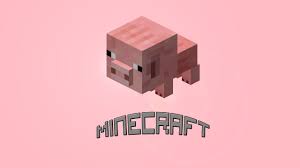

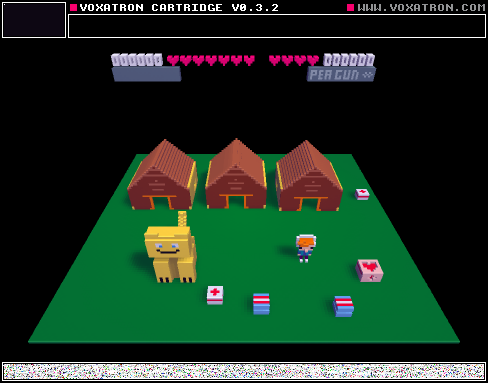
The man and his cat go on an adventure. You will get to fight tons of monsters on the journey! Hope you enjoy!
0 comments
Just got the latest build, and switching to hardware sqrt causes a crash when the input is 0.
quick repro: open pico8, enter editor, type "sqrt(0)", press Ctrl-R to run.
6 comments

8/11/2015 - first "level" created. Buying and something resembling a puzzle added. still no death :P
7/22/2015 - better enemy movement, beginnings of the shop
7/22/2015 - total re-write @_@
7/6/2015 - hud, area titles, updated ladders
6/30/2015 - enemies
6/29/2015 - ladder code added
6/25/2015 - added basic sound effects - still working on ladder code
16 comments