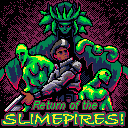
Return of the SLIMEPIRES! Music Mod
This is a sound mod that adds music and changes a couple of the SFX (namely the gun sound)
What the mod changes:
- Adds a polished music track
- Adds music toggle in main menu
- Changes gun sound to be more like a sci-fi blaster
- Changes explosive barrel sound to sound a bit echoey to convey liquid inside the barrel
- Changes transformation ticking sound with a "dampen" that tones it down a touch
That's it!
This music has been in my head for several days now and I watched several hours of gruber music videos to grasp some good composition theory. I made the track pretty long so as not to get too familiar too quickly because the game is lengthy for a PICO-8 game. I tried to eliminate all clipping but it's very tricky for this type of game where there's so many SFX calls constantly. I still think it sounds very enjoyable. Hopefully you enjoy it too!


 3 comments





About this game
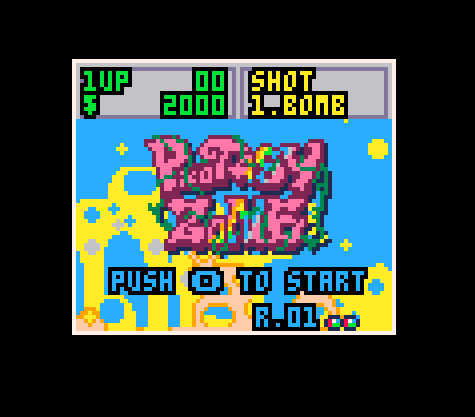
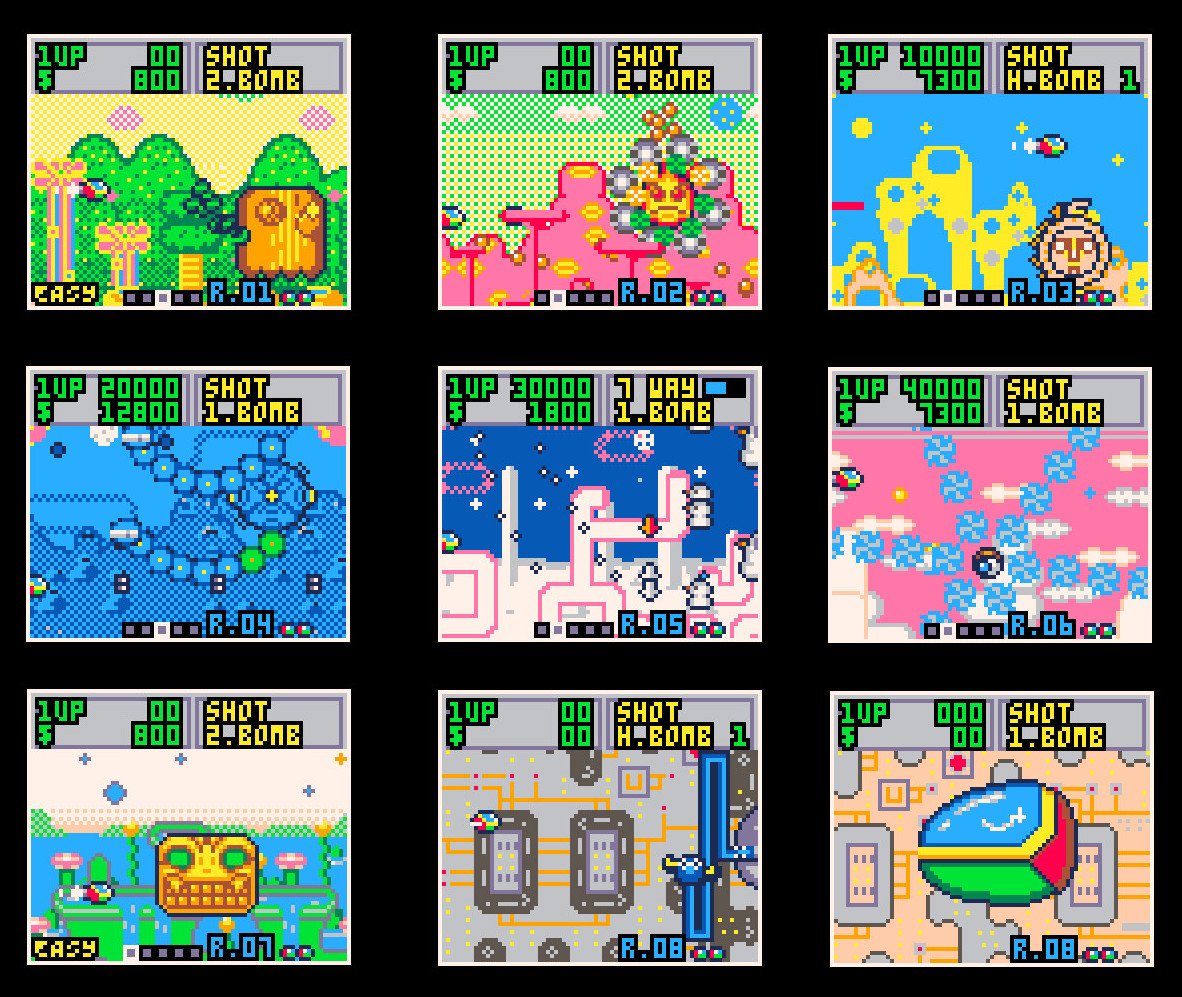
This is a demake of Fantasy Zone, SEGA. Boss rush mode is available and you can fight all of 8 bosses.
I made this game to feel "Wow, looks like the legendary game Fantasy Zone when seen from a distance!".
I never made this as a perfect clone. There are many differences from the original game.
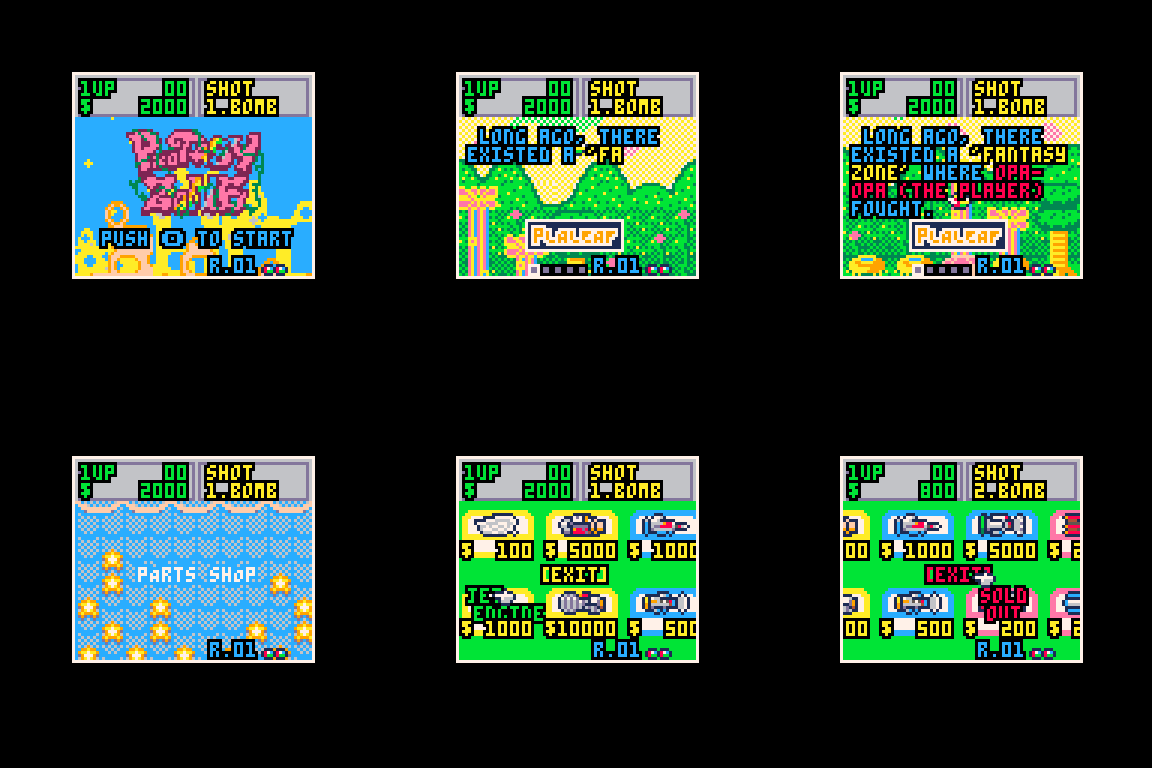
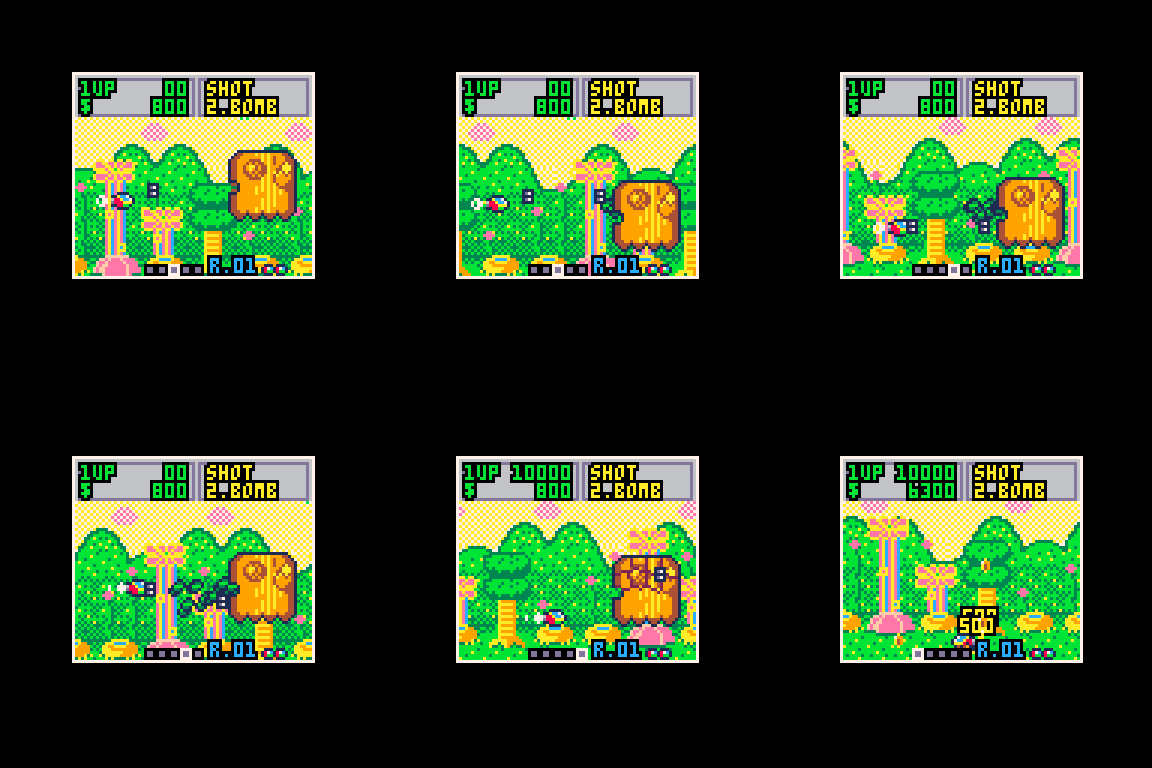
How to play
Start the game and enter select panel.
- Select mode: EASY or NORMAL
- Select stage: 1 to 8
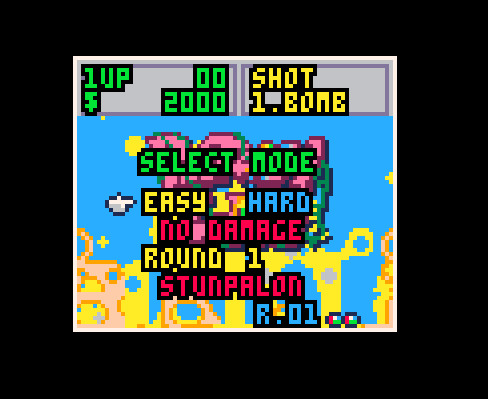
If you select EASY, player doesn't get damaged. In this mode, you can enjoy tour of all bosses of Fantasy Zone and "EASY" is displayed at the bottom of the screen. If you select HARD, collision detection of the player is enabled.
8 comments



Controls
Arrow keys - Move selector up / down / left / right.
x - Select
z - Back / Return to level select
How to play
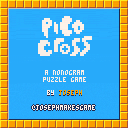
A nonogram is a cell based picture puzzle, where you must find all of the shaded cells. If you find all of the shaded cells then you will reveal the hidden picture!
The numbers above and to the left of the grid describe the number of consecutive shaded cells in the row or column. For example, if we imagine a 10x10 grid and we have a ( 10 ) above the first column, then we know that all ten cells are shaded for that column. If in the first row we have the clue ( 5 4 ) this tells us that there are five shaded cells, a gap of at least one non shaded cell, and then four shaded cells.
 4 comments


I had been trying to install pico8 on my retropie for months but still no success.
https://retropie.org.uk/forum/topic/24127/how-to-install-the-pico-8-on-retropie-for-dum-dums
the part driving me crazy is "6. INSTALL WIRINGPI".
I seriously can't get how to install this thing properly. One of my attempts resulted in crashing my retropie and I had to reboot and reinstall retropie, removing all the retroarch configurations I made. I don't want to repeat that ever again...
the guide says to enter Pi $ prompt, but since i'm not a raspberry pi expert I don't know what that thing is, and I couldn't find further guides too.
3 comments



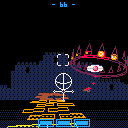
A simple demake of Rez for the Dreamcast. Just a one-level demo. Give it a try!
FYI: You can target up to 8 enemies before firing. More targeted enemies = higher score.
Update: Score still shows when you die.
4 comments





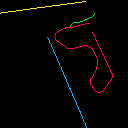
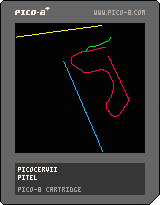
Port of 1992 DOS game Cervii by Vladimír Chvátil.
Things to do:
- Select number of players
- Score count
- Prettier splash and end game screens
- More reliable colision detection
If you have any feedback, please tell me.
0 comments

Firstly,
PLEASE DO NOT TRY THIS!!!
You may end up with files or folders that you cannot remove.
(I don't wanna be responsible for damages!)
Edit: It turns out there is a way to remove them, see below.
Illegal Names?
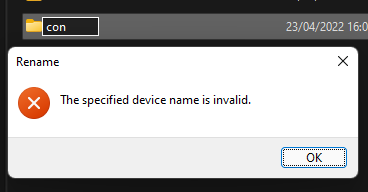
Not many people know this, but there are some folder or file names that Windows won't allow you to use. These include 'con', 'aux', 'nul', 'lpt0', and others. Seriously, if you're using Windows right now, make a new folder, and name it "con", it will tell you "The specified device name is invalid". (This is safe to try since the folder never actually gets renamed)
Through curiosity I discovered that PICO-8 completely ignores this rule and allows you to create folders or files with these names using the 'mkdir' and 'save' commands.
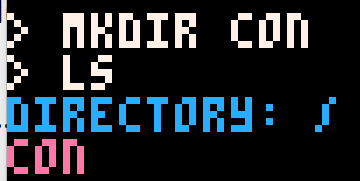
What's the problem?
Naming a folder 'con' seemed to have no issues other than refusing to be opened by the 'folder' command, however once I named a folder 'nul', it became impossible to remove. Windows prevents you from renaming or deleting it, so I now have a folder that I can move around, but not remove, rename, or open.
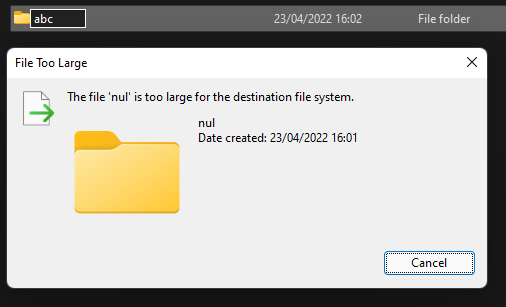 10 comments






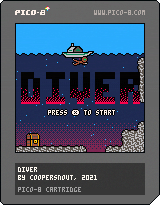
Enter a world of underwater caverns off the coast of an uninhabited island in my new PICO-8 metroidvania game, DIVER. Explore mysterious rooms and hidden passageways where you will come face-to-face with hungry aquatic creatures.
Note: This game is still somewhat in beta with a few minor bugs, but I may not go back to it anytime soon. It's fully playable til the end, just be resourceful with your ammunition!
Support the Game: https://dcdalrymple.itch.io/p8-diver
Source Code: https://github.com/dcooperdalrymple/p8-diver
10 comments

Hello:
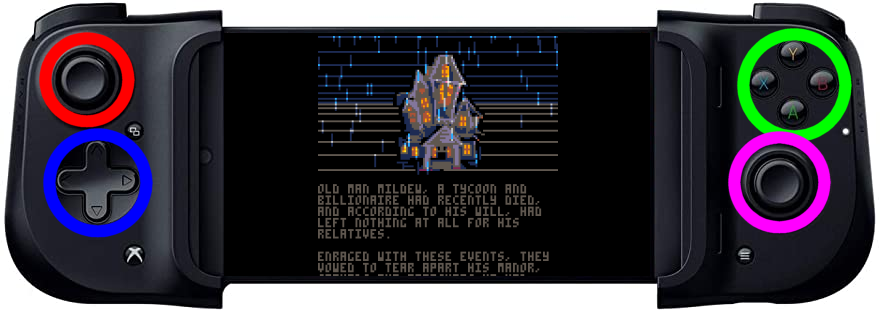
Instead of buying an RG-351 or other gaming device, I settled on purchasing a gaming controller called the RAZER KISHI that allows you to place your cellphone in the middle and you can use the joystick accordingly.
https://www.razer.com/mobile-controllers/razer-kishi/RZ06-03360100-R3M1
While it works perfectly everywhere else including emulation of other games like Super Nintendo and Sony Playstation for the RetroArch, it is not configured correctly for the Pico-8 system when run from Google Chrome.
For instance the BLUE does nothing at all. Instead arrow key controls are done by the RED sliding joystick above that.
In the GREEN, The (A) and (B) control the (A) and (B) for Pico-8 just fine. The (X) and (Y) also do (A) and (B) but not auto-fire.
May I suggest, @zep, that the [b]RED
0 comments

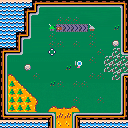
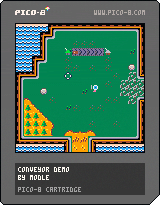
Here's a POC of a factory sim.
See 'Open Tutorial' in the game menu for details!
CONTROLS
- arrow keys
- move cursor/eyeball monster
- O - (C on keyboard)
- place selected object
- X + UP/DOWN
- cycle through cursor modes
- X + LEFT/RIGHT
- cycle through selected cursor options
Delete a building or belt by using the delete cursor mode.
Buildings and belts can be replaced by different buildings or belts. Belts can not be replaced by buildings or vice versa without first deleting the existing structure.
OBJECT OF THE GAME
Produce resources by placing production buildings. Conveyor belts can be used to move resources (and the eyeball monster) around.
0 comments

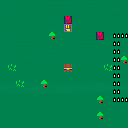
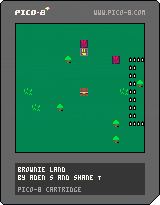

I'm trying go back into my game Destructopillar to try add/remove some things but see I am at token limit. I've done some basic refactoring and stripping out unneeded functions that are now part of the core but it's not enough.
I was looking over the manual to see what functions are available now and was reminded about coroutines. The problem is, I never really understood how to apply coroutines. I get the concept and I think I understand the gains (like saving tokens), but just can't figure out where in the game it would benefit from coroutines, if at all.
Please check out the Destructopillar game below real quick, even just the first stage and you'll get the gist. Then please call out the places where you could see coroutines being useful.
I'm not looking for cart code analysis or digging into what's there right now. Just looking at the game on the surface...the actors, the actions, the scenes...would coroutines possibly make sense anywhere?
And the answer could really be they wouldn't help in this type of game. And that's okay...because I just don't know. I sense that coroutines could help and make things better and save me some token trouble but maybe not.
4 comments



Ok, so I want to make a celeste mod but I dont know how, I tried using the Education Edition but it didnt save my progress and files are confusing. Where should I go to learn how to make a mod. FYI I am working on a school issued chromebook because I am still a highschool student, should I instead start working on my macbook at home?
any help is appreciated
Thank you :D
6 comments



Hi all,
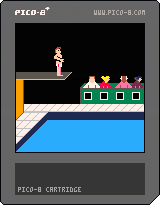
I'm new to pico-8 and enjoying the constraints. I'm trying to create a diving game inspired by the old Daily Thompson's supertest game on the Amstrad. I have my scene with jumping working but I'm having issues rotating the sprite once you press left or right. I'm trying to use @freds72 rotation code and something is obviously rotating but I don't understand the parameters of the function. Is this correct?
--sx = x location of sprite on spritesheet
--sy = y location of sprite on spritesheet
--x = is this for the rotation area?
--y = is this for the rotation area?
a = angle of rotation
w = width of sprite (although mine is rectangular)
rspr(sx,sy,x,y,a,w)
Once I've got rotation sorted. I'm going to figure out number of turns and angle of the divers head relative to the water, so I can get the judges scoring in. I think my next big challenge will probably be getting the board to bend when hit.
Thanks for taking a look. Hopefully I can release something more playable soon.
2 comments

Hi,
I'm heavily using .p8 files as headless scripts to automate my export pipeline. It's great, as all commands are available and when running headlessly, you can even save/load which fail in normal GUI mode.
However, I noticed that errors are completely silent (unlike GUI mode, which shows error messages). How can I catch PICO-8 errors from within the .p8 script or, as last resort, from the bash script I'm using to pico8 -x the .p8 script?
The most commonly failing commands are save("game.p8.png") when the PNG is too big, and export("game.bin/html") where we're missing an icon or label. When that happens, I must re-run the commands in GUI mode and inspect every error one-by-one. Besides, the commands I manually type are generally slightly different from the script ones (which are very complete with all options) so I'm not exactly sure if I'm reproducing it right.
My suggestions:
a. access error code of last native PICO-8 command (like, save, load and export) with a simple function (e.g. err() which returns an int). We could go further by getting the error message too (e.g. errmsg())
0 comments

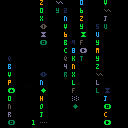
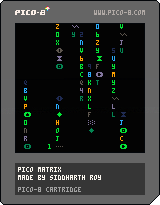
My first PICO-8 program
This is inspired by cmatrix command from Linux
Press ❎ to change color
Press 🅾️ for rainbow effect
1 comment
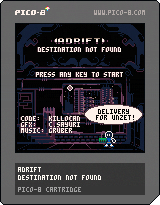
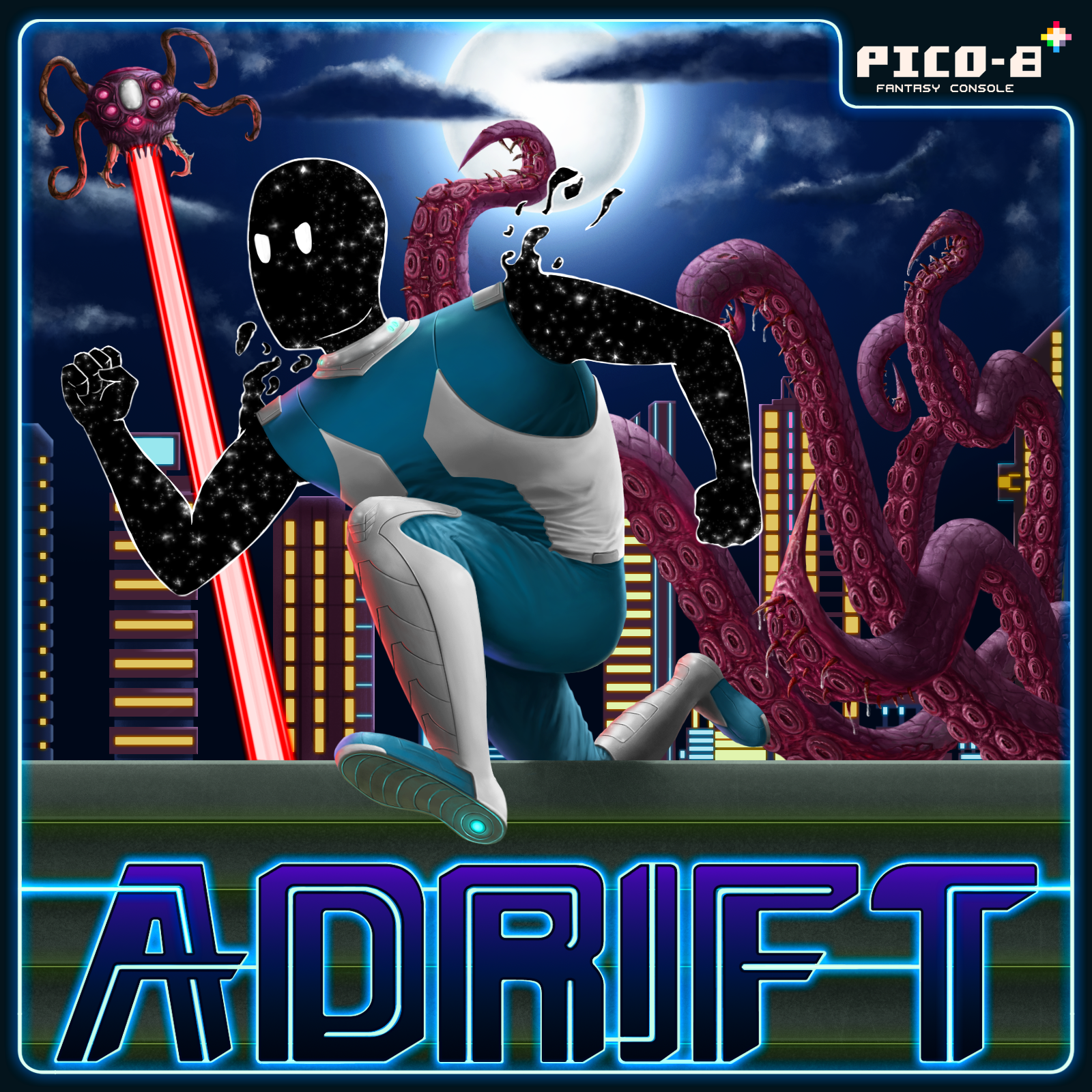
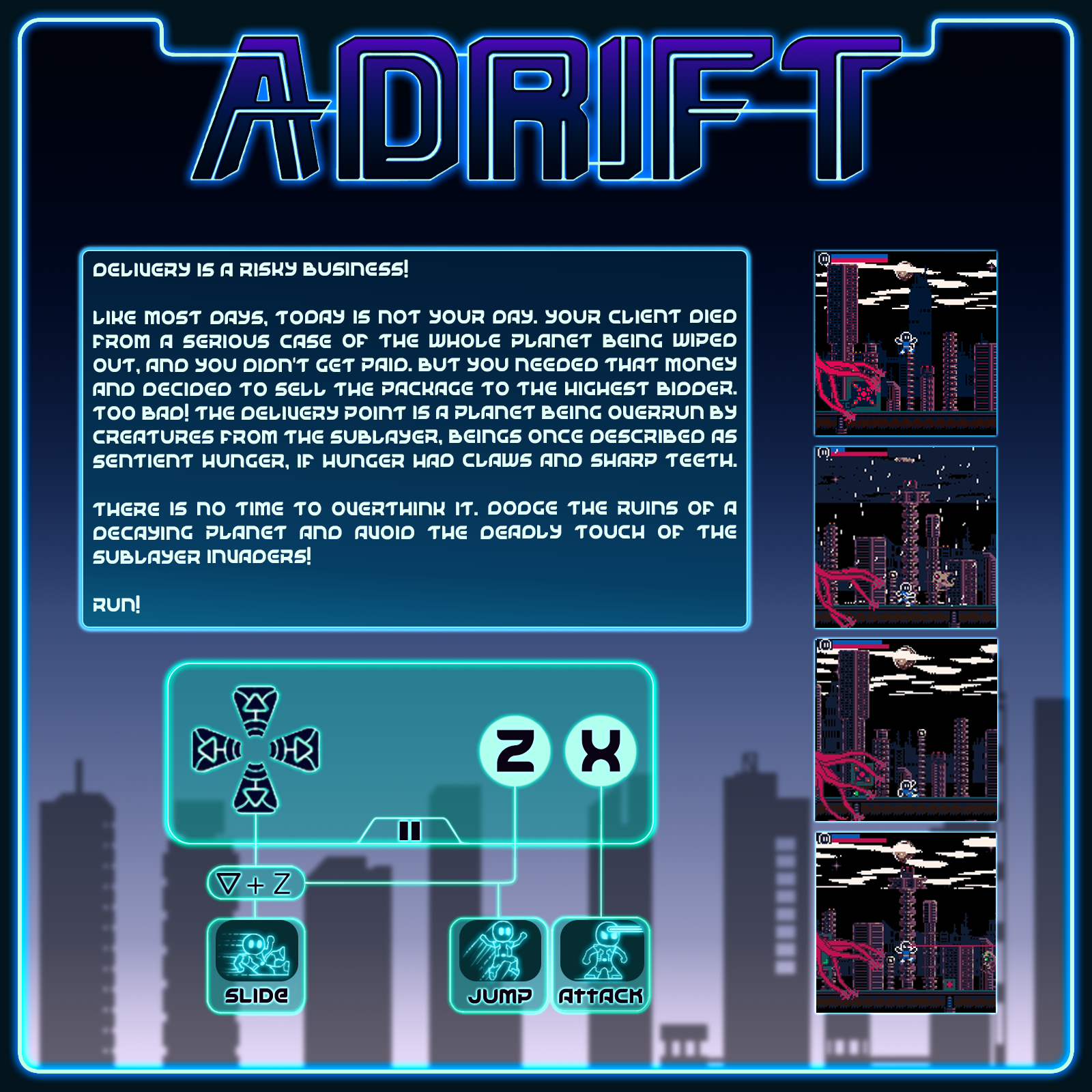
(Click to expand)
This is part of a bigger project I've been working on for quite some time now. This pico8 game is a mini-game where the events depicted in it which will be accompanied by a comic book(WIP). The events present here on the game happens in the comic, some four pages of it. The project consists of several comic books, some games and a podcast. The whole thing revolves around a war, now cold, between a race known as Zeta Reticulans and a political group known as The Union for control over reality. It's also about Omnia, a company founded as a revenge plot by two genocide survivors that became the biggest conglomerate ever know.
8 comments
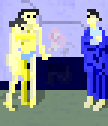

.jpg)
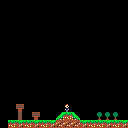


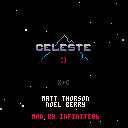
It's not quite finished yet, so subscribe to the thread to know when it's updated
It's Celeste... but hard mode
Enjoy!
Editing Infinite- If you find any cheesable parts, please tell me! I want the game to be as hard as possible :D
CHANGELOG
v2.1: Attempted to fix cheesing on lvl 2
v2: added new levels! WOOOO
Hey, if you're showing this to a friend, maybe have them play the original Celeste Classic first
10 comments