


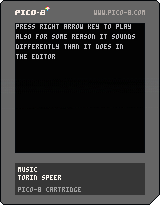

Due to the preprocessor parsing numbers differently than Lua, here are some issues:
Valid code (1e-3 is a valid number in Lua):
a=1e-3 |
Invalid code (1e-3 is parsed as 1 e - 3 by the preprocessor):
a+=1e-3 |
Invalid code (2b is an invalid number in Lua):
a=1+2b=3 |
Valid code (2b is parsed as 2 b by the preprocessor):
a+=1+2b=3 |


 11 comments










Illusioner
About me
Hello! I'm evman2k, and I am a new programmer, so please be kind. I have been trying to learn how to make 3D programs. I made this pattern maker program to play around with different concepts. I like the designs it makes. Enjoy!
How to use
This is very simple to use! Type any number, and it draws the seed you input into the program—"Q" to draw your source. "O" to stop drawing the source. "C" to clear your source.
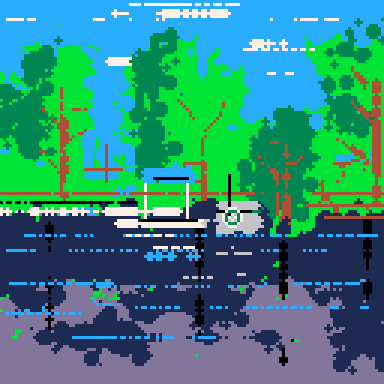
For example, 99188882328 displays this:
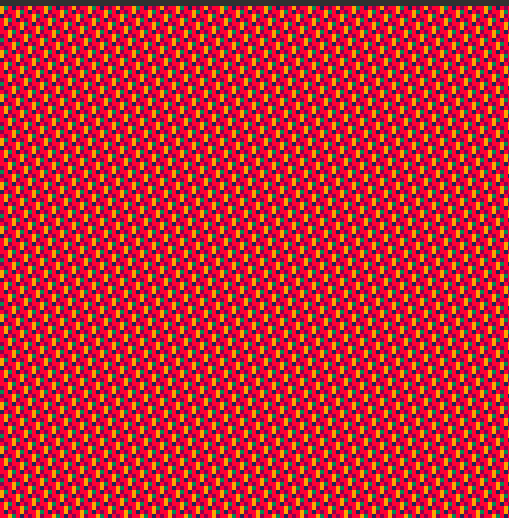
If you keep pressing numbers it will add to the seed and advance the frame. Holding a single key makes fun patterns.
1 comment

A one player bat and ball game in 560 bytes (by Pico-8's count).
(The code is of course not particulary readable or maintainable. A note of caution for people new to coding, this isn't a code style to emulate when you're starting out, and is done only to make the code size small.)
I'm reluctant to call it a Pong clone (in the exact in every detail sense) or remake because it doesn't try to look exactly like a previous version of Pong (or rather, I know some coders go a lot further in getting their carts to look and play exactly like one or another version), although it is of course derivative of Pong.

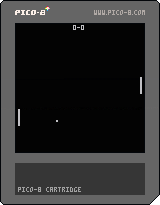
You are the right hand player; you control your bat with the up and down cursor-keys/d-pad-buttons.
0 comments

My First Game
Made using Dylan Bennett's fantastic tutorials
https://www.youtube.com/channel/UCY3KFjwFe1DyZYxhwHbm7Ew

|
[0x0] |
4 comments



 (1).gif)
Not sure if it is really a bug, but poking at the 8 bytes starting at 0x5f4c then immediately peeking will discard the two highest bits:
> p=0x5f4c poke(p,255) print(@p) 63 |
I know this is a special area and the memory is modified by the virtual hardware between frames, but no other location discards bits like that.
0 comments

i have a eye problem where the blinking red cursor causes me to get migraines. could there please be the option to turn off blinking so the cursor is just red instead of blinking? i love there idea of pico 8 but i can't use it. i have to use external edits but would rather use the built in sometimes.
also please fix the website so mobile post writing field isn't cut off at the edges.
thanks for reading.
4 comments




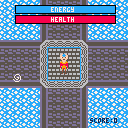


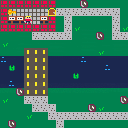
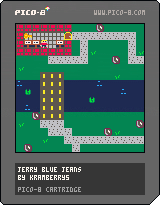
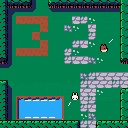
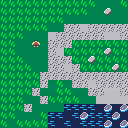
This is a top-down adventure game I made with this tutorial
https://www.youtube.com/playlist?list=PLdLmU93eWisKpyk1WZywUSYAq5dkCPFIv
2 comments


Not necessarily a bug - just unexpected behavior / missing functionality in 0.2.0i.
When in the new SFX / Music Organiser and switching to SFX view it is possible to copy and paste SFX around within the loaded cart cart. However, when you copy an SFX in this mode you can't paste it into another cart. Instead it will paste the pattern.
It an odd case. It technically makes sense because this is still the Pattern view. But subjectively, by switching into the Organiser and to SFX it becomes a very SFX-focused interface. So I would expect to be able to copy SFX from here and paste them to other carts.
This is especially the case since this view lends itself very well to a typical use scenario I encounter often. Let's say I have an old game that I want to re-use some sound effects from. I would fire up the SFX Organiser, shift-select the SFX I want and copy and paste them to a new project.
While we're at it, I also have a feature request - it would be great if there was a visual indicator in this view to distinguish SFX that are used in patterns and SFX that aren't used in any pattern. This would help quickly identify whether an SFX is music or a sound effect. Perhaps a border or a different-colored background?
0 comments
Changing which SFX you are viewing does not always change which SFX is edited by the shortcut keys (for the number of ticks per note, at least). So trying to use the shortcut keys can cause a different SFX's ticks per note to change, which is undesirable.
I am presuming this is because a previous SFX has been selected, and the selection has not been updated to the visible one either when the current SFX was changed or when a shortcut key is pressed.
Sometimes it seems to work fine, then sometimes the bug occurs - I am unable to determine the exact sequence to reproduce it.
pico-8 0.0.0i
0 comments
The changelog to v0.2.0e says
Added: cpu working animation when cpu usage > 120 skipped frames |
I made a program to test this behavior. Can't make the animation show up no matter how how high the CPU value gets. Confirmed by independent tester using their own code. Are we doing something wrong or is this a bug? We used v0.2.0i.
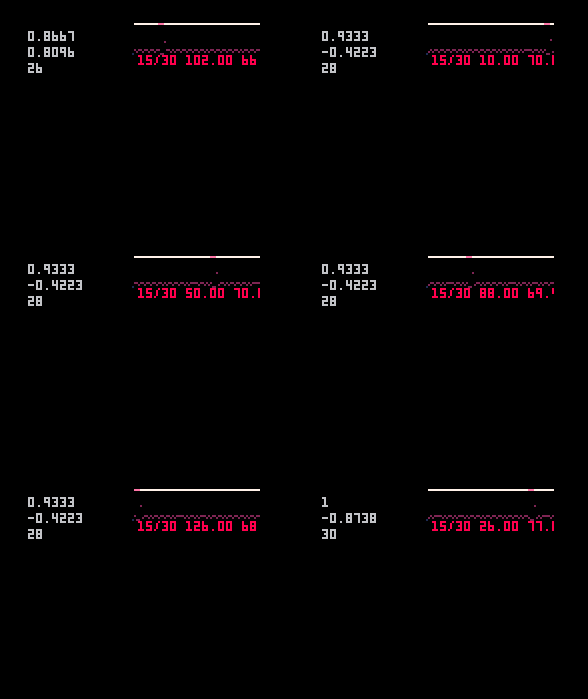
function _init() y=1 g=0 end function _draw() cls() print(time(),8,8) print(g,8,16) print(y,8,24) end function _update() for i=0,32000 do for o=0,y do g=sin(rnd()) end end y+=1 end |
0 comments
This is a game exported to HTML5 with 0.2.0i. I opened it in an iPhone 6S using Safari. It's using iOS 13.4.1.
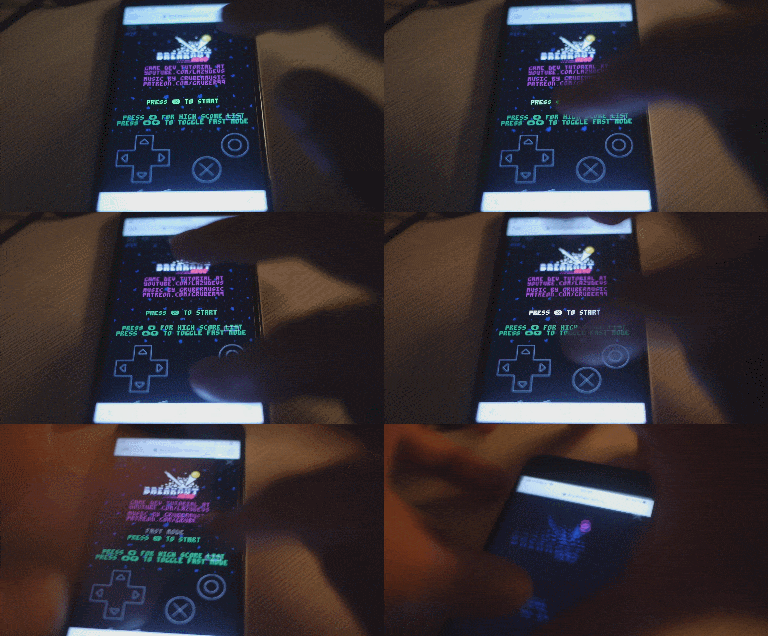
The game seems to run fine. But the buttons are unresponsive. The menu button is rendered on top of the game. After wild tapping I was able to trigger an X button press. But I can't reproduce this reliably.
The HTML + JS files were uploaded directly to my web server here:
http://www.ceeu.de/picotest
I experienced the same problem when uploading the files to itch.io.
While we are here. I have a different problem when running on an older iPad Mini:
.gif)
A tiny icon of the game in the middle of the screen. Doesn't react to taps at all. Can't launch game.
This one uses iOS 9.3.5. A bit old so I didn't expect much anyway.
6 comments



One of the new features on 0.2.0 is moving sprites in the spritemap. This can be done in the map view with ctrl-x and ctrl-v. The map will be updated accordingly.
However, this won't undo properly. The map will revert but not the spritemap. See gif:
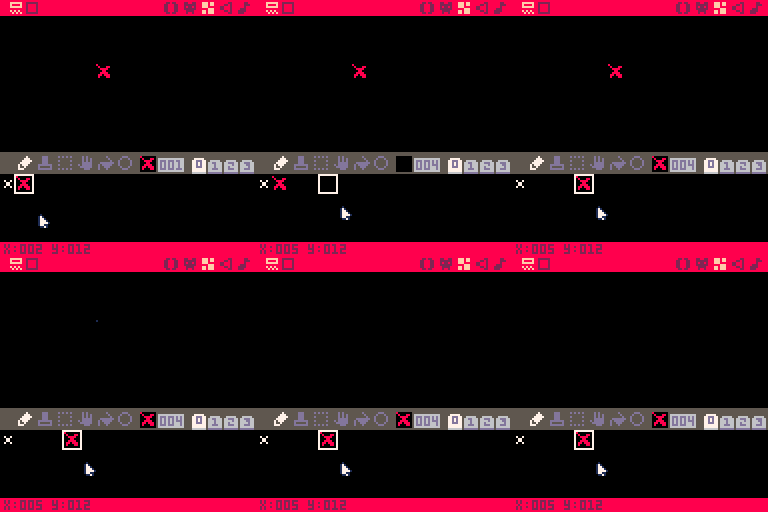
Tested in 0.2.0i
0 comments

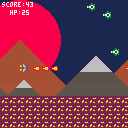
I fixed the crazy op laser,
added some bleeps and bloops for music
added a reset button after gameover
added sound effects
ammo count is 5,
dash now works in all directions depending on arrow key pressed
dash has a little bit of i frames
added a mean snowball thing that tracks you
its a little wonky as of now,
sometimes you will die out of nowhere. Sorry
1 comment


How do I get to those spots that are like these pictures
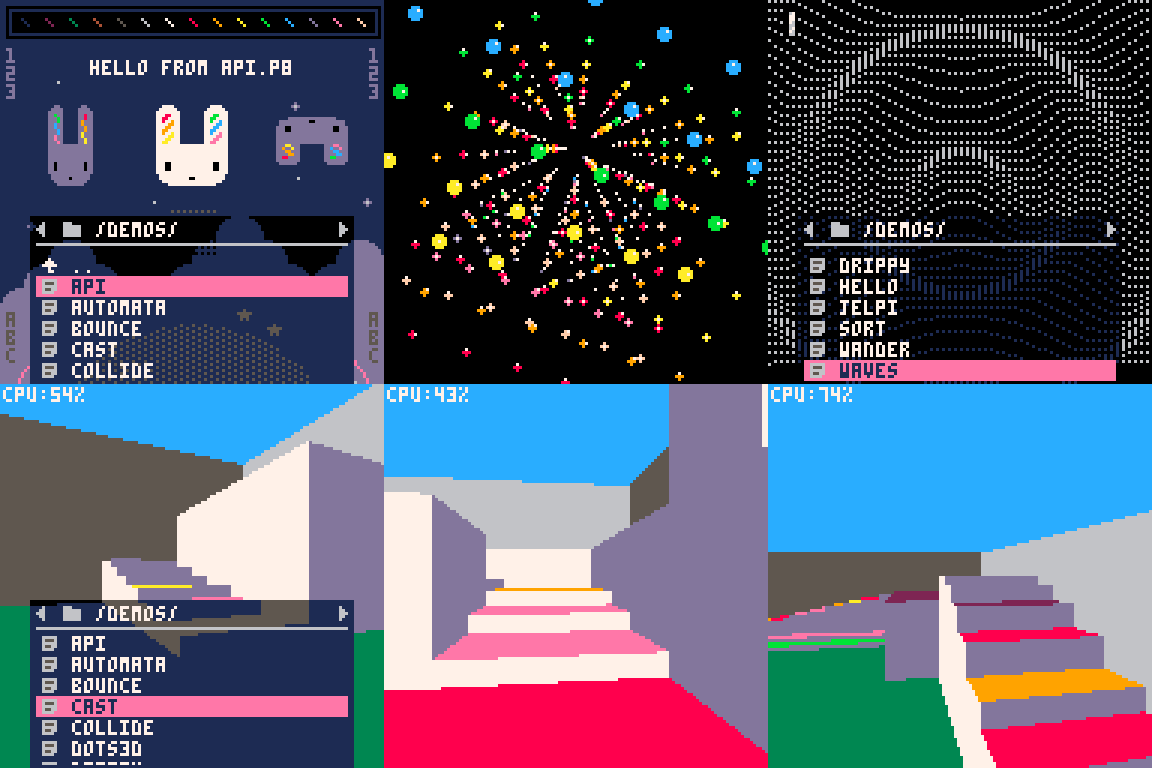
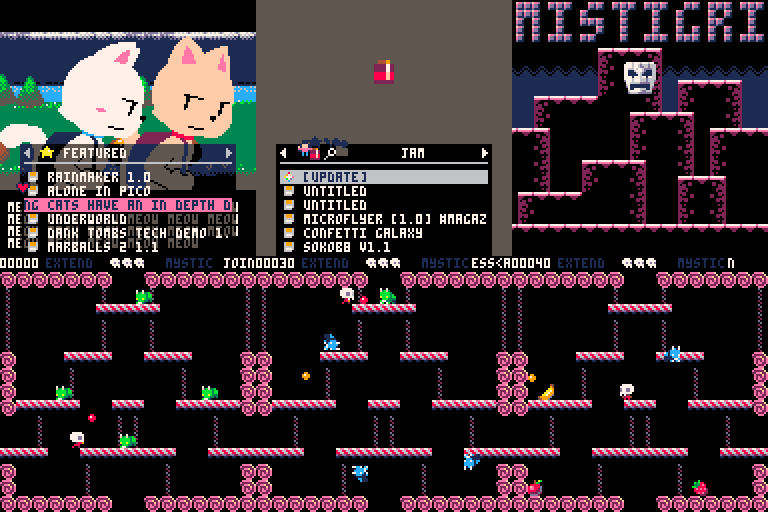
I don't know how people get to these spots like is it in the PICO-8 item(not the website ver)?
Plz, let me know. Thx. :)
5 comments



This is my first game ever. I've only been using pico-8 for a few days. I have some games in the works that have more depth. This was just a stray idea to make the standard 'eat the small' game but with the character shrinking instead of growing. Hope you enjoy if you try it! <3
0 comments


Instant 3D plus!
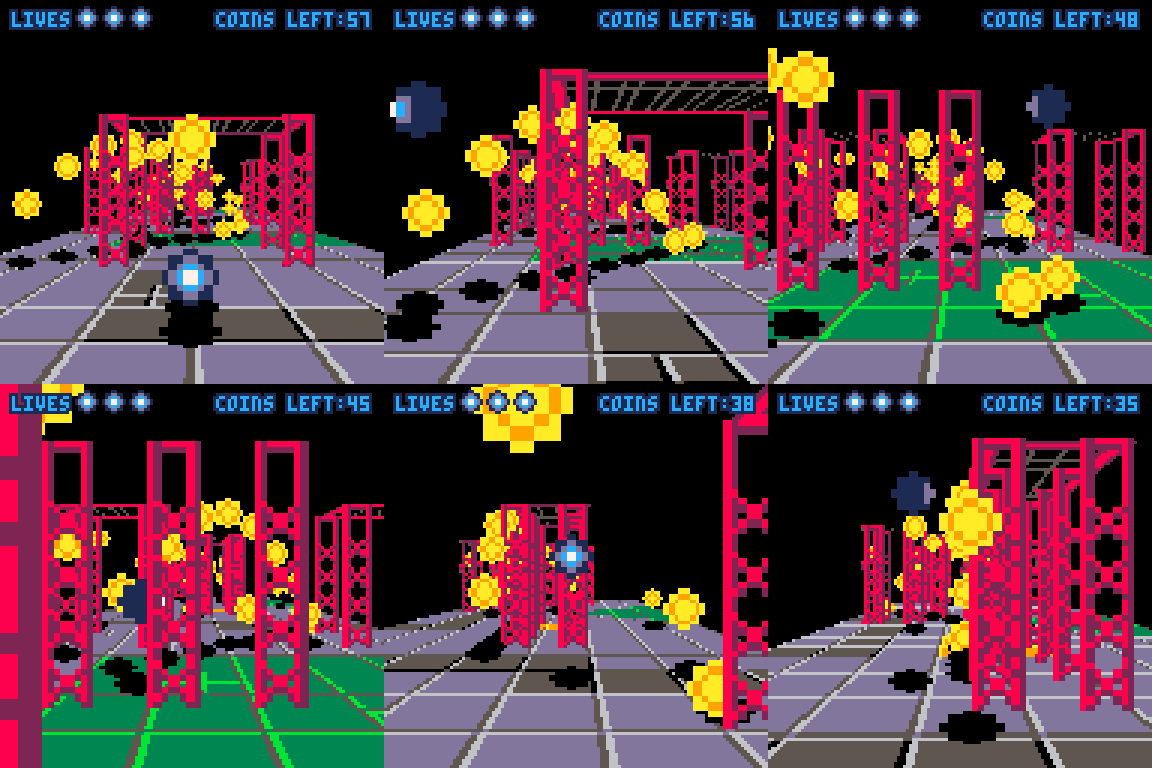
Instant 3D! was a random idea, quickly thrown together to see if it was possible. But after seeing the cool things people can do with it, I wanted to clean it up properly, and also present some of the internal functions more cleanly.
Making the 3D functions more accessible means:
- You can often get your game working correctly in 3D even if the Instant 3D "magic" doesn't work correctly, by calling the 3D spr/map functions directly with the right parameters.
- You can do things that the original Instant 3D can't do, like having objects that hover into the air.
I've added a little tutorial of converting a 2D game to 3D to illustrate how this works, at the bottom of this post.
Obviously this "snippet" is still very limited, compared to a general purpose 3D library say. You can't use it to create an FPS or a flight simulator. But I think it's a lot easier to use - start with a 2D game, drop it in, and fix up the bits that don't come out right. And you can still do some cool looking 3D stuff with it.
44 comments