





We've all been there. Trying out some boffo new game and just being so green and jealous of the awesome music in it.
Well if you didn't know I'm actually pretty good at music and writing custom database software. How will this help you ? If you or someone can point me or direct me to a utility that can take MIDI and break it out to a text file, I will definitely see myself to making everyone a utility that can take this raw MIDI .TXT file and convert it straight to binary import MUSIC for Pico-8.
They both share similar methods of playback. MIDI uses onboard instruments to play their notes and PICO uses the same, but with a rather conservative list of instruments - a conversion could be and can be made.
And no, I'm no slouch at this sort of thing. Years ago there was a company called "American Church Lists."
My job there was to write a database that would keep track of all the churches in the world. The data they had stored originally was a real hectic mess. I was to write a program to organize that data and put it in a neat format where it could be easily output on the printer and used for mailing out religion-based advertisements.
So ... help me find (I know it's out there) that nice utility to convert any .MID to a .TXT file and I'll write a program to convert that for direct PICO playing. I know I can do this, I've seen the SOUND and MUSIC format of PICO. It's not so bad if you look just at the straight hexadecimal data.
And something we do NOT have lacking in the world is MIDI music. Myself alone I know I have pretty close to 11,000 if you add up all the ones from my MIDI directories that are ripped from video games, cartoon/anime themes, show tunes, movie tunes, the legendary music of Final Fantasy, everything from Squaresoft, every possible gaming platform, and other original tunes, I think you can see we will never run out of good music - ever.
And I'd like to help in that ...


 5 comments


NEW BUILD:


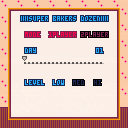
an #AGBIC jam entry based on a cart of the same title.
still unfinished, this description is a placeholder as well.
missing Dr. Mario/Yoshi's Cookie-like cutscenes, title screen & music, but still very playable.
features finished:
- options screen
- some music
- complete 1P/2P gameplay
features missing:
- cutscenes
- title screen
(CC) 2018 Adrian Makes Games.
1 comment

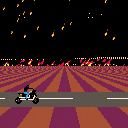
A demo by Jumalauta. Participated in the demo compo at the JML 18 years anniversary demoparty, won first place.
Might not work properly with Chrome, there may be some sync errors and glitches. Should work consistently with Edge. Cart works just fine in the PICO-8 application itself, of course.
UPDATE: Now fixed for 0.1.12! Which means it won't run correctly in older versions anymore, since it depends on time() for sync.
17 comments







WARNING! SET YOUR SOUND TO LOW BEFORE PLAYING!
I cant understand why its so loud (in sound editor 1 and 2 sound levels are used), pls help if u can =(
 1 comment

Uncompressed Source Code: https://paste.ee/p/5KOG5 (warning: it's pretty gross)

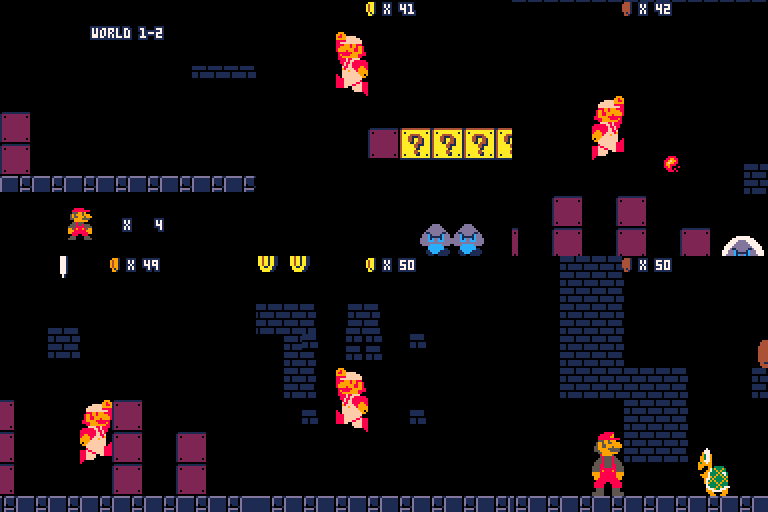
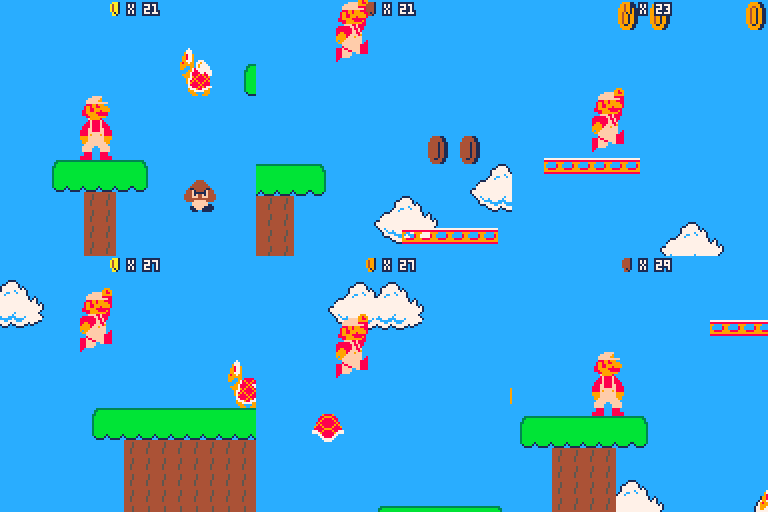
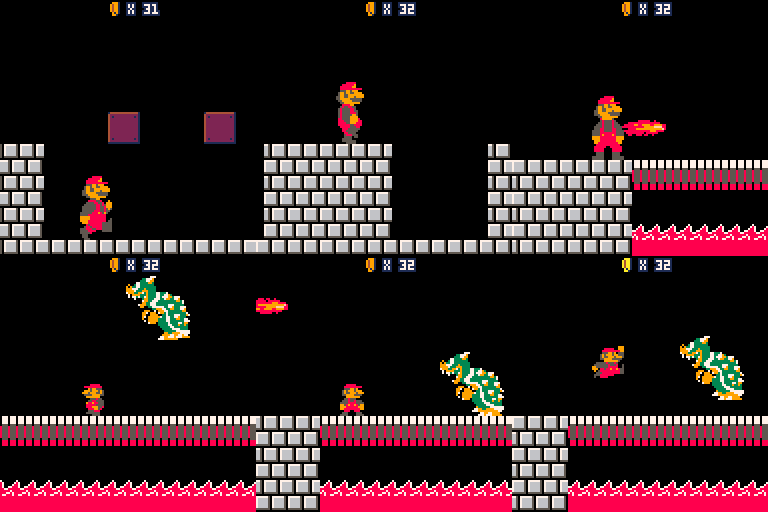
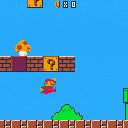
Late last year (2017) I started work on a port of Super Mario Bros [NES] to Pico-8. The goal was to be authentic as possible to the original game, while working within the Pico-8 limitations. Something like Super Mario Bros Deluxe [GBC] (https://www.mariowiki.com/Super_Mario_Bros._Deluxe).
In the end I was able to get 1-1 and 1-2 mostly complete before starting to hit serious memory limits which make it seem near impossible to ship the full game.
43 comments
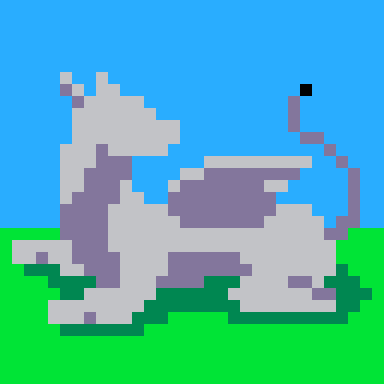







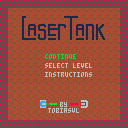
A remake of the classic computer puzzle game LaserTank for PICO-8, for the Demake jam.
Includes a hand-picked collection of 50 levels from the original game. I think I'll have to make a multicart version to include more levels.
I haven't implemented all the physcis quirks (bugs) of the original game, but I don't think any of the included levels rely on them to be solved. At least I hope not.
4 comments




Update: text background color support

Update: some debug features..
Update: 'help' function and basic error handling


If you enter "Connect 123456" where 123456 is a THREAD ID, it will try to connect to that cart.
Please only use valid BBS locations.
To test your pico-8 BBS terminal emulator, try going to 55648
And to test a simple cart 'bbs' that accepts input, try out 55941
Next up is going to be a CNS -- Cart Name Server -- to store registered BBS cart locations you can connect to.
NOTE: From my testing, this should work in the desktop version of pico8. But it's pretty buggy on the forum so far. I'm thinking it has to do with how the web player in the forum handles some of the keyboard input differently vs in the desktop version of pico8.
3 comments


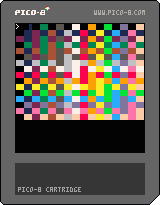
256-colors, really REALLY ??
No, not really. Not in PICO-8 anyways.
Well, if you squint your eyes it sorta works. But that's really not good enough.
Now when I did something like this on the Apple ][+ years ago I had very favorable results.
- [1] it extended the resolution from 280-pixels across to 560.
- [2] There was very little flicker. Almost perfect. I wrote a 6502 machine-language routine to do it.
- [3] I even sat down and wrote a silly little Applesoft word-processor in it to demonstrate.
- [4] Apple was interested in how I did it so I wrote an article explaining my coding.
And as this cart is "presumably" running at 60fps, I'm not sure why it isn't just a comfortable blur the eyes can't see the flicker.
Maybe ... maybe if this truly is 60fps it needs 120fps to blend perfectly so the human eye cannot detect it ? Any chance of a [b]FLIP(60) and [b]FLIP(120) ZEP
15 comments




The Conductor's train went off the rails near the desolate plains of Ash Town, so Hat Kid has returned to the planet to make sure her friends are okay, and to find a mysterious relic! Grab all 30 time pieces in this short platformer, based on the game A Hat in Time!
Arrow Keys: Walk
Z: Jump
X: Hookshot (when near a hook)
This fangame was created for #DEMAKEJAM. All characters and music are recreated homages to content in the original game. Buy A Hat in Time here: https://store.steampowered.com/app/253230/A_Hat_in_Time/
36 comments







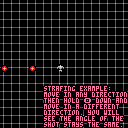
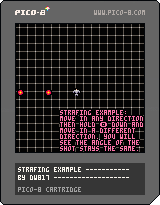
Many of the games in PICO involve a player shooting at a target. I mention strafing several times and I think some of you are not understanding what I mean.
Here is a good example of strafing. Hold down the firing button and you will see that you fire in the last direction you moved.
HOWEVER, as long as the firing button is held, despite moving in any other direction the firing direction remains the same - until you let go of the firing button. This is called STRAFING.
This makes it a lot easier to avoid incoming enemy fire yet still continue to fire in the same direction at your desired target.
This example also demonstrates staggered shooting. If you hit the button manually, you can fire faster than if you just hold it down. This is optional but may reward the player to have quicker response by manually hitting the button rather than relying on autofire.
This program also shows effectively how to use three fairly advanced commands:
+ ADD
11 comments
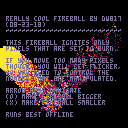
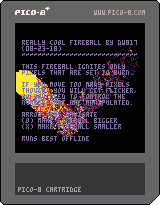
About 2-years ago I wrote a program called, "Fireball." While it had a great effect in igniting the screen, today for my code I don't want it to ignite everything.
So here is a smarter version, that only ignites only the pixels I tell it to, in this case, leaving the text intact but still leaving a very active and flaming fireball trail behind.
Can you think of a way to improve the code without having to write a manual "circle" routine as it does now ? Please let me know !
To see the original program go HERE:
11 comments

Outside of the T.R.S. 80 Model I, Level I, I can't think of any BASIC language that would not let you use a double-sized array.
Here it is in BLITZ:
Global a[8,8]

For i=0 To 7
  For j=0 To 7
    a[j,i]=15
  Next
Next
|
Here is my attempt for PICO:
a={}
for i=0,7 do
  for j=0,7 do
    a[j,i]=15
  end
end
|
Is there a way to do this in PICO ?
9 comments

Well after several hours later, I have managed to take "Mildew's Haunted House" and turn it into "Mildew's Manor."
In addition I have fixed the high-score saving by using CARTDATA() instead of CSTORE().
It is still of concern to me that current PICO-8 is limited now to 256-bytes whereas earlier versions allowed you to have up to 8192 using CSTORE().
A discussion for this can be found HERE:
https://www.lexaloffle.com/bbs/?tid=31608
If you want to see animated screen shots and additional instructions for this game, there are 2 links:
https://www.lexaloffle.com/bbs/?tid=27999
https://www.lexaloffle.com/bbs/?tid=27942
To see Haunted House initial animation cart (which is not used now), go HERE:
https://www.lexaloffle.com/bbs/?tid=27925
If you have any questions about this game, feel free to let me know.
Now that I've finished all the tedious stuff and lab  work, I can get to work on what I want to.
4 comments



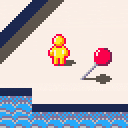
To Do List:
- Reverse Engineer collision system and rework into a detection system for character shadows and slower speeds on stairs.
- Overall world design.
- Objectives/Collectibles?
- Fine tuning of 'animated' water.
- Character shadows need to be separated and overlayed on top of the character sprite to prevent flipping.
-
Polishing of Character animation or control. Animation needed for facing upwards, unsure if character should run diagonally automatically.
Any other tips or opinions would be really helpful!
5 comments

I've been studying Pico-8 only for about a week now and really having a good time. I enjoy thinking within it's constraints. In particular I like fiddling around with the graphics memory directly to do fun video effects.
With the following code snippet I can move every other video line offscreen to the left or right, giving an interesting "tearing apart" video effect. This works great and is very fast, and gets me to a blank screen where "blank" just means the screen is filled with a chosen "clear color."
if (y%2==0) then memcpy(dst,src,63) memset(src,clear,1) else memcpy(src,dst,63) memset(src+63,clear,1) end |
So, now that the screen is clear, I want to do the opposite. Bring in a full screen image (perhaps a map or scaled sprite) onto screen in the reverse. i.e. Odd-lumbered video lines scroll in from the left and even-lumbered lines scroll in from the right.
This would assume that some pre-composed block of memory is waiting from which i do a similar memcpy() from off-screen to on-screen... or at least that is conceptually what i think needs to happen. But i do not understand the possibilities of Pico-8 deeply enough to understand how/where to keep such an offscreen buffer, or if that is even possible.
Any pointers on how to tackle this?
6 comments

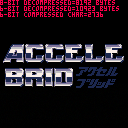
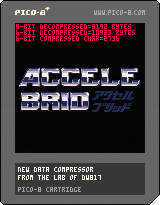
Okay, there is a thing called fate, and there is a thing called destiny. WOW ! Check this out. Minutes BEFORE I posted this, I found my old compressor revived and updated by Jasper.
https://www.lexaloffle.com/bbs/?tid=27892
Hmm ... I sure hope the work he did doesn't completely mirror what I've been slaving days over. :)
Okay, yes, new compressor. How does it work ? Very simple.
It takes a memory location and length and converts it from 8-bit binary data to 6-bit text data.
But it does more than that, it also compresses that 6-bit data and with a LEVEL in mind.
Likely you won't need anything more complex than 2, but it can go all the way up to 255 if you need it to.
Here's how to use it, for instance, to make a logo screen for your game.
From command mode use: IMPORT IMAGE.PNG
4 comments






Hello! I love Pico-8, however I've been trying to find out how to do collision. I've done tons of stuff, however the closest I get does the job for some games. However it can't slide.
Let's say you could move the player in 8 directions top down, and there's a wall on your right. If I hold right, I will run into the wall, however due to the way my code works (and I've tried different ways) if you hold up and right, instead of just going up it just makes you stay there. Meaning it's hard to get into 1 tile gaps in walls.
I've also noticed platformers are hard to do as well, as my code checks each corner, I have no way to check what direction a wall is, meaning if you're jumping while running into a wall, when you get to the top and only one corner is touching the wall, it makes you stick.
So is there any good collision systems that is easy to understand, and allows sliding? Thanks. :)
2 comments