

What is this?
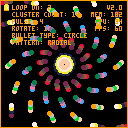
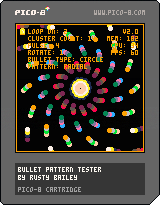
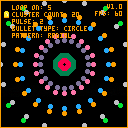
I plan to create a shmup for Pico-8, but I wanted an easy way to test different attack patterns. This started off as a simple toy to test creating a circle of bullets and expanded into a tool to play with several different variables in order to fine tune attacks.
What can I do with it?
- Use the up and down arrow keys to navigate the menu. On each menu item press left and right to change the value.
!


 10 comments



Yep, that's what it's called. Sorry.
My first P8 game. Just a simple, straightforward platformer. Three worlds of three levels each. There's no story or anything (I barely managed an ending, and not just because of the token limit).


If anyone wants them, the unminified game, map editor, and other stuff are available here. They're pretty messy, but feel free to do whatever with them. Just be aware that most things "save" via printh. Not a great way to do things, but it worked out.
26 comments







Somewhere in New Jersey,
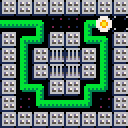
A pot of soil was left behind in a prison cell.
Suddenly, a plant springs forth!!
Help the plant escape.
Arrow Keys - Move the plant
Z+X - Reset the game
When you reset, you go back to your humble beginnings.
In a flowerpot, in a prison.
6 comments



I wanted to download an older version of one of my carts and didnt save the cart number or add it to my cart thread. I couldn't find a good way to navigate the BBS to find my old carts. So I downloaded them all (AFAIK) up to 7/22/18.
Here's a link to them all: Download
Let me know if I missed any.
10 comments



Hi ^^
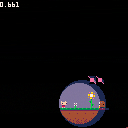
I was stunned by the light effects of Dank Tomb but I wasn't able to understand how it works. (Before I've seen the hackernoon site).
Here is an attempt to run something similar on jelpi, but with another logic. The pro is that it could run with several sources of light at the same time, the cons is that it is way less efficient and it uses most of the SFX memory.
Maybe some basic games could still run it at 30fps, and maybe we could improve it a little.
The first step is done once at the beginning: we create a hashmap for the 16 possible colors and a level of light (between 0 and 4), the level 0 gives the normal color and higher level gives darker colors.
As a peek in the memory gives 2 pixels at once. I've made a hashmap for the 1616 possible colors and the 44 levels of lights.
Then in the _draw function, I paint the light sources, I first paint the screen to the color 4, the darkest level, so all is in the complete dark. Then I draw some concentric circles with colors 3, 2, 1 and 0 at the position of the player.
Once it's done, I copy all the screen memory to the adress 0x3E00, it uses a big part of the SFX memory and all the user memory.
Finally, I do the normal drawing of Jelpi and as a post process I peek every pixel of the screen and the light level and poke it with the colors taken for the hashmap.
It gives what you could see in the screenshot.
I don't know if we could improve it more ? Maybe by restricting the loop on the pixel on a smaller area and painting the rest in black ?
1 comment


Update : I don't think my cart is very usable. Possily math issues and globally unoptimized process won't make it a decent base for games or sketches. I'll hold further dev of it for now. Check instead freds' version istead, it seems pretty more promising Here be dragons.
Hello everyone, I'll be posting my 3d (+extra) toolkit here. Been a while I haven't touched it until a few days ago. I could even optimize it further than before (at the expense of a few things).
The cart is a basic demo of what it can do, I'll be writing a few more explanations (and a link to a Blender export tool) later, if you don't mind.
What's supported (or inside the pipeline):
- wireframe/flat/light shading (ambiant+light power+light direction)
- backface culling
- zsorting (thanking a few people for offering good heapsorts)
- Translate/Rotate/Scale per object
- basic vector/matrix library
What's not supported
- Proper frustrum culling (put a mesh behind the camera and see the disaster)
- Texturing
What's maybe planned
- Mesh compression (not yet planned)
- Vertex keyframing (still wondering how to make it the quickiest)
Extra features
- The water/reflecton effect you all loved in my demos (with palette indirection)
- record utility to quickly record a number of frames
3 comments

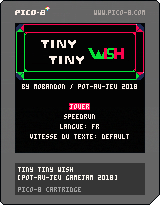

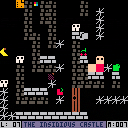
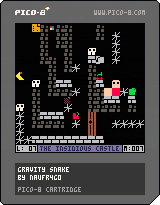
I've been using pico8 for some time now, but this is the first time I officially publish a cartdridge.
The game is based on a game I originally released for Commodore 64 computer, that was written in Basic.
It's basically a puzzle game whose purpose is to eat all the fruits on the screen and then move to the next screen.
The game is not finished and some levels are simply drafts, but fully working and can be completed.
I am very curious to know your opinions.
14 comments
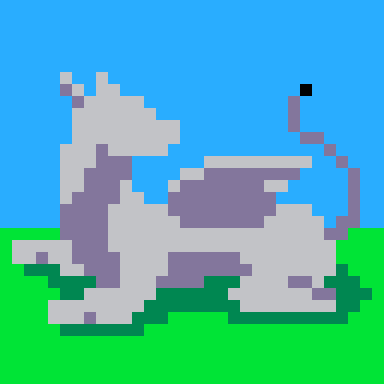




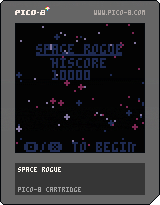
Description
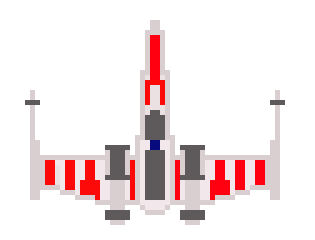
You've stolen the blueprint to the most powerful weapon in the galaxy, and The Empire wants it back. How far can you make it?
Instructions
Directional keys to move.
Pick up loot to increase your score and powerups to repair your ship and improve your guns.
Version
The current version is 1.0.1 and features the following changes:
+fixed music not playing after beginning a game.
Previous versions are below.
 0 comments
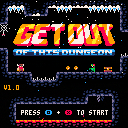
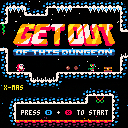
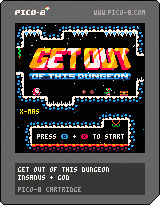
The door is locked. You'll have to explore a dangerous dungeon full of traps and monster and find 6 lost gems to open the door and GET OUT!
Move : Arrow keys
O (Jump) : Z / C / N
X (Punch) : X / V / M
Dash : Right or Left + X
[i]I recently discovered PICO-8 and felt in love with the concept. Shortly after I made a mockup of a potential game and found an amazingly active community who motivated me to make an actual game. Here is it, hope you'll enjoy it as I do.
21 comments



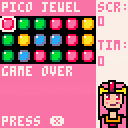
A Pico Matchy Puzzle Game
Controls:
X - Start
Z - Switch Jewels / Match 3+ Jewels
Arrow Keys - Move Cursor
0 comments
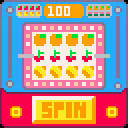
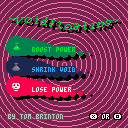
~ voidfloating ~
n. floating around, avoidin' the void
use the arrow keys to move Randall
potions:
green - makes you strong
black - makes the void shrink
red - makes you weak
-note: this game may not be suitable for those with photosensitive epilepsy
3 comments

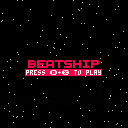
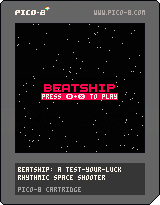
Beatship is a test-your-luck rhythmic space shooter where shooting on beat allows you to use a powerful beam weapon but one misfire and your combo resets to 0. Do you play it safe and sit on the charge you've built up or risk it to restore much needed health? Leave the menu screen running for a bit to see an in game demo
The basic space shooter elements of this game's code were made using ztiromoritz's fantastic Pico-8 tutorial. The rest of the game was made for Yohahi's Floppy Jam. Please enjoy!
1 comment


Hallo ,
I am making a game with a monster and need your help.
I want that when the monster touches the figure the figu death.
This is the code:
monster = {}
monster.x = 30
monster.y = 30
monster.sprite = 10
and
player = {}
player.x = 8
player.y = 8
player.sprite = 0
and
monster.sprite = monster.sprite + 1
if monster.sprite > 015 then
monster.sprite = 010
Thanks for your help!!!
2 comments


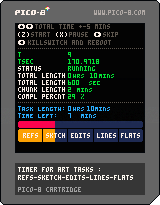
Hello all -
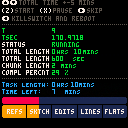
Here is my first completed Pico8 cart - also my first programming project, as I am attempting to learn all this from scratch (programming in general, and Lua and Pico8 in particular). I've been trying to slowly let things sink in without much of a rush in order to not get too frustrated too quickly :D
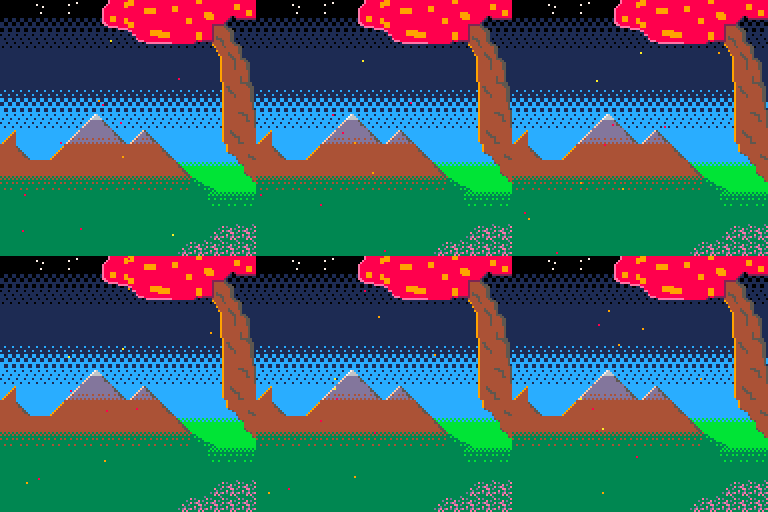
Nothing to write home about about this cart - this is a simple countdown timer, showing progress over 5 sub-tasks for a desired total length. Eventually I'd like to make it a little prettier, like this :

... but that would require me to get down the rabbit hole of a custom triangle fill function, so I'll leave that for another day :)
Also uploading this here in order to have access to on-screen controls on mobile. I actually first imagined this as a standalone app for desktop ... but with Pico8 running slower when not in focus that made it unusable :D So, mobile it is then.
Thank you for your time !
4 comments


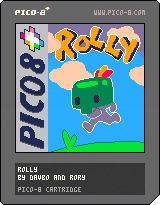
Rolly
Jump, Roll, Hop and Dive your way through sharp caves to rescue your friends.
Huge thanks to everybody who helped us make this - for contributions big or small. Also, a massive thank you to the Pico 8 community for showing us how it's done!
Controller recommended - here's a link to the game on itch.io which supports xbox controller in browser.
https://davbo.itch.io/rolly
Davbo and Rory~
41 comments





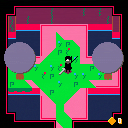
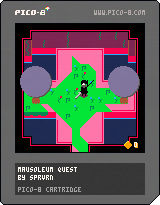
Mausoleum Quest is a small action adventure game where you explore an old and ruined place, inhabited by dangerous drones. It looks peaceful, but the quest will be difficult.
The controls are simple: an attack key, and a dash key to escape your opponents attacks and jump from a platform to anther.
Credits:
pathfinding from picozine 4 by richy486
collision script inspired from this cart by Zep
animation function by Scathe
8 comments