








Hey everyone! I suffer from idea blocks pretty regularly so I made this tool. Most of the time game idea generators will generate a cool name or something, but this one is based around relationships between verbs. You can arrange the cards however you like, using as many (or as few) cards as you'd like, and then generate ideas! I like to just continually generate them until something pops out to me and then I save a screenshot to the desktop.
I hope it helps someone other than me!


 2 comments



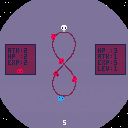
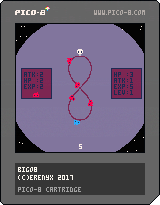
A prototype game from Bennett's class.
First time try to make a game in pico8, the music is stolen from youtube gaming theme songs~
It's really fun to make game in pico8~
2 comments

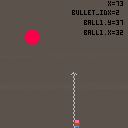
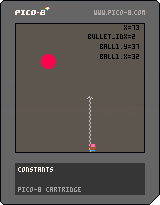
A prototype game from Bennett's class.
First time try to make a game in pico8, the music is stolen from youtube gaming theme songs~
It's really fun to make game in pico8~
0 comments








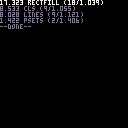
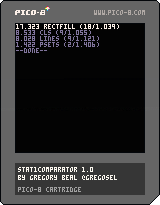
Here is a function I made that is small and simple but may be useful to everyone. It launches a bunch of functions you've set, checking how many times each can be called in a frame and print sorted results so that the quickest function shows first. So, tailor made for optimisation or just know which is the fastest of many functions achieving the same goal. For example I needed to answer this agonizing question: when drawing a single big "+" sign, is it better to use 2 rectfills but draw twice the center zone, or to draw 3 rectfills (middle bar, plus left and right bars) so that no pixel is drawn twice? Now I'm ready and prepared to meet the Sphinx.
The running example here shows what is the fastest way to clear a screen between a cls or a rectfill (well, I made the wrong choice for months!) Just for fun I added clearing the screen with a bunch of lines and even psets. Surprisingly, lines are not that a bad choice against cls. Maybe there are more efficient ways I don't know, with peek or so. With this function they're easy to test.
The use and process are simple, the code above should be clear enough. If not, just declare an array containing your functions to test, each as an object with 2 properties :
- name: used for showing results
- f: your function
Then in _update (or _update60 if you want to get results every 1/60 second) call stat1comparator() with your functions array as argument. stat1comparator will then launch each function as many times it is possible before going beyond one frame and show results once it's done. For precision results also show how many iteration were called before going outside of the frame, and what were the precise time needed (with the limit of Pico float precision). The ratio iterations/time is used to sort the list. Just be aware that to get consistent results stat1comparator needs entire frames, so don't call it after any other processing.
And for the "+" enigma answer, I let you find by yourself :).
1 comment


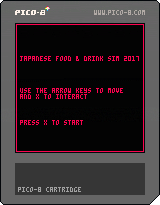
I made this to try and learn a bit more about PICO-8. I am a programmer by trade but this is the first wee game I've tried to make in PICO-8.
I apologise for the terrible music - this is definitely the thing I am weakest at. :)
I set myself a target of finishing something within approximately a day of effort. The eating microgame never made it into this minigame.
2 comments



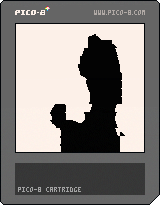
Here's a stab at some lossy compression of the Bad Apple animation-- clocking in at 25 seconds long without even touching the sprite sheet.
The compression algorithm finds the best possible dictionary of 32 different 8x8 tiles with which to represent all of the frames of the animation. Then for each 8x8 chunk of each frame that is being compressed, I find the closest possible match out of this dictionary and record the index of this chunk. Finally, I use run length encoding to compress the string of dictionary indexes for each frame. (That's the idea at least...)
That gets things down to around 54 bytes per frame while still being recognizable.
This is inspired by gamax92 (https://www.lexaloffle.com/bbs/?tid=3263) and this C64 version (https://www.youtube.com/watch?v=OsDy-4L6-tQ)
-ElectricGryphon
15 comments





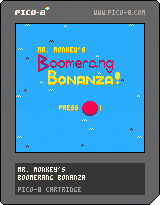
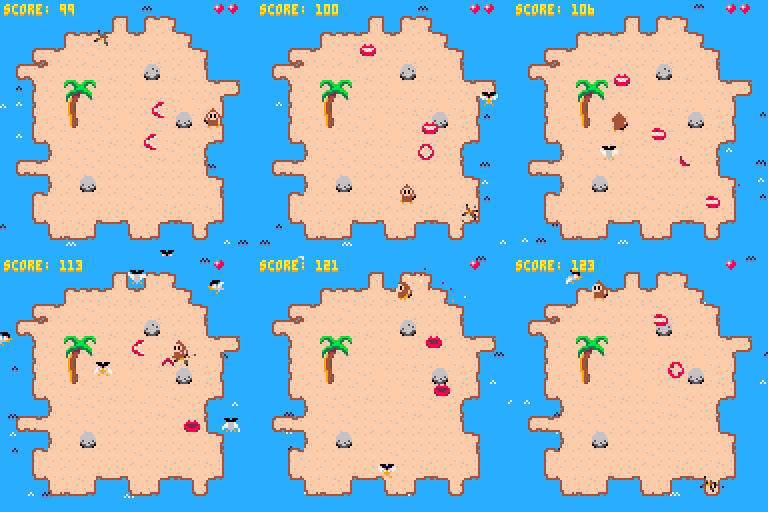
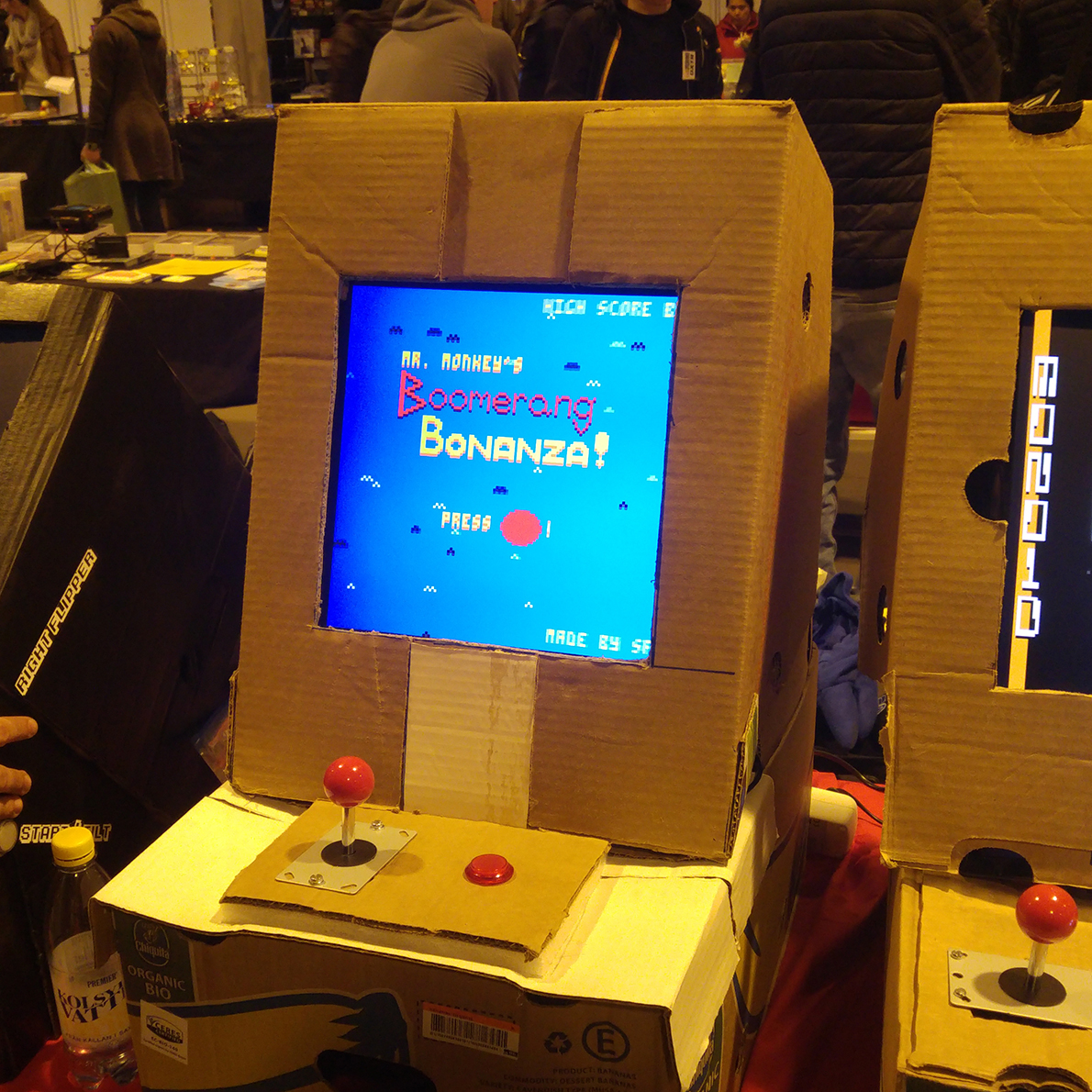
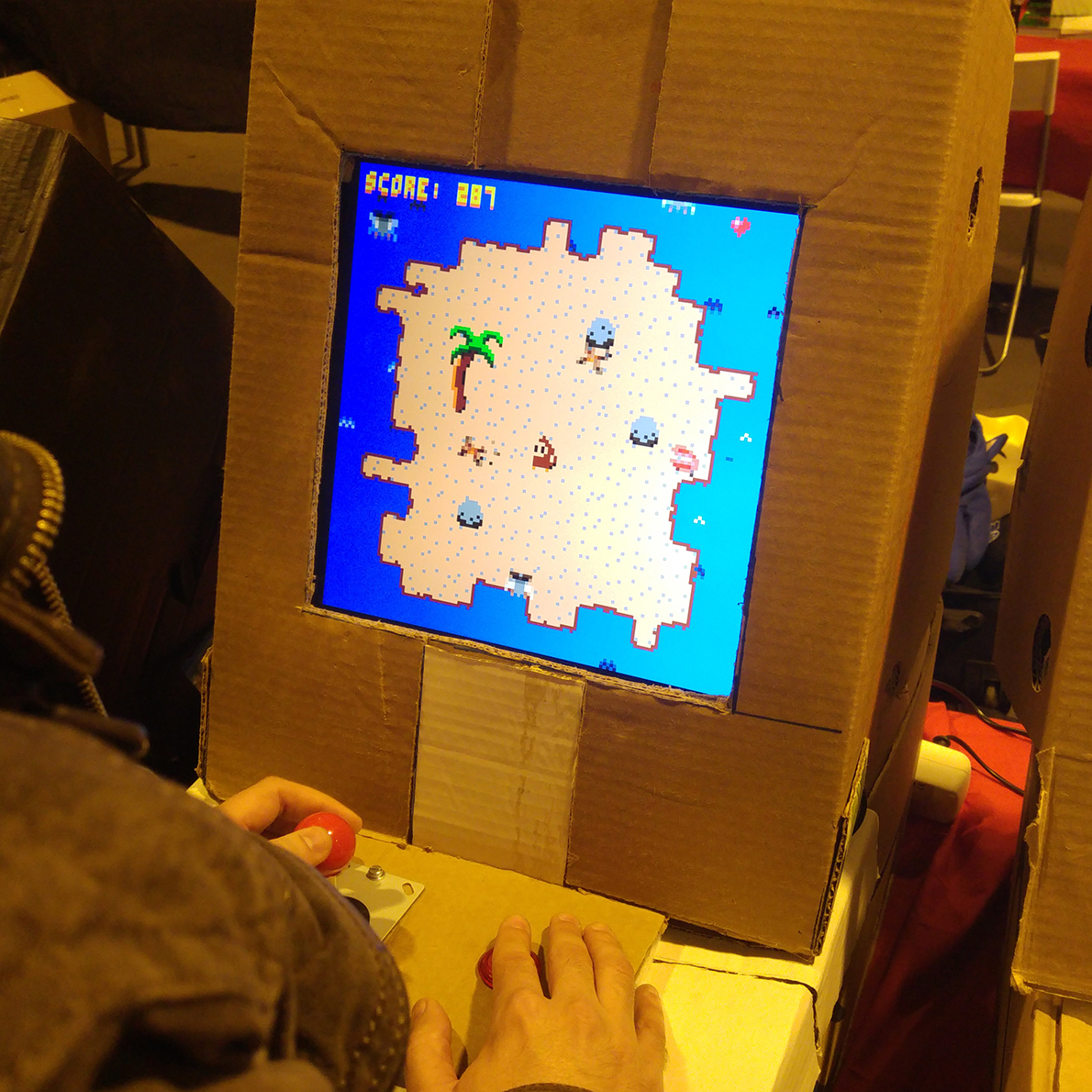
Fight off the menacing birds and chattering teeth in Mr. Monkey's Boomerang Bonanza!
Made for the local Banana Jam in Gothenburg, and exhibited in a cardboard arcade cabinet at Retrospelsmässan 2017 (a retro game convention in Gothenburg).

 2 comments

I wonder, once the highscores feature comes into play, will it be possible to do some extremely limited networking using it? Say for example, instead of using the highscore number as a highscore number, but instead as data. I imagine it wouldn't allow for any real-time networking, but I think it's worth keeping in mind that the highscore number could be used for other things than scores. Maybe showing what decisions other players took, like a Telltale game. Or gravestones of players who have passed away and where.
19 comments









Does printh() cause any output when exported to html5? I have a pico8 game which creates a file that can be used to program a robot and I was thinking about it's ability to be deployed on a webserver which then serves the programming files as a download to users. Is this possible or will printh() only work on local pico8 machines?
Thanks
Marceline
0 comments

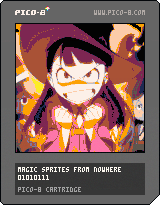
So I was running out of sprites and I thought "there must be a decent way around this"
a few hours later I came up with this. This cart is just showing 3 frames of a 128x128 animation - three times the size of the sprite sheet. You can peek at the code to see the relevant function - string_to_sprite() - but if you want to know the pipeline, here's how I did it.
-I just searched for some anime gif at 128x128 to show this off, picked the first one I thought looked neat, opened it in Aseprite.
-I switched over to the pico-8 palette and remapped the image to it
-Then I went to pico-8 and typed the command "export img.png" - this gives you a 128x128 image of the spritesheet.
-Then I went back into Aseprite, opened img.png and copied the first frame of animation to it, and saved.
-Back in pico-8, typed the command "import img.png" - now we have the first frame of animation.
-In the sprite sheet editor view, I copied a 16x4 selection of sprites by holding shift + clicking and dragging, ctrl+c
-I then went into notepad, and pasted the selection. Now, if you do this you'll see a long string, starting with
4 comments




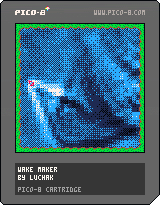
Started playing around with 2D sims - fluids seem hard to do at reasonable resolution given CPU constraints, but waves are just fine. More natural boat control and bilinear interpolation for wave rendering (more detail! less blocky!) both might make this more fun.
I'm also wondering if there's a racing game here where you can interact with the waves and they aren't just part of the scenery.
4 comments


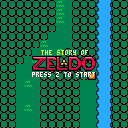
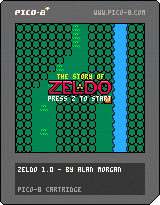
The Story of Zeldo. Lank wakes up to a fairy and realizes he needs to fight monsters and save the princess.
Controls:
sword -> Hold Z then arrow key.
boomerang -> Hold X then arrow key.
Originally, The Story of Zeldo was going to be a small project that would only take a few hours/days. Though I wasn't going to put much time into it, I couldn't stop working on it and ended up spending a couple weeks on it.
This cartridge is loaded, it's using almost all of the music, sound, map, sprite, token, and character allocations. This is the largest pico 8 project I have done yet and this is the first time I've run into space limits. I hope you have as much fun playing it as I had making it!
Check out my github page for comments within the code.
29 comments







Hello,
I'm trying to capture looped .gifs using PICO-8. It seems that the .gif exports always results in having one frame less than anticipated. For example, I end up with 239 frames when gif_len in config.txt is set to 8 and 479 when gif_len is set to 16. Is it that the grabber strictly cuts off after the specified amount of time and PICO-8 runs slightly slower than 30 FPS?
Anyway, it'd be super useful if the gif_len could be specified in a number of frames rather than a number of seconds. Please, is there any way of doing that?
Cheers,
Adam
2 comments


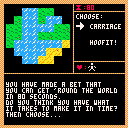
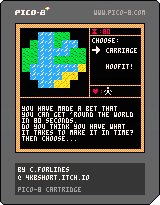
You have 80 seconds and 6 health points to make it around the world! Can you do it?! (Probably, yes.)
Up and Down Arrows to select your choice. Z to choose! Some choices will lose you some body parts. Lose your head and you lose the game!
Originally intended for the 48 hr Compo time constraints and some fails with file transfers pushed the deadline into the 72hr Jam. A good practice for learning this tiny gaming suite and it was really enjoyable to make.
Please enjoy this tiny project!
Cheers,
4KbShort
7 comments





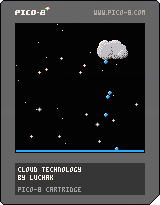
A little cloud-based audio toy. Move your cloud around for different sounds. Would love to know what might make it more fun!
0 comments

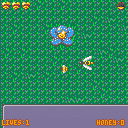
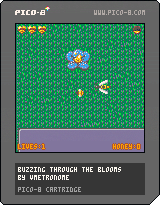
You are a domesticated honey bee collecting nectar for your hive. Spring is here, and after a long, chilly winter, you're running low on honey. Fill up on nectar, then fly your way back to the hive to deposit it. Keep going until you've gathered all you can from the surrounding flowers.
The local wasps are a bit on the territorial side, so it's best to avoid them.
Controls: Arrow keys to move, z to select, p to pause.
Made in PICO-8.
Itch.io page: https://violinistsmetronome.itch.io/buzzing-through-the-blooms
Ludum Dare submission page: https://ldjam.com/events/ludum-dare/38/buzzing-through-the-blooms
0 comments
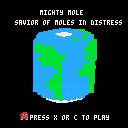
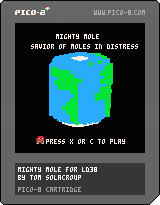
Mighty Mole is a simple PICO-8 platformer game I made for Ludum Dare 38 Jam.
Travel the world to save moles in distress.
Collisions are really glitchy, but hopefully you'll like that small prototype.
Thanks to @TRASEVOL_DOG for his great PICO-8 voxels tutorial.
3 comments
