





As I already says in a topic in the Pico8 forum, I'm going to make a Pico-8 stand for a French retro-gaming convention during Fall (at least this one, but I hope to be able to deploy my stand in more locations!)
My goal with this stand is to allow people to discover Pico-8 and I will also run a simple jam for the interested people.
The stand will be made from Raspberry Pi (I have a few of them) connected to CRT monitors (or whatever is available) potentially two CHIP as soon as there is the update that include Pico-8 also connected on CRT or other screen, depending on the availability (hopefully the people that organise that even can lend monitors, that's really handy! :D) and my Picade with a rPi3.
Basically all of the Pi/CHIP will be connected together on a private network (I want this stand to be autonomous, because some convention can't provide an internet access, so I want them to be able to run without an internet access.
So on that network, either a computer, or one of the "Pico computer" will also have an offline BBS that will allow splore to work as if it were online.
I've found how the BBS is working and it's not really hard to make it work using DNS spoofing, but I really hope that ZEP will provide at some point a way to have our own offline BBS (at least an option in the config file to change the BBS address for such uses)
The best would also to directly submit a cart from Pico-8 that would be marvellous, but I may ask too much there :)
Anyway, all the Pi (and I will see for the CHIPs) will run a specialised version of Linux that boot directly into Pico-8 and will provide a way to upload cart to the offline BBS, need to check for that.
Anyway, I'm going back to the original goal of this blog entry.
There is something that all good stand need: a stunning logo, and the Pico-8 logo is a really stunning one because it's blocky and colourful! And how to make it even better? make it shine in the dark using LEDs.
I've been working on that for a few weeks now, and I've finally done the mechanical part, as I have access to a laser cutter, I had great fun today with it, and cut what will be the shiniest Pico-8 logo!


 0 comments

Hey all, me and a friend have been talking about the possibilities of being able to split a pico script into multiple files and compile them as they're edited for a while, so here is a python script that'll let you do that, hopefully it works well.
https://github.com/ambocclusion/pico-8-compiler
Let me know what you think!
Also if you plan on using it, back up frequently or use version control as it might end up wiping your file more than once because it's super destructive!!!!
7 comments


Hi!
I'm new to the Pico-8 and a newbe at coding games... but having fun so far!
I'm making a REMAKE of a CPC 464 game called OH MUMMY! by AMSOFT
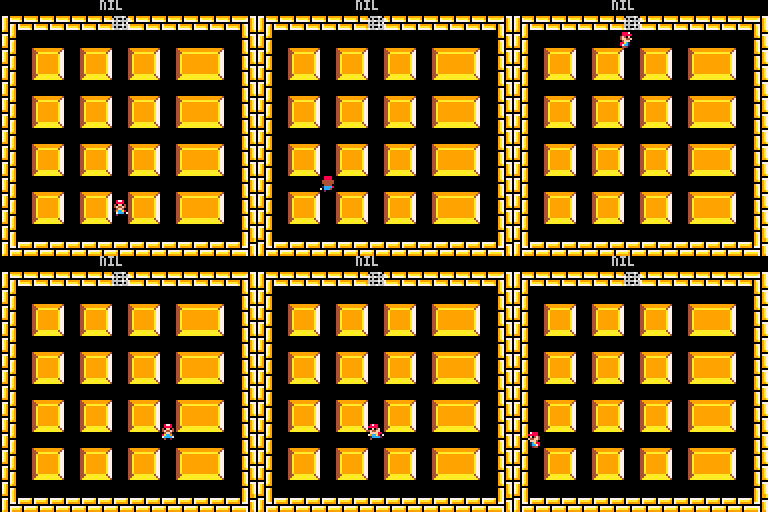
The game is coming toghether nicely but one of the best features of the game was his music... -If you played the game you now what i mind... It burns your brain XDDDD
Any musician would like to collaborate making a version for Pico-8?
Thanks! And sorry for my bad english ;)
3 comments


I'm trying to have an object travel along a curved path as defined by several x/y coordinates. Right now, I have several x/y points defined and my object travels from one to another in a straight line, so I got that far.
I've been trying to get my head around bezier curves, and I've ended up at a lot of math sites that are way to dense...and when I look through source code from carts, I don't know exactly what to look to try and work backwards.
Or is trying to figure out curves not worth the trouble if Pico8 will have trouble doing the math for what could be several paths going on at one time...? They would be fixed paths, not really dynamic or changing, so maybe that will help, dunno.
Any links, insight or examples are appreciated. Meanwhile, I'll keep scouring sites hoping something will click.
4 comments


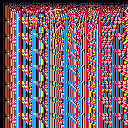
Gaze into the ever-changing patterns of this psychedelic dimension.
Z & X explore time, cursors explore space.
Feel free to alter/improve this if you wish.
If you figure out a way to make the bottom left half of the 'cells' include a pattern as well, I would love to know. It has something to with the modulo operator. I tried using min() and max() to always modulo the greater value by the smaller, but that' didn't seem to change the look of the pattern, and made everything a whole lot slower.
Thanks for your time. Enjoy! :)
4 comments


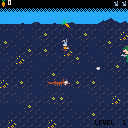
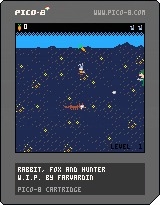
Here is a little simple game I'm working on.
"x" is for changing directions (you can only walk vertically).
I've improved it a bit since last time:
- title screen (very basic at the moment)
- music !
- score
- you can loose lifes
- new levels (3 so far) and challenges (level 2 there are random shots, level 3 you will loose if you reach the bottom of the screen)
- you can try to shoot the fox, after 10 hits you get a new life
- new animations
-
- secret feature
Thanks to morningtoast for the collision engine, and to zep for pico-8.
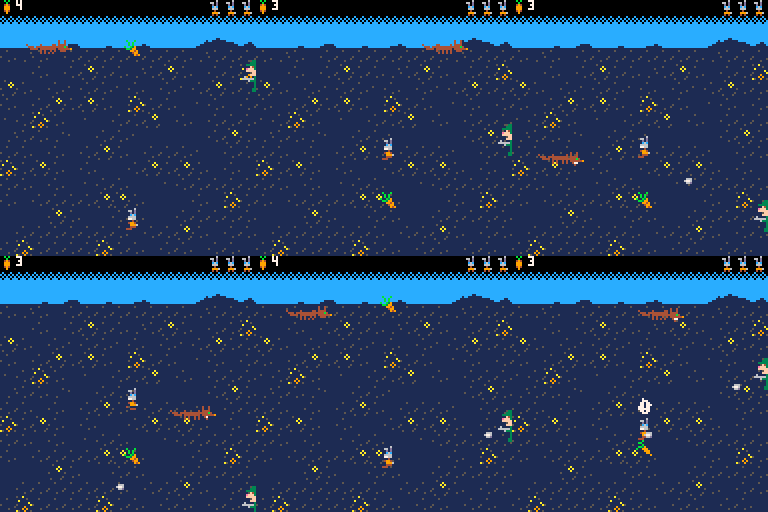
old version:
[hidden]
It's far from being finished at the moment. For example, you won't loose any life when being hit. I hope to implement new minigames inside, when you reach some achievements (for example after picking 20 carrots).
It's also not very optimised (I'm very noob at this, it's the first time I go so far in developping a graphical game). It is very fun to do anyway.
 2 comments


I bought PICO-8 after I learned about it via PocketCHIP. I've been playing around with it for a couple of weeks now, and finally got started on my first real project. Just a GIF of the current state so far. I've been putting together the various components and systems I'm going to need to complete the game. So far, I've got:
-
Game Component system, including independent components for button handling, timing, and utilities. The whole game is handled via components. The _update() method is 2 lines. _init() and _draw() are 3 lines each. This system is actually based on XNA's game component design (I used to do quite a bit with XNA).
-
Screen Management system - This is one of my game components. It allows me to create separate code entities for various game states and determines which ones should be updated and drawn at any given time. Currently, I have the following screens implemented: splash screen (not in the GIF), title screen, character generation screen, text edit window, pop-up menu, world map screen, and town map screen. Several more still to implement.
-
Save/Load system - The title screen will check for valid save data and offer the "Journey Onward" option if present. I've got about 8 bytes left in my cartdata after accounting for character info, equipment, and story flags.
- Compressed map system - Towns and dungeons are stored as simple RLE compressed strings. All of the maps are stored as ascii drawings in a text file. I've put together a powershell script that reads the text file and generates LUA for pasting into the game to include the maps themselves and other data about the map (world location, name, encounters, etc).
I'm still working on a few of the base systems, including character sheet/inventory system, merchant screen, NPC dialog screen, the combat system, and the dungeon screen.
0 comments

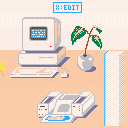
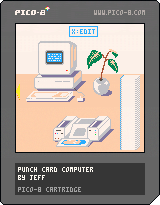
Hello, I'm back with more punch cards ;)
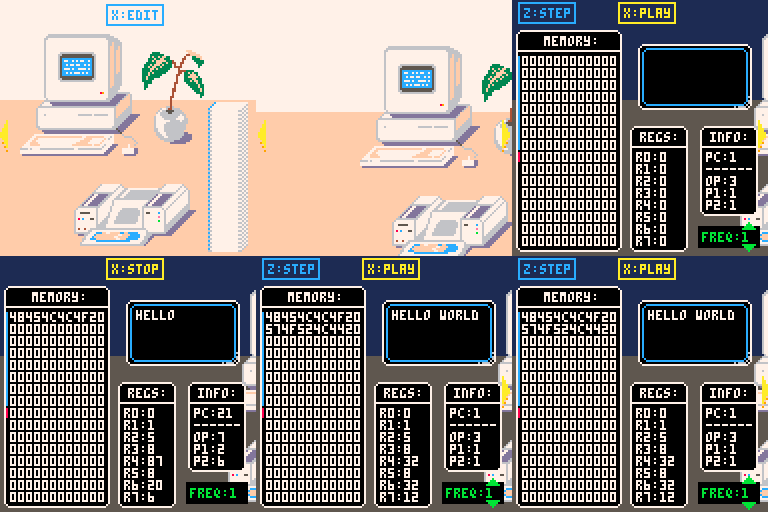
This time it's a simulated punch card computer (sort of)
If you're not a programmer, you may want to read this:
https://en.wikipedia.org/wiki/Computer#Programs
This isn't a game, it's not fun, and I don't even think it has much educational value, but it might entertain those interested in computer science for literally 5 seconds.
The point is that you can actually program the computer in machine code (a very limited instruction set with 8 instructions). I wouldn't recommend doing so yourself though, there are severe limitations that mean it can pretty much only do HELLO WORLD.
 6 comments


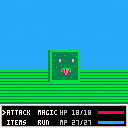
Controls:
x button(X) to select.
D-pad(Arrow keys) to move.
Pretty basic stuff, with an overworld and a (WIP)battle system.
Features:
-Calculates HP, MP, Speed, Strength, Defense, and gold.
-Saving and Loading (Though I'm not using it exactly.)
-Scrolling Overworld.
To-Do:
-Better Music.
-Better Graphics.
-Animation.
-Multiple Enemy encounters.
Leave feedback in the comments, and if anyone wants to take a shot at the music, go ahead. ;)
2 comments

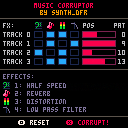
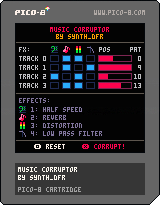
I'm not sure if this is documented, but I accidentally discovered some neat features of the audio engine while playing Jelpi in corrupted mode.
I noticed that sometimes the music would be affected in a way that couldn't be possible with just the editor. By experimenting a little further I discovered a small section in memory dedicated to effects:
0x5f40: play channel twice slower
0x5f41: a very short delay (cheap reverb/unison simulation)
0x5f42: distortion (rounds the output waveform to min or max depending on which is nearest)
0x5f43: low-pass filter
For each of these values, bits 0 to 3 correspond to channels 1 to 4 respectively (for example, poke(0x5f42,6) will apply distortion to channels 2 and 4). Bits 4 to 7 seem to be unused.
With that in mind, I decided to code a little program that would apply random effects to random tracks until the song becomes completely destroyed. Here's the result (the song is pretty cheesy I have to admit).
Enjoy :)
10 comments








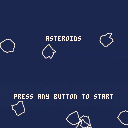
It could be a little flashier, but the game is fully playable by itself at this point. Have fun playing an Atari classic.
Version 1.1:
Made asteroid collision much more exact
Added anti-aliasing (Thank you, Felice)
Made extra lives available after every 5k points instead of 10k
Made the extra lives indicator make more sense (Player has 3 extra lives plus their current one at start)
Version 1.0:
Added an invulnerability period after respawn
Version 0.9:
Added start and play again menu options
Added more sounds (game over and extra life)
Fixed controls working after death
Added scoring system that works to the tens of millions of points
Refactored some code
Version 0.5:
Added level spawning
Fixed randomizing of asteroid velocities
Added player death conditionals
Added respawning
Added a great deal more variation in velocities in general
Version 0.4:
Added randomly generated asteroids (yay!)
Added collision-based asteroid spawning
Added score increases
Added thruster and asteroid explosion sounds
Version 0.3:
Fixed the controls
Retooled how the velocity works (saved x,y velocity offsets)
Added (lame) asteroids
Added collisions
Added explosions!
Made explosions pretty
Version 0.1:
Initial preview posted
7 comments

I don't know why he hasn't shared things in the forum yet, but williamanderson is working on a nifty looking shmup that he's shown on Twitter a bit. Hope he does't mind me calling him out for what looks like great work and cool game. Same guy that made Wax the Hippo.
I'm a big shmup fan and it seems like the idea behind his shmup, which I think is called "Monster Hull," is not unlike a monster trainer game where you defeat baddies to collect them and then build them up to keep the battle going.
Sprites look pretty solid but the concept of mixing a trainer with a shmup isn't one I've seen before exactly. Following this one pretty closely and hope it gets shared somewhere soon, even as a demo.
I can't easily copy images from tweets, so here's the one with nice GIF
https://twitter.com/TheWAAnderson/status/738904751719485441
You can follow him on Twitter to get more updates:
https://twitter.com/TheWAAnderson
2 comments




The theme for the second PICO-8 Jam was Chain Reaction, and there were 35 entries. Thanks to everyone who contributed and made this jam a another splendid event. I hope you'll join me in congratulating the winning entry, which received a whopping 7.3 PICO-8 star average.. theatrically opens invisible envelope
NuSan! With Combo Pool.

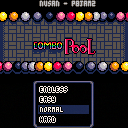
As a token of gratitude for laying down this most excellent cartridge, NuSan will be receiving a commemorative cross-stitch based on the cart.
Also highly rated by participants was another disarming production by JTE: Nora's Mouse Chase, and the beautifully chaotic SPACETANK 9000 by arnodick.
18 comments










I haven't seen anyone doing this yet, so I thought I'd give it a shot:
https://github.com/dppc/p8keyboard.js
It's a total hack, and obviously works only in the context of a browser.
I imagine it as an awkward rubber chiclet keyboard that plugs into the game controller ports.
The demo (arrows to move, spacebar to erase) is for making terminal/typewriter art like this:
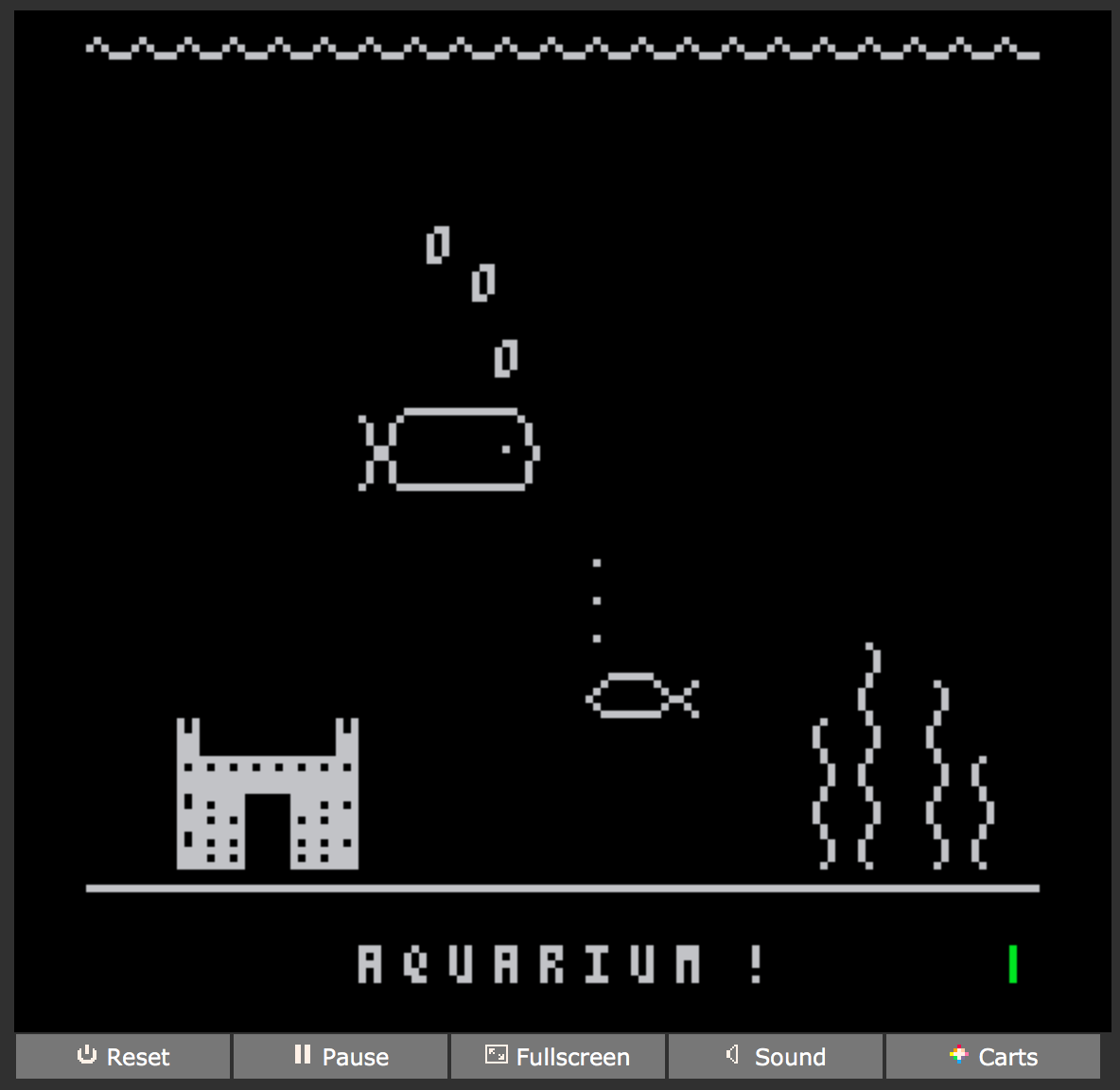
Typing is possible, but would need a buffer to hold incoming characters in order to work reliably enough for something like a typing tutor game.
Enjoy!
3 comments




Draw things with explosions!!!
Based off the original concept of Shodo by Oinariman (check it out it's an awesome cart!) and put closer to my own style!
You can save your creation by pressing tab but you can only reload it by resetting the cart.
All the other controls should be shown in-game!

Have fun and do share your creations! :D
6 comments


I've seen several uses of 3D in Pico-8 games and I'm wondering if anyone knows of any good tutorials to better understand the process of setting up a 3D area? I've looked at the code of some of the games that setup 3D, but they're not clearly documented or I'm just not grasping it.
I'm new to Pico-8, but I've watched several good videos about basic 2D development. I have something I want to try, but I just need a better grip on how to set it up.
7 comments


poke(0x5F2D, 1)
stat(32) -> X coord
stat(33) -> Y coord
stat(34) -> button bitmask (1=primary, 2=secondary, 4=middle)
You should probably limit yourself to using the primary button, not everyone has a middle mouse button and dunno how secondary button would work on a touch device. You should also be using the mouse to enhance a program, not for it to be the only control, or else you make it so anyone lacking a mouse on whatever device they're playing PICO-8 on is unable to use your cart.
EDIT: apparently it doesn't work that well on a touch device, atleast PocketCHIP:
"I tested the mouse support on PocketCHIP. It didn't work well. It seems to cannot detect mouse release (touch up)." ~ oinariman
64 comments
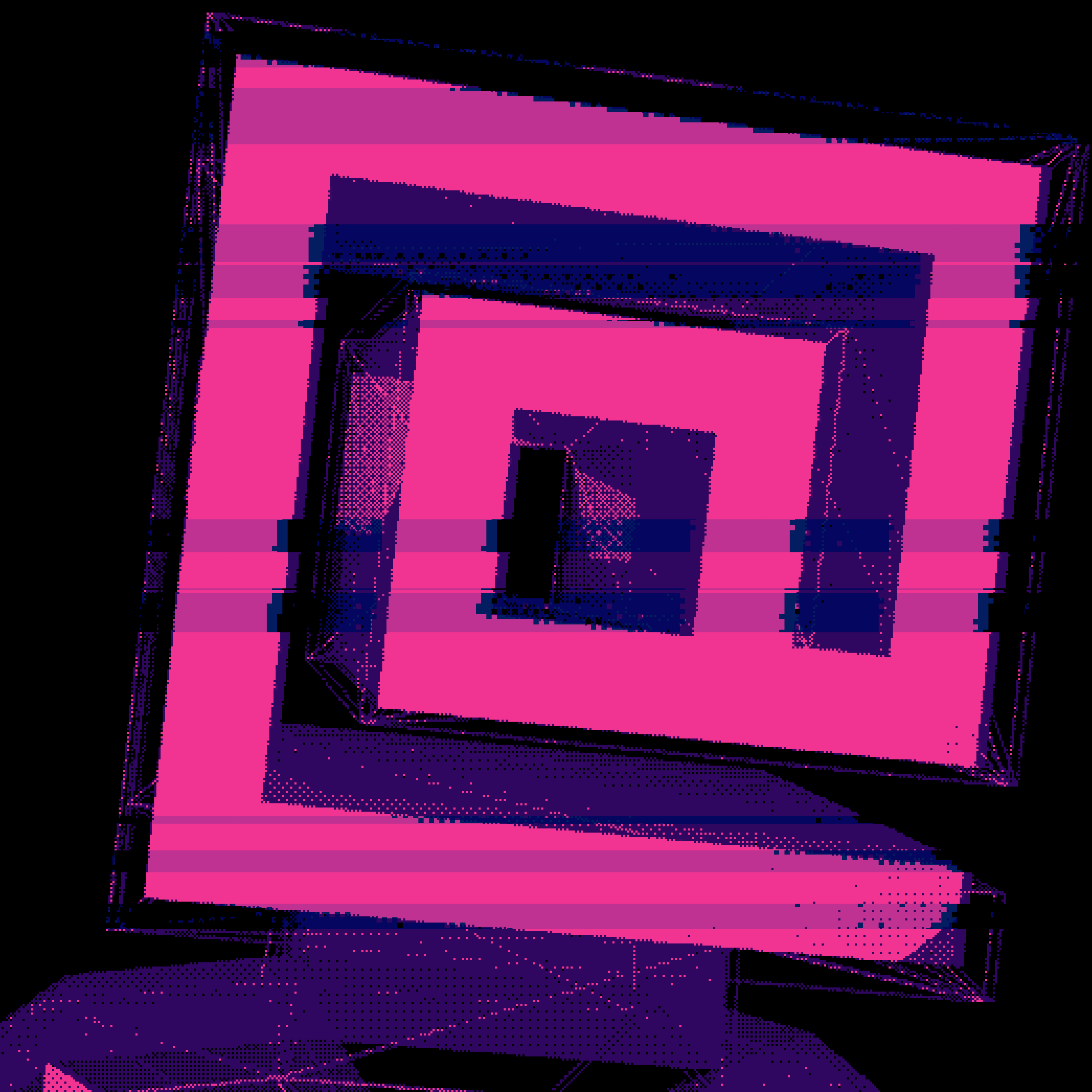

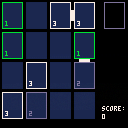
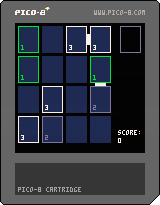
A small PICO-8 remake of the excellent Threes mobile game.
Move the tiles with the arrow keys.
Reset the game with the "c" key.
Due to PICO-8 limitations, the scoring system is different than the original game.
Due to the developer limitations, the music is yet to be done.
1 comment

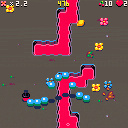
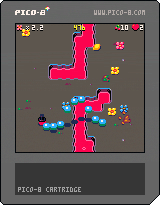
You are a worm. Worms love eating fruit, even though it makes them poop. But this is a good thing: poop becomes flowers and flowers bring much joy to the world.
Eat fruit, avoid poop, flowers increase the score multiplier, eating flowers makes the multiplier smaller. Use arrow keys to steer, use Z or X to jump over hazards.
This is a very quick project we did with iLkKe, as Tic Tac Toad. Going to write about the game in my blog in the near future, had so much fun making the game.
The game is also playable at itch.io
Update 1.2:
You can also use LEFT/DOWN and UP/RIGHT to rotate the worm, it's much more comfortable on a Pocket CHIP. Able to skip the level bonus countdown.
Update 1.1:
Fixed some bugs, added realistic hat physics (can pick up a hat you dropped), added a high score table!
39 comments



