


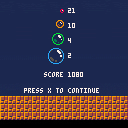
CHANGE LOG
- more accurate collision with tail of wire
- transparent balls so you can see through them
- flashing ball when it can't be burst
- flashing of player after respawn is now faster
- added game score stats screen
- added new bubble sprites from Johan Vinet
- fixed some minor visual issues
WHAT IS THIS?
This is my version of Pang!
STORY
I've been obsessed with this game series by Mitchell Corp ever since the 1990 Atari ST version. I'm currently trying to 100% the Nintendo DS version (it's the best version by far!) though I also love the last arcade version which is called Mighty! Pang.
HOW TO PLAY
Move left and right and fire your harpoon wire.
Split the bubbles into smaller sizes that are worth more points.
Burst bubbles of the same type in sequence to increase your score multiplier.
Discover special bubbles and power-ups.
You have three lives.
...go for the Hi Score!
CONTROLS
cursor left & cursor right = move
cursor up or X = fire harpoon
WIP
There's lots done already, I'm pretty happy with it so far.
Gameplay came quickly. Ever since then I've been polishing and adding details.
TODO
I want to add more special bubbles and some collectible power-ups.
Needs music. SFX and GFX are (probably) placeholders.
NOTES
I will write more about the design and my choices sometime before the end of the jam.


 25 comments






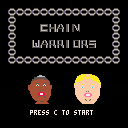
A game for p8jam featuring literal chains. It's 2 player only. Maybe one day I'll learn how to program a decent AI and add a 1 player mode.
2 comments

As I've gotten older, I've learned to be honest with myself in acknowledging my strengths and interests. There was a time when being a one-man-band was the norm. Graphics? Got it. Music? Sure. Programming? Absolutely. But these days, I have to pick my position and roll with it, delegating the rest to others that are much, much better than me. I've made peace with that but...
The trick is, how do you find and attract those people?
I feel the "make a prototype and then see who wants to help make it nice" method rarely works. I figure most people want to be invested in the game they're working on from the start, not just "hired" like a merc after the fact for their skill...or maybe they do?
For those of us that have ideas for games but may only possess 1 of the 3 hard skills needed to make it a reality, what's the best way to assemble a team of collaborators?
What has worked for you?
What hasn't?
5 comments



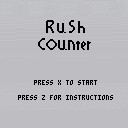
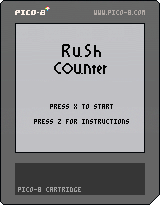

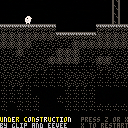
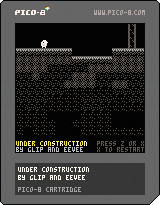
I think this is the first actual game I've ever finished! Made with my partner glip over the past couple weeks, as part of their Flora universe.
I wrote some stuff about the experience making it, and there's a bit more on Floraverse.
I had to strip all the comments to fit under the compressed size limit, but the original cart/source is available.
There's an instruction manual of sorts: cover, part 1, part 2, part 3
19 comments









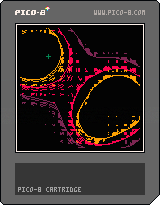

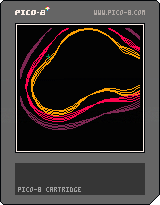
Metablob! Now with even more tasty blobbiness, but at half the calories.
-Electric Gryphon
3 comments



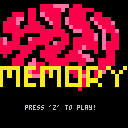
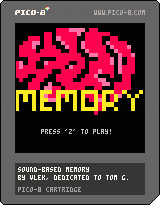
This was my second project after buying Pico-8. I had a Millennium Falcon toy as a kid that had a sound-base memory connect four game on it. I used to love the crap out of it, and so I decided to give the game a try in Pico-8.
This game is dedicated to TG. They had been waiting on me for a long time to attempt this project, and it so happens to be their birthday as well (Happy birthday!). You're appreciated, and I hope this makes up for even a little of my ridiculousness when it comes to the Falcon.
=== Instructions ===
Use the arrow keys to select a square, press "Z" to play the associated sound. Attempt to match all of the squares based on the sound that's played.
Version 1.0
Graphics added
Game completed
Win condition and menu created
Sounds finalized
Version 0.1
Initial game concept release
1 comment

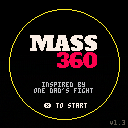
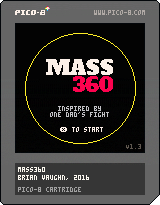

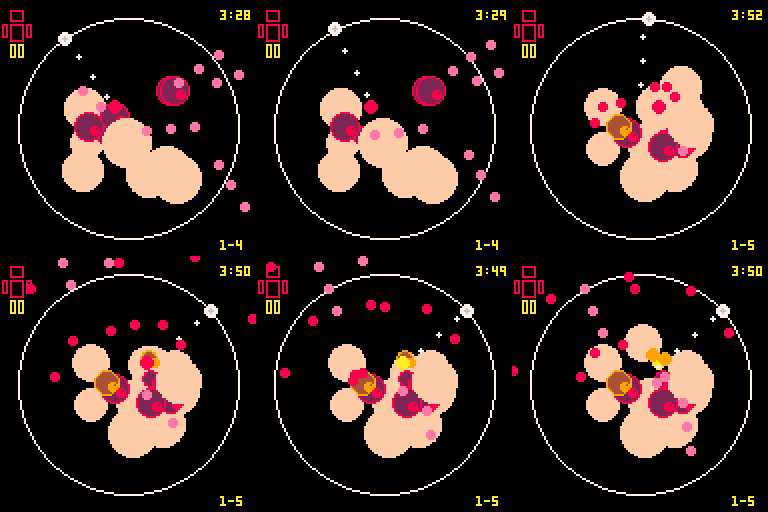
This started out as something entirely different but morphed into something pretty personal. It's not the best looking thing and it gets really hectic near the end, even for my shmup tastes, but wanted to get this up sooner than later. I might not return to this before the Jam deadline...hopefully I will.
 23 comments






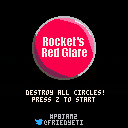
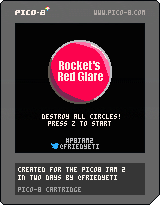
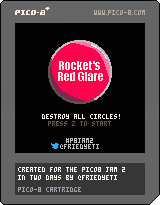
A relatively small cartridge I made in a couple of days for the #p8jam2.
The theme was Chain Reaction and this is what I came up with: Exploding explosive circles.
Use arrow keys to move the cursor and Z to fire a rocket.
You are given 5 rockets and a task of destroying all 32 circles. (Bonus points for not using all rockets!)
[b]Update 1.1
9 comments


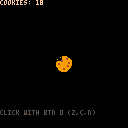
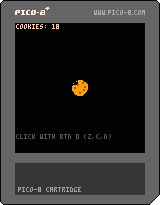
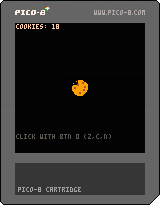

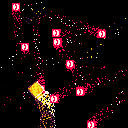
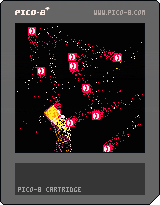
Here's a guide I've put together to document how I set up Atom to be as helpful for PICO-8 game development as I could with the help of the #pico8 channel. I'll hopefully be adding more as I fine-tune the IDE and know what works and what ultimately doesn't.
1. Hide the left "file" pannel (tree-view):
Because PICO-8 carts are only ever going to be single-file projects, it makes no sense to have it waste valuable screen space being open. You can manually close it using the "Ctrl + \" command, but, more likely than not, you're going to want a more proactive approach.
Go to File > Init script...
Copy and paste this snippet without a hash in front: atom.commands.dispatch('atom.workspace','tree-view:toggle')
2. Get PICO-8 specific language syntax highlighting
PICO-8 is a subset of the Lua language, and, as such, has specific built-in stuffs that won't highlight if you're using the basic Lua syntax highlighting. Go into settings and install the package "language-pico8" to get a more customized, helpful syntax highlighter. Be warned, I believe this has some screwy tab and auto-indent behavior, but, for the most part, it'll be very helpful to have.
30 comments









changelog says that time() has been removed
but I can still use it?
though it does seem to behave a bit oddly by eventually returning negative time?
any ideas?
11 comments




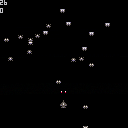
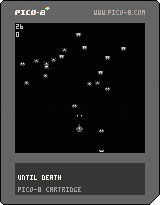
I was playing with the sprite editor, and found my creatures nice enough to make a game.
I'm still focused on my lode runner project, so I wanted to keep it short and simple.
this won't be the game of the year, and to give it a use, I did my best to document the code so eventually it can help beginners.
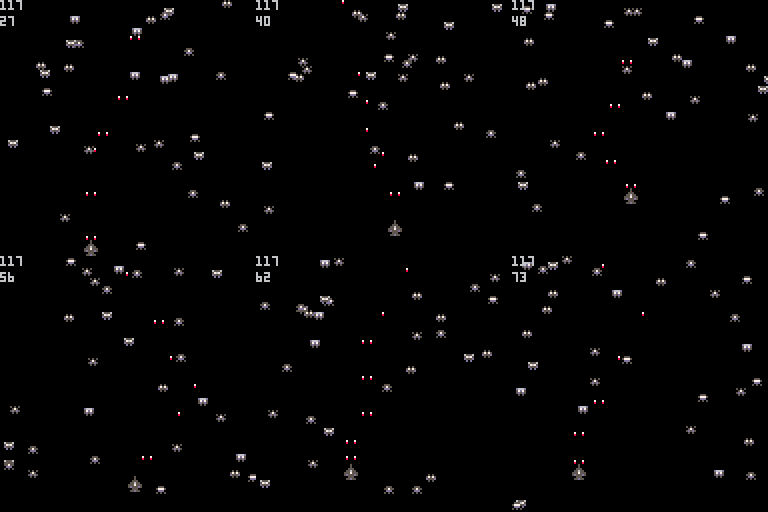
the game is simple (boring ?) - fire and hit a max. of alien before you die
but there's room to improve it :
- increase the difficulty by adding new aliens every 10 points
- move the aliens in direction of the player when it is at a certain range
...
function new_alien()
  a={}                          -- a new alien is allocated
  a.x=rnd(120)                  -- aliens appear on the top 1/3 of the screen
  a.y=rnd(40)
  a.spr=flr(rnd(6))+2           -- and can be of any of the 6 alien sprites
  a.dx=rnd(4)-2                 -- direction and speed is random
  a.dy=rnd(5)-2                 -- but more often going down than up
  add(aliens,a)                 -- the new alien is added to our list of aliens
end

function _init()                -- called once at the start of the programm
  x=60                          -- player's fighter initial position
  y=100
  hold_fire=0                   -- used prevent continuous fire
  score=0
  best=0                        -- the high score
  bullets={}                    -- list of active bullets
  aliens={}                     -- the list of aliens
  for i=1,20 do new_alien() end -- creates 20 aliens
  cls()                         -- clear the screen
  print("saccharine",44,38,7)   -- and displays a  title screen
  print("PRESENTS",48,48,6)
  print("until death",43,58,8)
  print("x start",50,98,6)
  while not btn(5) do end       -- waits for x key to be pressed
end

function _draw()
  cls()                         -- clear the screen
  spr(1,x,y)                    -- displays player's fighter sprite

   for a in all(aliens) do      -- for each alien,
    a.x+=a.dx                   -- calculate its new position
    a.y+=a.dy
    if a.x>0 and a.y>0 and a.x<127 and a.y<127 then -- if alien is still inside the screen
      spr(a.spr,a.x,a.y)        -- displays it
      if a.x+2>=x and a.x+2<=x+7 and a.y+2>=y and a.y+2<=y+8 then -- alien collision with fighter
        del(aliens,a)           -- remove the alien from the list of aliens (we won't display it anymore)
        new_alien()             -- and replace it by a new one so that the number of aliens is always the same
        sfx(2)                  -- louder crash sound than for the aliens
        x=60                    -- respwan
        y=100
        bullets={}              -- clears all active bullets
        score=0                 -- start over
      end
    else
      del(aliens,a)             -- alien leaved the screen, delete it
      new_alien()               -- and replace it by a new one
    end
  end

  for b in all(bullets) do      -- parsing each active bullet
    b.y-=3                      -- move it up
    if b.y<0 then               -- the bullet exits the top of the screen
      del(bullets,b)            -- we remove it from the list of active bullets
    else
      if pget(b.x,b.y)!=0 then  -- if it hits something
        del(bullets,b)          -- we delete it
        sfx(1)                  -- alien explosion
        score+=1
        for a in all(aliens) do -- search which alien we killed
          if a.x<=b.x and a.x+5>=b.x and a.y<=b.y and a.y+4>=b.y then
            del(aliens,a)       -- delete it
            new_alien()         -- and replace it by a new one
          end
        end
      else
        pset(b.x,b.y,7)         -- displays the bullet
        pset(b.x,b.y+1,8)       -- and a red dot behind it
      end
    end
  end

  if (score>best) best=score    -- displays updated high score, and current score
  print(best,0,0,6)
  print(score,0,8,6)
end

function _update()
  if (btn(0) and x>0  ) x-=2    -- going left
  if (btn(1) and x<120) x+=2    -- right
  if (btn(2) and y>50 ) y-=2    -- up
  if (btn(3) and y<120) y+=2    -- down

  hold_fire+=1                  -- increases the timer 30 times per second
  if (btn(4) or btn(5)) and hold_fire>8 then -- allowed to fire again
    sfx(0)
    add(bullets,{x=x+1,y=y})    -- left gun
    add(bullets,{x=x+5,y=y})    -- right gun
    hold_fire=0                 -- the timer is reset to zero, so we have
  end                           -- to wait it reaches 9 to fire again
end
|
2 comments



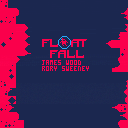
@rcsweeney and my Pico-8 jam 2 cart.
left and right to float.
o and x to rotate your bubbles.
11 comments

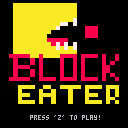
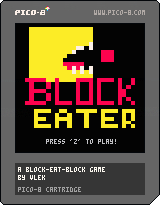
This is my first cartridge, and something I thought would be easy enough as a first game. I have done what I initially set out to do with this cart and then some. There have been some great concepts suggested in the comments, and I hope someone forks this project and creates their own with some of these modifications. If anyone has any questions, please do not hesitate to ask.
Constructive criticism is always welcome.
INSTRUCTIONS
Navigate the fast-moving red blocks and eat the ones that are smaller than you to grow while trying to not be eaten yourself.
Version 1.0:
Added some more polish
Commented more regions for those that wish to understand what's under the hood
Added a rudimentary start menu song
Resized the start menu graphic to take up more space
Version 0.5:
Fixed player being able to off-screen
Fixed right-moving blocks not gradually coming on screen
Fixed the player's ability to avoid collision at the last 1/30rd of a second
Added start menu with pixel art
Added winning condition and win menu
Added score counter to the top-left of screen
Version 0.1:
Initial game release
8 comments


The finished game:
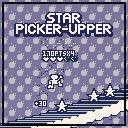
It turned out pretty good for a first attempt at making a game with PICO-8 in my opinion. The gameplay itself is a little uninspired, but I had a lot of fun playing with the visuals and learning about the system.
Older versions: [hidden]
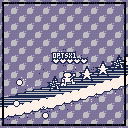
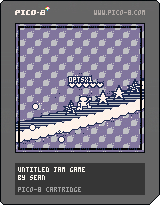
-Fixed x-overflow/underflow bug
-Changed default palette
-Rough menus
-Points/Combos/Lives
-Generally more stylish
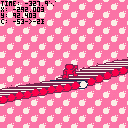
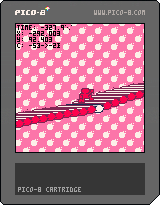
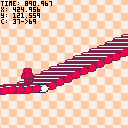
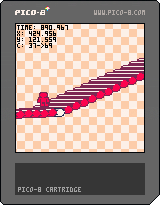
Still needs a lot of work, but it's turning out ok!
9 comments



Hi!
I just discovered PICO-8 and wanted to try some of the many great carts. But nearly all of them are unplayable because most games use <X> and <Z> as buttons. But X and Z are so far away on my keyboard layout that makes no sense. Please fix that, that is really bad usebility.
15 comments





