
Hi guys, I just discovered PICO 8 recently, and got really thrilled about it, as I always wanted to make some games, and looks quite easy to work with.
Thing is, I have no idea of programming; do you think I can learn while using it? or should I get some notions first? any reccomendations?
Thanks a lot!


 5 comments


Technical Side of Things
To run PICO-8 games, I'd imagine the system would be a Linux machine, with a customized OS that only has the dependencies, a theme that looks VERY similar to the PICO-8 start-up screen, and doesn't show output.
(Just a thought) All it would need are the dependencies required to run PICO-8, and a small amount of flash storage that holds the system information (saying this is a well-hacked up version of Linux), along with the PICO-8 software.
Outer storage would probably be best accomplished by an SD Card slot (or a Flash drive, if you wish). The outer storage would be used to hold the games (and I guess also update the firmware), but what should we do if there isn't one detected? We could either run one of the Demo games (kinda like the Sega Master System, but not hidden), or just show a screen that says "No SD Card found!".
Console Design
There are quite a few Microconsoles out at the time of this writing that look just like slabs of black plastic. LAME!
87 comments







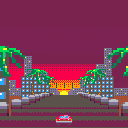
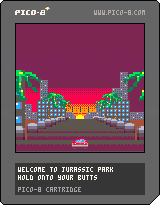
Testing out an engine for Super Scaler games. It's still work in progress, much is needed to be worked out with how I ultimately want to handle the slices (tiled 8x8 images or custom stretches and sizes for everything?).
Currently, sorting of the layers is not in there as I'm having trouble figuring out the best way to use FOREACH().
I want to ADD and DEL from the tables that make up the sprites, and then use FOREACH() to do the scaling rather than arbitrary FOR/END loops based on a sprite limit. The idea is that if I can keep adding to the front and deleting from the back, then I don't need to sort anything (i.e. speed increase)...but I can't get it to work!
Halp? :)
18 comments







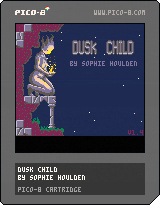
Controls:
Z - Examine/Pick-up/Drop
X - (not used until later in the game)
Up - Jump
Down - Duck/Crawl
Left/Right - Move
Story:
You have been drawn to a mysterious place, what secrets does it hold, and what will they mean for you?
Help:
When not carrying an item, you can examine things. If you're stuck, try examining signs and other objects.
When you have explored far enough into the western temple, you can use the 'X' button.
I'm calling this "done" though there are a few things I might touch up in the future. Right now though, I've spent too long working on this already and need to get back to work on things that stand a chance of making some money :P
1.4: fixed map initialisation corrupting some sprites
1.3: fixed a bug & added some minor text
69 comments






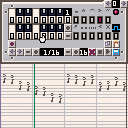
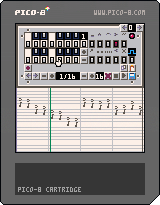
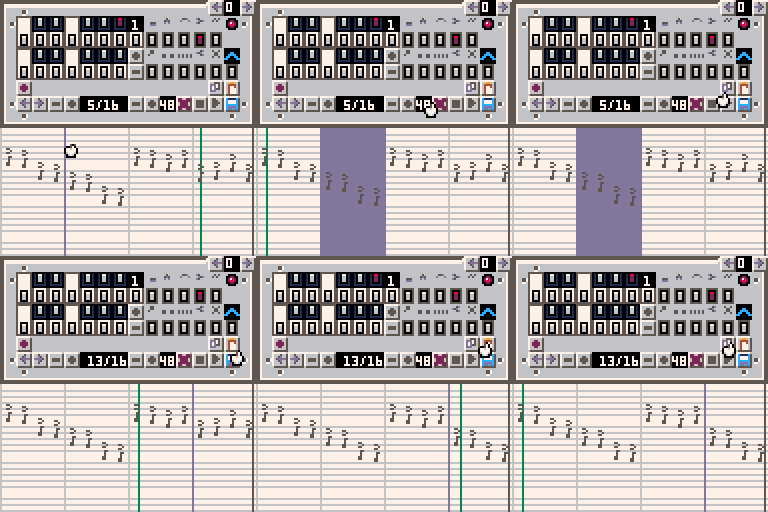
I wanted to experiment with modifying SFX data via a cart.
Features:
- Compose and edit music
- Copy and Paste selections within patterns and between patterns
- Transpose selection by octaves
- Save to cart
Known issues:
- Modifying selections only works if the selection was made in a leftwards direction.
- The music staff isn't actually accurate at all. It just uses one px per semitone.
- Green play line isn't always accurate if you've changed the speed or pattern length, restarting playback fixes it.
SFX Data Layout for anyone interested:
Starting from 0x3200
Blocks of 68 bytes for each SFX pattern 64 bytes of sound data and then 4 bytes of metadata.
Each sound data chunk is made of a 16 bit value divided into
6 bits for the note, 3 bits for the instrument, 3 bits for the volume, 3 bits of the FX, 1 bit unused.
0bUFFFVVVIIINNNNNN
byte 65 is the speed
byte 66 is loop start
byte 67 is the loop end
10 comments


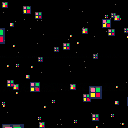
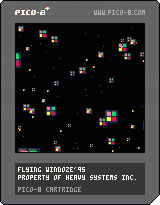
Screensaver for when you're tired of playing small games. Every button does something. Not all of it will benefit your experience. Most effects will not be immediately noticeable. Simply hold the button for the effect long enough for it to become noticeable. Letting go of the button leaves the setting as it is so don't expect going neutral on either p1 or p2 pads will grant you any savior of frame rate.
This was a small research project for a planned item for the future. Feel free to enjoy the source for your own works. There's also a song in there commented out at the top fo the script if you're bored with flying squares.
0 comments
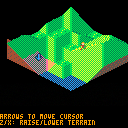
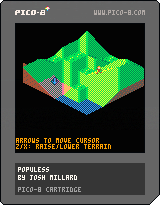
Got to thinking about Populous today; played the hell out of the game on my Amiga 500 when I was a kid.
This is a first crack at a terrain manipulation demo in that style. There's no game here yet, just a small map you can terraform and a little dude running around willy nilly on it and seeming rather distressed when he's in the water. I may try and build a little game out of it, though just sort of working out how to handle the isometric sprites in a basic way has been the rewarding bit I was aiming for.
A neat discovery in all this was that I could get all of the terrain drawn using 7 distinct sprite shapes, thanks to careful use of horizontal and vertical flipping and palette swaps (and if I wanted to trade a little more code I could get rid of one of those by compositing two others). Was a little bit of a note-taking headache to make that work, but really satisfying once I got it.
Right now the map is just fixed in size (I threw in a little camera movement to follow the cursor around), but an obvious next step tech-wise would be to dynamically scroll through a larger map only showing a chunk of it in the viewport.
Hat tip to YellowAfterlife for their slick isometric demo last week, which put me on to the idea of giving this a shot.
8 comments

a tiny game about gardening
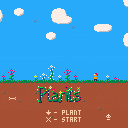
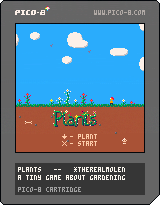
Catch the falling plants and plant them to make a garden.
v1.1 - Hopefully more "delightful" and less "stressful" :)
3 comments

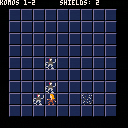
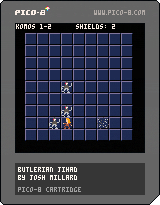
Take on the role of humanitarian rebel Jehanne Butler in an all-out war against the intelligent machines that seek to mold and ennslave their organic creators! Armed only with a slow-charging Holtzman shield/displacement belt, use your wits to pit the robots against one another and defeat the machine-mind scourge!
Controls:
- arrows + z to move to an adjacent tile
- z to wait (and activate shield if in danger)
- x to displace to a random tile on the board
Instructions:
- Clear each board of robots by tricking them into colliding with one another or with the remains of already-destroyed machines.
- Watch your shield power! It's invaluable but scarce, and an emergency shield after teleporting will drain power more quickly than using it when standing still.
14 comments




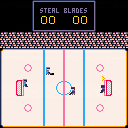
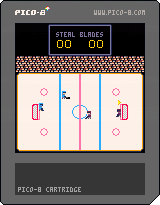
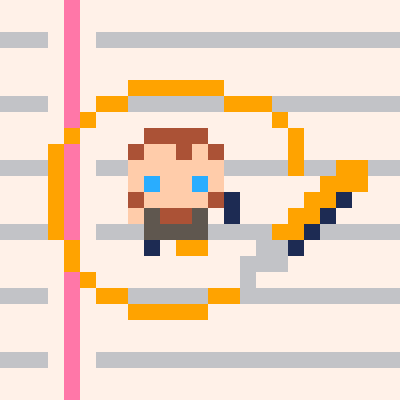
Enjoy the sports game of hockey!
2 Player action!
Control your own goalie!
Wonky physics!
All your friends will want it!
Controls:
Player1: arrow keys, n to shoot
Player2: esdf, left shift to shoot
joysticks would probably be a lot better.
It's definitely still a work in progress.
6 comments


So a thing I distinctly remember from back in the day was games coming on multiple CDs. Usually adventure games, and the like.
Now, is this possible with Pico-8? My assumption was being able to have a "huge" map by splitting the areas on different carts, and having a "load screen" that asks you to change the cart.
I know it's possible to load other carts from within a cart and other funky stuff, but that's a liiittle different. I'd like it to feel a bit more physical than that, hence asking the player to load the next cartridge.
The problem therein, though, is that base ram is copied from cart rom whenever the editor is closed. Does that include the prompt? I'd love to try to test this out, but...uh, I really have no idea where to start.
Also, this'll probably be a neater trick to pull when the persistent save data is out.
4 comments


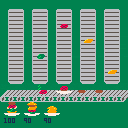
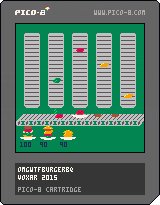
Build burgers on your plate. Catch the ingredients as they come down.
Extra score for bottom and top buns at correct locations. Less score for double of any ingredient. Extra score for bacon. Game ends after 6 plates.
left/right: move plate
up/z: finish plate early
z: restart after game over
1 comment
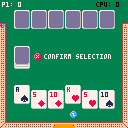
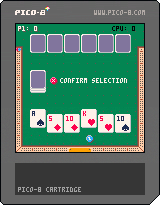
This is my first cartridge, and basically my first game. It's based off some really old cribbage AI that I wrote years ago. Ported it over to pico-8 for fun.
It's a bit rushed and some of the logic is sloppy. Still missing a few rules and needs some cleanup on some of the timing but the core is there at least.
My goal was to try and make some AI that was difficult to beat.
I'm a web application developer by day.
5 comments


Can anyone suggest some resources for a rank newcomer to game coding? I've got enough understanding from playing with c++ in college to understand most of the syntax when I read Pico-8 carts, but it's tough for me to understand what's going in in the more complex parts of the carts. Even jelpi is over my head.
I was hoping I'd learn how to do some basic game mechanics like collision detection, but I'm just going in circles here!
12 comments
I get how the tracker works, but I don't find it easy to work with at all. A simple piano roll alternate setup would be nice. Kind of like the difference between the graph editor and the tracker in the SFX.
3 comments

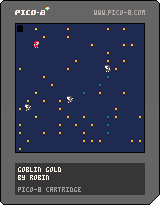
This is my first PICO-8 cart and my first game project in many years.
Honestly I am pretty happy with this lil thing :)
1 comment


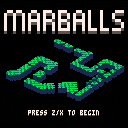
A simple Marble Madness clone with three levels.
Move with the arrow keys, jump with Z and pause with X.
Hope you enjoy it :)
Some things I might add:
- More levels
- More special tiles
- Traditional isometric controls as an option (eg right arrow = move down-right)
30 comments



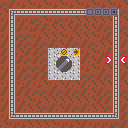
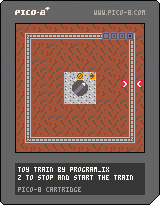
Super simple example cart I made for the PICO-8 ZINE by arnaud_debock. Press Z to make the train start moving, and Z again to make it stop.
10 comments