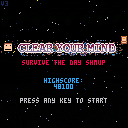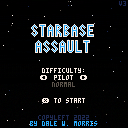
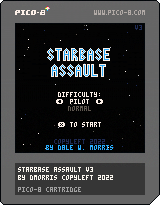
Completed this game as part of the LazyDevs Basic Shmup Showcase Game Jam. I was going for a bit of a Star Wars-y vibe, though I was also influenced by the shooter I grew up with as a kid, Star Solider on the NES.
The soundtrack was inspired by a chord progression used in a lot of Japanese pop and Anime theme songs, with just a pinch of Duck Tales Moon Theme in the mix.
First edit: commented out the code that clears the high score every playthrough. Oops.
Second edit: V2 with powerups that bounce off the sides/top.
Third edit: V3 with levels that persist until all powerups are collected or exit the screen. Adds difficulty settings and logic that ties percentage chance of getting shields vs laser upgrade to the current % shields remaining.


 11 comments





I just recently watched Stargate again and I like the song from the last episode.
Feel the infinite unknown space. Let's hope for a new Stargate series.
1 comment
Hello.
Now that we can access strings a little easier I am coming across a problem I did not have in GFA or QBASIC.
For instance is there a way to have a function change an argument in return ?
function addadd(static a) a=a.."+" end cls() a="hello" addadd(a) print(a) |
Result would be: hello+
13 comments







Hey All!
PICO-8 0.2.5 is now up on lexaloffle, Humble, itch.io, and for PocketCHIP and web (Education Edition).
Edit: 0.2.5b is now up for Linux users who had trouble connecting to the BBS: https://www.lexaloffle.com/bbs/?pid=116441#p
Built-in Help
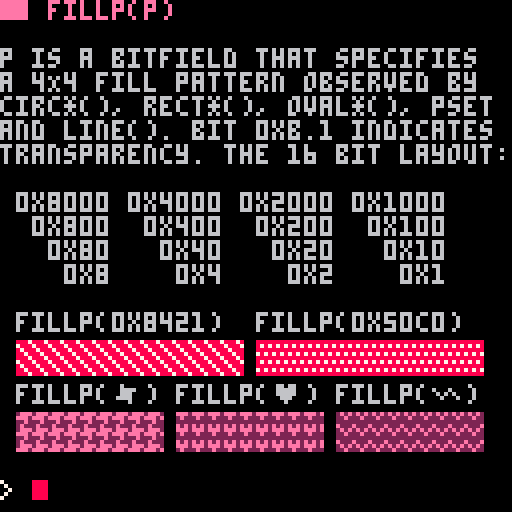
PICO-8 0.2.5 has built-in documentation on API functions and other topics. Type "HELP" at the prompt to see a list of topics in blue, and then e.g. "HELP GFX" to get more information about that thing.
While in the code editor, you can also press CTRL-U to get help on whatever is under the cursor, including operators and Lua keywords.
> HELP FILLP |
String Indexing
Single characters can now be grabbed from strings using a familiar str[i] style syntax that means something similar to sub(str, i, i). The index is rounded down to the closest integer, and can be negative to index from the end of the string.
41 comments








https://www.lexaloffle.com/dl/docs/pico-8_manual.html#SSPR
Where it says...
"Stretch an rectangle of the sprite sheet (sx, sy, sw, sh) to a destination rectangle on the screen (sx, sy, dw, dh)."
...it should say "(dx, dy, dw, dh)" instead.
Although if you read the paragraph fast enough your brain probably autocorrects it, heh.
0 comments


Feature Overview
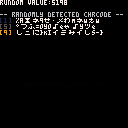
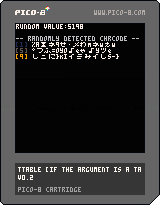
TTABLE() returns the table if the argument is a table.
- Returns FALSE if not a table.
- Use when table or string determination is required.
- e.g., when using a string for initialization and replacing it with a table
- Simultaneously check the type and reference the contents inline, as in
type(tbl)=='table' and tbl.
- This function consumes 10 Token.
tbl = '1 5 10' -- Default value.

tbl = ttable(tbl) or split(tbl, ' ') -- tbl = {1, 5, 10}

----
----

-- Thereafter, the tbl is not initialized even if there are changes to the elements of the tbl.
tbl = ttable(tbl) or split(tbl, ' ')
|
This function is included in the KNUTIL library.
1 comment

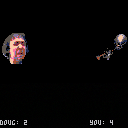
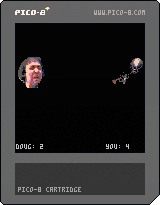
this is the first thing i've made with p8 that can be called a "game". it's awful
UPDATE: now with motion borders and an actual difficulty curve! doug's AI is still a 50/50 drunk-walk though but idk maybe thats kinda hilarious? or my sense of humor is entirely broken, which is also a possibility.
2 comments
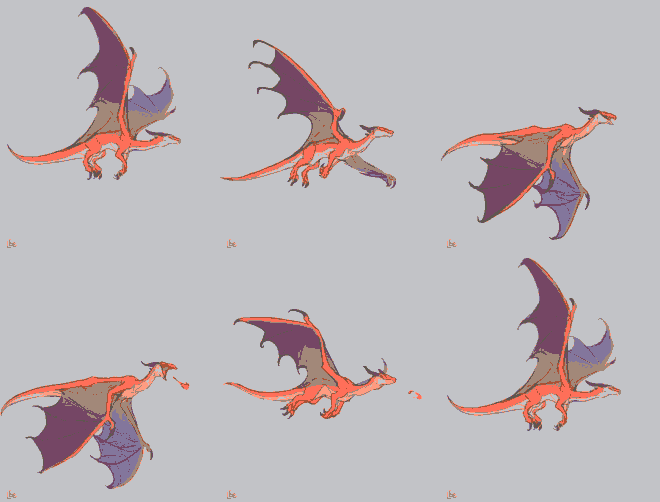

Description
Simple animation that just uses math instead of sprites.
Quite self-explanatory
Preview

Credits
Pico Tween for the blinking animation.
2 comments
Controls
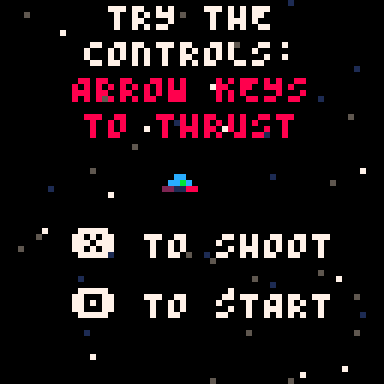
Use the arrow keys for your movement.
Press the X key to fire energy weapons.
Press Z to start the game.
What is?
An "OMG THE SUN IS PISSED AND YOU NEED TO ESCAPE"... game.
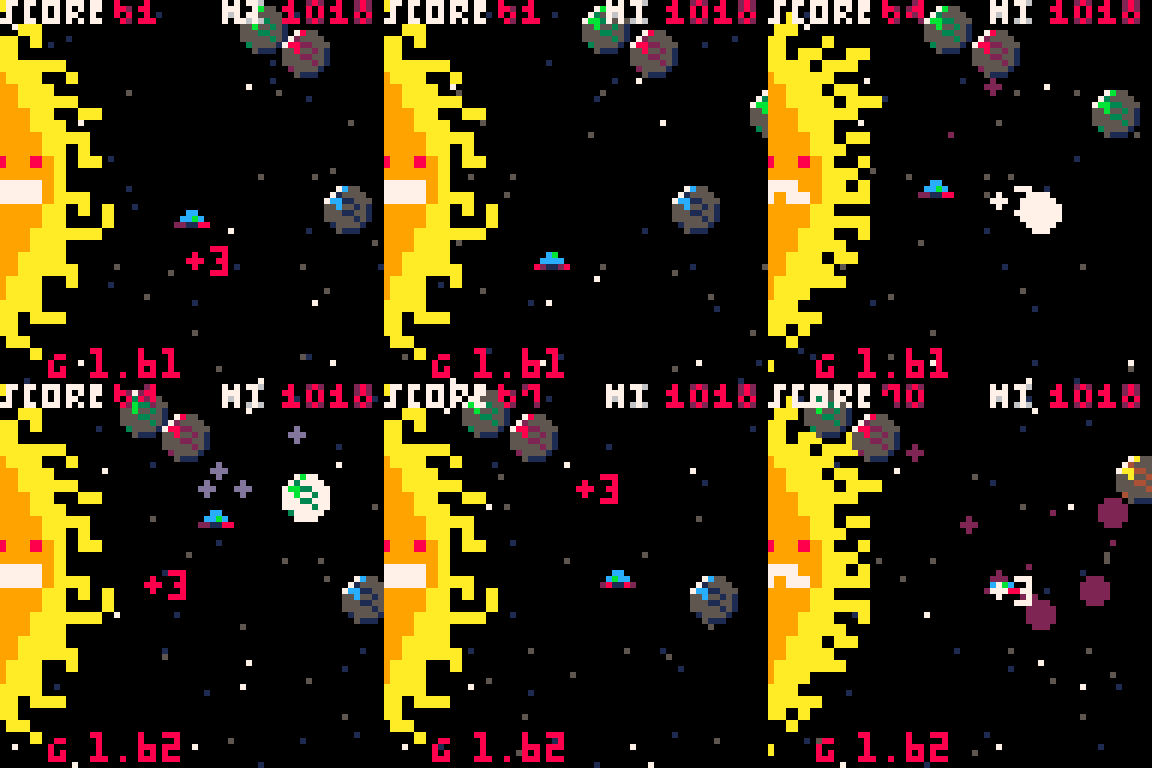
For some reason the SUN is really PISSED. You better be pushing your engines to the limit to escape! The gravity well of the SUN is slowly increasing over time. The gravity meter is seen along the bottom of the screen.
Asteroids knock you back and nebulas seize up your engine for a brief time.
You can use energy weapons to blow up asteroids before they hit you but if your weapons hit a nebula, they'll bounce back at you! Maybe you can use that to your advantage somehow?
8 comments


(v00 08-27-22)
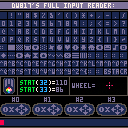
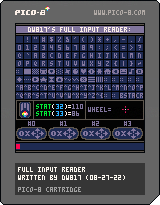
TO LOAD THIS PICO-8 CART, in immediate mode, type:
load #full_input_reader .
Long overdue isn't it ?
A thorough program to not just read a single joystick but all 4-of them. The regular keyboard. Shift keys. Ctrl-keys. The mouse, all 3-buttons. And even the mighty mouse roller.
And to give the appropriate code for looking for them in direct code. As a bonus with the keyboard reader, you get to see the ASCII of the keypress additionally, although you can certainly search for stat(31)=="c" it will of course react on the C key being pressed, or its equivalent, \99
Although be careful with CTRL keystrokes. If you press CTRL+R for instance you will restart your program from the beginning, even if running a cart.
0 comments


Terra Nova Pinball
Ricochet around an alien world in this Pico-8 pinball table.
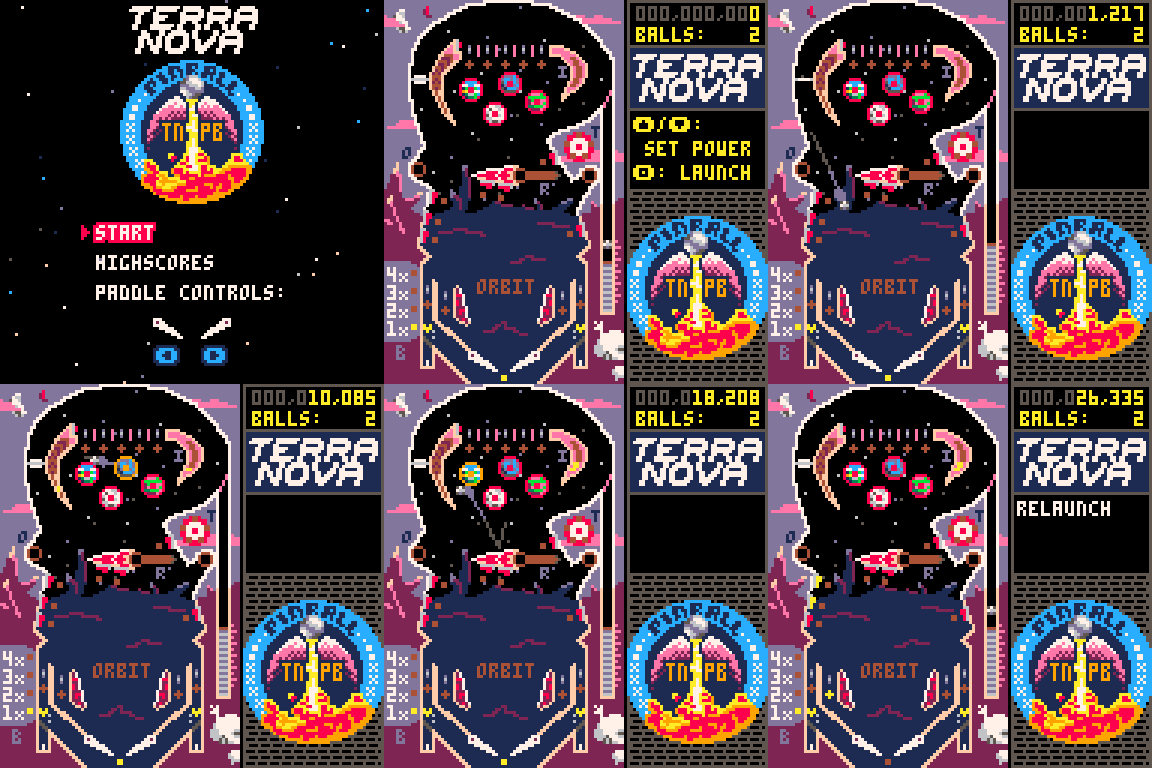
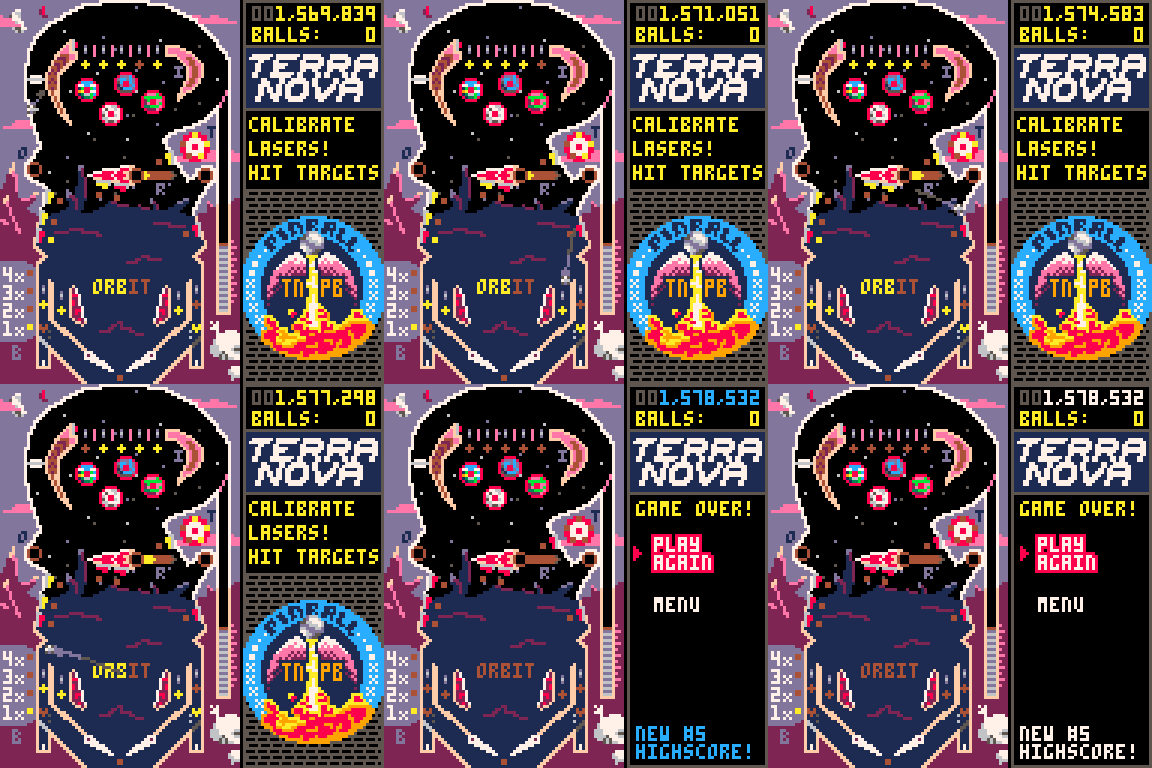
Basic Gameplay
Launch the ball onto the table using ⬆️/⬇️ to control the launch power and 🅾️/❎ to release the ball.
Use the flippers (⬅️/➡️ by default, can be configured in the menu) to keep the ball from draining out the bottom of the table, hitting targets and bumpers and completing minigames (see below) to score points.
You have 3 balls to score as many points as you can, and record a new highscore!
If the ball drains within 15s of launching, you get a free relaunch.
37 comments





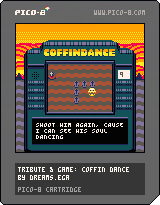
Howdy BBS community!
As usual I'm indebted to the expertise of the users on here! This is my first complete game and I suspect it's barely held together code-wise. I'm super happy to get any feedback if you see something in the code that could be improved or makes your toes curl.
This is Coffin Dance! Why are you dancing? Play to find out!
Credits:
"Coffin Dance" by AJJ
Originally written by Ben Gallaty and Sean Bonnette
Screen FX using routines by ZerkDev
Art, arrangement, and dirty code by me, aka dreams.EGA, who you can find on Twitter and Instagram!
1 comment


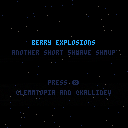
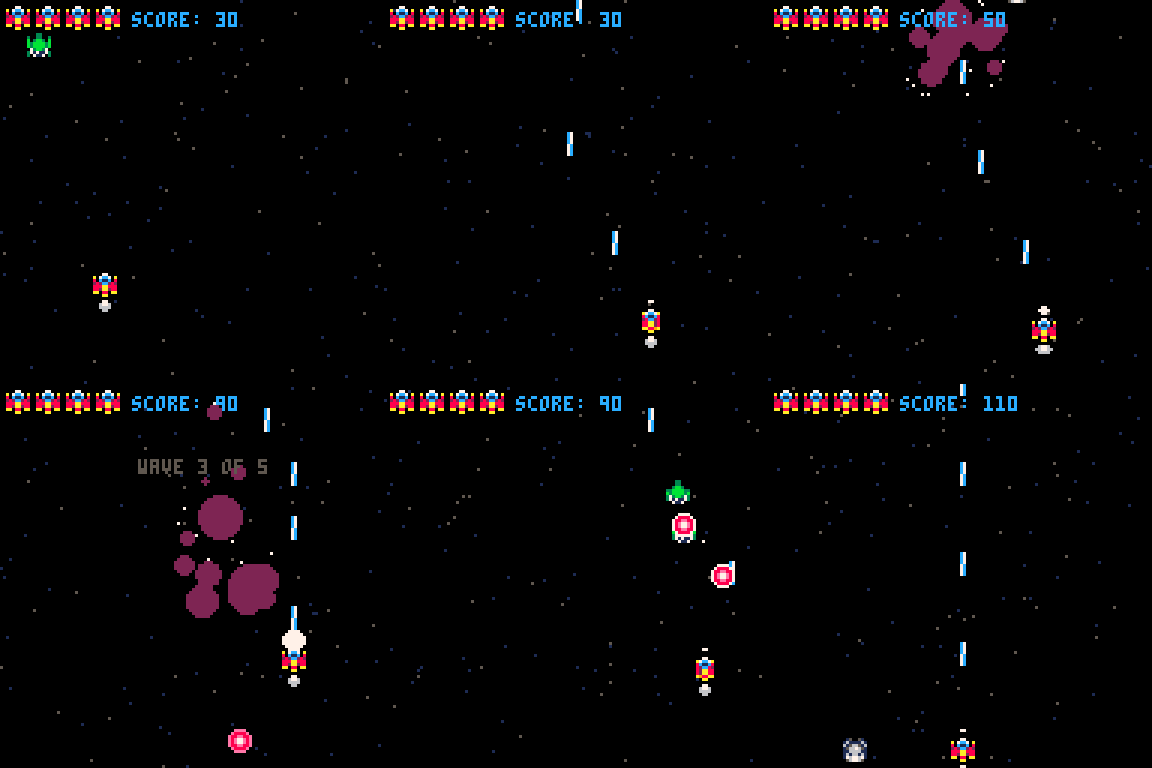
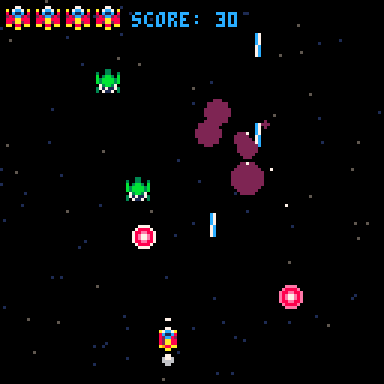
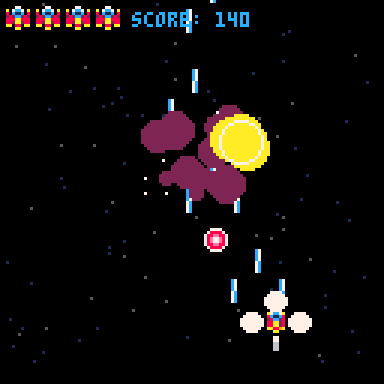
Controls and Gameplay
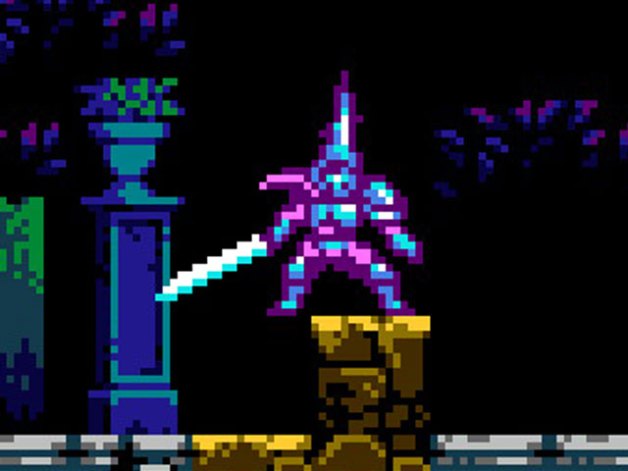
Welcome to Berry Explosions! In this game, you use the ARROW KEYS to move and X to shoot. You can move freely in the game space and you don't need to tap multiple times the X key, it can be held and you'll shoot on a fixed interval. You'll need to kill invader aliens! Your gun is simple, but can stun enemies for a short period of time (Maybe you can even levelup *wink wink*) to make the act of killing them even more fun!
Behind the Scenes
The game started out as a collaboration (Me + KalliDev) to finally finish something! The game is for the Basic SHMUP Showcase Game Jam. I was struggling to make the game fun, so I added the stun mechanic to make the main verb of the game (shooting) more fun. Then the rest flowed naturally :)
1 comment

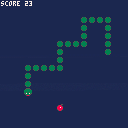
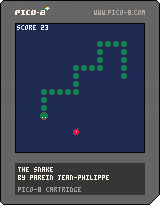
SNAKE
This is the classic snake game developped on PICO-8.
Eat the apples and make your snake grow.
Direct it with the directional arrows of the keyboard.
The snake's speed changes as the game progresses.
0 comments

Super duper early WIP monster fighting game. Literally only a menu that does nothing. Up and down to move the cursor.
I am mostly uploading right now to ask for help. If you open the game you'll see I have a little border drawn and am putting text inside of it. Is there any way to draw text in here more easily? The naive approach of printing each time leaves leftover text. My thought was to us rectfill but then the text doesn't print over it (despite calling print afterwards). I've put the relevant code below of what I'm using. My thought it to just use solid background (\#0 control code) but this would still mean I need to print over the full area each time (by padding).
This just seems like it would be something more textual games have run into before and I was wondering what the approach is.
Thanks!
function _draw()
	-- ...snip...
	draw_menu()
end

menu={"fight", "item", "run"}
selection=0

function draw_menu()
	local text=""

[ [size=16][color=#ffaabb] [ Continue Reading.. ] [/color][/size] ](/bbs/?pid=116332#p) |
2 comments



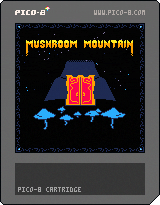
Mushroom Mountain
A puzzle game where time moves when you do. Find your way up the twisting trails of the mountain.
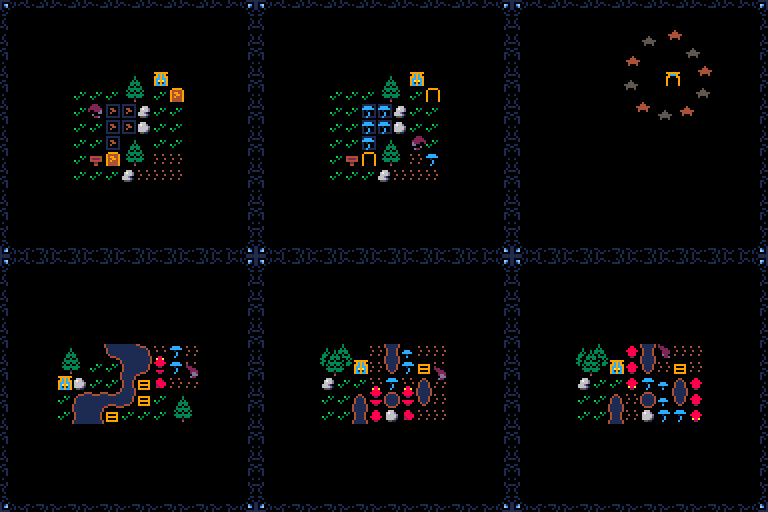
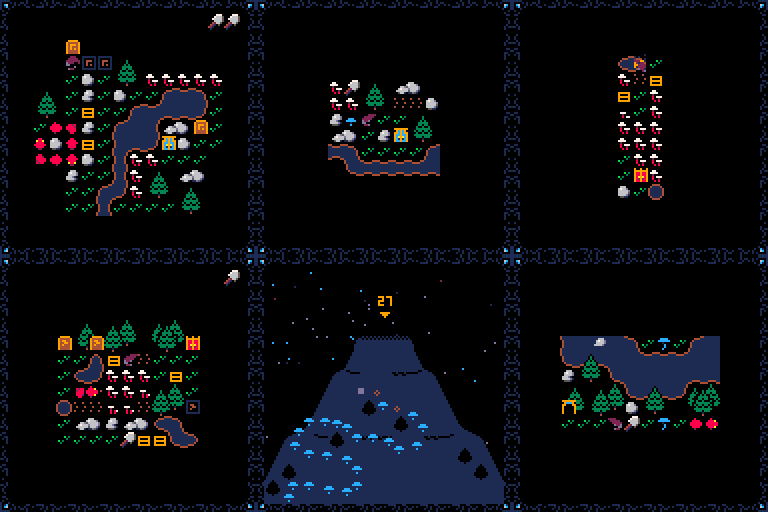
Cultivate
Plant, destroy, grow, and spread mushrooms to control trail doors. Discover the unique properties of each type as you progress.
Solve
Use multi-purpose items to find a way forward. Use the shovel to clear a path, create fertile ground, defend yourself, and more. Push crates to make barriers, bridges, or a safe path through a patch of deadly, poison mushrooms.
17 comments



This game is a little demo of a 2D transformation library I put together.
I chose a simple Asteroids clone because it is a good example of rotation and scaling.
The first tab contains the game. The second tab contains the library.
The library adds commands that affect 2D drawing commands, allowing you to rotate, scale and translate output, similar to the transformation commands in HTML Canvas or the old OpenGL 1.1 matrix stack.
It affects the following Pico-8 drawing commands:
- pset
- line
- rect/rectfill
- circ/circfill
- map
- spr
- sspr
Notes:
- Be aware that spr, sspr and map are significantly slower as they all have to perform several tline calls internally.
3 comments

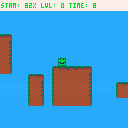
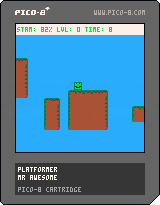
Hey there! I'm back with another game. I made this one at school during lunch because I had nothing better to do. So here you go. It is an infinite platformer (Who'da thought?), and I'm actually really proud of it!
I guess I just really like infinite games, because thats kinda all I have made.
 4 comments
.png)

Understanding ENVIRONMENTS
Inherited from native LUA, _𝘦𝘯𝘷 (NOTE: type it in PUNY FONT, won't work otherwise! For External editors, write it in CAPS _ENV so it transfers as PUNY FONT inside PICO-8) can be a tricky feature to understand and use (abuse?). There's been some talking around this subject and as I am actually using it heavily in my coding style (very OOP I'm afraid...) I thought I could share some knowledge around it.
If we take the information directly from LUA's manual what we are told is the following:
As will be discussed in §3.2 and §3.3.3, any reference to a free name (that is, a name not bound to any declaration) var is syntactically translated to _ENV.var. Moreover, every chunk is compiled in the scope of an external local variable named _ENV (see §3.3.2), so _ENV itself is never a free name in a chunk.
Despite the existence of this external _ENV variable and the translation of free names, _ENV is a completely regular name. In particular, you can define new variables and parameters with that name. Each reference to a free name uses the _ENV that is visible at that point in the program, following the usual visibility rules of Lua (see §3.5).
44 comments