


Reuseable.
Please feel free to use these game assets.
If you do make a game, PLEASE post it here or send me a link, so I can check it out.
Happy programming!


 2 comments


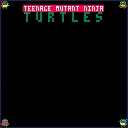




Hi all! This is my first post here. Did this small program to practice working with coordinates. Will use this effect in one of my videos.
3 comments






Hey @zep! So I'm on latest of writing this (0.2.4c) and twice now I've gotten segfaults when I try to save? (I think? my memory is fuzzy..)
I'm not entirely sure what parts of the reports I should send over but both say:
Notes:                 Translocated Process

Crashed Thread:        0  Dispatch queue: com.apple.main-thread

Exception Type:        EXC_BAD_ACCESS (SIGSEGV)
Exception Codes:       KERN_INVALID_ADDRESS at 0x0000000000000000
Exception Note:        EXC_CORPSE_NOTIFY

Termination Signal:    Segmentation fault: 11
Termination Reason:    Namespace SIGNAL, Code 0xb
Terminating Process:   exc handler [780]

VM Regions Near 0:
-->
    __TEXT                      102b54000-102c94000    [ 1280K] r-x/r-x SM=COW  /var/folders/*/PICO-8.app/Contents/MacOS/pico8

Thread 0 Crashed:: Dispatch queue: com.apple.main-thread
0   com.lexaloffle.pico8          	0x0000000102c435d8 codo_save_pico8_cart_to_file + 3800
1   com.lexaloffle.pico8          	0x0000000102c436b7 codo_save_pico8_cart + 55

[ [size=16][color=#ffaabb] [ Continue Reading.. ] [/color][/size] ](/bbs/?pid=113739#p) |
0 comments



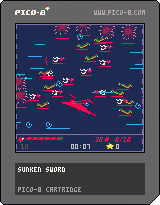
A quick jam game I made in a single day for Mini Jam 109. Theme depths. I took inspiration from Celeste's classic source code for the entity object system.
1 comment


While pico8-lua itself can handle even 0x7fff arguments being passed to a function (easy to see via unpack, for example), peek and poke seem to only handle up to 0x2000.
E.g. peek(0x8000, 0x2001) returns 0x2000 values instead of 0x2001
And poke(0x8000, <0x2001 values>) only pokes addresses up to 0x9fff
6 comments




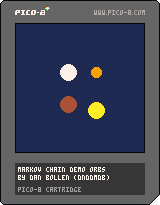
Demo of Markov Chain Process
Hey everyone, this is my first cart posted to the forums.
I made this tech demo thing to try out Markov Chain modeling, and thought the result was worth sharing.
What is a Markov Model?
A Markov Model or Markov Chain is a process by which an object changes states, and the chance of a change of state is dependent only on the state the object is currently in. At every step (in our case a frame) there is a chance that the object changes states. Each state change can have different chances of occurring. If no state change occurs, the object remains in its current state.
What is this cart?
This cart is just a little demo I made to demonstrate the Markov Chain process. It uses four orbs as objects, each with four different states: move up and down, move left and right, change size, or change color.
0 comments



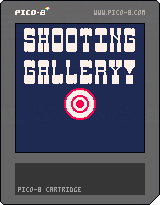
Controls
-Shoot the bullseye to start.
-Mouse to aim.
-Left mouse button to shoot.
-X or Z to restart.
Rules
-The goal is to have the highest score and highest accuracy% possible.
-The yellow ducks are worth 10 points and the target is worth 50 points.
-Avoid hitting the green duck as it will deduct 50 points.
Info
This is my first Pico-8 game so any feedback or suggestions will be much appreciated. It is a carnival style shooting gallery. I had some difficulty getting the collision to work with all of the objects and I am still looking for ways to improve it, especially with making the green duck block the collision for the target. The collision I am currently using is the circle-based collision from the Bridgs tutorial series.
3 comments


kind of like a little Zelda ocarina thing but it's pure audio synthesis (PCM) so you can really go crazy bending the sound
7 comments




.png)
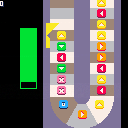
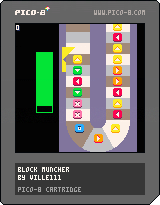
This is an older project that I made sometime ago but never quite finished. So I decided to finally finish it and post it here (I have lots of random projects that I never finished, maybe I'll post them later).
Anyway, this is a pretty simple game where you need to "munch" blocks by pressing corresponding button (left, right, up, down, X and O). Basically something you would expect to see in a Mario Party game. If you don't eat the blocks fast enough or make misinputs, your health bar will go down. The game gets harder as it goes.
In the start menu there are options to turn screenshake on/off and also to turn rubble particles on/off. Not much else to say, it's a very simple game. But even then, I'm happy how the conveyor belt looks, it took a lot of trial and error.
0 comments


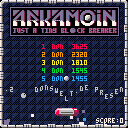
This is just another block breaker. I wanted to make one for a long time now. This one is tiny, fast-paced and unforgiven.
The first three stages are always static. After that you get randomized levels. The blocks with the exclamation marks need two hits and are shooting at you when you remove them. Every few levels there is a boss block to defeat.
There are four different extras to pick up:
Red pill: laser (destroy bricks in front of the bat)
Blue pill: Super ball (moves through bricks)
Yellow pill: Closes the wall at the bottom of the screen for a short time so it's save for the ball to hit the bottom edge.
Green pill: Glue that glues the ball on your bat for two times.
7 comments






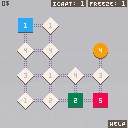
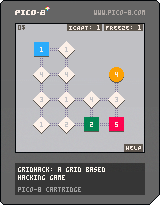
Inspired by the Deus Ex Human Revolution hacking minigame, I came out with a design for a procedurally generated spin on it, and decided to give it a go and try to make it into a finished game.
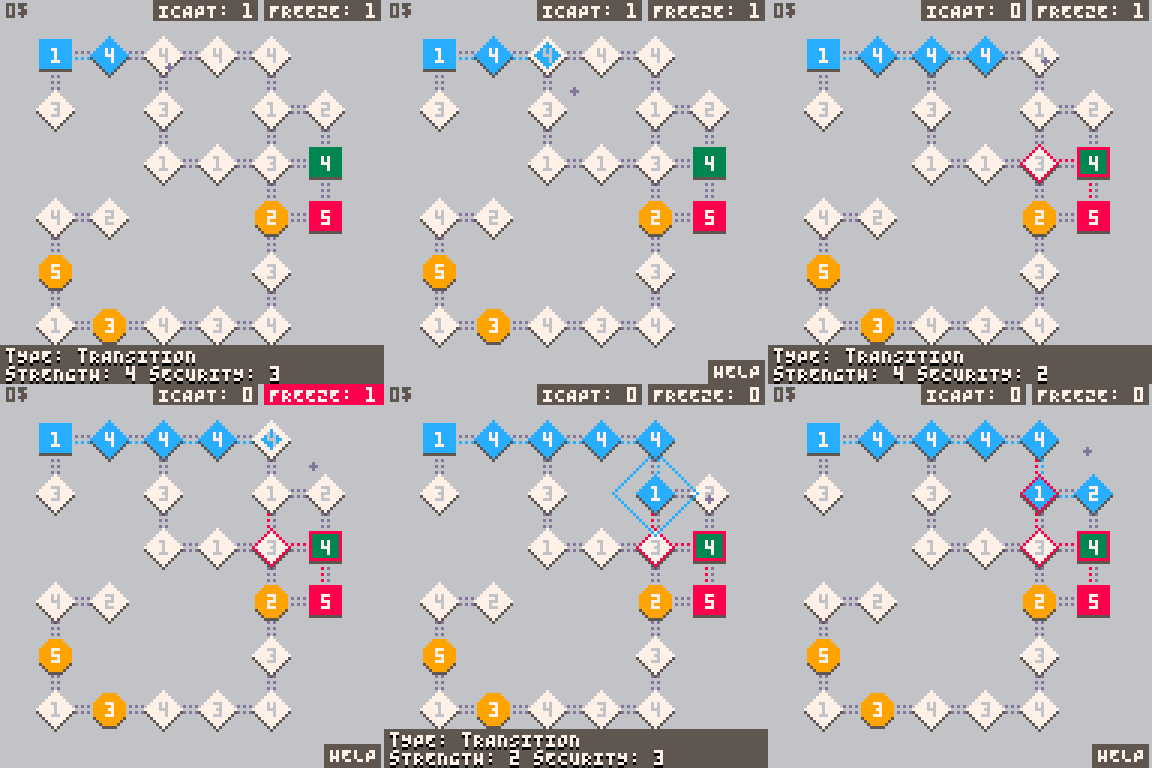
The rules are simple, hack the grid node by node and arrive at the destination node (green node), whilst capturing yellow bonus nodes (if you can) that give you money and additional powerups.
For more in depth rules, an in-game help screen is available ;).
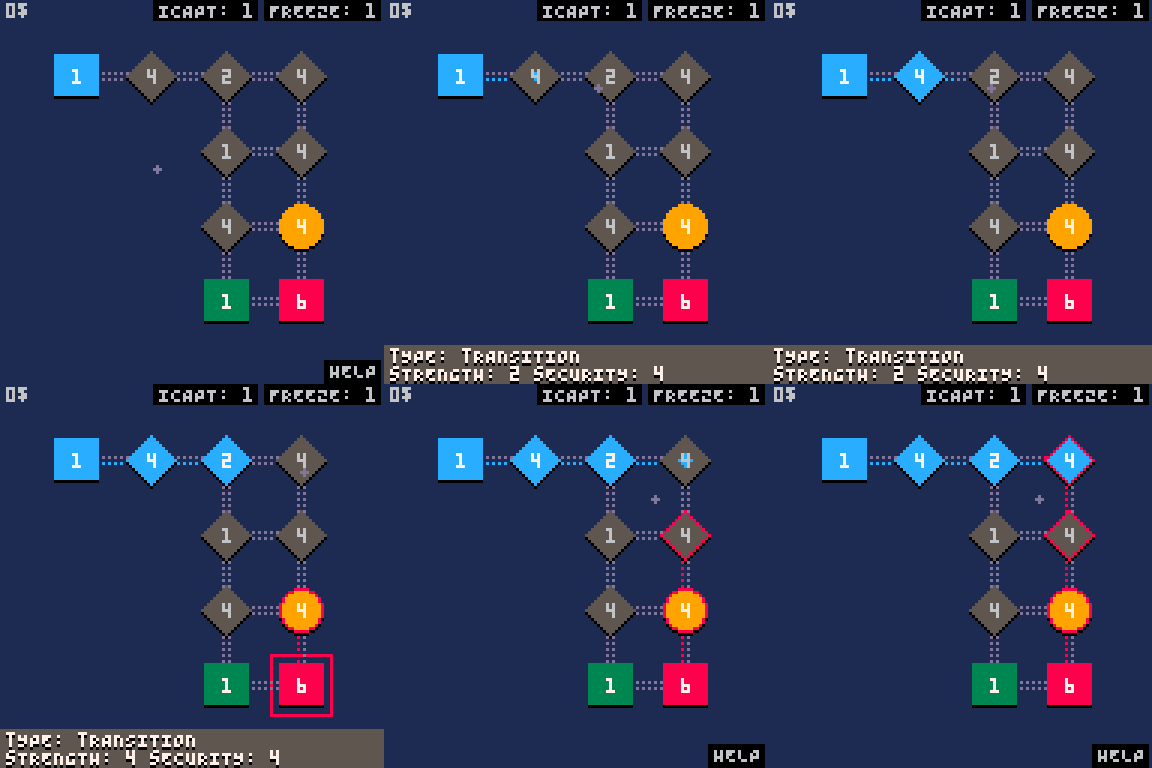
Controls:
Mouse to do everything
Z - Select node / Activate powerup
X - Switch from node selection to powerup selection
The game is not 100% balanced and it could potentially turn out to be too easy or too hard. Feedback is appreciated.
Have fun! ;)
CHANGELOG
-
v1.0
Initial version -
v1.1
Added controller support -
v1.11
Fixed icapt powerup alerting the enemy
Fixed button prompts in main menu - v1.12
Help accessible using keyboard commands
7 comments




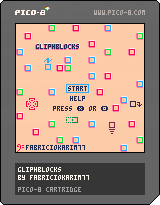
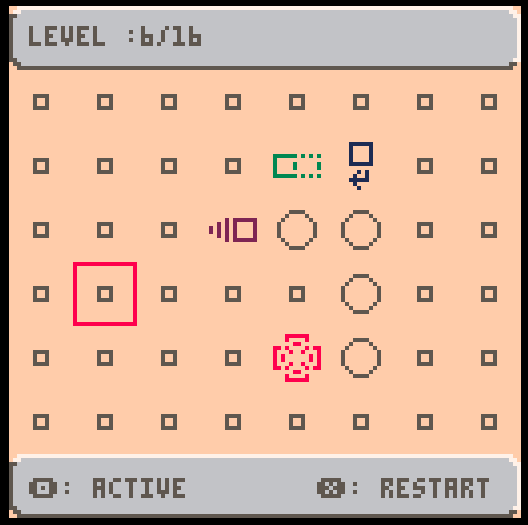
In this game the goal is remove all gliphs from the table.
Each gliphs causes an effect on itself and/or nearby gliphs. The player must uses this actions to clear the level
4 comments




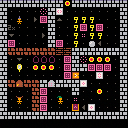
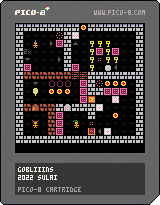
You play 3 goblins:
- one is intelligent and can do wizardry
- one is strong and can move things
- one is crafty and can use items
Together they set out
To find great riches,
Which are said to be found
On level 20 of the Lost City!
Features:
- Tutorial: 12 hand crafted levels
- The Lost City: 20 procedurally generated levels
- 3 characters with different abilities
- items, spells and interactive blocks
- music. each character got its own tape played in the boom box.
Credits
- Thanks for all the play testers and their feedback!
- Special thanks to the Lazy Devs Community (Discord)
Recent changes
- Level 10 (Wizard Magic) changed to have many ways to solve it
- New Level 12: Teleporters and Explosives!
- Level 7 redesigned (was too hard)
- Hold C (O) to restart
- Removed back-up (regenerate) in the Lost City
- New Level: Lasers and Diamonds!
- New Level: Teleporters!
- Added music for each character
10 comments




Here's a small code snippet that allows you to enter "debug mode" and then go frame by frame through your game.
The idea is, that _update() wraps the actual update() function, and _draw() wraps the actual draw() function.
So you can have extra output only drawn in debug mode, and go frame by frame through the game to do some bug hunting.
It would also allow to append to a debug file only if debug mode is enabled.
It's pretty simple code, but quite helpful.
To switch to release mode, all you need to do is to swap the names of _draw() and draw() and _update() and update().
function _init()
 poke(0x5f2d, 0x01)
 debug=false
 waitframe=false
 t=0
end

function _update()
 if stat(30) then
  local ch=stat(31)
  if ch == "d" then
   if debug then
    waitframe = false
    debug = false
   else
    debug=true
   end
  end
  if debug and ch==" " then
   waitframe = false

[ [size=16][color=#ffaabb] [ Continue Reading.. ] [/color][/size] ](/bbs/?pid=113573#p) |
4 comments

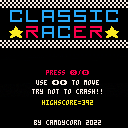
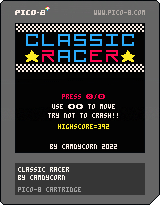
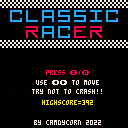
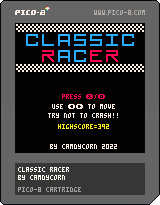
This is my first game with the pico8. I gotta say I am loving it! After my day to day job this puts the fun back into programming!
I used to play this little racing game on a 10 in 1 handheld device. Seemed simple enough to make. So after doing the nerdy teachers fruit catcher tutorial I used their "engine" to make this little game. It is definitely not optimized but it's working!
8 comments