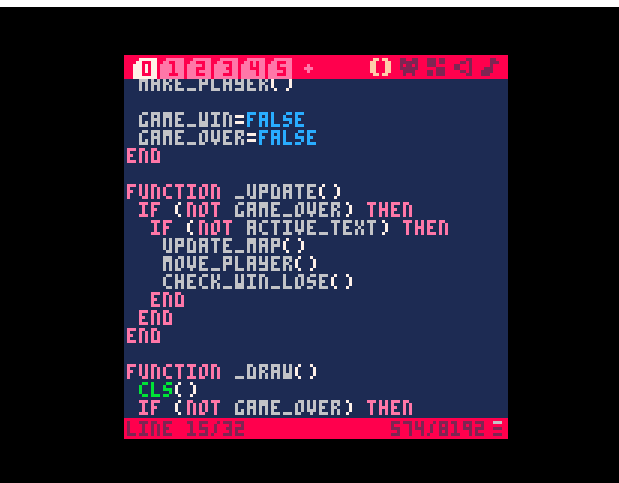
 I keep getting an error for Line 0, Tab 0. ? Alongside a false global update. Should that even exist?
SOLVED! DELETED THE UPDATE_MAP CODE WHEN TRYING TO REWRITE IT DIFFERENTLY, FORGOT TO REPLACE IT
Code Line :
function _update()
if (not game_over) then
if (not active_text) then
update_map()
move_player()
check_win_lose()
end
end
Error :
RUNTIME ERROR LINE 15 TAB 0
UPDATE_MAP()
ATTEMPT TO CALL GLOBAL 'UPDATE_M
AP' (A NIL VALUE)
IN UPDATE LINE 15 (TAB 0)
AT LINE 0 (TAB 0)


 1 comment



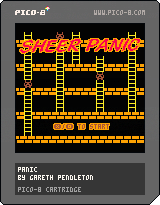
This is a port of an old ZX Spectrum game called Sheer Panic (or Panic) which was a version of the old arcade game Space Panic.
This is just an initial attempt at it. I think I have got everything in there though.
The idea is to kill the monsters by digging pits in the floor and then knocking a monster down when it falls into the pit. More advanced monsters need to fall a larger distance to be killed.
Arrow keys to move around
X to dig
Z to fill
(Updated to remove death message and go back to menu)
2 comments



Hi, I'm building a prototype of a roguelike inspired by mahjong solitaire on pico-8:
https://www.lexaloffle.com/bbs/?tid=37279
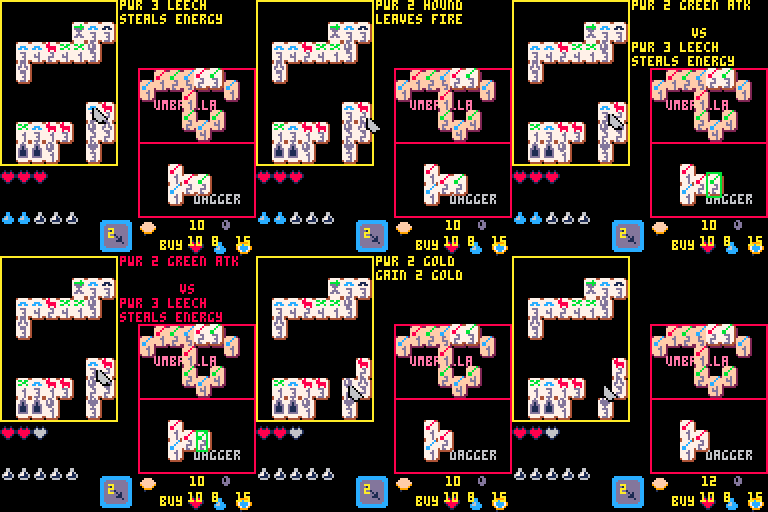
I'm not sure yet how much potential the concept has, but I want to push it as far as possible.
The gameplay is taking shape rapidly, but I still need help to make:
- shiny graphics
- immersive sound effects/music
- accessible UI
If this inspires you, I'd love hearing your ideas :)
My discord
3 comments




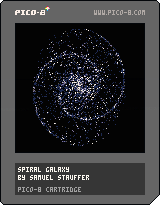
Spiral Galaxy inspired by https://twitter.com/matthen2/status/1247801932413988864
Tweet cart version:
GIF https://twitter.com/samuelks/status/1248291473579073537
Source https://twitter.com/samuelks/status/1248291574682750976
1 comment


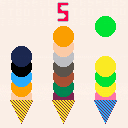
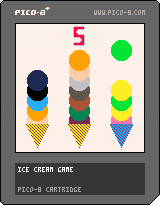
Hi! This is the second PICO-8 game I have made! I made this for the Portland Indy Game Squad (PIGSquad) 3-Button, 3-Color game jam! the Creative Theme was One More Time. My dad did the sound and music (which is the ice cream truck music), and I did all the programming and everything else. Thanks!
2 comments








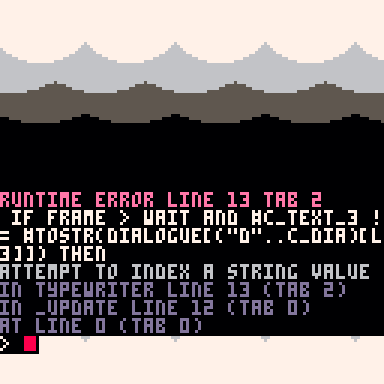
What I'm trying to do is make a typewriter script, but when checking to see that the third line has less characters than the dialogue, I keep running into the same odd error. Is this not a string?
-- typewriter

dialogue = {d1={
	l1="qwertyuiop",
	l2="asdfghjkl",
	l3="zxcvbnm"}}
c_text_1 = "."
c_text_2 = "."
c_text_3 = "."
c_dia = 1

function typewriter(string,wait)
	if frame > wait and #c_text_3 != #tostr(dialogue[("d"..c_dia)[l3]]) then
		sfx(0)
		frame = 0
	end
end |
2 comments



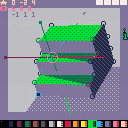
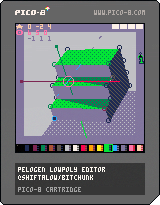
A new version has been released!
What the tool can do
- 3D modeling in 15x15x15 size.
- Save and load into a sprite sheet.
- Export the loading code from the sprite sheet.
- Export the drawing code of the 3D model.
Control are followings(WIP)
Reference
Examples of actual use
KONSAIRI
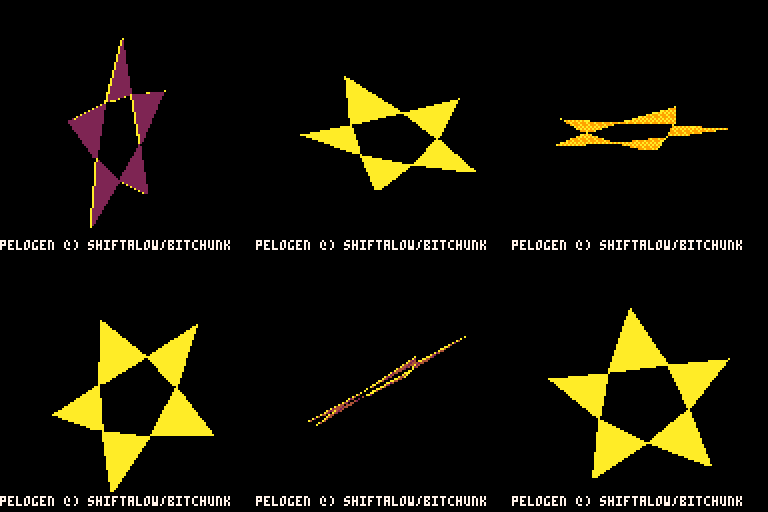
Export Star Model(Sample)
updated (v0.2.3)
- Added: Display of the next surface to be generated.
5 comments




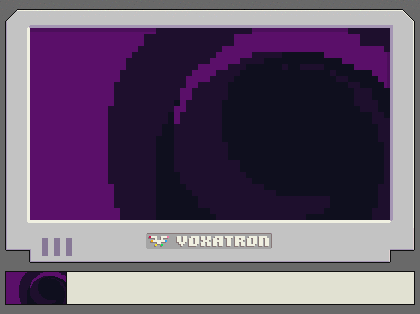
I got the voxel itch again after so long. This is a tweetcart version of an effect I'll very probably use in the future. The code is slightly altered from what I posted on Twitter because when running a cart without a scene, the camera is not properly reset.
I also added the zoom transition that'll be used, you can see it working by pressing up/down.
Here's the code
q=0 function _draw() camera() if(btn(3))q-=.5 if(btn(2))q+=.5 q=mid(20,q) clv() for z=48,63 do a=t()/6-z/12 r=63-z+q s=16*(1-q/20) o,p=s*cos(a),s*sin(a) col=z%2+33 set_draw_slice(z-q) rectfill(0,0,127,127,col) circfill(o+64,p+64,r*6,0) end set_draw_slice(0) [ [size=16][color=#ffaabb] [ Continue Reading.. ] [/color][/size] ](/bbs/?pid=74558#p) |
2 comments


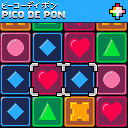
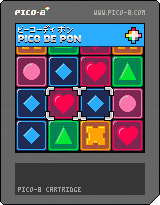
DESCRIPTION
The classic 16-bit-era action puzzle game returns again -- enhanced and remastered. Pico de Pon brings favorite characters from across the PICO-8 library together for intense block-swapping battle.
INSTRUCTIONS
Player I:
Arrow keys, move cursor
X (or M or V) key, swap blocks
Z (or N or C) key, manually raise stack
Player II:
E/S/D/F keys, move cursor
A (or Shift) key, swap blocks
Q (or Tab) key, manually raise stack
Swap blocks beneath the cursor. Horizontal or vertical runs of three or more matching block types are cleared. Swapping a block over an edge will cause it to fall.
The stack rises over time. The game ends when blocks reach the top of the stack. The rising of the stack is delayed while matched blocks are clearing.
27 comments




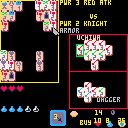
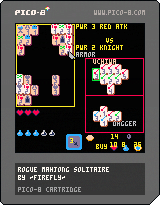
The last avatar of my unending quest for creating the perfect mix of innovative yet accessible roguelike...
A mahjong solitaire roguelike.
Use your weapons to clear the enemies, reach the exit and pick up a maximum of gold in the middle.
It's starting to take shape as the limits of the pico8 console get closer. Let me know what you think!
If you feel daring, you can skip reading the instructions below, and after playing let us know how (un)intuitive the game controls are :)
Instructions :
[hidden]The weapons on the right are your tiles.
The rest are the level tiles.
Pick one of your tiles, then use it on an enemy tile to clear it.
If your power is lower than the opponent, you will lose life.
If both tiles are the same color, opponent's special ability is negated.
Use all tiles in a weapon to fully recharge it.
You can also click your spell to recharge both weapons, but its costs increases each use.
Deal the exact amount of damage needed on an enemy gives you 1 energy.
2 comments







(WIP) Medikaren

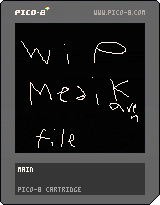
This was a game I was making and then covid19 struck and I haven't worked on it to much, I might come back to this and finish it but here it is if you want to look at it. (the game dosen't auto-reset so you will have to your self.)
Hope you enjoy it anyways.
5 comments


I wrote a tutorial on Fandom that explains how to add Quick Actions, from Finder, in MacOS
Hope it helps!
https://pico-8.fandom.com/wiki/Add_%22Run_PICO-8_Cartridge%22_Quick_Action_to_MacOS
 0 comments

Using version 0.1.12c, After running pico-8 once(pico-8.exe), closing the program, then re-running (pico-8.exe), the escape key to get to the editor no longer functions. Also, even after a fresh install, changing the carts folder in config.txt to anything but the default breaks it as well.
I have to reinstall for each use. There is no error in log file either.
A Shift-Escape key combo works after the standard escape stops working fortunately. Perhaps this is just a documentation update needed?
1 comment



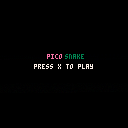
Had some fun playing around with pico-8 for the first time. Wanted to keep it as simple as I could and figured I'd try a go at a classic like snake.
Enjoy,
l4nk332🤙
3 comments


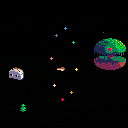
Try not to die or you'll have to go to the last checkpoint! (which is Kirby so that's not too bad)
Original songs:
https://www.youtube.com/watch?v=5OAysfkcMjg
https://www.youtube.com/watch?v=UmIweVC4PO0&t=33s
7 comments