










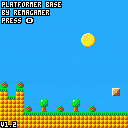
+Added a flag that prevents autojumping
+Added SFX that can be toggled on and off
+Fixed an issue that made the player jump higher than normal


 2 comments



I'm trying to get P8 to run in a window on my Linux Windows install on my Raspberry Pi, so I can have it and my editor up on the same desktop (like I do in real Windows). But by default, P8 runs fullscreen. I've tried launching it from terminal with the flags outlined in the docs and even by editing the config file, but none of that is working, it's still going fullscreen.
Anyone else tried to run it windowed on Linux (RPi)? ..and got it working? Or is all that windowed stuff for "real" Windows only.
10 comments








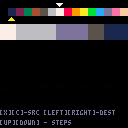
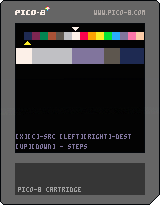
Test for automatic color transitions. You can define a source, destination color and a number of steps between them. Algorithm matches nearest colors based on Euclidean distance between two RGB coordinates
1 comment


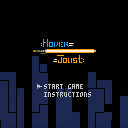
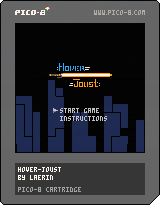
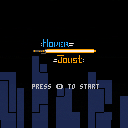
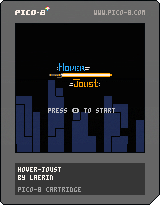
Calling it done :D
Working on a futuristic imagining of Joust as my first PICO-8 project :P
[b]-Controls-
10 comments










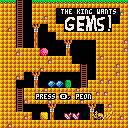
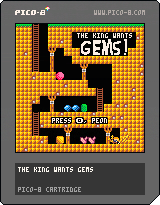
The King Wants Gems! is my take on puzzle gem games, the whole Bejeweled, Puzzle Quest thing. The goal is to chain gems together to get the required amount of each. Longer chains award special gems while short ones give you unusable gems. If you go poking through the code you'll see that it's a terrible mess. I had much bigger ambitions for this when I started, but I wanted to get it done before February and I'm just not interested in it anymore. I hope you enjoy it.
I do consider this my best-looking game to date.
2 comments




Hello! I'm new to PICO-8 and I'm currently struggling to make a table which my "levels", which has enemies in them. The method I tried :
function make_enemy(x,y)
 a={}
 a.x=x
 a.y=y

 return a
end

function draw_enemy(en)
 circfill(en.x, en.y, 3, 8)
end

enemy1=make_enemy(0,0)
enemy2=make_enemy(120,120)

mapcount=1
maps={
 {enemy1},
 {enemy2},
 {enemy1, enemy2}
}

function _draw()
 foreach(maps[mapcount], draw_enemy)
end
|
This doesn't seem to work for me.
Could anyone suggest a more reliable way?
4 comments


I've been using an "object-like" idiom in my Pico-8 programs so far where I have functions where I basically pass in a "self" and do operations on an object. I also tend to keep a "type" variable. That seems to have been enough to get as "object oriented" as I need to be. I've seen that it is possible to hack Lua to basically give you full oop and inheritance. It looks as though it is a hack and not a built in language feature, and from what I've been reading not very many Pico-8 users use it.
My question is, to those that do, what do you believe the advantages are, especially in the context of making such small programs...? (guessing there aren't any, other than finding it interesting to implement)
3 comments


Pico-8 0.1.11g, macOS 10.13.3. Running a bare test cart in headless (-x) mode runs successfully but then crashes.
- Make a cart with the code "print('hi')" (doesn't seem to make a difference) then save it as t1.p8.
- Run: ~/PICO-8/PICO-8.app/Contents/MacOS/pico8 -x t1.p8
Before the cart runs, Pico-8 prints this to the console:
/BuildRoot/Library/Caches/com.apple.xbs/Sources/AppleFSCompression/AppleFSCompression-96.30.2/Common/ChunkCompression.cpp:50: Error: unsupported compressor 8 /BuildRoot/Library/Caches/com.apple.xbs/Sources/AppleFSCompression/AppleFSCompression-96.30.2/Libraries/CompressData/CompressData.c:353: Error: Unknown compression scheme encountered for file '/System/Library/CoreServices/CoreTypes.bundle/Contents/Resources/Exceptions.plist' /BuildRoot/Library/Caches/com.apple.xbs/Sources/AppleFSCompression/AppleFSCompression-96.30.2/Common/ChunkCompression.cpp:50: Error: unsupported compressor 8 /BuildRoot/Library/Caches/com.apple.xbs/Sources/AppleFSCompression/AppleFSCompression-96.30.2/Libraries/CompressData/CompressData.c:353: Error: Unknown compression scheme encountered for file '/System/Library/CoreServices/CoreTypes.bundle/Contents/Library/AppExceptions.bundle/Exceptions.plist' |
1 comment


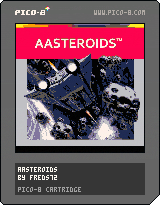
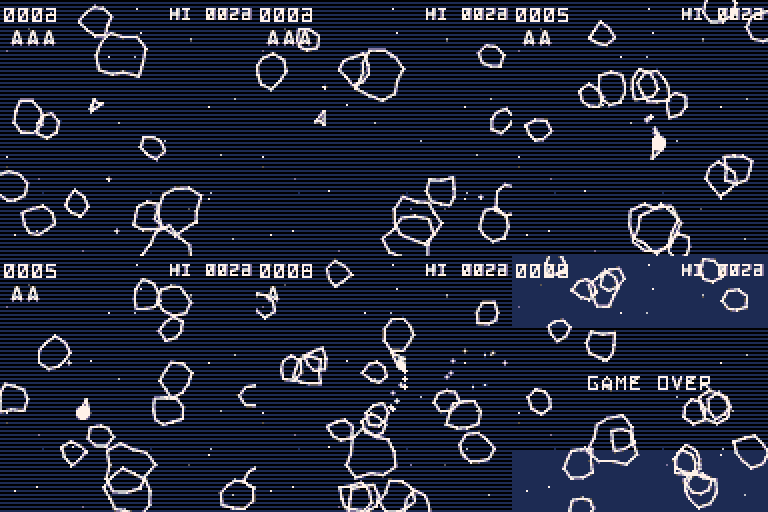
Anti-Aliased Asteroids
Hastily crafted Asteroids clone complementary of the anti-aliased line thead:
https://www.lexaloffle.com/bbs/?tid=30810
Changelog
1.3:
- Added: Teleport ('c' button)! Up to 3 chances (sort of...) to get out of trouble
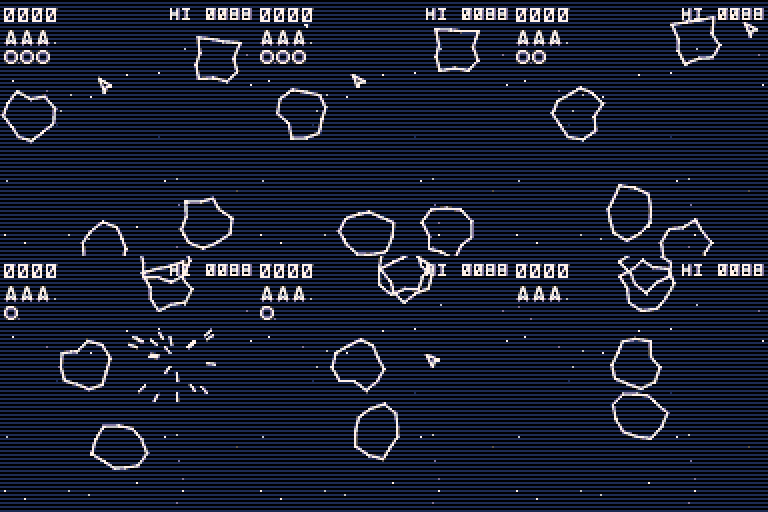
- Changed: inertia cranked up, use your thrusters!
- Changed: safe time is now 2s
- Changed: thrust is now 'up' only
- Fixed: Saucer Invasion!
1.2:
- Fixed: incorrect font rendering
- Fixed: incorrect high score message on game over
- Changed: reduced number of rocks to 4
1.1:
- Fixed: crash with dead player
- Changed: multiple rocks types
- Added: saucer!
- Added: highscore (saved in cart data)
- Added: multiple CRT effects (enjoy @Felice!)
- Bug: couple of chars incorrectly rendered
1.0f: temp. fix by @Felice (tks!)
1.0: initial release (did not work)
[h2]Tech. Details
13 comments







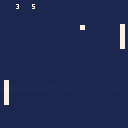
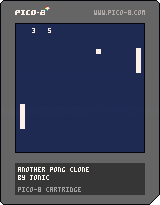
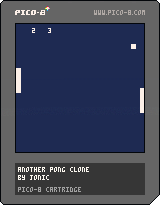
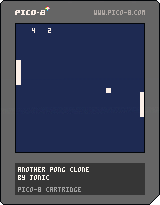
I'm new to this, so please go easy on me. I'm not trying to claim this is good, I just wanted to get SOMETHING on the BBS. This was the lowest barrier to entry for me. I may improve this, I might just leave it like this forever. The code is crap and it's a massively unfinished experience. I'm just happy to have made even the smallest, dumbest, more boring thing :)
Player 1: E/D
Player 2: up/down
There's no "win" state. The game is over when you decide it is. IT'S INTERACTIVE LIKE A GOD DAMN DAVID CAGE GAME
Source code on Github, if you're into that kind of thing: https://github.com/Jonic/pico-8-pong
0 comments


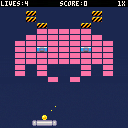
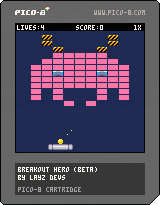
It's finally here!. Some of you may have seen the video tutorial I was working on over the year. Well, the game is finally ready to be playtested!

How to play
The game is a straight-forward vanilla Breakout / Arkanoid clone. You need to destroy the bricks by hitting them with a ball. If the ball leaves the bottom of the screen you lose. You need to move your pad left and right to keep the ball on the screen.
There are some finer details that make it more interesting. If you move the pad WHILE you hit the ball, you can change the angle of the ball's trajectory. The ball snaps to 3 different angles. There are also different powerups, which appear when you destroy a blue block.
[b]Playtesting Help!
9 comments




It's system/kernel/gpu time. Basically, it's all of the CPU time spent in code you can't see directly in the PICO-8 source editor.
If you have an app that does nothing but call cls() around 68 times, then both stat(1) and stat(2) will be around 1.0 at the end of your _draw() function.
If you have an app with an empty loop that iterates around 69905 times, and does nothing else, then stat(1) will be around 1.0 at the end of your _draw() function, but stat(2) will still be close to 0.
I can't believe it took me this long to work that out. :)
Caveat: I don't know exactly where the system/user border lies. Like, I haven't looked to see if what we think of as intrinsics, like abs() or flr(), are system time for the few cycles you're inside, or if they're considered user mode. Similarly, longer functions like sqrt()... could be system, could be user. I'll probably go through and figure them out at some point.
Honestly, it's not a very useful piece of information for practically anyone... even me... but it's been bugging me for aaaaages and I'm so glad I finally got a little 3-watt lightbulb over my head about it.
0 comments


So if you've been around for a while, you've probably discovered that the PICO-8 call mid(a,b,c) can be used for clamping values to a range. The middle value in a set of (lo,val,hi) once you put them in order will either be val if it's between lo and hi, or if it's beyond, either lo or hi will be the middle. That's a clamp.
-- change volume but keep it in range volume = mid(0, volume + volume_adj, 1) |
It's convenient, if a little unintuitive. Some folks might alias the function to make it read better:
clamp = mid -- change volume but keep it in range volume = clamp(0, volume + volume_adj, 1) |
Problem is, it's three args and each arg slows you down a bit. In most cases, one end of the range is 0. If you're writing a really tight inner loop, sometimes it'd be nice if you just had a function that assumed 0 for the top or bottom, instead of you having to pass it.
But wait! A useful bit of info is that PICO-8 API calls usually accept nil, or a missing arg, as if it were 0. For instance, x=cos() sets x to cos(0), or 1. Not useful for sin/cos, but...
Since mid() doesn't care what order the arguments are in, we can just leave off the third argument to implicitly pass it a 0 that way:
-- change volume but keep it in range volume = mid(volume + volume_adj, 1) |
3 comments
