



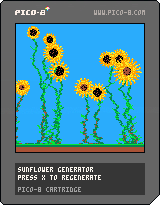
Sunflowers, sunflowers oooh sunflowers. How could you possibly hate this marvelous plant??
Press X to generate and Z to clear.


 0 comments


After several days of trial-and-error and testing with help of Twitter friends, it seems playing Pico-8 games on your smartphone is very do-able and comfortable, with only minor trade-offs.
I've put 3 of my games up for mobile play. Please give them a try on your phone and see what you think.
NOTE: You need to visit these links on your phone. Visiting them on your desktop will just load the game as normal.
- Invader Overload: http://www.morningtoast.com/games/invaders
- BuzzKill: http://www.morningtoast.com/games/buzzkill/
- Bustin: http://www.morningtoast.com/games/bustin
I used this template from Dennis Treder as a starting point for the actual web controls that interact with Pico-8. I then customized it a bit to add more control layouts and make it into a "web app" of sorts for phones. On phones you can choose to have a web page behave as a "standalone" app, which basically means it runs in the web browser but hides the back button and all that type of stuff...so it looks like a native app. I'm still cleaning up my modified code but once I have it nice, I'll share it as well.
12 comments



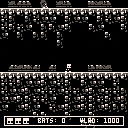
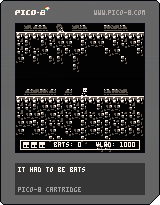
Created over two weekends for #3cjam.
Play a frantic scramble to knock bats from the sky and collect their stunned bodies to distract your enemy, Vlad Pitt, the most feared vampire of all Pico-8 games. Don't fall, watch out for bats, and never lose sight of the deadly Count.
Press Z to jump.
Press X to throw a bone.
Use Left and Right Arrows to move.
Press the Down Arrow to hop down off platforms at your own risk.
Game Play:
Avoid bats and Vlad Pitt while trying to hit them with your bones.
Hitting the bats with a bone will stun them until they are picked up. If you pick them up, you increase the amount of damage you do to the Count. If the Count picks them up he will gain some health back.
If you are embraced by Vlad you will lose one life and also all the bats you have collected.
You have 3 lives. Can you beat the horrifying Vlad Pitt??!
Happy Halloween!!!
10/31 Update:
Made the jump a little more forgiving.
Varied the bats speed, and spawning.
Stunned bat bodies now blink giving a bit more feedback.
3 comments



Hello,
Another noob question.
I see Aseprite has a pico-8 palette option and is quite cool for pixelling/animating. Is there a method to get the gfx data from Aseprite to Pico-8 cleanly?
I'm doing a port of a C64 game called Spaceman Splorf: Planet of Doom and would like to be able to not HAVE to do the animation natively.
Cheers,
Roy
4 comments

Has anyone achieved accurate sprite to sprite collision with Pico-8? I know I can use the overlapping bounding box method, but I'd like to be able to check on a pixel perfect level to see if a sprite touches another sprite.
Is this doable, without getting too convoluted? Or should I just stick with bounds (maybe multiple bounds for extra resolution) ??
Oh, I'm new to Pico-8, so bear with me. I usually tinker with C64 retro coding (which has hardware sprite collision detection).
3 comments
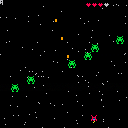
To add:
-lock spaceship in screen
-more visual effects and sound effects
-title screen
-highscore
-more enemies and bosses
-...
0.0.1 First release
0 comments

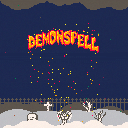
For some reason the Gates of Hell are wide open in a cemetary nearby! Send the demons back to where they belong by spelling out loud their true name!
A Halloween Guess'Em Up, using Zep's 7500 words dictionary
...
This game should have been released a year ago! I exhumed it this year, hoping I could polish it for good. but it seems I'm falling short once again! I'm not putting it back six feet under though, so here it is, in its (appropriate) semi-zombified state, in time for Halloween!
so, still a work in progress, but fully playable though. mostly the sound effects need some work...
Happy Halloween!
1 comment

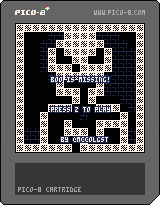
Boo Is Missing!
Your friend Boo was accidentally eaten by the great skeleton king. Can you bring him home in time for his deathday celebration?
Up is jump. You can wall jump if you're in the air close to a wall, and you can wall slide by pressing a direction key towards the wall.
Z is to return to the latest checkpoint that you activated
You can also check out my game on the itch page here:
https://mccolgst.itch.io/boo-is-missing
If you like my stuff consider giving me a follow on twitter, I mostly do pico8 stuff and chiptune stuff:
https://twitter.com/mccolgst
3 comments



Just some neat stuff I've figured out so far messing with the custom instruments feature in p8 v0.1.11.
Featuring: Claps, (swung!) hi-hats, record scratches, and some other weird stuff.
2 comments

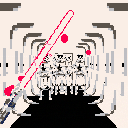
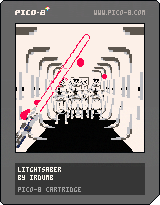
lightsaber made for a workshop, the rest made for an event. probably won't spend more time on it until another event calls for it so here's a WIP playable version.
If you think this is cool (I do :3) and you'd like to help out, please do. Issues, comments, PRs, forks, all welcome! https://github.com/Chovin/Litghtsaber
Controls:
left shift: turn on/off litghtsaber
mouse moves the blade.
holding left mouse button moves the hilt instead.. or you can think of it like that
bazhoom bazhoom! can't stop making sound effects..
*but irdumb, why is the lightsaber red? I liked the color scheme ok? use v to change it to blue if it bothers you
2 comments



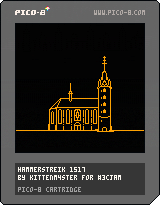
here is my submission for 3-COLOR JAM
It has two secret endings :>
For people not familiar with PICO-8, the desktop web controls are: arrow keys and Z/X (or C/V or N/M)
5 comments




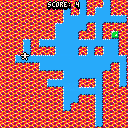
My entry to the 0h game jam!
It's not suuuper fleshed out but hey, it was made in only 0 hour so... I think I did ok!
2 comments



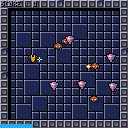
This is my entry for 0h gamejam. It's rather unfinished and... almost playable :)
timelapse : https://youtu.be/MPl80-w6wV4
2 comments



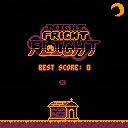
A Halloween endless runner! Collect candy corn, phase through stuff, and in general be a ghost!
Feel free to post your top scores here!
CONTROLS:
- Arrows: Move
- X: Continue/Phase Out
(Note: You can also change the color palette from the pause menu if you want. The jam's specific restriction was 3 colors on screen at once, so this feature doesn't violate it.)
ABOUT:
I made this over the course of October 2017 for Enargy and Castpixel's 3-Color Jam. All assets and code are my own work.
If you want to follow stuff I do you can check out my Twitter: @jusiv_
5 comments


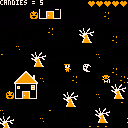
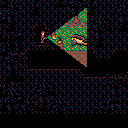
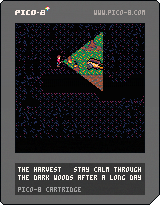
Stay calm through the dark woods after a long day.
I made a horror game for PICO-8 for Halloween, and generally inspired by the fall. Can you make it through the woods? I recommend playing in fullscreen mode, with headphones, and in the dark!
Controls:
Arrow Keys - move
z or c - interact
x or v - (hold) stay facing the same direction while walking
You can also play it and download the source files on the game's itch.io page here, or check out the code and assets on the game's github page here!
Update: The first screen's a bit friendlier, and the I made a few other balance adjustments after seeing more testing :)
12 comments





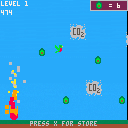
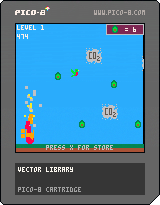


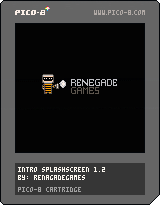
I've been getting back into Pico8 recently and thought I'd pick up working on a splashscreen again. It seems like a pretty manageable little project and is definitely needed for any cart you want to get credit for.
0 comments
Creating web-based controls for Pico-8 games is not a new topic but after just finding a great template, I jumped back into the fray with the idea and need some help testing.
Please visit this link ON YOUR PHONE and see what works. It's my Invader Overload game from last year.
http://www.morningtoast.com/games/invaders
When you land, you should see a page asking you to add it to your phone's home screen. Once you do, you can launch from the icon and it should be a web player with big red buttons for controls.
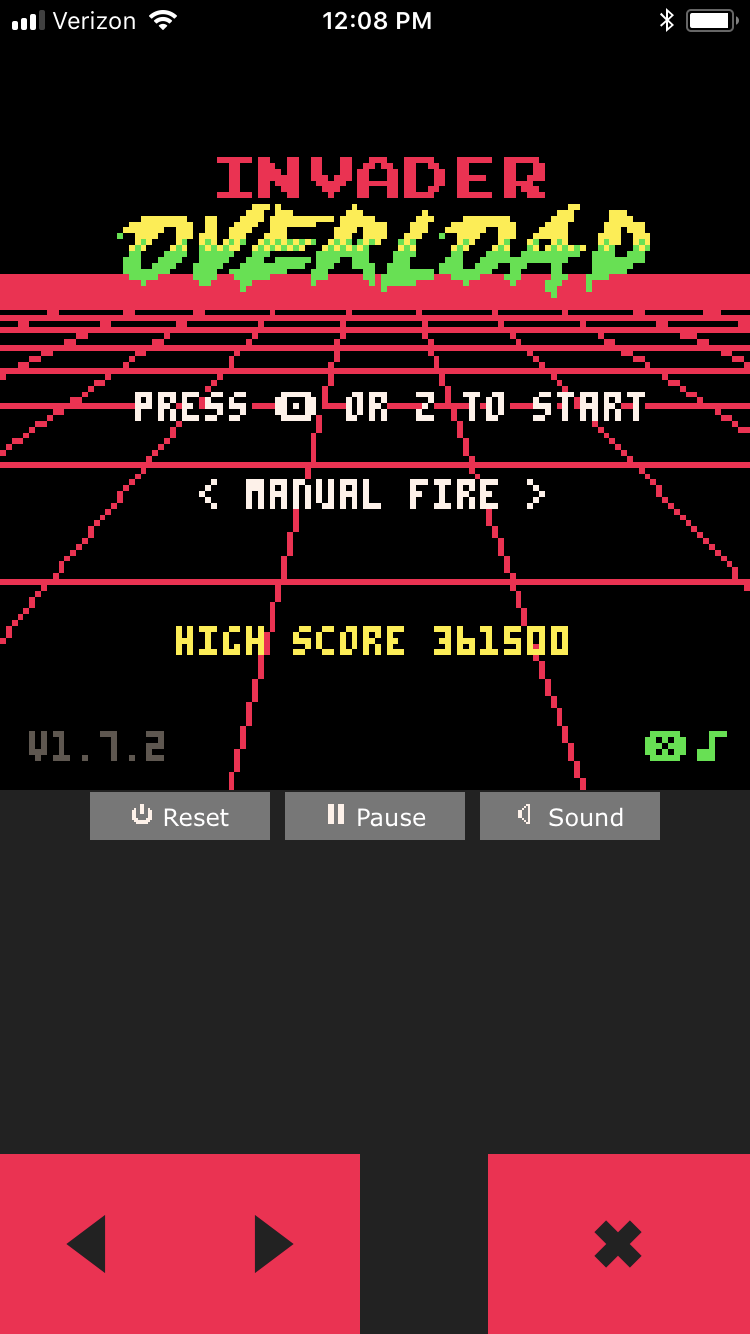
It's all very ugly right now but I'm just testing to see how much of it works and how well.
On my iPhone 6 with Safari, the game loads and plays just fine with controls but there is no sound. I've had a few others report the same for iPhone and one report that Android doesn't work at all.
Please post with your findings. This feels like the closest I've seen to having Pico-8 be viable on a phone without needing to port things over to an actual app of some sort.
Here's the template I used and modified:
https://github.com/headjump/pico8_html_template
5 comments



Hello everyone!
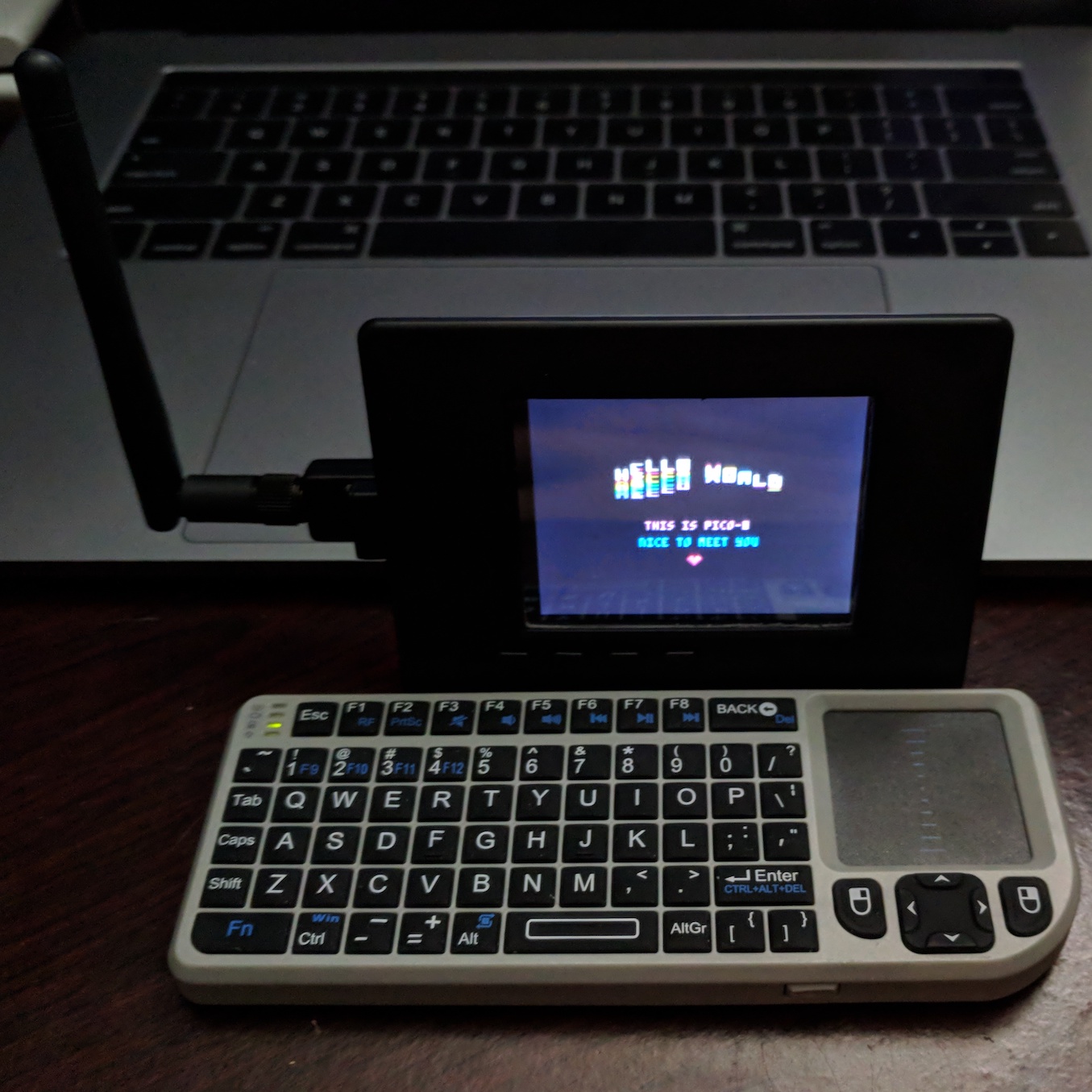
I recently ordered myself a PocketCHIP, and while waiting for it to arrive, I needed something to hold me over. After literally waking up in the middle of the night with this idea, I bought a copy of PICO-8 and broke out my Raspberry Pi + Adafruit PiTFT 2.8" and got working.
Fast forward several days of pulling my hair out, since there didn't seem to be any tutorials that A) worked, or B) provided enough detail, I got serious about trying to get a guide together, start to finish. That is to say, I don't want anyone else to go as crazy as I did trying to sort this out.
I'd love to know if this works for you, things that you do differently, or any projects that get made from this!
Components:
PICO-8 v0.1.11
Raspberry Pi version 1 model B
Raspbian Stretch Lite
PiTFT 2.8" with resistive touchscreen (https://www.adafruit.com/product/1601)
Raspberry Pi configuration:
Overclocking: Modest
Memory Split: 44
[center]

8 comments

