





Interesting discovery today: Because the latest version of pico8 supports more punctuation characters, it's now possible to encode binary strings as base64!
I prototyped this on pico8 0.1.8. By using this we can slightly improve the size of encoding binary data in text form, it's 1.33333x bigger compared to hex's 2x size. Granted, pico8 does some compression to the code, so not sure if the added entropy of packing things closer together will work in everyone's favor, but this is worth a shot. It won't be standard base64, because there's no distinction between uppercase and lowercase, but there's enough special characters to make up a custom 64-character dictionary for the encoding.
-- Set up the encoding/decoding lookup tables.
b64d={['']=0}b64e={}b64c='0123456789abcdefghijklmnopqrstuvwxyz-_+[]{}|:;=.<>?/~`!@#$%^&*()'
for i=1,#b64c do
local c=sub(b64c,i,i)
b64e[i-1]=c
b64d[c]=i-1
end

-- encodes a table containing 8-bit numbers (binary data) into a base64 string
function encode(t)
local s,e='',b64e
for i=1,flr(#t/3)*3,3 do
s=s..e[flr(t[i]/4)]..e[bor(t[i]%4*16,flr(t[i+1]/16))]..e[bor(t[i+1]%16*4,flr(t[i+2]/64))]..e[t[i+2]%64]
end
if(#t%3==1)s=s..e[flr(t[#t]/4)]..e[t[#t]%4*16]
if(#t%3==2)s=s..e[flr(t[#t-1]/4)]..e[bor(t[#t-1]%4*16,flr(t[#t]/16))]..e[t[#t]%16*4]
return s
end

-- decodes a base64 string into a table of numbers
function decode(s)
local t,d={},b64d
for i=1,#s,4 do
local x,y,z,w=sub(s,i,i),sub(s,i+1,i+1),sub(s,i+2,i+2),sub(s,i+3,i+3)
add(t,bor(d[x]*4,flr(d[y]/16)))
if(#z>0)add(t,bor(d[y]%16*16,flr(d[z]/4)))
if(#w>0)add(t,bor(d[z]%4*64,d[w]))
end
return t
end

-- testing it out
for i in all(decode(encode{1,2,3,4,5}))do
print(i)
end
|


 4 comments



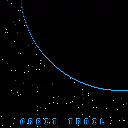
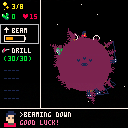
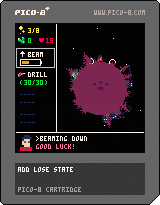
Unfinished submission for Star Trek Jam using Pico-8. Based on Oregon Trail.
First Pico-8 game —first game ever really. First game jam. Bit off more than I had time to chew! Looks pretty good, learned a lot. I will post the finished version when it is available.
2 comments

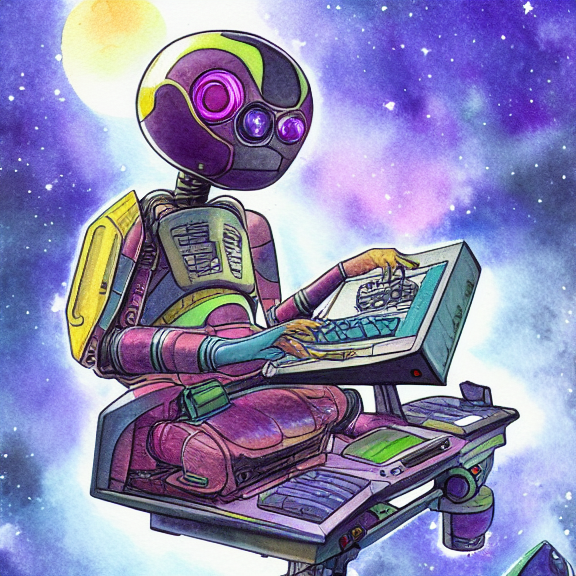


Made this for Sophie Houlden's Star Trek Jam! It's just about playable, although there's plenty I'd like to change or add.
INSTRUCTIONS:
Map view:
Left/Right - select a planet
Z - travel to planet (this will cost the number of fuel displayed above the selected planet), or will beam you down to the planet if you have selected the same planet your ship is parked at
X - warp. If you have at least one green warp crystal, you can warp to the next system with X
Up - go to your ship's loadout. Swap your tools here or refill them
[having a drill is very useful for collecting crystals, it needs to be kept topped up]
The red matter will destabilise the current system, so don't spend too long in any system!
16 comments



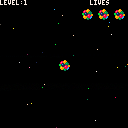
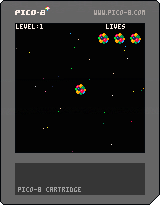
A chain reaction type game where you attempt to destroy nearly all the particles in the level.
Controls: Arrows to move, z to explode.
This is a demo, playable and (IMO) fun but it needs some polishing, most notably in the difficulty/progression. Adding more features to vary the levels would probably be a good idea.
Known bugs: Levels from about 8+ are not great, level 11+ is broken...
2 comments


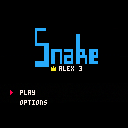
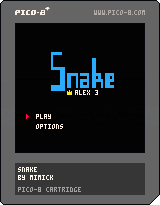
0.3
- Add of a high score and a virtual keyboard to type your name. Thanks to @afburgess
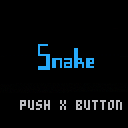
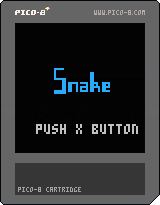
0.2 Change log:
Option menu to change
- The speed of the snake, from 5 to 100 in % of the maximum speed.
- The dash in % of movements which increase speed.
- The grow in % of movements which increase size.
- The control (2 directions, 4 directions or only one direction for the ones who like challenge) ^^
The apples are less likely to appears close to the walls
The snake is now green, which is more realistic. ;)
The snake start shorter and doesn't grow as much as before when an apple is eaten.
Fast restart.
Enjoy! :)
14 comments




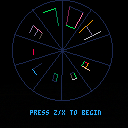
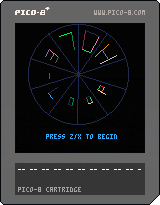
Still a WIP, needs sound and a difficulty curve, but let me know what you think :)
Had loads of fun making it!
dt
8 comments


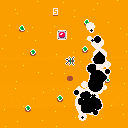
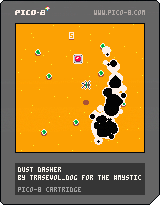
DASH and PUSH and DASH and PUSH and die... and DASH!!!
A dash & dash game made for the #mysticwestern gamejam!
It features a cowboy being pursued by some sort of mystic worm!
Get to the button to make the worm disappear but also make another one appear!! Your score goes up that way too!
The arrow keys / D-pad lets you move.
The Z key / C key / o button lets you dash.
Have fun and tell me what you think!
8 comments





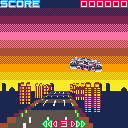
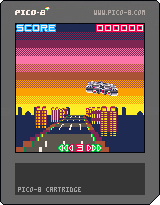
first submit! it's got to be a spiritual-mini-game of "Night Striker(TAITO/1989)"
have many things to be implemented/solved.
[control]
You only can move your car on/above the road :)
1 comment


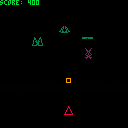
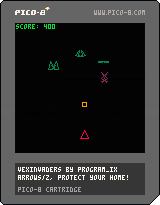
Put this together based on another project (https://github.com/PROGRAM-IX/vectorwars). No sprites used whatsoever, all content is generated procedurally and drawn every frame. I love this kind of game, but thought it might be a little heavy for PICO-8. Apparently not, at least in this small version. I'll probably play more with this for other more complex games.
ARROWS MOVE
Z FIRES
PROTECT YOUR HOME
2 comments

At 0x5f10..0x5f1f you can remap the screen palette. You can't change it to something other than PICO-8's native colors, but if you wanted to flash anything yellow you could do this in your draw:
    poke(0x5f1a, flash and 7 or 10)
    flash = not flash
|
This is handy if you need to cycle colors on parts of your screen that you can't afford to redraw.
It also might be handy for avoiding a lookup table if you were writing a demo that drew a grayscale image, because you could do this:
    poke(0x5f10, 0)  --black
    poke(0x5f11, 5)  --dark gray
    poke(0x5f12, 13) --gunmetal gray
    poke(0x5f13, 6)  --light gray
    poke(0x5f14, 7)  --white
    :
    :
    pset(x, y, intensity0to4)
|
Or similarly for large rainbow ramps like you'd use for fractals. No lookup table needed.
I hope this is okay to use. Zep? :)
8 comments


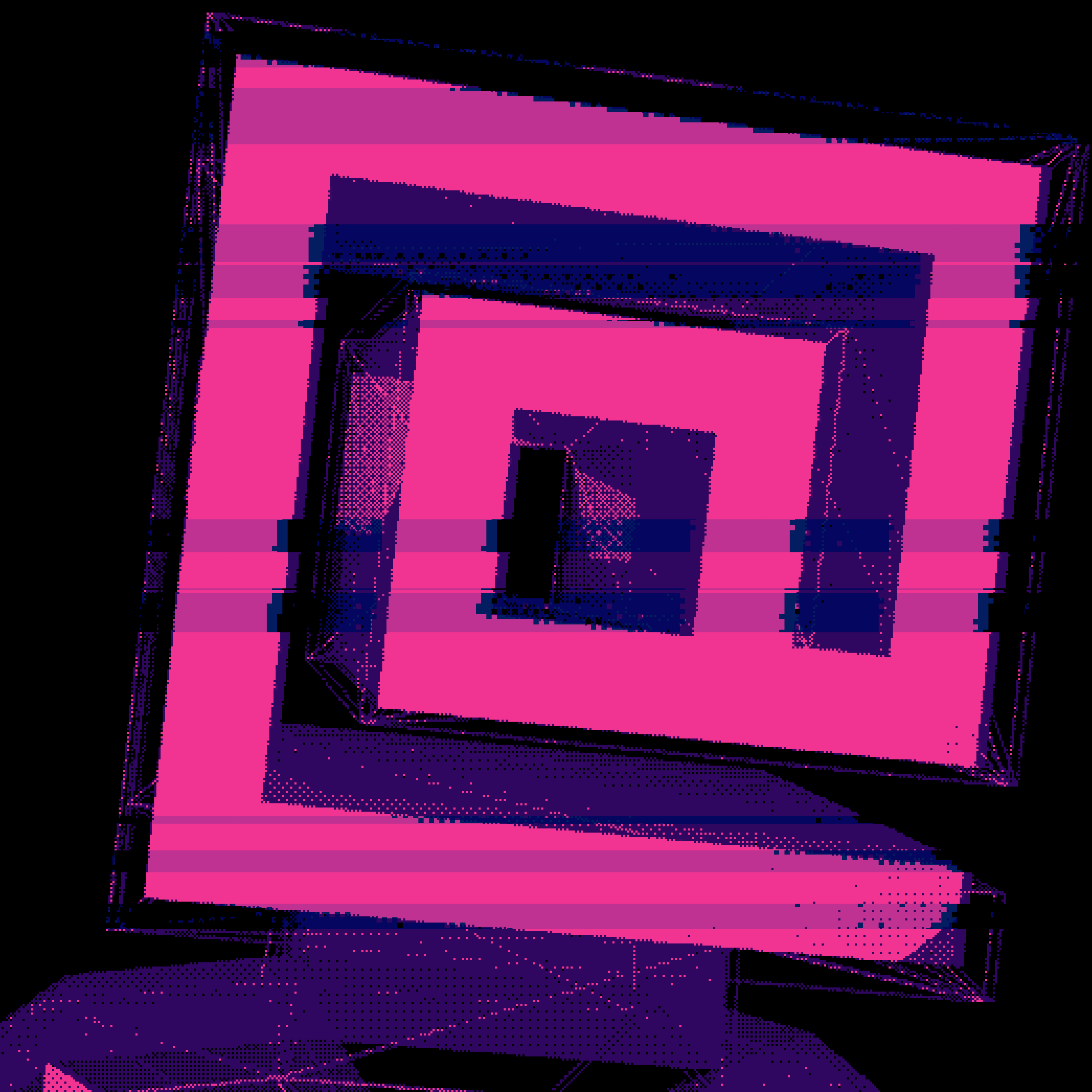

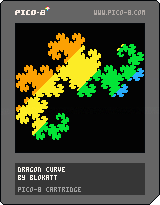
Just a lil' dragon curve with a nice transition thing.
It's not interactive or anything, but it looks kinda nice.
0 comments

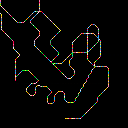
better etchasketch! ~118 characters (110 w/o clear-screen or random color)
cls() x=0 y=0 while 1 do if(btn(0)) x-=1 if(btn(1)) x+=1 if(btn(2)) y-=1 if(btn(3)) y+=1 pset(x,y,7+rnd(9)) flip() end |
391 comments






This thread has moved to the completed version:
Underwatch v1.0
Any resemblance to existing copyrighted material is purely coincidental and unintentional.
11 comments
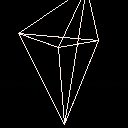
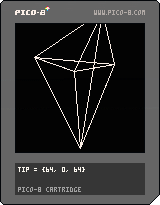
I'm thinking about making a vector graphics 3d game for the PICO-8 so I coded up a little demo. The 11 lines refers to the _DRAW() function for the pedants out there. :)
This is probably terrible in some way as I don't know much about 3d rendering, I just worked out the equations from a little background knowledge and some trig. Seems to work ok as long as you don't pass through the viewing plane (possibly the wrong term for what I'm thinking of).
1 comment




if i use the export command to generate html/js, the cart will run, but its _update60 will be completely ignored, so only _draw will be called unless _update is also defined.
13 comments


Hello, world !
I've made a Sublime Text package to support and speed up PICO-8 development.
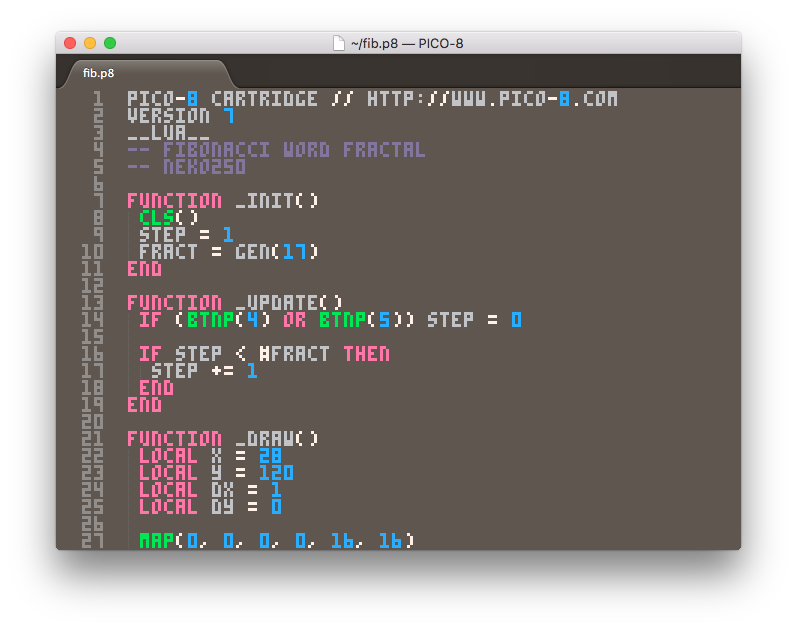
The package includes:
- .p8 language definition (by Overkill).
- Syntax highlighting (by Overkill).
- PICO-8 .ttf font (by RhythmLynx).
- Cartridge runner to launch your cart right from Sublime Text.
- Code completion based on the PICO-8 API.
- Code snippets.
If you have Package Control installed, just follow this instructions to get it:
- Open the command palette with "ctrl+shift+p" ("cmd+shift+p" in OSX).
- Run "Package Control: Install Package" command.
- Search for "PICO-8" and install it.
- Restart Sublime Text (if required).
36 comments



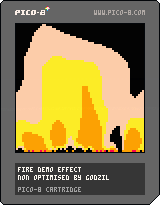
The classical fire effect found in lots of demos.
Pico is not really adapted for such an effect as pget will take the real color palette number and working, even on 64x64 buffer pixel per pixel is a really slow process.
Anyway, the rendered effet is not too bad 'even with only 7 colours used in the palette :D)
Enjoy!
1 comment


I have a question on the pico-8 palette. Sometimes I observed the behavior, that some colors changes on the pico-8 palette, when messing around with .png's.
For example, if I save screenshot directly from pico-8 and open it in an editor, that red, i.e. is sometimes displayed at R 251, G 0, B 61.
When I open the official pico-8 palette in one editor (in that case PikoPixel, OS-X), than red is again R 251, G 0, B 61. If I open the same file in another editor (Pyxel Edit, OS-X), then red becomes R 255, G 0, B 77. If I import the same image as palette in Pyxel Edit, red again becomes R 251, G 0, B 61.
Is someone able to explain this behavior? Or had similar observations and can help by adding use-cases?
2 comments
