


E.g. for storing text (hiscore name, anyone?). Since each number is 4 bytes long, to make standard "Top10" list you'd use only 40 bytes (results only). Which leaves 216 bytes free, that could be used for names, each 21 letters long (well, 21.6 actually, but we can't have 0.6 of character, now can we?). I know we can peek/poke into save data (although it seems memory map haven't been updated in manual), but I'm not sure if it would save.


 8 comments






As of version 1.2, PICO-8 includes a command useful for debugging: printh("string") This command prints a string to the host operating system's console. You can put printh() calls in your code to examine events or state without cluttering the game screen with debugging information.
So how do you see the host operating system's console?
In Linux, you probably already run the "pico8" command from a terminal window. If you don't, locate where you put the "pico-8" directory, then run the pico8 command from a terminal window using its full path. For example:
~/pico-8/pico8 |
In Mac OS X, instead of double-clicking the PICO-8 icon, open Terminal, then start PICO-8 with the following command, adjusting the path to match where you put the app. For example:
/Applications/PICO-8.app/Contents/MacOS/pico8 |
In Windows, instead of double-clicking the PICO-8 icon, open Command Prompt, then start PICO-8 with the following command:
"\Program Files (x86)\PICO-8\pico8.exe" |
12 comments





.png)


Hey guys!
I was messing around with Pico and I've discovered a total of 6 new screen modes!! Please check
the GIF attached to see them in action. Some of them are sort of screen effects (mirror) but the others include
2x1 aspect ratio, 64 x 64 pixels and so on. I am so excited about this. I think this could change the look and feel of many games and makes Pico feel like the Amstrad CPC, C64 or other retro computers. I hope this is a feature and not a bug :)
I will post a cartridge soon.
 16 comments






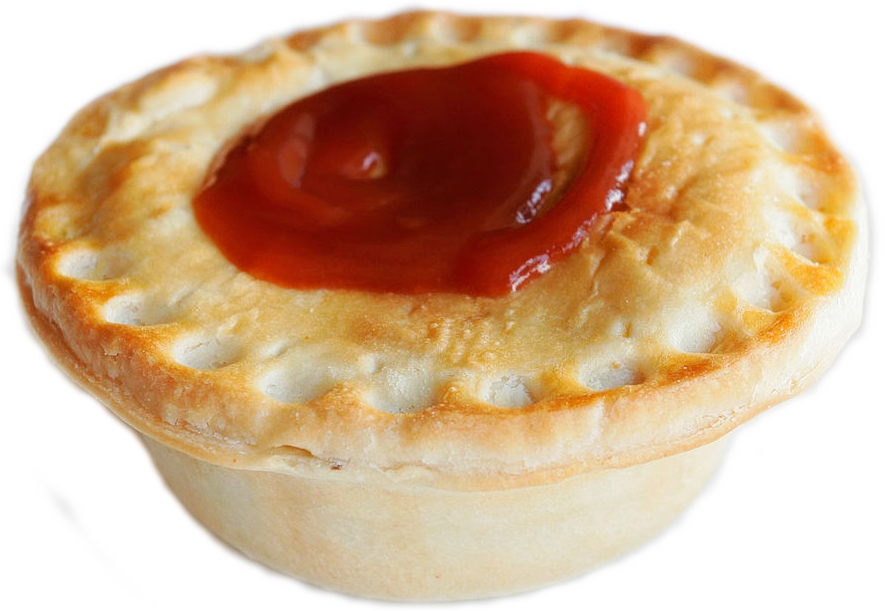
Any chance we could get a Raspian build of PICO-8? I'd love to put PICO-8 on my sons little rip' machine with its new touchscreen - it'd be ideal for him to do some programming with!
So any chance we could get a Raspian binary folks?
7 comments



5 October 2015
- You're now a bit smarter and can cancel jumps! (press down or the action button other than the one you started the jump with)
- That extra brain power comes with added brain mass and now lily pads can sink! (6 seconds per pad, 13 on the first pad)
- You can now perform small hops and land on the same lily pad you're on
- Shortened delays in the game over -> title sequence
 12 comments






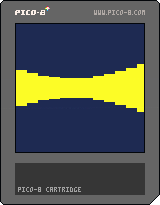
I made this program for a contest on CodeWalrus
The contest rules were to make something fun in <= 140 chars or tokens.
Controls
up+down: change bar size
left+right: change speed
9 comments






Is there any way to save data from the Pico-8? I'd like to have persistent high scores in my game, but the Lua file io doesn't seem to work (either that or I'm doing something wrong).
Has anyone done this or have an example of how to do this, or is it just not possible?
4 comments
Could someone make 2d physics engine for pico, something like box2d or chipmunk (though probably w/out rotation as pico doesn't allow for them)?
5 comments




Since PICO-8's sin(), cos() and atan2() are not the standard functions, how to implement them in another language? Some pseudocode would be ok, I'm aiming javascript by the way.
I looked into PicoLove's code as an example, but the results are different. For example in PICO-8:
print(sin(0)) -- 0 print(sin(0.5)) -- 0 print(sin(0.25)) -- -1 print(sin(-3)) -- 0 print(sin(-0.45)) -- 0.309 print(sin(78.4)) -- 0.5877 |
The PicoLove code remaps sin() to:
sin = function(x) return math.sin(-(x or 0)*(math.pi*2)) end |
that in javascript is:
window.sinp8 = function (x) { return Math.sin(-(x || 0) * (Math.PI * 2)); };
|
Now, the results are very different:
    console.log(sinp8(0));     // -0
    console.log(sinp8(0.5));   // -1.2246467991473532e-16
    console.log(sinp8(0.25));  // -1
    console.log(sinp8(-3));    // -7.347880794884119e-16
    console.log(sinp8(-0.45)); // 0.3090169943749475
    console.log(sinp8(78.4));  // 0.5877852522924427
|
5 comments


Enjoying Pico-8, but why does it only have a 30 fps frame rate? This is lower than the C64/Amiga/consoles.... The difference is quite big when moving stuff fast across the screen.
12 comments



Can anybody explain to me the difference between "change color at draw time" and "change color at display time"? If I, for example, set red to green and than I draw a sprite, its reds are drawn as greens. If I set it to change at display time, the effect is the same. What's the difference between the two modes?
Thanks
2 comments



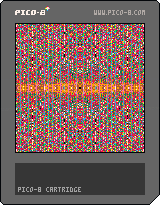
Just a screensaver I came up with on the train. Based on a mathematical sieve that leaves square numbers unchanged.
If you run it long enough you'll catch a glimpse of the square numbers.
1 comment

Whenever you find a game that you like, but it's incomplete, what's an action you can take?
Refresh the Page.
Suddenly, you see it: The game has been refreshed.
"Refreshed" is sort of a modding series, where I take incomplete games and try to tidy them up.
Any game that I fix up will still retain the author's name, but I will add my own as well.
This enhanced version will also be posted in the original game's topic.
At the time of writing, I've got one in the works.
SPOILER ALERT:
10 comments


Hi,
I wrote a perl script to convert a cartridge spritesheet to png and back. This way, you can edit your sprites in your favorite software and update the cartridge when done.
2 comments
... would make the internal code editor much more usable!
Could be done by clicking the function keyword (toggle) for example.
11 comments






Hi,
I've written a bubble-sort function snippet, which might be helpful for others.
Function takes a list as an argument, and directly modifies that list.
Pico-8 treats the first index as 1 as opposed to 0, so a lot of standard code snippets have to be tweaked to work. Please correct if you see any errors or ways to increase efficiency.
-ElectricGryphon
function bsort(list)
 local i
 local j
 local temp
 local swapped = false

 local n=len(list)

 --problems with 1 based index

 for i=1,n
  do
   swapped = false
   for j=2,n-i+1
     do
     if( list[j]<list[j-1])
      then
       temp=list[j]
       list[j]=list[j-1]
       list[j-1]=temp
       swapped = true
      end
    end
    if(swapped==false)then  return end
  end
end
|
1 comment
(Sorry if this post gets a little rant-y!)
My suggestion is for one simple command:
cspr(x1,y1,id1,x2,y2,id2) |
mock-up of syntax
My reason:
When I had the idea to port my Gamebuino game, Smash and Crash, I thought this was going to be easy.
I was wrong.
The resolution nor the menus were not a problem, it was collision.
See, the Gamebuino's API had something nice about it: collideBitmapBitmap().
The command checks for two bitmaps, their x and y coordinates, and whether or not a pixel was overlapping.
With this, I was able to make collision very easily implemented.
In PICO-8 however, I find it to be very frustrating.
This is probably coming off as "I can't port my game, so you fix PICO-8 so I can.", isn't it?
Thanks for letting me waste your time(just don't look at it as "wasting").
3 comments


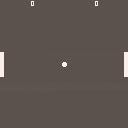
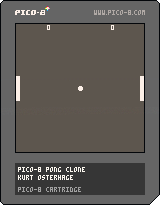
Fixed some bugs, changed up the controls, and tweaked the visuals some.
Controls:
Launch Ball: Left Shift
P1 Up: E
P1 Down: D
P2 Up: Up Arrow
P2 Down: Down Arrow
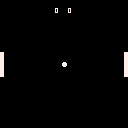
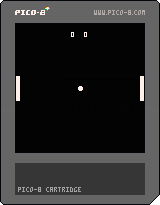
Made a simple pong clone and this is my first game ever! Let me know what suggestions you have. Thanks!
1 comment

A rounding-up function doesn't seem to exist for some reason? I tend to use stuff like that for damages, to round to the player, and monster's, favour. I might not have dug far enough, but I couldn't find any built in thing like that.
11 comments

