

Shovel Knight Main Theme
[sfx]
Here's my pico-8 transcription of the main theme from Shovel Knight :)
My pixel art skills aren't the most refined, so if anyone out there would like to take a stab at making a 128x128 title screen for this, I'll gladly use that to post this as a cart instead and credit you.


 7 comments







Hello all! I'm having an issue with a game I'm developing, where the collision is working flawlessly with any side other than the left side. for some reason it just wont work with the warps in game and I'm not sure why. left side collisions are working everywhere else, namely with stopping the player walking thru the walls. but not for the warps in game, which are supposed to work kind of like Pokémon's teleporting system. Frankly, I'm stumped and would appreciate if someone could take a look at this. Linked are not only the relevant code in the game, but a test cartridge as well to see what the problem is.
the main files i believe the bug should be happening in is input.lua, collision.lua, and game_manager.lua
collision.lua
--collsion for the map function collide_map(obj,aim,flag) --obj = table needs x,y,w,h --aim = left,right,up,down local x=obj.x local y=obj.y local w=obj.w local h=obj.h local x1=0 local y1=0 local x2=0 local y2=0 if aim=="left" then x1=x-1 y1=y x2=x y2=y+h-1 elseif aim=="right" then x1=x+w-1 y1=y x2=x+w y2=y+h-1 elseif aim=="up" then x1=x+2 y1=y-1 x2=x+w-3 y2=y elseif aim=="down" then x1=x+2 y1=y+h x2=x+w-3 y2=y+h end --pixels to tiles x1/=8 y1/=8 x2/=8 y2/=8 if fget(mget(x1,y1), flag) or fget(mget(x1,y2), flag) or fget(mget(x2,y1), flag) or fget(mget(x2,y2), flag) then return true else return false end end |
game_manager.lua
--manages all overarching functions and mechanics
--ex: turns

--turn structure
turns = {
    turn = 0,
    moves = 4,
    actions = 2,
    end_moves = false,
    end_actions = false
}

--moves player with given direction
function move(dir)
    --if moving left and not colliding with walls
    if turns.moves > 0 and dir == "left" and not collide_map(p, dir, 1) then
        p.x -= 8
        turns.moves -= 1
        printh("col: "..tostring(collide_map(p, dir, 3)), "log", false)
        --check if colliding with left side warp !NOT WORKING!
        if collide_map(p, dir, 3) then
            -- move map
            printh("moving map left", "log", false)
            _map.last_x = _map.x
            _map.x -= 1
            printh("x:".._map.x, "log", false)
            p.x = 120
        end
    --if moving left and not colliding with walls
    elseif turns.moves > 0 and dir == "right" and not collide_map(p, dir, 1) then
        p.x += 8
        turns.moves -= 1
        --check if colliding with right side warp !WORKING!
        if collide_map(p, dir, 3) then
            -- move map
            printh("moving map right", "log", false)
            _map.last_x = _map.x
            _map.x += 1
            printh("x:".._map.x, "log", false)
            p.x = 8
        end
    elseif turns.moves > 0 and dir == "up" and not collide_map(p, dir, 1) then
        p.y -= 8
        turns.moves -= 1
    elseif turns.moves > 0 and dir == "down" and not collide_map(p, dir, 1) then
        p.y += 8
        turns.moves -= 1
    else
        if turns.actions > 0 and turns.moves <= 0 then
            turns.end_moves = true
        elseif turns.actions <= 0 then
            turns.end_actions = true
        end
    end

end

function end_turn()
    turns.turn += 1
    turns.moves = 4
    turns.actions = 2
    turns.end_moves = false
    turns.end_actions = false
end

function draw_turns()
    if turns.end_moves then
        print("out of moves", 32, 0)
    elseif turns.end_actions then
        print("out of actions", 32, 0)
    end

    print("turn: "..turns.turn, 0, 0)
    print("moves: "..turns.moves, 0, 8)
    print("actions: "..turns.actions, 0, 16)
end |
map.lua
-- map functionality, using the x and y in _map to determine which room the player is in

_map = {
    x = 0,
    y = 0,
    last_x = 0,
    last_y = 0
}

--draws the map
function draw_map()

    local x = 0 local y = 0

    if _map.x ~= 0 then
        x = (_map.x - _map.last_x)*(_map.x+15)
    end
    if _map.y ~= 0 then
        y = (_map.y - _map.last_x)*(_map.x+15)
    end

    printh("draw_x:"..x, "log", false)

    map(x, y)

end |
input.lua
--input variables

input_frozen = false

--input function
--gets input for all buttons in the game and provides logic behind them
function input()
    if btnp(5) and not menu.menu_opened then
        open_menu()
    elseif btnp(5) and menu.menu_opened then
        close_menu()
    end
    if not input_frozen then
        if btnp(0) then
            move("left")
        end
        if btnp(1) then
            move("right")
        end
        if btnp(2) then
            move("up")
        end
        if btnp(3) then
            move("down")
        end
        if btnp(4) then
            end_turn()
        end
    end
end |
player.lua
--player class, contains all information relavent to the player character

--structure containing all variables relevant to the player
p = {
    sp = 1,
    x = 64,
    y = 64,
    w = 8,
    h = 8
}

--draws the player to the screen
function draw_player()
    spr(p.sp, p.x, p.y)
end |
menu.lua
--menu class containing all logic for the in game menu

--structure containing all variabkes relevant to the menu
menu = {
    menu_opened = false
}

--opens the menu
function open_menu()
    input_frozen = true
    menu.menu_opened = true
end

--closes the menu
function close_menu()
    input_frozen = false
    menu.menu_opened = false
end

-- draws the menu
function draw_menu()
    cls(0)
    map(112, 48)
    print("menu", 59, 6)
end |
main.lua
--default functions draw, update, and init

function _init()
    --setting player
    p.sp = 1
    p.x = 64
    p.y = 64

    --resetting menu and input
    menu.menu_opened = false
    input_frozen = false
end

function _draw()

    if menu.menu_opened then
        draw_menu()
    elseif not menu.menu_opened then
        cls(3)
        draw_map()
        draw_player()
        draw_turns()
    end
end

function _update()
    input()
end |
here is a test cartridge to see the issue at play
controls:
left: move left
right: move right
up: move up
down: move down
x: open menu
z: advance turn
to recreate the bug, you can walk through the warp on the right of the screen from spawn (orange arrows)
but when you make it to the other side, you cannot warp back even though the logic should let you.
1 comment




I'm working on a simple space invaders clone to teach a workshop this october.
This is what I've got:
INVADERS GAME:
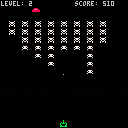
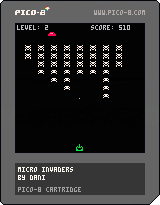
Update 1:
- Added lives can't lose em yet.
- Added ufo
Update 2:
- Added levels
- Added level transition
Update 3:
- Added game over
- Scaling difficulty with levels
Update 4:
- Added start screen
- Capped level difficulty
- Changed reset from O to X
4 comments


Here's a flute I made for a track in my current project. I tried to capture the breathy harmonics that happen on the attack of a note. After the note is held, it goes into a looping tremelo.
I didn't switch on the reverb here, but I am using it with medium reverb on the pattern in my track.
For a softer sound, you can use the fade-in effect (4), or alternate between fading in and hard attack for more variety in sound. I've also had success with using a fast arpeggio between 2 notes for a trill effect.
Feel free to use it in your projects under CC4-BY-NC-SA license. Enjoy!
2 comments

Inst. 37 (Slap Bass 2):
[sfx]
Inst. 34 (Electric Pick Bass):
[sfx]
made like uhh probably a day or two ago.
0 comments

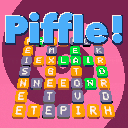
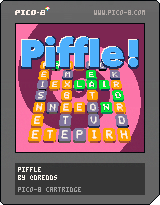
My family like the online word game Waffle but wanted to play more than once a day. So I wrote them this version in Pico-8. Along the way I reimagined it as an 8-bit console title with sound effects, music, particles, multiple levels, ramping difficulty, and a final “boss battle” that you unlock by completing all the preceding levels.
How to Play
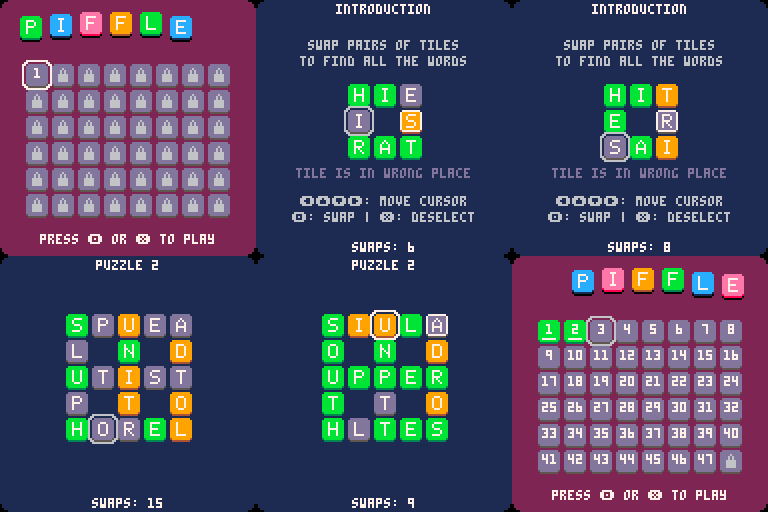
Scrambled words are arranged in a grid. Unscramble all the words by swapping pairs of letters. You have a limited number of swaps to complete each level. Run out of swaps and you have to try again. Complete the level with swaps left over to score points.
10 comments




Hi
I'm a fresher of pico-8, so I want to read some exist object code.
The default font is hard to read in launcher, so I try to use some editor like vs-code to open the cartridge file(*.p8.png), but it seems like it is a binary file and unreadable.
Anyone have some advises?
3 comments


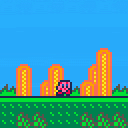
the h
based on the win animation from kirby's dream land
(do animations count as GFX snippets?)
 3 comments


.png)

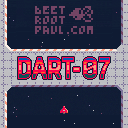
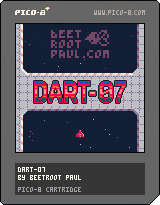
Dart-07
A scrolling shooter. As the Dart-07 you fight on Emerald Islands, Outpost in Space, and in the interstellar Phoslar Mine |
This is a PICO-8 game, which I made during Basic Shmup Showcase event organised by Lazy Devs Academy.
You can play it here and on https://beetrootpaul.itch.io/dart-07 .
⚠️ Please be aware this game is under development. Mission 1 is complete and ready to play, but you enter missions 2 and 3 on your own risk 😄
If you want to take a look at the codebase, please visit https://github.com/beetrootpaul/dart-07 (the code inside PICO-8 carts of this game is minified, therefore not suitable for reading).
4 comments



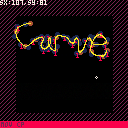
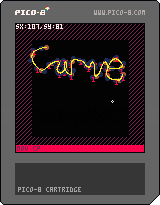
This is a tool for creating and editing splines within your game. I used this initally for a shmup i was working on where I wanted to create an intresting enemy flight pattern.
The black area represents a 128x128 screen.
Just click in the points you want then press CTRL+C to copy to clipboard This will copy all points to the clipboard as a string.
This string can be then used within your game.
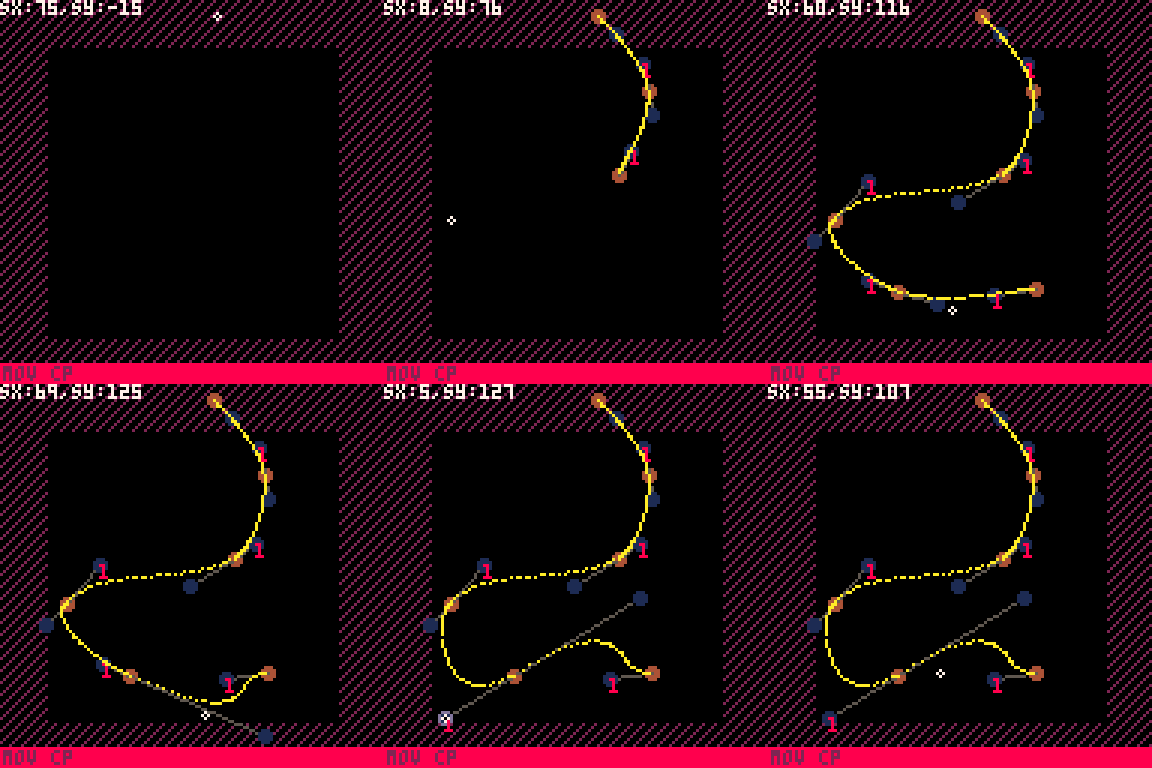
This is what I use it for.
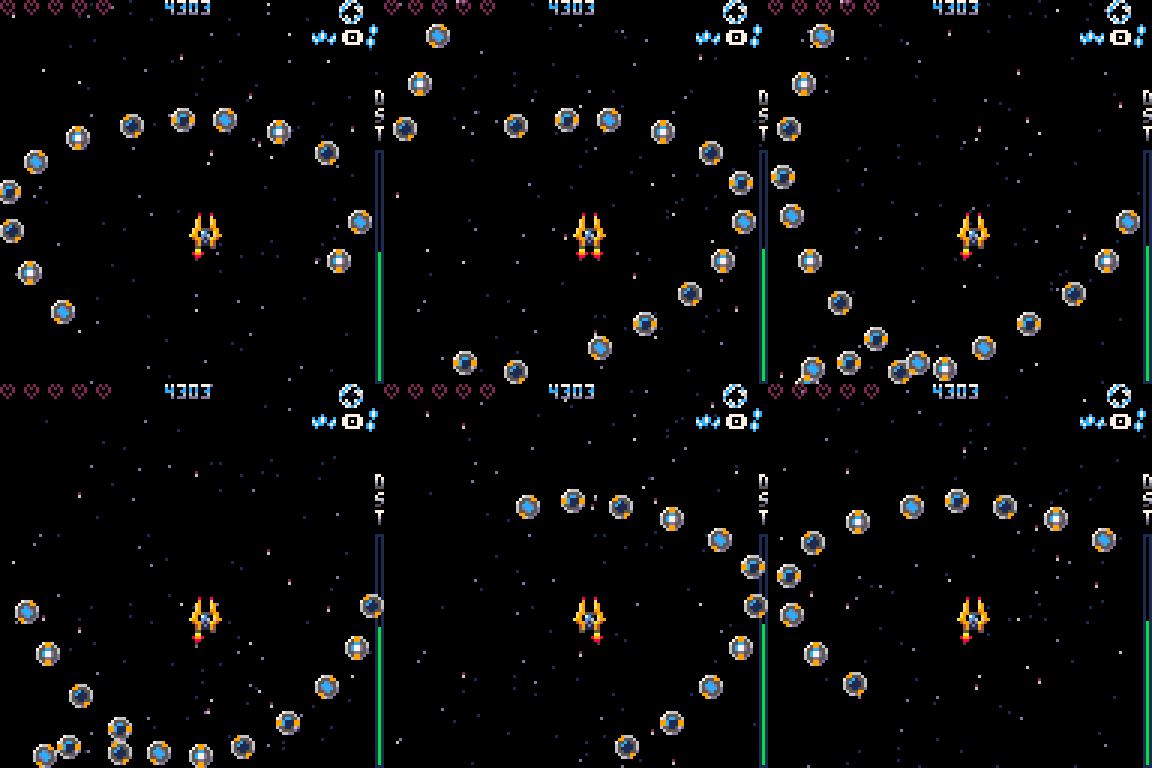
You can test out pasting of splines here. Also this cart has code for handling the splines.
 3 comments


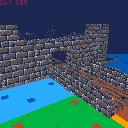
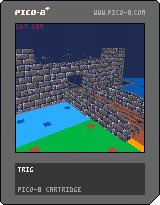
A little texture-mapped graphics engine with BSP-tree models and fog shading.
Doesn't even try to maintain 30 FPS consistently :-)
- Player one controls aim.
- Player two controls strafe.
- X/O moves up and down.
I still don't have a plan for this cart.
7 comments



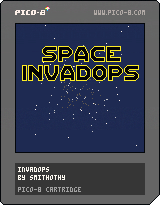
Another Space Invaders clone! I just fancied having a go at writing one, and then the particles and themes happened.
Bonus points if you get all the references...
16/10/2022 - minor update - high score, score remains on game over screen
7 comments

Hi @zep:
I was giving this some thought and think it would be good and interesting to have the ability to import a picture to sprite-sheet (or memory) directly through the import command thus:
import("?.png",0xe000,0x2000)
So in this case a file-box would appear and you can select importing a 128x128 16-color PNG directly to memory contents 0xe000. It could be a picture or an 8192-byte data file saved as a PNG.
And the opposite could also be true:
export("?.png",0x6000,0x2000)
Which would also open a filebox and this time give you a chance to save off the current screen as a single 128x128 16-color PNG file.
Defaults are memory location 0x6000 and length of 0x2000, so if you chose, export("?.png") it would save memory location 0x6000 (screen) length of 0x2000 (8192-bytes) to external file of user choosing.
' save 0xe000-0xffff to png
function savedata()
  print("save your world data")
  export("?.png",0xe000)
end
|
9 comments


It's Celeste, but with low gravity. All levels and berries are possible. I modified some of the levels and changed the terrain color, but otherwise all that has been changed is your walk speed, gravity, and fall speed.
Have fun!
16 comments



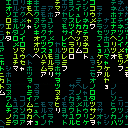
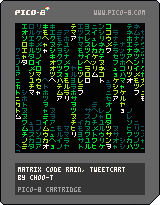
Matrix code rain, fit in 𝟸̶𝟺̶𝟼̶ 161 characters.
changelog
2022-09-24 : Thanks to @shy help and insight on P8SCII Control Codes, managed to squeeze it in 161 characters (174 for tweeter).
0 comments
1day1k
You successfully hyperspaced behind the enemy bug alien invaders to their incubation caves, but alas - your ship's controls are horribly damaged. It only fires when you turn and when you turn it slowly gets faster and faster. What's more, you can't stop the ship...
Try to take out as many of the enemy egg-pods before you crash into the cave walls.
Use LEFT and RIGHT to steer - and shoot.
Made for the Pico1K game jam 2022. The game fits into 1KB of compressed PICO-8 code thanks to cutting out anything extra and to Shrinko-8's minifying mode.
This is the same as the entry, but without the code minification and some explanatory comments added.
"How it works" summary
2 comments