

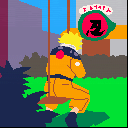
A cover of Sadness and Sorrow, originally composed by Toshio Masuda for the Naruto OST.
Initially, I wanted to also include the shamisen solo, but it was way too complicated and I ran out of SFX slots to use. Perhaps I'll revisit this in the future and try to include it.


 2 comments



This is a simple game I made with my (now 4-year-old) son. Perhaps influenced by Lexaloffle's BBS icon, its protagonist is a giraffe. It eats falling leaves.

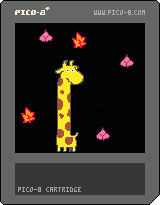
It has no victory or defeat conditions (my son still doesn't demand them, so I keep not including those).
I wanted my son to start getting used to a mouse, so this game has mouse support! It was fun having to activate it via POKEs. (I was reminded of the Sinclair Spectrum 48k of my youth). The game also works with the default "button-based" control scheme.
- Arrows: Move head
- X: Eat
The code, as usual, has been heavily cleaned up before posting.
Notes about the graphical design:
- I only programmed the giraffe head and the leaves with my son. The telescopic neck and body at the bottom was added as a surprise, later on.
2 comments




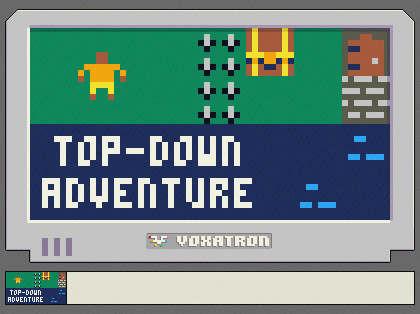
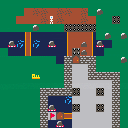
I had a lot of fun making this. This is the top-down adventure game tutorial I made for PICO-8, but re-written to work in Voxatron.
I had to make a few changes to how things worked, since it's in 3D, of course, and there are things that Voxatron doesn't have, like a map editor or its associated functions like mget() or mset(), or other functions like btnp() and so forth. But other than those few changes, it's basically the same code as from the tutorial.
Feel free to take it and make your own games with it. :)
1 comment


hi all,
i'm new to pico8 and coding largely, and i'd appreciate some help. i'm working on a super simple file just to familiarize myself with different aspects of what i'd like to eventually make for real.
what i'm trying to do is cause a specific set of sprites to animate whenever the player presses btn(4).
so far, i've got it set up so that when the player presses z, the function draw_attack() is called (below).
the problem i'm running into is that the animation ceases after one frame. i have no idea why. here's my code that seems to be the problem:
function draw_attack() if player.flip then spr(atkanim.spr,player.x-6,player.y) for i=0,3 do if atkanim.spr<=52 then atkanim.spr+=0.5 sfx(0) else atkanim.spr=48 end end else spr(48,player.x+6,player.y) sfx(0) end end |
what i would expect to happen with this when the function is called: the sprites are drawn in sequence based on the for loop.
1 comment


I'm using the code below, but it's quite a lot of tokens when converted to Lua. Does anyone have a more compact routine for use with Pico-8?
http://www.jeffreythompson.org/collision-detection/line-rect.php
14 comments







hello world 🐳
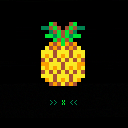
ananas is our first pico-8 cartridge 💙 it's a small game where you follow the ancient ways of mother nature from the roof of your urban apartment.
we (studio ld <3) made it for the jamuslala (a jam by make games jlm + muslala)
code & game design: idan kimel 🥑
art & music+sfx & code & game design: rona manor 🌾
opening theme melody: yaeli greenblatt 🐈
2 comments



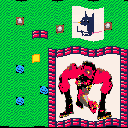
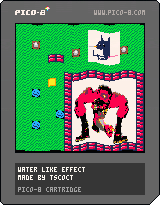
test water effect, use arrow to mess with speed\amp of effect and press z to change modes
0 comments

This is a simple Pico-8 slideshow cart project.
I was inspired by @zep ‘s Practice 2018 talk presentation done with Pico-8 https://www.youtube.com/watch?v=87jfTIWosBw
So I thought this would be a great project for me to practice and learn coding with Pico-8.
List items are almost working, just need to figure out how to make them appear in one at a time (fade in on btn(3))
How to use:
- left and right arrow keys to navigate the slides
- x to fast forward
- z to rewind
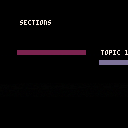
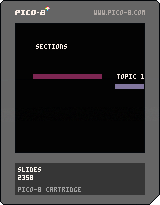
How to edit
Change the slides table with your own content
For title pages:
{text="pico-8 slidshow\n\nby 2358",
   bgcol=13,col=7,
tx=12,ty=35}, |
For animated/slide in topics list:
{text="sections",
   bgcol=0,col=7,
   tx=20,ty=20,
   alist={text={
         "topic 1",
         "topic 2",
         "topic 3",
         "topic 4",
         "topic 5"},
         lx=128*2,ly=40,
         ldx=20,
col={2,13,12,11,10}}}, |
For list items: (todo: fade in one at a time)
{text="list items 1",
   marker=2,
   bgcol=0,col=7,
   tx=20,ty=20,
   mlist={text={
         "",
         "this is a",
         " ★ pico-8 ★ ",
         " slideshow",
         " awsome!",
         " thank you!"},
lx=20,ly=20}}, |
To show slide page numbers (change false to true)
show_slide_numbers=false |
show_slide_numbers=true |
Would love to see @zep ‘s original cart on this for comparison
4 comments


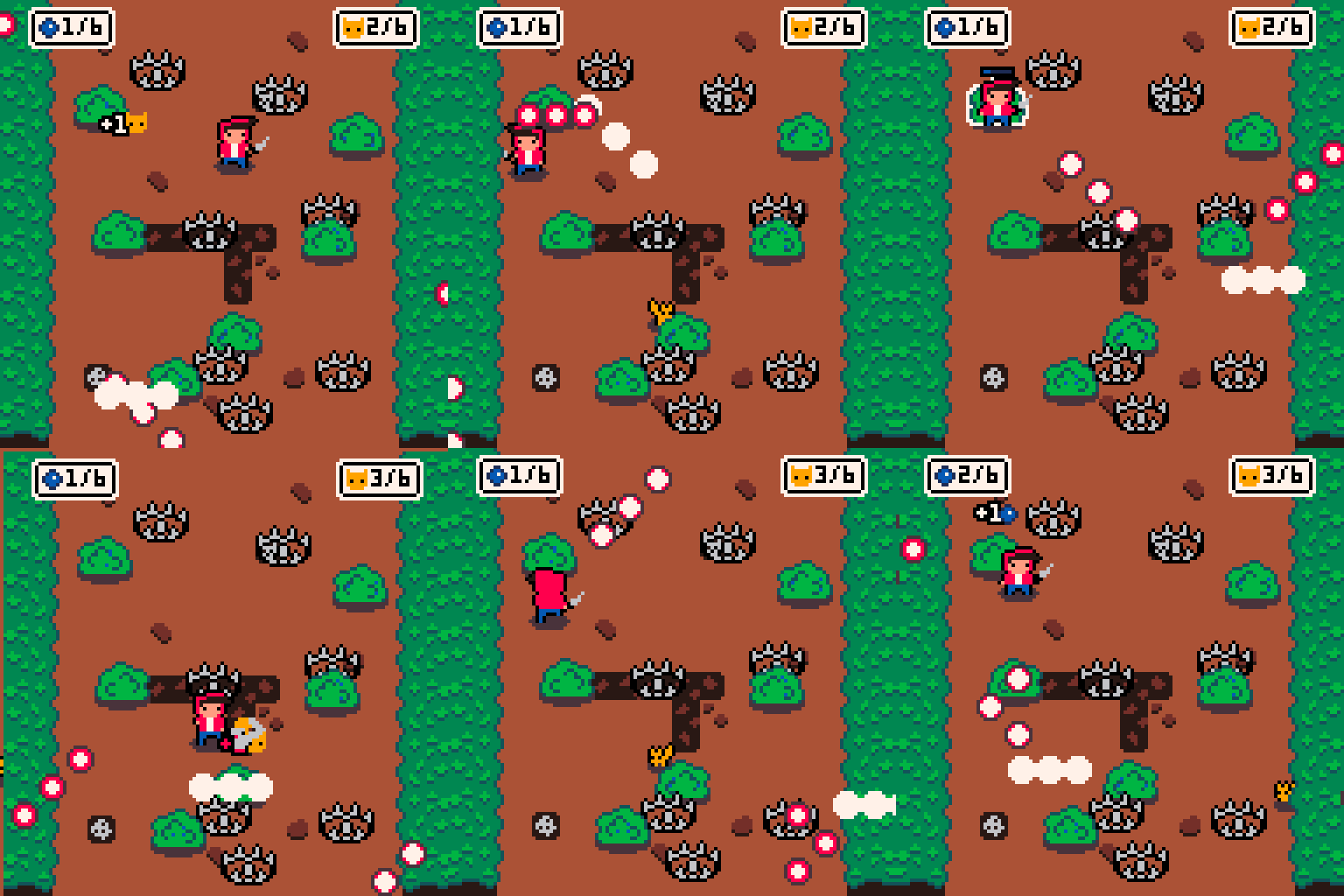
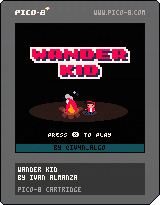
You find yourself in the woods completely alone and hungry. Who or what is trying to hunt you? Collect blueberries and hunt squirrels while you avoid being hunted.
Controls PC:
Arrows - Run
X - Search in bushes
Z - Knife Attack
*Gamepad recommended.
 5 comments



Hi friends,
My next project is likely going to need to rotate sprites, so I've been looking at the various methods posted on the bbs. Something I'm wondering about while I've been looking at everyone's examples is, how does one approach collision detection for when a sprite is rotated?
I'm currently capable of AABB and bitmasking per row of pixels, but it seems I'm going to have to write some new methods to integrate either of these into a rotation algorithm, and I'm not sure where to start. I'd appreciate any links to any carts or non-p8 articles or anything, really!
CPU is also a concern for me, as I think I'm going to need a lot of it dedicated to drawing the backgrounds I need which would be rendered via something like spellcaster's rle library.
Thanks in advance! :)
8 comments


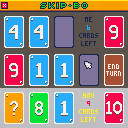
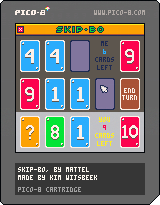

When I run my program it outputs "out of memory"
what does that mean? because I have like 4000 tokens left?
2 comments

Recently, I completed make a game which made by pico-8. And released!
But since then, there has been no reaction from overseas people.
I've been trying my best to translate English, but I'm sad that perhaps English player no one plays.
Is there anything wrong?
I would be happy if you could get any comments.
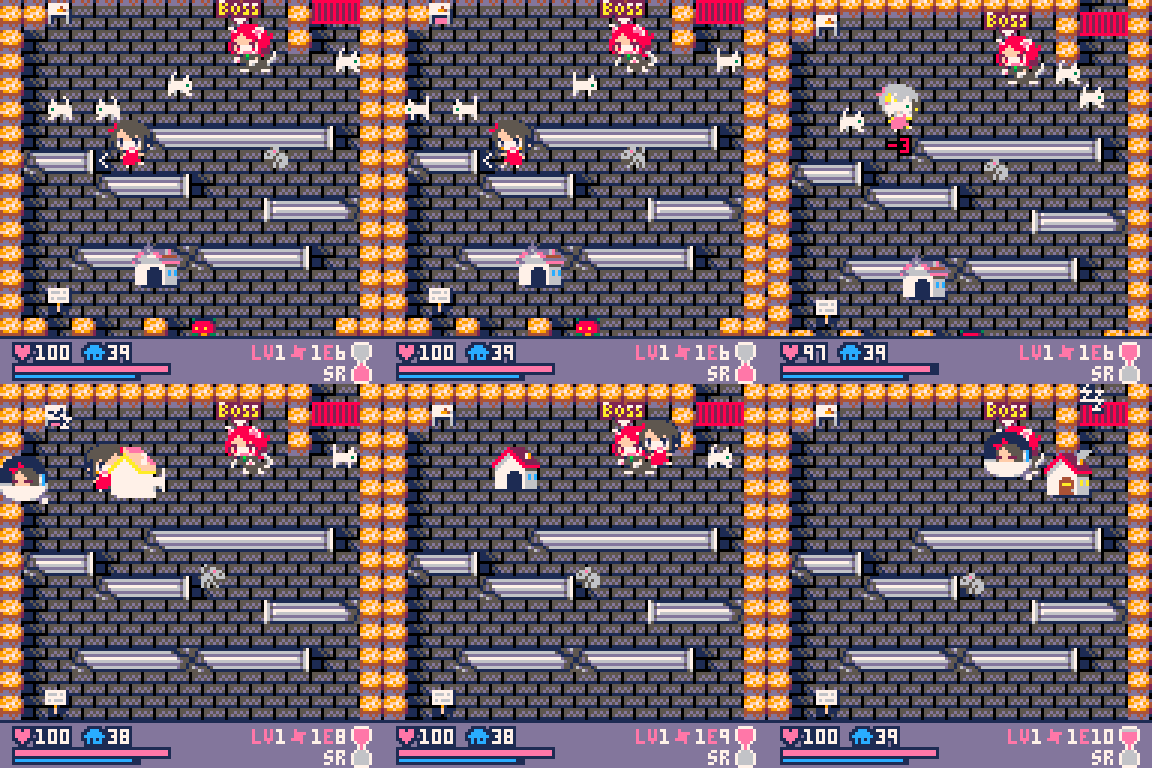
"Dungeon Witches" is a tiny 8bit Rogue-lite RPG of the cute girls with magic of the "Home".
https://1oogames.itch.io/dungeon-witches
Trial Beta (Free, html5)
http://doc1oo.lsv.jp/app/homes_witches_shibuya2020/
*Note that my cartridge capacity is too large to add to the cartverse...
Thanks!
 9 comments


Now, the best game of all time is also on Pico-8!
Jokes aside, this is just a simple cover of the Big Chungus Main Theme, by Endigo.
Feel free to use it if you make a real Big Chungus game!
1 comment

I'm having a problem scrolling a repeating tile. Here's how I setup my tiles:
for i=1,500 do
 add(bgtiles,{
  alive=false,
  x=0,
  y=0,
  vel=0.52
 })
end

local y=-8
for i=1,17 do
 bg_spawn(0,y)
 y+=8
end

function bg_spawn(x,y)
 for _,t in pairs(bgtiles) do
  if not t.alive then
   t.alive=true
   t.x=x
   t.y=y
   return
  end
 end
end |
And here's how I update:
for _,t in pairs(bgtiles) do if t.alive then t.y+=t.vel if(t.y>128) t.y=-8 end end |
But during the scroll I get this:

Here's the tile:

It doesn't matter if vel is an int or a float, I still get the misalignment. I'm guessing this is a common noob mistake! Can anyone help?
4 comments

I saw this mentioned on Discord, so I tested it, and found it to be true. I can't think of a reason for it to be this way, so I figured it should be written up as a bug.
This code:
local c=x+y |
is faster than this code:
local c=0 |
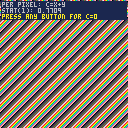
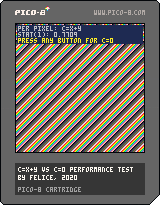
Here's a dead-simple test cart. Hold a button down to switch from running the first assignment per pixel to running the second. I get stat(1) = 0.7709 for c=x+y and 0.8296 for c=0, when at best they ought to be at least identical.
 5 comments




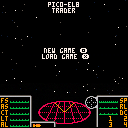
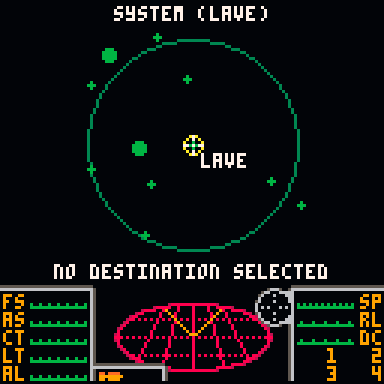
This is a pico-8 implementation of the trading system from Elite. This allows you to travel the galaxy and buy/sell goods.
Navigation between screens is done using the pause menu. If you can jump to a new planet a prompt will be displayed. Currently this is restricted to a single galaxy.
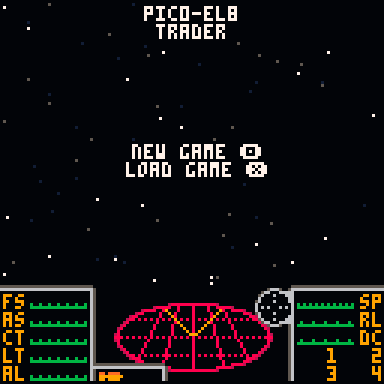
Intro screen - the option to load a previous game only shows if you have a previous save. Games are saved automatically when docking in a new station.
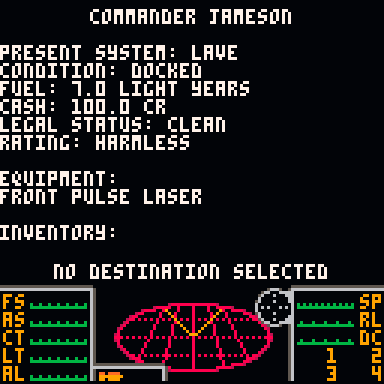
Commander status - shows all information about the current game, including cash, fuel, inventory and equipment.
 4 comments

Trying to use shifts instead of multiplication, I noticed an odd thing:
work_ram = 0x4300 printh(work_ram + 2*32) -- result: 17216 printh(work_ram + 2<<5) -- result: 24640 + has higher precedence than shift, is this correct? printh(work_ram + (2<<5))-- result: 17216 printh(work_ram | 2*32) -- result: 17216 printh(work_ram | 2<<5) -- result: 17216 printh(work_ram | (2<<5))-- result: 17216 |
pico-8 version: pico-8_0.2.1b_windows
Am I missing something and this is an intended behavior or there's an operator precedence inconsistency?
4 comments


Humble beginnings!
This isn't much more than my own naive implementation for sprite-animation. The little cat can walk (looping animation), look up, lie down (transitional animation), and meow(non-interuptable animation). The current sprite is displayed in a box at the bottom left, together with some variables.
It may be bad and basic but I'm still a BIT proud of it.
I'll prolly expand this into an actual game at some point, would be a shame to let the cat sprites go to waste, nyohohee~

|
[0x0] |
7 comments