





i've discovered an issue with sqrt(), and it's not about overflow.
since pico-8 uses fixed-point, i don't expect sqrt() to be exact, but this behaviour is odd enough that it messes up some simple comparisons.
try the following:
> print(sqrt(3.75)) 1.977 > print(sqrt(3.8)) 1.9917 > print(sqrt(3.85)) 2.0063 > print(sqrt(3.9)) 2.0209 > print(sqrt(3.95)) 2.0355 > print(sqrt(4)) 2 > print(sqrt(4.05)) 2.0125 > print(sqrt(4.1)) 2.0249 |
you'd expect the results to keep increasing, but as you can see, right around 3.85, the result is greater than 2. at sqrt(4), it goes back to 2 as one would expect. it's a weird discontinuity and breaks some of my code.
the following program shows the discontinuity visually in a graph:
cls() for x=1,128 do y=sqrt(x/16) pset(x-1, 127-y*32, 7) end |



 9 comments





I've been thinking it would be really cool to have a set of awards that the community can nominate and vote on carts to receive, much like the Steam Awards.
Thus, I present the P8 Awards!


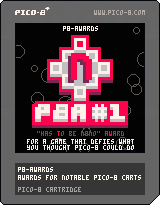
(Use the arrow keys to look at different ones.)
I don't intend these to necessarily be the finalized options, or even to be a thing that we actually do, but I thought I'd at least mock up a "proof of concept" set to see what people think.
For the first set, I think it would make sense to allow any cart to be nominated, but in future ones (if this becomes a thing) it could be restricted to carts from the past year if people want.
So, what do people think of this idea? Feel free to give any suggestions for changes or alternate awards, too!
4 comments




I'm having a lot of issues getting my game to run smoothly at 60fps.
90% of the time it works fine at a smooth 60fps, but occasionally it'll will switch back and forth between 30fps and 60fps in quick succession. This would normally be okay, since from what I understand the update loop is supposed to run twice for every 30fps draw frame, if it's been throttled down. But this doesn't seem to work as intended, because what would normally be smooth movement will speed up and slow down during frequent 60 -> 30 -> 60 switches, so the updates and draw calls are definitely not called in a consistent manner. This problem seems to be even worse in the html export. Stat(1) is never above 0.35 in 60fps mode, so I'm not sure why Pico-8 is shifting down to 30 in the first place. This is on a very recent Mac laptop.
Has anyone else experienced this behavior? Any suggestions? I really want to use the 60fps mode, but smooth performance is a priority.
Thanks in advance! Love the Pico-8 platform so far, but this has been frustrating me.
12 comments
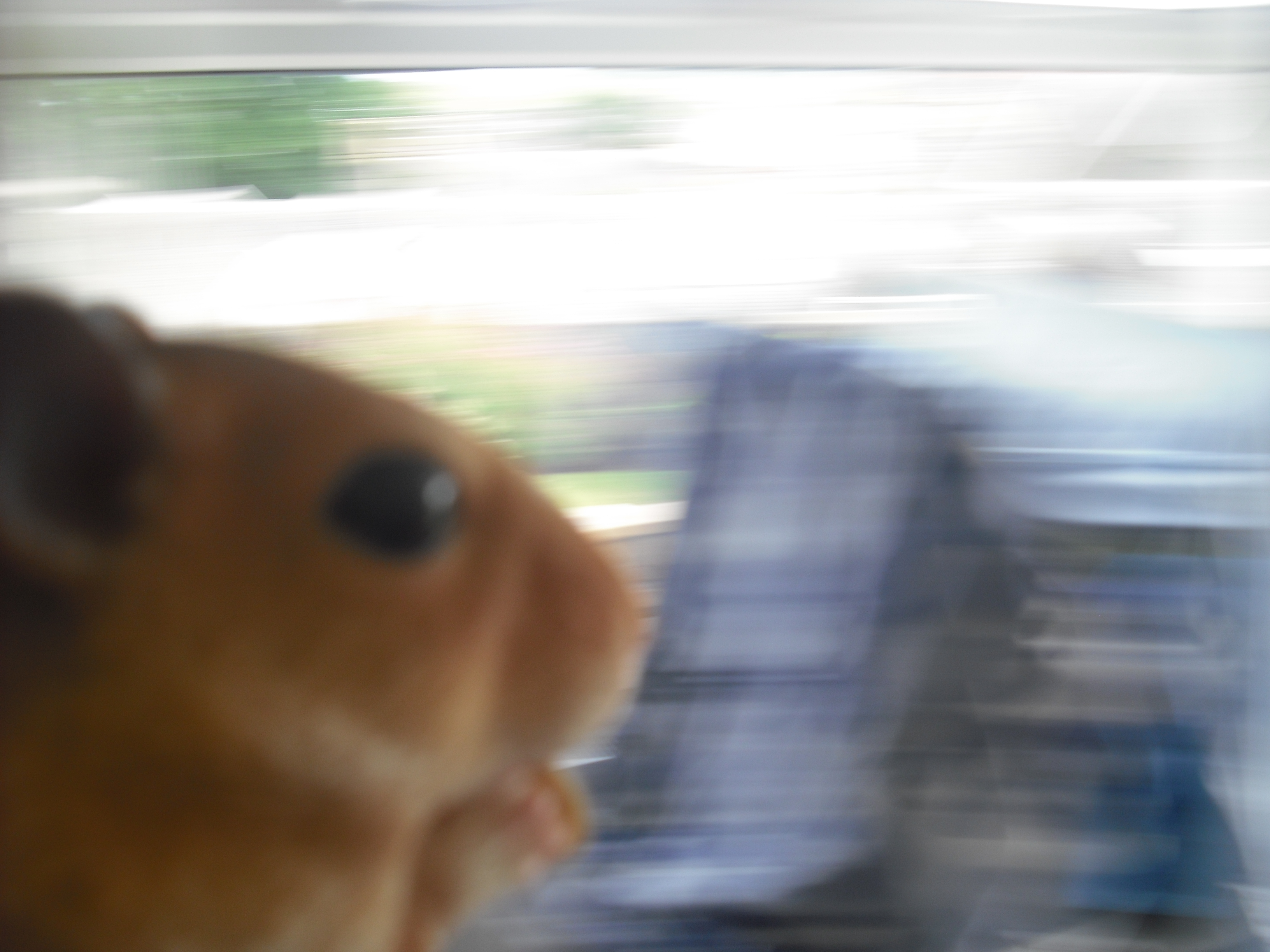






(tip for people unfamiliar with PICO-8 controls: the "O" button maps to the following keyboard keys: Z, C, or N)
KITTENM4STERSOFT DEFRAG
KITTENM4STERSOFT DEFRAG is the industry-leading fantasy defragmenter for the PICO-8.
Read what customers are saying about KITTENM4STERSOFT DEFRAG:
> "It really looks like it's working!"
> "The rectangles were over there and there...but now they are all over there! Amazing!"
> "I can't stop watching. Please send help."
Let's see how the features in KITTENM4STERSOFT DEFRAG stack up when compared with Other Leading Defragmenters:
KITTENM4STERSOFT DEFRAG COMPETITORS Defrags FANTASY DISKS? ✓ | X Can be run over and over? ✓ | X Relaxing Music while you wait? ✓ | X Screensaver Mode? ✓ | X Inuitive One-Button Controls? ✓ | X |
User Experience First
Other leading defragmenters are designed with function first, giving only a passing thought to USER EXPERIENCE.
KITTENM4STERSOFT DEFRAG is revolutionizing the industry by putting user experience first!
KITTENM4STERSOFT DEFRAG is the only PICO-8 defragmenter designed for one sole purpose: to give you the luxuriously satisfying experience of watching a disk be defragmented.
WHAT DOES KITTENM4STERSOFT DEFRAG DO?
- Removes 100% of fantasy fragments!
- Makes you feel like you are accomplishing actual work!
- Meticulously rearranges each file's fragments into a contiguous and sequential mass, leaving your computer�and you!�feeling whole, complete, and at peace!
Never Stops Working
Other leading defragmenters can also defragment, but once they finish running, your files are stuck there at the beginning of the drive, forcing you to wait hours, days, or even weeks until your disk is fragmented enough to defragment again to satisfying results.
Unlike other leading defragmenters which cease to provide the user with an entertaining display of ambulating rectangles once they have finished, KITTENM4STERSOFT DEFRAG creates a new FANTASY DISK each time it is run!
Menu Options
Open the PICO-8 menu (on keyboard, press RETURN or P) to access the following two optional modes:
RELAXING MUSIC
Enjoy the latest in popular music, perfectly paired with the enticing visuals to enhance your meditative experience. DEFRAGMENT YOUR MIND, BODY, AND SOUL!
SCREENSAVER MODE
Activate SCREENSAVER MODE to disable pesky dialog boxes, enabling you to sit back and enjoy an endless supply of fresh fantasy disks get defragmented with no user interaction required!
17 comments






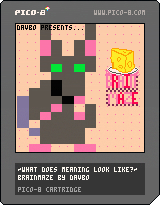
I feel like explaining this game would subtract from it. So I'll just say... It's Brainmaze!
Feedback and thoughts would be appreciated! :)
1.0.1 update - made particularly tricky jump near end easier. I do want people to actually get to the ending.
Original:

 8 comments





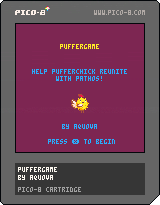
This is the first platformer I've made on Pico-8, featuring a character created on the Stardew Valley Discord for its first anniversary. It's pretty rough, but for a first attempt I'm rather pleased how it turned out.
As you could also guess, it's based heavily on the platformer example from the second Picozine.
0 comments




I suspect this is to do with how lua thinks it can trust numbers vs. how the pico-8 fixed-point numbers are limited, but I'm not sure that's actually the reason. See the end of this post for why I think so.
A for loop will fail, hard, if the end point is -32768 (0x8000.0000), which is a valid (albeit icky) value in PICO-8's fixed-point system:
> for i=-32766,-32768,-1 do print(i) end -32766 -32767 -32768 32767 32766 32765 ... this is the loop that never ends, it just goes on and on my friend ... |
This works correctly when hitting the upper bound:
> for i=32766,32767 do print(i) end 32766 32767 > _ |
If you reverse the params to for, it also fails, but in a different way:
> for i=-32768,-32766 do print(i) end > _ |
The same loop works if it starts one higher:
> for i=-32767,-32766 do print(i) end -32767 -32766 > _ |
0 comments

I'm not actually sure if this a bug or an intended feature (or possibly just an unforseen side-effect?), but I'm posting it here because it seems like it might be a good thing if this behavior was changed...I think it's worth consideration anyway :p
The new SFX instruments are great but the one thing I've noticed is that you can't really use them for syncopated rhythms where you need a note to be held over across SFX boundaries.
In case I'm not explaining it clearly enough, here is an example: let's say SFX 8 has a note in its last note-slot (31), and SFX 9 has that same note (same instrument, same pitch, same everything) in its first note-slot (0). Then you have a music pattern that plays SFX 8 followed by SFX 9. If the instrument used was a regular instrument, you would hear one unbroken tone across the "boundary" between SFX 8 and 9, but if it's an SFX instrument, the instrument is retriggered when the pattern switches from SFX 8 to 9.
Now the manual says that an SFX instrument note will only be retriggered if one of the following happens:
- the pitch changes
- the previous note has 0 volume
- effect 3 (drop) is used to manually retrigger the note
But as my example above indicates, there is one additional case in which it is apparently always retriggered: if it's the first note of an SFX. I'm guessing this may be because these rules are implemented in the context of a single SFX so the "previous note" of the first note in an SFX would be nonexistent and would therefore be taken to have a 0 volume...maybe??
In the context of my example above, however, when we look at note 0 of SFX 9, the "previous note" is not any different from this note, so no retrigger should occur (I would argue!).
So what I am trying to propose is: it might be better if the sfx instrument behavior was modified slightly to not retrigger in this case, since if you really want it to retrigger, you can always just use effect 3, but if you don't want to retrigger, you can't do anything to make it not retrigger. (In the actual song I am working on, I would just use homophonic non-SFX-instrument notes across the boundary to circumvent the issue, but in my case this is not possible because the notes are a lower octave that is impossible to play without using an SFX instrument!)
Sorry that took a lot of writing to explain :D
1 comment



Fixing incorrect thumbnail and downgrading to version 0.11.1f
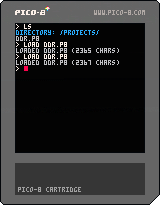
Hi !
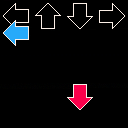
I'm making a game on pico-8 of the famous DDR game (Dance Dance Revolution)
It's not finished just yet but it's at least playable
I hope you'll enjoy it !
3 comments



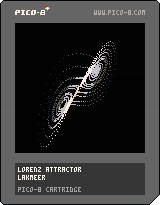
Hey everyone, I made this little visualiser which generates points in the Lorenz Attractor using standard values. Feedback welcome, I'm quite interested in ways of making the depth effect smoother or more interesting if anyone has cool ideas.
Thanks to Zep for pico8 :)
Lakmeer
1 comment

Has anyone beena ble to run PicoPi on a RaspberryPi Zero?
https://guillermoamaral.com/read/picopi/
It says to copy everything to a card and boot, but I got mine stuck on a black screen, nothing happens.
I want to make a standalone device booting straight to pico8 and this seems like the only option.
5 comments



I'm having an issue saving a .p8.png of my game, to upload here.
I boot up Pico-8 on OSX, load my cart, and then run "save cartname.p8.png". That will give me a warning about not having a label, but will otherwise work fine. But when I run the cart, save a label with f7, and then try again to save, it fails silently, with no output. No new cart file, nothing printed out to the console. "save @clip" doesn't work either.
Any suggestions?
11 comments

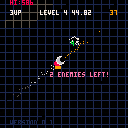
Geometry Wars clone.
Left/Right: rotate
Z - boost
X - Fire
UP - All bullets out in a circle
 2 comments



I bought PICO-8 for an Ubuntu 16.04 machine, and a Raspberry Pi, and it's simply a pain in the ass to install because the official app download comes in a .zip file with zero documentation on how to install. There's no install script in the contents of the unzipped files, and there's little to find online that helps. This installer didn't work for me: https://rombus.itch.io/pico-8-linux-installer/devlog/15013/pico-8-linux-installer-script
PICO-8 is a commercial product, please treat it as such, and have the download in a proper .deb file or anything more helpful than a .zip
23 comments





It seems I'm using these a lot, so here they are:
-----------------
-- table as string
-----------------

function tab2str(t)
	local s="("
	for i,v in pairs(t) do
		if type(i)=="number" then
			s=s.."["..i.."]="
		else
			s=s..i..'='
		end
		if type(v)=="boolean" then
			s=s..(v and "true" or "false")
		elseif type(v)=="table" then
			s=s..tab2str(v)
		else
			s=s..v
		end
		s=s..','
	end
	s=sub(s,1,#s-1)--remove last comma
	return s..')'
end

----------
-- example
----------

l={1,2,4,5,s=5}
print(tab2str(l))
|
----------------
-- clone a table
----------------

function clone(t)
	local c={}
	for i,v in pairs(t) do
		c[i]=type(v)=="table" and clone(v) or v
	end
	return c
end
|
---------------------------------------------------
-- sort a table (insertion sort)
-- cmp(a,b) should return true when a,b are ordered
---------------------------------------------------

function insort(t,cmp)
	for n=2,#t do
		local i=n
		while i>1 and not cmp(t[i-1],t[i]) do
			t[i],t[i-1]=t[i-1],t[i]
			i-=1
		end
	end
end

----------
-- example
----------

function ascending_y(a,b)
	return a.y<=b.y
end

t={}
for i=1,5 do
	add(t,{i=i,y=rnd(10)})
	print(i..': '..t[i].i..' '..t[i].y)
end
print("----")
insort(t,ascending_y)
for i=1,#t do
	print(i..': '..t[i].i..' '..t[i].y)
end
|
3 comments
