


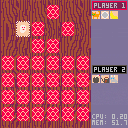
This is a Pico-8 implementation of the classic memory card game, Concentration. Players take turns flipping cards over two at a time. When a match is found, the player claims the cards and goes again. Flipping over two cards that do not match results in the other player taking a turn. Whoever has the most cards by the time all have been claimed wins.
This game is fully playable. I started working on it while teaching my 4 year old how to play with physical cards.
Only arrow keys and the 'X' button are used.
Version History:
- 0.2
- wood grain background
- intelligent positioning of popups
- winner is declared at end
- more cards


 1 comment



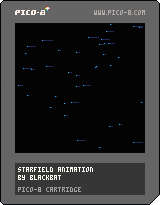
This is simple animation that I made. I want to use it as the background in a space shooter.
Feel free to comment and reuse :)
There are no controls, although you can modify values in init function to change speed and number of stars.
0 comments

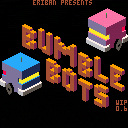
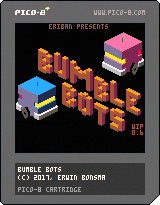
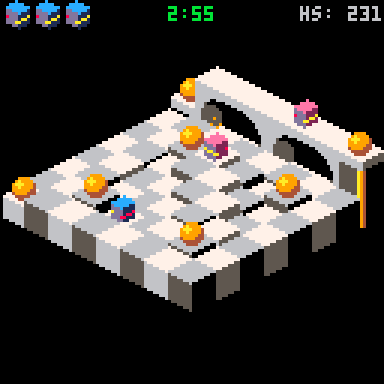
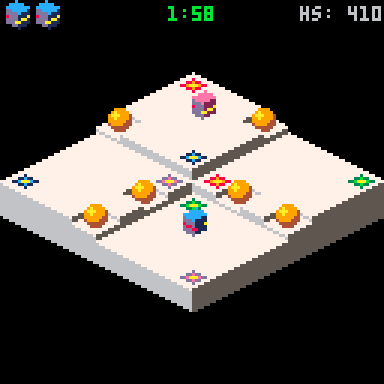
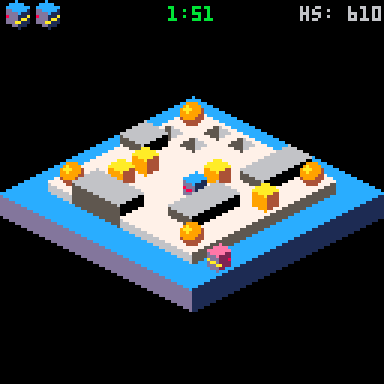
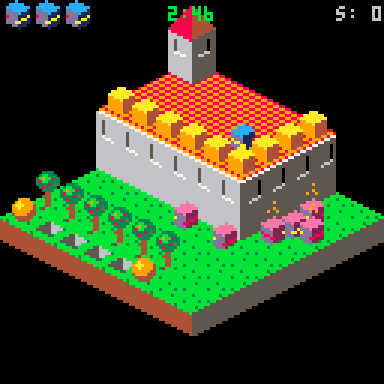
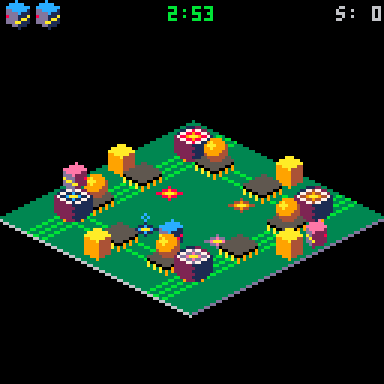
After wetting my toes in the Pico-8 pool with my Tile Swap game, I figured I should try a bigger game. It's still a WIP, but playable already, so I thought I'd share it.
The game is called Bumble Bots. The idea of the game is "stolen" from the Rolmops game developed by the team that I was part of in this year's Global Game Jam. The Jam's theme was "waves".
5 comments


Update (24 Sep 2017)
I've added a pause button, and as was suggested by commenters @Felice and @apLundell I switched to using the pico glyphs for the graphics... it's a little less flashy looking overall, but gives a much nicer more consistent feel.
Original Post:
I am just getting into playing around with pico-8, but after finishing my first little game, I really wanted to be able to play and distribute it for mobile, so being primarily a JavaScript guy, I've hacked together a little controller that embeds itself on the webpage for mobile devices.

I've tried to keep it as simple for other game-makers to use as possible. As such it should work out of the box with html/js files that are exported from pico-8. All you should have to do to use it with your own game is drop the js, css and png files into the same directory as the html file and then link the files as described in the Readme on github:
Heres the code:
https://github.com/codyloyd/pico-webcontroller
and a demo:
http://codyloyd.com/pico-webcontroller-test/
(go there on your phone, or resize your browser window to see the controls.)
and you can also see it in action on my game here: http://codyloyd.com/jazzyjeff/
I'd love any feedback or tips that you might have. I don't have a huge array of devices to test it out on, so if you find something not working let me know!
8 comments





What if there was a followup to Pico-8, almost as like a next-gen version of the console, kind of like the NES to SNES. Since Pico-8 was meant to be 8bit, this would be 16bit, called Pico-16 Features would include:
- Larger cart size, using .gif rather than .png for export and .p16 for the other format
- Using the same easy to learn lua code
- increasing cart limit from 32k compressed to 120k compressed
- color palette increased from 16 colors to 64 colors
- multiple maps
- larger sprite size of 16x16
- backwards compatible to load and play but not export pico-8 carts
10 comments











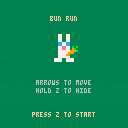
New in this minor version:
- Carrots block the farmer's sight
- Farmer is smarter about going around obstacles
- Farmer only chooses a direction after each step (so it's possible to dart in and out of sight)
- Changed default level
Still to do:
- Make combos visible
- Other vegetables with different growth rates?
- Level changing
- Intro/tutorial levels
Maybe:
- Add a sprint?
- Autogenerate maps?
6 comments


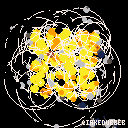
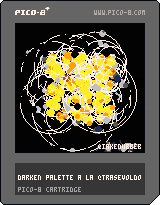
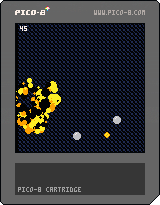
Press Z to explode
Heavily inspired by @TRASEVOL_DOG's lovely Darken Palette and procedural dithering. Not exactly sure why it's exploding so much, it wasn't what I was going for. It's pretty though...
5 comments

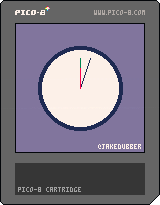
Pretty sure this goes out of sync and is almost certainly not the best way to go about achieving this. Would love some feedback on my gross code.
0 comments



I'm excited to announce that a project I've been working on for quite some time now is finally complete!
Super Mega Bread, a platforming game about using butter to fly, is coming out September 20th, 2017. When it releases, it will come with the game as well as the game's soundtrack, both with the in-game versions and redone versions.
The game will be $1, and I'll include a link to the itch.io page once it's out.
Until then, here is a short trailer, showing some gameplay:
I hope you'll enjoy it!
EDIT: When the game comes out, you can get it here:
https://jclermont.itch.io/super-mega-bread
0 comments

What am I doing wrong here? It's driving me crazy!
I've made an onGround function that check if there's a flagged sprite below you, which seems to be working, but when you run it, the gravity (which should kick in when not on the ground) never gets applied.
I've used the print function to debug whether onGround is working correctly and it is, so why is the
if not onground then dy+=grv end |
part not working?
x=60 y=112 dy=0 jmp=5 grv=0.5 function _update() jumping() y+=dy end function _draw() cls() map(0,0,0,0,16,16) spr(1,x,y) print(solid(x,y+9),1,1,7) end function jumping() -- jumping if onground and btnp(4) then dy=-jmp end -- gravity if not onground then dy+=grv end -- problem area above!!!!-- end function solid(sx,sy) local tilex=flr(sx/8) local tiley=flr(sy/8) if fget(mget(tilex,tiley),0) then return true else return false end end function onground() if solid(x,y+9) or solid(x+8,y+9) then return true else return false end end |
2 comments

I was loading up the FEATURED list the other day and updating it to go through alll the titles I missed looking for one from at least a couple months ago when I ran into a bug.. When updating too many times, Eventually you get to a point where if the cursor goes any further down the updated list, The cursor will start to go crazy and scroll all the titles endlessly.

The snapshot shows exactly what I mean. It makes going any further down the list impossible at that point.
Perhaps adding an option to the menus to sort the carts by date might cut this bug down a little as you could specify a date or range of dates to display instead of 'everything'.
0 comments

Because who doesn't want to have their PICO-8 games in a nice Steam grid?
I'll start off with a couple simple ones I made:
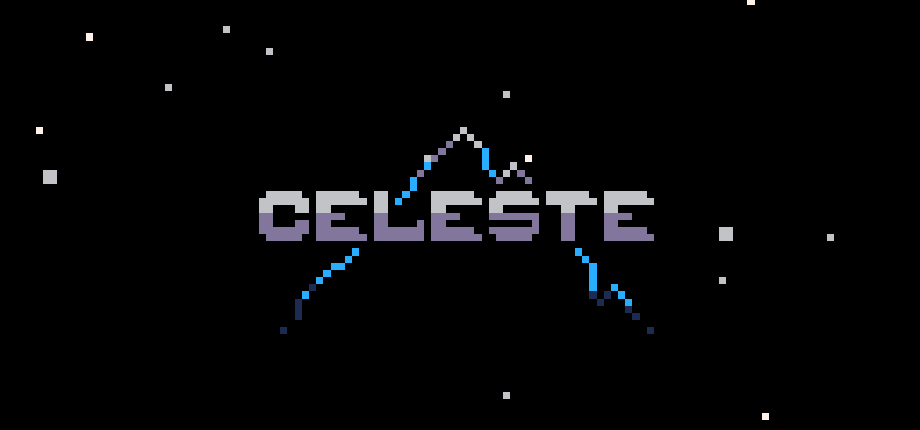
Celeste:
Dank Tomb:
 1 comment


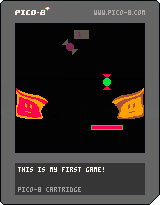

..How awesome was it to see pico-8 demos, intros and games?
We should totally have compos for this system.
0 comments
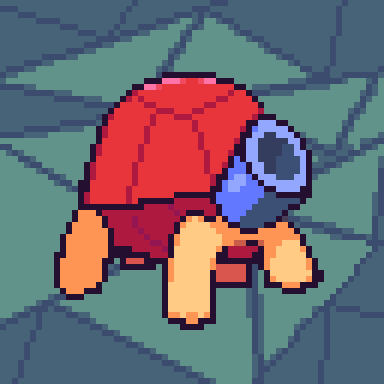

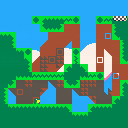
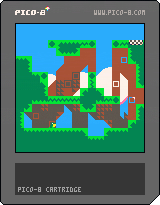
Big update!
Basic concepts are still the same, but there's a few changes:
-Level order is different; some levels have been redone
-New night theme and music
-Particles & death animations
-Platforms that move down
-Moving spike obstacle
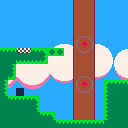
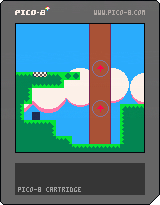
New game!
Here's the controls: left and right to move, Z to jump, X to launch when within range.
....That's about it! I'll add more content soon.
2 comments

Pico-8s music tracker is lovingly modeled after similar chiptrackers and samplers from the days of yesteryear so my question was if we could get more direct control over the tracks? As it stands now you can play a pattern directly but not specify exactly where to start or jump to.
I'd like to see classic tracker functionality added such as being able to manipulate patterns and channels on the fly as needed in the code. This would give people a lot more control over their music (And sfx for those who use the music channels for them.) allowing for things like music/beat games and incidental music to be easier to pull off. (As it stands now you need some pretty tricky peeks at the memory to do these things and even then the timing's not 100% accurate.)
2 comments

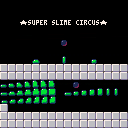
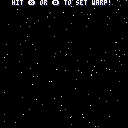

I wasn't sure what forum this would apply to as it's an asset for others to learn from or use/Repurpose so I put it in the collab forum. Code is pretty compact and verbosely commented so even the very basic user of Pico-8 can get a grasp of what I did and how.
UPDATE: Updated to 2.0! Includes McBoffin's suggestions, And includes simple "Warp" effect as well now! Everything's broken up into functions for ease of copying the functions to your own program, And commented up the wazoo for ease of tinkering!
6 comments





Another small sketch. This one was inspired by one of Trasevol Dog's projects.
(Note : should I do a thread per sketch or a big thread for storing all of them?)
(Thanks to electricgryphon for their trifill routine)
0 comments
