


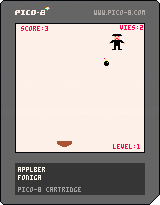
This is a throwaway prototype for my master's thesis at Full Sail. I just wanted to released it for fun. It is crap, and probably mostly unwinnable, but I'm glad I finally completed something with PICO-8.


 0 comments


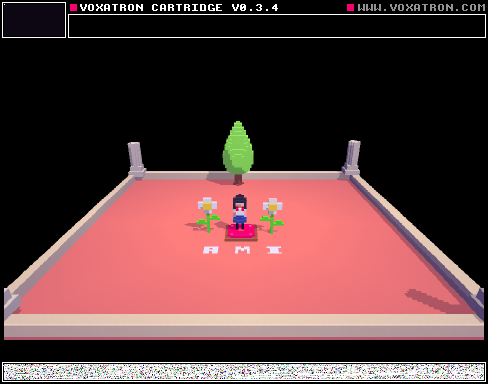
Brand New to this software but here is my first test, I've made a little character :)
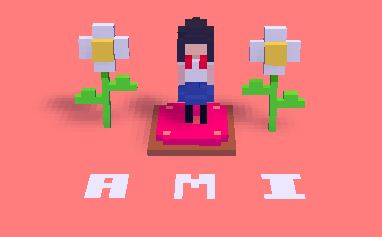
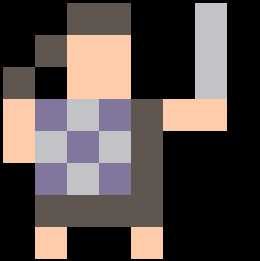
This is Ami. I want to turn her in to an Esper/Physic but for now I have only done her basic walk animation. Voxatron isn't exactly animator friendly but I enjoyed the challenge and had a lot of fun making her. I will develop her more but for now feel free to use this model.
OH does anyone know how to cancel the moving animation when the player stops? She freezes on whatever frame of the animation your in when moving and i want her to go back to frame one instead. I cant figure it out :\ Any help would be greatly appreciated :)
3 comments


Hello,
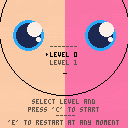
With Justine D we have made a third version of Time return with new levels and mechanics.
First version :
https://www.lexaloffle.com/bbs/?tid=28221
Play it and enjoy.
10 comments




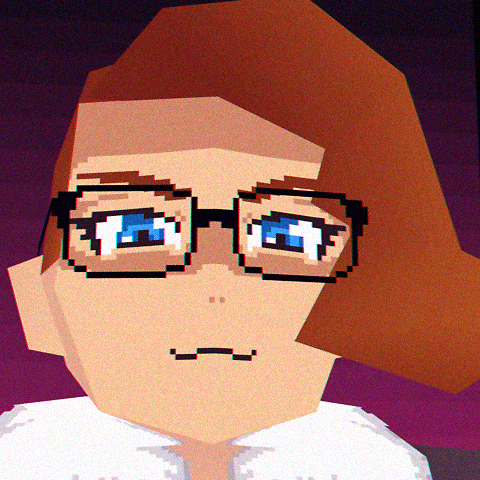

Game dev, got Pico-8 on the humble sale and loved it. Great way to practice or learn about making your own game engine.
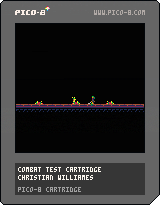
This is just a quick test of an action combat/physics thingy I'm working on, posted here to show friends and save me the headache of hosting myself elsewhere.
Really like how the hair turned out. Go kill some goblins. It's okay, they come back.
 3 comments



it seems like all the drawing functions handle the floats fine by just truncating them anyway?
is there more memory overhead to store floats vs the int we get from flr?
what about the processor overhead from calling flr every time we want a random int?
4 comments


Is it possible to pause or mute music in Pico-8 from script?
I want to halt the music for a short period when the player dies, and resume it when they respawn. Pause or Mute would both work in this case; I just don't want to restart the whole song every time they die.
Thanks!
This is what I currently do:
-- Player Spawns... music(0) --Player dies music(-1) -- Player Spawns... music(0) |
8 comments





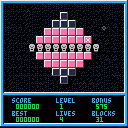
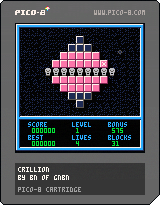
This is my first game created with PICO-8. It is a remake of C64 game 'Crillion' from 1988 (original game by Oliver Kirwa).
I re-created all 25 levels, and tried to copy the physics and controls of the original game. Still, it seems that the PICO-8 version is a bit harder to play because the ball moves faster. Anyway, please give it a try, and share your thoughts in comments.
Sorry for the sound effects, I'm not really good at creating noises/music, just turn off sound while playing... or even better: create nicer effects and let me know about it :)
3 comments







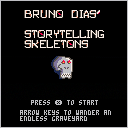
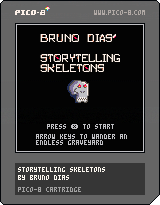
An exceedingly brief and silly discourse/joke microgame. Wander an endless graveyard, learn about daunting perils, never encounter them.
3 comments



Today I wanted to play around with the GPIO pins for a bit. But unfortunately I couldn't because every time I'd try to run a program that would poke the GPIO region Pico-8 crashes and hangs forcing me to take out the raspberry PI's power.
I'm running Pico-8 0.1.10c with root on a Rapberry Pi 1 Model B+ with Raspbian.
Is this a known issue? Or what could possibly cause this issue and how can I go about resolving it?
Thanks!
2 comments



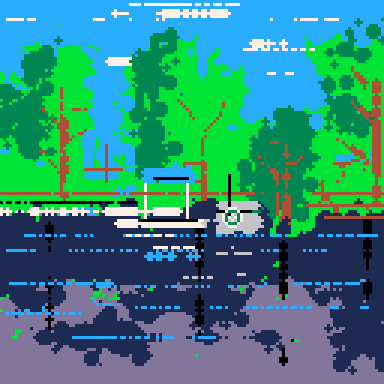
hello i have a problem when i want to make a pico 8 hand-held
i tried to run it under raspberry in a small display that’s connected to the pins(waveshare 2,8) but it turns out that when i start pico the signal is sent to hdmi i have another display from watterott same here if i tried it with pre installed img but if i use a script it works but i cant read the console any more...
there must be a problem with the scaling
can anybody help me with this i m a little lost and i want it so bad pico 8 is the best
sorry for my bad english
1 comment
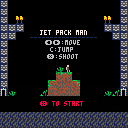
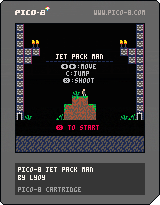
Hi everyone !
I just want to share with you my first project made in PICO-8.
It's a mix between shooter plate former that i've done for a gam jam.
Controls :
Arrows : LEFT - RIGHT
X : Shoot
C : Jump
Waiting to see your feedback ;)
5 comments


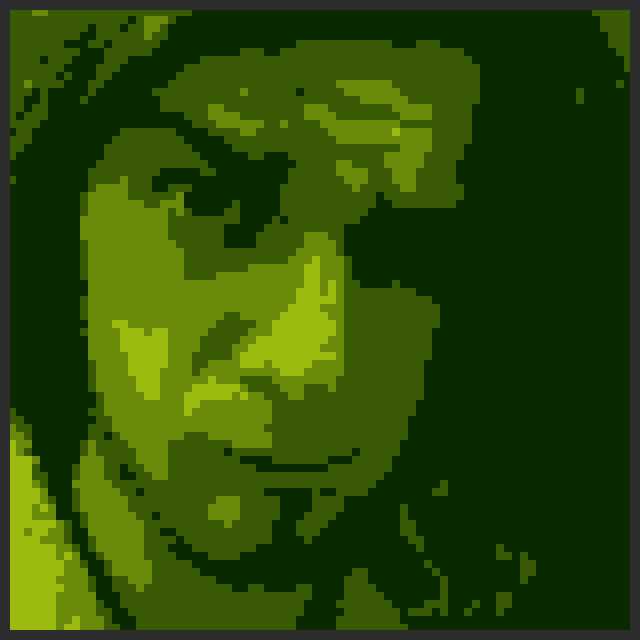



Hi! I'm attempting to build my first game using PICO-8 and am having some trouble with finding an online tutorial for this specific issue.
I'm looking for a simple function that will help make a defined object spawn periodically according to a timer. I've created a moving sprite and a frame counter that counts to 600 and repeats, and I'd like to have a specific enemy spawn on frame 600, instead of just spawning at the RUN command. Any suggestions?
I've included my code below, but it's admittedly very messy, as this is my first experience with programming outside of HTML. Also, if it's out of line to just hop on the forum and start pleading for help, let me know too! :P
[box=ffeedd]--nessie
player={}
player.x=64
player.y=64
player.sprite=1
player.speed=1
--redbads
redbad={}
redbad.x=flr(rnd(128))
redbad.y=flr(rnd(128))
redbad.sprite=6
--bluebads
bluebad={}
bluebad.x=flr(rnd(128))
bluebad.y=flr(rnd(128))
bluebad.xdir=4
bluebad.ydir=4
bluebad.sprite=5
--timer
frame={}
frame.count=0
--spawncount
spawn={}
spawn.count=0
function _move()
if btn(0) then
player.x-=2
elseif btn(1) then
player.x+=2
elseif btn(2) then
player.y-=2
elseif btn(3) then
player.y+=2
end
end
function _direction()
if btn(0) and
player.sprite<3 then
player.sprite+=2
elseif btn(1) and
player.sprite>2 then
player.sprite-=2
end
end
function _screenedge()
if player.x<0 then
player.x+=4
elseif player.x>120 then
player.x-=4
elseif player.y<0 then
player.y+=4
elseif player.y>120 then
player.y-=4
end
end
function _dive()
if btn(4) and
player.sprite==1 then
player.sprite+=1
elseif btn(4) and
player.sprite==3 then
player.sprite+=1
end
end
function _surface()
if btn(5) and
player.sprite==2 then
player.sprite-=1
elseif btn(5) and
player.sprite==4 then
player.sprite-=1
end
end
function _redchase()
if (frame.count%2==0) then
if (redbad.x-player.x)>0 then
redbad.x-=1
elseif (redbad.x-player.x)<0 then
redbad.x+=1
end
if (redbad.y-player.y)>0 then
redbad.y-=1
elseif (redbad.y-player.y)<0 then
redbad.y+=1
end
end
end
function _timer()
if frame.count<60 then frame.count+=1
else frame.count-=61
end
end
function _spawncount()
if spawn.count<600 then spawn.count+=1
else spawn.count-=601
end
end
function _bluedice()
if frame.count==30 then
if (flr(rnd(128)))>(flr(rnd(128))) then
bluebad.xdir-=2
if bluebad.xdir==0
then bluebad.xdir+=4
end
end
if (flr(rnd(128)))>(flr(rnd(128))) then
bluebad.ydir-=2
if bluebad.ydir==0
then bluebad.ydir+=4
end
end
end
end
function _bluemove()
if (frame.count%2==0) then
if bluebad.xdir==4 then
bluebad.x+=1
else bluebad.x-=1
end
if bluebad.ydir==4 then
bluebad.y+=1
else bluebad.y-=1
end
if bluebad.x<0 then
bluebad.xdir+=2
elseif bluebad.x>120 then
bluebad.xdir-=2
elseif bluebad.y<0 then
bluebad.ydir+=2
elseif bluebad.y>120 then
bluebad.ydir-=2
end
end
end
function _update()
_move()
_dive()
_surface()
_screenedge()
_direction()
_redchase()
_bluedice()
_bluemove()
_timer()
_spawncount()
end
function _draw()
cls()
--clear the screen
rectfill(0,0,128,128,1)
--draw nessie
spr(player.sprite,player.x,player.y)
--draw redbad
spr(redbad.sprite,redbad.x,redbad.y)
--draw bluebad
spr(bluebad.sprite,bluebad.x,bluebad.y)
--draw framecount (del later)
print(frame.count,12,6,15)
--draw spawncount (del later)
print(spawn.count,25,6,15)
end
14 comments

This has happened a couple times and I was hoping it would just fix itself but it never seems to.
My browser does a pretty good job of keeping me logged in here on the forum, but every now and then it logs me out - which is fine, I understand how and why that happens.
But then once I'm logged out, I can't log back in with my password. I always have to login by email. Granted, this works, but then there's no purpose of having a password.
Even if I change my password on my profile, it will not allow me to log in.
Has anyone else experience this or am I on an island with this one?
If it's just me, then it's just me but wanted to call it out if it's something others have seen as well.
9 comments




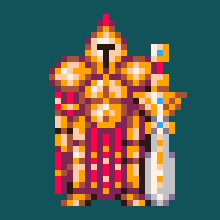


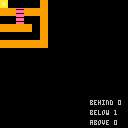
What am I doing wrong? I'm sure I'm being dumb.
I can go down ladders fine, but not up them.
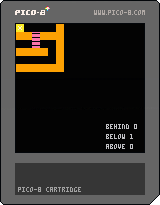
Cartridge
Code
function _init()
	p={x=0,y=0,spr=0}
end

function _update()
	if(btn(0)) then
 		p.x-=1 -- left
	end
	if(btn(1)) then
		p.x+=1 -- right
	end
	--	ladder down
	if (btn(3) and fget(below)==2) then
		p.y+=1
	end
	--	ladder above
	[b]if (btn(2) and fget(above)==2) then[/b]
		p.y-=1
	end
end

function _draw()
	cls()
	map(0,0,0,0,6,6)
	spr(p.spr,p.x,p.y,1,1)
	below=fget(mget(flr(p.x/8),flr(p.y/8+1)))
	[b]above=fget(mget(flr(p.x/8),flr(p.y/8-1)))[/b]
	behind=fget(mget(flr(p.x/8),flr(p.y/8)))

	print ("behind "..fget(behind),90,100)
	print ("below "..fget(below),90,110)
	print ("above "..fget(above),90,120)
end
|
2 comments

Hi guys, I'm currently working on a top-down turn based rogue like. The camera follows the player (or enemy) around - whichever actor's turn it is. When it is the player's turn, I would like to display text as a menu but also have the camera above the player. Is there a way to print text without it being effected by the camera offset? Or should I be negating the offset with my print x/y co-ordinates?
A snippet of my player's draw function (called by function _draw())
function player:draw()
 --centre camera if it is the player's turn
 if actor_index == 1 then
  camera(self.x * 8 - 64, self.y * 8 - 64)
 end

 -- draw the player
 spr(0,self.x * 8, self.y * 8)

 textanimcolour += 1
 if textanimcolour > 15 then textanimcolour = 0 end

  if actor_index == 1 then

   --if we are in the move_or_action state, draw the menu as well.
   if self.state == "move_or_action" then
   --recentre camera
   camera()
   --draw the menu
   local yoffset = 80

--move_or_action_menu is an array of strings
   for i=1, #move_or_action_menu do
    local text_col = 5
    if i == self.menu_selection then text_col = textanimcolour end
    print(move_or_action_menu[i], 10, yoffset, text_col)
    yoffset += 10
   end
  end
 end
|
1 comment

Feature request: a _pause() callback that is triggered just before the pause menu is displayed. This would give those of us who are using menuitem() a convenient way of doing a little preparation beforehand. I have a particular case where the contents of the menu may change depending on when it is opened.
4 comments

