


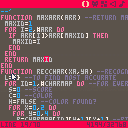
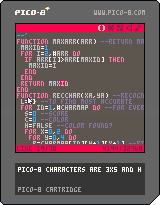
It's not finished. It has problems with punctuation, quotation marks and some other symbols.
At least it does with numbers and alphabet well.
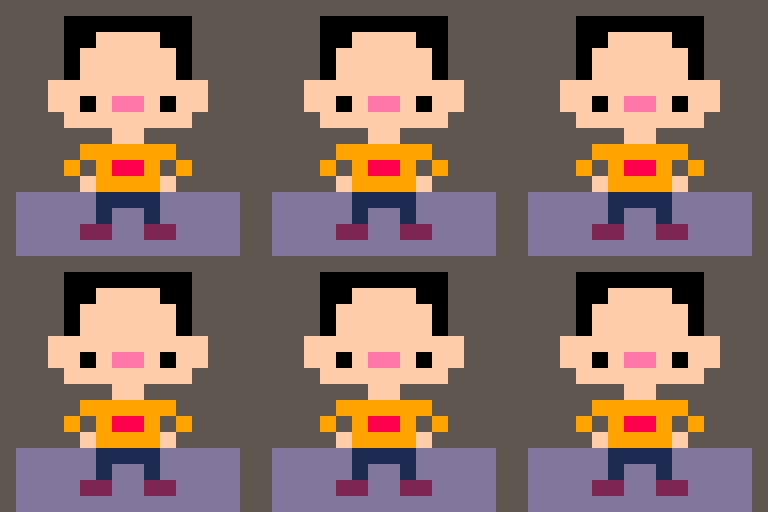
Move with arrow keys into a character.
If you know how to improve it, please do it.
The algorithm may be inspired from my mosaic image algorithm.


 0 comments


- Added achievements
- Bugfixes
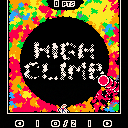
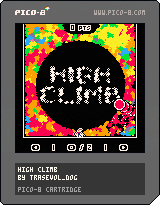
CLIMB HIGHER AND HIGHER!!! WHAT COULD BE UP THERE? NOBODY KNOWS... DO YOU THINK YOU CAN CLIMB HIGHER THAN THE OTHERS?
Left and right arrows (or left and right directions on D-pad) let you move left and right.
'Z' (or the o button) lets you jump, double jump, wall jump, dive and if you're close enough to a ball, platformize that ball.
This game is a sort of draft for the fuller HIGHER CLIMB which will be out in Winter 2016! Stay tuned for that by following me on Twitter!
18 comments









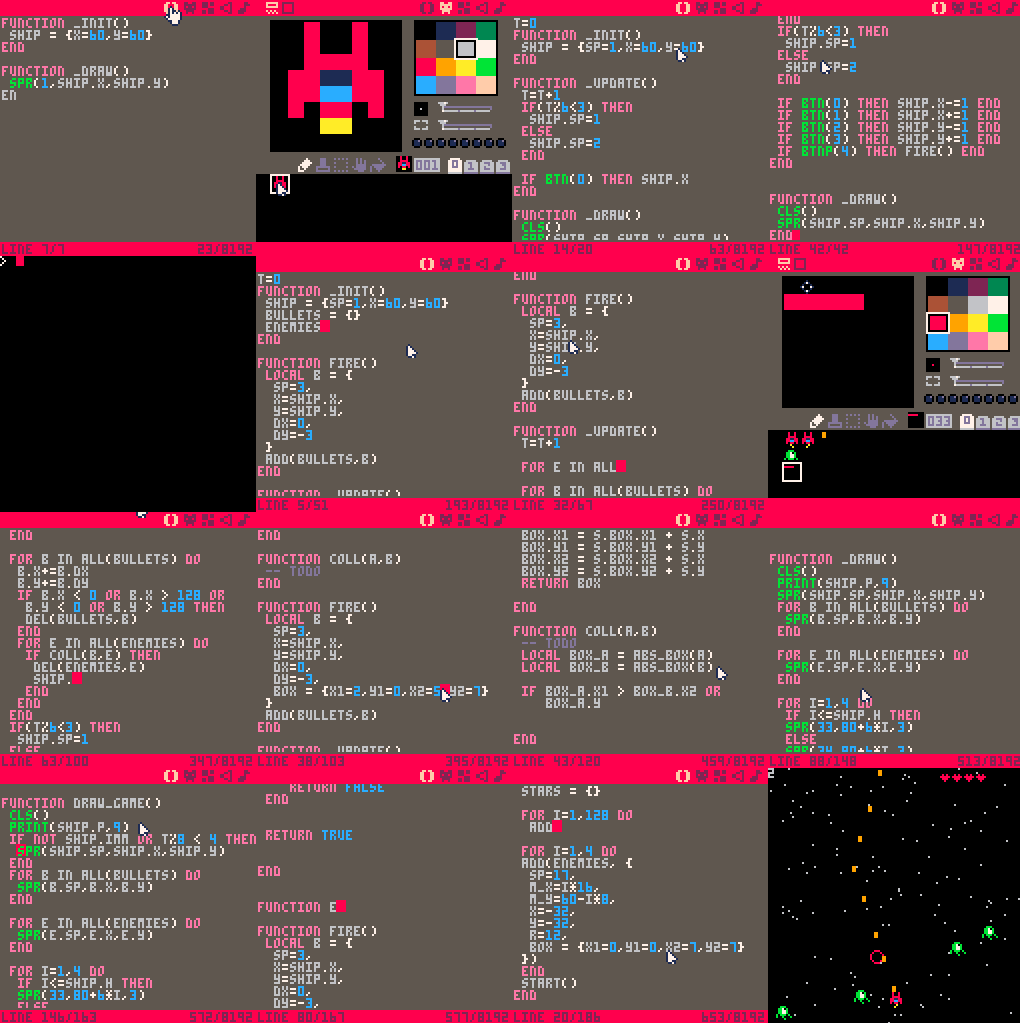
I did a spaceshooter and documented the process in 16 gifs.
See an overview of all 16 gifs at once. And start each gif as a step by step tutorial.
 32 comments









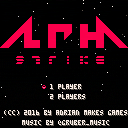
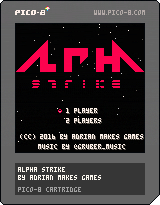
OVERVIEW
Alpha Strike is a shoot-em-up in the classic NES style. Shoot your way through 5 levels, destroy everything that moves and save the world from danger!
CONTROLS
D-pad / arrows - movement
(X) / X - shoot bullets
Every 10000 points net you an extra life.
Collect powerups to enhance your weapon.
When you die, you lose your weapon.
When you get a game over, you can use one of the 2 continues.
CHEAT CODES
Use only if you want to ruin your fun!
4 comments




Switching between windowed mode and fullscreen seems to be broken in 0.1.8 under Linux, or Ubuntu at least. I have tried on both Ubuntu 14.04 and 16.04 (two different computers, but both are laptops with Intel integrated graphics).
Here's what happens: pressing Alt + Enter doesn't switch between fullscreen and windowed mode reliably. Instead, it makes the screen do a weird flashy thing almost as if it switched to fullscreen for an instant and then switched back to windowed mode. If I try pushing it over and over again, eventually sometimes it will go into fullscreen mode. From there I have just as much trouble getting it back into windowed mode.
it seems to happen the same regardless of which fullscreen_method I use in config.txt
EDIT: issue still present in 0.1.9 fyi
4 comments




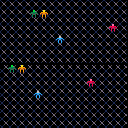
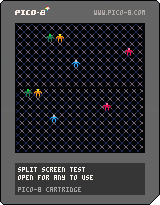
This cart is a barebones example for using tables to define the screen space, for making games that can be either single player full screen or multiplayer split screen without needing to adjust how your core game behaves. Feel free to use this as a jumping point for your next couch co-op game!
0 comments
FIRE!!!
When I hear the word FIRE (all caps necessary) I always think of Captain Kirk at the end of Undiscovered Country:
And it's now time to make our hero ship fire it's own weapons. In this case we'll start with lasers and go from there. Thinking to have some type of bomb/missile to add a little extra kick to our plucky hero.
Plucky, ya definitely plucky!
Adding the Sprite
In this case the sprite is borrowed again from Cave Berries. Except the color is going to be changed up to green and dark_green.
I created a simple alternating green/dark_green pattern on the edge of the 8x8 sprite position. This will match up with the "top" of the hero ship's "laser pylons".

[h2][b]Finding Help
0 comments




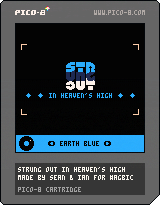
Hey there, this is a game made by Ian and I for the "A Game By It's Cover" jam.
Play it on itch.io

Changelog
2016-08-21: fixed PocketCHIP crash (with help from @morningtoast)
2016-08-15: updated menu navigation
2016-08-12: fixed random palette bugs
10 comments






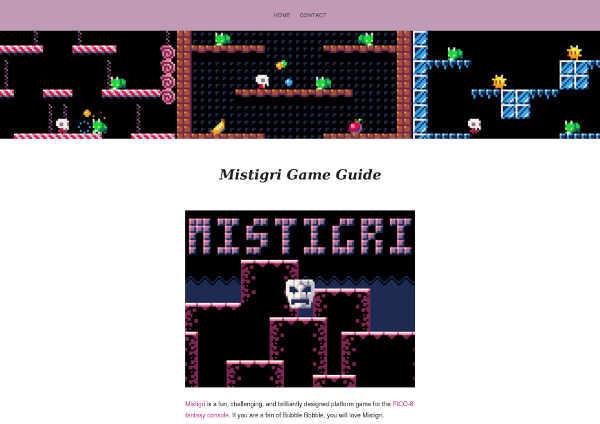
I created an online game guide for the awesome PICO-8 game Mistigri:
It is a simple wordpress site, but it's free and mobile friendly. Let me know what you think.
I would love to see more of these for PICO-8 games.
 3 comments

I installed Pico-8 on my Raspberry Pi A+ and everything functions properly except the shift key. Holding shift while pressing any other key is not registered.
For example:
KEY COMBO--------OUTPUT
A >>>>> A
Shift+A >>>>> (nothing)
Anyone else having this issue? Is there a solution?
2 comments



I just got a Pimoroni Picade, an arcade mini-cabinet for use with small board computers like the Raspberry Pi. It's a great match for PICO-8!
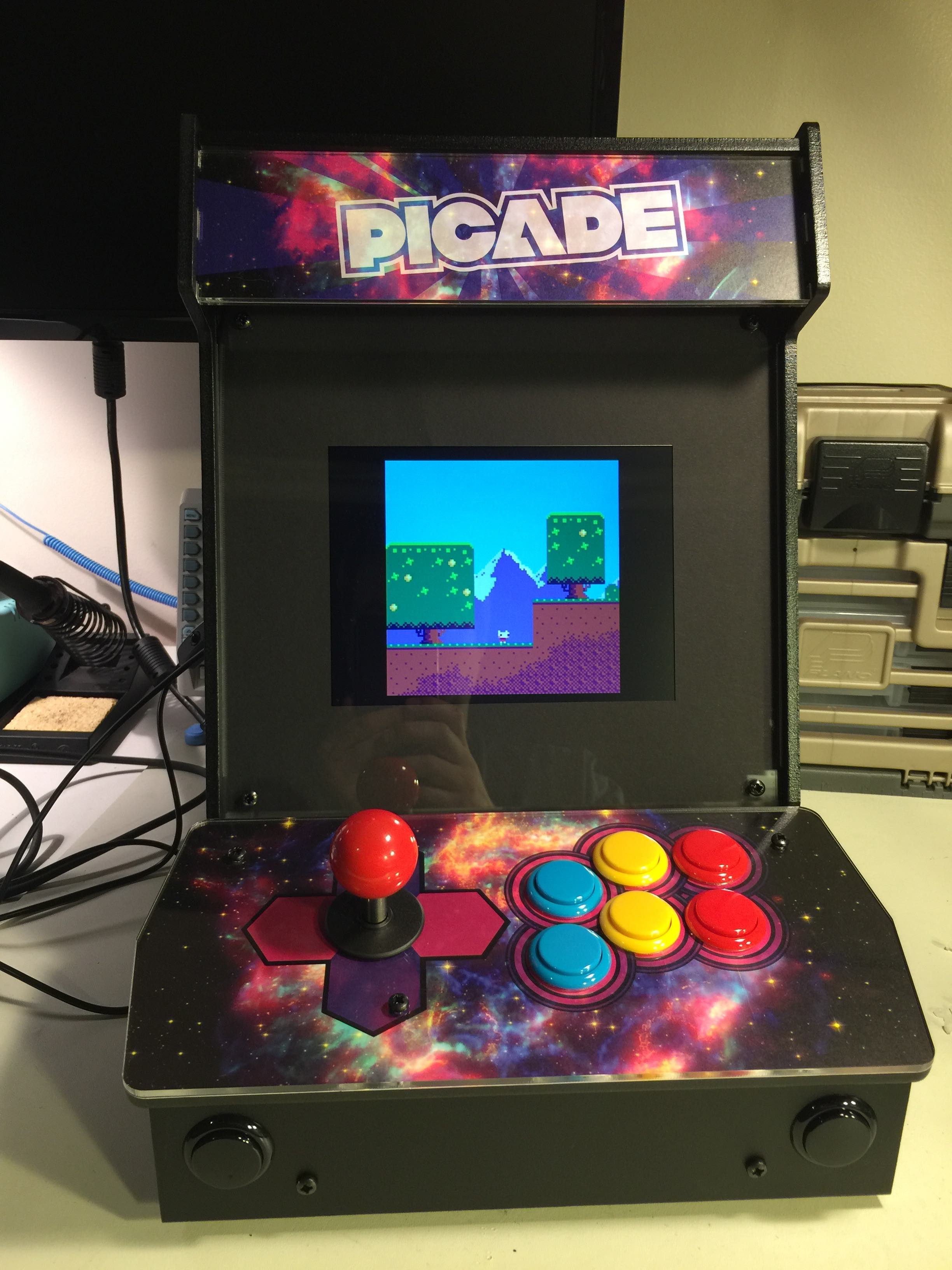
See also a short video I posted to Twitter.
The cabinet is $240 / £180, not including the Raspberry Pi and power supply. The cabinet goes together with a screwdriver (no soldering) and is fun and easy to build. (Be sure to refer to the assembly video in addition to the written instructions.) The result is solid and gorgeous.
I used a RaspPi 3 for my Picade. I strongly recommend the USB audio adapter that Adafruit sells, a major improvement in sound quality over connecting the Picade speakers directly to the RaspPi headphone jack. RaspPi 3 has built-in wireless Internet, but if you're using an older model you'll also want a RaspPi-compatible USB wifi dongle.
94 comments






@zep:
Most system 'set'-style functions return nil because they're really just procedures, not functions. In many cases, it would help to know what the value was before the new value was applied. Let me give you an example of how it could be useful:
function draw_radar()
  -- save current state + set new state
  cx,cy,cw,ch=clip(8,8,32,32)
  tx,ty=camera(-24,-24)
  c=color(3)

     ... draw green radar here ...

  -- restore saved state
  color(c)
  camera(tx,ty)
  clip(cx,cy,cw,ch)
end
|
It's basically a way to push and pop state in this case. There may be other uses, but this is the one I was wishing for the other day.
How does that strike you?
0 comments
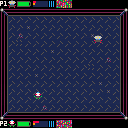
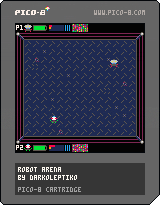
Hello guys! I recently got a copy of Pico8 and this is my first creation.
This is still at the very basics.
What the game will be:
A robot fighting game where the fighting program is randomly generated and then using genetic programming, modified to get stronger fighting algorithms.
Each robot will have a battery, 3 types of weapons, a heat gauge, and damage gauge.
Each robot will also have a 64 instructions program.
A program instruction will be simple commands like:
- move
- wait
- shoot
- repair
etc.
The robots fight automatically without player intervention but I am still thinking what kind of player
interaction to make, maybe sending some support items to your robot mid fight.
What is implemented for now:
A robot with battery, heat, damage, ammo. The robot program can have N instructions (locked at 64 for now).
The implemented instructions are:
move, wait, shoot
Only one type of weapon is implemented right now.
At the beginning of a fight each robot gets a random program and they fight until someone's damage reaches 100%.
Todo:
Implement more instructions
Implement more weapons
Implement genetic evolution for the robot program.
Better graphics
More particle effects
Stage with obstacles
Sound FX
Music
Title screen
2 comments

hi,
is it possible to get, read... peek() the Pico8 system font?
i like to print zoomed text.
any ideas?
(my actual idea: print char somewhere.. maybe offscreen and read it from there)
greeetings,
Svnt
3 comments
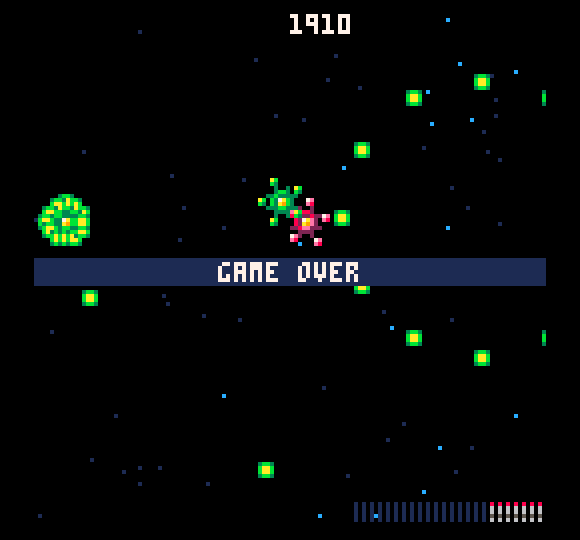
Cranked missiles up to 11, added shields, and life to the hero and still couldn't break 2000 points...
LOL
2 comments