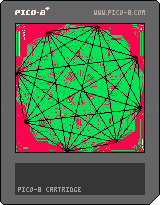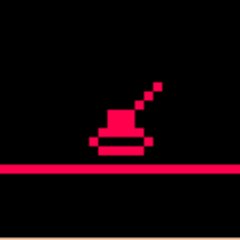



A fun, relaxing pet forest game made for lowrezjam, in the vein of a tamagotchi. Grow a dynamic little forest, see how long it can survive, experiment with the different algorithms, or burn it all to the ground! Whatever your heart desires.
Default resolution is 64x64, but I bent the lowrezjam rules a bit and included the option to change to 128x128. Change the "SCREENS" option to 2 :)
Button 1/Z - Settings menu/fast menu scrolling
Button 2/X - Probabilities menu/close menu
Arrow keys move the screen around or control the menu if it is open. Press left/right on a setting to decrease/increase its value. Hold Button1/Z while pressing left or right to make a setting increase/decrease faster.
Menu 1 has general settings, including the growth algorithms and the chances for trees to grow/burn next to each other.
Algorithm 1 uses the Von Neumann neighbourhood
Algorithm 2 uses the Moore neighbourhood
Algorithm 3 uses another neighbourhood I don't know the name of? Trees sprout at diagonals to each other
Algorithm 4-6 use the same neighbourhoods as 1-3 respectively, but will only sprout/burn if there is only ONE tree next to a cell.
Menu 2 has the probabilities for a cell to randomly change state, regardless of whether there is a tree in its neighbourhood.
Enjoy! :)
Updated with a bug fix to stop crashes during menu navigation Apr 25
[hidden]




 2 comments


For those who missed the Twitter post by Zep, he's published the official 0.1.6 changelog! He said the new version is coming this week.
11 comments


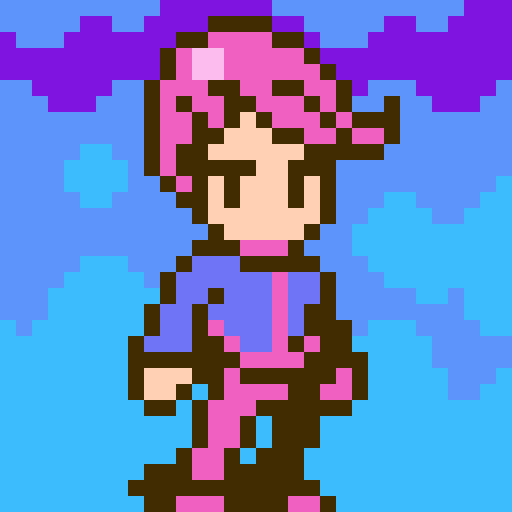


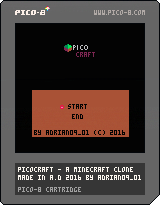


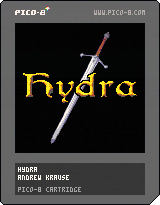
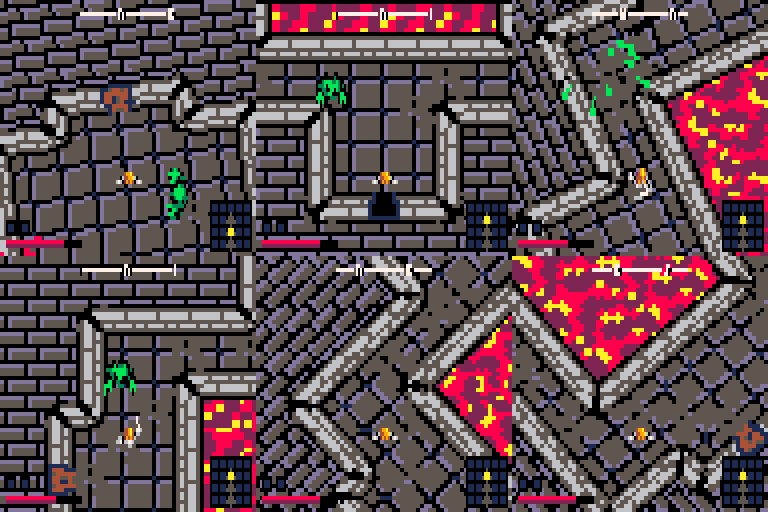
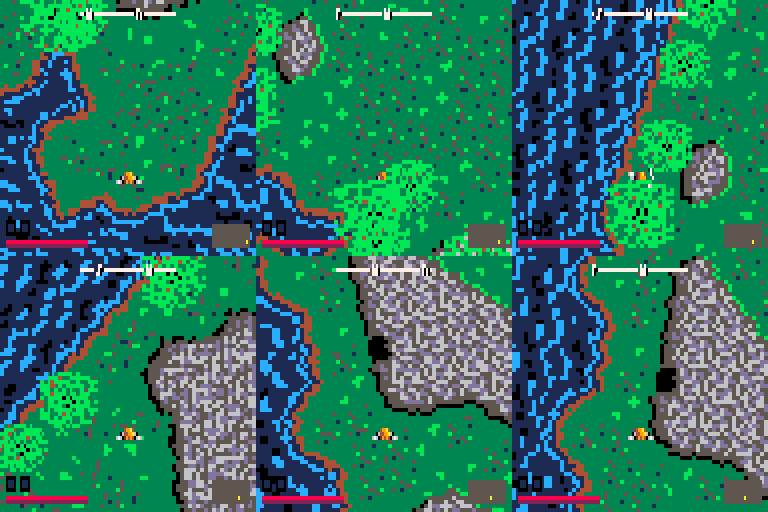
A procedurally generated hack-n-slash action adventure for the Pico-8 fantasy console!
Controls:
Up/Down/Left/Right - Move
X - Attack
Z - Strafe
Hey! Here's my first cart. The code is ugly and cryptic as all heck. Enjoy!
24 comments







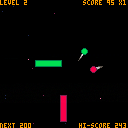
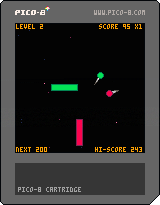
It's my first pico-8 game and I made a really basic version of Pong with double sided rocket. Use the right side for green balls and left for the red ones. Game starts with one ball and each level adds another one.
Controls:
player 1: up/down;
player 2: S/F;
x: select mode/back to menu
Changelog:
11.04.16 - added menu and 2 new modes including 2 player co-op thing!
7 comments



I was discussing with a friend how to deal with complex music arrangements (all 4 channels) alongside sound effects. He alleged that the GameBoy used all its channels for music at times but would cancel one of its channels (perhaps the percussive one) to play sound effects, then resume when sound effects had elapsed.
Current PICO-8 configuration, as far as I understand, is to have music channel masks take precedence over sound effects. This is good in theory but can be bad if you want to do something like the above. A possible solution could be to allow music channel mask modification mid-playback - is this doable? It would require some way to save or lookup a currently playing track (not yet in the API as far as I know), and then we pass that track's value to a function that could reset the channel mask to fewer channels, before playing a sound effect. Then we would do it again with the previous channel mask and expect the muted track component to come back.
I'm not familiar with the tech powering sound playback for PICO-8 and I don't know if this is the sort of thing that could have a simple implementation, or if trying to be able to modify variables for already-playing songs is totally out of the question. I can begin to imagine why it would be complicated or non-performant, but I'm not sure, so I thought I'd ask.
Thanks!
3 comments

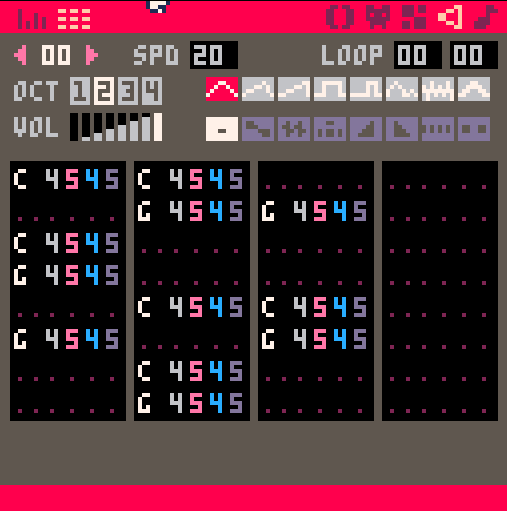
I want to write a song that's in 4, but has swinging notes - so I'm just writing tracks that fill up 24 of the slots instead of all 32. But in order to make it work in sequence I need the track to stop playing after the 24th slot and move on to the next segment in the song immediately. Is there a way to tell PICO-8 to do that? Of course I could just use all 32 slots and changing the measure's starting place depending on where I am, but I'd rather be more organized.
 3 comments
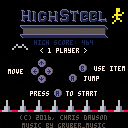
Climb to survive.
Enjoy!
| CONTROLS
Movement: Left, Right, Up, Down Keyboard: |
| * New high score: 228 (by flightrush) |
My personal high score video:
13 comments


Started on a game for the LOW REZ JAM!
I'm using an 'object pool' which is a little bit strange, but it should avoid the memory issues that were had in my Spaceball game. I should really go back and fix Spaceball to work the same way. The idea is to design the game to never logically go above the predetermined limit of 100 "actors" which should be more than enough for my purposes.
The working title of the game is "Pixt" which is inspired by Pixel's shooter game, Guxt, hence the blue color scheme.
Also, I'm using a total of 5 colors at the moment. It's an arbitrary number, and I could probably do it with 4 colors, but there's no rule about the number of colors.
p.s. Apparently the movie export in PICO-8 ignores graphics modes. I could crop it, but I didn't. ,'-y
10 comments


A funny thing happened on the way to making an actual game.
I found this odd fox statue floating in between the bits and bytes. I hope it's not lonely.
-ElectricGryphon
14 comments





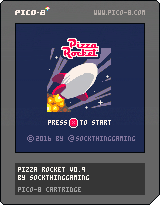
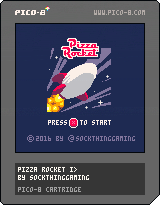
Update v0.9
added ability to pickup pizzas
picking up pizzas add 1 to score
added rocks
picking up rocks remove 1 from lives
added spawning mechanism for pizzas and rocks
added sin movement for pizzas and rocks
*added timer -- currently not counting down
added flame and smoke when moving
added downwards force to rocket
added static Boss and Minions
animated Boss health bar

 9 comments


I mentioned this issue a while ago, but it seems zep didn't see it. The color of the cursor is too similar to the background color of the editor, and makes it very hard for colorblind people such as myself to see where it actually is.
9 comments


I'm getting back into Pico programming and wanted to do some demoscene effects to warm me up like simple sinewave text. Have trouble with math behind it though.
I want to do first as simple bopping up/down sprite that uses sine behind it. I want to be able to control its amplitude (defined as y offset in pixels from the baseline) and frequency (speed). For now I have formula that goes somewhere like:
basey+Sin(upoffset+(t*speed))
where upoffset is mentioned amplitude control defined as max possible deviation from baseline, whether positive or negative, t is time elapsed since start (needed so it will actually bop instead of staying in place) and speed is, well, speed.
Unfortunately speed is somewhat coupled with amp control so when I try to increase speed at which things go, it gets too high/low and vice versa - changing amplitude changes speed at which things go.
Any help? This is best I could come up with and at the rate I'm pulling my hair right now, I estimate to go blind in 36 minutes, 43 seconds and 234 milliseconds.
No need for sample code, the formula will do.
3 comments


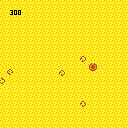
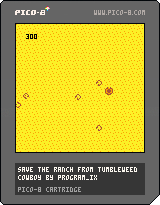
This game's really simple and pretty silly. A cowboy is assailed on all sides by tumbleweeds. Endless, rolling tumbleweeds. The cowboy must use their comically oversized bullets to destroy the tumbleweeds before they are overwhelmed.
Arrows move, Z fires.
In a shocking display of modesty, this game was inspired by my own tweet: https://twitter.com/PROGRAM_IX/status/706624643826847744
3 comments
UPDATE: Since I created this I've updated the script to apply all transforms with Python by default. The JavaScript method of shuffling elements is enabled only if 1) you lack the dependencies required by Python or 2) you specifically flag the program to use JavaScript. The advantage of doing it all with Python is that you don't have to wait until page content loads to see a responsive layout - it's already there. I've also created a comparison of the responsive and default web player layouts. And check out the README to see what Python packages you'll need to do the full HTML transform in Python.
~original post~
The default webplayer page format that gets exported from PICO-8 is great, but not quite excellent, since it only provides one display resolution. I decided to work with the structure and style a bit (using flexbox styles and media breakpoints) to make the canvas render at 290px, 580px, or 1160px wide based on what real estate is available. Also, the buttons collapse into multiple rows once the display gets small enough.
I came up with this.
3 comments

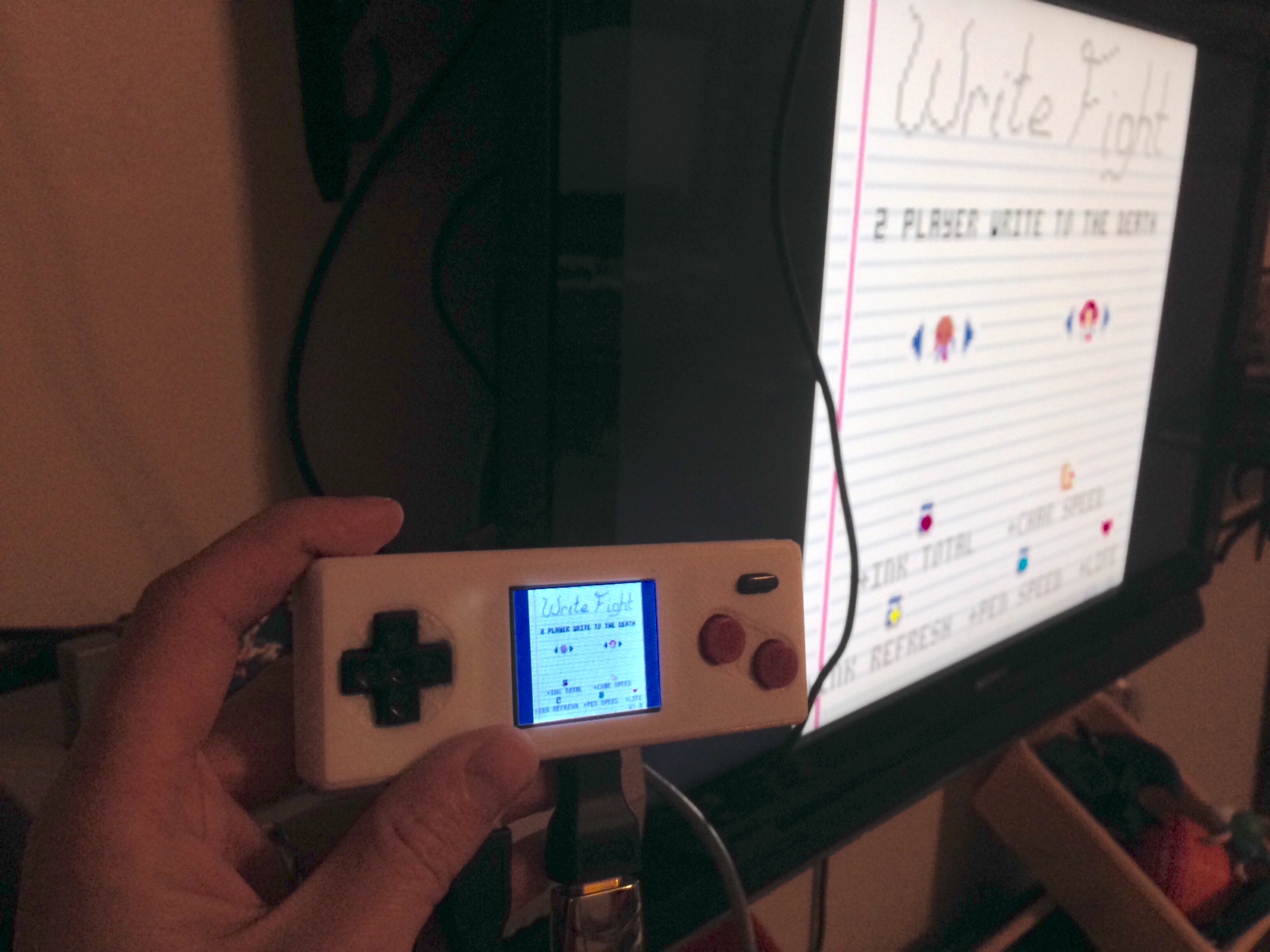
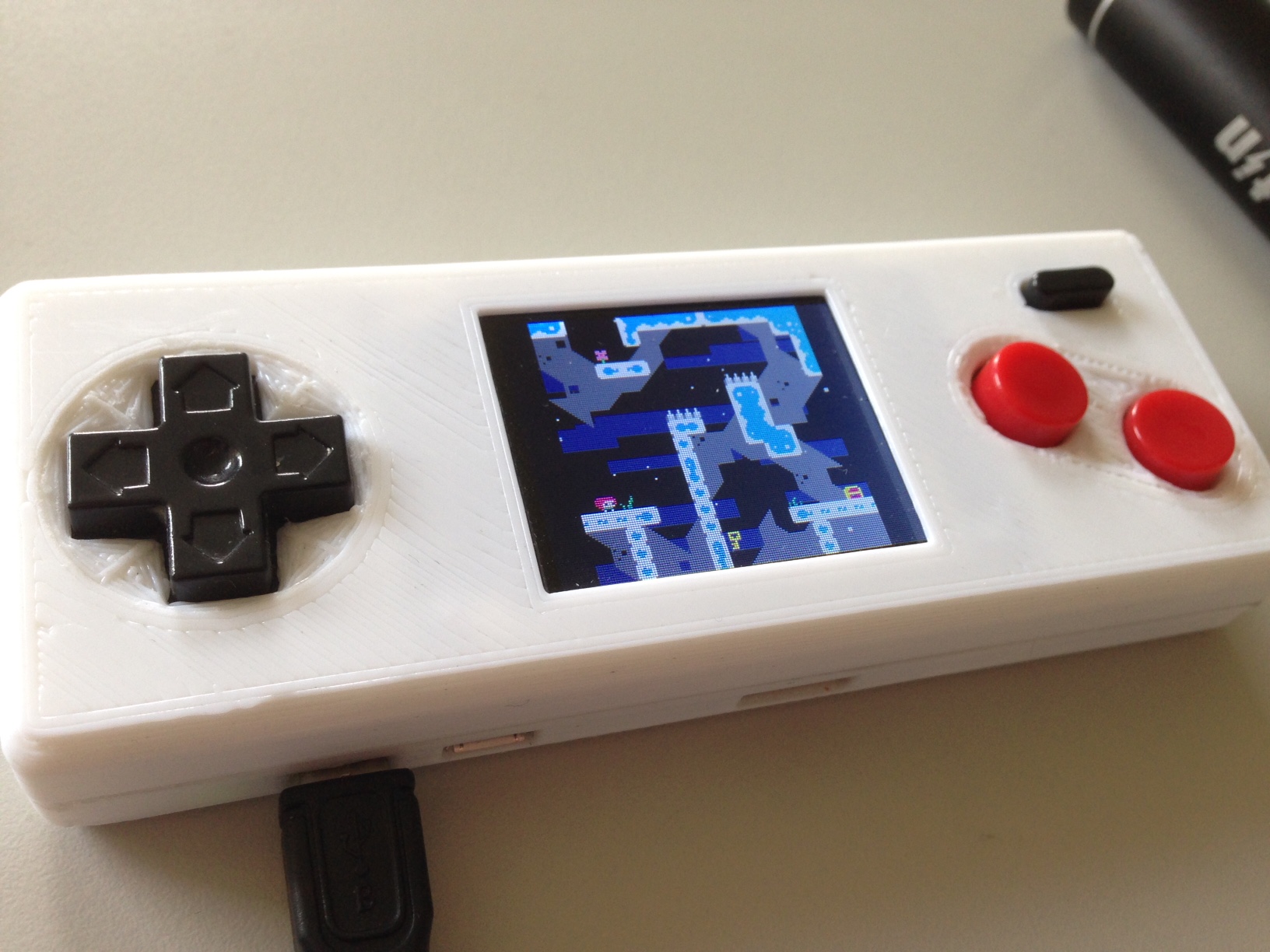
I've been working on a handheld for playing PICO-8. It uses a Raspberry Pi Zero, and an Adafruit 1.8" screen for displaying. The screen size is 160x128, so PICO-8 fits perfectly (alright, centered). The buttons and button PCB are robbed from a USB NES controller I had. The case is 3D printed to fit the parts (very tightly). Total size of the unit is 120x45x20mm.
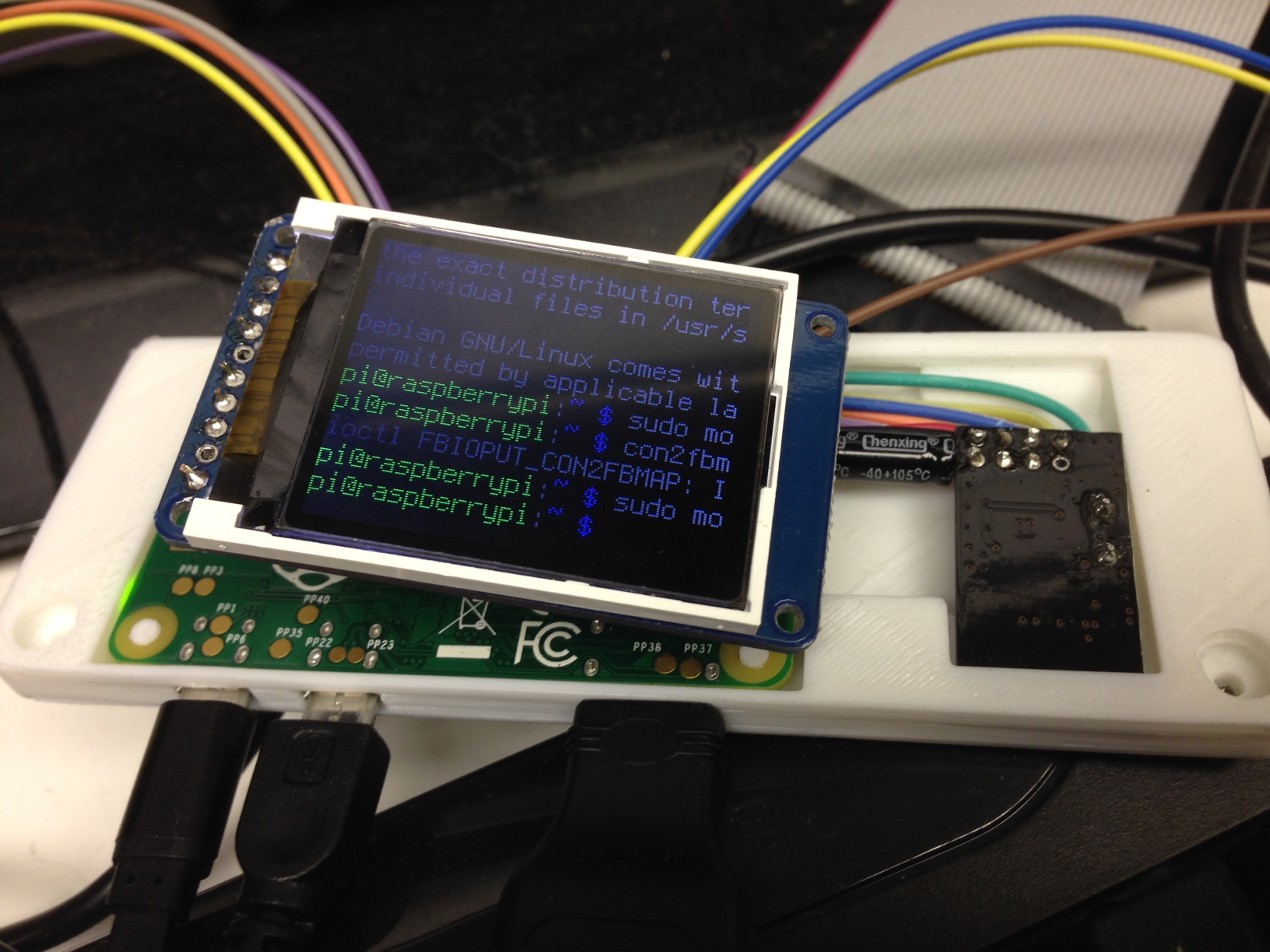
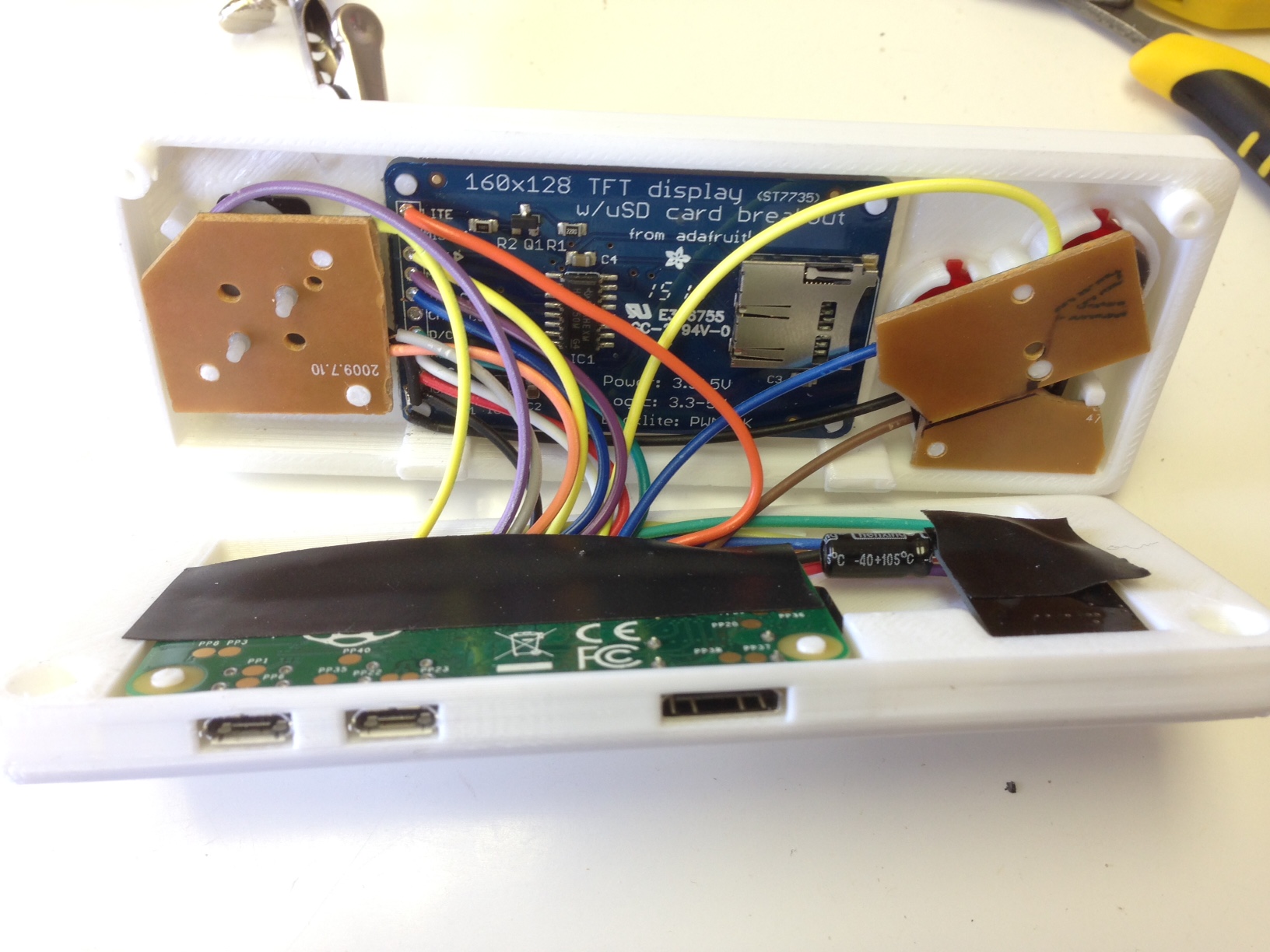
The screen mirrors the output of the HDMI, so you can play with either the TV or built in screen. Currently, it has no internal battery, but I'd like to find a good lipo battery to add. In the meantime, I just connect a USB power stick.
20 comments


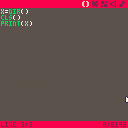
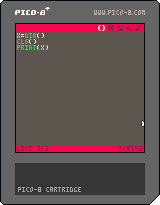
Zep, I think I have found a bug but I don't know whether you would agree.
First, here's what happens when I type the "dir" in the console:
> dir
directory: /test/
dirtest.p8
dirtest.p8.png
Which is what I expected, only this cart is saved. Here's the code entered into the editor to reproduce this bug:
x=dir()
cls()
print(x)
and the result is it prints (on a clear screen) the following:
nil
dirtest.p8
dirtest.p8.png
I suppose the value of x is nil because dir() doesn't return anything. And I suppose the dir contents are printed after because the threading model is weird.
2 comments
So after completing the (very helpful) Squash/Pong tutorial in the first pico-8 zine, I decided to go about setting up a class-based object-oriented framework for implementing the same game - one where relevant data is contained within an object, and the object has callable methods that let the object act on its own data rather than other members reaching in and changing values. The _update() and _draw() functions in turn just call _update() and _draw() methods contained inside game objects.
Here's what I came up with: http://hastebin.com/agasogijet.lua
The code at the top is mine, and the section at the bottom contains the original code (more or less, I made a couple of changes).
It's good if you follow the tutorial from the zine (https://sectordub.itch.io/pico-8-fanzine-1), but if you don't, you should be able to paste the code into the pico-8 editor and run it. The health meter sprites won't show up, and you won't get any sound, but everything else will work.
10 comments


I posted this PICO-8 theme + syntax coloring file for Sublime Text 2 if anybody wants! The syntax highlighting supports PICO-8 Lua code including the PICO-8 library functions. The color scheme uses the PICO-8 palette, and gets pretty close to the look of the editor.
Finally, for an extra touch, I included a settings file to use an unofficial TTF Font by RhythmLynx, reduce the font size, disable anti-aliasing, increase line padding, and force indentation to be a single space like in native PICO-8. (Uses a font size of 7.5, but a font size of 3.5 seems to be a 1x scale font, for those who want extremely hi-res views of their code)

You can get it here!
5 comments