





hello as they are I just leave the suggestion that you leave vexatron free for people who do not have money can put it in itch.io free mode and if you want to be given money I hope you understand me:
Postscript this is constructive criticism


 5 comments




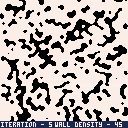
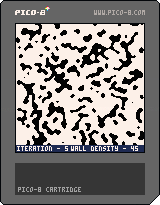
My first shot at cellular automata based map generation. Mildly interactive.
Z - algorithm iteration
X - reset
Up - increase noise density
Down - decrease noise density

 0 comments


Only gamepads 0-3 are recognized by pico-8
Hi folks,
I can't seem to get pico8 to recognize gamepads beyond 4. Granted, my testing mechanism is a little haphazard, but I am confident it is working correctly.
Test procedure
Since I don't actually own enough gamepads to test this, I am using a python script to create "virtual" gamepads on my machine. Script for this is here: https://github.com/paloblanco/bros_mansion/blob/master/gamepad_test.py . This script registers 8 controllers, then just presses the a button once a second (which ought to get a response from my game).
Here's a screenshot of the whole setup. Note that windows recognizes 8 gamepads being plugged in.
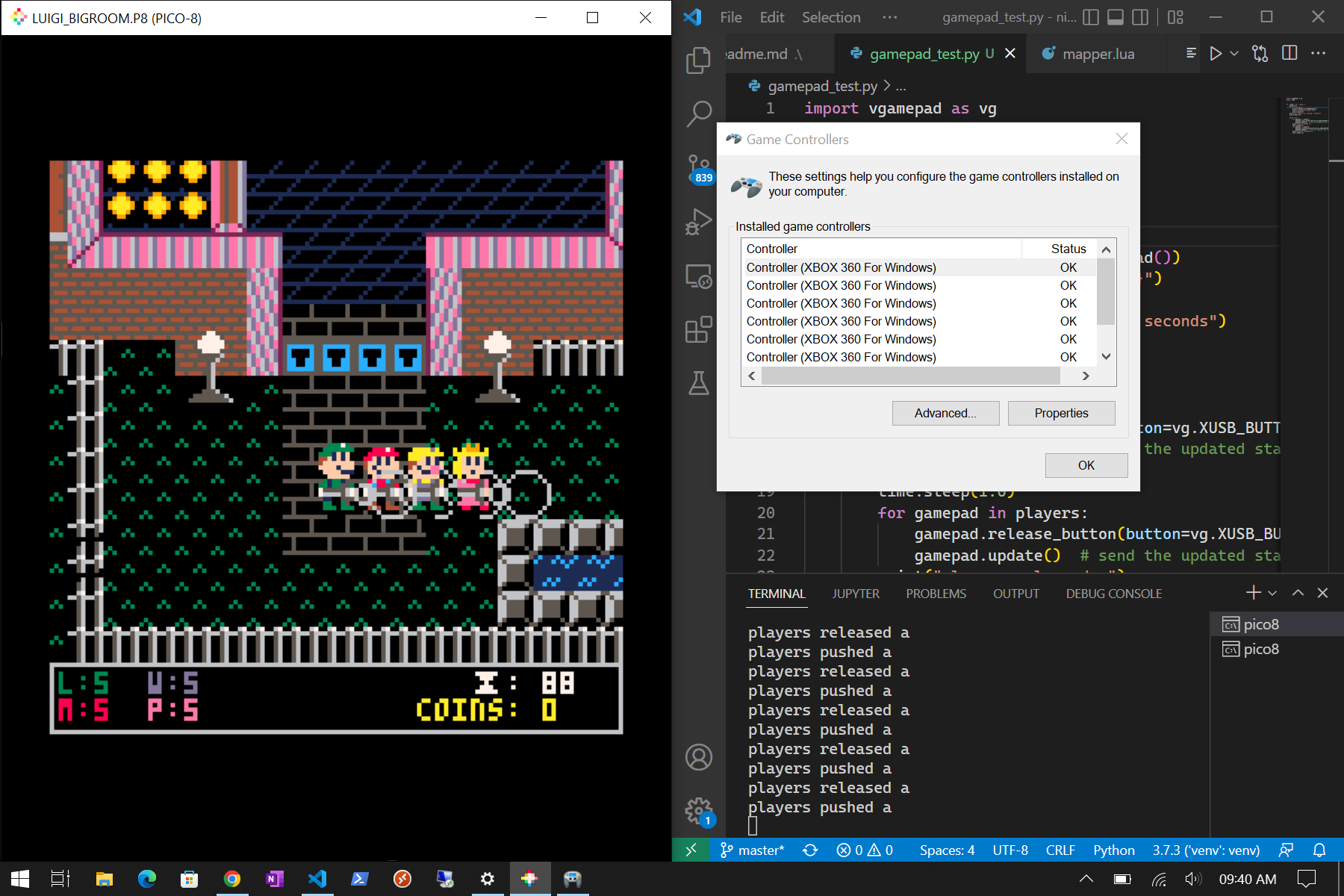
desktop while running gamepad test script
I wait 3 seconds in between "plugging in" controllers so that I can watch them get registered in pico8. Only the first 4 get registered. I can't catch a gif of the joystick prompt appearing, so you will have to take my word for it.
2 comments



I am very new to coding and pico 8 has made it that much easier for me to start. It's been a lot of fun!
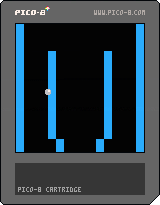
In the last couple of months, I've been playing around with code and following various tutorials on youtube. Recently I started working on a rudimentary pinball game. It now has a bouncing pinball on scrolling table using the full vertical length of the map. While collision works for the most part, the ball does often 'catch' on sides of flagged tiles.
I would really appreciate some advice on what I am doing wrong in the collision functions.
... and a supplementary query I have is can I use existing code to change the angle at which the pinball deflects? I suspect it will require trigonometry but thought I'd check before moving on...

 7 comments





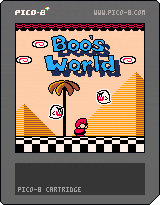
Updated to include World 6!
Hello, this here is NOT a fully contained Mario game, but instead a world map for a Super Mario Maker 2 project of mine.
You might be wondering why I chose to make this when super worlds exist, but to answer that: this project was started before super worlds were introduced! I decided to keep working on it even after the fact because super worlds do not include secret exits and cannons.
If you'd instead like to play through it as a super world, here is my Maker ID: 844-PXJ-HCG
The project laid dormant for a while, so this here is a demo featuring all the levels I had completed. It goes up to World 5. Timestamps for 'date modified' are included next to each level, just to show how old some of these are.

 1 comment

(v00 07-15-22)
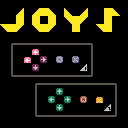
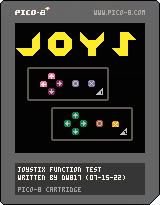
TO LOAD THIS PICO-8 CART, in immediate mode, type:
load #joystix
VVHAT'S NEW ??
(07-17-22)
- Changed [A] and [B] buttons to 🅾️ and ❎.
Thanks @paloblancogames !
I did not see a cart that showed both controller buttons so I thought I would write one up here - mostly so I can try and find out and debug why my external joystick doesn't work properly when running a Pico-8 cart from Online.
While Joystick #1 is the regular UP, DOWN, LEFT, and RIGHT arrow keys, both buttons 🅾️ and ❎ are denoted by the "Z" and "X" keys.
2 comments



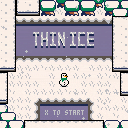
THIN ICE
A top-down precision platformer where you play as an ice-skating snowman's head.
CONTROLS
arrow keys: walk, skate
x (when red): boost
z: toggle time
CREDITS
Code/art/design: Holy Mahogany (twitter, website)
Music/SFX: Gruber (twitter, website)
This game is -- in very loose terms -- a mod of Celeste Classic 2. It uses some of that game's code, and borrows Celeste mechanics, including collectible produce and a modified dash.
3 comments




Full Controller Support
This question has probably been asked before but:
Is there any reason we can't have full controller support as a DevKit option? I know stuff like this exists but it feels janky and convoluted. And I know that full controller goes against the spirit of pico-8, but so does mouse and keyboard, so I feel like logically controller would be fine as a DevKit flag. Is there some technical reason this can't be done? Or is it just not a priority in general? Thanks for any answers!
(I'm sure this has been discussed a thousand times, so if there's a thread I should see please point me there)
4 comments





Lemon Industries
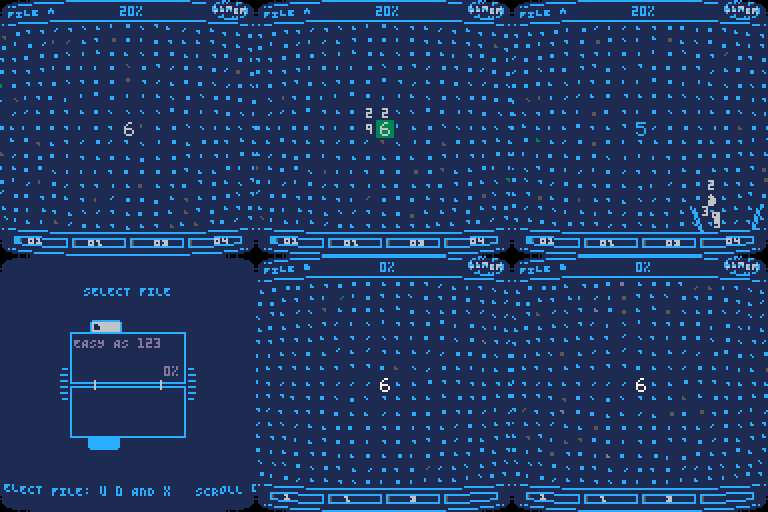
Lemon Industries is a puzzle game inspired by Severance, a weird TV show (season 2 starts in January 2025!). In this game you work for Lemon Industries as a novice data sorter, and your task is to process files stored on a special computer by selecting and dropping numbers in certain boxes. Since not much is explained to you, try to find clues, observe, research and feel free to experiment.
Important: the game contains no spoilers and there are no actual references to the TV show! The visuals are similar but the content is not.
Controls and saving:
9 comments


(v00 07-15-22)
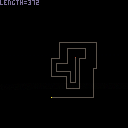
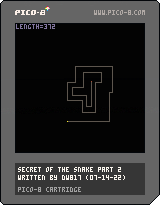
TO LOAD THIS PICO-8 CART, in immediate mode, type:
load #secret_snake2
A couple of years back I wrote a post called, "The Secret Of The Snake" and it was me investigating the complex code involved in making a "Snake" type game. In the link below, the only way I knew was to update the entire screen, in the case I wrote was 16x16 and keep track of the snake segments this way.
https://www.lexaloffle.com/bbs/?tid=35685
Thanks to @SquidLight and the marvelous "array rotation" code I am now able to create a true "snake" type program where only two pixels are drawn at a time.
10 comments


hello :)
I'm trying to use stat(38) and stat(39) to recreate a cursor, but it feels very janky?
repeated mouse patterns lead to very different results, often pulling the cursor right, down or both
could this be a hardware issue?
thanks!
5 comments
(v03 07-14-22)

TO LOAD THIS PICO-8 CART, in immediate mode, type:
load #gentle_rain
VVhat's new ?
(07-14-22) 2:36pm
- Added SPEED variable so you can confirm the animation is perfect now. It was skipping a few frames before.
There are a great many ways to create rain effects in a video-game, and Pico-8 is no exception.
In this link below can see years ago I did rain effects in the beginning by drawing a single 8x8 sprite randomly all over the screen and I had appropriate "rumble" of the rain in the background.
2 comments

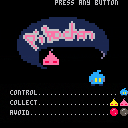
This is a tribute to old arcade game such as Popeye or Donkey Kong.
You play as pikochan (inpired bu nikochan from Dr Slump).
You must collect pink and golden poop (also inspired by Dr Slump ^^ ).
Avoid boulder and use elevator through 8 levels.
The code is fully commented and you can easily tweek/add levels of your own.
Have a nice game!
2 comments

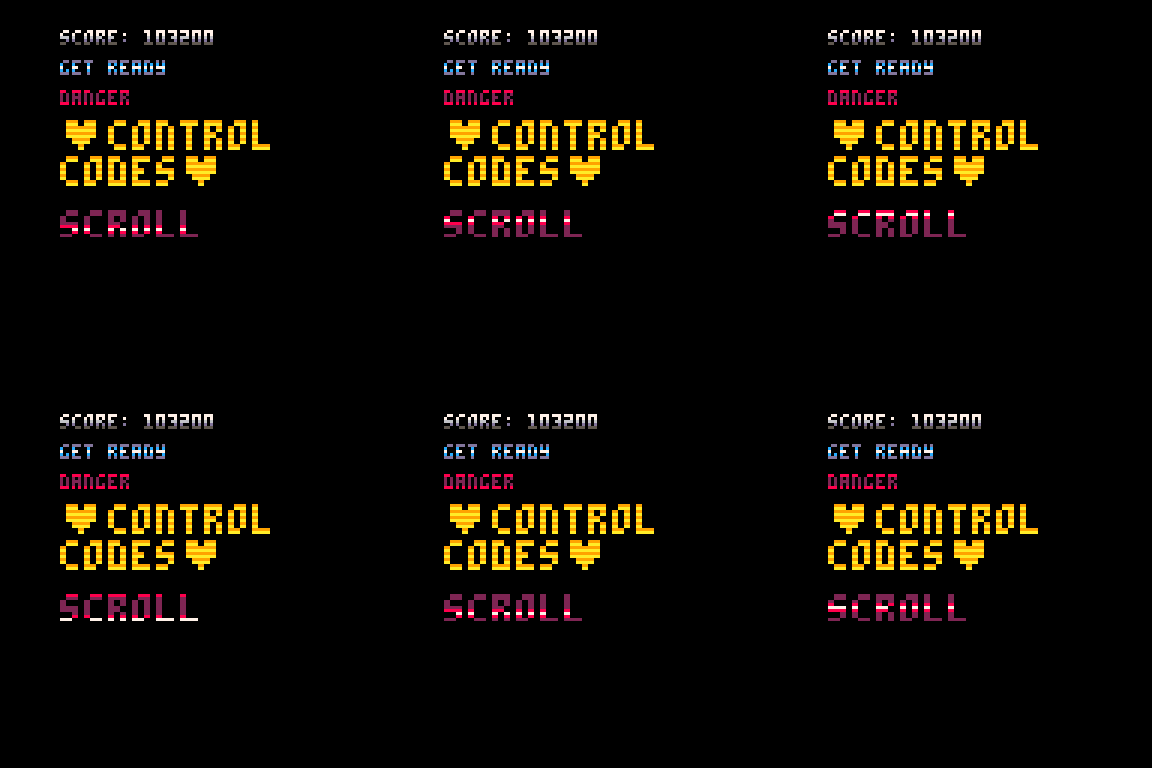
Hi All,
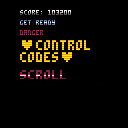
This is just a quick util method for printing in multiple colours per line of pixel. Its probably been done many time before but this is just my take on it.
The function in question is 41 tokens:
function stripe(txt, x, y, cols) local w = print(txt,x,y,0) for i=1,#cols do clip(x,y+i-1,w,1) print(txt,x,y,cols[i]) end end |
cols is an array of colours which should be at least as large as the height of the text being printed. For normal text this will be 5 values, but if split into multiple lines or you print bigger text then you need more values.
In the cart I've demonstrated some uses of it including a scrolling table that could be used as an effect.
2 comments
I'm still working in Pico-8 code on my own project, hopefully I'll be able to post it pretty soon.
In the meantime, I was checking out MESEN which is a good emulator for the 8-bit Nintendo and wondered if there was a way to convert a Pico-8 program to 8-bit NES (Nintendo) or SNES (Super Nintendo) format ?
The advantages would be high. There are so many good NES and SNES emulators for every single cellphone, tablet, many portable gaming consoles, and computers out - it would greatly increase the traffic and desire for Pico-8, not just for those who want to play the games, but those people who want to program market their games for these unique formats making them available worldwide and for more than just Java/ Macintosh/ Windows/ HTML executable and runtime.
It would also add the ability of load/save state, rewind, hacks, cheat search, audio improvement (echo + surround), graphics (filters such as HQ4x, xBRZ, 2xSai, SuperEagle, and standard bilinear interpretation) as many of the more popular NES and SNES emulators include these abilities and functions.
14 comments



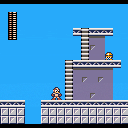
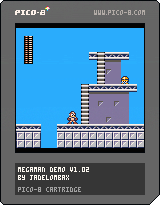
I've been working on a platformer game engine for a little while, but I'd only made a basic run-and-jump. This was an excuse to develop something more capable. While I'm not immediately planning to demake an entire Mega Man game, with PicoMap, my metatile-based map system, it seems possible. I've been working on pixel art and layouts for some levels, so I'll see where things go.
Changelog:
6 comments




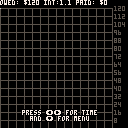
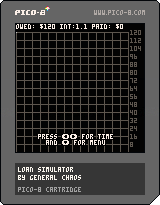
In keeping with my name, I have created a loan simulator. It's nothing fancy, although, I did add
some bells and whistles.
It can handle $120 owed, $120 paid per month, and, interest rates from 100-200%.
Buttons:
X - Move time forward.
O - Move time backward.
Up - Change menu items.
Down - Bring down menu/Change menu items.
Left - Move time forward/Change menu items.
Right - Move time backward/Change menu items.
Behind the scenes:
Take away everything else and this is just a mathematical function f(x)=(Owed-Paid_per_month)*interest.
X grows or shrinks every loop and the result is drawn to the screen.
Programming notes:
7 comments

