





Hey everyone! In case you haven't heard, we're holding the third TweetTweetJam over on itch, and it started today. Make a game in 560 characters or less, without using sprites!
There's already a ton of participation, and it's always a very fun time, so I hope to see some of you come out! If you make anything, make sure to drop a gif on Twitter and tag it #TweetTweetJam so everybody can see your work. :)



 1 comment



The layout of the clickable buttons (fullscreen, control help, mute, etc.) on the side in the 0.1.12c version of HTML exports appears to have broken in Google Chrome all of the sudden. All of the buttons now appear stacked on top of each other :\
screenshot:

The layout still works in Firefox. I guess Chrome recently changed their interpretation of CSS rules in a way that broke this?
4 comments




.png)

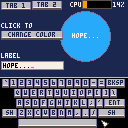
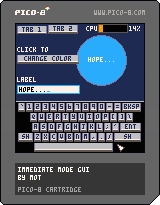
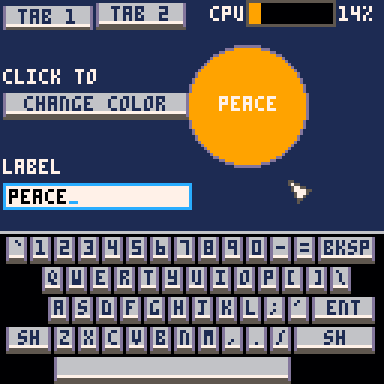
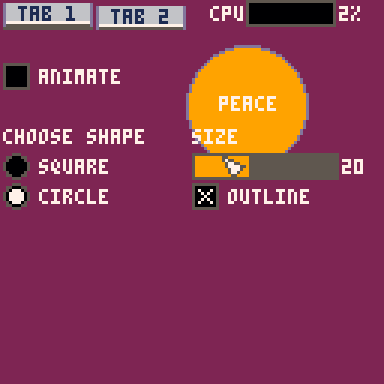
For some reason I felt like writing a little immediate-mode GUI library.
It has:
- Labels
- Buttons
- Check boxes
- Radio buttons
- Sliders
- Text boxes
You write into the text boxes on a little popup keyboard.
It works best with the mouse, but it can run in controller-only mode, where you move the pointer around with the direction arrows (it's pretty cumbersome though).
"Immediate mode" means you call the functions to draw the widgets in your drawing code, and it returns the user's input. It's generally easier to integrate into projects than a traditional widget UI would be, as you don't have to create and manage objects, you just draw the UI controls you need where and when you need them.
6 comments


Endless Underground Snake 2.5.D
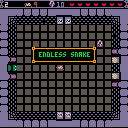
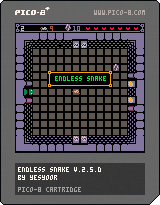
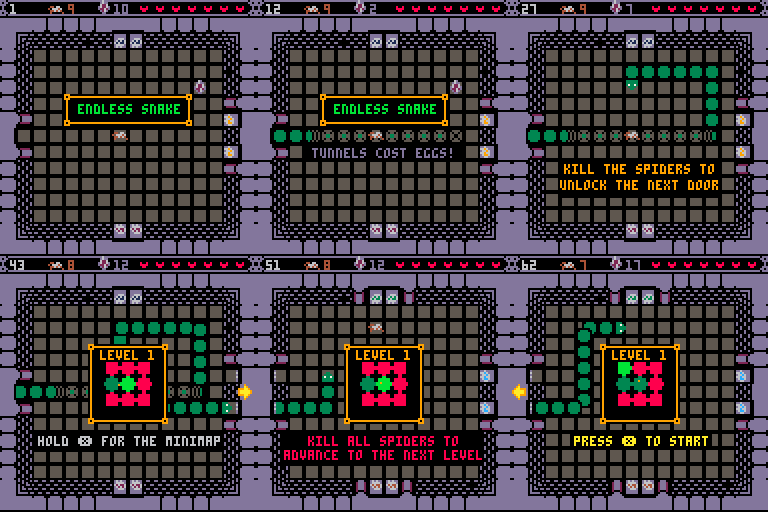
Endless Underground Snake is online!
I've made some great changes to the game, including endless gameplay with hundreds of different, procedurally generated levels, an ability to dig underground, a tutorial intro screen as well as a mini-map. For future updates I plan to fill those rooms with new creatures and paths.
If you want to skip the intro screen hit Y/Z
I hope you enjoy!
Updates:
[hidden]
April 2020 Update: Fixes
- minor fixes concerning collision detection
- pause 1 second after collision
- Input reworked and GUI implemented
March 2020 Update: Snake goes underground
- endless gameplay
- hundreds of possible levels
- procedural level design
- ability to go underground
- changed doors/ spider AI
- added a mini-map
Jan 2020 Update: implemented help arrows
Nov 2019 Update: implemented reset function
14 comments


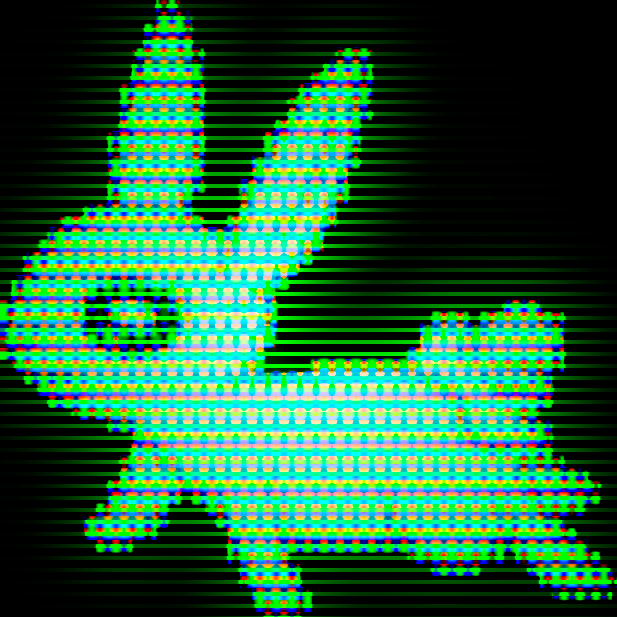
Doppelganger
By Frelon-K Games
"I hate you,
you're my worst enemy...
But if you die,
I also die..."
Left / right to move your characters.
Z to (re)start the game.
My first Pico-8 project! (Yay!)
Hello,
This is the first game I create with Pico-8...
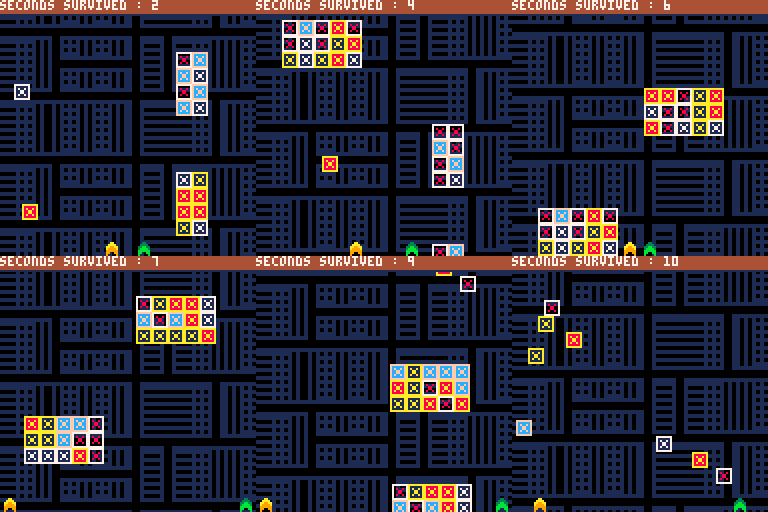
Doppelganger, a classic avoider where you control two characters.
When the first one goes left, the second one goes right.
Avoid everything and survive as long as you can!
Hey, by the way !
In the beginning, it was an Unity project, but I thought it has a better place here! Ha, ha!
I made this game in only one day and it might me improved!
5 comments


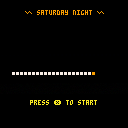
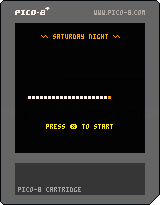
Did a really simple snake game during Saturday night :) haven't figured out how to properly increase the speed of the game so help with that and feedback is vert much appreciated.
Edit:
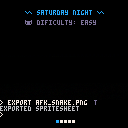
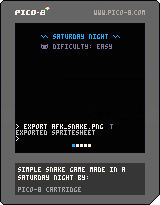
Added particles screen shake high score and difficulty selector
 3 comments


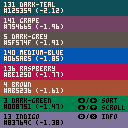
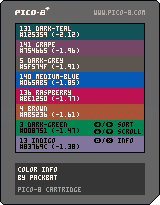
Revised 2020-01-17 to use and describe pal() commands instead of poke() commands.
One of the things that's been very much on my mind as I've been learning PICO-8 and making my first full game project in it has been how to use the console's limited palette, and particularly how to ensure that everything I put on screen is clear and straightforward to read. It is very easy when designing user interfaces to make something that looks fine in a screenshot viewed in a well-lit room on a bright monitor by someone who knows where and what everything is, but obscure or confusing in actual play under the varied conditions which your audience plays in.
Nothing substitutes for testing, but the number one idea that I've used to try to make sure I start with something easily-read or close to it is contrast ratios - essentially, how much difference in brightness there is between two colors.
10 comments





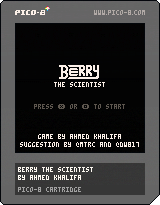
Berry The Scientist is alternative version of my entry to #ProcJam "Terry The Skeleton" that I submitted couple of days ago. The idea was suggested by @dw817 and ( @mtrc)[https://twitter.com/mtrc]. In Berry, the player can move up to three moves before the enemies can move. The goal is to see how fast you can finish the game in number of enemy steps. I hope it make you smile while playing :)
Controls:
- Arrows: to move/dash around based on the movement type
- X or Z: to change the movement type between normal movement (1 tile move) or dashing (tile it reach a wall)
12 comments



❎ to show the follow target
🅾️ to show CPU usage
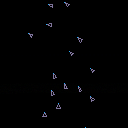
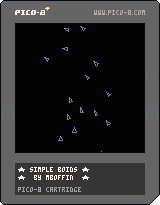
I've been wanting to do this for a while. This is a simple boids simulation. Most of the code was adapted from Daniel Shiffman's implementation in Processing.
Feel free to pick apart the code. Unfortunately, it's not commented much, and I'm absolutely sure there are optimizations that can be done.
1 comment


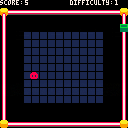
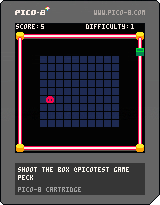
Old project (it was a small project to learn lua and pico8), was "in-progress" figured I should upload the final version.
2 comments

|
[128x128] |
You may have seen a few carts show impossible logos both in the BBS and in Splore. Impossible in the fact that you scan both code and memory to see where the logo is but it's nowhere to be found.
So - just how did they get that logo on there in the first place ?
Well, with a little bit of trickery, actually. You can do the same thing in truth.
Load up your cart. In immediate mode type:
export spr.png |
to export your tiles to a temporary file.
Then type:
import logo.png |
The 128x128 logo that you want.
At the bottom of your code or the first lines in _init() add:
memcpy(24576,0,8192) repeat until forever |
5 comments




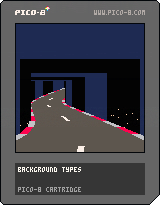
This tutorial is part 3 of a series. View part 1 here.
And the end of part 2 we had roadside objects drawn using scaled sprites and sections of the map.
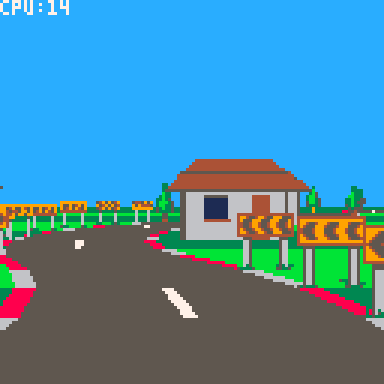
Everything so far has been flat, so in this tutorial we will add some hills and valleys.
This will require solving some overlap issues which we will solve using a clip rectangle "trick", which will in turn set us up nicely for implementing tunnels - so we'll do that too.
Defining the pitch
First we'll define the pitch of each corner with a field called "pi" (not to be mistaken for the Greek letter and mathematical constant).
12 comments




Edit: Never mind, I think the sound driver on my system has some kind of volume compression enabled.
There seems to be something amiss with the SFX player code.
The cart below simply plays a single SFX. The SFX is a constant sine wave tone with a stepped volume envelope. The envelope steps up each half second, from 0 to 7, and then back down each half second, to 0.
On my PC, this results in the SFX immediately being nearly full volume, stepping up once, maybe twice, until it's actually full volume, and then remaining full volume almost until the end, when it then steps back down four times to medium volume and then abruptly turns off.
On the web player, it seems to be more symmetrical. I'm hearing it start at medium volume and step up four, maybe five times before holding steady for a while and then stepping back down four times to medium volume and abruptly turning off.

 0 comments
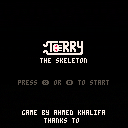
Terry The Skeleton is my entry to #ProcJam that is happening on itch.io where you have to design a game/tool/anything that uses procedural generation or as they say on the website create something that creates something else. In Terry, the player can moves in realtime while enemies are still restricted to be in turned-based. The goal is to see how fast you can finish the game in number of enemy steps. Terry is a silly little game with a silly funny story, that I hope it make you smile while playing :)
Controls:
- Arrows: to move/dash around based on the movement type
- X or Z: to change the movement type between normal movement (1 tile move) or dashing (tile it reach a wall)
8 comments


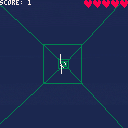
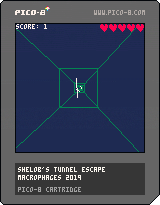
My very first Pico8 project.
Simple FPP game.
Controls: arrows (left-right-up-down).
Collect 1000 points and escape the tunnel. Avoid spider threads on your way out. Every 100 points = +1 live.
Enjoy.
3 comments

Hi guys; just bought pico-8 to use for the Game Jam and have some questions;
I'm following the platformer tutorial from Nerdy Teacher and was able to get my own status screen as show in the picture;
*the fanzine code I'm looking at is so I can remember how to draw a rectangle
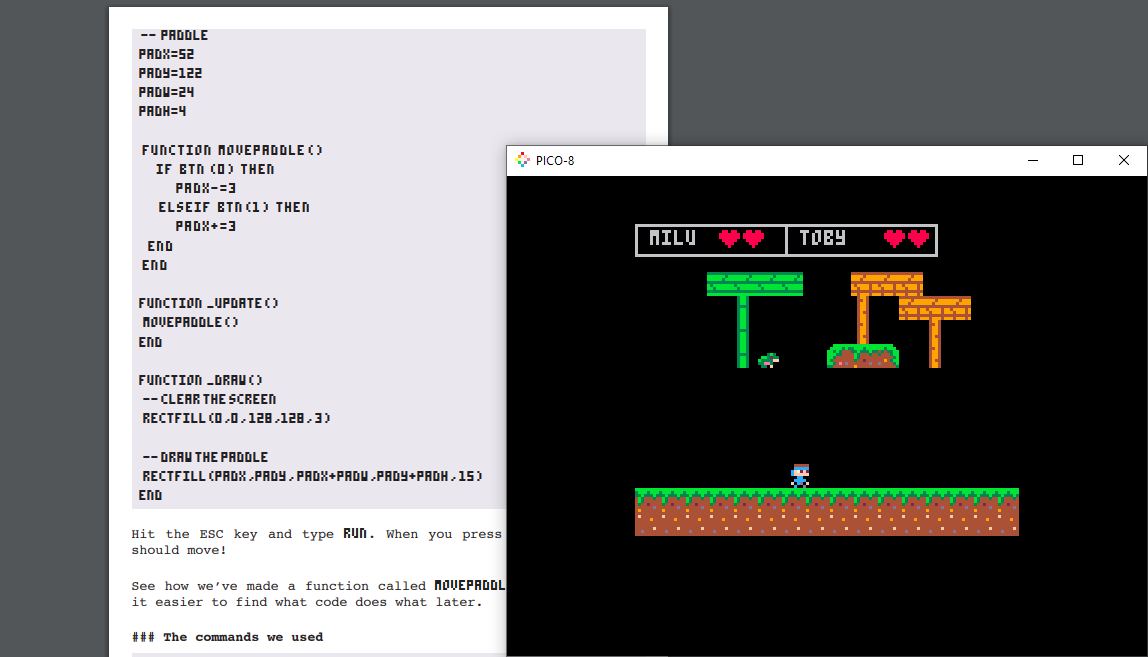
What it does now is that the camera follows the player so when you progress the map the previous tiles will disappear where the new ones will show up; but when this happens the status box I made disappears along with it. I tried pasting and copying the code within the camera code I copied but that doesn't seem to work.
Is there a way where I can have the status text just stay static or doesn't move? Or move along with me?
The tutorial that I'm following: https://nerdyteachers.com/Explain/Platformer/
8 comments


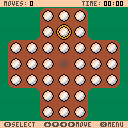
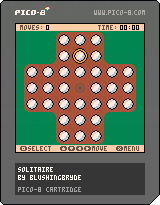
Hi folks! I got PICO-8 yesterday and I attempted Solitaire as my first project.
Move the marbles by jumping over another marble in any of the four directions. The aim of the game is to end up with exactly one marble left in the center of the board.
Controls
Arrow keys — Move
Z — Select
X — Open the menu
Enjoy <3
1 comment
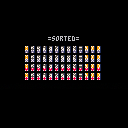
To load this program in Pico-8, type:
load #sa |
Shuffling a deck of cards on a computer has come a long way, hasn't it ?
The classic method is to go through each card one at a time and shuffle them by taking the index card and swapping it with a random card anywhere in the deck.
The problem with this method is that after a shuffle if the first card is say 2 of Spades, then you already know the next card will be Ace of Spades. So, yeah, it's not perfect.
Another way is to create a table picking a random number from 0-51 adding it to an array until the deck is filled. This will work but it can be slow once it gets near the end picking that random number from 0-51 to get that very last card that is not in the deck.
6 comments
Was just experimenting with arrays, starting to understand NEW and DEL a little better, when I came across this:
set={}
for i=1,6 do
  set[i]=i
end
newset=set
newset[3]=0
?set[3]
|
What gives ? The correct answers should be "3."
Normal BASIC with "newset=set" would just copy the array to a new array and let you work with it as a new array. You can't do this in Pico-8 as apparently it's just a shortcut to the original array ?
Is there a way to copy one array to another easily ? Like newset=set{} or something ?
6 comments
