


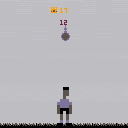
Controls:
Left and Right move to the sides
Up Jump and head
Z try hitting on your left side
X try hitting on your right side
The goal is simple, keep the ball in the air for as long as you can, lower hits give more points.
I wanted to post this game I've been working during some spare time before the world cup (2018) ends. It's not finished yet, but it's playable. It's inspired by a mini game part of Mega Drive's "California Games".
Things to add:
-Opening screen
-More movements
-Bird (check "California Games" to understand)
-More FX
Maybe:
-Balance ball
-Better graphics


 0 comments

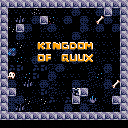
I've been working on this for a while, I decided to finally add the finishing touches and submit it. It's very loosely inspired by an old ASCII mode DOS game called Kingdom of Kroz, if anyone remembers that series.
It's kind of an action game with a puzzle game feel. You can throw boomerangs and place bombs like bomberman. There's 31 different screens to play through, and I tried to add a lot of variety throughout. You eventually get extra lives, so don't despair if it seems really hard at the beginning.
5 comments




I like to use the up and down keys to cycle between save and run on the terminal
while developing.
I’ve accidentally scrolled to load instead of save which loads the previously saved
version of my current project in progress. I’ve lost work several times.
It’s an easy mistake to make.
Defintely user error and not a bug,
although I’d consider it a UX issue.
I’d like to recommend a Y/N/C prompt in the terminal
for any command that could cause unsaved work on a project
in progress to be lost.
E.G.
>> LOAD MY_PROJECT
>> SAVE
>> RUN
.... (repeat for a long time)
>> LOAD MY_PROJECT
>> CURRENT FILE MY_PROJECT CONTAINS UNSAVED WORK
>> LOADING WILL REVERT TO PREVIOUSLY SAVED VERSION
>> AND WORK WILL BE LOST
>> ARE YOU SURE YOU WANT TO LOAD?
>> (Y - YES , N - NO , C - CANCEL)
3 comments



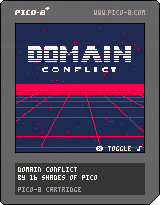
This game was developed as part of the Retro Jam Game Jam that took place in Porto in 2017.
We won FIRST PLACE!
It was our first attempt at making anything in "3D" or anything multiplayer with Pico-8 and we managed to finish it in under 32 hours!
Developed by "16 Shades of Pico" team:
Catarina Vieira
Francisco Múrias
Luis Reis
Nina Bellini
7 comments








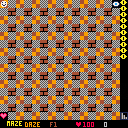
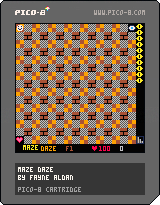





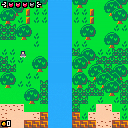
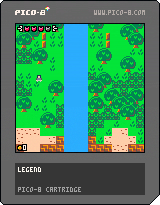
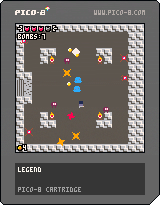
Just a lot of map stuff done here. You can also collect a Health Up item, but that's it.
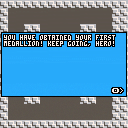
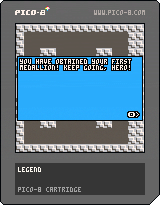
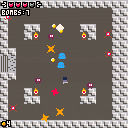
The first dungeon is complete and can be played to the end. The boss is fully finished and gives you the boss item as well. Crates can now be pushed by walking into them, in addition to the existing slash-to-move functionality.
 5 comments




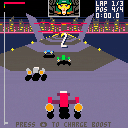
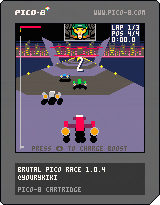
Brutal Pico Race is a fast and raw futurist racing game on Pico8 by me, Damien Hostin, on twitter yourykiki (The Lurking Engine)
I wrote a little insight on my blog in two parts, you can find it here and here
Choose one ship out of three class, choose a track and try to finish first ! You can also challenge a friend, alone or with AI, in split-screen mode !
Brutal Pico Race features :
Single player or two players in splitscreen
32 comments





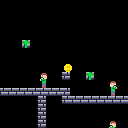
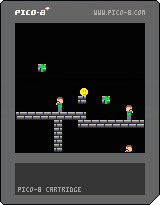
A little bit easier with less enemies:
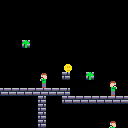
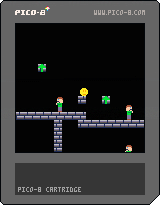
Submit for the One Hour Game Jam 167,
http://onehourgamejam.com
Theme: That's not supposed to be a weapon.
0 comments
I don't know whether this qualifies as a "bug" per se, or just "don't do silly things", but here goes.
If you open up a cart with Code Tabs in an editor you can see they are just separated by a character sequence: "-->8".
Weird stuff happens if you manually insert these. If you insert them in the P8 editor, they'll just sit there until you next load the cart, at which point they will become new tabs.
Also the P8 editor enforces a maximum 8 tabs (labelled 0-7). If you have more than this, it will silently drop the offending extra tabs, even if they have content.
My suggestion would be to do something different - perhaps ignore extra tab separators and concatenate all the extra tabs into one? Or at least flag a warning on load.
The way I can see this being a real problem is with copy and pasting via external editor. It would be really nasty to accidentally drop part of your code this way.
1 comment

I, everyone.
I have a new pico-8 experience now.
I use the sparkfun joystick shield with an arduino leonardo.
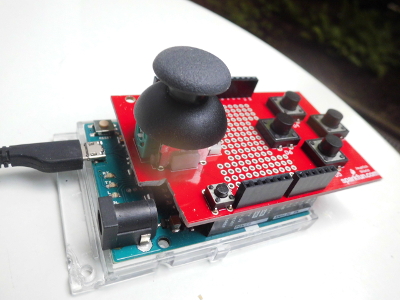
Here is the code.
#include <Keyboard.h>
char btn0 = 3, btn1 = 4, btn2 = 5, btn3 = 6;
void setup() {
  pinMode(btn0, INPUT);
  digitalWrite(btn0, HIGH);
  pinMode(btn1, INPUT);
  digitalWrite(btn1, HIGH);
  pinMode(btn2, INPUT);
  digitalWrite(btn2, HIGH);
  pinMode(btn3, INPUT);
  digitalWrite(btn3, HIGH);
  Keyboard.begin();
}
void loop() {
  if (digitalRead(btn0) == LOW) Keyboard.print('x');
  if (digitalRead(btn1) == LOW) Keyboard.print('c');
  if (digitalRead(btn2) == LOW) Keyboard.print('w'); //z but I'm on azerty board, not qwerty
  if (digitalRead(btn3) == LOW) Keyboard.print('v');
  if (analogRead(0) > 524) Keyboard.write(215);
  else if (analogRead(0) < 500) Keyboard.write(216);
  if (analogRead(1) > 524) Keyboard.write(218);
  else if (analogRead(1) < 500) Keyboard.write(217);
  delay(10);//adapt it with the game
}
|
1 comment

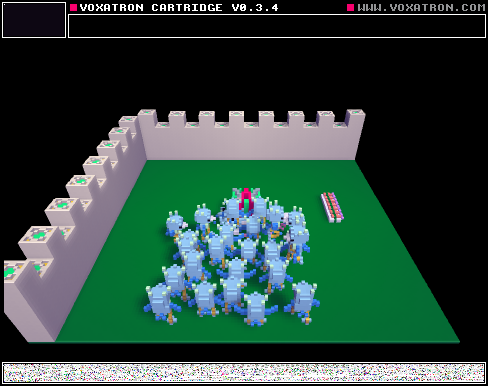

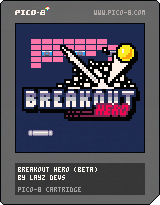
A juicy remake of Breakout/Arkanoid with 15 levels and a highscore list. Created as part of a long-running video tutorial series. If you want to learn how to make a game like this, check out this thread!
How to play
You control the pad at the bottom of the screen. You need to destroy the bricks by hitting them with a ball. If the ball leaves the bottom of the screen you lose. You need to move your pad left and right to keep the ball on the screen.
If you move the pad while you hit the ball, you can change the angle of the ball's trajectory. There are also different powerups, which appear when you destroy a blue block.
[b]Powerups
21 comments




 (1).gif)






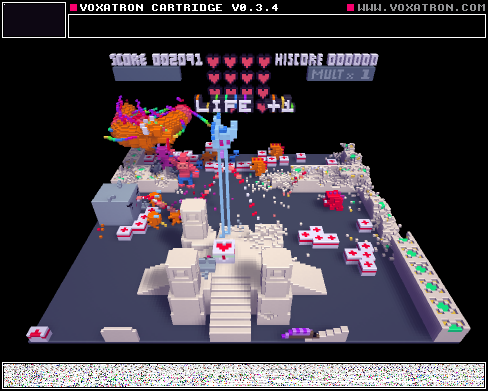

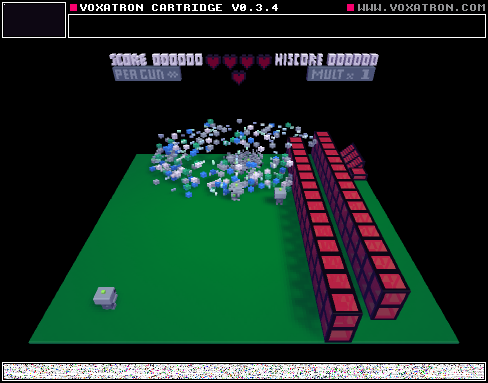
Wanted : a fool proof way of installing pico-8 on raspberry pi. I need wifi and Bluetooth. Don't want raspian desktop or any other distractions.
All I want is pure, simple, joyful pico-8 bliss.
Stuff I've tried.
- Booting straight to pico-8 via modified .bashrc file.
2 Booting to pico-8 via modified .localrc file.
3 Lakka
4 retopie
5 retrobox.
6 picopi
Really at my wits end. All the above method have flaws, bugs or contrivances.
1 comment



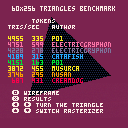
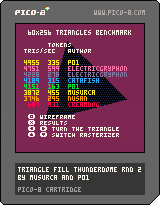
I am still very new to PICO-8 and saw a few games rendered with polygons.
This lead me to the Trifill Thunderdome benchmark by Musurca.
One thing this benchmark didn't show was the number of tokens for each method which is an important detail considering the limitations of the platform.
Also, I wrote two triangle rasterizers in 163 and 335 tokens respectively which perform pretty decently. They might be an acceptable alternative to ElectricGryphon's super fast triangle rasterizer if you need an extra 2-400 tokens. If you don't, by all mean use his. It is the fastest one I found, and by a good margin!
29 comments





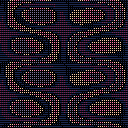
This is my first ever Pico-8 musical creation. I've been making music for years but I've always wanted to make chip tune compositions and that's one of the things that drew me to the Pico-8 in the first place. This is the sound of me slowly learning the ropes. I hope you enjoy it. :)
This cart includes visuals from a user called @voxeldphoton on Twitter who kindly gave me permission to use his graphical code.
 1 comment
