





Hey! I’m a 19 years old French student in electronic and computer engineering. I discovered Pico-8 with the PocketCHIP, but it’s only now that I did something with it, so here it is: my first Pico-8 game! I hope you’ll like it!
This game is called Dalek and is a remake of the original Macintosh game “Daleks” that I played a lot when I was a kid.
Overall, making this game was really fun, I did struggle a bit with the animation system and at the end my code got ugly but hey, I made this game ONLY on a PocketCHIP. I don’t recommend you do the same, it’s awful, seeing only a dozen lines of code at once makes it hard to remember how you put everything together.
Feel free to comment and give me suggestions!


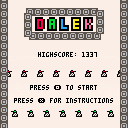
Instructions
You must kill all the Daleks before they kill you.
You kill the Daleks by making them collide with each other or by using your hammer which kills all nearby Daleks (you only have one hammer per level).
If you get stuck (and you will), you can teleport randomly on the map. Be careful! You can land next to a Dalek and that could kill you, there’s a little bit of luck involved here.
Controls
- Press arrow keys to move the cursor.
- Press O (Z/N/C on the keyboard) to move to the cursor’s position.
- Press X (X/M/V on keyboards) once to teleport.
- Hold X to use your hammer (once per level).


 5 comments



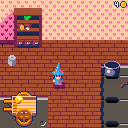
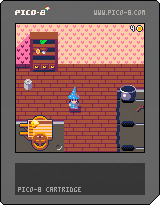
Goal
You have 12 days to create gold from what you can find in the woods
Each day you will be able to work in one place. You can leave it anytime to go to next day.
Places
Shelter : This is your house when you can brew some potion and unload or load stuff from your wagon.
Forest : A good place to gather basic ingredients in your wagon.
Market: Here you can serve food to earn money or buy new recipes and items.
Controls
<arrow keys> : move around. ( leave screen to skip to next day )
<w> : activate objects
<x> : cancel action
Transmutation order
 11 comments



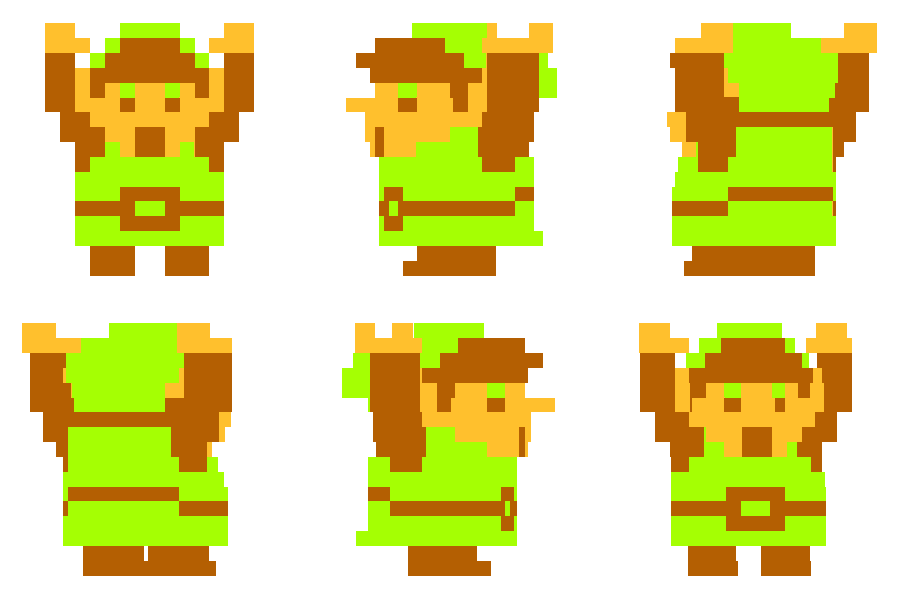


I'm trying to move the map one pixel on the map at a time, but it seems like that doesn't work. Whats the solution?
2 comments


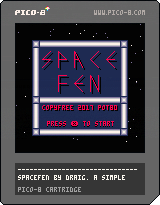
Cleaning up my attempt at the "Shooter in Pico-8" tutorial. Now has a title screen that alternates between a few attract screens before returning to menu, And much smoother ship movement and firing.. Perhaps TOO smooth. I seem to shoot like.. A bajillion bullets per keypress. XD
The music is crappy, But it's just placeholder stuff till I can write or make something better.
If anyone has an idea how I can trim down the bullets/Firing SFX to a more believable rate of fire, I'm all ears!
10 comments



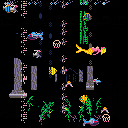
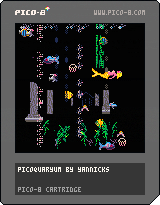
Just a unique aquaryum with big shark, rare blond mermaid :-), fishes and even seabird in antic ruins. It needs sounds and music.
1 comment

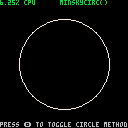
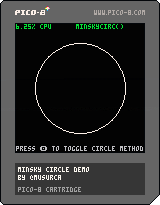
EDIT: updated demo to include huge optimizations contributed by Felice and ultrabrite in the thread below.
After reading this fascinating article about the Minsky Circle, I started experimenting with the algorithm in Pico-8. In the process, I stumbled upon a method for rasterizing circles that seems to be faster than the native circ() and circfill() functions at larger sizes, and also has a more pleasing look that minimizes low-resolution aliasing.
Demo attached in case anyone finds this useful. Press Z (or whatever key you've bound to button 1) to toggle between the Minsky Circle-based methods and the native Pico-8 draw functions.
--by @musurca and @Felice function minskycirc(x,y,r,c) x,y=x+0.5,y+0.5 local j,k,rat=r,0,1/r poke(0x5f25,c) --set color for i=1,0.785*r do k-=rat*j j+=rat*k pset(x+j,y+k) pset(x+j,y-k) pset(x-j,y+k) pset(x-j,y-k) pset(x+k,y+j) pset(x+k,y-j) pset(x-k,y+j) pset(x-k,y-j) end pset(x,y-r) pset(x,y+r) pset(x-r,y) pset(x+r,y) end -- @musurca, @Felice, and @ultrabrite function minskycircfill(x,y,r,c) x,y=x+0.5,y+0.5 local j,k,rat=r,0,1/r poke(0x5f25,c) --set color for i=1,r*0.786 do k-=rat*j j+=rat*k rectfill(x+j,y+k,x+j,y-k) rectfill(x-j,y+k,x-j,y-k) rectfill(x-k,y-j,x-k,y+j) rectfill(x+k,y-j,x+k,y+j) end rectfill(x,y-r,x,y+r) end |
12 comments



I'm new to Pico-8 and this is my first snippet. I would appreciate any feedback, or ways of making this more efficient.
It's a snippet to draw a sprite in an area as a repeating pattern texture.
function drawpattern(idx, x0, y0, x1, y1) local sprx = 8 * (idx % 16) local spry = 8 * flr(idx/16) for y=y0,y1,8 do local endy = min(y1, y+8) local sampleh = endy-y for x=x0,x1,8 do local endx = min(x1, x+8) local samplew = endx-x sspr(sprx, spry, samplew, sampleh, x, y, samplew, sampleh) end end end |
0 comments

Update to fix issue with save data.
This is my first game ever. Is it the greatest game you've ever seen? That depends on whether or not you've seen another game.
Here are some things critics are saying about games:
"...has all the things the original video game did not..." - NY Daily Times
"...the opening sequence is Halo-level epic..." - trustedreview.com
"...a polished, well-designed RPG, and through its phenomenal mechanics, astounding art, sound design and fantastic writing, it is sure to revolutionize the modern RPG genre." - Windows Central
"...For the first time ever, I truly felt like I was in space..." - COGConnected
0 comments


A clone of the Profesor Rossa Game.
Code and Music by CLSource
Artwork by Sarah Welsh and Alfredo Jaldín
www.ninjas.cl
www.nekki.us
9 comments





I don't think I've missed it anywhere, checked the values on the appropriate (and all other) stat values, etc. There doesn't seem to be a way to get the mouse wheel. This'd be awfully useful in a tool I'm writing. I'm bummed that I have to turn to the dpad/cursor keys while otherwise mousing around in my little gui.
@zep - Assuming I'm not just missing it, would you mind adding the mouse wheel as another stat? Just treat it like an axis; that seems to work better than blipping buttons, in my experience with other APIs. Just increase or decrease the stat value by one each time you get the scroll event.
Please and thanks? :)
8 comments



This cartridge is just a solution of a problem from an algorithm course. It's not made to be reused!
But do what you want with it ;-)
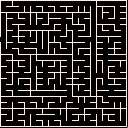
How to use:
- first state is step by step generation, press btn_5 (<x> on keyboard) for next step or btn_4 (<z>) for automatic generation
- second state is auto generation, press btn_5 to speed it up (+20%), or btn_4 for generating all at once
- when the maze is generated (green pixel at bottom right corner), press btn_5 for show/hide path to the exit, move with the arrows keys or press btn_4 to restart from the begining
2 comments



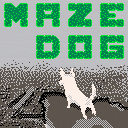
Maze Land is in trouble! Eight cute birds have vanished from their nests, into the depths of mysterious hedge mazes!
You are Maze Dog, a chubby puppy who loves to nap, dig and bark! Venture into the deep hedges, find the lost birds, and have some snacks along the way. Good luck!
30 comments



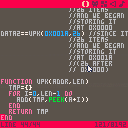
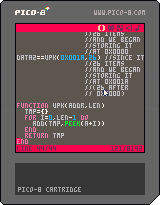
For @morningtoast
EDIT: This is a quick example of how to pack data (here, tables) inside of cart memory instead of the code editor, and then load it from there during runtime. To that you can reduce the compressed code size of your cart.
It's not really proper compression, though. If you want to see that, check out this instead: https://www.lexaloffle.com/bbs/?tid=3930
16 comments


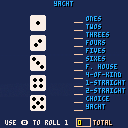
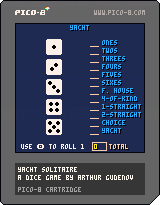
This is my first attempt at learning PICO-8. This is based on the public domain version of the dice game Yacht.
4 comments




Tribute to my friend Esluxx - Love Wojnakowski.
The code is a mess, but is was lots of fun making it.
/Nilski
2 comments

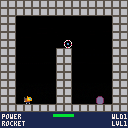
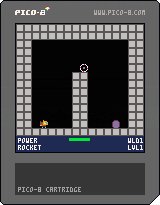
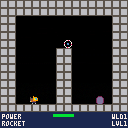
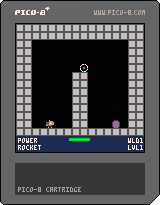
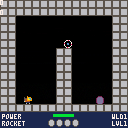
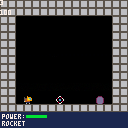


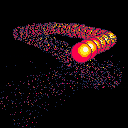
Done in about an evening as a first project using the system, I'm actually quite surprised it turned out decent looking for a first go from scratch thing, for both visual stuff and physics.
Pretty basic functionality, Left, right and up arrow keys nudge the ball, z toggles the trail on and off.
Feel free to pick it apart for your own usage.
0 comments
