




This is a beta
version 1.2
Version Yellow Camel
Changes
- 3D version
- Better startup screen
ToDo
- Fix paddle bugs
- Add music
- make startup screen fancier [Done]
- Fix "off screen bug"
(c) 2017


 0 comments

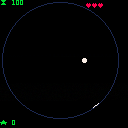
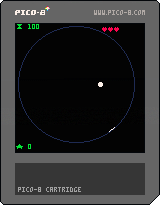
This is a work-in-progress on its way toward being an Arkanoid-type game where your paddle is confined to a circle. But at this stage of development, the game had an oddly meditative and simple feel, so I decided to share.
1 comment



I would expect "in" to be pink and "all" to be green possibly in the below code, but they are both gray in Pico-8's code editor.
my_table={1,2,3}

for x in all(my_table) do
 print(x)
end
|
3 comments




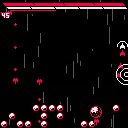
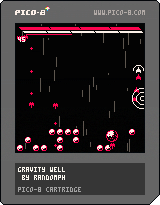
A Downwell inspired shooter where the twist is you shoot sparingly and use your mirror shield to reflect bullets!
Made for the Game Maker's Toolkit Jam
<Can you find my devcheat?>
3 comments




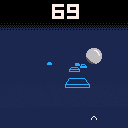
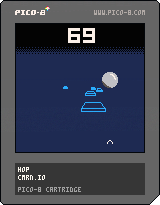
A bad demake of the mobile game of the same name (iOS and Android)
Try not to miss the platforms, they get faster and smaller the longer you survive! Hit the center of platforms to keep the platforms big!
Probably done with this, leaving it in WIP because it's not really "finished"
CC4 is too restrictive so here's the license for my cart - it's just public domain in case anyone wants to use anything from it (I'd recommend against even reading my code, though!)
7 comments



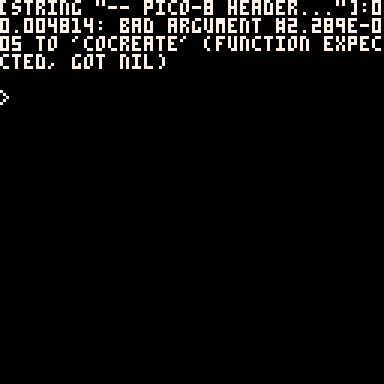
Some errors seem to be printing scientific notation for certain things. I've only seen this happen on the raspberry pi build. I believe I've seen similar errors printed out for line numbers in the past.
 0 comments



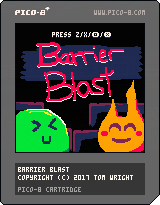
Arcade wizard game made in 48 hours for GMTK Jam.
Press Z to jump, X to shoot magic missile. Down+Z to drop through platforms.
Smash all the gems with your magic to advance to the next level. When you shoot the missile, you're left vulnerable, so be careful! See how far you can get and set the high score.
3 comments



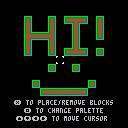
Just messing around with bitmasking. The code is quite messy and could easily use some optimisation, but at least it's working for now.
1 comment

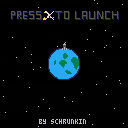
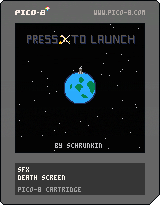
Steer a rocket around the earth. If the asteroids are annoying: Fly faster!
Control your ship with left and right. Press X To Launch!
2 comments




@zep:
Any chance we could get the added value back from add(t,v)? I ask because it would simplify code a lot of the time. For example, I have a job manager I'm playing with that has a function like this:
function job_call( cor )
  local job = { cor=cor, is_call=true }
  add( _jobs, job )
  return job
end
|
If add(t,v) returned v, I could write it like this:
function job_call( cor )
  return add( _jobs, { cor=cor, is_call=true } )
end
|
Nicer, right? Cleaner, fewer tokens. I think that even lets the compiler implement it as a tailcall.
I know it's just a minor thing, but quality-of-life stuff like this can be really nice to have. (Kinda like built-in is_empty(t), cei(f), or sincos(a) would be, among others, wink, wink, nudge nudge.)
What do you say? I can't think of any way it would break backwards compatibility. Please? :)
3 comments

function arc(x, y, r, angle, c) if angle < 0 then return end for i = 0, .75, .25 do local a = angle if a < i then break end if a > i + .25 then a = i + .25 end local x1 = x + r * cos(i) local y1 = y + r * sin(i) local x2 = x + r * cos(a) local y2 = y + r * sin(a) local cx1 = min(x1, x2) local cx2 = max(x1, x2) local cy1 = min(y1, y2) local cy2 = max(y1, y2) clip(cx1, cy1, cx2 - cx1 + 2, cy2 - cy1 + 2) circ(x, y, r, c) clip() end end |
This function draws an arc by drawing a circle four times with different clipping regions.
Limitations:
- Can't draw a filled arc (but you can change the circ to a circfill for an interesting effect!)
- Can't set starting angle (but this would probably be easy to implement)
11 comments



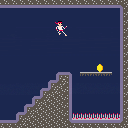
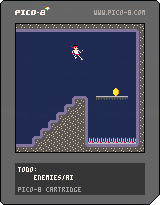
I made this game for the Game Maker's Toolkit Game Jam on itch.io.
The theme was Downwell's Dual Purpose Design. In this game you can only move by dive kicking. I ran out of time to implement enemies, but the dual purpose would be attack and movement. The dive kick button is the same as the jump button as well.
Press Left or Right to face left or right on the ground. Press either of the X or O buttons (Z, X on keyboard) to Jump from the ground. While in the air, press the same button to dive kick.
Thanks to @MBoffin on here and twitter for the code for the camera movement!
0 comments
Hello y'all,
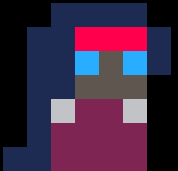
I'm working on making a puzzle game, and I've come across a problem with the collision detection/map reading when I try to change to the next map. I think this stems from the fact that I'm missing a concept somewhere on how maps work. Everything seems to work find until I move to the third map...not sure what I'm missing.
--sprite 0 is blank
--sprite 1 is player
--sprite 2 is to mark where the player spawned
--sprite 16 is wall

function _update()
 moveplayer()
 solidstuff()
end

function _draw()
 cls()
 map(0,0,0,0,16*3,16)
 spr(1,player.x,player.y,1,1,0,false)
 camera(cel_x*8,cel_y*8)
end

function moveplayer()
--moving player
 if btnp(0,0) and solid.li!=16 and solid.lf!=16
  then player.x-=player.dx
 end
 if btnp(1,0) and solid.ri!=16 and solid.rf!=16
  then player.x+=player.dx
 end
 if btnp(3,0) and solid.di!=16 and solid.df!=16
  then player.y+=player.dy
 end
 if btnp(2,0) and solid.ui!=16 and solid.uf!=16
  then player.y-=player.dy
 end
 --switches the map
 if btnp(5,0)
  then cel_x+=16 readmap() player.x+=16*8
 end
 if btnp(4,0)
  then cel_x-=16 readmap() player.x-=16*8
 end
end

function readmap()
 for x=0,15 do
  for y=0,15 do
   tile=mget(x+cel_x,y+cel_y)
   if tile==1
    then mset(x+cel_x,y+cel_y,2) player.x=x*8 player.y=y*8
   end
  end
 end
end

function solidstuff()
 solid.di=mget(flr((player.x)/8),flr((player.y+8)/8))
 solid.df=mget(flr((player.x+7)/8),flr((player.y+8)/8))
 solid.ui=mget(flr((player.x)/8),flr((player.y-8)/8))
 solid.uf=mget(flr((player.x+7)/8),flr((player.y-8)/8))
 solid.li=mget(flr((player.x-1)/8),flr((player.y)/8))
 solid.lf=mget(flr((player.x-1)/8),flr((player.y)/8))
 solid.ri=mget(flr((player.x+8)/8),flr((player.y)/8))
 solid.rf=mget(flr((player.x+8)/8),flr((player.y)/8))
end

function _init()
 player={}
 player.x=8 player.y=8
 player.dx=8 player.dy=8

 solid={}
 solid.di=0 solid.df=0
 solid.ui=0 solid.uf=0
 solid.li=0 solid.lf=0
 solid.ri=0 solid.rf=0

 cel_x=0 cel_y=0

 tile=0
 readmap()
end
|
2 comments

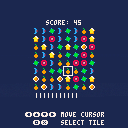
I guess this is as "done" as it's going to get, it's playable so that's good!
Made this in a couple of hours about a day trying to learn Lua and to get my OO brain around making things like this
Hopefully I'll revisit it once I'm better and make it decent, but for now I'm happy with it as my first tiny PICO-8 project
(I honestly have no clue what the icons are - they all started off trying to be something like a gem but I quickly realised that I can't do much in 8x8 pixels)
My highest score's 424, what's yours?
2 comments

Hi everyone,
I am writing, for pure fun, a small shoot'em'up.
I would like to do things the "right way".
What tutorials / readings do you suggest to implement main topics:
ship movement / projectile & enemy movement?
I've already implemented a very basic version of movement simply adding to x or y if the player is pressing a button but then I thought...
I need also acceleration in order to enable power ups...
Same problem will be with enemy waves (acceleration, rotation, specular patterns).
How should I proceed?
Is there any book to read or tutorial or article about those topics?
Really thanks :)
4 comments


Hi everyone!
I would like to be able to use my games from Android browser.
I know that this is possible because I saw a few games doing it.
I am using latest PICO-8 version but, if I export to html, this is not working:
http://www.davidenastri.it/engioi
Thanks for your time and help :)
6 comments

Hello,
Apologies, I am very new to this.
I'm making an old-school dungeon crawler, and I want to store info for each floor of the dungeon in a table, including intro text, player starting x,y coordinates and facing direction, etc. Then I would initialize each new floor with a start_floor(n) function where n = floor level.
So I have something like this:
floor1 = {
  text = "you descend the stairs."
  spawn = {x = 8, y = 6, dir = 1}
}

function start_floor(n)
  local fl = "floor"..n
  pl.x, pl.y, pl.dir = fl.spawn.x, fl.spawn.y, fl.spawn.dir
end
|
But it just doesn't like using the concatenated local "fl" -- if I switch that from "floor"..n to the correct fixed value (floor1) then it pulls everything from the table, no problem. But when it has to concatenate the floor number n, it the runtime error, "attempt to index local 'fl' (a string value)"
What am I missing, or misunderstanding? Any suggestions wold be greatly appreciated!
Thanks,
daggermoor
3 comments
.jpg)



THE BALLZ ARE LAVA!
"Nobody knows why - it's just always been this way. Our chance of survival is to absorb all the Green Orbs floating around, while avoiding certain death by touching the Lava - all before the time runs out!"
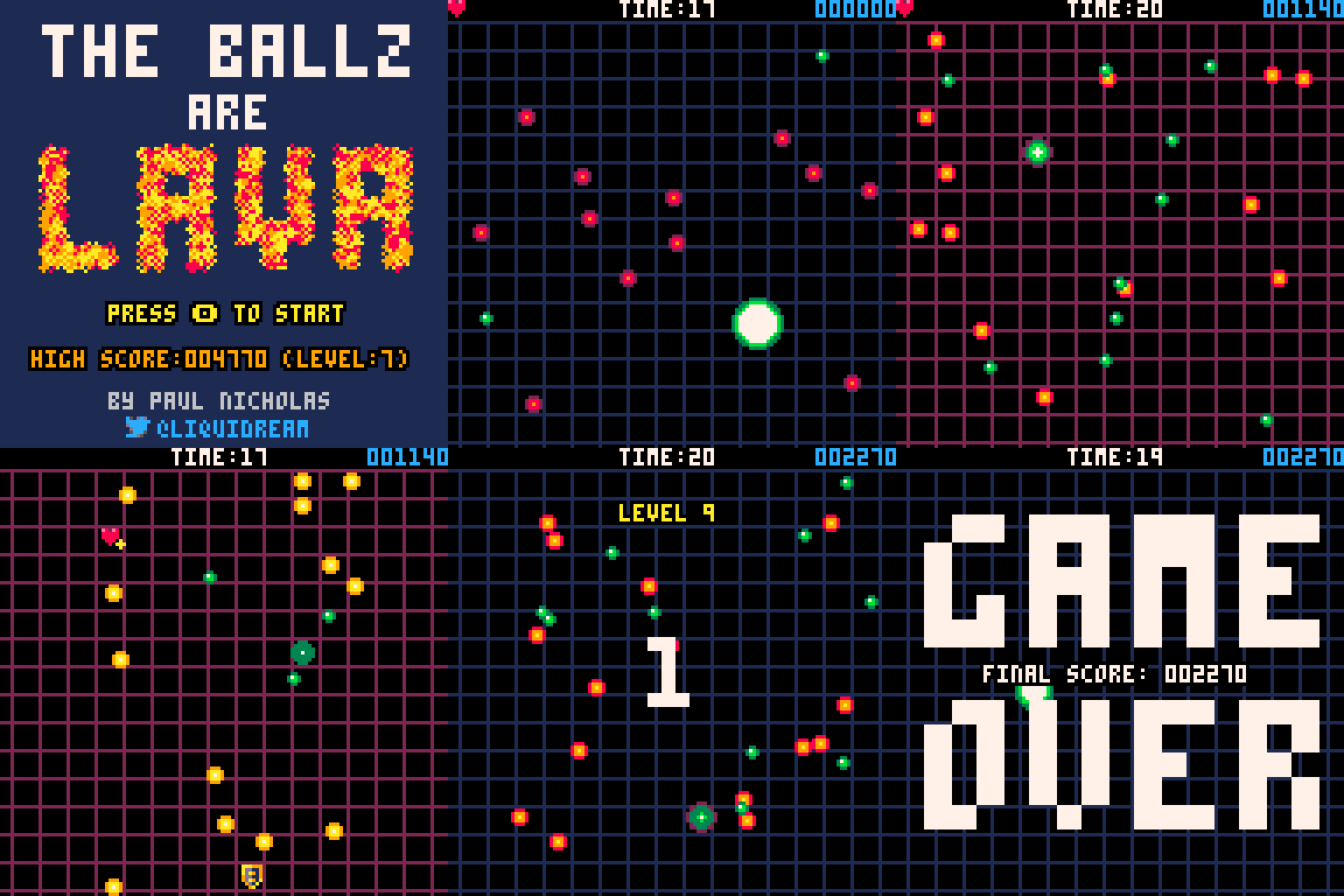
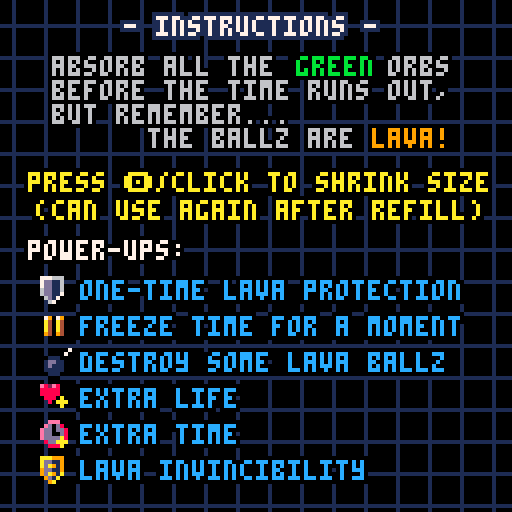
My entry to the #FC_JAM that came 2nd Place, where the theme was "Union".
For the best experience, download or Click here to play on Itch.io, coz it can hide the mouse cursor!
6 comments




My first cartridge!
I might use it before some other cartridge I make in the future, though it's a little too long, I probably gonna make a simple version for that. The code is unnecessarily verbose, but I like it that way. It's a self-contained function of roughly 325 tokens and kinda heavy on sprites as well.
0 comments