





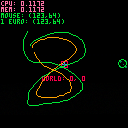
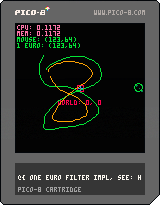
I needed a filter for something on another project, so I implemented the very cool 1 euro filter from:
http://cristal.univ-lille.fr/~casiez/1euro/
The parameters are tuned in this gif to make it very obvious, but its controllable.
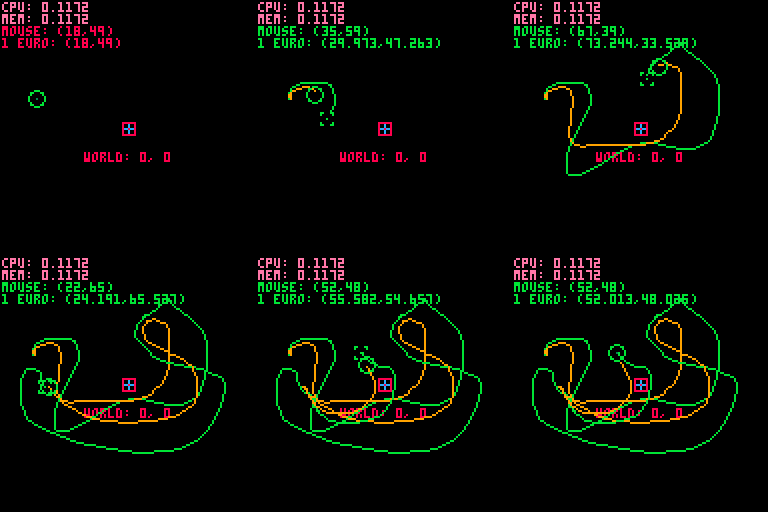
The code for the filter is at the top of the cart, if you want to see the source. It has a :filter() method that can filter the incoming noisy value.
In the cart: if you click it draws lines. Green line is the input signal, yellow is the filtered signal.
Based on stdlib.p8, built with @stevelavieties.


 0 comments

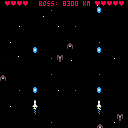
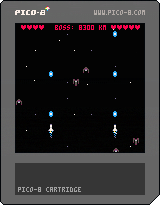
My first Pico-8 Game. Spent the first week learning Lua and Pico-8, then I spent the second week refactoring EVERYTHING and adding a touch of polish.
Hope everyone enjoys it.
0 comments



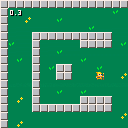
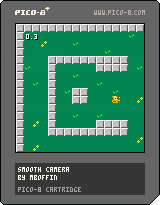
I got a lot of comments about my smooth camera transitions in a recent WIP that I posted. I thought I'd just go ahead and share how I did it with a code sample cart. I'm posting the important function below, but feel free to look at the cart's code to see how it's implemented. I'm not a wizard, and I know it could probably be simplified somehow, so feel free to use and improve as you see fit. If you do improve it, let me know here so I can update the code for others to see!
function smooth_cam(spd) cam_x+=(flr(p.x/128)*128-cam_x)*spd cam_y+=(flr(p.y/128)*128-cam_y)*spd if (abs(cam_x-flr(p.x/128)*128)<0.5) cam_x=flr(p.x/128)*128 if (abs(cam_y-flr(p.y/128)*128)<0.5) cam_y=flr(p.y/128)*128 camera(cam_x,cam_y) end |
2 comments


It feels eerily similar.
It even uses the term "Fantasy Game Console". It looks like it has more features than Pico-8, but for less.
6 comments




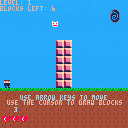
Build blocks by clicking on the screen and reach the goal in each level. If you lose all your lives, then you die and will have to restart from the first level. Good luck!!!!
Press the arrow keys to move.
Press Z to reset the level.
Click on the screen to place the blocks.
1 comment

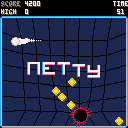
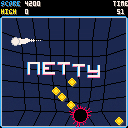
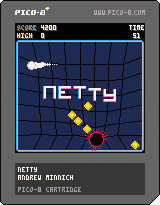
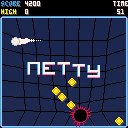
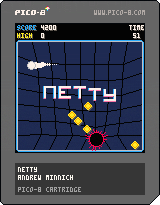
So after a while of not making any games, PICO-8 has made me productive again! Here's a little arcade game called NETTY. Should be pretty easy to understand, but there's more detailed instructions on the itch page: https://tesselode.itch.io/netty
I'm planning on adding a couple things in future updates. Let me know what you think?
28 comments

.png)






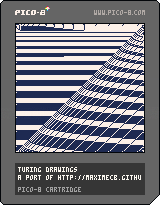
This is a port of http://maximecb.github.io/Turing-Drawings/ to PICO-8. I've had a lot of fun discovering interesting drawings on that site, and for some reason I was inspired this morning to make a PICO-8 version.
You can share the drawings you discover by writing down the code on the second page of the menu -- press the up arrow to see it. You can load them again from that same page (or just play around with the code) by holding X.
Have fun, and feel free to post anything interesting you find here in the thread!
1 comment

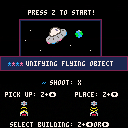
Made this for the Fantasy console jam. Theme: Unity (https://itch.io/jam/fantasy-console-game-jam-1/)
Help a distressed system regain their independence by unifying the planets! This is be done by protecting them from attacks and helping them build a well-rounded planet with housing, defenses, business/industry, trees, communication towers, etc by distributing buildings between planets.
I still have a little more I'd like to do with this game, but it's in a fully playable/finished state!
Controls:
Z + up - Beam up a structure
Z+down - Beam down a structure
Z+ left or right - Select structure in your inventory
X - shoot
Fly upwards to leave planet!
2 comments
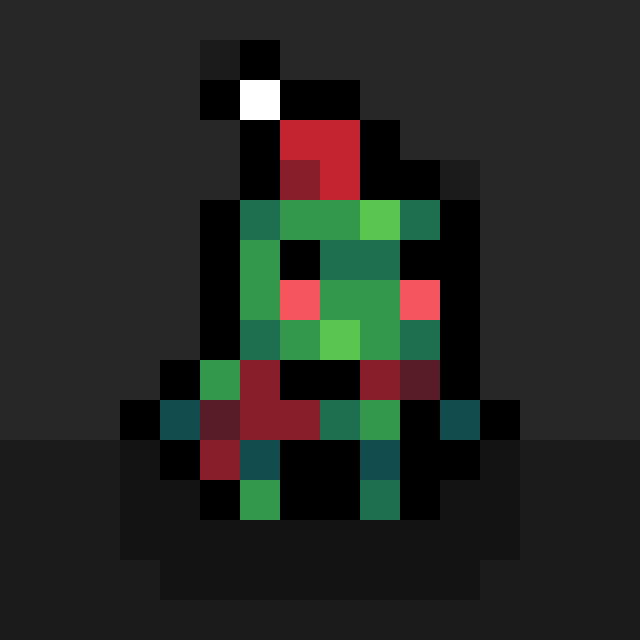

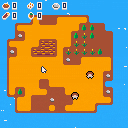
This is a small game made in one week for fc_jam and clickclickclick jams.
Manage two peps surviving on an island and take care of them.
This is my first pico8 cart, so don't kill me :D
Music and sound effects where made by grubber99, big thanks to him.
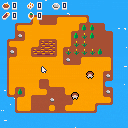
Old version:
 5 comments




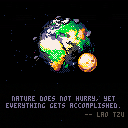
2019 edit: my Patreon page is no longer up, so there is no point in having only the minified version here. Since there was no way to get the source code anyway, I updated the cart here to the readable, fully commented version.
Hey, everyone! This is the final version of my spinning Earth PICO-8 demo, now called Blue Marble.
It comes with two mostly accurate 3D textured spheres, lighting, realtime shadows and even some inspirational quotes that you can toggle by pressing the PICO-8 buttons :).
It's also able to do all this in 60 FPS, because well, why not?
If you're interested in how it's done, please check out my [b]Patreon page
6 comments



I'm terrible at actually finishing games, but I'd like for these guys to find a home. All, except one, are four frame walking animations. Most are abstract characters.
Some of these I am quite proud of, like the running man, dog, and cat. I feel that these are as lifelike as you can get in 8x8.
Others, like the helicube and the orange hopper, I just have a fond attachment to.
Please feel free to use any of these guys in your games. All I ask is that you credit the creator.
Quick
6 comments

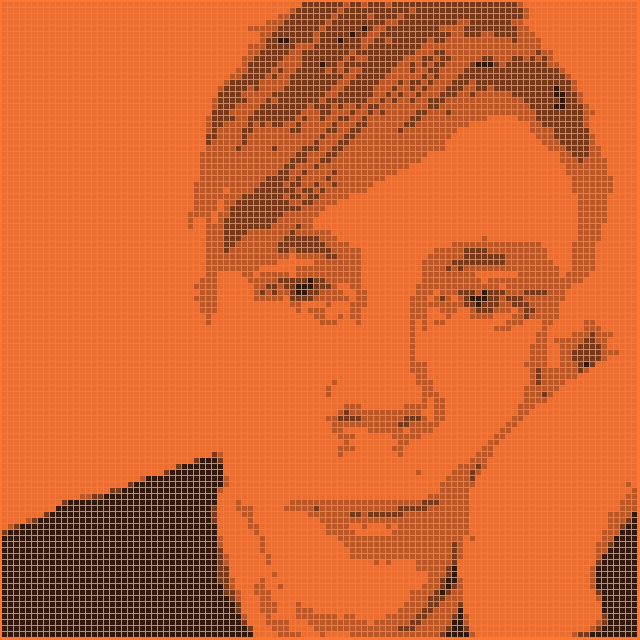




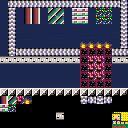
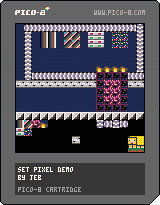
Since the spritesheet and map share memory I got inspired to make a demo of how to use MSET to edit sprites in the sheet. Essentially I'm changing the bottom part of the map to edit the sprites that are located in page 3 of the sheet.
I'm sure this has been done before, so I did it mostly for my own entertainment. Feel free to copy this if you have a need for this kind of functionality!
(This is not a playable game.)
Cheers
// Jens
4 comments


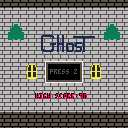
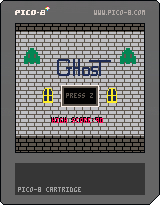
Yay version 2! added a high score, random holes in walls, and better music!
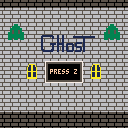
This game is a scrolling game a little like flappy bird but with a green ghost and inside an castle or dungeon hallway. Any suggestions would be helpful.
0 comments

Anx - A game about social anxiety. Make your way to the safety of your home while avoiding humans and trying not to panic. Explore 3 different somewhat large 3d areas (defined using the 2d pico8 map tool) and get chased down by chatty pathfinding mobs look at you in your eyes and make your poor digital self flip out and lose touch with reality as the pixels of the world tremble and break apart.
Controls
up/down - forward/backwards
left/right - turn
A/B - strafe left/right (if using the keyboard, use X and C. If you want to reverse these there's an option in the menu.)
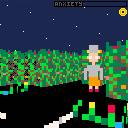
source on github - It's compiled into anx.p8 from a few different files then the whitespace and comments are stripped out into publish.p8. Start with main.lua which will be the easiest to read and which contains all the code and references to the other files.
18 comments


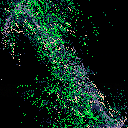
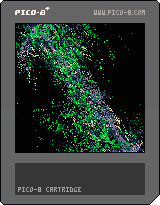
A weird animated image generator, based on the screensaver "Electric Sheep" (except way less powerful).
USAGE INSTRUCTIONS
Press Z to generate a new flame.
Press S to save the current flame.
Press X to view saved flames.
When viewing saved flames, press Up/Down to move the cursor between saved flames.
When viewing saved flames, press F to select/deselect a flame.
When viewing saved flames, press Z to load the selected flame (instead of generating a new one).
If you have flames selected and you close the saved-flame-view (by pressing X), then any new flames that are generated will be bred from the flames that you've selected (as parents).
For example: If you select one flame, close the selector, and generate new ones, they will all at least vaguely resemble the one that you selected. If you select more than one parent and generate new ones, then the new ones will inherit traits from all selected parents (plus some randomized mutations).
Post me your prettiest children in the comments!
1 comment




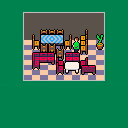
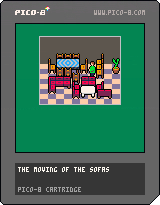
Here's a game I started and abandoned quickly. It was supposed to be a furniture moving themed Sokoban/Traffic Jam style game. I kind of like the graphics, but it became too unclear to interact with.
Anyway. Instead of just keeping it to myself here it is. Perhaps something about it amuses someone.
0 comments

DrawINK
Submission for the 45th #1GAM game jam with the theme INK.
CONTROLS: Arrows/Mouse - Cursor movement, Z - Draw, X - Hide sidebars
USE:
[i][b]UPPER[/b][/i] - Pencil, Bucket, Rubber, Color picker, Line, Circle, Rectangle [i][b]LEFT[/b][/i] - Brush size [i][b]BOTTOM[/b][/i] - Colors [i][b]RIGHT[/b][/i] - Dithering |
1 comment
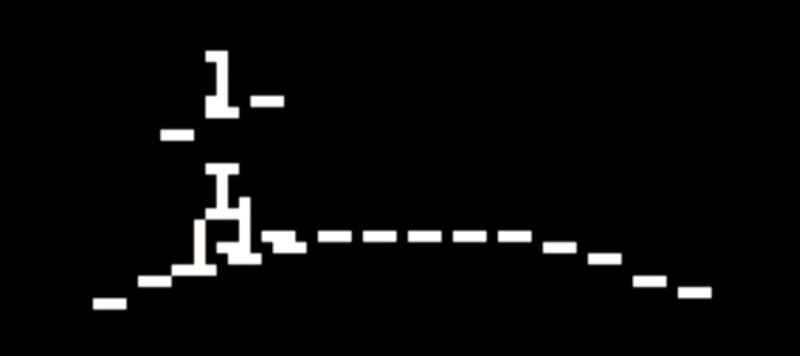
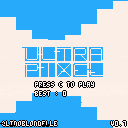
Yes, a pixel is really small.
Press C to avoid rectangle.
Too hard ?
[v.0.8] Now with screen shake !
5 comments


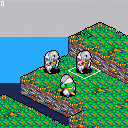
Obviously using FFTA sprites because I suck at pixel art.
Z changes between sprite control and cursor control.
Nothing much else.
6 comments
