


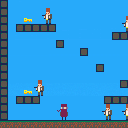
Lots to be done but pleased with my first attempt at platformer physics and collision.
Next to work on will be enemy ai and sword attack collision.


 0 comments
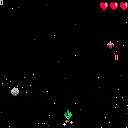



Frontier Village Dali
From the FFIX OST
Composed by Nobuo Uematsu
Ported to PICO-8 by davidsquared
WIP v2
0 comments


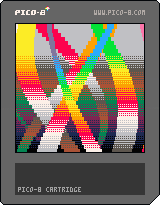
This is a simple demonstration of shader-like iterative code that runs basically CPU bound.
It does a manual flip() and copies colors downwards. Press TAB to see how it's generating the image.
0 comments


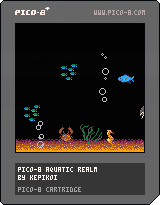
A simple demake of that classic After Dark screensaver as my first PICO-8 project
Controls: none, just chillback & zen
4 comments





another pico-8 chinese bootleg I found on a flea market*.
-
- not actually real
Thanks to Benjamin Soule for the original cart.
Music from Surfin' Pico8.
5 comments





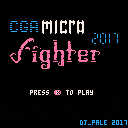
Updated
Ran out of tokens, I will call it a day :) It's rather short, but it should be somewhat original and challenging I hope :)
Started this for CGA Jam 2017 but was (as always) too late and spend way more time
I'm most happy with the blood particles and fighting mechanics :P
Includes code from basic platformer kit by mhughson.
Buttons
- Left,Right-Run in direction
- Up - Jump
- Down - Block / Action (Talk to friendlies etc.)
- z,x - Punch,Kick
6 comments





An odd game about texting.
You can choose when it ends...
How far are you willing to go?


CONTROLS:
Z/C: Look at Phone; Send Message
X: Put Phone Away; Go to Sleep (Hold)
Arrow Keys: Choose Message
(All controls are explained in-game)
WARNINGS:
- This game touches on some darker subjects, which people may be sensitive to.
- This game includes some dialogue which is arguably like cyberbullying.
- This game is about dialogue, so be prepared to read. The script contains nearly 350 individual texts, though there's no way to see each one in a single playthrough.
OTHER NOTES:
This is a companion game to my surreal adventure game NULL.
25 comments








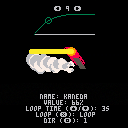
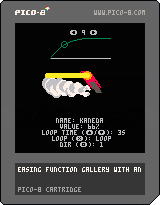
Update 0.4: fixed a bug that would cause bad behavior when changing the loop duration.
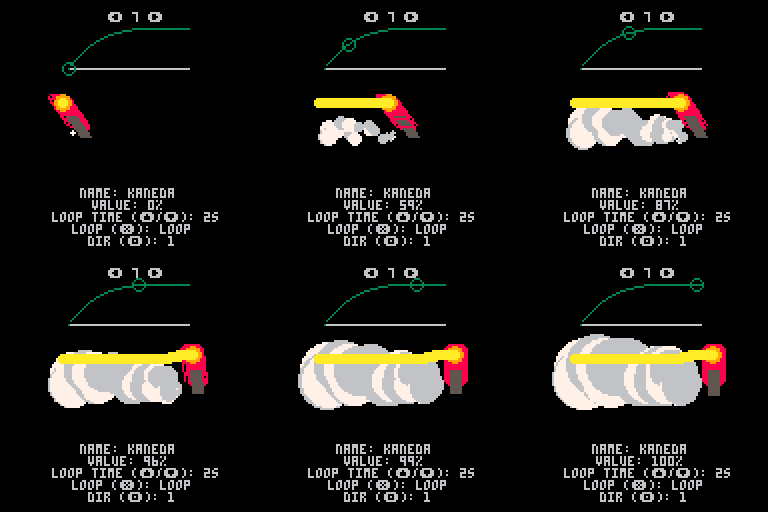
Update: Added more functions, including critically damped spring and cosine interpolation. Also added the "kaneda" easing function visualization for fun :-). Also removed even more code so its even easier to see how it all works and add your own functions.
PRs welcome!
Easing Gallery github page
 2 comments


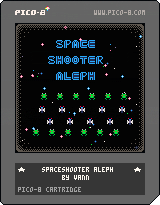
My first (actual) game! I learned a lot from this tutorial before I just started figuring it out myself: https://ztiromoritz.github.io/pico-8-shooter/
Press x to shoot. Press z to clear all enemies in a wave with a bomb. Use the arrow keys to move.
Progress by clearing waves of aliens. The aliens's speed and number of rows increase as more waves are cleared.
TIPS: Don't worry about getting all of them in one go, they wrap back to the top of the screen.
Bombs are gained every 5 waves.
*Updated to fix an issue with a sprite incorrectly being used as a star. Improved the title text.
1 comment


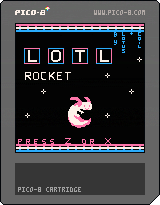

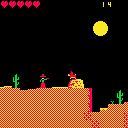
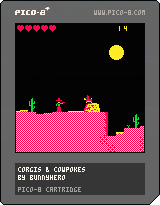

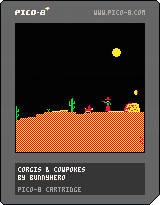
wip for cgajam and corgijam. UPDATE: bullet collisions and jumping on heads work! but doggo still cannot die
4 comments

I have a several 8x8 boxes on the screen.
I have a line from a/b to c/d.
I need to find out the line intersects with the boxes.
How I'm doing that right now is by using some line intersection formula I found to check if the line passes through each segment side of each box. So for each box, checking 4 sides for intersection. This works but I'm finding it's dreadfully inefficient once you get many boxes on the screen.
Hoping someone has a snippet or can at least point me in a direction of what to explore.
I've done a little searching and see something about Bresenham's algorithm but I don't have the brain power to translate it into Pico-8 in a manner that spits out a true/false for a given 8x8 box.
Currently, I'm checking each box, which could be up to 100 or more. I'd like to think there's a way to avoid having to loop through all 100 and compare, but maybe not.
Any help is appreciated.
7 comments



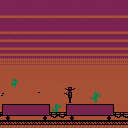
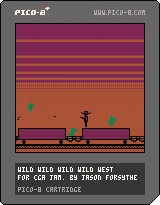
I made this game for the CGA Jam : https://itch.io/jam/cga-jam/rate/151002
This is my first Pico-8 game. It was a lot of fun building it and I hope you enjoy
DEFEND THE TRAIN!!!!
Controls: Left, Right, Up, X (to shoot)
1 comment

While trying to make a looping rocket sound effect using white noise I ran into difficulties with its loudness compared to other effects. Most of my other effects were at volumes 4-5, while the rocket effect was at volume 1. It still had a similar loudness compared to the volume 4-5 effects. I ended up not using it because I found that too annoying. White noise being louder than regular sound is something I noticed before when working with synths, but there you can usually compensate by turning down the gain.
Is this intentional? Did real-life consoles also have this kind of behaviour or did they compensate for it somehow?
0 comments

Is there a way to adjust how quickly held keys repeat keypresses within the code editor, etc? It appears Pico-8 applies its own setting/behavior to this, it does not inherit it from the host operating system. I like to use very fast key repeat settings, in general. In particular it would be nice for using page up/page down to navigate a large program.
15 comments




.png)



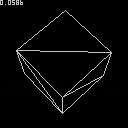
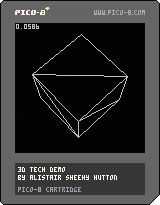
I've finally managed to get a clean, 3d wireframe engine up and running. It does backface culling but otherwise is as plain as it comes.
Working through the maths and pulling together from various sources was a pain as writing a software renderer is a bit of a lost art form with D3d/OpenGl doing all the maths for you these days.
So I thought people might appreciate a simple example to start from.
THis doesn't do any camera transforms - the camera is at 0,0 starting down the z-axis.
31 comments







this is mainly aimed @ zep, but if anyone else can help feel free
I have been playing with portable stuff, and decided to try and make a device using a 320x240 tft screen.
now pico8 is 128x128, so it technically wouldnt scale properly, but i was trying to make it fill more of the screen.
It currently sits in its 128x128 box in the centre of the screen
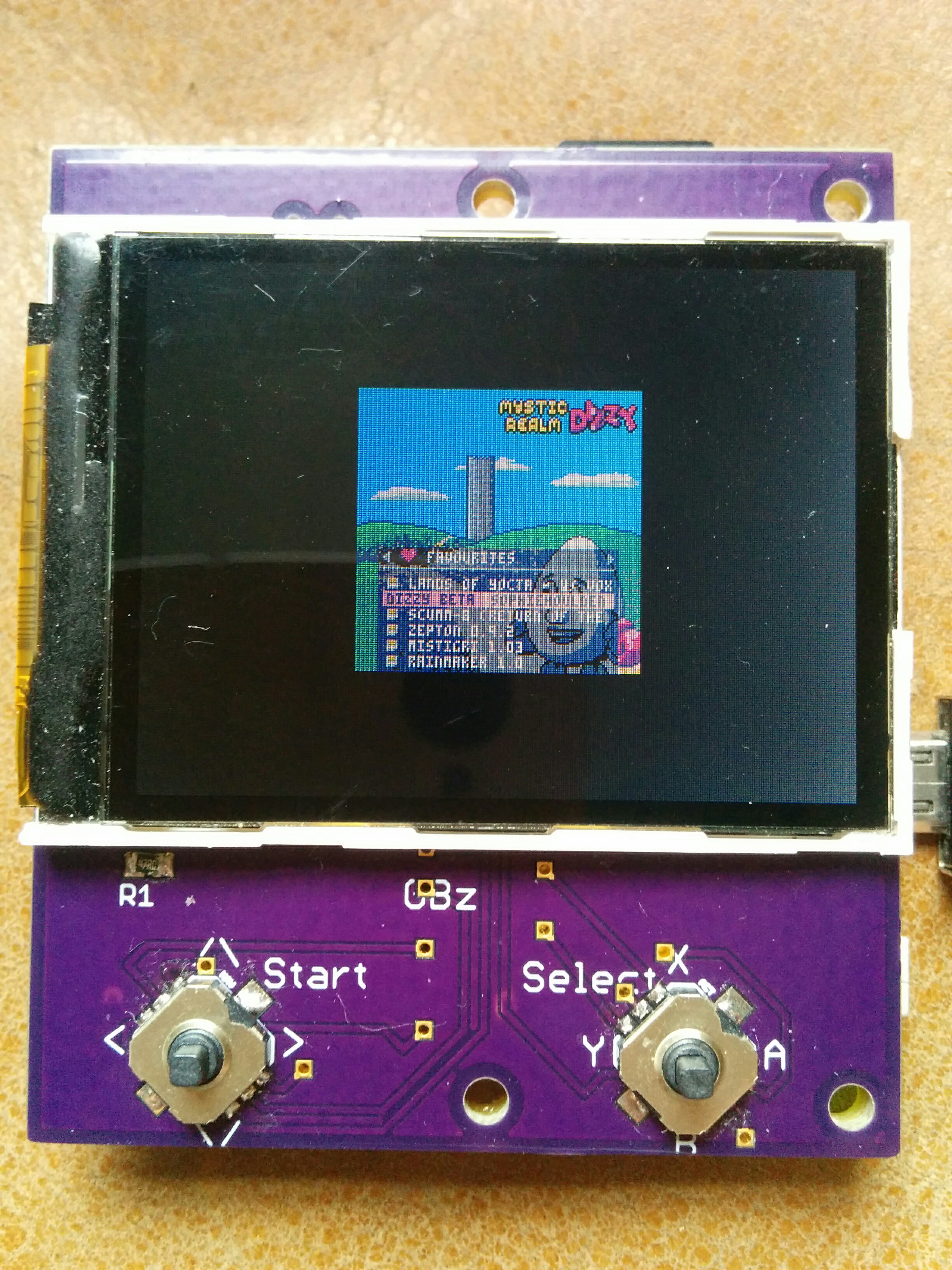
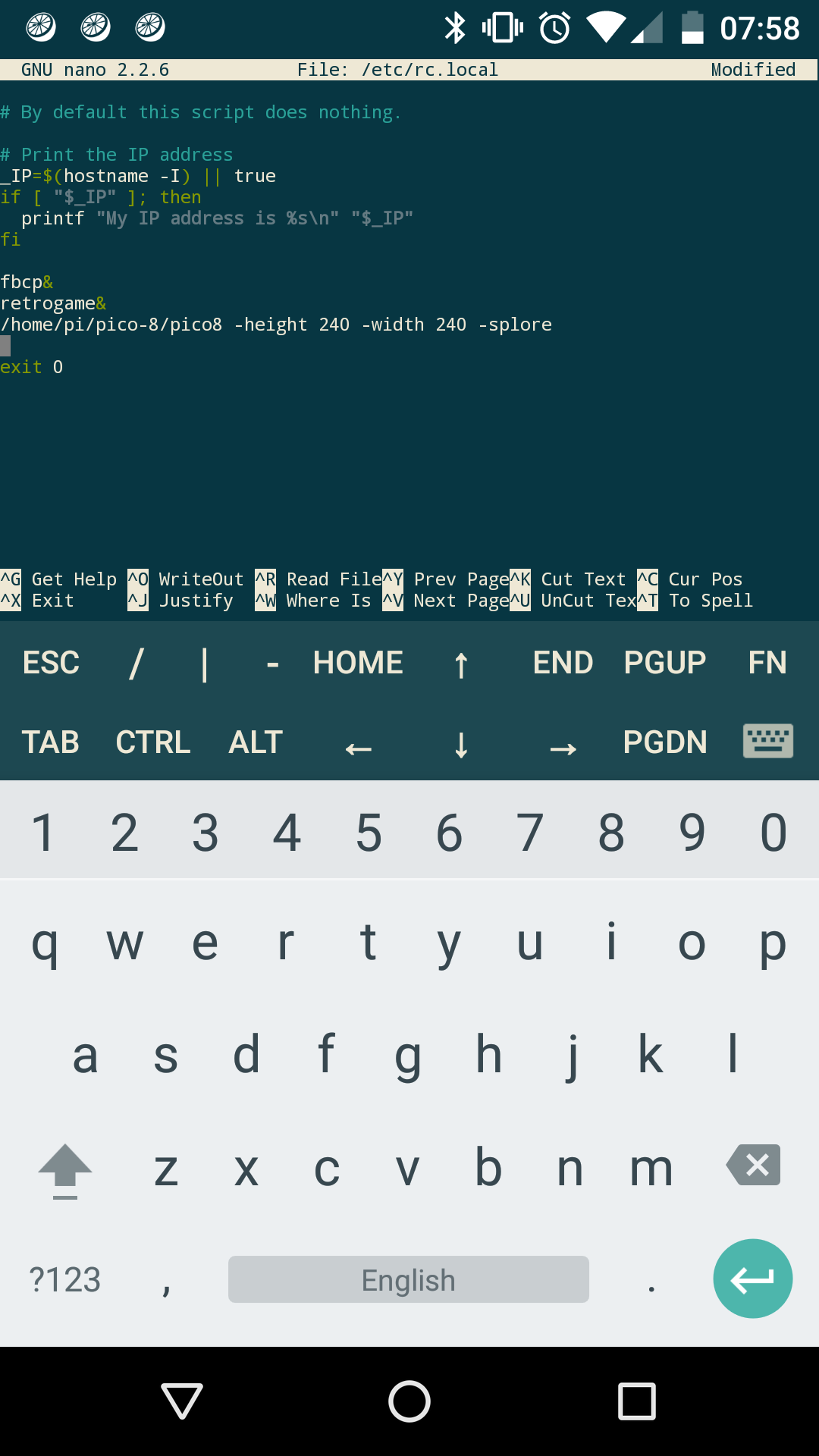
so i checked the manual, and found the height and width settings. The problem is, they are being ignored :(
can anyone see anything wrong with this?
 2 comments
