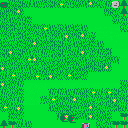
My first Pico-8 cart. This took me probably way longer than it should've to make, but I learned a lot along the way about Pico-8 and Lua. If you can think of a cleverer name than "Zombyard," please let me know. I may update the game with more levels, but right now there are just 10. Hope you enjoy!
For more games, visit maximilio.itch.io.


 0 comments

Every time i try to Copy using Ctrl-C in the Pico-8 editor on my Raspberry Pi it quits to the command prompt. Could it be reading it as the command line kill process shortcut? Im pretty sure i was able to copy using this shortcut before but even after a reboot it wont work now.
Any Ideas? Thanks.
2 comments



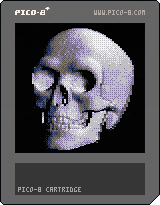
Inspired by old-school demo-scene effects, here is a new and improved grayscale bump map render, which takes 8 bit height map input and generates real-time shading effects.
Please see GitHub for Python image conversion script and sample files. (https://github.com/electricgryphon/pico-9-height-map-converter)
I found the skull height map in the following forum:
http://www.cnczone.com/forums/artcam-pro/156994-last-supper-bas-relief-trade.html
--Electric Gryphon
5 comments






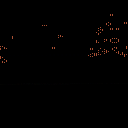
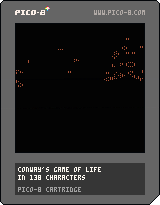
Ok with a bunch of help from LRP I have an entry that works in 138 characters! I'm so happy I managed this. I didn't think I'd actually be able to compress it this small. It was a lot of fun to do.
code:
k=2^13::s::for a=0,k do n=0 for x=0,8 do n+=peek(k*3+a+x/3+x%3*64-65)end poke(a,n==12 and 4 or n==16 and peek(a))end memcpy(k*3,0,k)goto s |
Original post:
Was trying to make Conway's Game of Life into a #tweetjam entry but wasn't able to get it below 175 characters. It reads the screen to do the simulation so while it will always display the same simulation from the BBS you can do whatever input data you want if you download the cart by having whatever you like on screen when you hit run.
6 comments





Hi,
Since the webmaster got rid of massive spam yesterday, the forum looks all messed up on updated Chrome/Win 7:
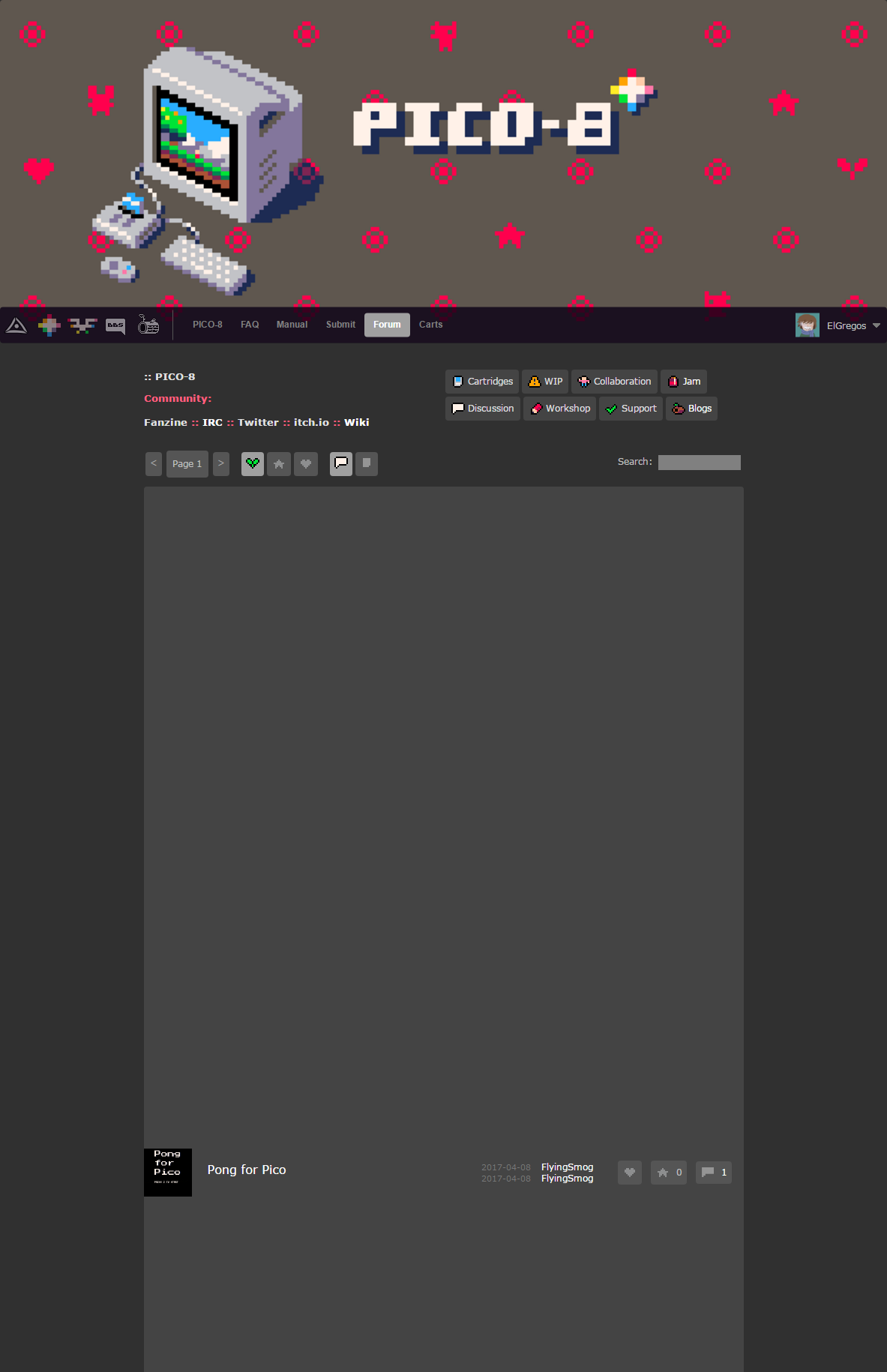
Something with display:flex and height:100%
It's ok on Firefox though.
4 comments




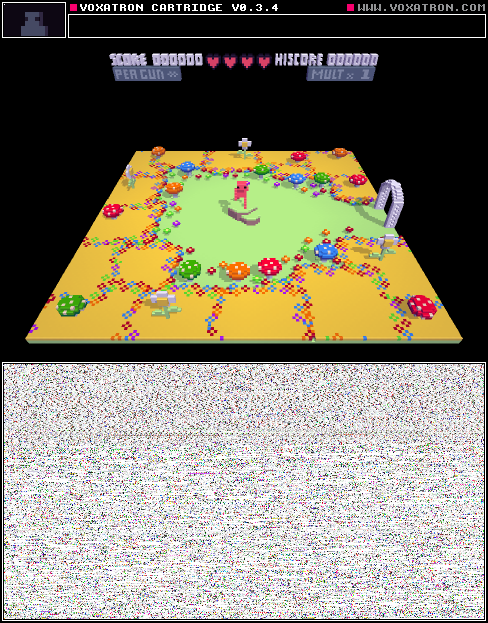
It's a big adventure!
You get stuck when going through doors often. Just return to the last checkpoint, and try again.
0 comments
This is a simple demo of storing movement in speed and angle values instead of speed-x and speed-y. It shows a ball bouncing around inside a box.
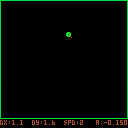
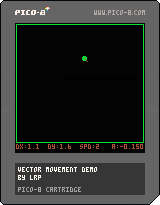
Controls:
up/down: change movement speed
left/right: change movement angle
x: pause movement
z: randomize the movement angle
Introduction to pico-8 angles:
right: 0
up: 0.25
left: 0.5
down: 0.75
The speed of the ball is stored as ball.speed and the angle is stored as ball.angle. When the ball moves, the program uses sin() and cos(), along with the speed and angle, to calculate how far to move the ball in each direction (x/y movement).
dx=ball.speed*cos(ball.angle) dy=ball.speed*sin(ball.angle) |
The advantage of storing the speed and angle speed-x and speed-y is that they are easier to change directly than manipulating x-speed and y-speed. For example, when the ball bounces off a wall, you can just change the angle and know that the speed will stay the same.
This demo calculates speed-x and speed-y every frame, which isn't really necessary. In a real program, you would probably want to store all four values: speed, angle, speed-x and speed-y, and only recalculate speed-x and speed-y when you change the speed or angle.
In the bounce_ball() function, the angle you provide is the angle of reflection. For example, a vertical line has an angle of 0.25 (it goes straight up) and a horizontal line has an angle of 0.5 (it goes straight left). You can tweak these angles if you want the ball to bounce off at a different angle.
0 comments
Hi,
I'm working on my "Who dares" game (v0.13.3 for now) and now fight with bullets movements. Player and foes can move and shoot on 8 directions. To prevent all those sprites going faster on diagonals I just multiply their step value by 0.75, an approximation on cos(45) (or sqrt(2)/2, you choose) to get back to integers every 4 frames. Anyway, those sprites move look jagged on diagonals. I first found a way to fix this by copying Y decimals to X coord, but it's rather complicated and not the best way I think. Plus, it also messes with collisions.
So I went to basics: if movement is jagged because of float coords, how is drawn a float positioned pixel? I made the little cart here to experiment this. To make it short, a float pixel will be drawn at a floored, and not rounded, position. So pset(9.75,9.25) will put a pixel at 9,9. Fine with that, but further experimentations show bugs, as shown here.
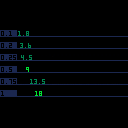
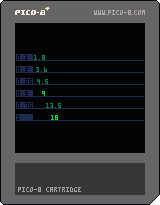
The cart shows 6 different increment, named px, each one its own line. Every nth frames (fq value set on line 11) a value named x, initiated with 0, has px added, then printed at x position on light green if it's an integer, ie if x==flr(x), dark green otherwise.
Things go well when px=0.25, 0.5, 0.75 and 1: they turn light green when no decimal, the same moment they move 1 pixel right. Can't ask for more.
But things are not too good on first two lines (px=0.1 and 0.2):
x keeps being drawn with dark green, that means the x==flr(x) is always false, even when the value shown have no decimals.
When those values drop their decimal, they should move 1 pixel right. But they don't, it happens on the next increment. As if their no-decimal value is in fact lower than the integer.
While those steps only has 1 decimal, quickly their added value have decimals like 0.999, 0.998, etc. Quicker with px=0.1 (0-1, then 5 and >), later with 0.2 (33 and >)
My jagged movements probably have little to do with this bug and is more about using 0.75 factors and having X and Y that don't have their integer value changing at the same time. But well, I just discovered this and wanted to share.
Anyway if anyone knows how to simply have nice diagonally moving float positioned sprites, I'd really be happy to hear!
4 comments



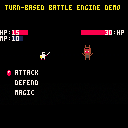
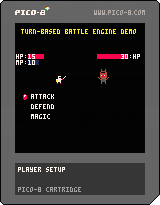
I put together an engine for turn-based battling. I plan to use this for a boss gauntlet game I would like to do in the future or some other project. For the time being, I focused on laying out the foundations and would like to showcase the engine I put together, and maybe some of you would like to incorporate it into your own game. The demo does not contain any audio.
Features
-The general setup with numerous comments on the functions and commands (from a beginner programmer)
-Defense and magic system
-1 boss to fight with a Pseudo AI setup.
Controls
Up and Down Arrow Keys: Move the menu cursor
Left and Right Arrow Keys: Move the magic menu cursor
Z: Confirm action.
[u]Notes
0 comments

Hi all!
I am putting some time in improving my code and make my tiny game smooth and decently playable.
The result I obtained is really far from this (bugs everywhere, the game is slow and boring, it accelerates and slows down without any apparent reason).
Clearly there is a lot to do and a long path to walk but I'd love if you guys can share any suggestion like changes I need to implement, maths / physics / trigonometry I need to study.
I am sorry if this question is very broad but I'd be incredibly happy to get even the tiniest hint.
This is my current code:
https://github.com/ltpitt/lua-pico-8-pong
A version of the game can be found online:
http://www.davidenastri.it/pong
Thanks for your time and patience :)
7 comments




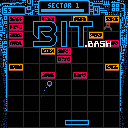
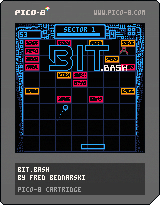
I am finally releasing my (yet unfinished) first game to the wild. It is a breakout clone with a bit of 80s computer UI aesthetic. You can find out more about it, and my learning-to-code journey at my blog: level0gamedev
The game is currently playable only as an endless score attack.
It seems that I have run into (among other things) a serious case of feature creep and it has really stopped me from finishing it. I am releasing this WIP, because I would love for someone to play this thing. Just knowing that someone played it would give me a much needed morale boost. Feeback is very welcome and encouraged! Feel free to ask any questions, highlight any faults or even check the code (it is a huge mess, but this is really my first coding outside of some QBASIC 15 years ago).
Thanks :)
[b]Changelog:
17 comments





I noticed on ps4 that the carts page loads but when you click a cart it does not load up?
Could the carts support the ps4 browser? would be rather awesome to try and play pico-8 carts on the PS4...?
2 comments



I'm having so much fun with Pico-8...I feel just like I did when I was 13 getting into QBasic for the first time in 1996. I used to go with my dad to the university with a floppy disc so I could download other people's QBasic programs, which were often "tiny games" by today's standards.
I love the feeling of being inside this cozy little world, that's all about playing games, reading code and writing code. I didn't think I'd ever be in such a world ever again.
I'm actually part of a world that's almost like this one. The NES homebrew community. Folks actually making real NES games in 6502 assembly (and also C at times). It's not quite the same though as the QBasic world felt, but I love it for many other reasons...
I live for making retro games, thanks to the creator for making this wonderful software. Hopefully I'll have some fun tiny games to share with the community at some point.
3 comments





I am losing my mind over this very simple thing. These don't work:
next(table)==nil
table=={}
table==0
table==nil
This should be so simple but it's not working!! :(
7 comments





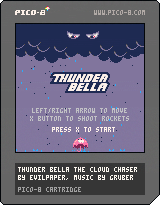
Bella is trapped in a vicious storm. Can you beat the evil thundercloud and save Bella?
Use fireworks and power-ups to win the battle.
New in this version:
Added a clock in the top of the screen so you can time your rounds. Updated the in-game title to match the cover art.
Thanks for all feedback, enjoy!
22 comments