


Getting a grip on PICO-8.
Will try making some tune for it, but for now it's just a silent, flashy greeting.


 0 comments

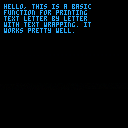
Edit: Forgot to add, press X or Z to print!
After seeing the awesome textbox libraries on the BBS (here and here), I decided to try making one myself. I needed one for the game I am working on and because I didn't understand the code in the libraries above, I thought it would be a good opportunity to learn (as well as a way to test how to upload carts to the BBS).
This thing is nowhere as complex as the previously mentioned libraries, but it:
prints text letter by letter
wraps text
does not split words
lets you choose x,y and color of where to start printing
allows only one textbox at a time
does not limit the amount of rows
*is under 300 tokens
I think it might be useful to someone who just needs a simple letter-by-letter printing of text stored in a single string. Maybe for intros or in-between level updates.
To use it, copy everything except what's inside the _init, _update and draw functions from the cart. Paste it into yours and call tbx functions in their respective pico-8 functions for _init, _draw and _update. Then you can call textbox, with a string as a parameter (with optional x,y,col) once to start printing. Call it without any parameter to stop it.
Here is how I am using it:
 4 comments




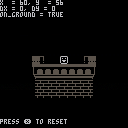
Just your basic, run-of-the-mill movement and collision demo.
Controls
- Move with the LEFT and RIGHT arrows
- Jump with the UP arrow
- Reset the player's position with X
On-screen text can be turned off with the VERBOSE? menu option.
TODO
- Instead of only checking the destination for collisions, check every tile in the path
- Implement actors and actor collisions
Hopefully posting on the BBS will motivate me to keep working on this.
0 comments
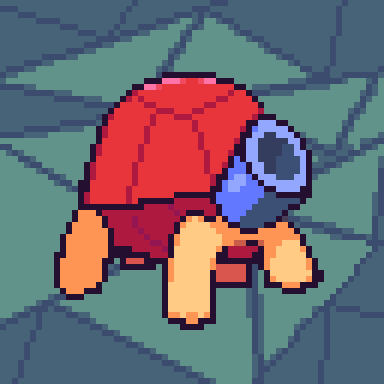


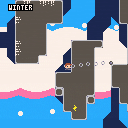
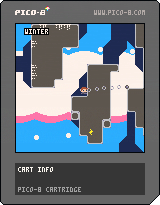
Almost done with this!
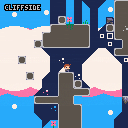
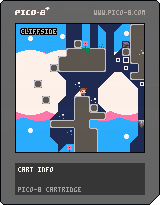
Major changes (that I can remember):
-Fixed grapple physics
-Added new turret
-Added boss enemy (Normally inaccessible... unless I left it on the map)
-Added thwomps
-Added a single collectible item that does nothing (It's in the top left of the stage)
-Added more music, areas, etc.
-Added cloud platforms
-Added cloud enemies
-Added particles
-Made death look cooler
 2 comments


Hi,
just want to show my work of the last week /maybe I will start a dev blog here...
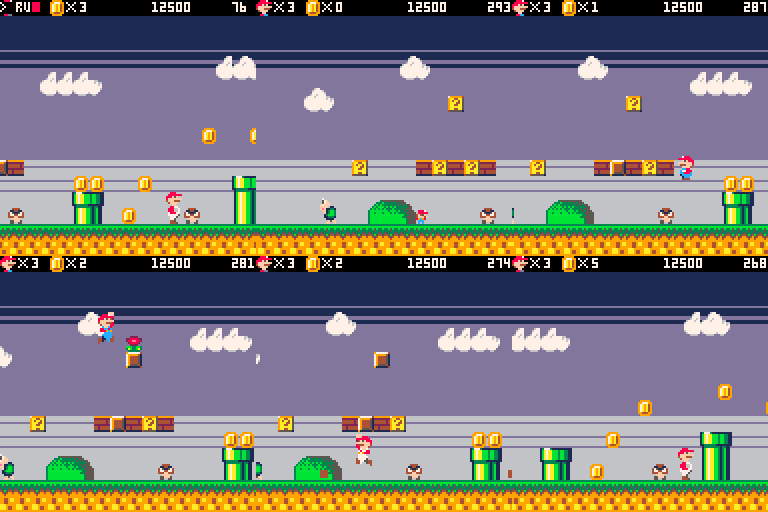
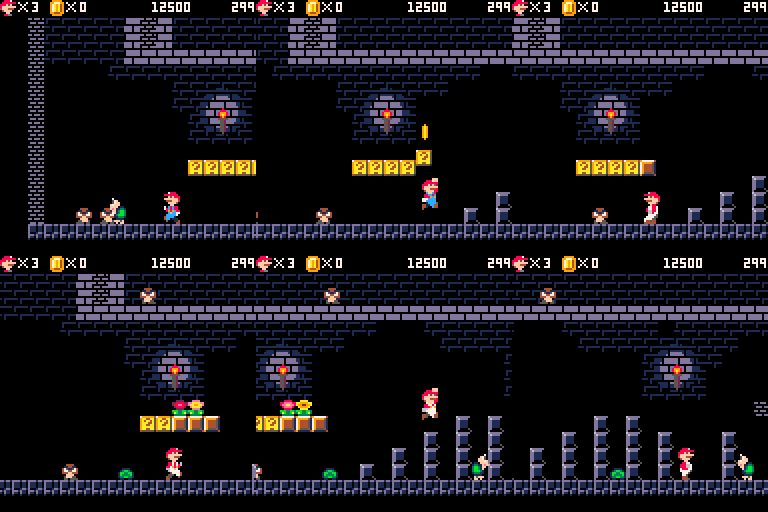
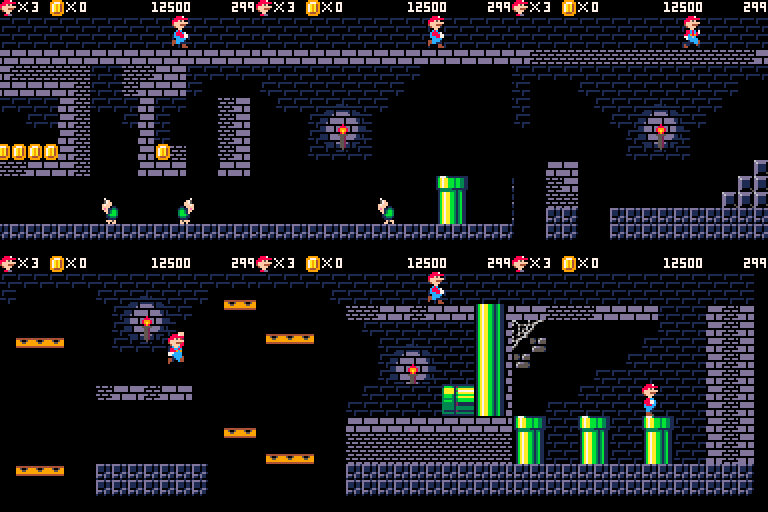
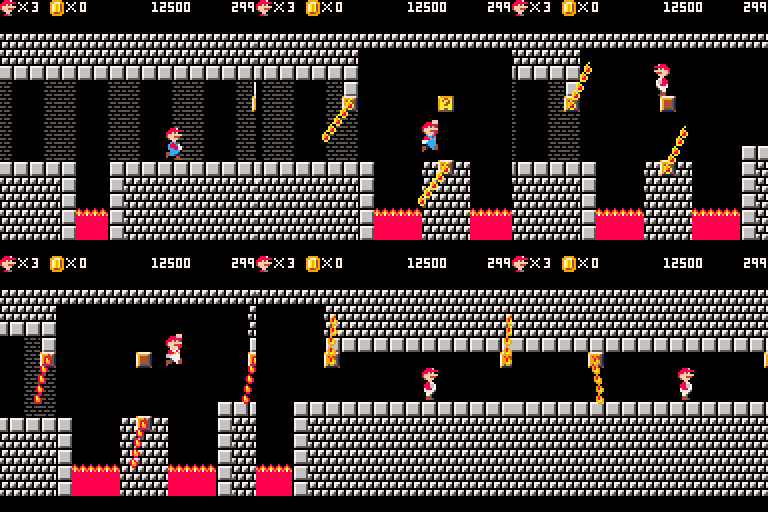
I am trying to create a complete super mario bros. remake in pico-8, with all the 32+levels.
Most of the functionality is already implemented:
|
Looking forward to put everything together and show a playable demo soon. Just a few little things for the first world are missing:)
Any feedback or criticism is highly appreciated!
Maybe someone can contributing sound effects/music..
That would be great, because midi to pico8 sounds weird: \
 39 comments









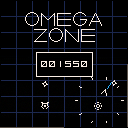
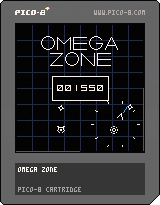
Enjoy this port of Omega Race. Another "let's see if I can make a game in an afternoon" joint.
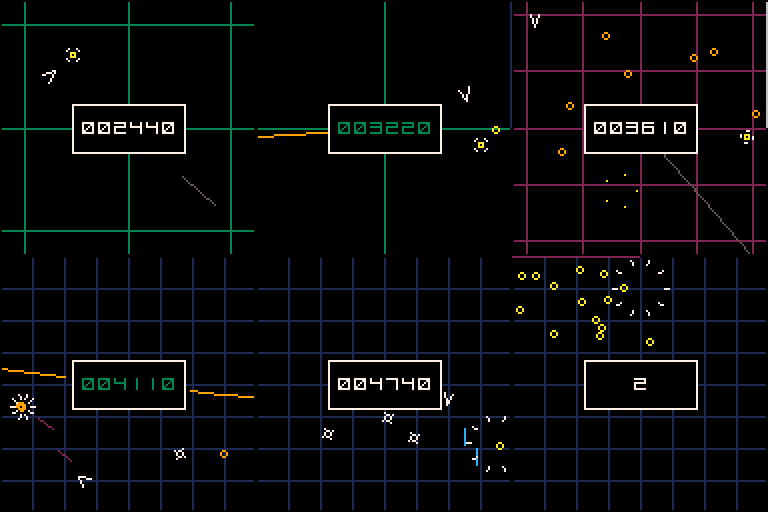
Instructions:
UP = thrust
LEFT/RIGHT = rotate
FIRE = fire
OTHER FIRE = shield
Kill all enemies to advance to the next level. Use the shield to avoid enemy fire and the rotating lazers. Collect yellow coins for the bonus level.
Edit: Removed sarcasm and changed the game name since now it's pretty good game for a few days of work.
13 comments








Hi,
Noob here, I am trying to use Pico-8 on my C.H.I.P computer.
Two things. It tends to crash a fair bit, anything that can cause this ?
Secondly, I can't see how to access the code editor, I can only see the sample files. How do I access the editor, I have tried all the keys on the keyboard.
Appreciate your help.
Thanks !
2 comments



Short demo showing how to do animations with nothing but palette cycling.
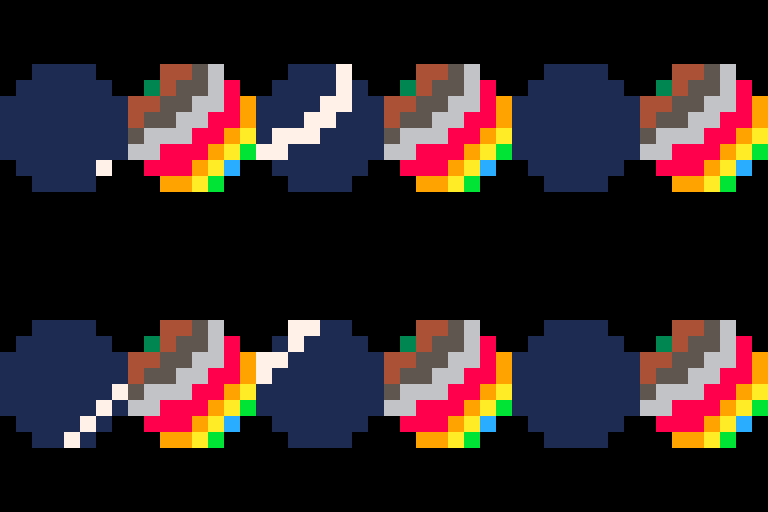
On the right is the actual sprite used, with not palette cycling.
On the left is the resulting animation, when cycling through the palette.
A very primitive example of the amazing techniques seen here: http://www.effectgames.com/demos/canvascycle/?sound=0
Disclaimer: I'm not an artist, so it would be great to see an actual pixel artist do something with this. :)
0 comments

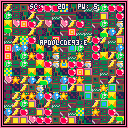
Control
Arrow key... move
Z,X... start
Rabbit is an action game. The object of the game is to pick up the various items.
Items
Apple.....10~ pts.
Banana....20~ pts.
Melon.....30~ pts.
Blue pot..explosion
Heart.....pw+1
Gray pot..snake
Star......invincibility
Have fun!
1 comment



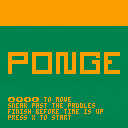
Ponge is like Pong, but not quite Pong. Instead of controlling a paddle, the player controls a small man who must sneak past enemy paddles and collect coins in order to complete the game. In homage to the original game, the player's character slides and bounces, similar to a Pong ball.
6 comments



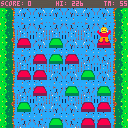
Uses cursor keys only. Jumping one the same colour several times gets you more points. Game over after 60 seconds to when you can't move.
This was a one day effort done entirely on the Pocket Chip. Love LUA and finding the PICO-8 system really usable and quick to dev. Not so fond of the Pocket Chip's touchscreen for GFX editing though.
0 comments
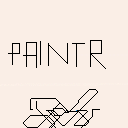
Hi! This is PAINTR. A game/application thingy that i worked on for the last 2 Hours or so. Enjoy :)
1 comment

According to the key config in PICO-8, the "O" and "X" buttons are placed with the X closer to the thumb. However, in the BBS's touchscreen controller, the controls are reversed, with the O button closer to the thumb, making controlling some games awkward.
Second problem is that due to a feature in Chrome, attempting to slide right on the dpad causes the browser to go back a page. There are a few HTML5 apps online that disable this somehow, but I don't know if it can be applied here since I'm unfamiliar with dynamic HTML5.
I use the touchscreen controller fairly regularly to play games on my tablet PC, so other than the above it seems to be working great :)
EDIT: Second problem was resolved by going to full screen mode. However, it may be hard to exit out of without a keyboard.
2 comments

Use left and right to raise your left and right foot to move forward, up and down to bypass an obstacle and collect items, press Z to play again.
Well... we think pico-8 is cool and we'd like to make a pico-8 game (or jam) for a long time.
Also had many troubles but it's fun, hope the next ones will be much better and better!
Happy Lunar New Year!
0 comments

Has anyone else experienced trying to change their icon and blog header and found a broken jpg icon instead? I even tried reverting back and it's not showing...
I guess another question is...do you SEE an icon right now for my avatar? Could be problem on my end too...Been noticing an increasingly invasive Avast as of late, even going so far as to breaking google drive for me when active.
Thanks!
1 comment

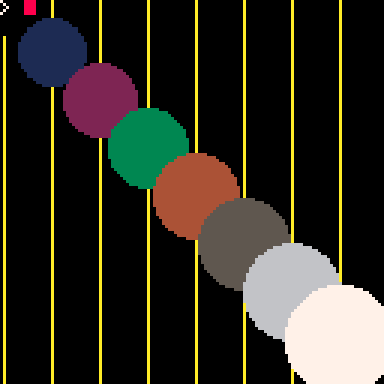
When I do this it copies the sprite 0 (the white x) over my grey circle.
cls(8)
circfill(32,32,5)
memcpy(0x6800,0,0x200)
However, I was trying to write my own data into the sprite bank so the other way;
cls(8)
circfill(32,32,5)
memcpy(0,0x6800,0x200)
And nothing happens. (I hit escape into the sprite editor and it is still the same). Why? Hmm.
I was going to populate it dynamically and make spr() and sspr() calls to it.
I thought generating math stuff into the sprite bank could be fun. Is it read only? Thanks
3 comments


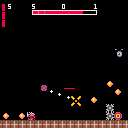
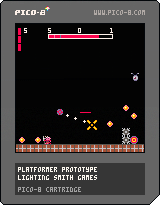
Been working on this prototype and need some fresh eyes to see how it's coming along. This is a very bare-bones prototype, mostly a test to see how well the core mechanics work and feel.
Controls:
 Start Moving
 On Ground:Jump/Mid-air:Freeze&Aim/Frozen:Airdash
 Shoot
Shoot
 Pass through blue platforms/Frozen:Unfreeze and Fall
All assets are simple placeholders and the levels are me working at making some tutorial stages. Please leave comments or fill out my feedback questionnaire. Any feedback would be greatly appreciated!
0 comments

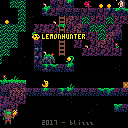
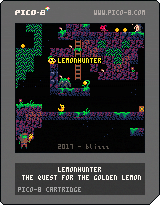
Go on a byte-sized adventure with Lemonhunter. Find items and gold inside the procedurally generated caves. It's up to you to decide if you want to fight the monsters, or avoid them. If you're lucky you might find the golden lemon of your dreams at the end. Only have a couple minutes left in your break? Don't worry, speedrunners will be rewarded with extra points!
Controls
z/c - jump
x/v - attack
down+x/v - throw a bomb
Version 1.0 Update
Now with music by Gruber
Please play the game in the exe version of Pico-8 if it runs slow in your browser, or try version 0.3 below.

Version 0.3 (30fps)
28 comments




YO, DAWG.
I HEARD YOU LIKE FANTASY CONSOLES. SO NOW WE PUT A FANTASY CONSOLE IN YOUR FANTASY CONSOLE, SO NOW YOU CAN PLAY YOUR FANTASY CONSOLE IN YOUR FANTASY CONSOLE!!
...and THEN you can put THAT in VOXATRON, TOO!!!
IT'S CONSOLECEPTION!!! XD
For reals, though: I'm astonished at how simplifying constraints EVEN FURTHER has resulted in considerably more games being produced, what looks like considerably more rapidly!!! Just... WOW.
I love you crazy bastards!
PS: So... how long until we integrate this with Splore, to make a game about playing all these games?
1 comment

Alright. I'm finally getting somewhere with my level code, physics, and... well, I'm still WORKING on my composition stuff, too. But now I'm also starting to work on enemy AI. And here's another spot I'm kind of fresh to.
See, past projects I've worked on include fighting games - which are essentially just really big FSMs, and the AI uses some conditions like player distance or input to determine appropriate responses (some MegaMan bosses do this, too)... and music games, which is really just about lining up targets with precise timing and that's really all there is to it. Making shots doesn't seem any different than making fireballs in SF, either. But making enemy AI for platformer and top-down-adventure games is kind of a different thing; and I could use some guidance - heck, maybe even outright collaboration with.
There's four titles of enemies I'm trying to reasonably replicate here:
200X - a MegaMan knockoff.
Concert of the Damned - something between Zelda II and SotN, maybe a little Shovel Knighty too.
Gentroid - Yet Another Metroid Fangame (there's a good grip of these, it seems - and Cow has the physics/feel to that DOWN! Perhaps I should just step aside...)
...and an as-of-yet-to-be-determined title that's in line with Zelda 1 and/or Gauntlet; maybe a bit Isaacy, but certainly not Isaac. Save for maybe boss influence, we'll see where that goes.
How do some of you do your enemy AI? I know really simple stuff could be handled by my "MakeTarget()" code, but not stuff that depends on terrain contact. "MakeTarget()" is mainly about making basic movement patterns - lateral, vertical, sine-waved values, diagonals, circles or semicircles, that kind of thing.
function maketarget(obj,scr,x,y,xrange or 0,yrange or 0,speed or 0,loop or 0) --x/y position relative to map obj.p.x=((scr\5)*16+x) obj.p.y=((scr/5)*16+y) --set sine motions to control local movex=2*sqrt(xrange)*speed local movey=2*sqrt(yrange)*speed --reverse direction! if (movex=xrange or movex=-xrange or xrange<0) movex*=-1 if (movey=yrange or movey=-yrange or yrange<0) movey*=-1 --diagonals or curves if loop=1 then movex=xrange elseif loop=-1 then movex-=xrange end |
2 comments
