



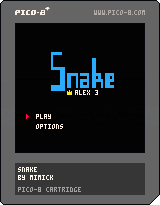
0.3
- Add of a high score and a virtual keyboard to type your name. Thanks to @afburgess
0.2 Change log:
Option menu to change
- The speed of the snake, from 5 to 100 in % of the maximum speed.
- The dash in % of movements which increase speed.
- The grow in % of movements which increase size.
- The control (2 directions, 4 directions or only one direction for the ones who like challenge) ^^
The apples are less likely to appears close to the walls
The snake is now green, which is more realistic. ;)
The snake start shorter and doesn't grow as much as before when an apple is eaten.
Fast restart.
Enjoy! :)


 14 comments







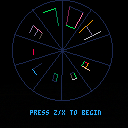
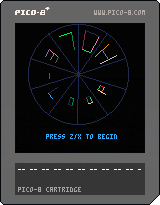
Still a WIP, needs sound and a difficulty curve, but let me know what you think :)
Had loads of fun making it!
dt
8 comments


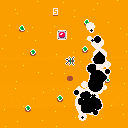
DASH and PUSH and DASH and PUSH and die... and DASH!!!
A dash & dash game made for the #mysticwestern gamejam!
It features a cowboy being pursued by some sort of mystic worm!
Get to the button to make the worm disappear but also make another one appear!! Your score goes up that way too!
The arrow keys / D-pad lets you move.
The Z key / C key / o button lets you dash.
Have fun and tell me what you think!
8 comments


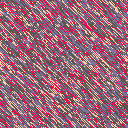



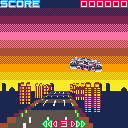
first submit! it's got to be a spiritual-mini-game of "Night Striker(TAITO/1989)"
have many things to be implemented/solved.
[control]
You only can move your car on/above the road :)
1 comment


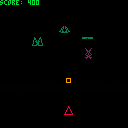
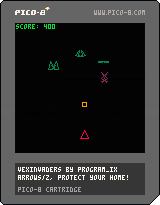
Put this together based on another project (https://github.com/PROGRAM-IX/vectorwars). No sprites used whatsoever, all content is generated procedurally and drawn every frame. I love this kind of game, but thought it might be a little heavy for PICO-8. Apparently not, at least in this small version. I'll probably play more with this for other more complex games.
ARROWS MOVE
Z FIRES
PROTECT YOUR HOME
2 comments

At 0x5f10..0x5f1f you can remap the screen palette. You can't change it to something other than PICO-8's native colors, but if you wanted to flash anything yellow you could do this in your draw:
    poke(0x5f1a, flash and 7 or 10)
    flash = not flash
|
This is handy if you need to cycle colors on parts of your screen that you can't afford to redraw.
It also might be handy for avoiding a lookup table if you were writing a demo that drew a grayscale image, because you could do this:
    poke(0x5f10, 0)  --black
    poke(0x5f11, 5)  --dark gray
    poke(0x5f12, 13) --gunmetal gray
    poke(0x5f13, 6)  --light gray
    poke(0x5f14, 7)  --white
    :
    :
    pset(x, y, intensity0to4)
|
Or similarly for large rainbow ramps like you'd use for fractals. No lookup table needed.
I hope this is okay to use. Zep? :)
8 comments




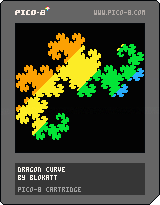
Just a lil' dragon curve with a nice transition thing.
It's not interactive or anything, but it looks kinda nice.
0 comments


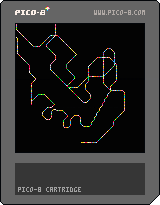
better etchasketch! ~118 characters (110 w/o clear-screen or random color)
cls() x=0 y=0 while 1 do if(btn(0)) x-=1 if(btn(1)) x+=1 if(btn(2)) y-=1 if(btn(3)) y+=1 pset(x,y,7+rnd(9)) flip() end |
391 comments







This thread has moved to the completed version:
Underwatch v1.0
Any resemblance to existing copyrighted material is purely coincidental and unintentional.
11 comments
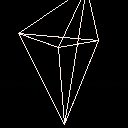
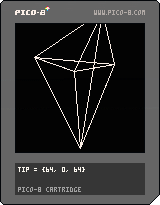
I'm thinking about making a vector graphics 3d game for the PICO-8 so I coded up a little demo. The 11 lines refers to the _DRAW() function for the pedants out there. :)
This is probably terrible in some way as I don't know much about 3d rendering, I just worked out the equations from a little background knowledge and some trig. Seems to work ok as long as you don't pass through the viewing plane (possibly the wrong term for what I'm thinking of).
1 comment



Hello, world !
I've made a Sublime Text package to support and speed up PICO-8 development.
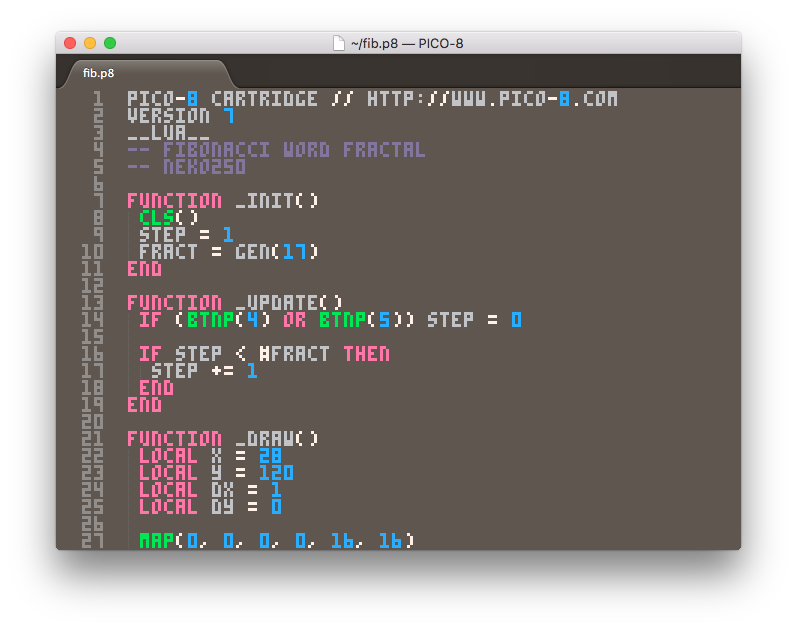
The package includes:
- .p8 language definition (by Overkill).
- Syntax highlighting (by Overkill).
- PICO-8 .ttf font (by RhythmLynx).
- Cartridge runner to launch your cart right from Sublime Text.
- Code completion based on the PICO-8 API.
- Code snippets.
If you have Package Control installed, just follow this instructions to get it:
- Open the command palette with "ctrl+shift+p" ("cmd+shift+p" in OSX).
- Run "Package Control: Install Package" command.
- Search for "PICO-8" and install it.
- Restart Sublime Text (if required).
36 comments



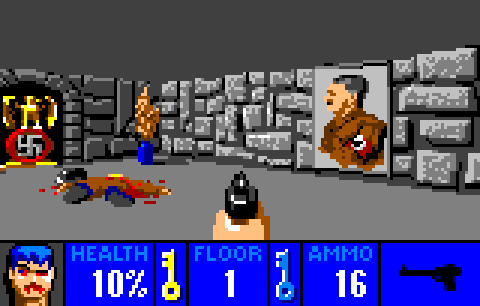


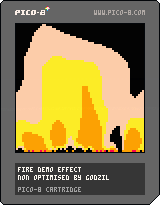
The classical fire effect found in lots of demos.
Pico is not really adapted for such an effect as pget will take the real color palette number and working, even on 64x64 buffer pixel per pixel is a really slow process.
Anyway, the rendered effet is not too bad 'even with only 7 colours used in the palette :D)
Enjoy!
1 comment

I know it's best to put your games "everywhere" but I really don't really want to spend all that time to re-post things 50 different places. So where do you think is the best place to post and share Pico-8 games?
Itch.io seems to be the go-to spot as promoted even here by Pico8 but I know of Kongregate and probably others too.
I've never really bothered to share anything I've made outside my own blogs and stuff (never really had stuff worth sharing) so just wondering what people's experiences are with promotional sites, etc.
1 comment

Hey guys!
So, I've never coded in my entire life. A few weeks ago I found out about PICO-8, and all I wanted was to learn how to write code so I could make my own games. So now I'm doing just that. These coming 100 days, I will be trying to get a grasp of coding. Not by reading it or watching video’s about it, but by actually start to code as quickly as possible, and learn from my mistakes.
I made a tumblr where I will be posting daily updates how my adventure is going. I mostly created the tumblr to keep myself motivated, but I would love to get some input about my coding from you guys. The tumblr is http://100daysofpico8.tumblr.com, and I just posted about my first session with it, and figuring out the file system (I know, riveting stuff, but even that is new for me.)
I hope you guys will join me in my adventure, and laugh at my mistakes as I hopefully will after these 100 days. Thanks!
2 comments

So this is just a little hack making use of the new 60Hz mode introduced in recenlty released 0.1.8
It uses 60Hz interlace to display 32 colours on pico-8. The downside is that the HTML build will only show one of the two images, so please view this on a 'real' pico-8 :)
Of course one can get a lot more than 32 colours using this method, but I opted to keep it simple and just use extra 16 colours that are halfway between the default ones. This also made it easier to write a custom export script that would convert a 32 col image to two pico-8 images.
Enjoy :)
9 comments

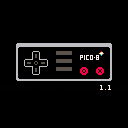
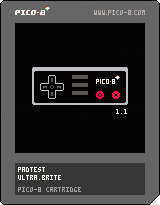
update: 30/60Hz (through pause menu), minor graphic changes
here's a cart to test user inputs
useful to check your gamepads configuration, keyboard jamming etc.
shows the first two players on start, you can select other players through the pause menu.
3 comments
Hello PICO-Sphere.
We had a game jam last week at the design faculty of the TH Nuremberg. A room full of design students were given a Jelpy cart (extended with various new tricks) and created graphics, levels and sound over five days. Here is the result, 8 sweet jump’n’runs, playable in the browser:
http://d.th-nuernberg.de/pico8/
p.s.: Is it ok to post this in the Cartridges forum?
0 comments


Hello.
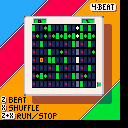
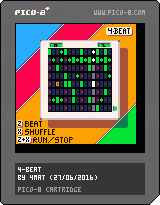
4-beat is a little proof-of-concept drum machine. I was trying out some beat syncing ideas by writing into the sfx data while the music player is running. No features, only 2 speeds :), but more in sync that my previous version.
Some extra controls are:
X+Up/Down = Change tempo. (only fast and slow)
X+Left/Right = Change shuffle rhythm.
Oh, you can only play 4 drum sounds on each beat obviously. :)
thanks, 4mat
6 comments


