

Hi, guys.
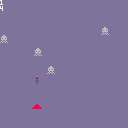
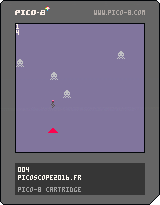
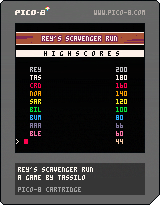
This is my first PICO8-game, a "The Force Awakens" fan-project:
You play Rey on her speeder and have to pick up electronic gargabe while avoiding vehicles in your way.
Outstanding Pico-8 adaption of Rey's Theme by Chris D. (@gruber_music).
I am looking forward to your feedback and suggestions.
Thanks,
Tassilo
Version history:
v1.21: Final version with some minor tweaks and fixes
v1.20: Fullscreen, full-color title; enhanced UI; additional parallax layer with vaporizers
v1.10: Now using 60fps mode; corrected movement of Redeyes corrected; slightly enhanced titlescreen
v1.00: Updated and enhanced music by Chris D.; some new SFX by Chris D.; enhanced instructions screen


 18 comments





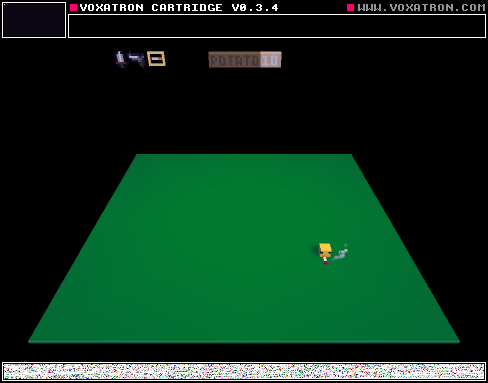
Playing with new ui features
I am thinking about capturing a tutorial on how to do it :)
feel free to remix
3 comments


 5 comments


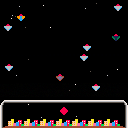
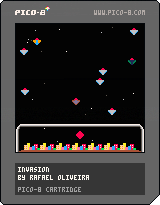
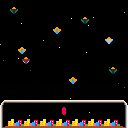
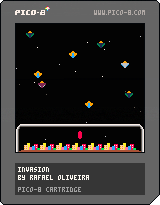
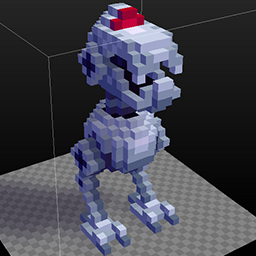
This is my first game in Pico-8. Some things I'm still getting used, sometimes the screen seems a little tight, but I'm liking very much. It seems the perfect tool to test new ideas and prototypes.
This is not a complex game, but I like that I was able to make it in a few days. It's not complete yet.
2 comments



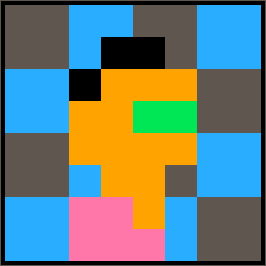
Zep made me an adorable little plastic coaster commemorating Frog Home.

So I turned the design back into a little Pico-8 cart.
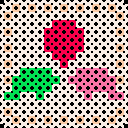
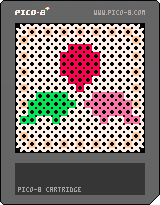
Sorry it's so barebones, I just wanted to share with everyone. An amusing way to upscale a little sprite, I guess?
2 comments





On this particular platform at least (no access to a windows machine with a regular keyboard at the moment) the up/left/right arrow keys on the numeric keypad work as expected, but the down arrow key triggers the same button press and pressing 'X' does.
I verified that this is the case for both 0.1.3 and 0.1.4b, so it's not a new thing.
Noticed using the api.p8 demo. As mentioned above I'm not sure if this is problem in the windows or mac versions as my only machines of those type are laptops that don't have numeric keypads to test with, so I need to dig out my spare keyboard when I get home to see what happens.
side note: any chance of having the numeric keypad arrow keys (and the other navigation keys there) active in the code editor?
1 comment

3 hours into a project i reset pico by using the up arrow while the command line was on by accident.
Poof. there goes all that. guess i should start saving my progress but still.
1 comment
Undo information for sprite/map data is kept across "reboots" (using 0.1.4b under Linux):
- Start a fresh copy of Pico-8
- Open sprite editor and draw anything
- Press UNDO
- Drop to the console, reboot pico 8
- Re-open sprite editor and press Undo
I would expect this to do nothing, but in fact what you drew appears back in the sprites. It also sometimes pulls back several sprites and not just the most recent thing that you undid, although I have not determined any pattern to this.
This doesn't affect code, sound or music, just sprite and map data; the map data is subtle because after a reboot the sprites are empty but pressing undo there will insert the previous tile data, which then visually has no change.
Version 0.1.3 does not exhibit this problem as far as I have been able to reproduce; there it works as expected.
0 comments

I don't know if I'm the only one experiencing this but the tab key seems to create an offset on the cursor position when clicking in the editor, like this :

This seems to be new to 0.1.4/0.1.4b
0 comments

I bought pico-8 today and I'm loving it, but I'm having a issue in the editor. If a line is very long and I try to write something in the end I can't see the end of the line, the screen stop moving to the right and the cursor disappear. If I type some text I can't see the text. This is expected or it's a bug?
4 comments

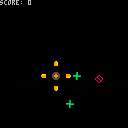
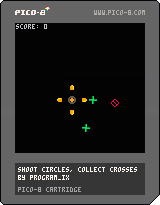
As usual, the end of #1GAM crept up on me and I had plenty of things in progress but nothing really done enough to call done. So it's become my habit to burst out a game in an hour or two and see how it goes. Here's another of these, '4WAY'. Collect the green crosses to increase your score, and don't get hit by the red circles. Your only defence against the red circles is shooting with Z, but the bullets will also destroy any crosses they encounter. Move with arrows. And of course, the core thing, you can only shoot in all four directions at once.
Have fun!
7 comments





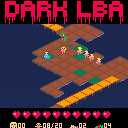
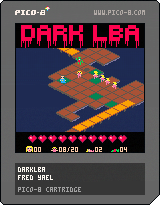
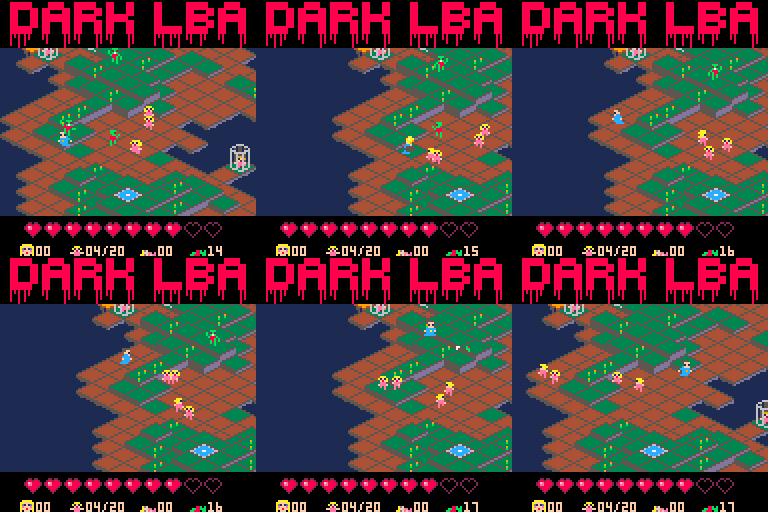
DarkLBA is a mashup of Alone in the Dark (zombies), Little Big Adventure (the hero: Twinsen and its magic ball (ok not so magic here)) and 2Dark (save kids (the game I'm working on IRL)).
This new version is easier to play.
You must bring all the kids to the exit: the blue square.
Touch their cage to deliver them, they will follow the exact path you make. So you need to show them the way to the exit. You can bring back all the kids at once or one by one, it's up to your strategy.
Watch the zombies, they target you or the kids. Destroy them throwing the ball with Action key (O).
If they grab you (and hold you for a few secs), you lose one life point. Keep one direction pressed to escape, and don't stop throwing balls.
If one grabs a kid, you have 7 seconds to kill it before the kid dies.
(X) pause the game and go back to the menu to see the map. Then you can start a new map or go back to the current game.
 11 comments


With the introduction of the function type()
it is now possible to know the type of the variable.
So I tried to find a way to implement a simple class system and I think I found a way
First we need a function to copy tables
function copy(o)
  local c
  if type(o) == 'table' then
    c = {}
    for k, v in pairs(o) do
      c[k] = copy(v)
    end
  else
    c = o
  end
  return c
end
|
then we can declare our objects the following way:
vec = {}
vec.x = 0
vec.y = 0
function vec:add(v)
  self.x += v.x
  self.y += v.y
end
function vec:subs(v)
  self.x -= v.x
  self.y -= v.y
end
function vec:mult(c)
  self.x *= c
  self.y *= c
end
|
to create multiple instances of vector, we just need to copy the object and edit it's attributes
a = copy(vec) b = copy(vec) a.x = 1 a.y = 2 b.x = 3 b.y = -1 |
3 comments






Hi,
An unfortunate "up+up+enter" just had my console load my current cart instead of running the changes I made, thus overwriting them.
Could you implement a yes/no question when code has been changed and the load or reset command is issued? Or alternatively, keep a save of the changed code before the overwrite?
Thanks !
3 comments
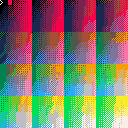
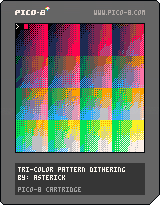
I was experimenting with generating three-color pattern dither (2x2 matricies), and this is what I came up with. It's obviously too slow to use without building a dithering table (you could fit 4:5:4 color in the cartridge ram with cstore/restore), but I wanted to throw this out in the world incase someone else wanted to play with it.
 0 comments

Hey All, I hope you had a great new year!
PICO-8 0.1.4 builds are live on the updates page and on Humble. The main features of this update are:
Friendlier Token Counting
Pairs of brackets and block deliminations now count as one token each, and local declarations do not count at all. You can now fit in around 30% more code because of this, and there is less need for odd space-saving techniques (e.g. using blah"" instead of blah()), or getting rid of local variables. It does mean you're more likely to hit the compressed code limit (use INFO to check), but I don't think this will be a problem. The raw character limit has also been increased from 32k to 64k.Importing / Exporting Data
import() and export() can now load and save the sprite sheet: export("something.png") and sfx: export("something.wav"). These aren't very flexible yet, but in future they'll be able to do things like grabbing particular sets of sprites, or only importing into empty slots.
33 comments