Is there a way to get pico8 language support AND support for included files within VS Code?
I'm using the pico8-ls extension, which is great, but it doesn't recognise #include files, so I miss out on code completion on functions imported by my .p8 file. If I switch and use the lua language server extension: https://marketplace.visualstudio.com/items?itemName=sumneko.lua I get code recognition of my functions, but not the p8 functions (weirdly the lua language server seems to assume files are included even if they are not, or at least it seems to me it does). I'd ideally like both p8 function recognition from the pico8-ls AND recognition of my included functions. But this doesn't seem possible as of today.
I did note that support for #include files is a planned featured of the pico8-ls function so maybe I just have to wait for that


 0 comments




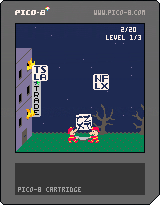
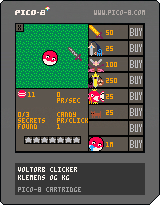
STOCKS FALLING!
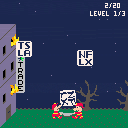
It's the old Nintendo "Game & Watch" game "Fire", except it's your tech stocks and crypto portfolios falling during the 2022 stock crash! And the next day, they crash even more!
Can you survive long enough for your stocks to fall into the gates of hell?
1 comment




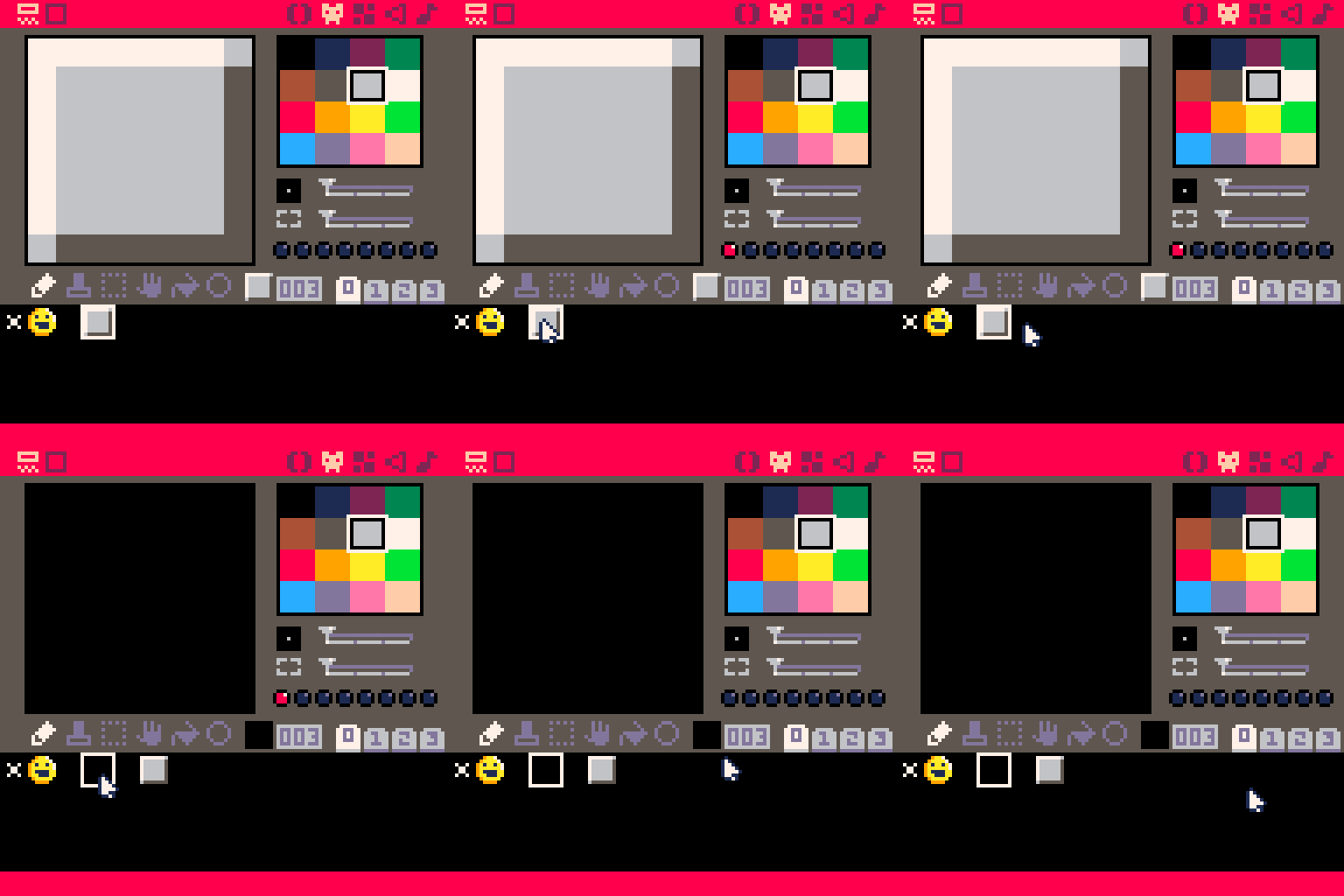
When using Ctrl-X to cut and paste sprites, the sprite flags remain in the old sprite location. Maybe this is intentional? But it seems like maybe the sprite flags should reset back to a brand new, untouched sprite state when sprites are cut and then pasted elsewhere. Here's a GIF showing the behavior:
 3 comments




my first and probably last celeste mod
Explore a small world of jank, rem, and questionable level design
28 comments
.gif)








Edit: Beta is now closed and the final game is now here
I've been kicking around the Pico-8 community for about a year now creating games under NerdOfGamers/RyanCavendell (depending on where you might frequent). I'm currently trying to set up the infrastructure to automate a community game jam using Lexaloffle's Edu version. So I'm looking for sign-ups for the Beta to make sure all the automated systems are working in real life as I'm anticipating potential problems (already done testing myself and seems stable but that will only go so far).
If you want to make a small game together with the community and help beta test this then the sign-up form is here > https://forms.gle/dzwgUiGXGebsnhTd7 < with text from sign-up form below
2 comments
Hey!
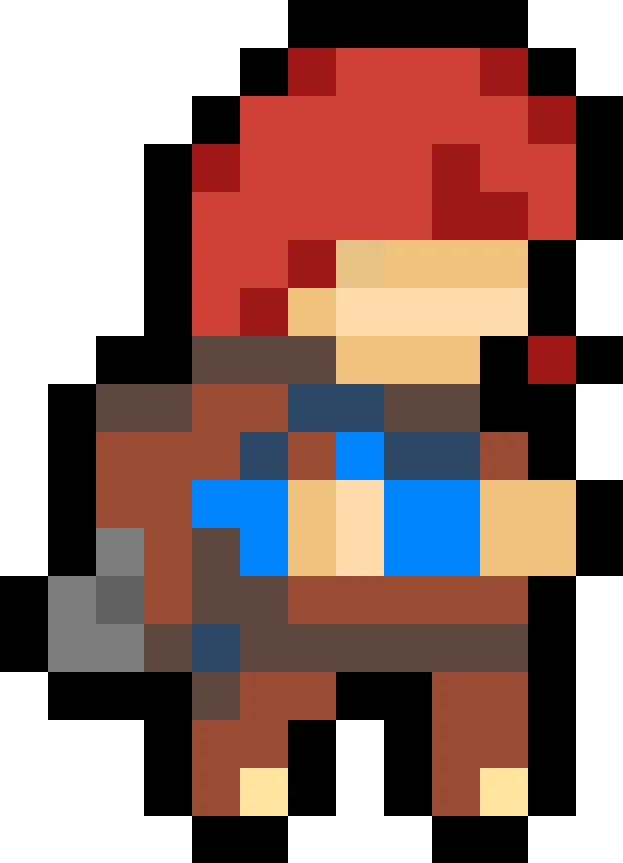
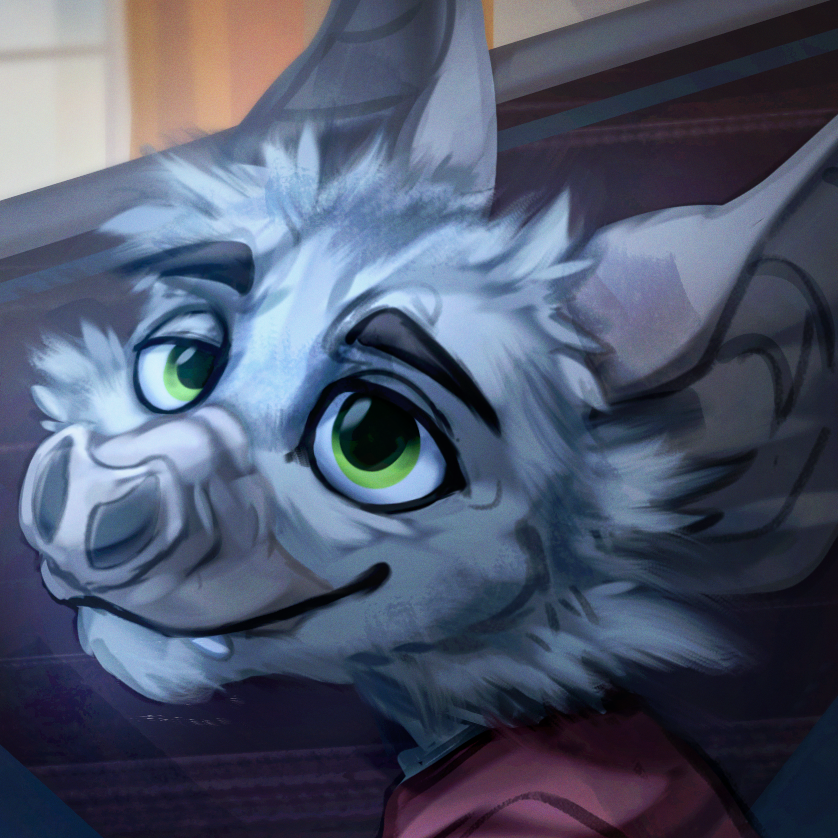
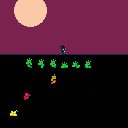
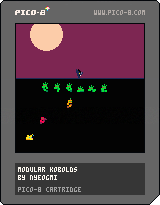
I make a lot of little games and I'm not good at pixel art, so I've been reusing the same character art again and again from project to project. I thought some other people might have the same problem, so I dumped the character art and most of my animation code into this cartridge. I also wrote a little platformer engine just so you can see how these animations might look in an actual project.
Folks who like cute little lizard dudes will likely be pleased, but I added swappable heads.
The public interface of moko consists of all its fields and methods, not all of which are documented.
Chances are you won't need all the animations in whatever project you use this in -- but they should be pretty easy to delete.
0 comments

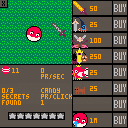

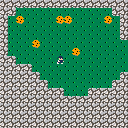
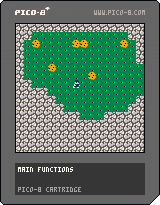
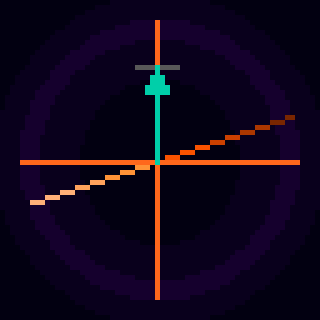

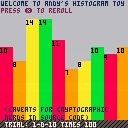
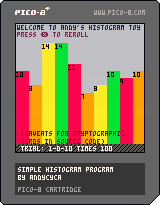
Newbie amateur game dev here! I've been programming for a few years now, mostly for academic/scientific purposes. I've always wanted to try my hand at making games, but I've always found an excuse not to.
So screw that, I'm starting from zero in a new language doing the absolute minimum that I can call a "thing" and here it is: a very simple histogram tool that "rolls" virtual dice and displays the frequency of the different rolls (excluding events with zero-frequency).
I'm used to doing this with more sophisticated tools and ad-hoc libraries, learning to do things «by hand» is a challenge in and of itself.
The histograms do not generally follow the distribution that one would expect. I believe this happens because:
4 comments



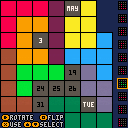
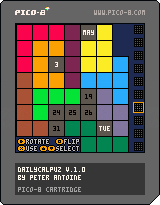
Here's Dailycalpuz!
Each day a new puzzle. Fit all pieces into the calendar to leave the current date showing.
7 comments


I am getting different results when invoking code in the console as opposed to calling it from inside a running program. The code overrides the default behaviour of the cos function.
pi=3.14159 two_pi=pi*2 -- override cos to work with radians p8cos = cos function cos(rad) return p8cos(rad/two_pi) end -- degrees to radians function d2r(d) return d*two_pi/360 end -- this test works (cos(45 deg) => 0.7071) function _draw() cls() print(cos(d2r(45))) end |
I then run the code, observing correct results (0.7071).
Invoking this from the console however: print(cos(d2r(45))) prints different results (0.2206).
Are function overrides ignored in the console?
7 comments


Made for Mini Jam 105, I come with a new platformer! Hop through a series of single-screen challenges, where every time you enter a level there's different physics! Is it absurd? Absolutely, but it's fun, and sometimes you're a bird <3
4 comments




MANIC CTF
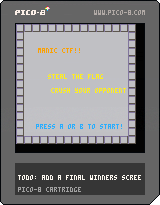
Controls: Player 1 - Cursor Keys Player 2 - ESDF |
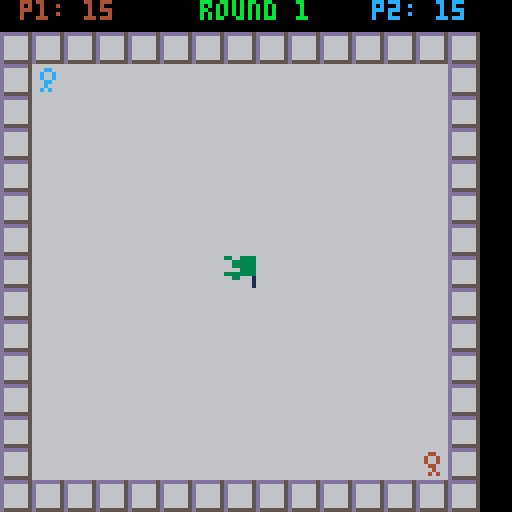
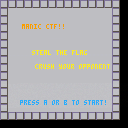
A simple multiplayer button-mashing game where the aim is to capture the flag from your opponent and hold onto it for the duration of the round.
If the flag is dropped, just run over it to pick it up.
If your opponent has the flag, run into them to steal it from them.
A player must hold onto the flag for a total of 15 seconds to win the round, and the eventual winner is decided by 2 round wins out of a possible 3.
Starting positions are randomised each round.
0 comments

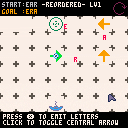
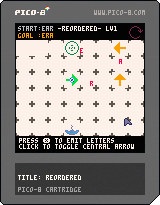
This is a game I made for the Global Game Jam 2018 on theme "Transmission", but I never posted it here. In fact, it's the first cartridge I'm posting on the BBS.
I wanted to improve it before uploading it, esp. add keyboard-only controls, so that users can play it on a micro-console without mouse... But I never got the time, so I prefer posting the current version here, so at least you can try it on PC or mobile device (using touch for mouse + gamepad overlay).
Concept
REORDERED is a puzzle game inspired by the concept of out-of-order delivery in computer networking. The player must reorder the letters of a message sent from an antenna to another to form another word.
2 comments

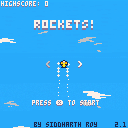
Dodge to destroy as many rockets as possible and collect coins as long as you can
Use Left and Right Arrow keys to control the plane


Update 2.0
- More planes to unlock
- Better enemy spawn
- Sky background
- Each coin is now equal to 5 points
Update 2.1
- Added enemy spawn indicator
- Bigger sky background
- Increased the volume of background music
- Changed where enemy spawns to nerf all the strategies that were ruining the game
- Added funny death messages
- 🥚🐇
17 comments