


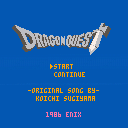
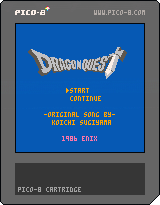
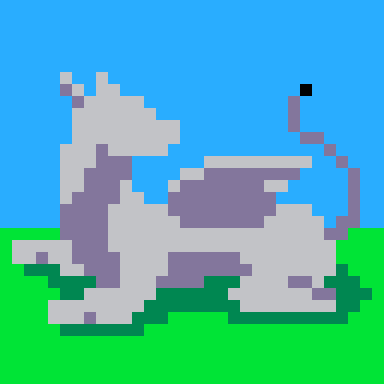
I have really gotten into RPG's and JRPG's as of late, so I decided to make a little tribute to one of my favorites right now. Right now, I've finished Dragon Quest 1 and am working on 2 but I can't wait for 3, heard nothing but good for that one. Take care everyone and I hope you like this as much as I did making it


 5 comments




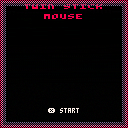
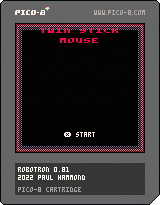
My Pico-8 version of the 1982 Williams arcade classic.
Controls
To play with a twin-stick controller in the browser head to https://pahammond.itch.io/robotron
Supports 4 control methods:
Twin Stick
- If you have an Xbox or similar controller connected, this is THE way to play (will not work unless playing via my itch.io page)
- Keyboard controls are swapped. Arrow keys fire, S F E D move
Twin Stick (Swapped)
- Arrow keys to move, S F E D to fire
Auto-Fire
- Llamatron style controls. Fires in direction of movement but hold X to move without changing the fire direction
Auto-Fire (Lynx)
- Based on the Atari Lynx control system. Z and X rotate direction of fire
Thanks To
- Shane R. Monroe (@ShaneRMonroe) for his invaluable advice, testing and feedback
- Finn for further testing
Version History
0.80 - 26-Jan-2022 - Released
0.81 - 31-Jan-2022 - Fixed endless loop bug that could occur in later levels
28 comments







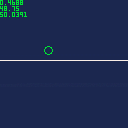
I'm trying to figureout how to create parabola/bezier-curve/quadratic (i.e. grenade lobbing) movement based on the player's velocity dx/dy. I'm familiar how to do this for a player's speed, and the cart shows the setup for speed as a functioning baseline. In the cart I defined a player who can move around with the arrow keys. When they hit x they bunny style hop moving to the right using the quad() function. The system freezes the movement of the player while the hop completes, so its always the same movement pattern.
Speed relies on absolute movement and coordinates...with quad() the player will start somewhere defined p0...move along a curve defined by point p1 and endup at p2. The cart math is based on augmenting the x/y player values directly. Velocity is different though, and I can't figureout how to make the same example work for the dx/dy in the cart.
8 comments



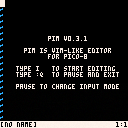
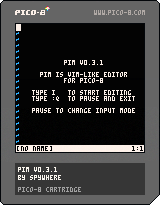
pim
This is my attempt to bring vim into Pico-8. It leveraging Serial IO and debugging logs as a mean of reading / writing files.
Heads up!
- This is a very early releases of the cart, some functionalities might break under certain cases
- Line wrap is not implemented, so text insertion pass the limit would resulted in unexpected behaviour
- As line wrap is not implemented, so is horizontal scrolling
Reading and Writing file
pim supports reading and writing file through Serial IO and debugging logs.
Reading Files
To read a file, simply drag and drop the file onto the Pico-8 with pim running. pim will notify through the message that file is available to read.
5 comments



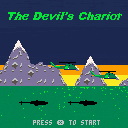
I'm getting back into making games after college, so this is a warm up of sorts. I revised the premise many times and unfortunately I think it shows. Nevertheless, I think some people might enjoy playing it.
Your goal is to survive to wave 10 without dying or letting your helipad get captured. Quickly tap the weapon fire button to change weapons, and hold it to release the selected weapon.
You also have a button to release flares. Use flares to trick missiles fired at you. You can also "pre-flare" by dropping flares before you are fired at. This greatly increases the chances of the enemy missile never tracking you at all.
You can land at any of the three helipads to get more weapons or flares. After each wave you can repair here as well.
1 comment


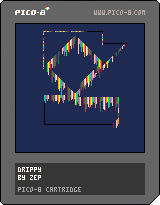
Modified the demo "drippy.p8" and added neat features and sound.
Hold Z to draw non-dripping black lines.
Hold X to make the colorful lines drip.
1 comment



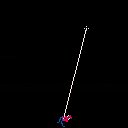

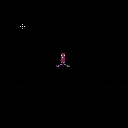

Hi! This is the first cartridge I am uploading. I did it as a small jam with my friends, where we all used different styles of art to come up with fake pokemon from the same prompt. Since I'm not much of an artist, I opted to make a little pico-8 game where my designs could have rudimentary battles. Posting so everyone can try it!
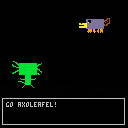
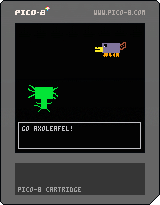 1 comment

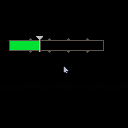
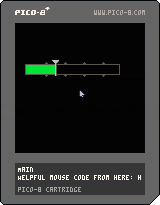
I wanted my game to have a slider bar and tried to do it myself from scratch. I couldn't find any examples where someone had made something like this (I could also suck at googling) so I figured I'd post my rough version so that people could improve upon it if they wish.
The code is still a bit of a work in progress, but all the main functionality works quite well:
- Color changes at set points to add some dynamism (points are roughly hard-coded into fifths)
- Tick marks show you where the color changes (just a little flair to make it look prettier)
- One variable is used to keep track of where to put the slider sprite on the X axis as well as how far to fill the bar (you can access this to modify stuff, for example)
- Minimum and maximum values so the slider sprite stays locked inside the bar
I took some of the mouse code from here: https://www.lexaloffle.com/bbs/?tid=43344
I removed the parts about hovering on stuff as I didn't need that.
Let me know what you think! This is my first time posting something so I hope you like it and look forward to some constructive criticism
1 comment

Hi fellas, anyone knows how to change username?
I failed trying to find it...
Any help is appreciated!
4 comments



creator: Andrew E. Brereton
date: 2022-01-27
twitter: @aebrer
website: aebrer.xyz
license: CC-BY-4.0
press either face button to generate a new one
just something fun inspired by Akira
2 comments

So recently, I found some secrets in the Advent Calendar (you can see the secrets here https://www.lexaloffle.com/bbs/?pid=104447#p). The locked presents actually have unplayable knockoff games! I was so curious, I decided to find some secrets in the games themselves!
Spirit Solstice (The Original)
https://www.lexaloffle.com/bbs/?pid=103282#p
Trainer/Modmenu Options
-
Noclip - It's noclip, but you can't pass through hardcoded barriers
-
Speed - Move faster, you can sometimes clip into the wall tho
-
Freecam - The camera can move past its hardcoded bounds
-
Iron - You can't die
-
Freewalk - Allows you to go past hardcoded barriers
-
Lighten - Darkness is no more
-
Fullmap - See the entire map
-
64x64 : Default is true - 64x64 screen
-
Area - The game's current loaded room
-
Summon Wolf - Forces the natural spawning of a wolf (ignores maximum wolves allowed)
- Spawn Wolf - Spawns a wolf entity at your location (ignores maximum wolves allowed)
1 comment


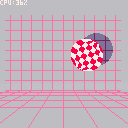
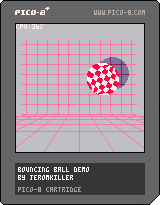
A little demo I created to test out palette cycling effect.
and to try playing with a shadow effect which I'm pretty proud of.
So why not recreate the boing demo for the commodore amiga which also used palette cycling effect.
for the shadow I created my own line drawing function using Bresenham's line algorithm
I have taken the ball sprites from Two_Owls because my original ball didn't look too great.
drawing the lines with shadows could deffinetly be improved, especialy because we know the size and location of the shadow :P
2 comments

Working on a really small project in my free time, Hoping to update it every so often!

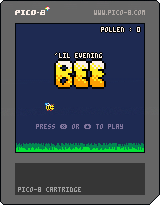
You're a small lil bee gathering pollen in the evening before the next day since you missed your pollen quota. Gather as much Honey as you can!
There currently isn't a game over or a way to lose, just relax and grab some pollen.
Use Z and the up arrow to play
0 comments
~epilepsy warning~
contains flashing images
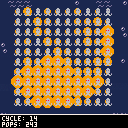
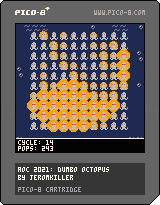
This is the first program I wrote for the pico-8.
Its the test solution of day 11 of advent of code 2021.
This project was mostly to play around with the sprite editor and some of the things I learned from the hello world example.
I basically ported my original solution made in c so the code isn't that clean or well documented.
0 comments



Hi All
PICO-8 0.2.4b is now up on lexaloffle, Humble, itch.io, and for PocketCHIP.
This is mostly a bug-fixing update; you can see the main 0.2.4 change notes in the 0.2.4 thread.
There are a few handy editor features though; here's a demo of setting animation loops: press l to start and end, and then -,+ or q,w or a,z (for azerty keyboards) to switch frames. This also works at different sprite selection sizes (shift-click and drag a selection from the spritesheet). This gif also shows using ctrl-b to "paste big" multiple times.
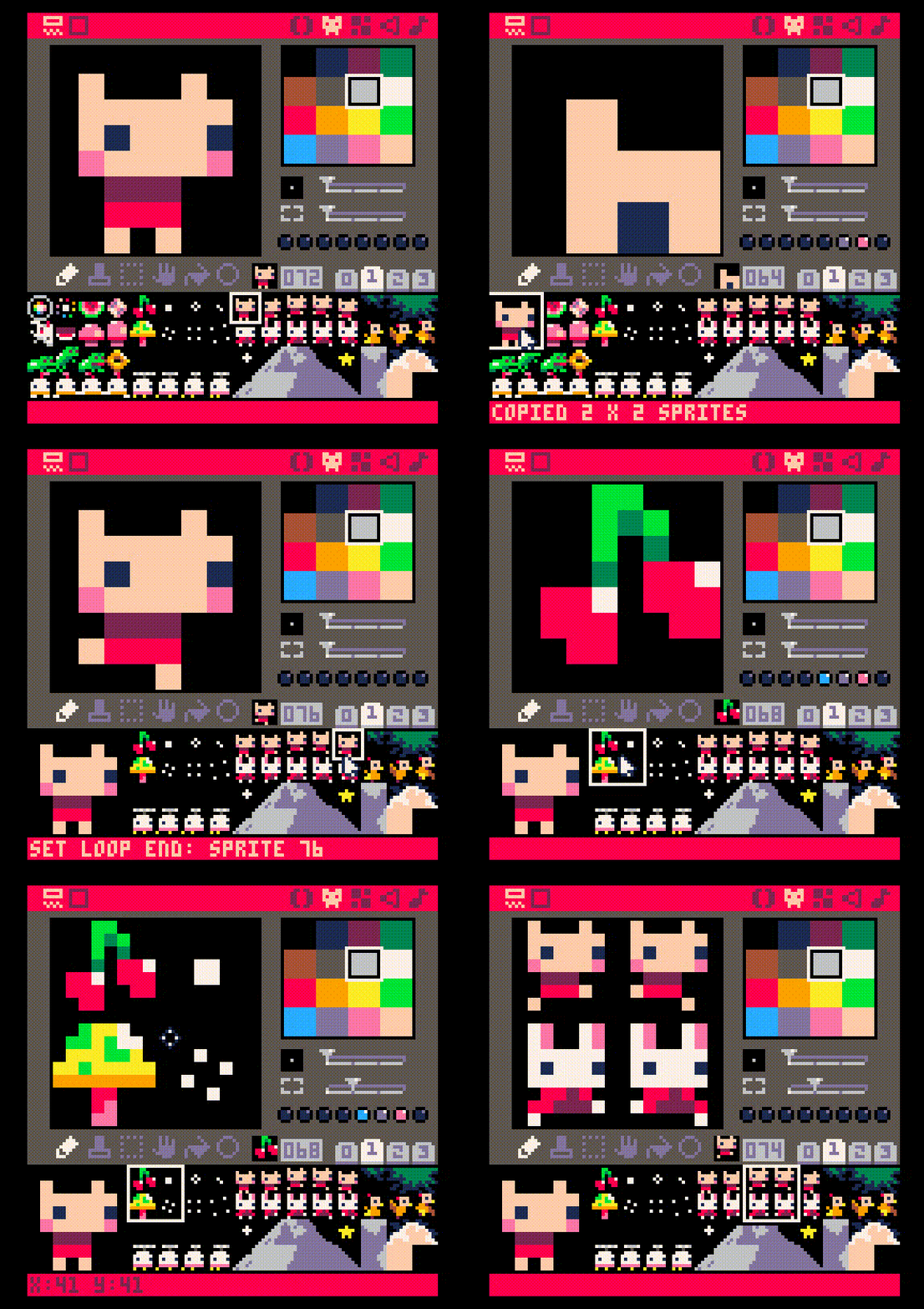
Full 0.2.4b changelog:
Added: l in sprite sheet navigator to set loop start / end points (then q,w or a,z to navigate)
Added: ctrl-b in gfx editor to paste 2x2 original size ("paste big")
11 comments





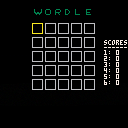
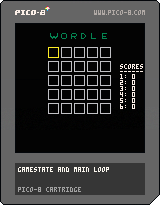
UP/DOWN - Change Letter
LEFT/RIGHT - Select box
X = ENTER
Z = Restart game (if applicable)
3 comments

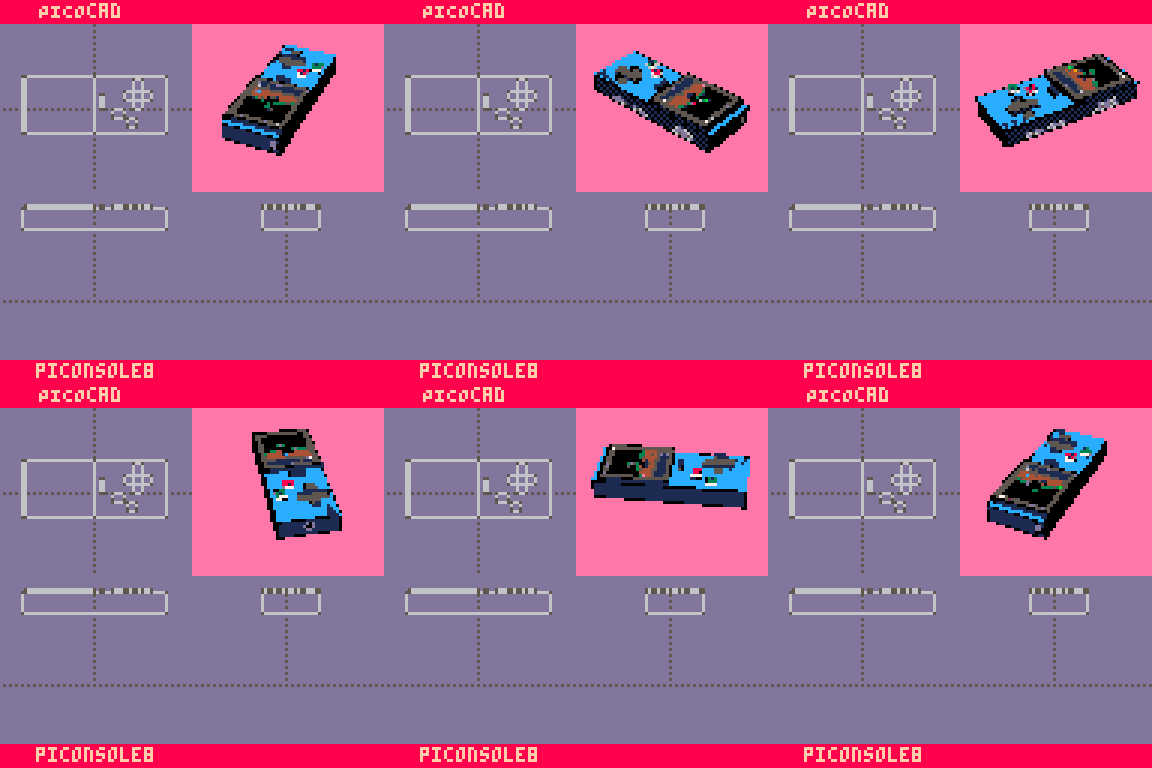
PiCOnsole-8
UPDATE: Added a concept using pico-cad. not very specific but it was a lot of fun
===========
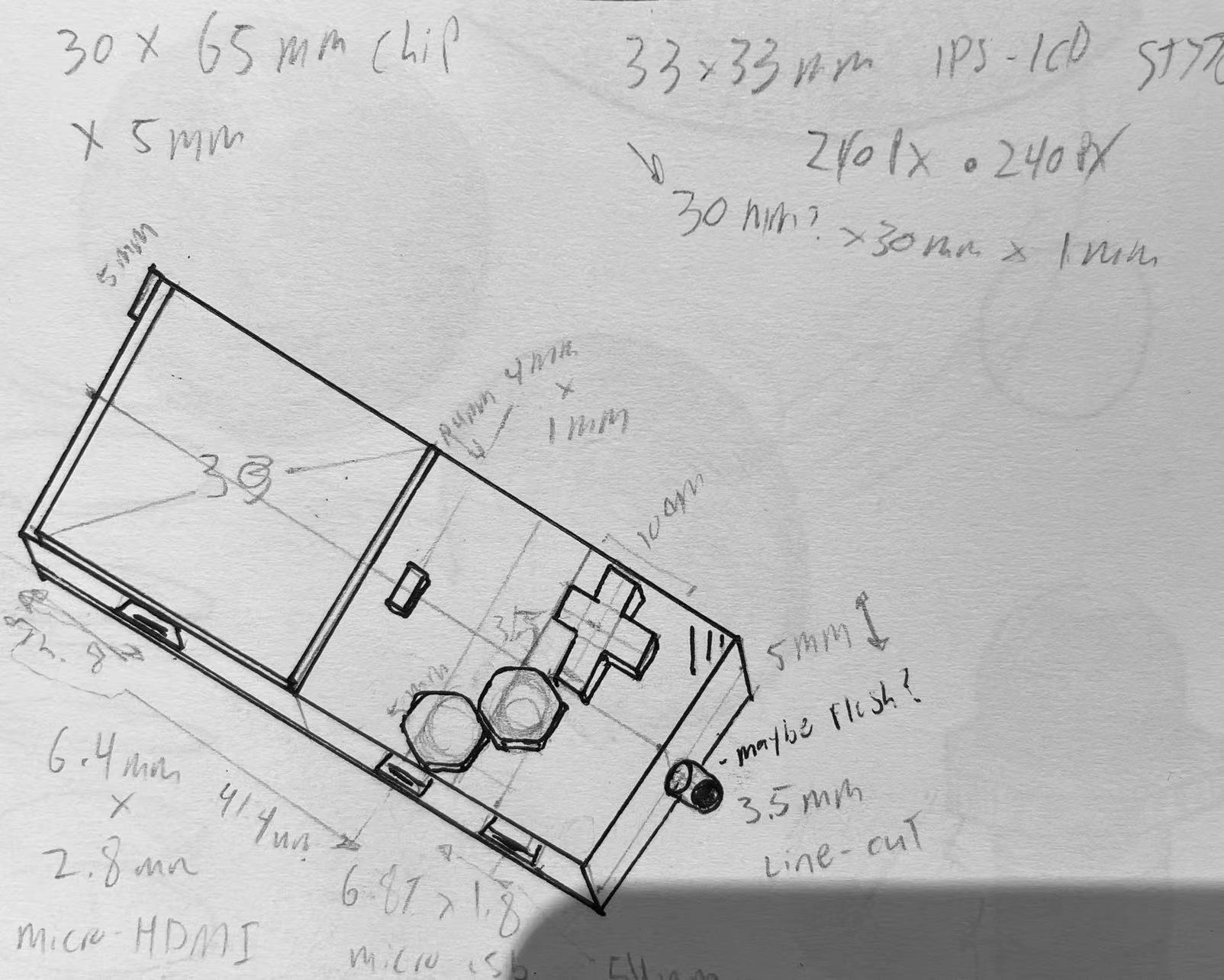
The purpose of this physical console is to:
1. Capture the retro-inspired essence of the Pico-8 software in a physical form, while re-imagining what it means to have a physical cartridge
2. Have old meet new with a sleek yet elegant 30x65mm body.
3. Reduce e-waste and create something that can be used as it is, or gut /hack it for different projects. This is achieved via the following concepts:
3.1. Doing away with the idea that a “physical cartridge” needs to be a separate part printed every time. However, it is important to capture the essence of a physical cartridge in a newly inspired way. The 33mm IPS 240x240p display on the front of the console has the sole purpose of displaying the art of the cart being played; not the game play itself. This is intentional because despite the console's small form-factor, it is meant to be plugged into a power source and a TV, just like in the old days.
15 comments