





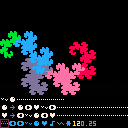
I've just kinda been playing around and suddenly I felt like doing something with fractals. I saw a few Lindenmayer system tools posted on here, but they didn't quite have the features I wanted. (If you'd like more, you could suggest some too.)
The first line is the starting state, the second and third are replacement rules, the fourth is your palette of symbols plus a couple settings.
… is blank, ⬅️➡️ are rotation, ˇ∧웃 are variables that move the cursor forward, ●♥♪ are variables that don't.
O and X both work as confirm buttons, but also increment and decrement the iteration and angle numbers.
The pause menu lets you change the step length or cycle through a few presets.




 0 comments


Some things that might be useful.
Dark palette
Usage:
l: how strong the darkness effect should be
dpal={0,1,1,2,1,13,6,2,4,9,3,13,5,2,9}
function dark(l)
 l=l or 0
 if l>0 then
  for i=0,15 do
   col=dpal[i] or 0
   for a=1,l-0.5 do
    col=dpal[col]
   end
   pal(i,col)
  end
 end
end |
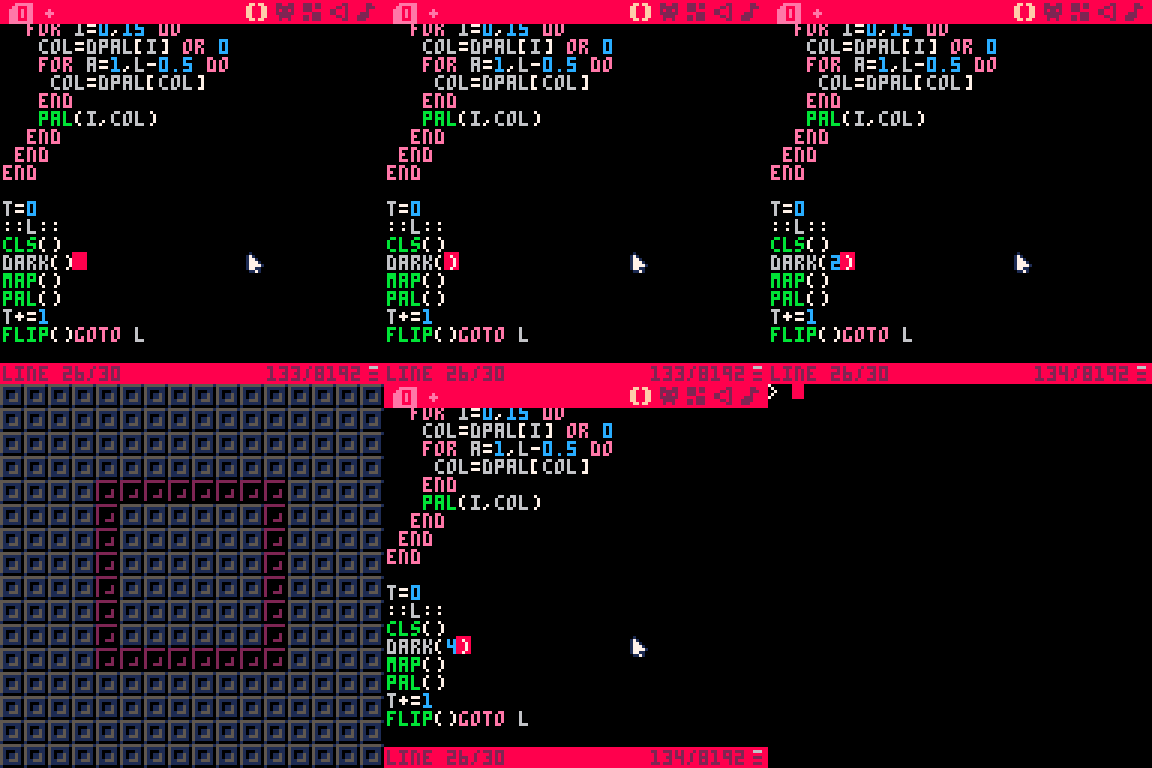
Circle map
Usage:
x,y: coordinates to draw the map
r: radius of the map to draw
function circmap(x,y,r) for y2=-r,r do x2=sqrt(abs(y2*y2-r*r)) tline(x-x2,y+y2,x+x2,y+y2,(x-x2)/8,(y+y2)/8) end end |

Can be used with dark palette to make a light:
[hidden]
-- circle map function
function circmap(x,y,r)
	for y2=-r,r do
		x2=sqrt(abs(y2*y2-r*r))
		tline(x-x2,y+y2,x+x2,y+y2,(x-x2)/8,(y+y2)/8)
	end
end

-- function to darken the palette
function dark(l)
	l=l or 0
	if l>0 then
		for i=0,15 do
			col=dpal[i] or 0
			for a=1,l-0.5 do
				col=dpal[col]
			end
			pal(i,col)
		end
	end
end

function _init()

	-- dark palette
	dpal={0,1,1,2,1,13,6,2,4,9,3,13,5,2,9}

	t=0
	x=64
	y=64
	r=32
end

function _update()

	-- circle position and size
	x=64+sin(t/100)*32
	y=64+cos(t/100)*32
	r=32+sin(t/50)*16

	-- timer and loop
	t+=1

end

function _draw()

	cls()

	-- darkens the palette 2 times
	dark(2)

	-- draws map
	map()

	-- resets palette
	pal()

	-- draws circmap
	circmap(x,y,r)

end |
8 comments




my very first attempt at making a pico-8 game that isnt just some random garbage. lots of this follows a tutorial, but a lot of it doesnt either. maybe i'll add in enemies or collectables at some point but for now this is mostly finished
 0 comments



This is just a music cart I made to learn the music editor. It was very interesting to learn how the music editor works. Now, I want to get better at this and make more music covers in the future.
5 comments



Hey, I'm Triple.
This is my first Pico-8 cartridge! It was fun experimenting and creating it.
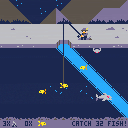
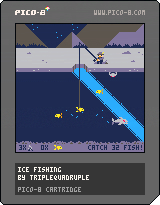
It's a clone of 'Ice Fishing' on Club Penguin.
In this game, you have to reel in 32 fish while avoiding sharks from eating your hook and crabs cutting your line.
You can also decide to save your final fish to catch Mullet, the larger fish.
I know the game is a bit rough around the edges. There is still so much more for me to learn and improve on. Constructive comments are appreciated!
-- Changes
I implemented some of the feedback into the game:
> Added some animations for reeling in the fishes.
> The fishes move a bit slower now
--
Thank you for the feedback, and thanks for playing my game!
7 comments





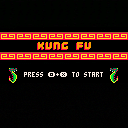
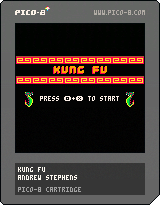
A demake of Kung Fu for the NES. It was called "Kung Fu Master" in the arcades in the 80s.
13 comments

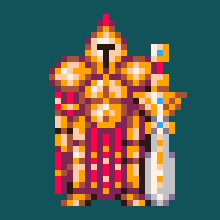



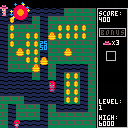
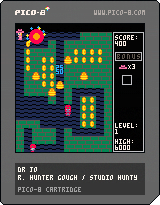
Hi folks! First time posting, and first time making a cartridge! I got the Pico-8 editor as part of the itch.io "Racial Justice" bundle a couple months ago, and have always loved Mr. Do, so I made this little homage to it. Give it a whirl and let me know what you think!
also on itch.io
https://luvcraft.itch.io/drjo
4 comments





Hello! This is a very small, very basic game I made after following a tutorial from Dylan Bennett. It was a lot of fun to make! The goal is to strangle a wizard who imprisoned you.
 4 comments


EDIT: See the first reply below if you'd rather compile and use the native tool, which does seem more streamlined!
[hidden]Hi, friends!
I just put Pico-8 on my Raspberry Pi for the first time and ran into problems getting my USB gamepads to work. Unfortunately, there's no ARM build for the General Arcade SDL2 Gamepad Tool, and I didn't want to bother with compiling the native helper, so I had to take this manual route. This will only take you a couple minutes.
The final SDL string will look something like this:

First, let's get the GUID.
This issue in the GameControllerDB repo tells us a little bit about the GUID structure in SDL 2.0.5+. It varies between operating systems, and so if you copied it from a different OS to Raspbian, this might be the cause of your woes (as it was mine)!
Open a terminal and run:
$ cat /proc/bus/input/devices |
You should see your device listed in the output. We'll be concerned with the three circled values in the sysfs path, and also the version number above it. We'll come back to this output later for the name and input device path:
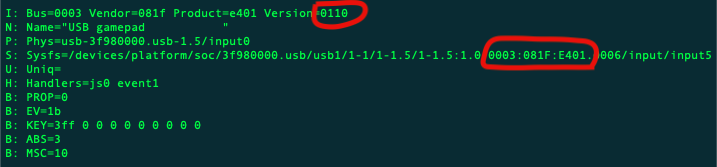
Convert the endianness of the three syspath IDs, and append the version. (Swap the first two characters with the last two and add four 0s). So for my gamepad:
- 0003 = 03000000
- 081f = 1f080000
- e401 = 01e40000
- 0110 = 10010000
and the end result: 030000001f08000001e4000010010000
I'm not sure if case matters here, but I went with all lowercase since I know it works.
I tried different names and SDL doesn't seem to care what you call the gamepad, but I went with the weirdo name I was provided, extra spaces and all:

Finally, let's get our mappings. Install jstest if you don't have it:
$ sudo apt update $ sudo apt install jstest |
And also refer to the Handler section in our original output to know which input device to pass to jstest.

For me, it's js0, so I'll pass /dev/input/js0 to jstest:
$ jstest --normal /dev/input/js0 |
The output looks like this, and is interactive. Each switch should flip when you push a button on the gamepad. Be sure to note the corresponding axis or button numbers.

Now that we know what button is what, we just need to add them to our config string. SDL assumes an Xbox-like gamepad layout. Together with the standard Pico-8 layout it will be mapped like this, but with the button numbers you collected from jstest:
- a: ❎
- b: 🅾️
- x: 🅾️
- y: ❎
- start: pause/options menu
- dpup: ⬆️
- dpdown: ⬇️
- dpleft: ⬅
- dpright: ➡
Finally, put it all together! Here's what mine looks like, with funky spaces in the name and all buttons mapped: (note how the axes are expressed as -a1, +a1, -a0, +a0)
030000001f08000001e4000010010000,USB gamepad ,a:b2,b:b1,x:b3,y:b0,back:b8,start:b9,leftshoulder:b4,rightshoulder:b5,dpup:-a1,dpdown:+a1,dpleft:-a0,dpright:+a0,lefttrigger:b6,righttrigger:b7, |
Drop that into your sdl_controllers.txt, and it should map successfully. Fire up Pico-8 in a separate terminal window, and then check the log. You should see something like this towards the end:
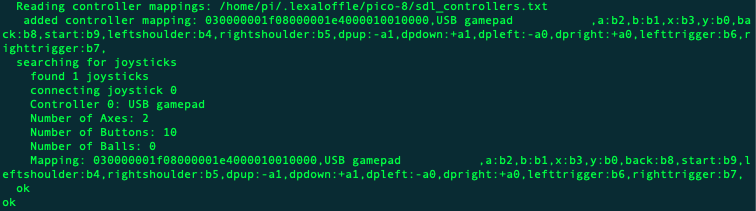
If it was unsuccessful, it will look like this:
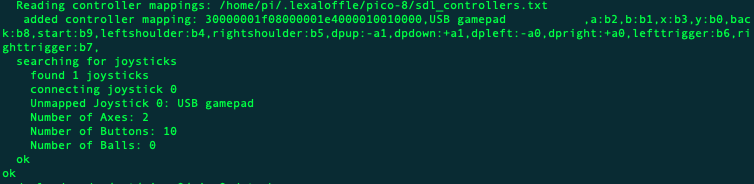
Good luck! 😃
27 comments




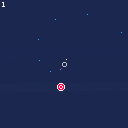
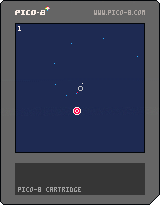
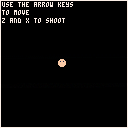
Press O to move towards the white dot, press X to shoot from the red dot.
I had an idea for a game where you would press a button to accelerate in one direction and press another button to shoot in the opposite direction as you automatically rotate. It ended up being a lot less fun to play than I thought it would be, but there might be some potential here if I flesh it out a bit.
I also ran into some weird runtime errors that I couldn't quite figure out. At first I thought it might be crashing because of the exact position that the bullet hits the target, but I think it might actually be bullets getting removed from the master table of bullets and their indexes getting all janked up. I'll probably have to rewrite the way the table is handled in order to stop this from happening.
1 comment



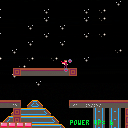
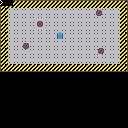
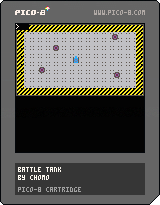
Hello everyone,
I am a first year Japanese university student exploring game design.
This is my first time making a game.
My teacher introduced us to MBoffin's tutorial:
https://mboffin.itch.io/pico-8-top-down-adventure-game-tutorial
This is my remix.
I would appreciate any constructive comments.
Thank you very much
Tankとなって敵を倒すゲームです。
Shot:Z
現在4体倒すとゲームクリアです。
2 comments

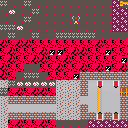
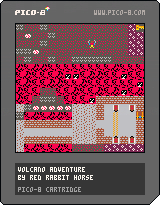
Hello everyone,
I am Red Rabbit Horse.
I am a second year Japanese university student exploring game design.
This is my first time making a game.
My teacher introduced us to MBoffin's tutorial:
https://mboffin.itch.io/pico-8-top-down-adventure-game-tutorial
This is my remix.
I would appreciate any constructive comments.
Thank you very much.
少し目がチカチカしますが、お許しください。
トラップ多めです。
1 comment