





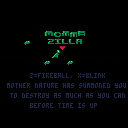
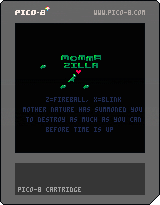
This is my entry for my first gamejam ever, ludum dare 38:
https://ldjam.com/events/ludum-dare/38/momma-zilla
Mother nature has sent Momma ZILLA and her kiddos to punish humanity.
Collect baby ZILLAS for help!
When a building is destroyed, you can eat the humans for health
Z is to fire
X is blink
Dodge missiles!
Avoid fire!
Buildings hinder your path!
Crush vehicles!
2 minutes to cause as much destruction as possible. Get the high score!


 0 comments

increment_second = function(this) this.second = (this.second + 1) % 60 if this.second == 0 then this.minute = (this.minute + 1) % 60 if this.minute == 0 then this.hour = (this.hour + 1) % 24 if this.hour == 0 then this.day = this.day + 1 if this.day > days_in_a_month[this.month] or this.day > 29 and this.month == 2 and this.year % 4 == 0 then this.day = 1 this.month = (this.month % 12) + 1 if this.month == 1 then this.year += 1 end end end end end end |
I'm creating a tamagotchi kit, and since os.clock is no longer part of the API, I figured it'd be okay if the user would have to type his/her current time at every launch.
Currently at 1500 tokens, with a datetime input screen, an "are you sure this is correct?" screen, a class for stats/resources (ie. health, hunger, random_event_countdown, etc...), a class for date calculations, and plenty of overflow control for both classes.
Nearly done, but before I submit it, I'd like to inquire if there's a possible improvement to this eye sore of a function?
5 comments






Hi all,
In case anyone is interested...
[box=c2c3c7]AdventureJam returns for its third year of game development pandemonium as anyone with a computer, an idea, and an internet connection is invited to create an adventure game over the course of 14 days!
Whether you love point & click adventure, text adventure or exploring 3D environments, we want you to jump in and create a game that embodies the spirit of adventure, whatever that means for you! Adventure games have been around nearly as long as computers, and what began with words on a black screen has evolved into an amazing spectrum of gaming experiences. Let's celebrate the awesome legacy this genre has created with 14 days of pixels, puzzles, parody and pathos!
AdventureJam will begin May 5th at 9:00 PM EST, and end precisely 14 days later on May 19th 9:00 PM EST. The voting process will follow immediately after the jam concludes, and will last until June 16th at 9:00 PM EST.
So [b]GET LAMP... GET SWORD... and GET READY... for AdventureJam!
0 comments




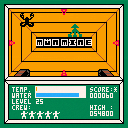
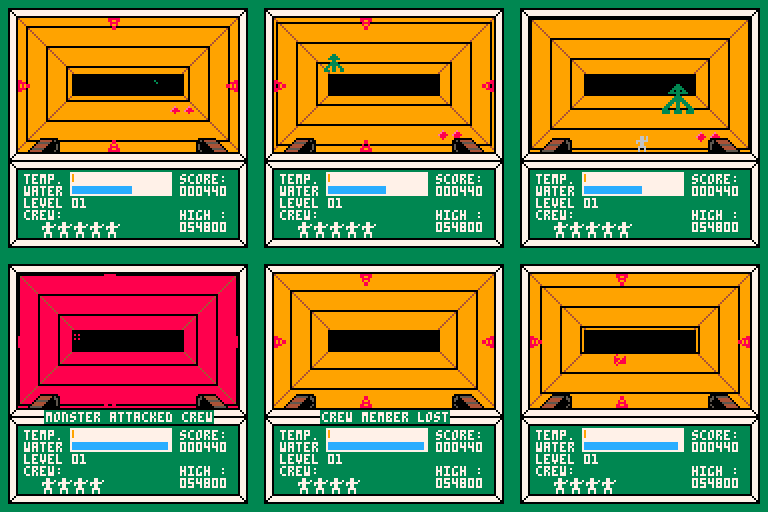
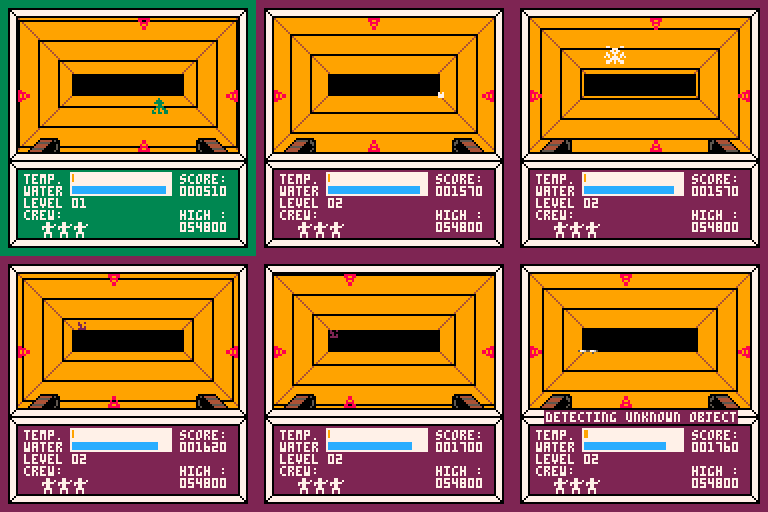
I decided that the first game I should make for this system would be an homage to the earliest game I have strong memories of playing : “Moon Mine“. Published in 1983, “Moon Mine” was available only on the TI-99/4a, Which means that nobody has ever heard of it. I had it though, and it was a blast. For years this was my favorite game.
So here’s my remake. Made from memory and by closely examining the old game manual I found in the basement.
The original classic was made by Rob F Hendren and John Phillips and I’ve always felt it didn’t get enough nostalgia love.
The instructions are in the system menu. Basically use the arrow keys to move the lasers. O to fire. X to beam down a crew-member to retrieve minerals and water samples.
 0 comments

Controls
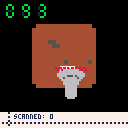
Z to start. Z to flip box over to next side. Arrows move the barcode scanner. X scans a barcode. Z to restart from the game over screen.
Objective
Scan as many barcodes as you can in the 90 seconds allotted. Be careful not to flip the boxes too fast, or you'll have to go all the way back around.
Commentary
This game has been on the back burner for ages. The inspiration was trying to simulate a cube/box that you could flip over in a semi-real way, but I spent ages messing with that and ultimately couldn't make it work. It was a classic case of solving a problem the game didn't need to be solved. I changed it so that the box always flipped over to the 'next' side, so you just needed to carefully press one button instead of imagining a real cube. It's not as cool, but it did allow this game to happen.
itch.io page: here
2 comments

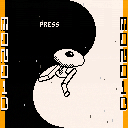
made for BANANA JAM to be played on a DIY arcade machine (made from banana boxes) on RETROSPELSMÄSSAN 2017 at BANANPIREN. check out the jam entry here: https://catnip.itch.io/monoid
made by Ossian Borén (pod3x3) and Erik Svedäng ({Else.Heartbreak})
MONOID is a shooter with a polarity mechanic (Ikaruga, Fast Racing). You can only be hurt by projectiles the flashing projectiles, switch polarity to change them into powerups instead! you have a shared energy meter for both health and ammo.
you get 1 point per pickup and 10 points per enemy, but each pickup you get without getting it will add a multiplier of 1. while you have less than 20 energy that multiplier is doubled. have fun!
3 comments



How to add extra keys
observing a vertical shooter game PAT Shooter all the default player 1 keys (up, down, left right, z,x) were assigned I was trying to add more keys (for example 'A' for refill rockets).
btn(0),btn(1),btn(2),btn(3),btn(4),btn(5) -> all working as default player 1 keys but now I want to add
btn(6). Can anyone tell me how to do that
3 comments






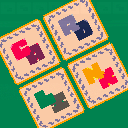
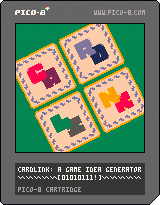
Hey everyone! I suffer from idea blocks pretty regularly so I made this tool. Most of the time game idea generators will generate a cool name or something, but this one is based around relationships between verbs. You can arrange the cards however you like, using as many (or as few) cards as you'd like, and then generate ideas! I like to just continually generate them until something pops out to me and then I save a screenshot to the desktop.
I hope it helps someone other than me!
2 comments


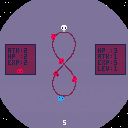
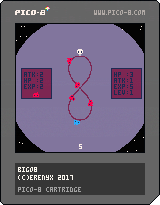
A prototype game from Bennett's class.
First time try to make a game in pico8, the music is stolen from youtube gaming theme songs~
It's really fun to make game in pico8~
2 comments

A prototype game from Bennett's class.
First time try to make a game in pico8, the music is stolen from youtube gaming theme songs~
It's really fun to make game in pico8~
0 comments
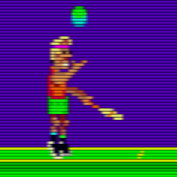

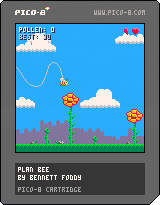
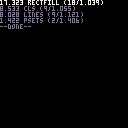
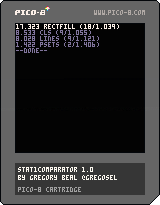
Here is a function I made that is small and simple but may be useful to everyone. It launches a bunch of functions you've set, checking how many times each can be called in a frame and print sorted results so that the quickest function shows first. So, tailor made for optimisation or just know which is the fastest of many functions achieving the same goal. For example I needed to answer this agonizing question: when drawing a single big "+" sign, is it better to use 2 rectfills but draw twice the center zone, or to draw 3 rectfills (middle bar, plus left and right bars) so that no pixel is drawn twice? Now I'm ready and prepared to meet the Sphinx.
The running example here shows what is the fastest way to clear a screen between a cls or a rectfill (well, I made the wrong choice for months!) Just for fun I added clearing the screen with a bunch of lines and even psets. Surprisingly, lines are not that a bad choice against cls. Maybe there are more efficient ways I don't know, with peek or so. With this function they're easy to test.
The use and process are simple, the code above should be clear enough. If not, just declare an array containing your functions to test, each as an object with 2 properties :
- name: used for showing results
- f: your function
Then in _update (or _update60 if you want to get results every 1/60 second) call stat1comparator() with your functions array as argument. stat1comparator will then launch each function as many times it is possible before going beyond one frame and show results once it's done. For precision results also show how many iteration were called before going outside of the frame, and what were the precise time needed (with the limit of Pico float precision). The ratio iterations/time is used to sort the list. Just be aware that to get consistent results stat1comparator needs entire frames, so don't call it after any other processing.
And for the "+" enigma answer, I let you find by yourself :).
1 comment

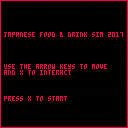
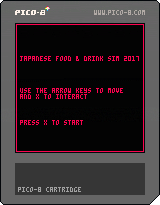
I made this to try and learn a bit more about PICO-8. I am a programmer by trade but this is the first wee game I've tried to make in PICO-8.
I apologise for the terrible music - this is definitely the thing I am weakest at. :)
I set myself a target of finishing something within approximately a day of effort. The eating microgame never made it into this minigame.
2 comments



Here's a stab at some lossy compression of the Bad Apple animation-- clocking in at 25 seconds long without even touching the sprite sheet.
The compression algorithm finds the best possible dictionary of 32 different 8x8 tiles with which to represent all of the frames of the animation. Then for each 8x8 chunk of each frame that is being compressed, I find the closest possible match out of this dictionary and record the index of this chunk. Finally, I use run length encoding to compress the string of dictionary indexes for each frame. (That's the idea at least...)
That gets things down to around 54 bytes per frame while still being recognizable.
This is inspired by gamax92 (https://www.lexaloffle.com/bbs/?tid=3263) and this C64 version (https://www.youtube.com/watch?v=OsDy-4L6-tQ)
-ElectricGryphon
15 comments


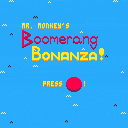
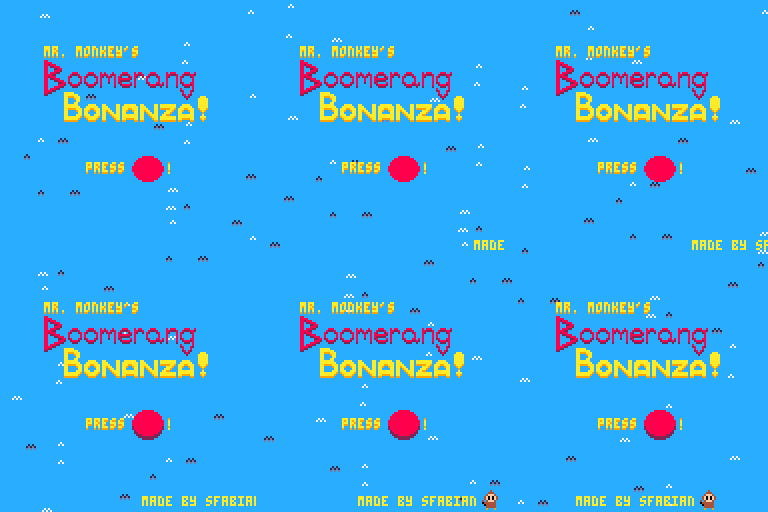
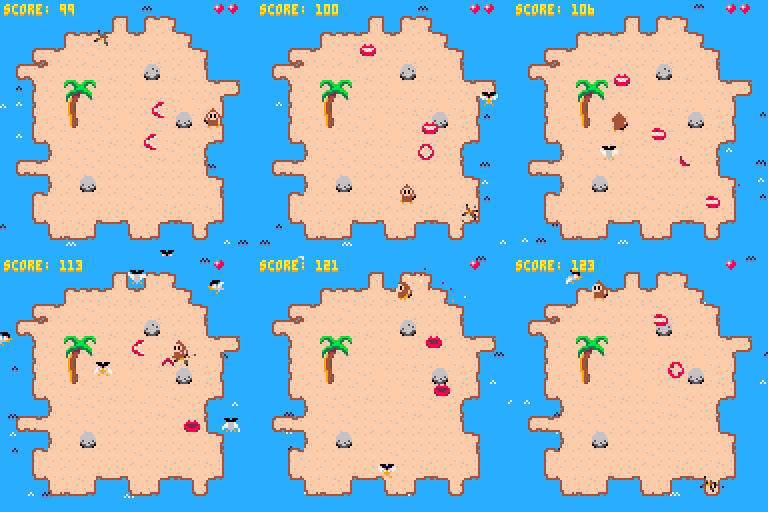
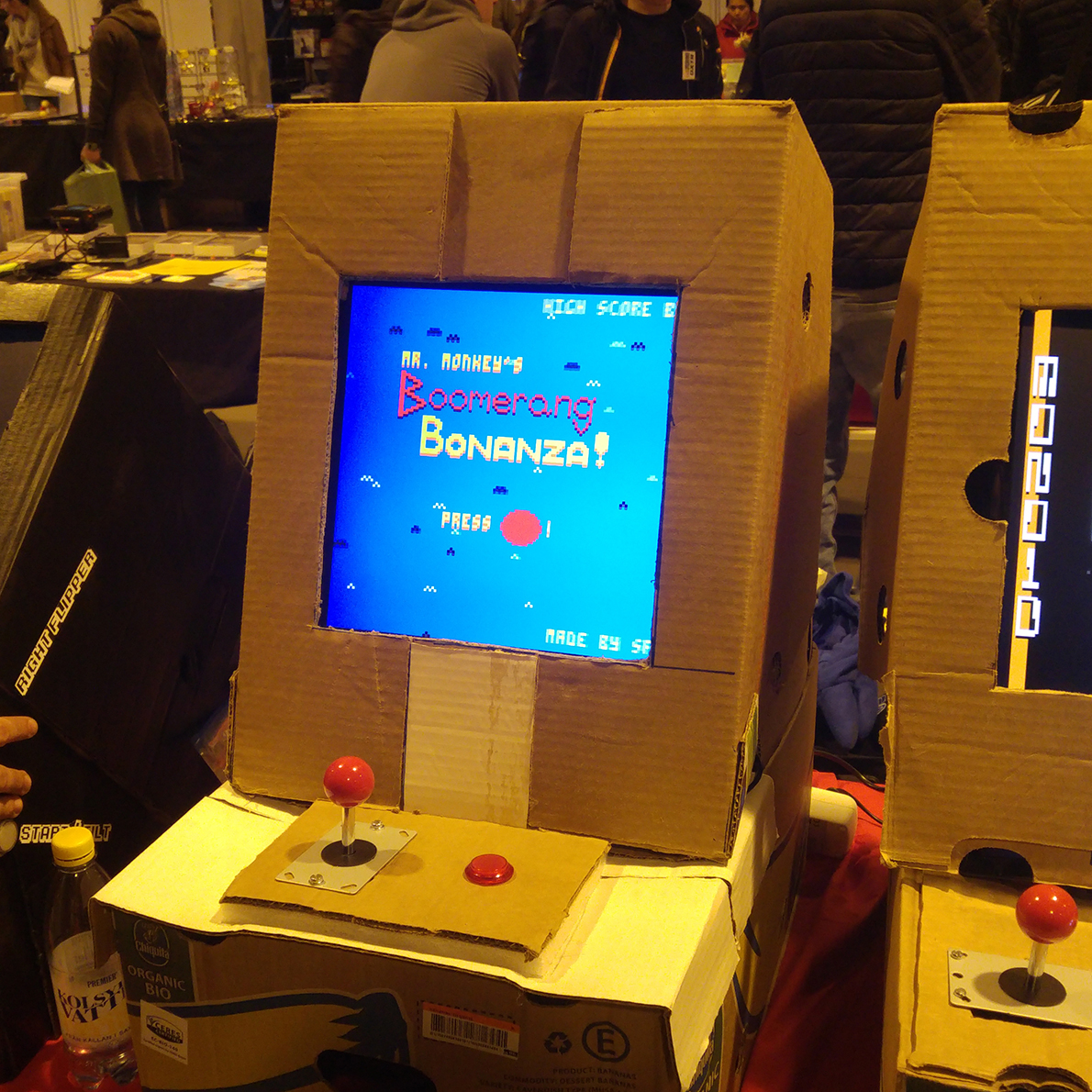
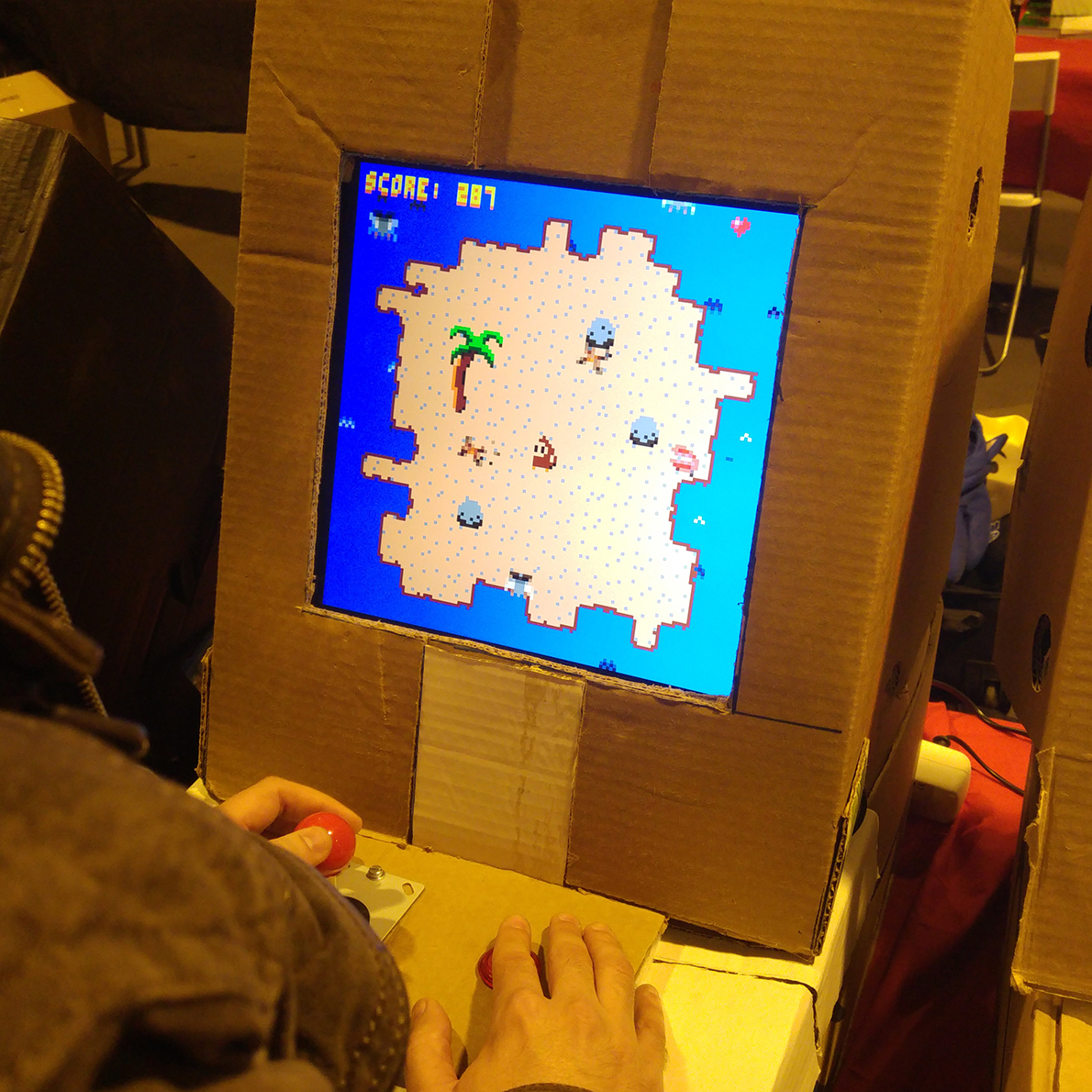
Fight off the menacing birds and chattering teeth in Mr. Monkey's Boomerang Bonanza!
Made for the local Banana Jam in Gothenburg, and exhibited in a cardboard arcade cabinet at Retrospelsmässan 2017 (a retro game convention in Gothenburg).
 2 comments
I wonder, once the highscores feature comes into play, will it be possible to do some extremely limited networking using it? Say for example, instead of using the highscore number as a highscore number, but instead as data. I imagine it wouldn't allow for any real-time networking, but I think it's worth keeping in mind that the highscore number could be used for other things than scores. Maybe showing what decisions other players took, like a Telltale game. Or gravestones of players who have passed away and where.
19 comments








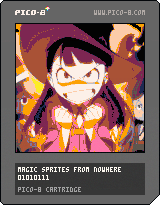
So I was running out of sprites and I thought "there must be a decent way around this"
a few hours later I came up with this. This cart is just showing 3 frames of a 128x128 animation - three times the size of the sprite sheet. You can peek at the code to see the relevant function - string_to_sprite() - but if you want to know the pipeline, here's how I did it.
-I just searched for some anime gif at 128x128 to show this off, picked the first one I thought looked neat, opened it in Aseprite.
-I switched over to the pico-8 palette and remapped the image to it
-Then I went to pico-8 and typed the command "export img.png" - this gives you a 128x128 image of the spritesheet.
-Then I went back into Aseprite, opened img.png and copied the first frame of animation to it, and saved.
-Back in pico-8, typed the command "import img.png" - now we have the first frame of animation.
-In the sprite sheet editor view, I copied a 16x4 selection of sprites by holding shift + clicking and dragging, ctrl+c
-I then went into notepad, and pasted the selection. Now, if you do this you'll see a long string, starting with
4 comments

